
- Name Canasta: Card Game
- Category Card & board
- Developer Card Guru Game Studios
- Available on PC
- OS Windows 10 version 10240.0 or higher
- DirectX Version 10
- languages English (United States)
Canasta: Card Game for Windows — Classic Card Play with a Modern Twist
Canasta: Card Game for Windows offers a polished digital rendition of the beloved Rummy variant, promising both nostalgia and a fresh experience for card game enthusiasts.
About the Developer and Core Highlights
Developed and published by Card Guru Game Studios, this application aims to bring the classic game of Canasta to Windows users with an intuitive and engaging interface. Its main features include customizable game rules, adaptive difficulty levels, and online multiplayer options. The target audience encompasses casual players, longtime fans of Canasta, and newcomers eager to learn the game in a friendly environment.
The First Impression: Into the World of Card Strategy
Starting up Canasta: Card Game for Windows feels like opening a well-loved box of playing cards — there's an immediate sense of warmth and familiarity. As I navigated the menus, I was transported back to cozy game nights with friends, but with a sleek, modern polish that makes the experience inviting for both veterans and newcomers alike. It's a digital handshake that says, “Let's have some fun, thoughtfully.”
Core Features That Make It Stand Out
1. Customizable Rules for Tailored Play
The most remarkable feature is the app's flexibility in rule customization. Whether you prefer standard Canasta or a variant with house rules, the app allows you to set parameters like the number of decks, canasta requirements, and meld limits. This adaptability makes it a versatile platform that can cater to different skill levels and regional preferences, giving it an edge over more rigid digital versions. Imagine crafting your perfect game — it's akin to tuning a vintage guitar before the concert.
2. Smooth Gameplay with Intuitive Interface
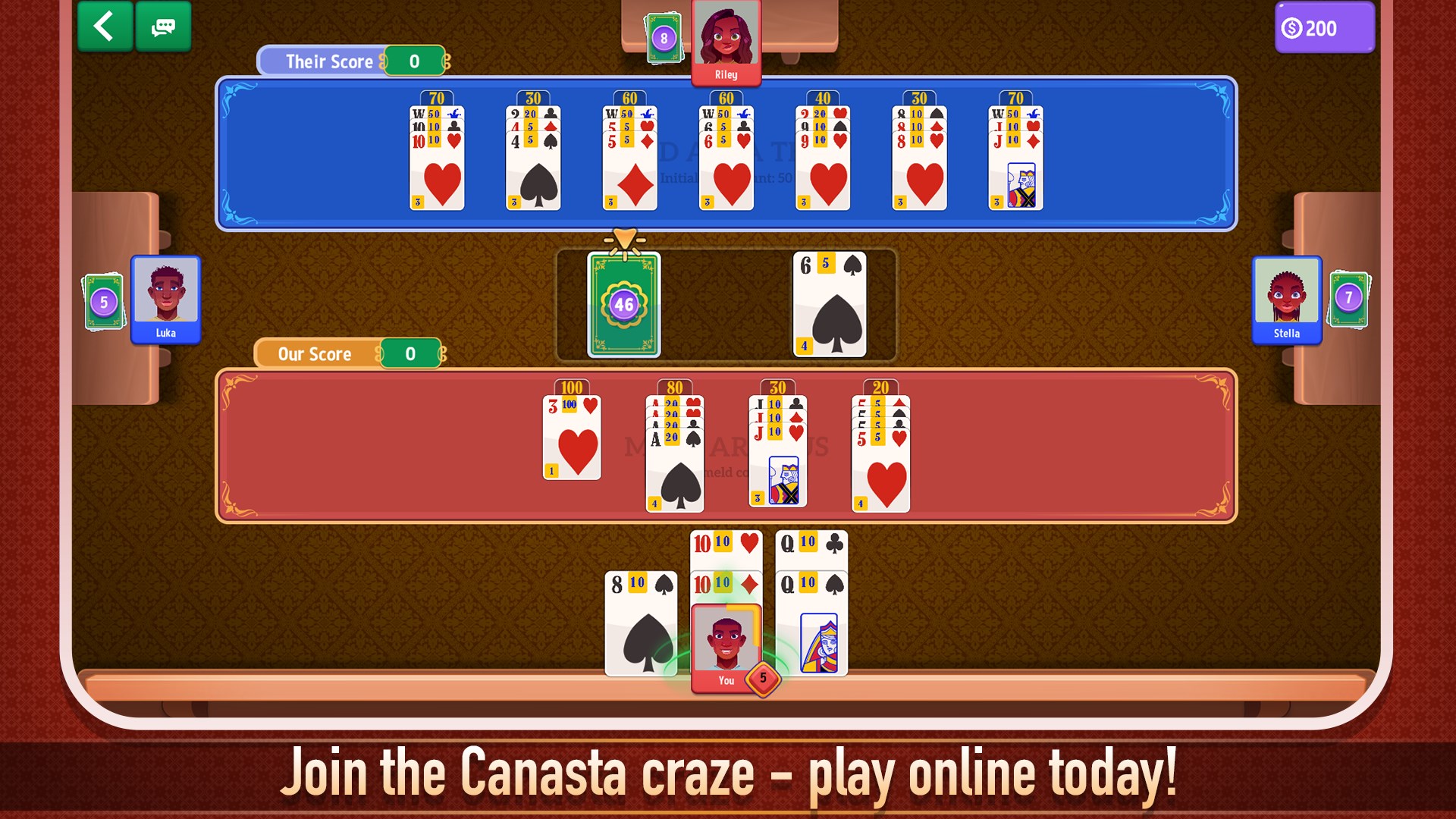
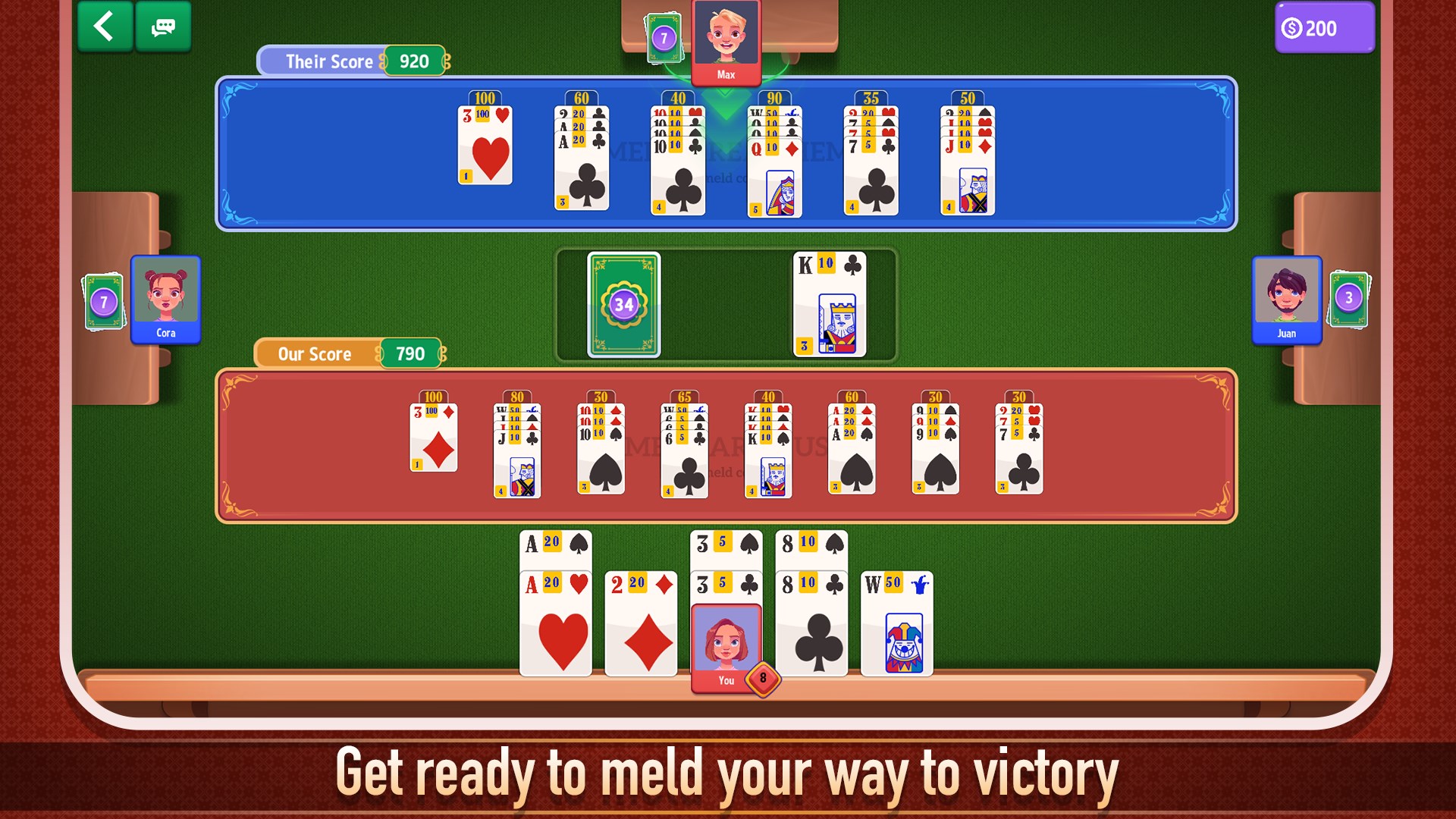
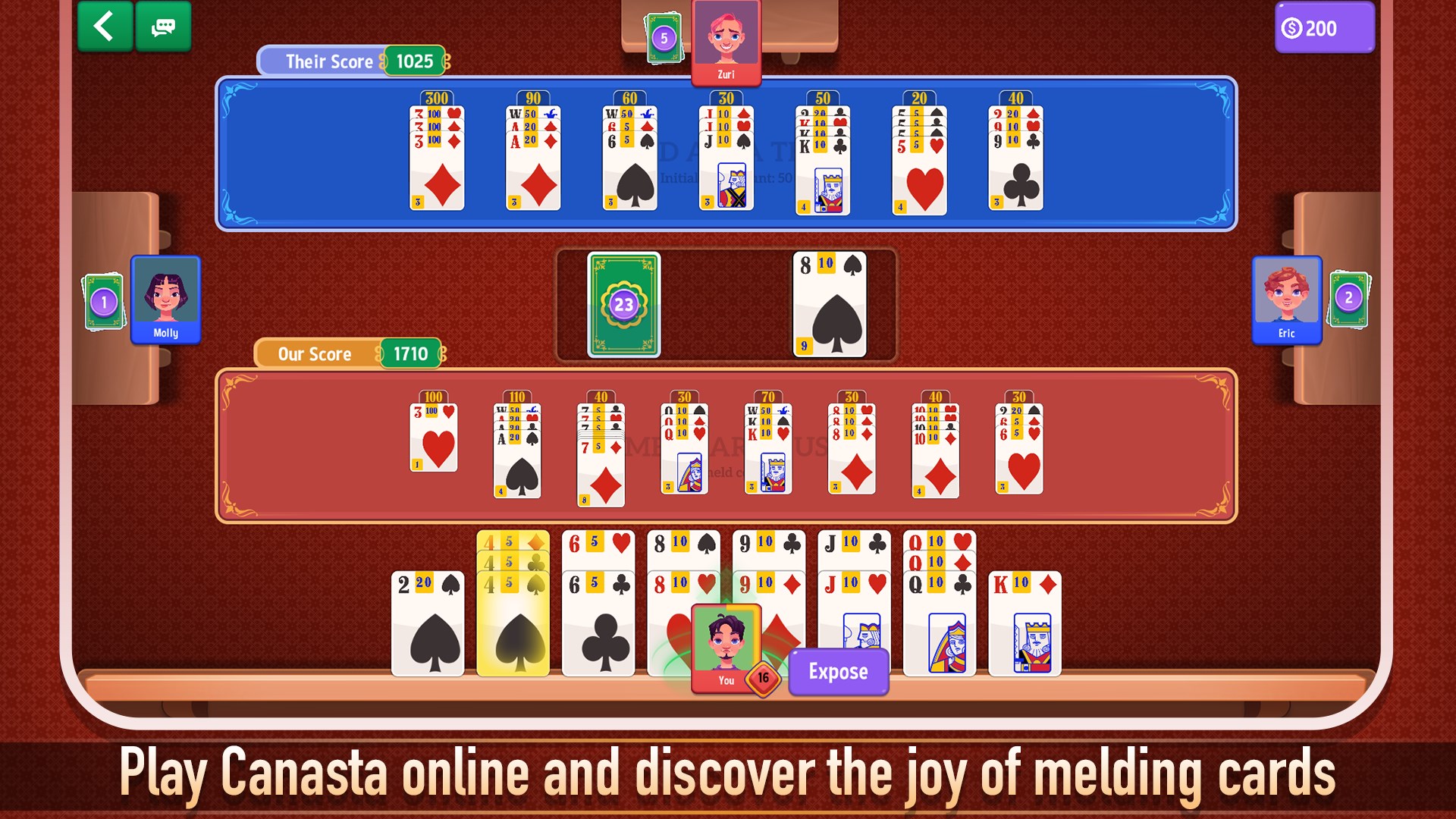
The user interface strikes a careful balance between simplicity and functionality. Clear icons, a clean layout, and minimal clutter mean you can focus on the game itself rather than wading through menus. The animations are fluid, lending a sense of real-time play that keeps the game lively without feeling sluggish. Even when multiple actions happen in quick succession, the app handles it seamlessly, much like a well-rehearsed jazz band improvising smoothly together.
3. Single Player and Online Multiplayer Modes
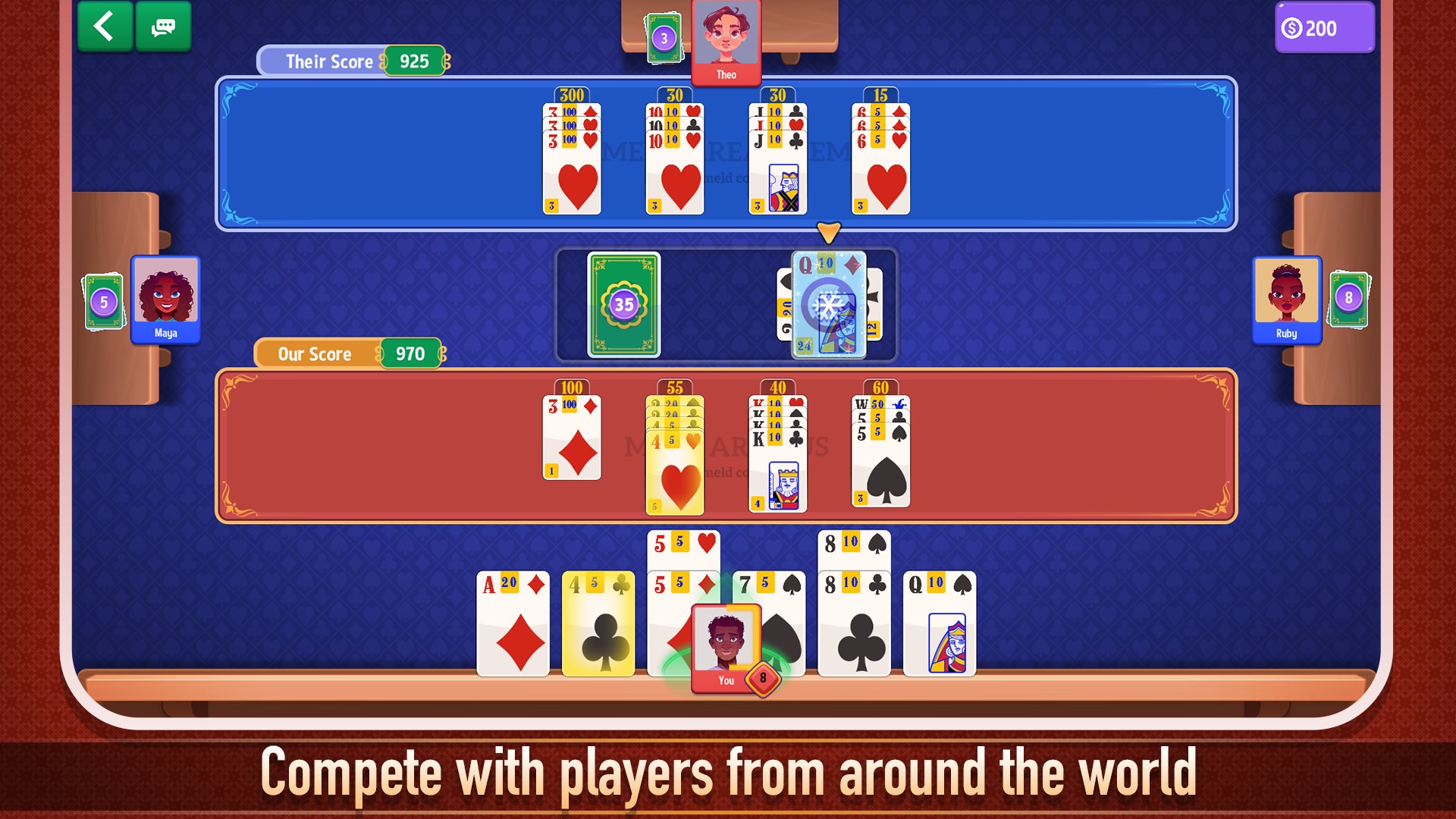
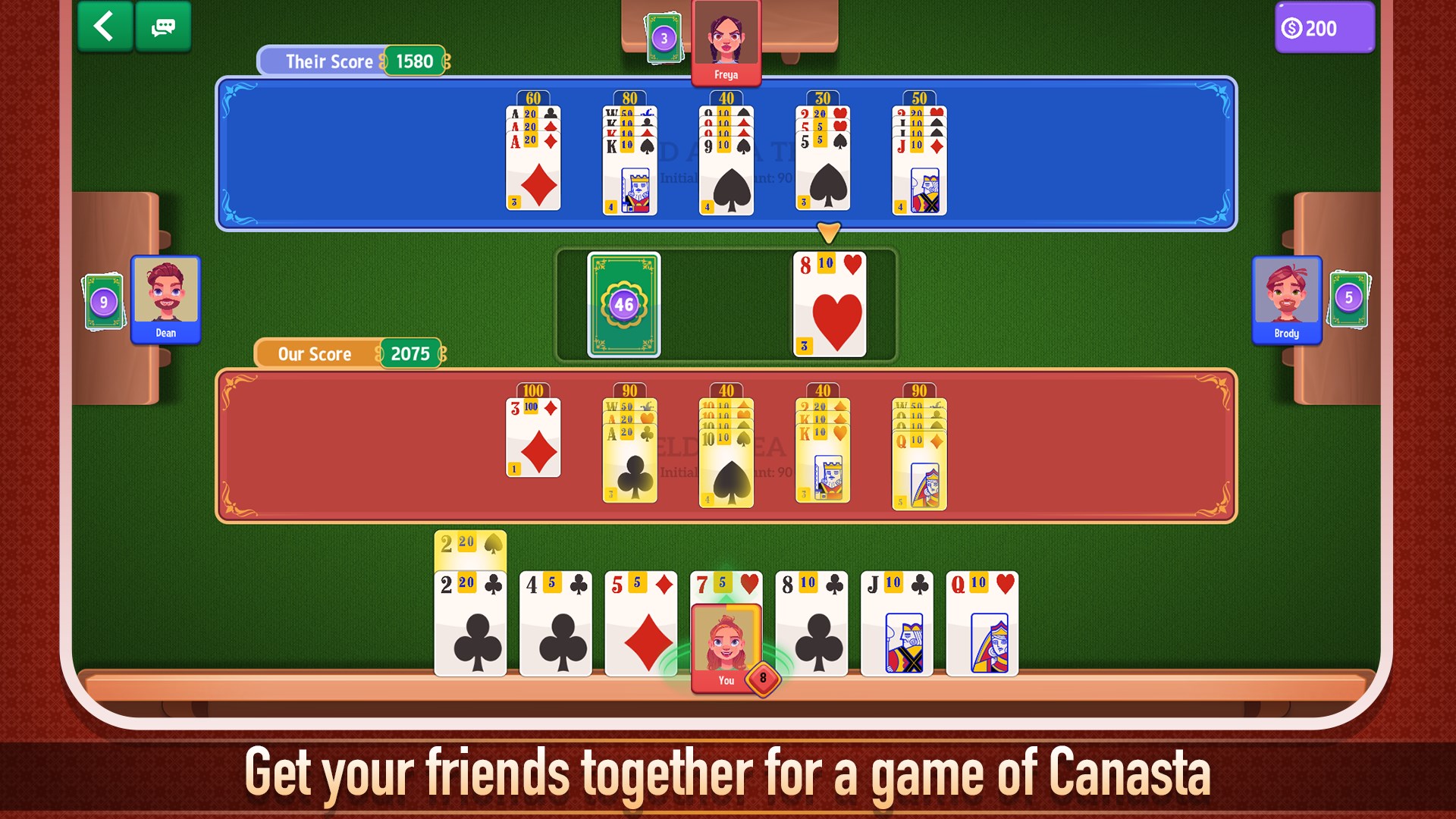
One of the app's most appealing attributes is its support for both solo and online multiplayer experiences. The AI opponents are reasonably challenging, providing a good warm-up for newcomers or a stress test for experts. Meanwhile, online matches connect you with a global community, making every game a social event. The matchmaking is quick, and the chat functions foster friendly banter, transforming solitary leisure into shared camaraderie.
User Experience and Comparative Insights
From a user experience standpoint, Canasta: Card Game for Windows excels in offering a straightforward yet engaging gameplay journey. The learning curve is gentle — perfect for beginners — but there's enough depth for seasoned players to devise strategies. Compared to other card apps like Solitaire or Poker platforms, this game shines in its focus on strategic thinking and social interaction. Its standout feature, the customization options, ensures that no two games need to feel alike, a trait that's especially valued by players seeking variety and personal touches.
Final Verdict and Recommendations
Overall, I would recommend Canasta: Card Game for Windows to anyone who appreciates classic card games delivered with thoughtful design and flexibility. Whether you're looking to practice alone, hone your skills, or connect with friends and strangers around the world, this app provides an accessible and reliable platform. While it might not reinvent the wheel, its attention to detail and user-centered features make it a noteworthy choice in the realm of digital card gaming. For casual evenings or serious strategy sessions, this app is well worth giving a shot.
Pros
- Intuitive User Interface
- Smooth Gameplay
- Offline Mode Available
- Multiple Game Modes
- Regular Updates and Bug Fixes
Cons
- Limited Multiplayer Options
- Ads Interrupt Gameplay
- Inconsistent AI Difficulty
- Lack of Tutorial for Beginners
- In-app Purchases Complexity











