

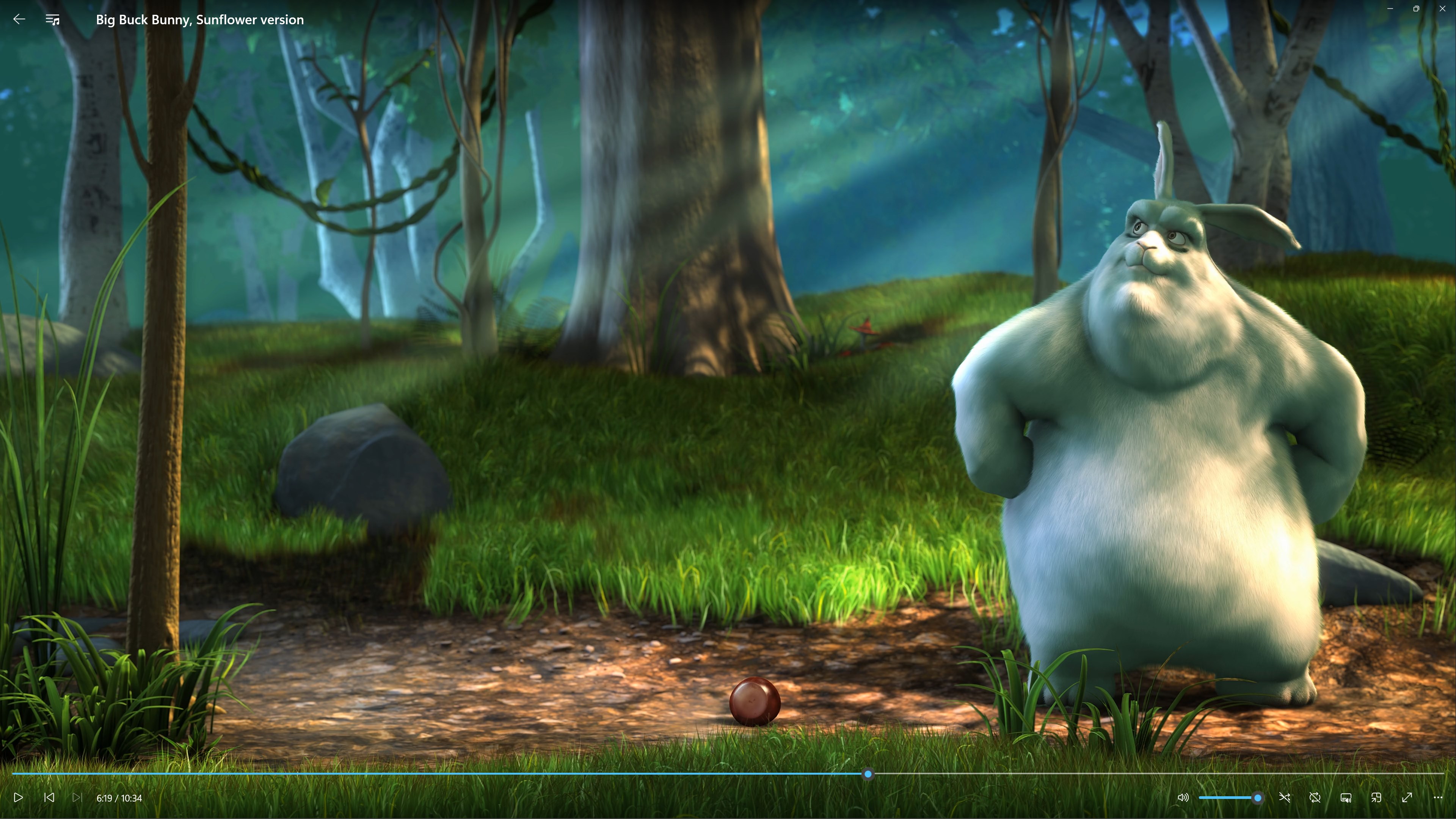
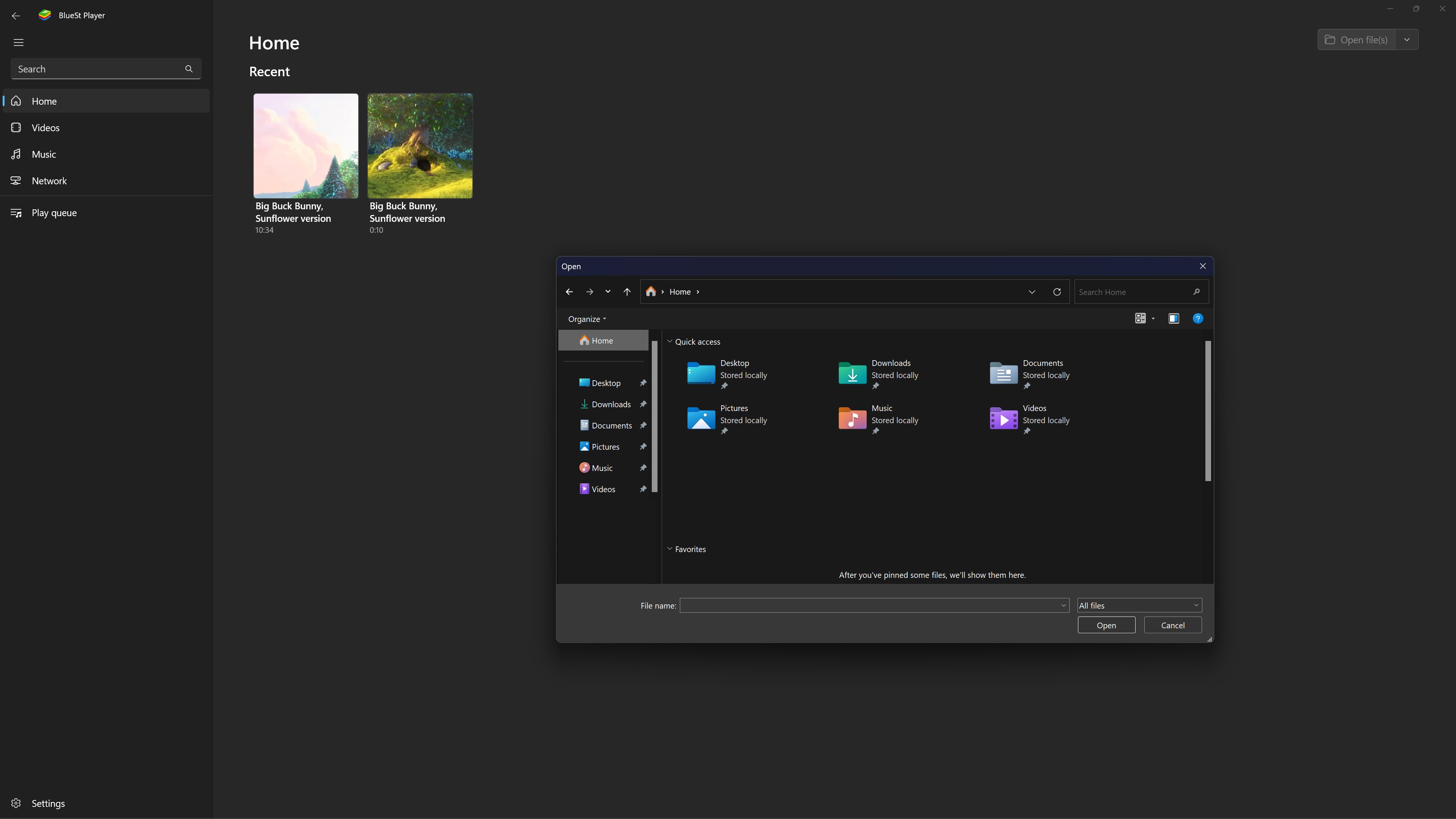
- Name BlueSt Player
- Category Entertainment
- Available on PC, Mobile, Surface Hub, HoloLens
- OS Windows 10 version 18362.0 or higher
- languages English (United States)
Introducing BlueSt Player for Windows: The Ultimate Media Hub
BlueSt Player for Windows, developed by TONIC SOFT, positions itself as a versatile media playback application designed to streamline your entertainment experience on Windows. It aims to combine powerful features with an intuitive interface, making media consumption simpler and more enjoyable for a wide range of users.
Core Features That Stand Out
Robust Media Compatibility & Smart Library Management
One of BlueSt Player's key strengths is its extensive media format support, allowing users to play almost any audio or video file without the hassle of converting formats. Its smart library management system automatically detects media files across your device, organizing them neatly into categories. Whether you're a casual viewer or a media enthusiast, this feature transforms your chaotic media collection into an organized digital library, enhancing your overall experience.
Advanced Content Discovery & Personalized Recommendations
The app employs sophisticated content discovery algorithms that analyze your viewing habits to recommend new movies, shows, or music. Unlike many traditional media players, BlueSt Player offers a personalized feed that adapts over time, ensuring you stay engaged with content that truly interests you. This feature makes it feel like having a dedicated media concierge who curates content just for you, removing the guesswork from discovering your next favorite media.
Seamless User Interface & Smooth Playback
Designed with user experience in mind, BlueSt Player boasts a clean, aesthetically appealing interface that's both modern and navigable. Users praise its smooth navigation and quick responsiveness, with minimal loading times that keep the playback experience frictionless. The player also supports customizable UI themes, allowing you to tailor the look to your personal preference—whether you prefer a dark mode for late-night viewing or a bright, cheerful theme for daytime sessions.
Evaluating User Experience: Interface, Performance, and Usability
From the moment you launch BlueSt Player, the interface greets you with a sleek, organized layout—imagine stepping into a well-arranged media library where everything is at your fingertips. Navigating through menus feels intuitive, similar to flipping through a well-stocked bookshelf rather than fumbling with complicated menus. The app performs smoothly, with seamless transitions and quick response times that feel more like a friendly chat than a clunky process.
Learning curve-wise, BlueSt Player manages to be accessible to newcomers while packing in enough depth for power users. Basic operations like playback, playlist creation, and library management are straightforward, but the app also offers advanced options such as subtitle synchronization and audio equalizer settings for those who like to fine-tune their media experience.
Unique Advantages Over Similar Entertainment Apps
While many media players focus solely on playback capabilities, BlueSt Player distinguishes itself through its content discovery and recommendation engine. Its thoughtful algorithm doesn't just suggest popular titles but tailors content recommendations based on subtle viewing patterns, similar to a trusted friend who knows your taste better the more you hang out. This personalized approach sets it apart from apps that rely solely on generic algorithms, making your media experience feel curated and intimate.
Furthermore, the app's smart library management and format support reduce the clutter and technical hurdles often encountered in other players, making BlueSt Player not just a playback tool but an integrated entertainment assistant.
Conclusion & Recommendation
Overall, BlueSt Player for Windows provides a balanced mix of powerful functionality and user-friendly design. For users seeking a reliable media player combined with enhanced content discovery, it offers a compelling package—especially thanks to its personalized recommendation system and seamless performance. I recommend it to anyone tired of juggling multiple media apps and looking for a more intelligent, all-in-one solution for their entertainment needs. Whether you're a casual viewer or a media connoisseur, BlueSt Player is worth exploring as your new media companion.
Pros
- User-friendly interface
- Broad media format support
- High-quality playback
- Customizable playlists
- Lightweight app size
Cons
- Limited advanced features
- Occasional playback glitches
- In-app advertisement presence
- Basic interface customization options
- Limited support channels











