
- Name Blu-ray Disc & DVD player
- Category Entertainment
- Developer Libre Apps
- Available on PC, Mobile, Surface Hub, HoloLens
- OS Windows 10 version 14393.0 or higher
- languages English (United States)
A Sleek and Versatile Media Player for Windows: An In-Depth Review
If you're searching for a reliable way to enjoy your Blu-ray discs and DVDs on Windows with minimal fuss but maximum clarity, this app by Libre Apps is worth exploring. It promises to bridge the gap between hardware limitations and immersive viewing, all wrapped in an intuitive interface. But does it deliver beyond the promises? Let's dive into the details and find out.
What Sets This App Apart: Core Highlights
First off, this application is tailored for those who love watching high-definition movies without cluttered or confusing software. Its main strengths lie in supporting a wide array of disc formats, providing seamless playback, and incorporating smart content discovery features that personalize your viewing experience. With these capabilities, it aims to be more than just a basic media player — it strives to be your dedicated entertainment hub.
Smooth Navigation: Embracing User-Friendly Design
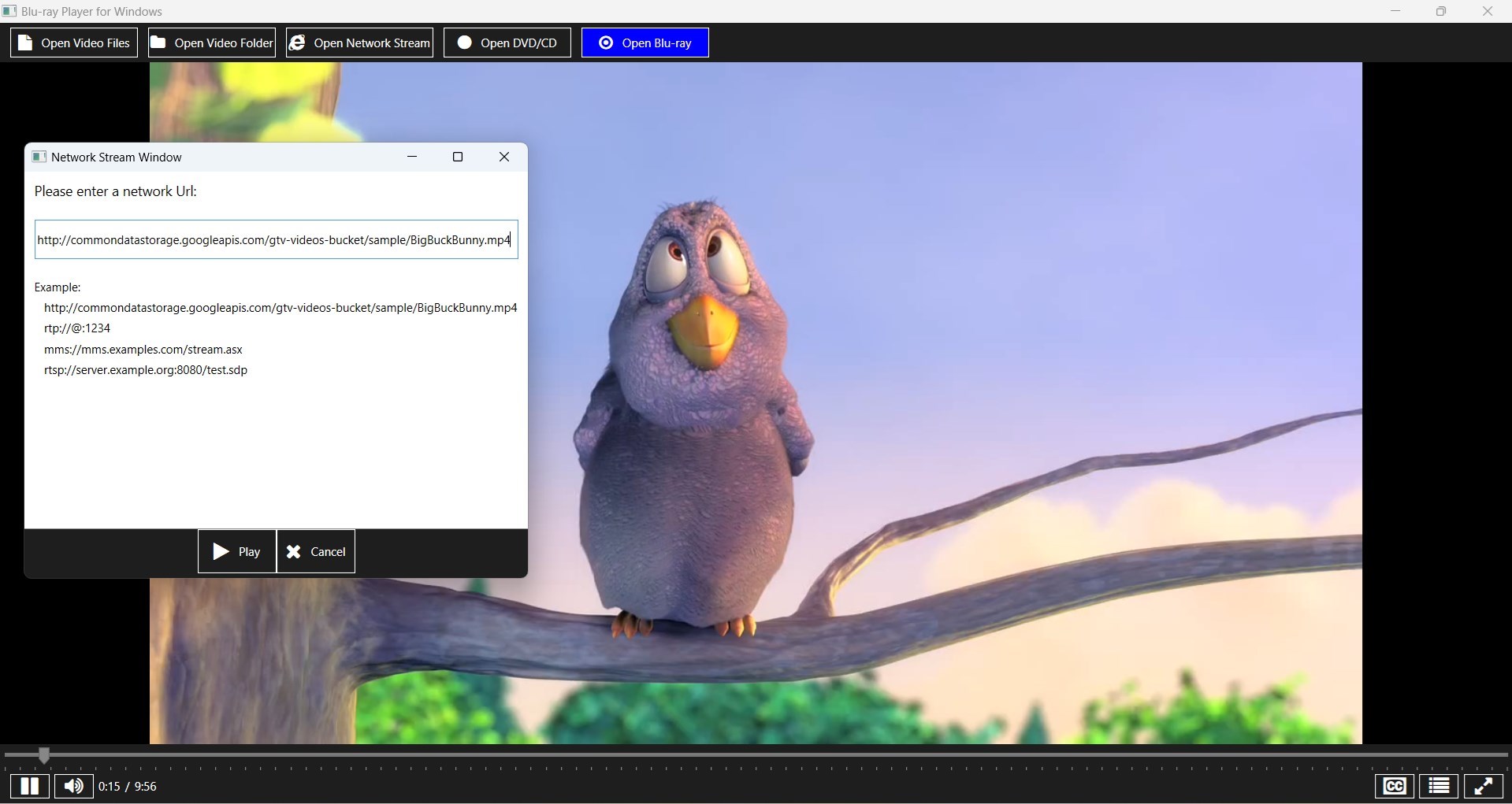
One of the first things you notice about this app is its clean, modern interface. Think of it as stepping into a well-organized entertainment cabinet — everything is logically arranged, with large icons and straightforward menus guiding your journey. Unlike some cluttered players that overwhelm novice users, this software offers a gentle learning curve. Users can start playing their discs within seconds, thanks to intuitive controls.
Performance-wise, the app runs smoothly on most Windows systems, ensuring that even high-definition Blu-ray movies are rendered without stutters or lag. Transitions are fluid, and menu navigation feels snappy, akin to flipping open a pocket-sized cinema at your fingertips.
Key Features: Turning Pages in the Book of Media Playback
1. Robust Format Compatibility and Playback Quality
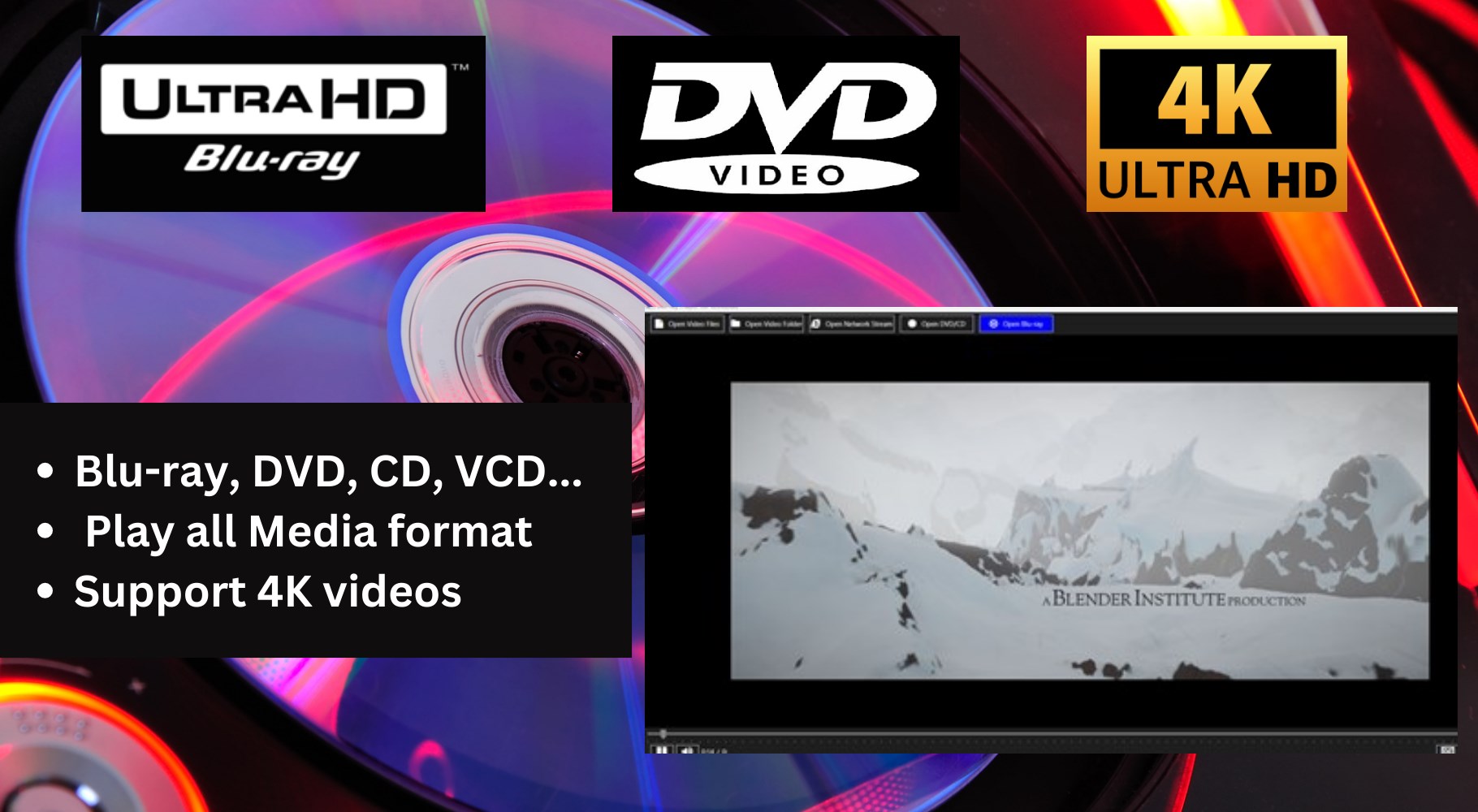
The app excels in its ability to open and play a vast range of media formats, not just limited to traditional DVDs and Blu-ray discs. It intelligently handles different encoding standards, providing crisp image quality and balanced audio. For enthusiasts, this means no need to switch between multiple players — everything is centralized here. Plus, HD and 4K content are rendered effectively, offering sharp visuals comparable to a dedicated home theater system.
2. Content Discovery and Personalization
What truly elevates this app above many peers is its intelligent content discovery algorithm. As you watch, it analyzes your viewing patterns and suggests new titles or scenes you might enjoy, similar to how a good friend anticipates your movie preferences. Unlike purely algorithm-based recommendations that often miss the mark, this app's system learns from your choices, providing relevant and timely suggestions—making every binge session feel tailored and personalized.
This feature is particularly engaging because it transforms the app from just a playback tool into a curated entertainment assistant, helping uncover hidden gems without tedious searching.
User Experience: A Friend in Your Media Journey
The overall user experience is quite friendly; setup is straightforward, and most functions are accessible with minimal clicks. The interface's simplicity allows beginners to feel comfortable, yet it offers enough depth for power users to access advanced options. The responsiveness of controls and high-definition rendering ensures that you can sit back, relax, and focus on the content—like enjoying a film in your own private cinema.
Compared to other media players, which can sometimes feel cluttered or overly technical, this app manages a perfect balance between accessibility and functionality. Its personalized content recommendations stand out as its most unique feature, ensuring users spend less time searching and more time enjoying.
Final Verdict: A Reliable and Smart Media Companion
If your goal is to have a straightforward yet intelligent media player for your Windows device, this application by Libre Apps is a compelling choice. Its strongest advantages are the seamless playback of various formats and its personalized recommendation system, setting it apart from conventional media players. The interface is approachable, performance is solid, and the added touch of smart content discovery makes it more than just a player—it's a media curator in disguise.
For casual viewers or media enthusiasts seeking a reliable tool that combines ease of use with an intelligent touch, I recommend giving this app a try. It's particularly suitable if you watch a diverse array of discs and crave a personalized viewing experience without the clutter of overly complex software.
Pros
- High-Quality Playback
- Wide Format Compatibility
- Intuitive User Interface
- Subtitle and Audio Options
- Library Management Features
Cons
- Limited Streaming Integration
- Occasional Playback Lag
- Basic Customization Options
- Minimal Advanced Settings
- No Built-in Disc Ripping











