
- Name Blocks: Block Puzzle Games
- Category Card & board
- Developer RV AppStudios
- Available on PC
- OS Windows 10 version 10240.0 or higher
- DirectX Version 10
- languages Chinese (Simplified), Chinese (Traditional Chinese), Czech, Danish, Dutch, English (United States), Finnish, French, German, Greek, Indonesian, Italian, Japanese, Korean, Malay, Norwegian, Polish, Portuguese, Romanian, Russian, Spanish, Swedish, Thai, Turkish, Vietnamese
Blocks: Block Puzzle Games for Windows – Clever Sudoku Meets Classic Puzzle Fun
If you're a fan of relaxing yet challenging puzzle games that test your logical thinking with a splash of colorful charm, then Blocks from RV AppStudios is a title worth exploring. With its intuitive gameplay and sleek design, it aims to bring the timeless appeal of block puzzles right to your Windows desktop, offering both a mental workout and some satisfying, stress-free entertainment.
Developed by RV AppStudios – A Name to Trust
Crafted by RV AppStudios, a well-regarded developer known for engaging casual games, Blocks leverages their expertise in creating user-friendly, visually appealing puzzle titles. Their focus on delivering smooth, accessible gameplay makes this app a commendable addition to any puzzle enthusiast's library.
Key Features That Shine
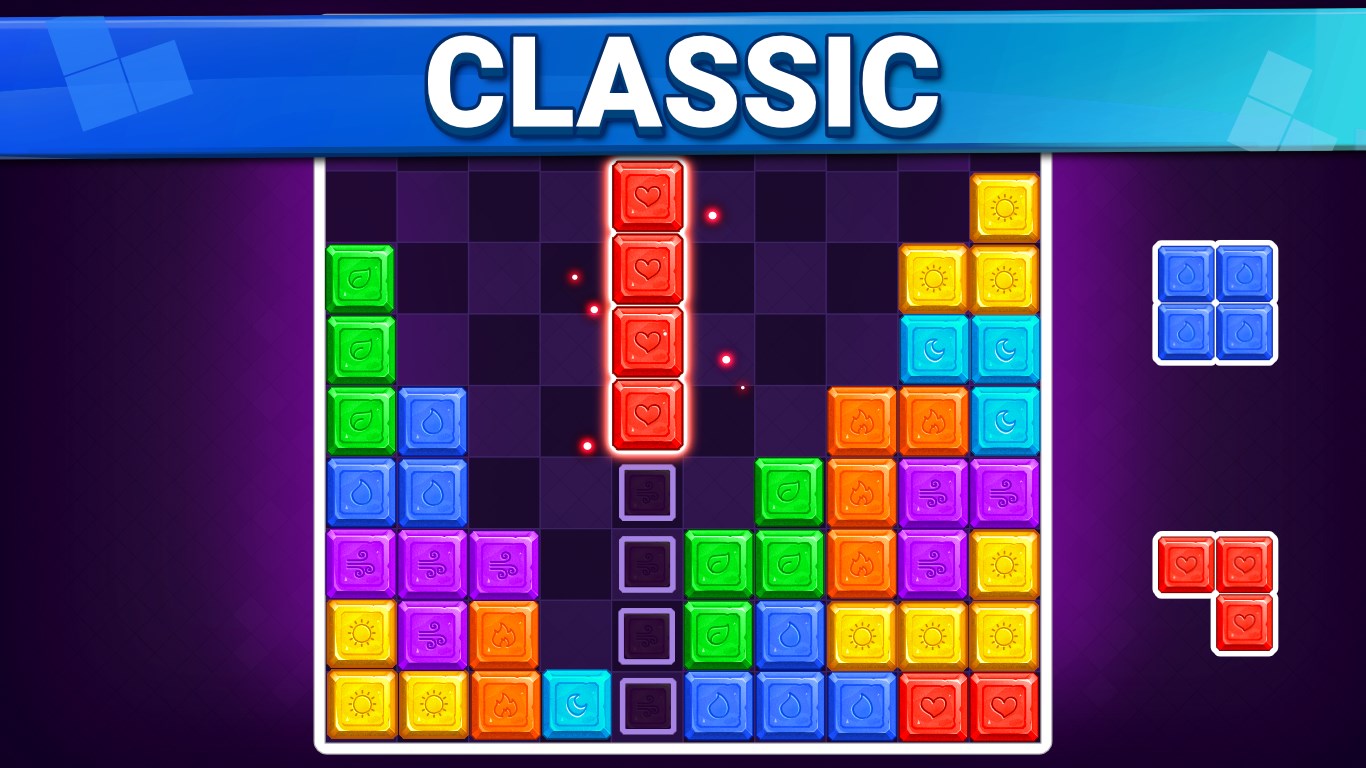
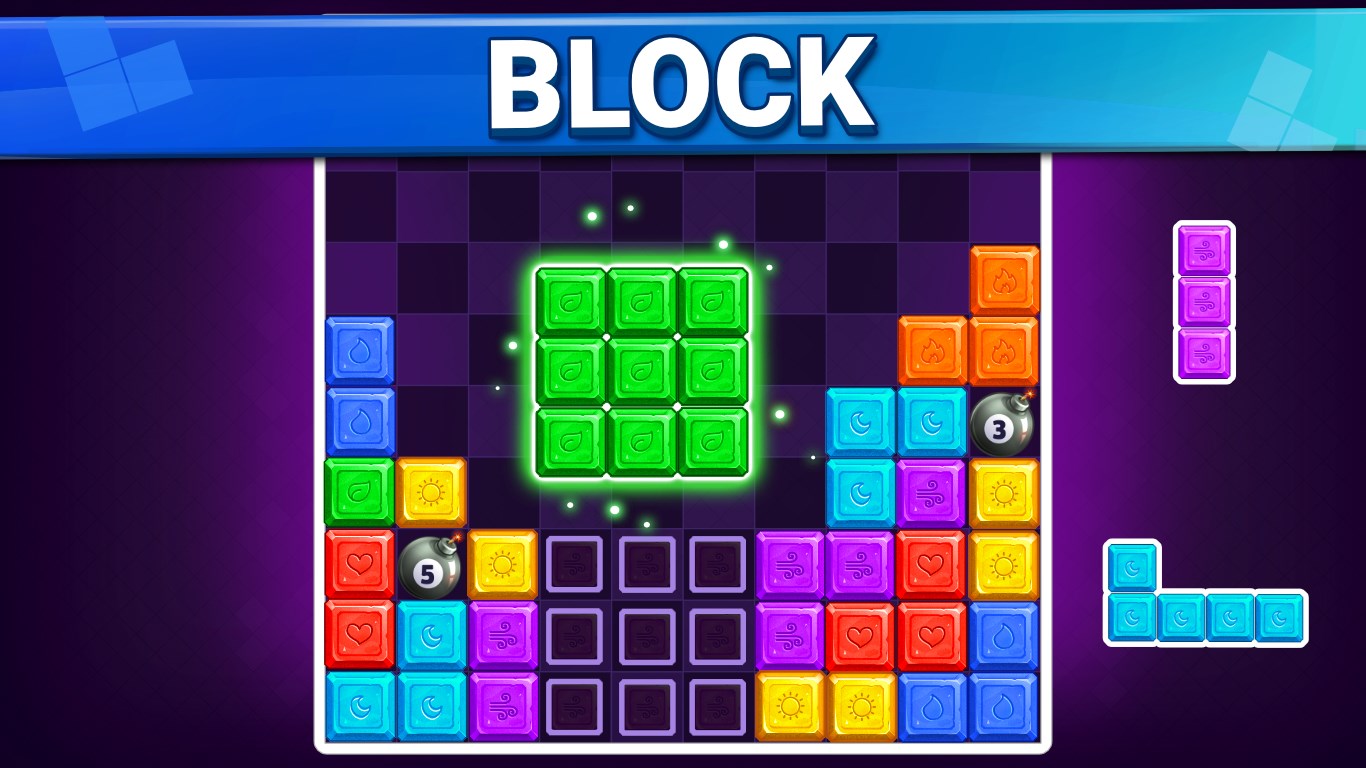
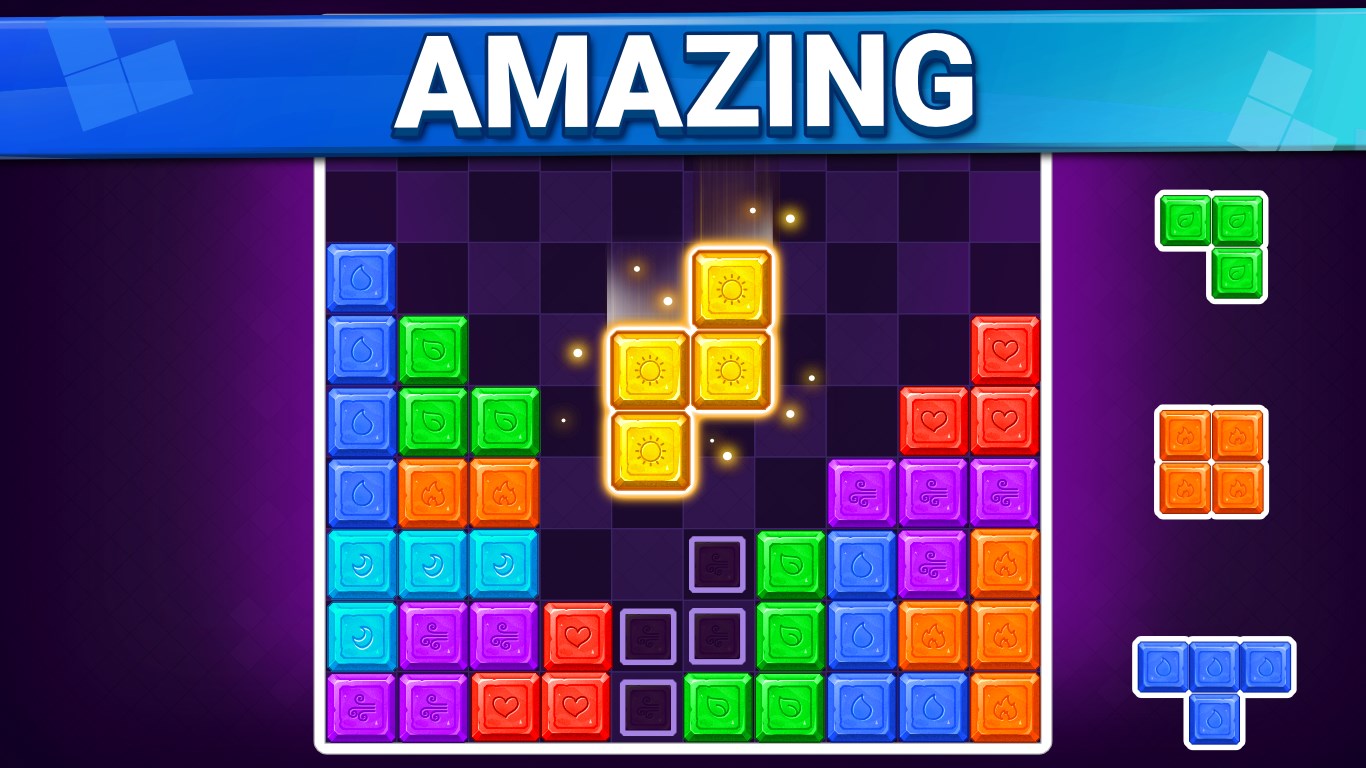
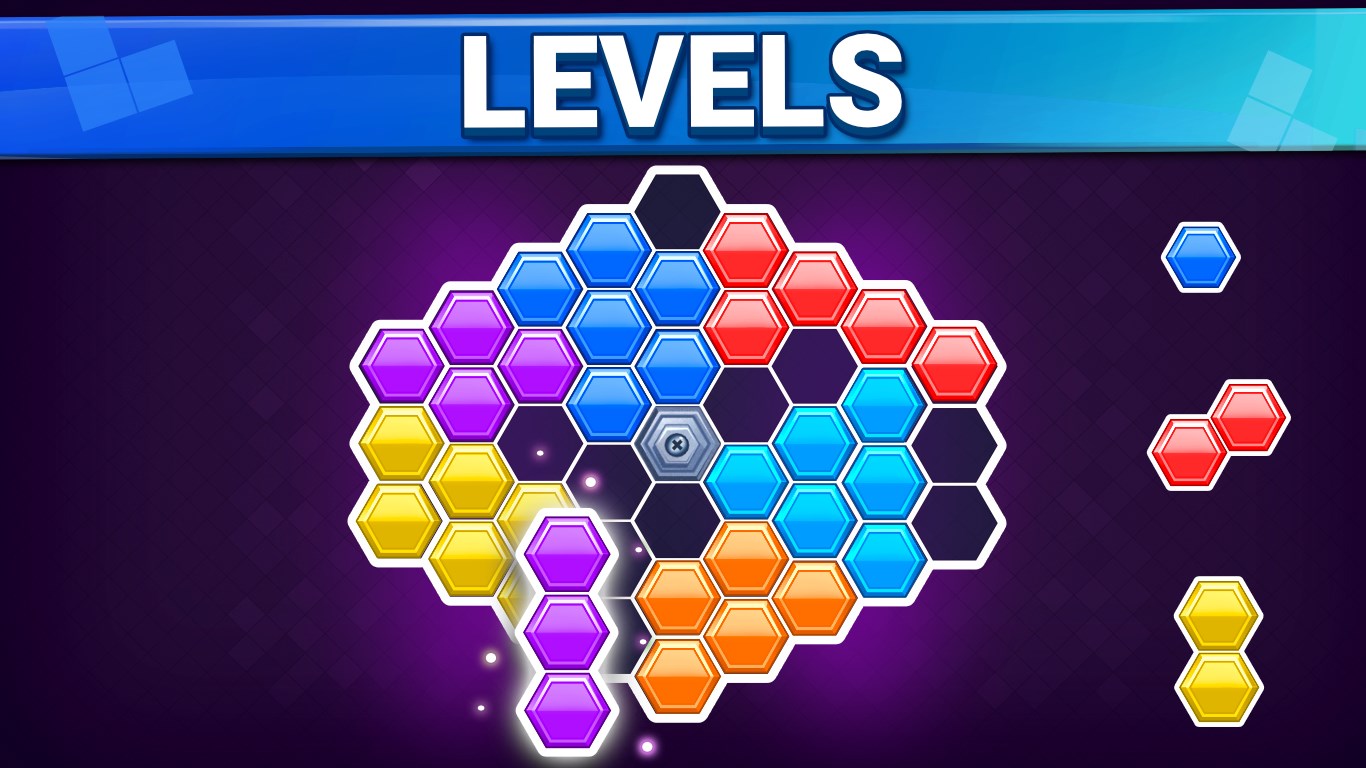
- Simple yet Challenging Gameplay: Fill the grid with diverse shaped blocks, requiring strategic placement and foresight—a test of your spatial reasoning.
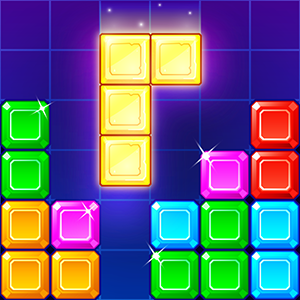
- Minimalist Design with a Pop of Color: A clean, modern interface featuring vibrant blocks against a subtle background, ensuring ease of viewing and sustained focus.
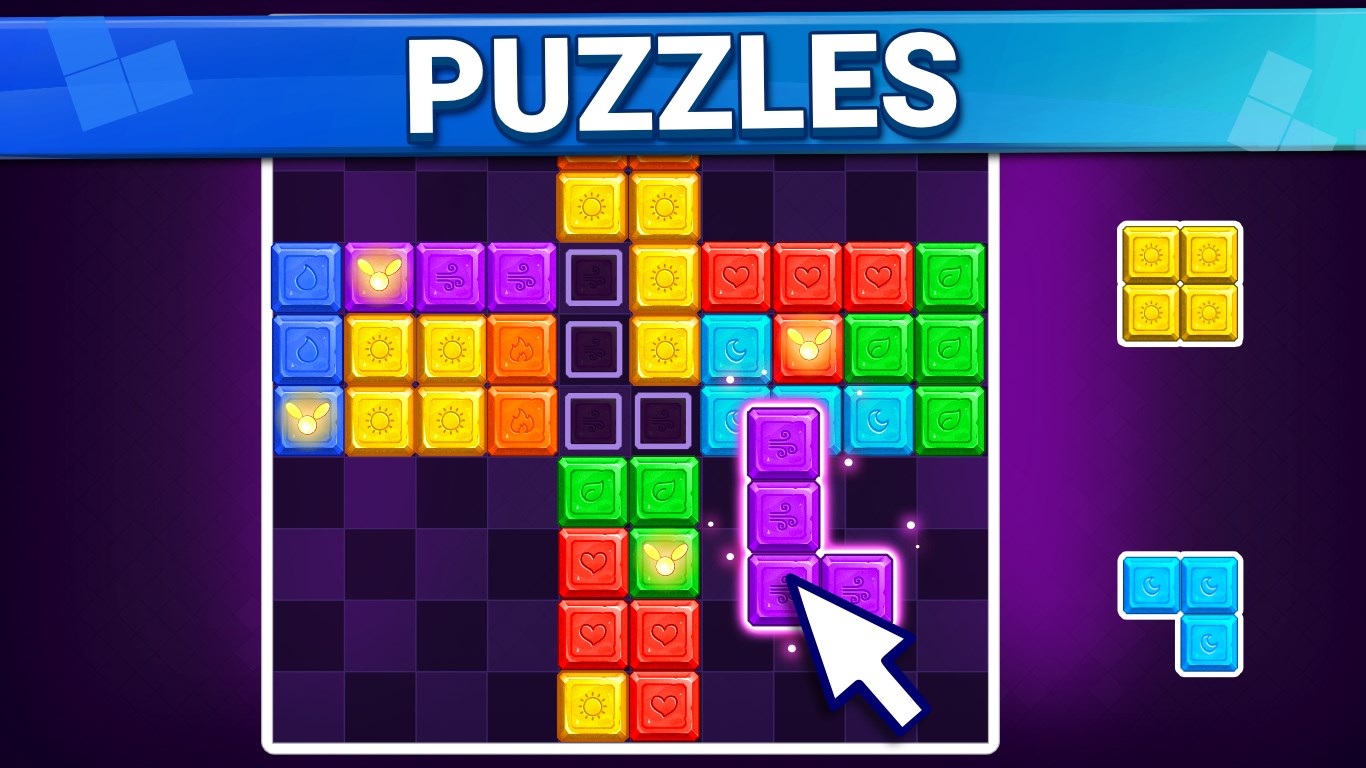
- Progressive Difficulty: As you advance, levels increase in complexity, keeping the experience engaging without overwhelming new players.
- Touch and Drag Controls: Smooth and responsive controls make moving blocks feel natural, whether on touch-enabled devices or using a mouse.
A Playful Dive into Puzzle Mechanics
Imagine sitting down on a lazy weekend, a cup of coffee in hand, ready to lose yourself in a puzzle that's as soothing as it is stimulating. Blocks offers a perfect escape into a beautifully constructed universe of geometric possibilities. The core gameplay revolves around fitting various shapes into a grid without gaps, akin to a game of Tetris but with more emphasis on planning and patience. The game's interface is refreshingly minimal—no distracting clutter, just the blocks and a clear grid—making it straightforward for newcomers yet offering enough complexity to challenge seasoned puzzle lovers.
Intuitive and Seamless User Experience
From the moment you launch Blocks, the design greets you with bright, appealing visuals that draw your eye and invite play. Navigating through levels feels natural—drag and drop mechanics respond instantly, creating a fluidity that's essential for keeping players immersed. The learning curve is gentle: new players quickly grasp the mechanics, while the progressive difficulty ensures they remain engaged as they master each level. Speedy performance and crisp animations make every move satisfying, much like placing the final piece of a favorite puzzle—gradually, the picture comes together.
Uniqueness in a Crowded Market
Compared to other card and board-based puzzle apps, Blocks distinguishes itself through its elegant simplicity and strategic depth. Unlike many games that rely heavily on luck or complex mechanics, this app emphasizes thoughtful placement and planning—transforming each level into a mini brain-teaser. Its minimalist style minimizes distractions, allowing players to focus purely on spatial reasoning. Moreover, the game offers a calming experience suited for quick sessions or longer play periods, making it a versatile choice for intermittent breaks or dedicated puzzle marathons.
Final Verdict: A Puzzle Escape Worth Trying
Based on its engaging mechanics, smooth interface, and calming visual style, Blocks earns a solid recommendation—especially for puzzle fans seeking a fresh take on classic block-fitting puzzles. It's an ideal choice if you enjoy games that challenge your logical skills without frustration or overly complicated rules. Whether you're looking for an enjoyable way to relax during a busy day or seeking to sharpen your spatial awareness, this app delivers a charming, well-crafted experience worth exploring.
Pros
- Intuitive and user-friendly interface
- Beautiful, vibrant graphics and animations
- Challenging and varied puzzle levels
- Regular updates with new puzzles and features
- Offline mode available
Cons
- Limited hints or help options within levels
- Occasional app crashes during gameplay
- Ads can be intrusive between levels
- Limited customization options for game themes
- Progress synchronization across devices can be inconsistent











