
- Name Bingo Star - Bingo Games
- Category Card & board
- Developer Playcus
- Available on PC
- OS Windows 10 version 10240.0 or higher
- DirectX Version 10
- Mouse Integrated Mouse
- Keyboard Not specified
- languages English (United States)
Introduction: A Charming Twist on Classic Bingo for Windows
If you're a fan of the timeless game of bingo but crave a fresh, digital spin, Bingo Star - Bingo Games for Windows offers a delightful experience that combines nostalgia with modern flair. Developed by Playcus, this app transforms the traditional game into an engaging virtual playground brimming with colorful graphics and exciting features, making it perfect for casual gamers and bingo enthusiasts alike.
About the Developer and Core Features
Who's Behind the Game?
Playcus, a well-known game development team specializing in casual and social gaming experiences, has crafted Bingo Star to appeal to a broad audience through intuitive design and entertaining gameplay mechanics.
Key Highlights of Bingo Star
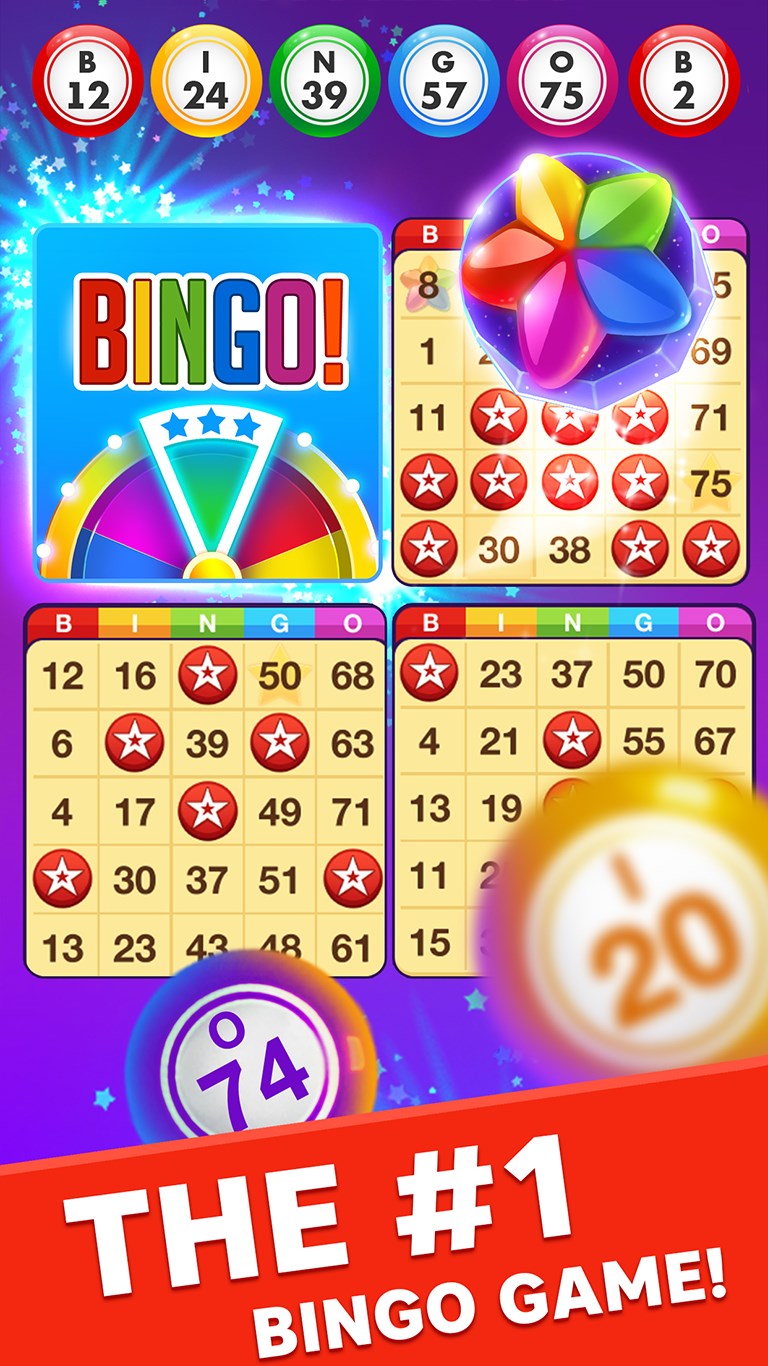
- Vibrant and Intuitive Interface: Bright colors, lively animations, and clear icons make gameplay visually appealing and accessible for players of all ages.
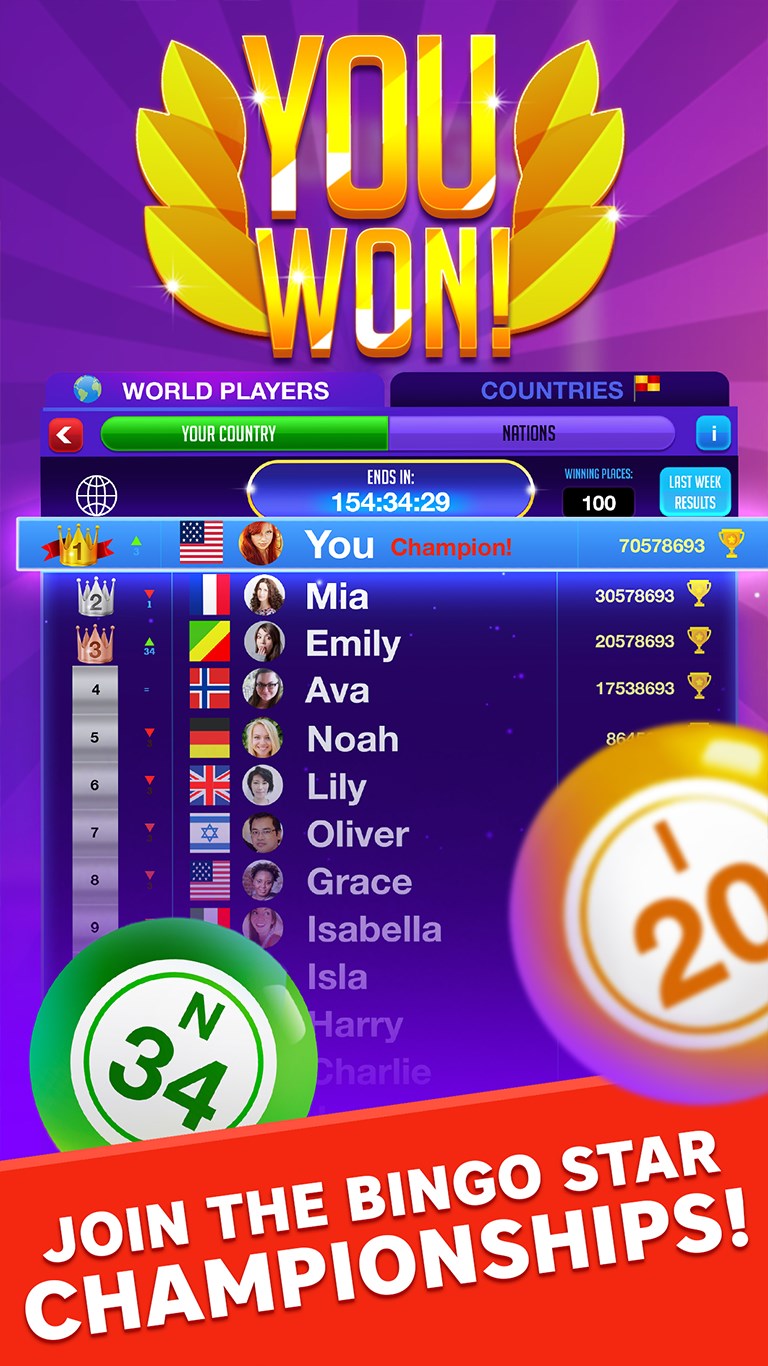
- Social Interaction & Multiplayer: Seamlessly connect with friends or other players worldwide, compete for high scores, and share your progress socially.
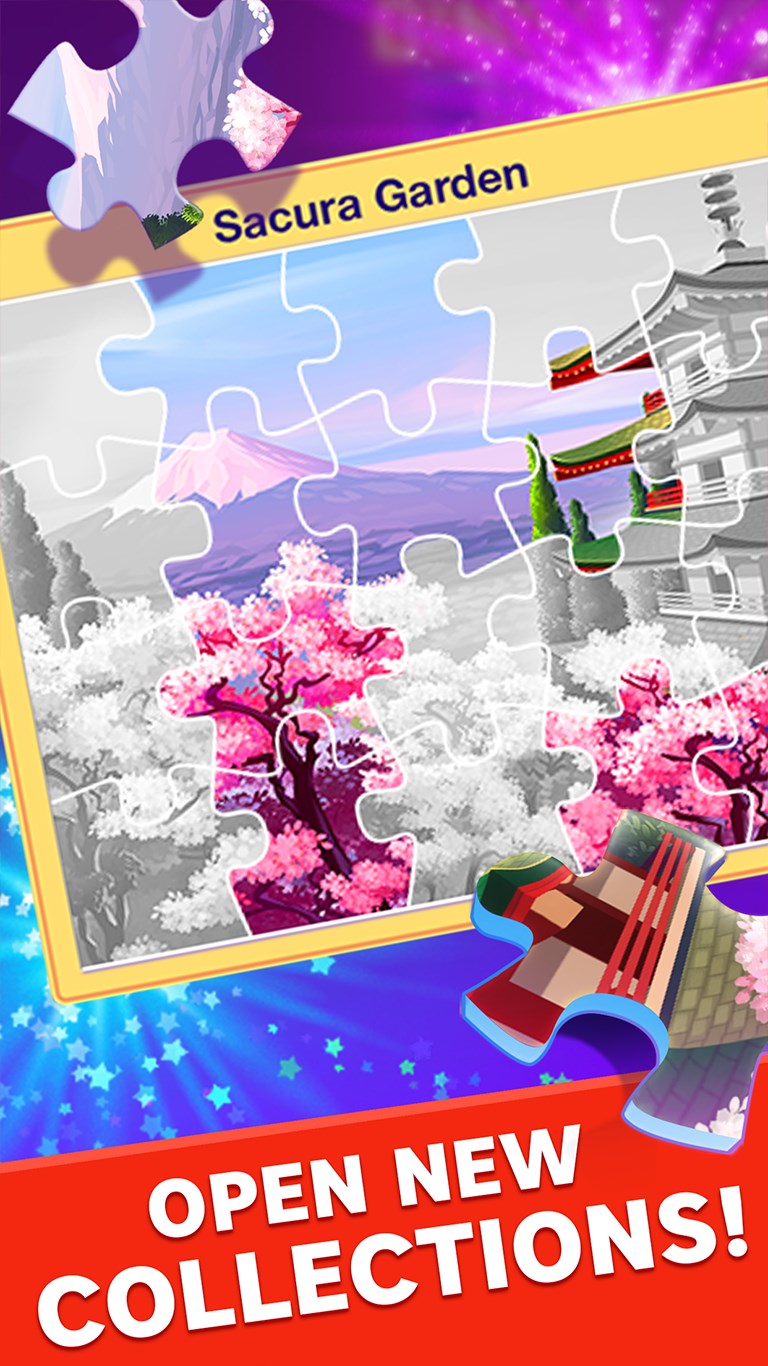
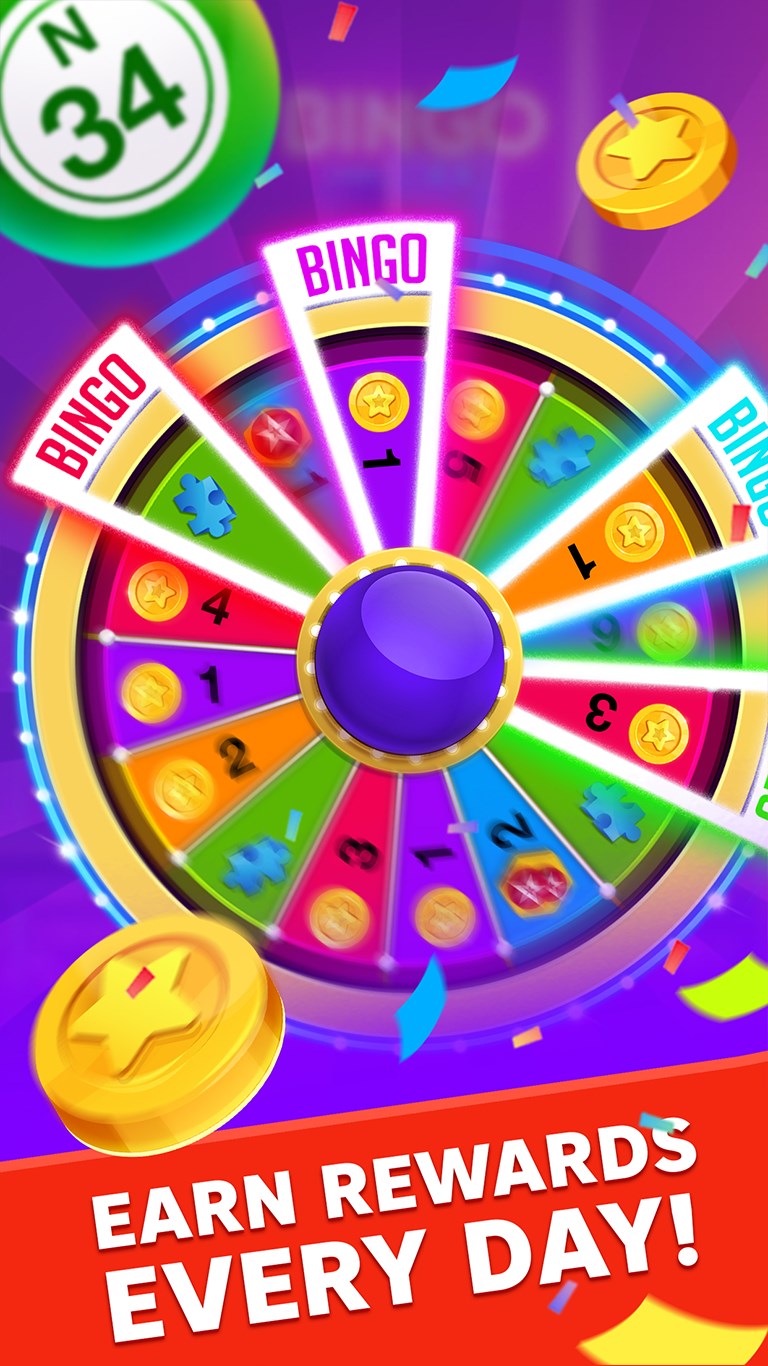
- Progression & Rewards System: Unlock new game modes, earn daily bonuses, and customize your bingo experience, which keeps players motivated over time.
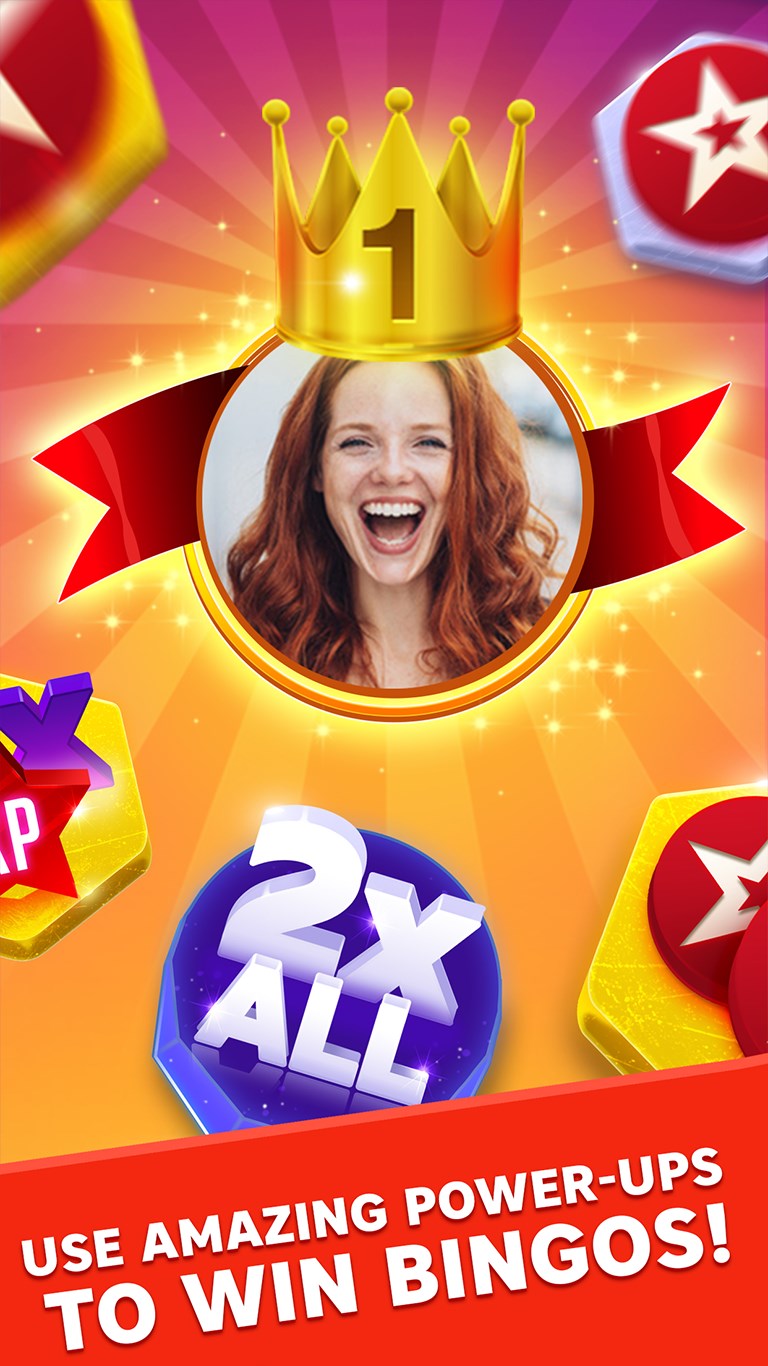
- Mini-Games & Power-Ups: Unique mini-games and special power-ups add layers of strategy and fun, setting it apart from conventional bingo apps.
The game's main target audience includes casual gamers, bingo fans, and those seeking light-hearted entertainment on their Windows devices, regardless of age or gaming experience.
Gameplay and User Experience: Fun Meets Functionality
Design and Visual Appeal
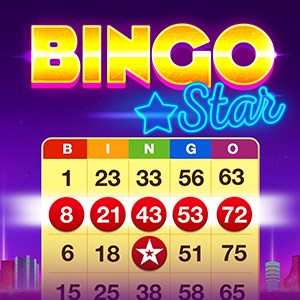
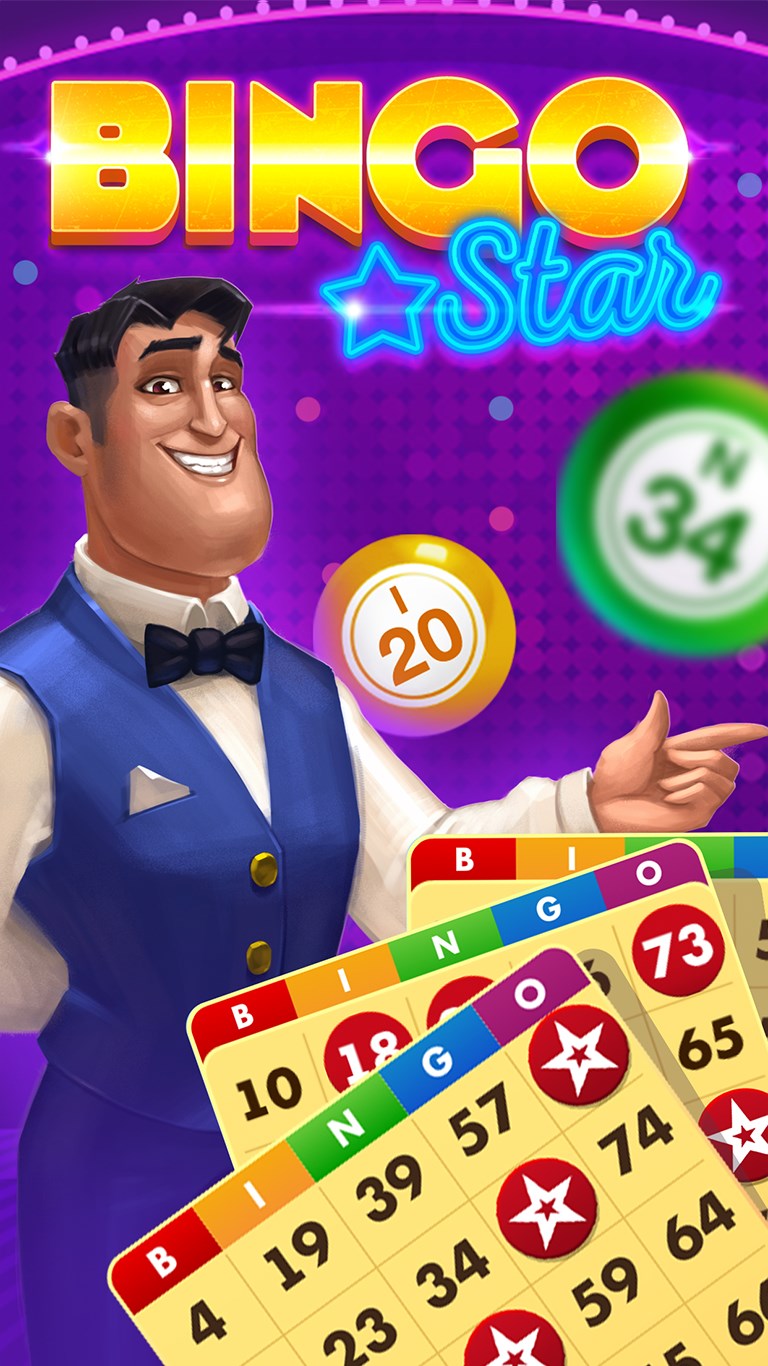
Bingo Star welcomes players with a vibrant, cartoonish aesthetic reminiscent of carnival booths—bright reds, yellows, and blues create an inviting atmosphere. The overall design is clean, with each element carefully arranged so players can quickly pick up the game and start having fun without a steep learning curve.
Ease of Use and Smooth Gameplay
Navigation is straightforward: large buttons, clear labels, and intuitive menus streamline the experience. The game runs seamlessly on Windows, with responsive controls for mouse and keyboard input, ensuring that gameplay remains fluid even during intensive multiplayer sessions. Transitioning between game modes and accessing rewards feels effortless, making it accessible for new and seasoned players alike.
Learning Curve and Engagement
From the moment you start, Bingo Star introduces a gentle onboarding process with tutorial prompts guiding players through the basics. As you progress, the game gradually introduces more complex features like mini-games and power-ups, providing just the right amount of challenge without overwhelming. This balance fosters sustained engagement and encourages players to explore all its features.
What Sets Bingo Star Apart? Unique Features & Benefits
While many bingo apps share core mechanics, Bingo Star's most distinctive aspect lies in its integration of mini-games and power-ups that add strategic layers to the traditional gameplay. For example, special power-ups can mark multiple numbers at once or freeze the board temporarily—features that transform bingo from a simple luck-based game into an interactive experience with tactical depth.
Moreover, the social elements elevate the application beyond solo play. Connecting with friends or competing in live tournaments turns a solitary pastime into a lively social event, reminiscent of friendly gatherings at local bingo halls—only now, you can enjoy it from your own cozy space.
Final Verdict: A Well-Rounded, Fun-Focused Bingo App
I would recommend Bingo Star to anyone looking for a charming, easy-to-play bingo game that offers a touch of innovation without sacrificing the familiar charm of the classic game. Its lively visuals, engaging mini-games, and social features make it a standout in the crowded landscape of casual card and board game apps. Perfect for relaxing moments or a quick social challenge, Bingo Star is a delightful addition to your Windows app collection. Whether you're a dedicated bingo lover or just curious to try something new, give it a spin—you might find yourself hooked!
Pros
- Engaging and colorful graphics
- Easy-to-use interface
- Various game modes
- Free daily rewards
- Offline mode availability
Cons
- In-app purchase reliance for premium features
- Frequent advertisements
- Limited social features
- Minor bugs and glitches
- Battery consumption may be high during extended play











