
- Name Bingo Farm Ways
- Category Card & board
- Developer Playcus
- Available on PC
- OS Windows 10 version 10240.0 or higher
- DirectX Version 10
- Mouse Integrated Mouse
- Keyboard Not specified
- languages English (United States)
Introducing Bingo Farm Ways: A Refreshing Twist on Card & Board Games for Windows
If you're searching for a lively, engaging digital version of classic farm-themed bingo and card games that keeps things fresh and fun, Bingo Farm Ways for Windows might just be your new go-to app. Developed by Playcus, this game aims to bring together casual gaming with a farm-inspired aesthetic — perfect for players looking for a relaxing yet entertaining experience. Whether you're a fan of bingo, card games, or just love farm scenery, Bingo Farm Ways seeks to deliver a delightful blend of both worlds.
About the Developer and Main Features
Produced by Playcus Limited, a well-regarded developer known for creating engaging casual games, Bingo Farm Ways combines colorful visuals with intuitive gameplay. The game's primary highlights include:
- Farm-themed bingo and card games: Classic gameplay infused with charming farm visuals.
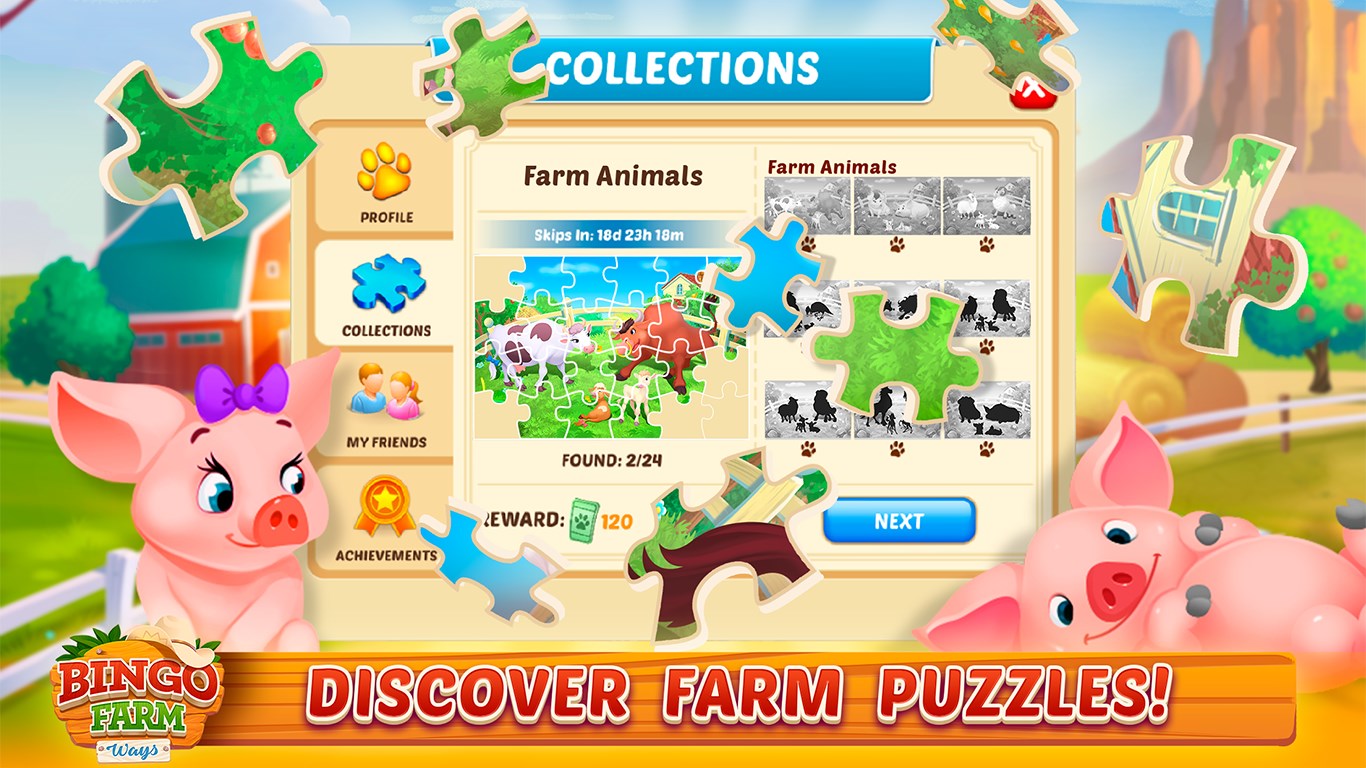
- Engaging gameplay mechanics: Multiple game modes and mini-games keep the experience varied and fun.
- Seamless social integration: Connect with friends and participate in multiplayer sessions.
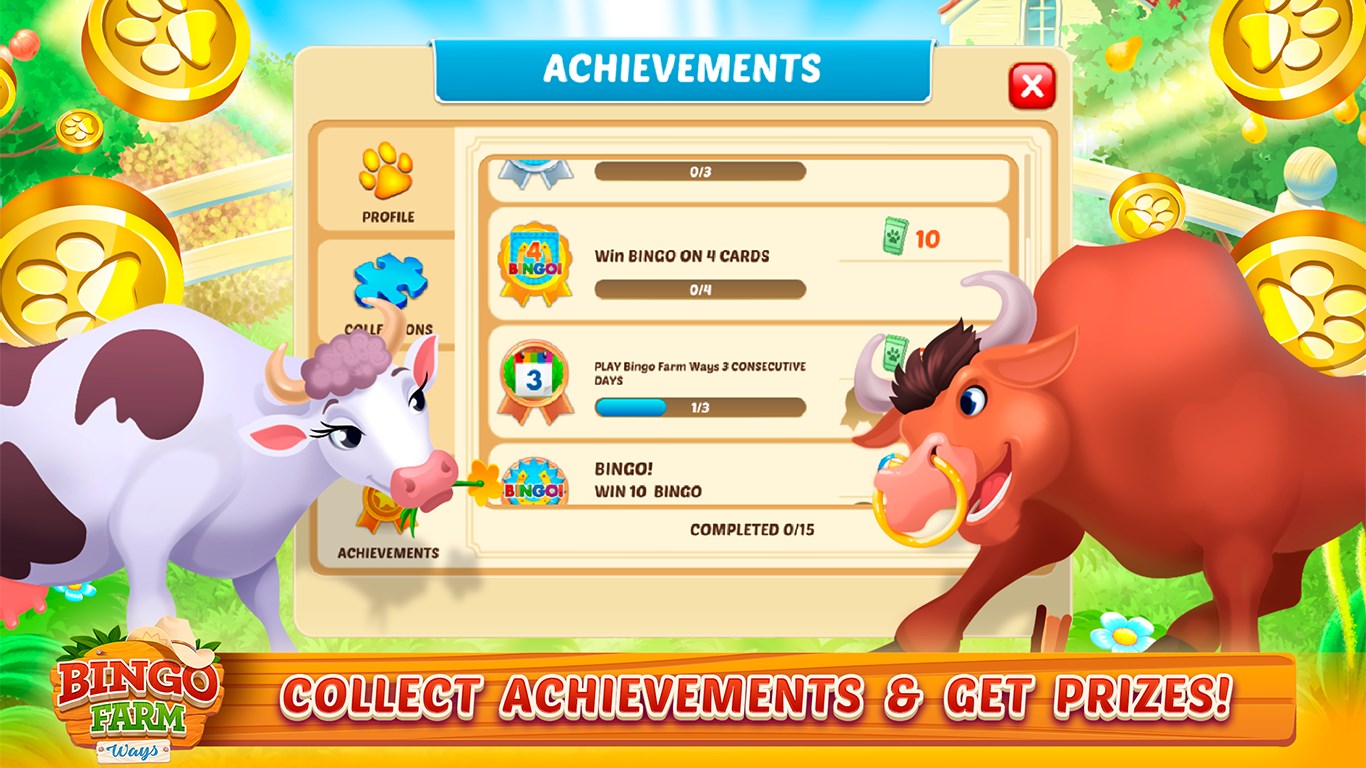
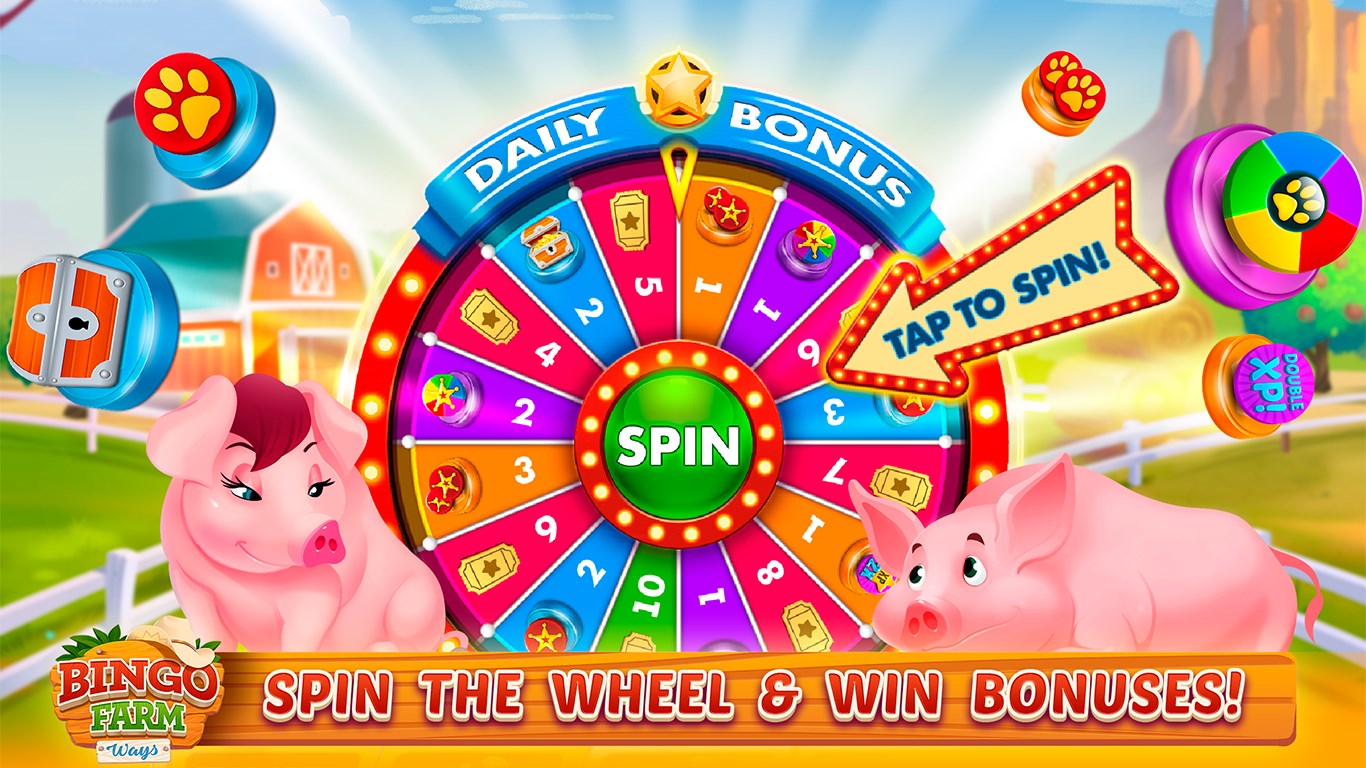
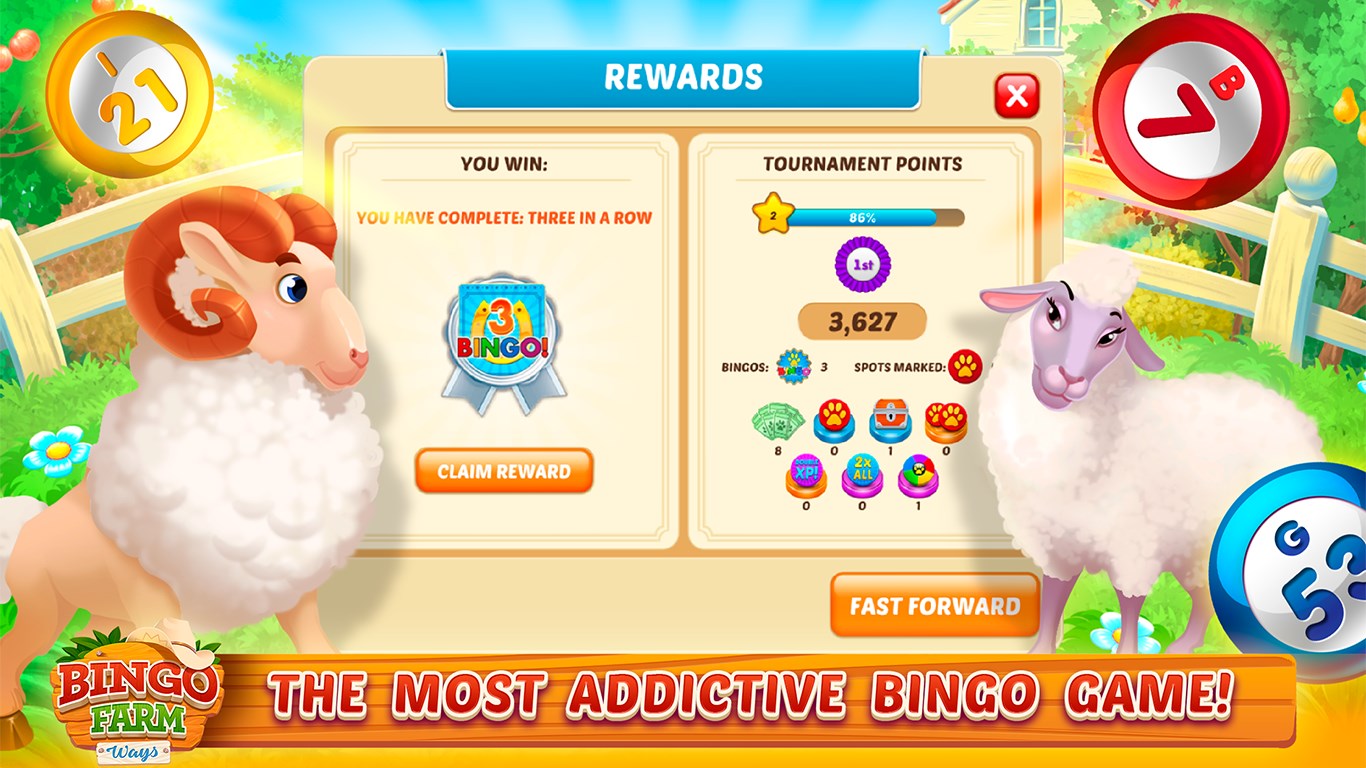
- Reward system: Daily bonuses and rewards encourage continued play and engagement.
Targeted at casual players, especially those who enjoy light-hearted, farm-inspired themes and social gaming, the app aims to provide relaxing entertainment suitable for all age groups.
Vibrant and Inviting Graphics: Step Into a Farm Wonderland
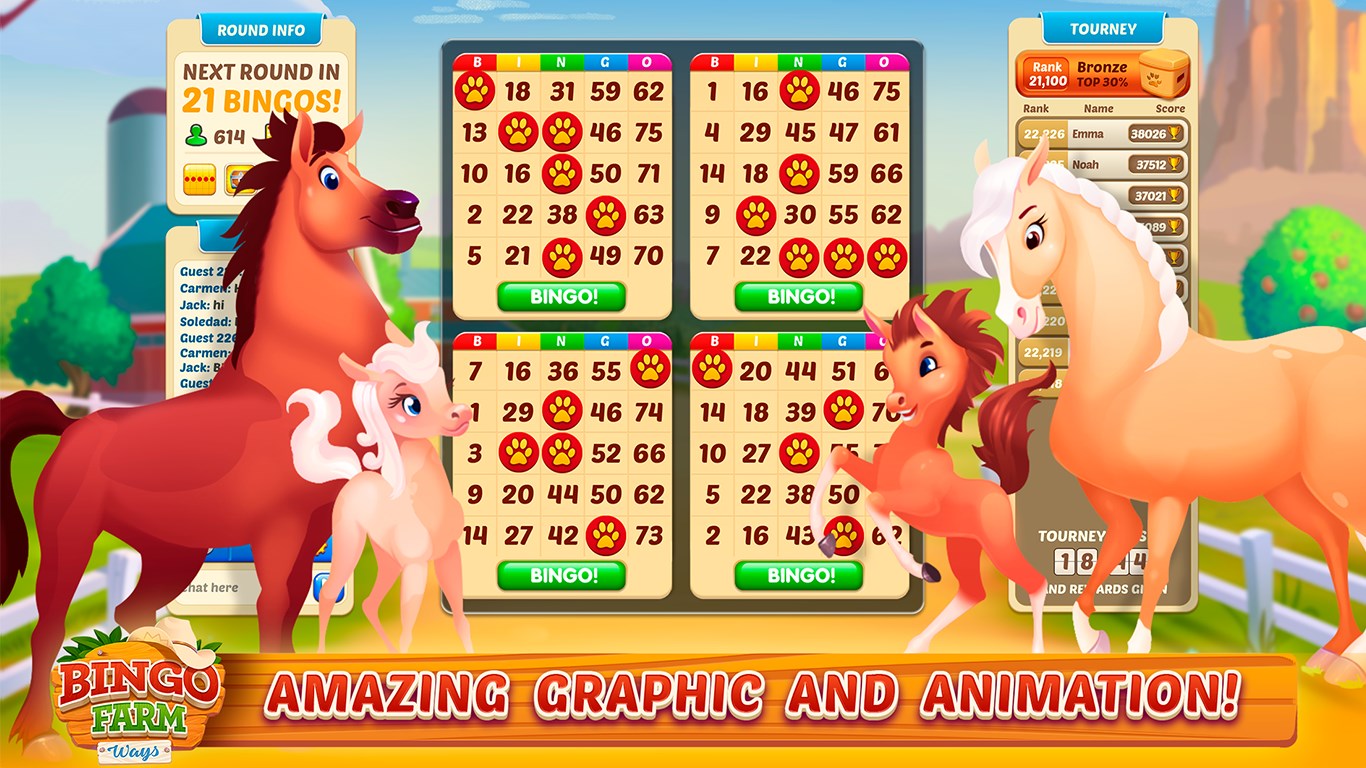
From the moment you open Bingo Farm Ways, you're greeted with bright, cheerful visuals reminiscent of a picturesque countryside. The interface mimics a cozy farmyard, complete with barnyards, fields, and farm animals, creating an immersive environment that feels like a mini escapade every time you play. The user interface is thoughtfully designed; large icons and intuitive menus mean even beginners can find their way without frustration. The overall aesthetic strikes a harmonious balance—bright enough to energize but not overwhelming—making long gaming sessions feel like a stroll through a lively farm.
Smooth Gameplay & User Experience: Play Without Hiccups
One of the core strengths of Bingo Farm Ways is its buttery-smooth performance. The game runs seamlessly on Windows devices, with minimal lag or loading times. Interactions such as calling bingo numbers or navigating menus feel fluid, thanks to well-optimized coding. The learning curve is gentle; new players will find it easy to grasp the game mechanics thanks to helpful tutorials and clear instructions. The game respects your time, offering quick rounds that keep your interest piqued without feeling rushed or dragged out. Plus, the social features—chat functions and multiplayer rooms—integrate naturally, enhancing the communal vibe without hiccups.
Unique Selling Points: What Sets It Apart?
Compared to other card and board apps, Bingo Farm Ways shines with two particularly distinctive features. First is its thematic originality; instead of generic bingo, the game immerses you in a rural farm setting that adds warmth and novelty. The second is its combination of casual bingo with mini-games and rewards—creating an experience akin to planting seeds and watching your farm grow as you progress. This gamified approach makes each session feel like earning harvests or completing chores on your virtual farm, adding extra layers of engagement beyond just bingo balls and cards. These elements transform simple game mechanics into a charming, farm-inspired adventure that many other similar apps lack.
Final Verdict: A Friendly Recommendation for Casual Gamers
All in all, Bingo Farm Ways offers a delightful, stress-free gaming experience that appeals particularly to players who enjoy casual, farm-themed entertainment with social perks. Its vibrant visuals, smooth performance, and unique farm-influenced twist on traditional bingo and card games make it stand out in a crowded genre. For anyone seeking a fun, lighthearted way to unwind while connecting with friends or exploring charming farm scenes, this app is worth downloading. I'd recommend it as a solid choice for casual gaming enthusiasts looking for a blend of relaxation and social interaction—free from overly aggressive monetization or complex mechanics.
Pros
- User-friendly interface
- Engaging gameplay with multiple themes
- Regular updates with new features
- Fair and random bingo calls
- Compatibility with various devices
Cons
- Limited multiplayer options
- Occasional app crashes during gameplay
- Ads interruptions may disrupt gameplay
- Limited customization options for bingo cards
- Sound effects are somewhat repetitive











