
- Name Bingo Fairytale
- Category Card & board
- Available on PC, Mobile, Surface Hub, HoloLens
- OS Windows 10 version 10240.0 or higher
- DirectX Version 10
- languages English (United States)
Introducing Bingo Fairytale for Windows
Bingo Fairytale for Windows is a charming digital card game that combines traditional bingo gameplay with a whimsical fairy tale theme, designed to entertain and challenge players of all ages.
About the Developer: Docon
Developed by Docon, a team dedicated to creating engaging and visually appealing casual gaming experiences, Bingo Fairytale reflects their focus on combining fun visuals with smooth user interaction.
Main Features That Sparkle
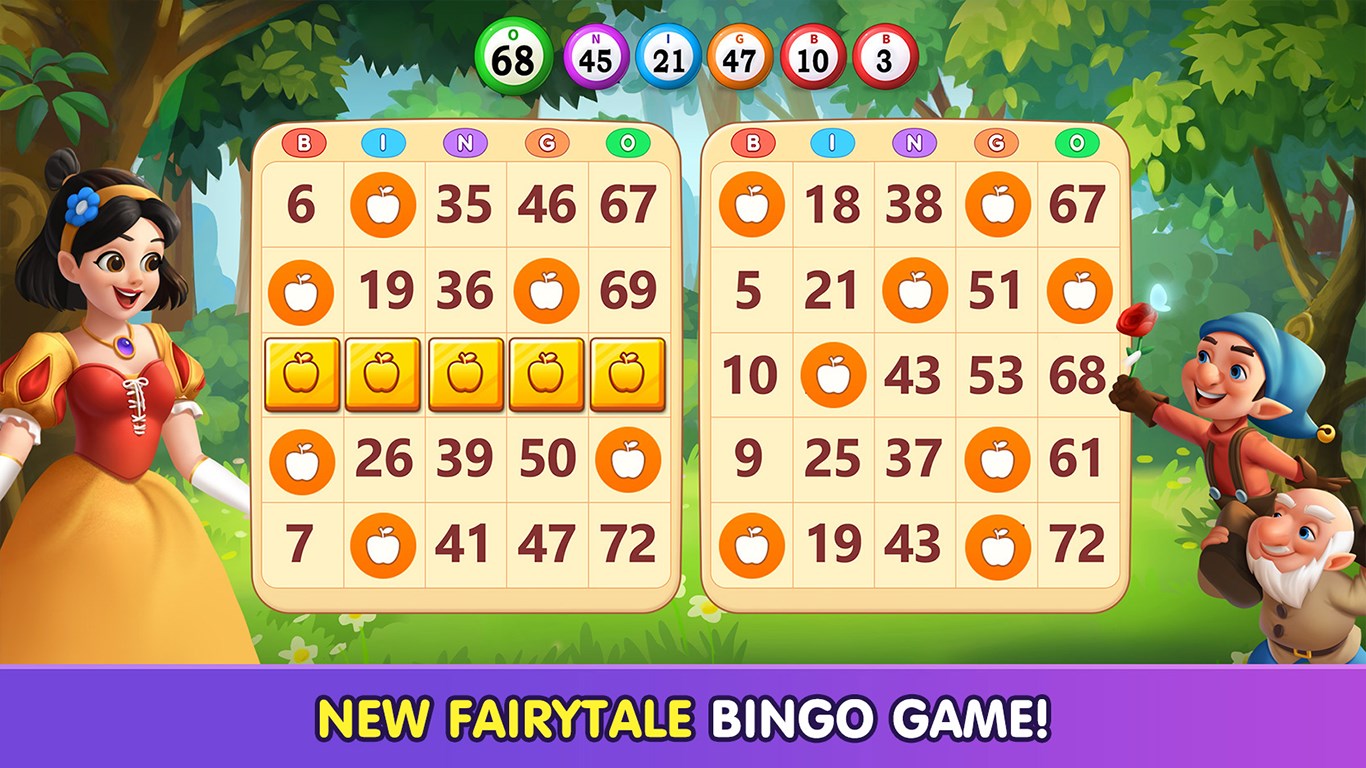
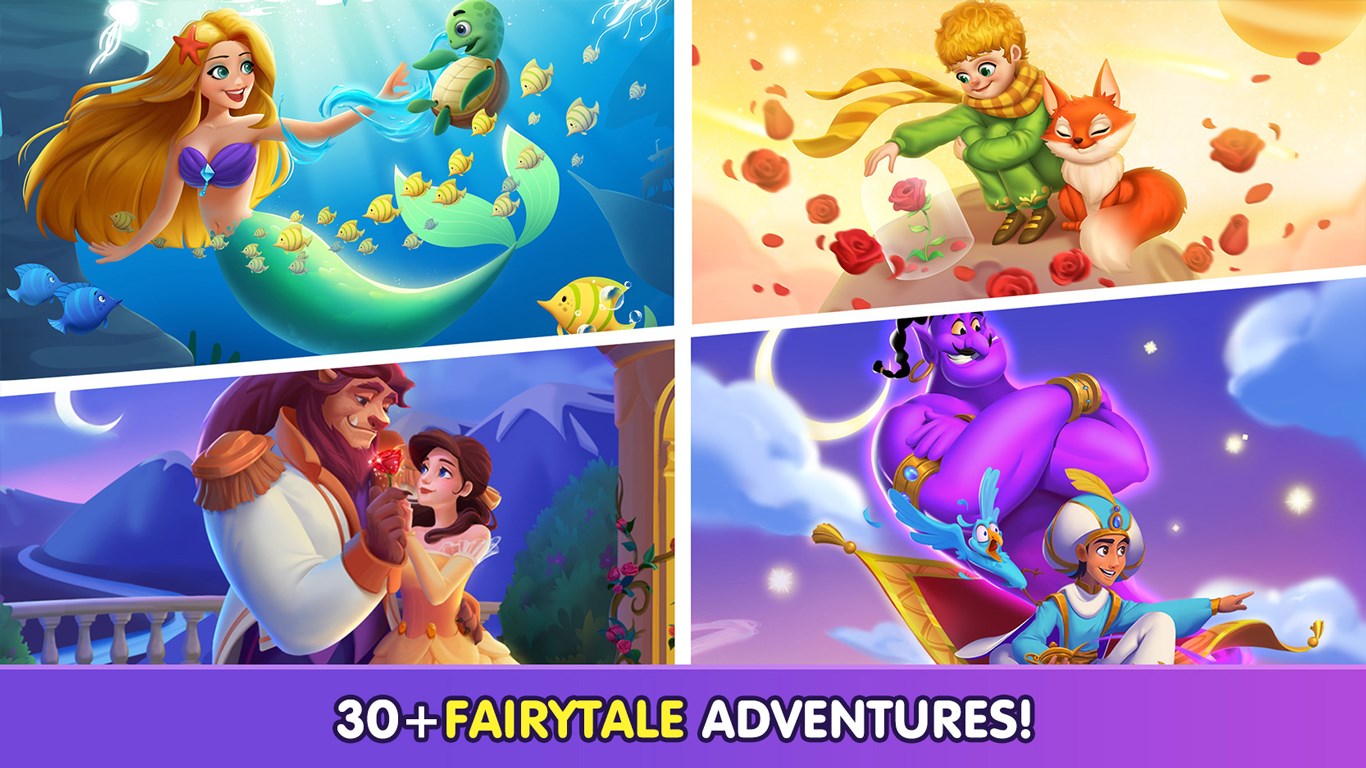
- Themed Fairy Tale Design: Immerses players in a fairy-tale universe with vibrant graphics and delightful animations.
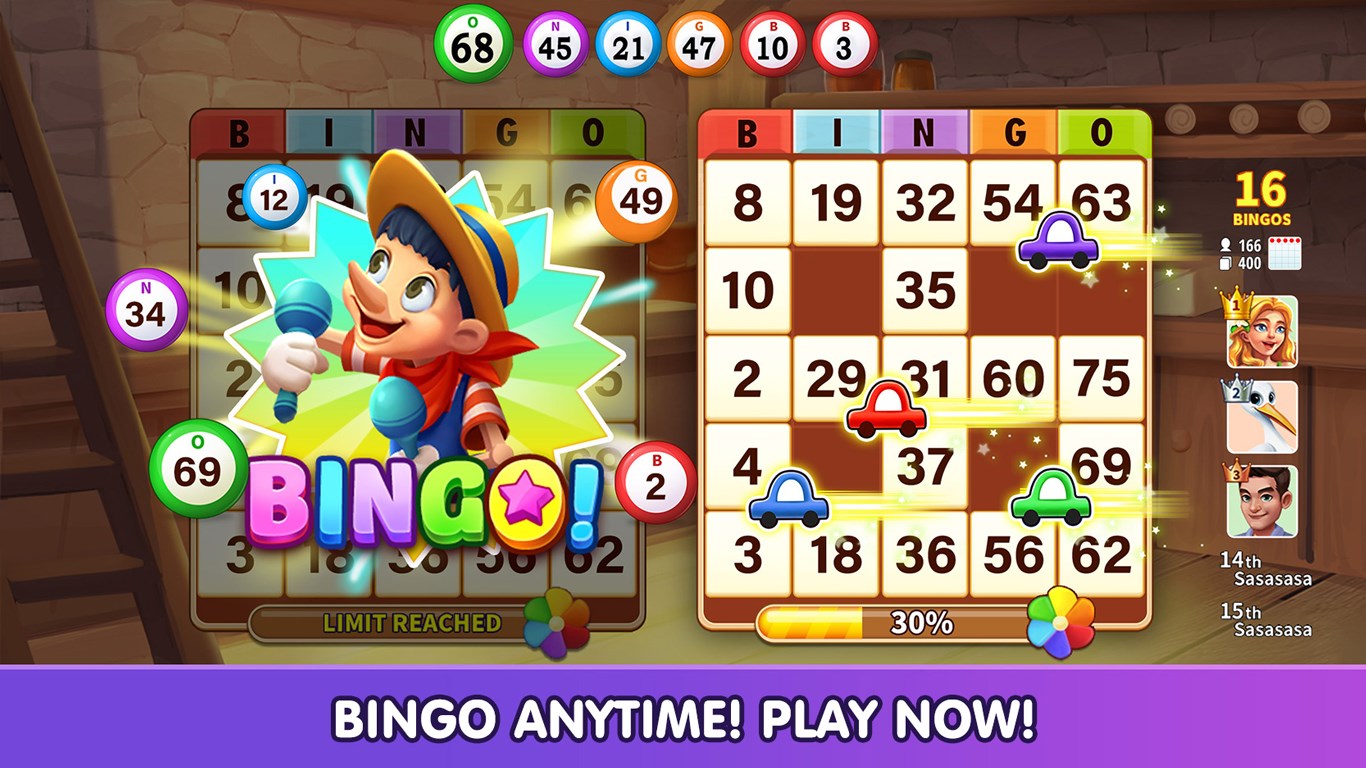
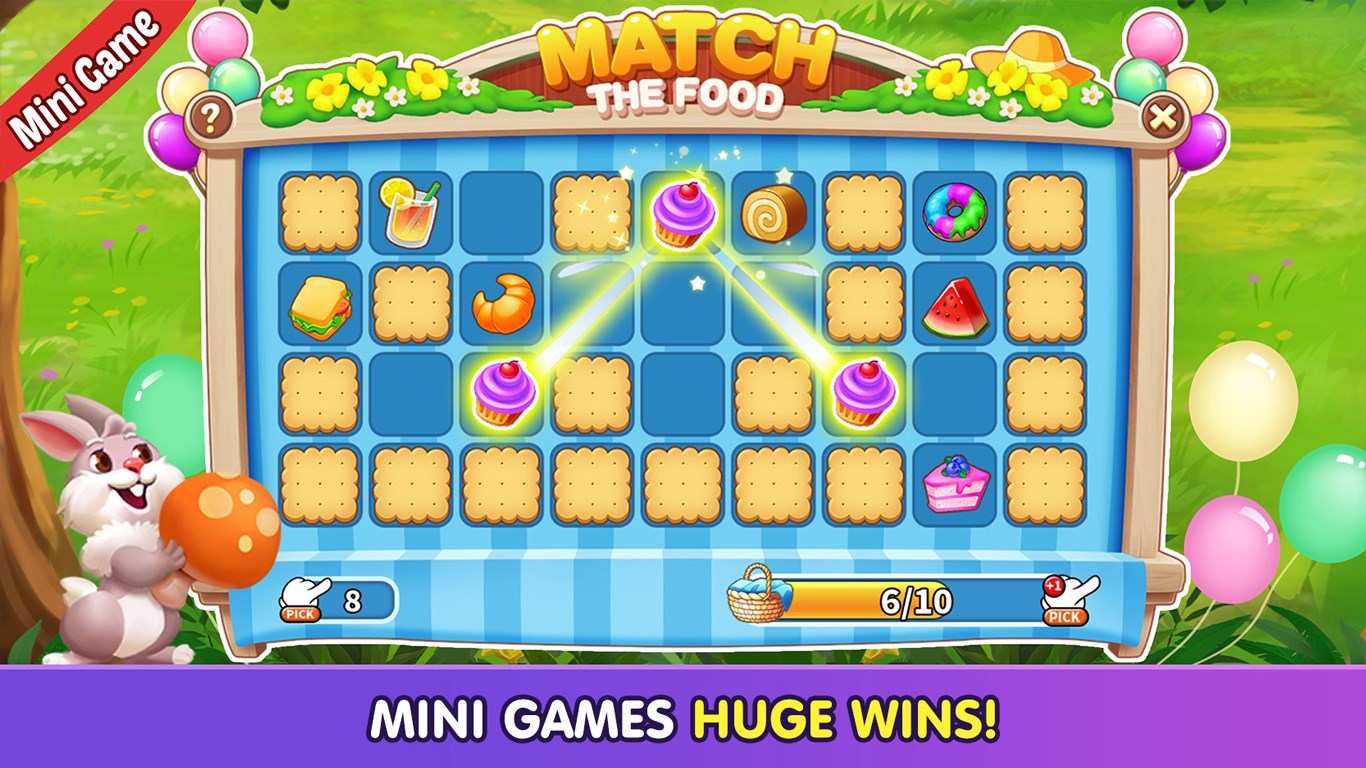
- Multiple Game Modes: Offers diverse gameplay options including classic bingo, speed rounds, and special event challenges.
- Accessible Learning Curve: Simple rules coupled with intuitive controls make it easy for newcomers and seasoned players alike to jump right in.
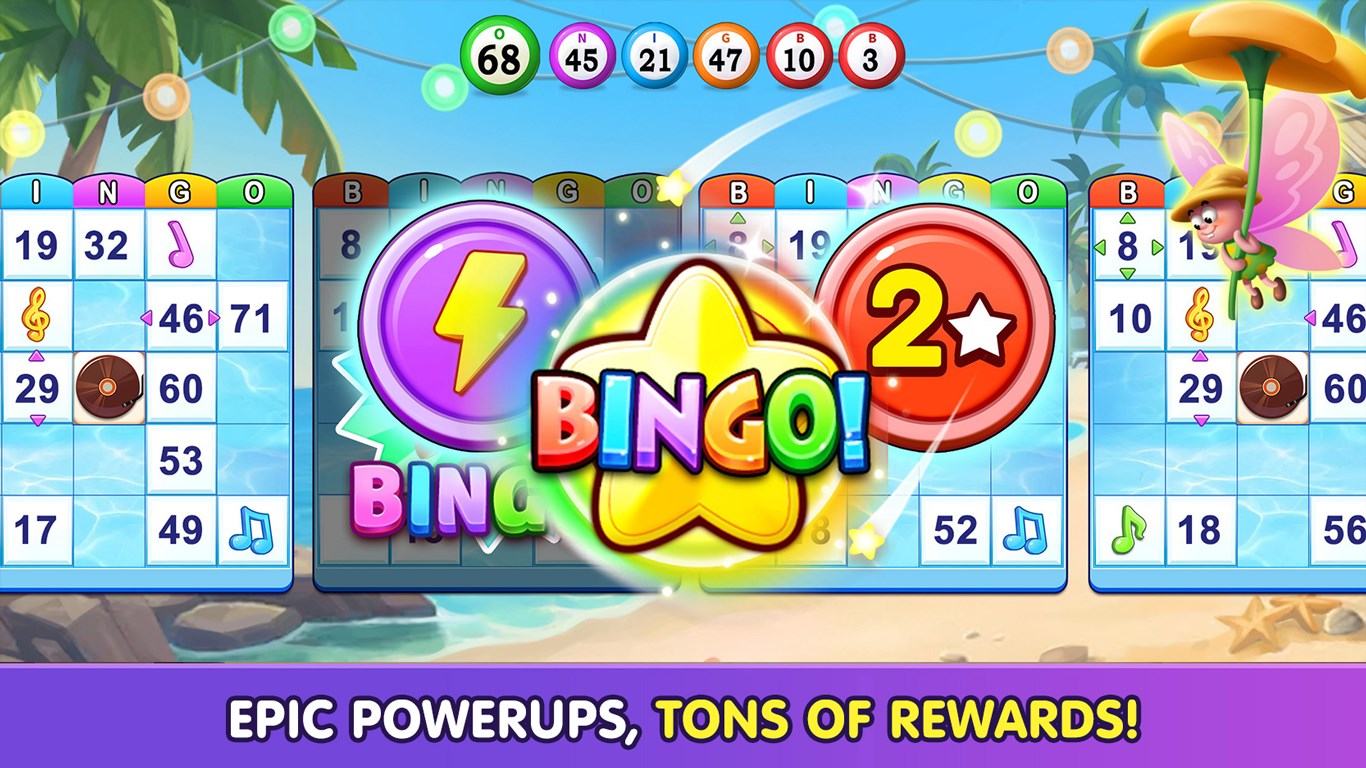
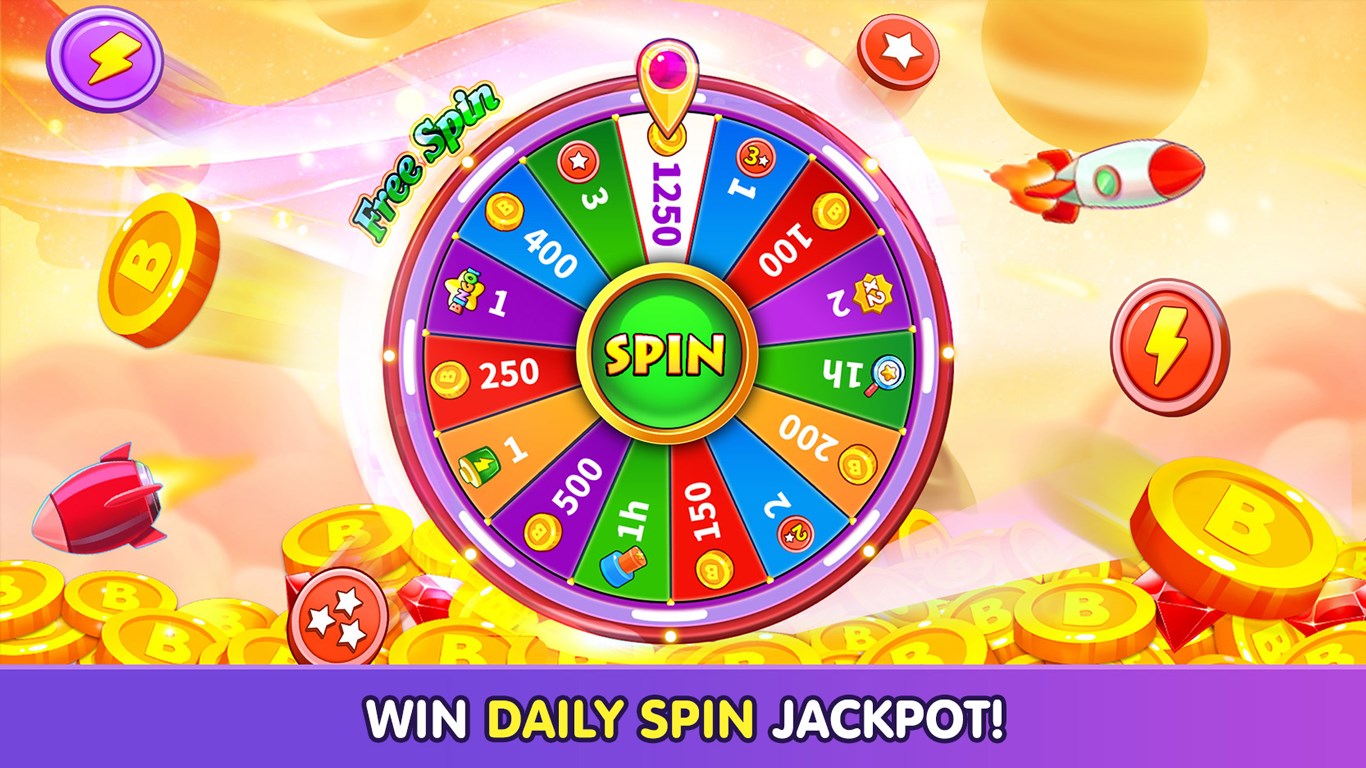
- Progression and Rewards System: Unlock new themes and badges as you advance, boosting engagement and replayability.
A Whimsical Journey into Digital Bingo
Imagine stepping into a fairy-tale land where bingo cards are sprinkled with glitter and the calls come alive with magical sounds—Bingo Fairytale beckons players into such an enchanting world. Its cheerful visuals and engaging sound effects turn what might be a simple game into an immersive experience. Whether you're aiming to unwind after a busy day or challenge your pattern recognition skills, this app offers a delightful escape with every session.
Crafted for Easy Play but Difficult to Put Down
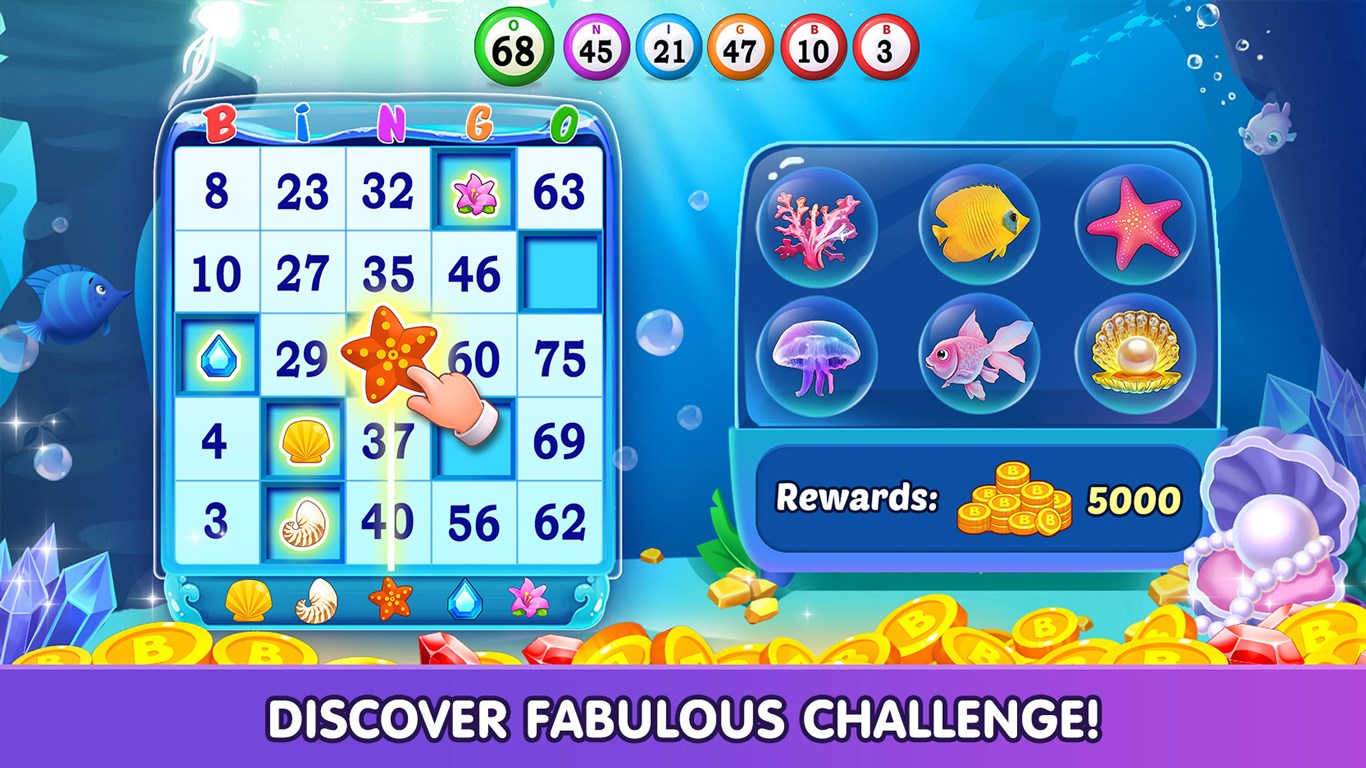
The core of Bingo Fairytale revolves around its classic bingo gameplay, but with a fairy-tale twist. The interface features cozy, storybook-themed backgrounds with colorful bingo cards that evoke a sense of wonder. The controls are smooth—tapping and calling numbers feel effortless, encouraging long sessions without frustration. The game's learning curve is gentle, making it accessible for children and casual players, yet it incorporates enough strategic elements—like special pattern prizes and timed rounds—to keep experienced players engaged.
A Differentiation from the Crowd
While several digital bingo apps exist, Bingo Fairytale stands out through its thematic approach. Many rely on basic geometric patterns and generic visuals, but Docon elevates the experience with a cohesive fairy-tale aesthetic that's enchanting yet not overwhelming. The app's unique game modes, such as storyline-driven events and collectible rewards, add layers of depth absent in typical bingo applications. This fusion of narrative elements with traditional gameplay creates an emotionally engaging platform, making each victory feel like part of a grand fairy-tale adventure.
My Verdict: A Magical Recommendation
In conclusion, Bingo Fairytale for Windows deserves a heartfelt recommendation for casual gamers and princesses of all ages alike. Its standout features—particularly the captivating fairy-tale design and diverse game modes—offer a fresh perspective on classic bingo. Suitable for quick amusements or extended play, it's a solid choice for those seeking a visually delightful and smoothly executed gaming experience. If you enjoy games that blend fun aesthetics with approachable gameplay, give this app a try—your enchanted bingo journey awaits.
Pros
- User-friendly interface
- Engaging fairy-tale theme
- Smooth gameplay performance
- Daily bonuses and rewards
- Regular updates with new content
Cons
- Limited customization options
- Occasional ad interruptions
- Difficulty in locating some game settings
- Sound effects can be repetitive
- No offline mode available











