
- Name Bingo Blitz™️ - Bingo Games
- Category Card & board
- Developer Playtika LTD
- Available on PC
- OS Windows 10 version 17763.0 or higher
- languages English (United States)
Introduction to Bingo Blitz™️ – A Vibrant Bingo Adventure on Windows
Imagine stepping into a lively bingo hall where the fun never stops—that's exactly what Bingo Blitz™️ offers through your Windows device. Developed by Playtika LTD, this game aims to recreate the social and exciting atmosphere of classic bingo with a modern digital twist. Perfect for casual gamers seeking lighthearted entertainment, it combines engaging gameplay with beautiful visuals to keep players hooked for hours.
Bright Graphics and Intuitive Interface
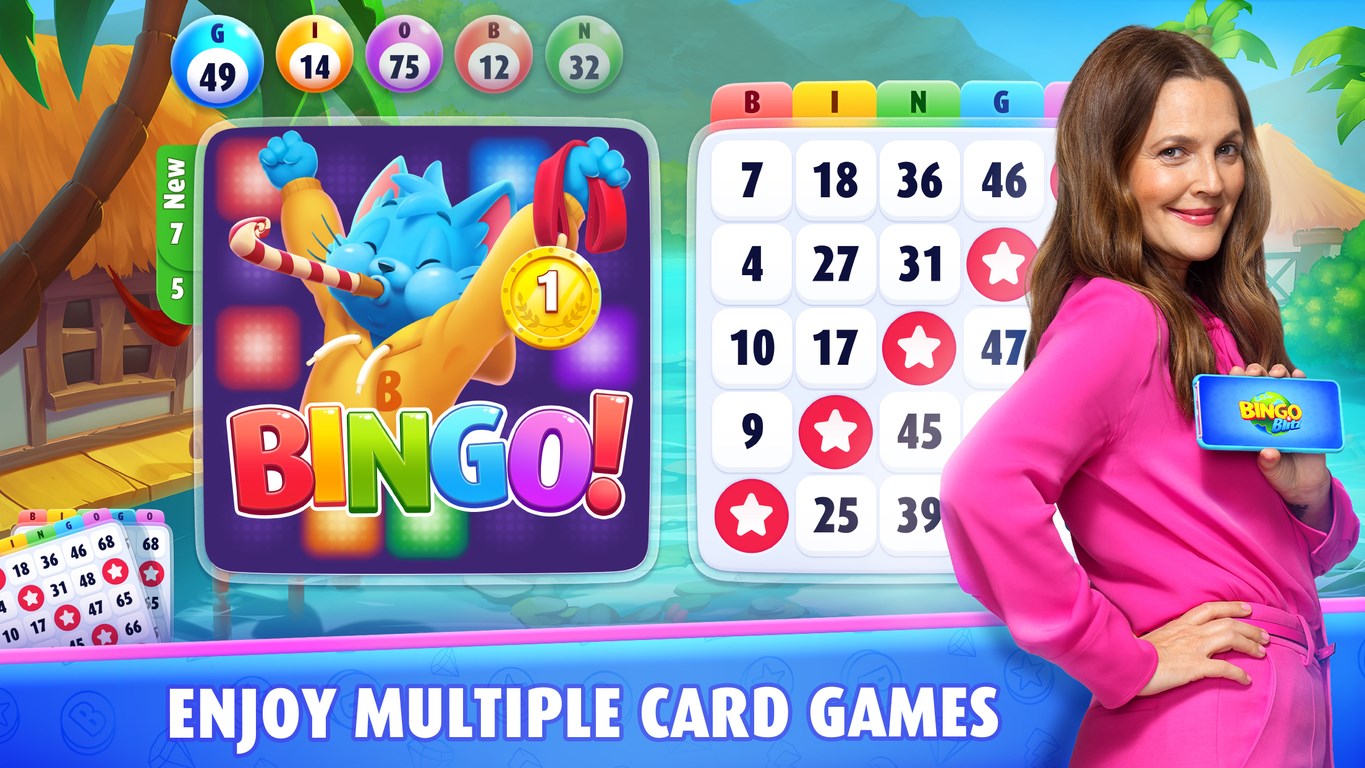
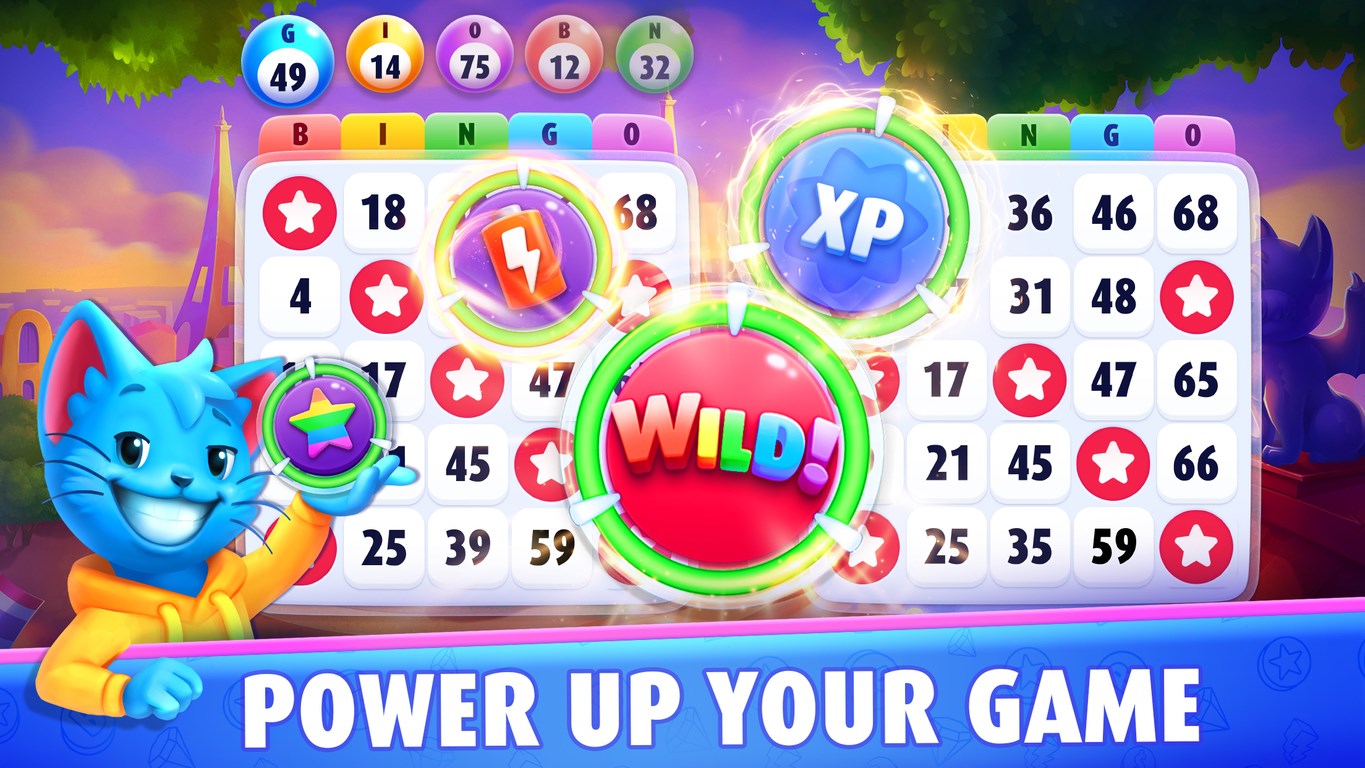
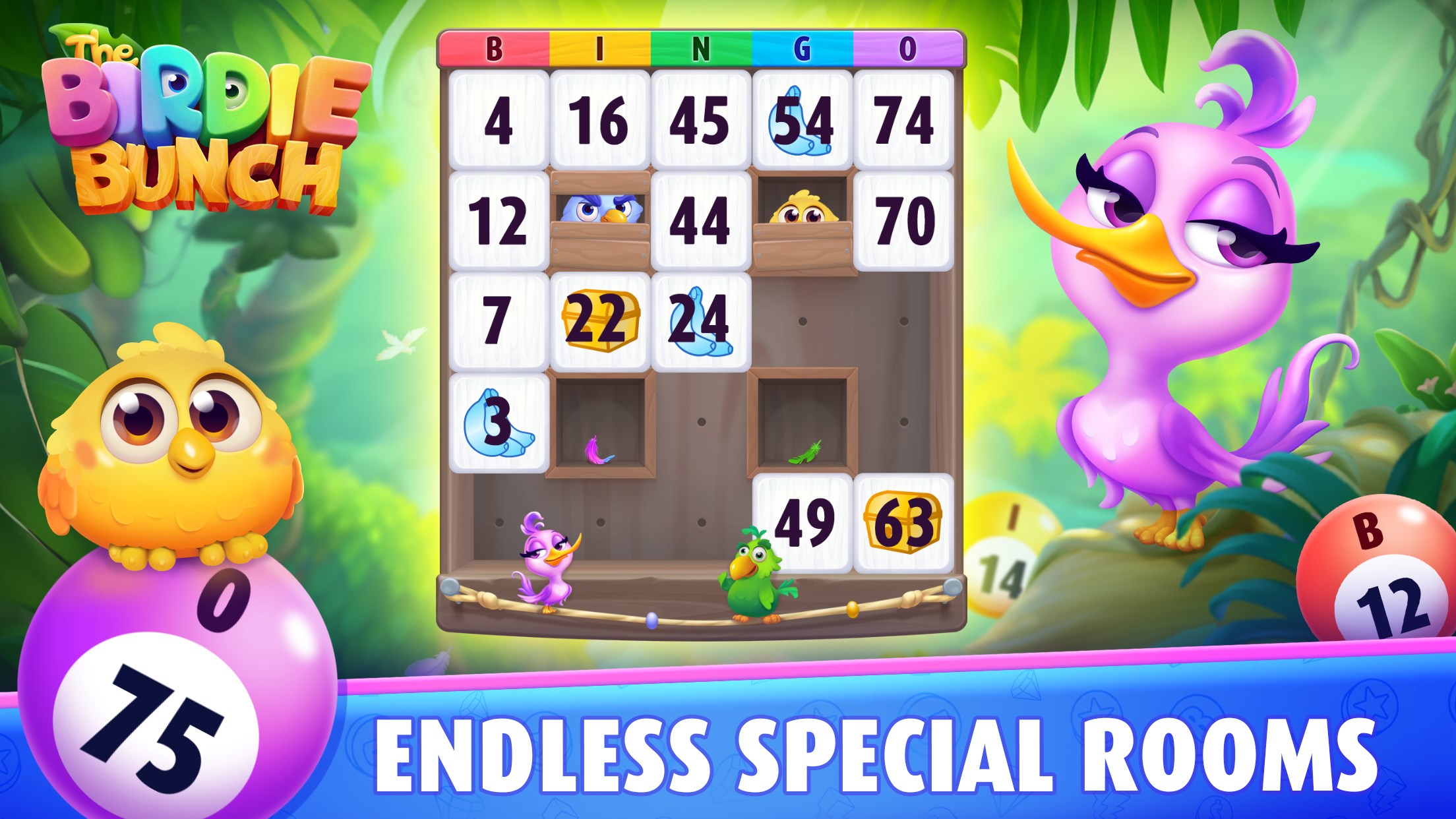
Bingo Blitz™️ boasts colorful, cartoonish graphics that mimic a lively bingo street fair, making it visually appealing without being overwhelming. The interface is designed for seamless navigation, allowing even first-time players to jump right in. With prominent buttons and a clear layout, users can easily access game rooms, daily bonuses, and social features. This smooth, user-friendly experience ensures players spend less time figuring out controls and more time enjoying the game.
Core Features that Keep the Ball Rolling
Dynamic Gameplay and Variety of Bingo Rooms
This app shines with its multitude of themed bingo rooms, each offering different room sizes, bonus features, and prize systems. Whether you prefer fast-paced 75-ball bingo or the more strategic 90-ball style, Bingo Blitz™️ provides ample choice. The game occasionally introduces special events—holiday themes, limited-time tournaments—that add fresh excitement and incentives for regular players.
Social Integration and Competitive Edge
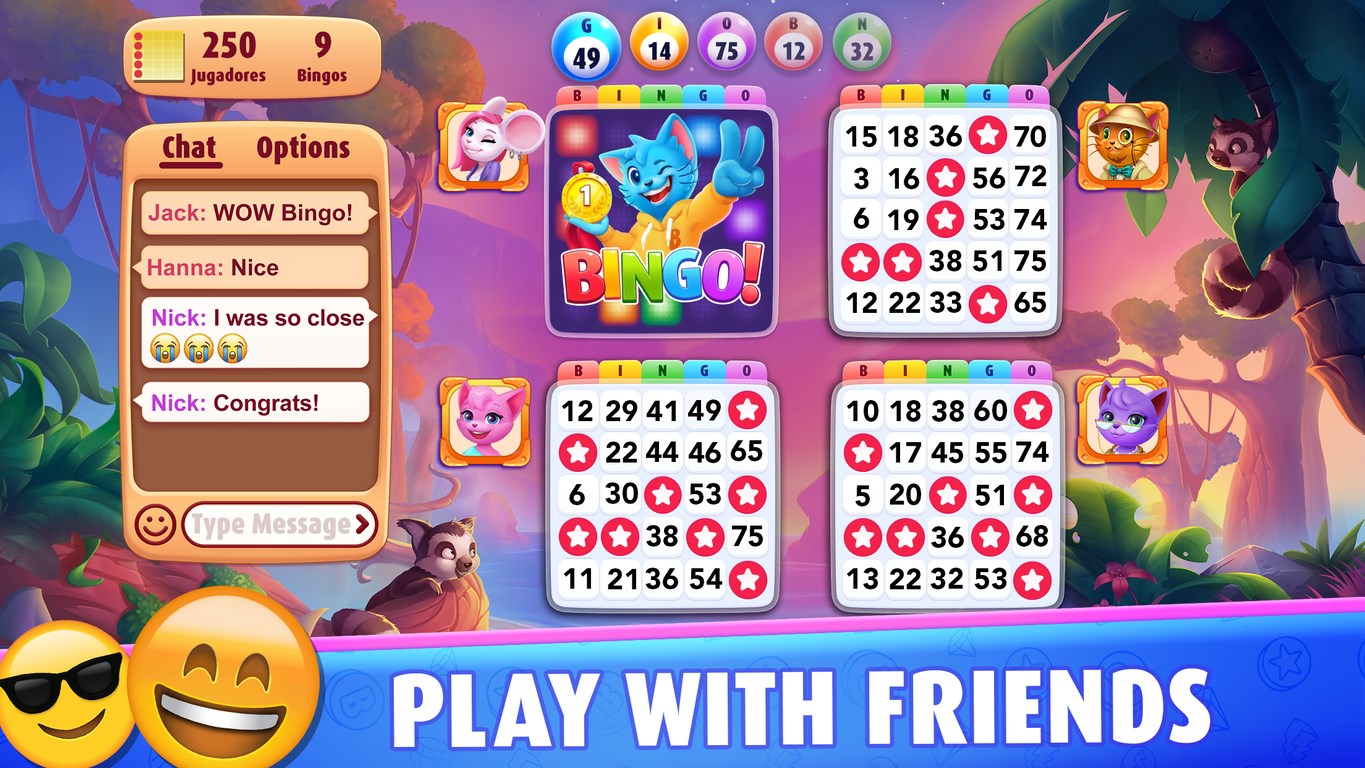
One of Bingo Blitz™️'s strongest points is its social component. Players can chat with friends, send gifts, or join a community of bingo enthusiasts. The game features leaderboards and tournaments, fostering a sense of friendly competition. This social aspect transforms a simple game into a lively virtual gathering, giving players a reason to return daily and stay connected.
Outstanding User Experience and Unique Selling Points
The game's design emphasizes a smooth and accessible experience, with quick load times, responsive controls, and minimal learning curve—it's almost like having a seasoned bingo host guiding you through each session. The game's most distinctive feature is its combination of social features with engaging themed environments, making it stand out from more solitary or purely chance-based card games. Its visual themes and interactive elements make each session feel like a mini-event, unlike the more static interfaces of similar applications.
Final Thoughts and Recommendations
Overall, Bingo Blitz™️ for Windows is a solid choice for fans of casual, social bingo experiences. It excels in creating an inviting and engaging atmosphere, driven by its colorful design and active community features. If you enjoy lively multiplayer bingo with frequent updates and themed events, this app is highly recommended. However, if you're seeking a deep strategic card game or prefer single-player modes, you might find this game's focus on social fun a bit limited.
In conclusion, Bingo Blitz™️ offers a cheerful, easy-to-play bingo experience that blends vibrant visuals with social connectivity, making it a worthwhile download for anyone looking for lighthearted entertainment on their Windows device.
Pros
- User-Friendly Interface
- Engaging Gameplay
- Free to Play
- Frequent Updates
- Social Features
Cons
- Limited Free Bonuses
- Advertisement Frequency
- In-Game Currency PurchasePressure
- Map Navigation Confusion
- Performance Issues on Older Devices











