

- Name Bid Whist: Card Game
- Category Card & board
- Developer Card Guru Game Studios
- Available on PC, Mobile, Surface Hub, HoloLens
- OS Windows 10 version 10240.0 or higher
- DirectX Version 10
- languages English (United States)
A Well-Designed Digital Take on a Classic Card Game
Bid Whist: Card Game for Windows offers a digital adaptation of the timeless trick-taking game that enthusiasts can now enjoy seamlessly on their computers. Developed by Card Guru Game Studios, this application aims to bring the social and strategic excitement of traditional Bid Whist to a modern digital platform with user-friendly features and crisp visuals.
About the Developer and Core Highlights
Created by the dedicated team at Card Guru Game Studios, Bid Whist: Card Game for Windows stands out with its polished interface and thoughtful functionalities. The app boasts multiple game modes catering to both beginners and seasoned players, smooth gameplay that mimics real-life card dynamics, and an accessible design that invites casual gaming sessions and serious competition alike. Its primary audience includes card game enthusiasts, social players, and those interested in challenging their strategic thinking in a familiar yet refreshing digital format.
A Vibrant Take on a Classic: Setting the Stage for Fun
Imagine sitting around a cozy table with friends, laughter filling the room while the dealer passes out the cards—now envision doing this on your computer, anytime you like. Bid Whist captures that nostalgic ambiance, yet with the convenience of a digital interface. The game's lively sound effects and intuitive animations make each round engaging and visually appealing. Whether you're a veteran bidding strategist or a newcomer eager to learn, this app immerses you in a lively environment full of strategic depth without the clutter of physical cards.
Core Functionality: Pitch-Perfect Controls and Learning Tools
Intuitive Interface and Smooth Gameplay
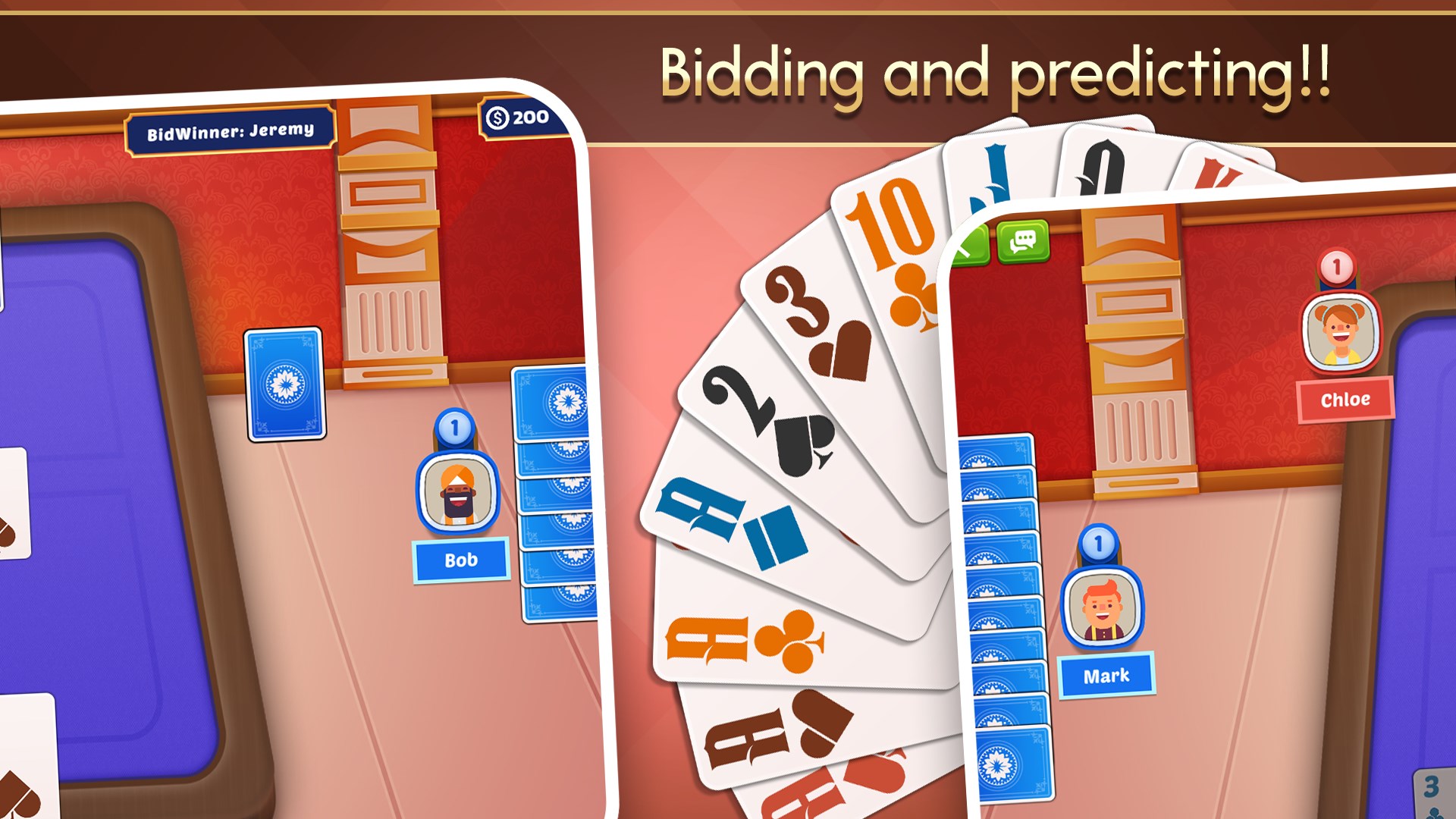
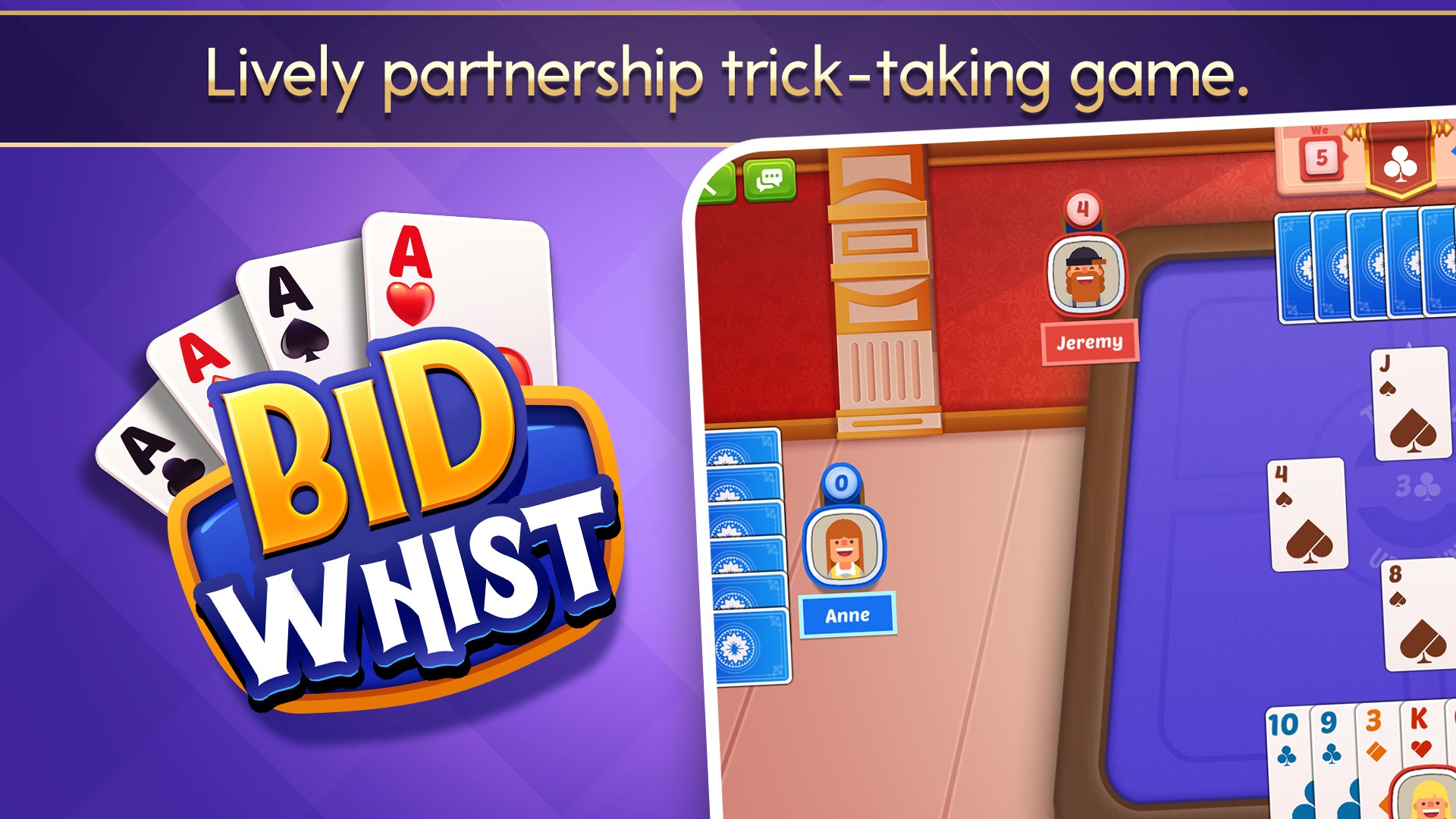
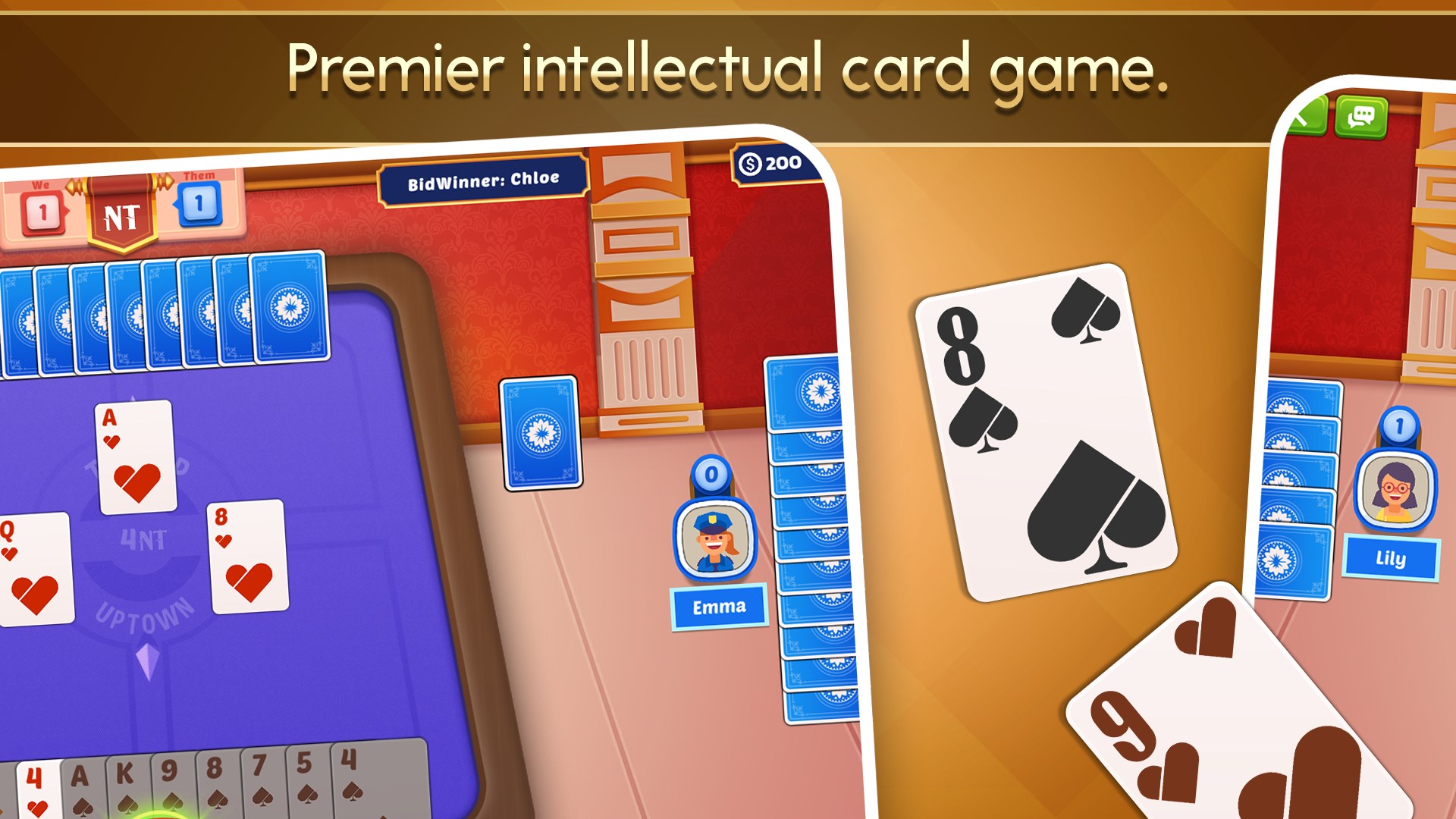
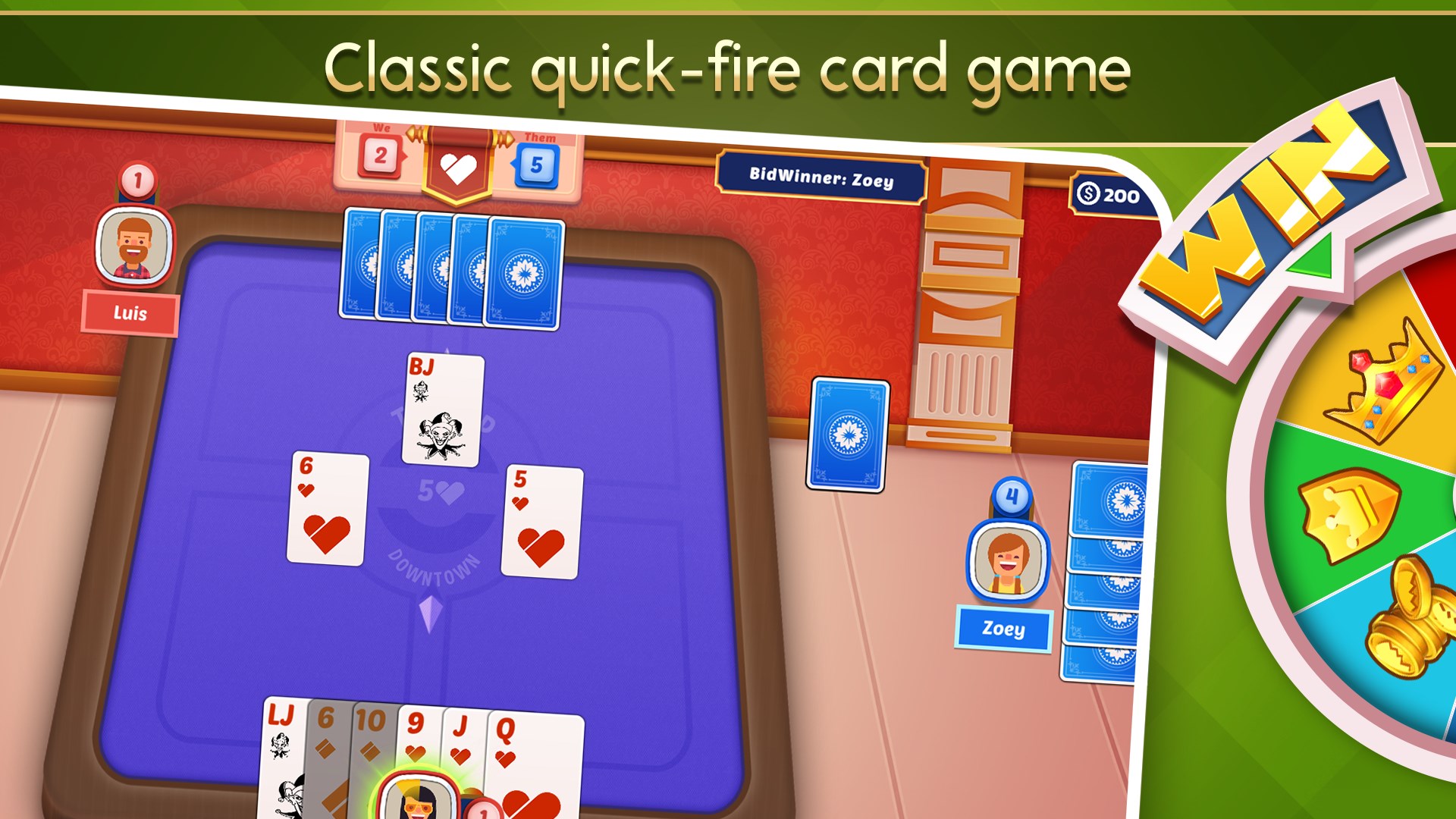
One of the app's standout features is its clean, organized interface that elegantly balances visual clarity with ease of navigation. The layout clearly displays vital game information—current bids, tricks taken, and player turns—without overwhelming the screen. Players report that the game responds seamlessly to mouse clicks and keyboard inputs, allowing for a smooth, lag-free experience akin to playing on a well-oiled physical table. The animations, including card dealing and bid updates, are fluid, enhancing overall immersion without disrupting the game flow.
Adaptive Learning Curve and User Assistance
Bid Whist can be as simple or as complex as you make it—beginners will appreciate the integrated tutorials and guided gameplay that help decode bidding strategies and trick-taking tactics. More advanced players will enjoy the adjustable difficulty levels and the option to customize rules, making each game uniquely challenging. The tutorial mode offers animated explanations that demystify the game's intricacies, smoothing out the learning curve for newcomers without boring experienced players.
Distinctive Traits: What Makes it Stand Out?
Compared to other digital card games, Bid Whist: Card Game for Windows emphasizes its multiplayer options, allowing players to connect online with friends or matchmaking AI opponents. Its key innovation lies in its authentic bidding mechanics, which faithfully replicate the psychological and strategic nuances of traditional Bid Whist—something many generic card apps overlook. Furthermore, the app's design strikes a balance between straightforward gameplay and customizable complexity, making it a versatile choice whether you're in for quick fun or in-depth strategic battles.
Final Verdict and Recommendations
All in all, Bid Whist: Card Game for Windows is a solid, thoughtfully crafted digital rendition of a beloved classic. Its intuitive interface, comprehensive tutorial system, and faithful reproduction of game mechanics make it highly recommended for both casual players and serious enthusiasts. If you're seeking a well-rounded, engaging, and authentic digital Bid Whist experience that captures the charm of the physical game while offering modern convenience, this app is worth your attention.
Pros
- Smooth Gameplay
- Offline Mode Available
- Intuitive User Interface
- Multiple Game Modes
- Regular Updates
Cons
- Limited Multiplayer Options
- Basic Customization
- Occasional Ads Interrupt Gameplay
- Sound Effects Can Be Disruptive
- Learning Curve for Beginners











