

- Name Backgammon Ultimate.
- Category Card & board
- Developer © 2016-2022 G Soft Team. All rights reserved.
- Available on PC, Mobile, Surface Hub, HoloLens
- OS Windows 10 version 10240.0 or higher
- languages English
Backgammon Ultimate for Windows: A Classic Game with a Modern Touch
Imagine the timeless allure of backgammon, expertly integrated into the digital realm with smooth mechanics and engaging visuals—that's what Backgammon Ultimate offers to enthusiasts and newcomers alike. Whether you're a seasoned player or just dipping your toes into this ancient game, this app promises a polished experience that bridges tradition and technology.
Developed by G Soft Team: Crafting Digital Classics
Created by the dedicated G Soft Team, a group renowned for delivering quality gaming experiences, Backgammon Ultimate aligns with their portfolio of thoughtful and user-focused applications. Their years of expertise shine through in every element of this app, from intuitive design to robust gameplay features.
Highlights That Make It Stand Out
- Seamless User Interface with intuitive controls that feel natural, mimicking real-world gameplay sensations.
- Multiple difficulty levels and AI opponents, catering to both beginners eager to learn and experts seeking challenge.
- Online multiplayer mode, allowing players to connect and compete with friends worldwide or against the community.
- Customizable themes and board styles, adding a personalized touch to each game session.
Engaging Gameplay and User Experience
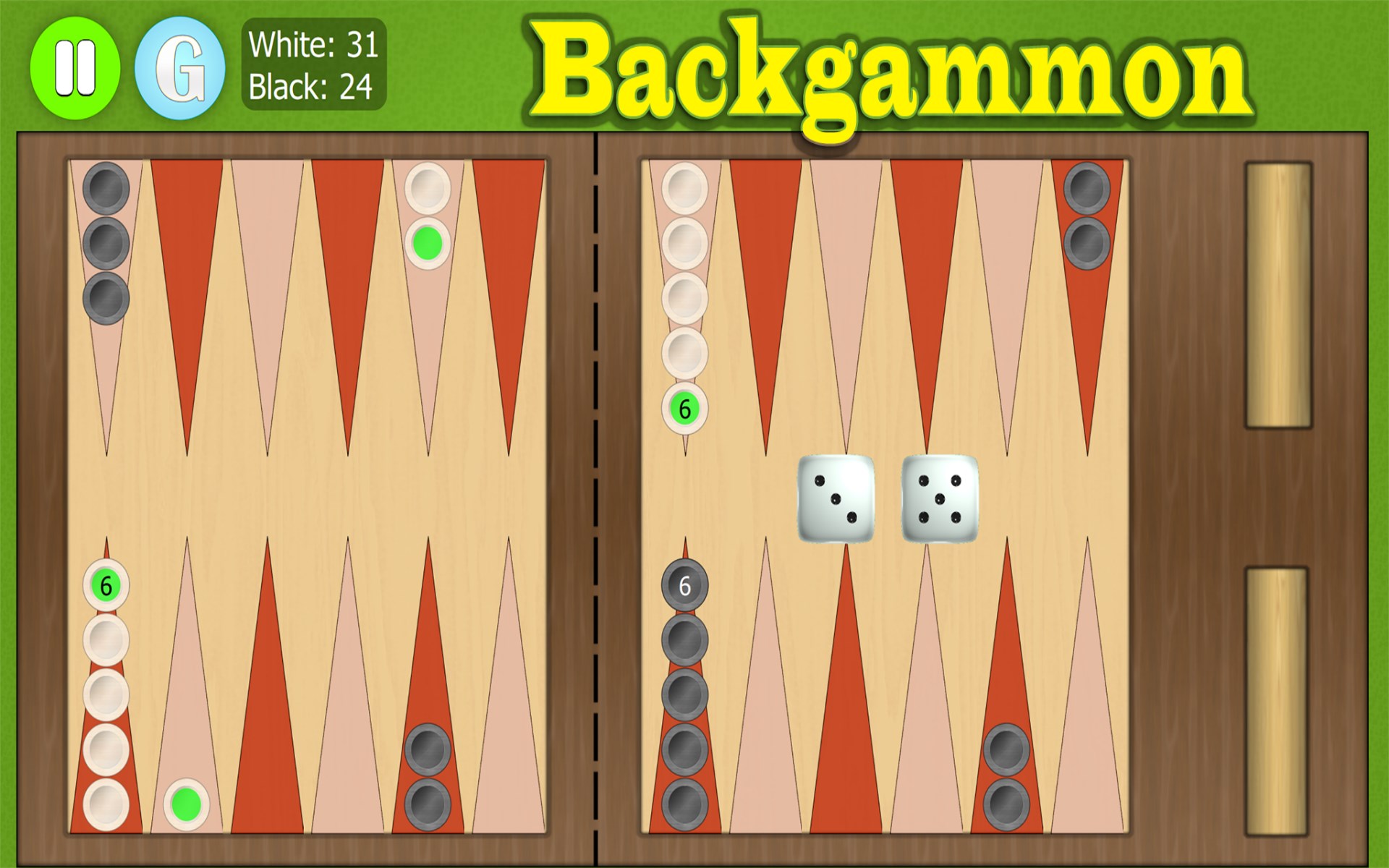
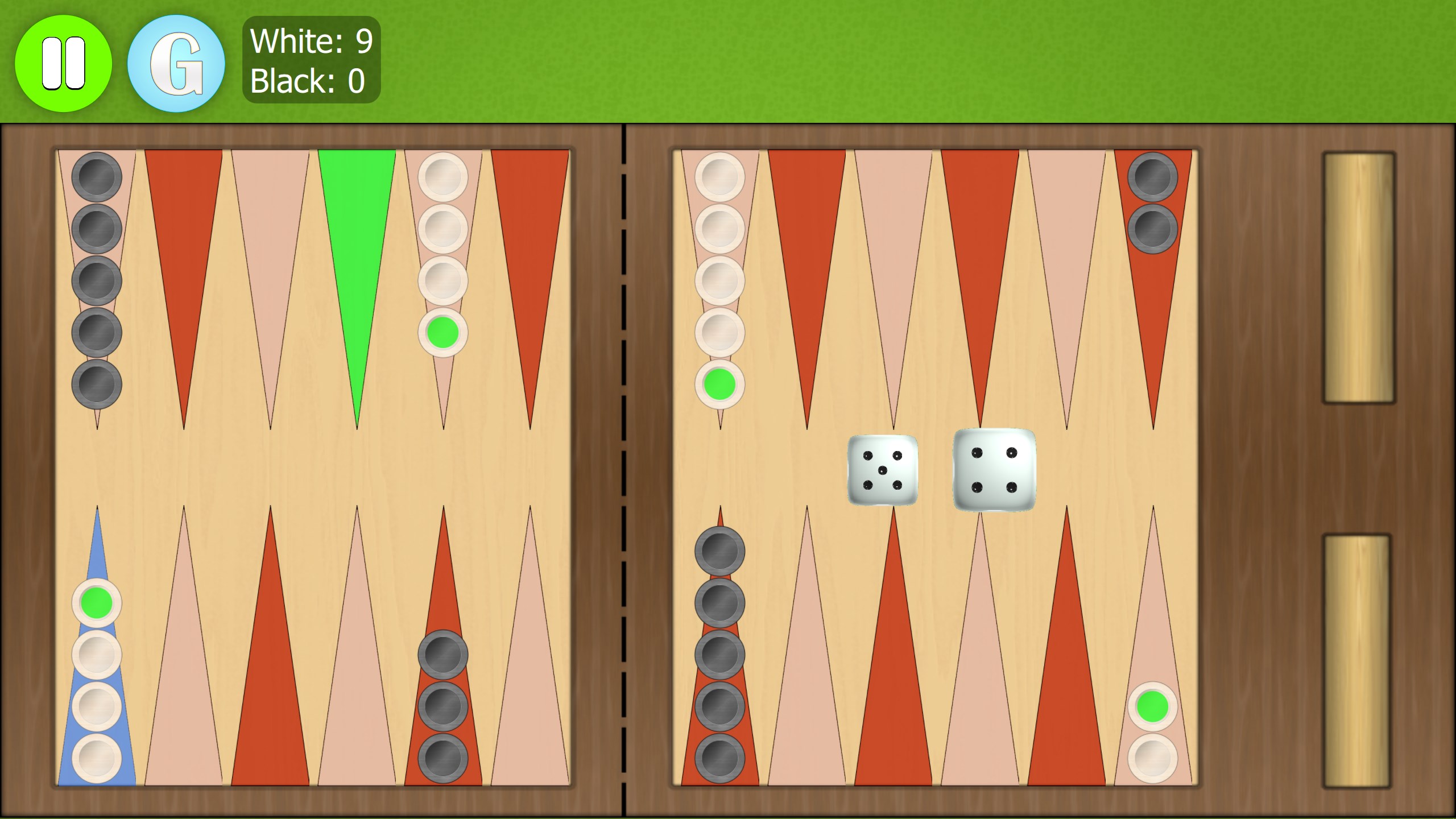
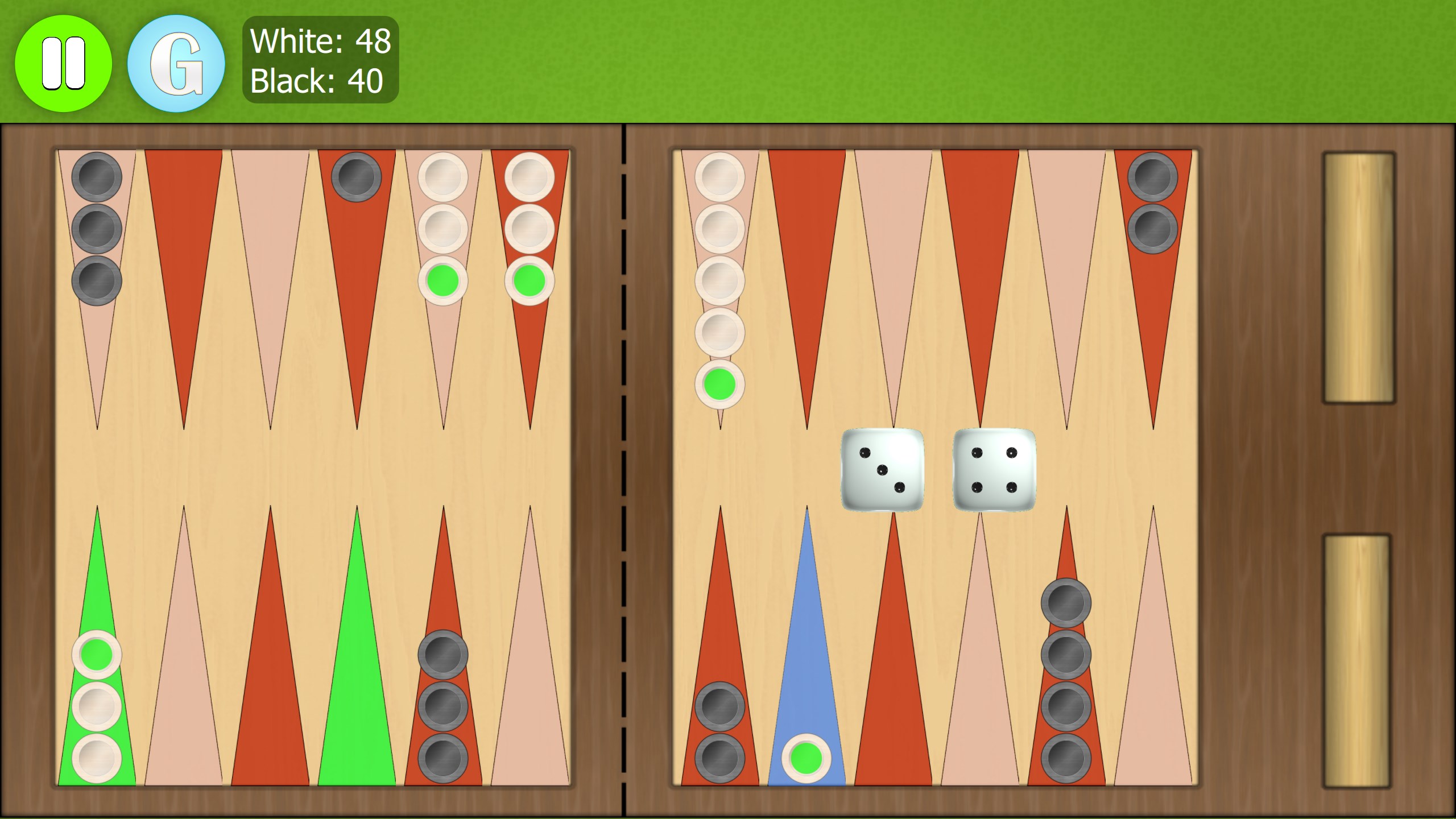
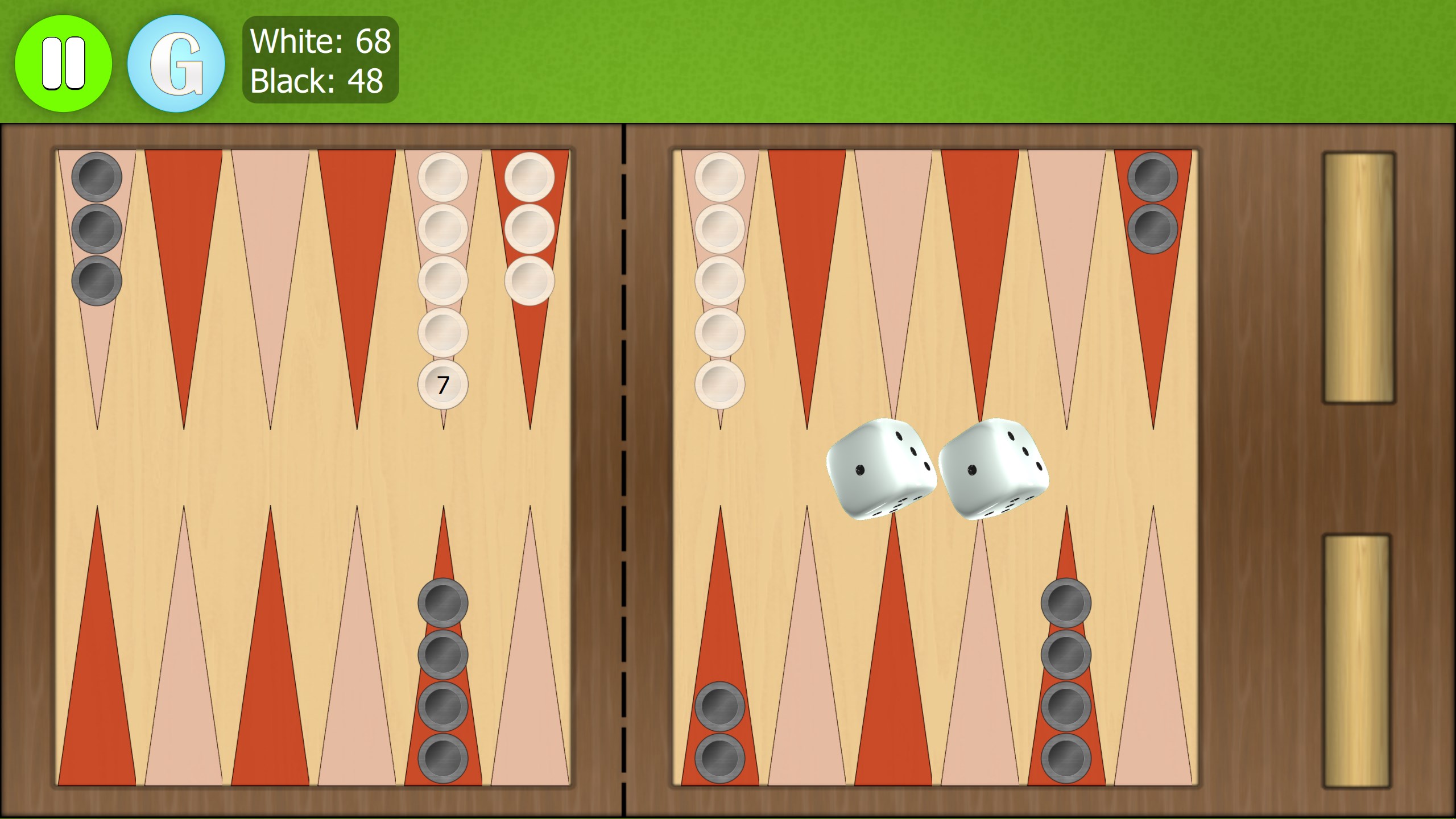
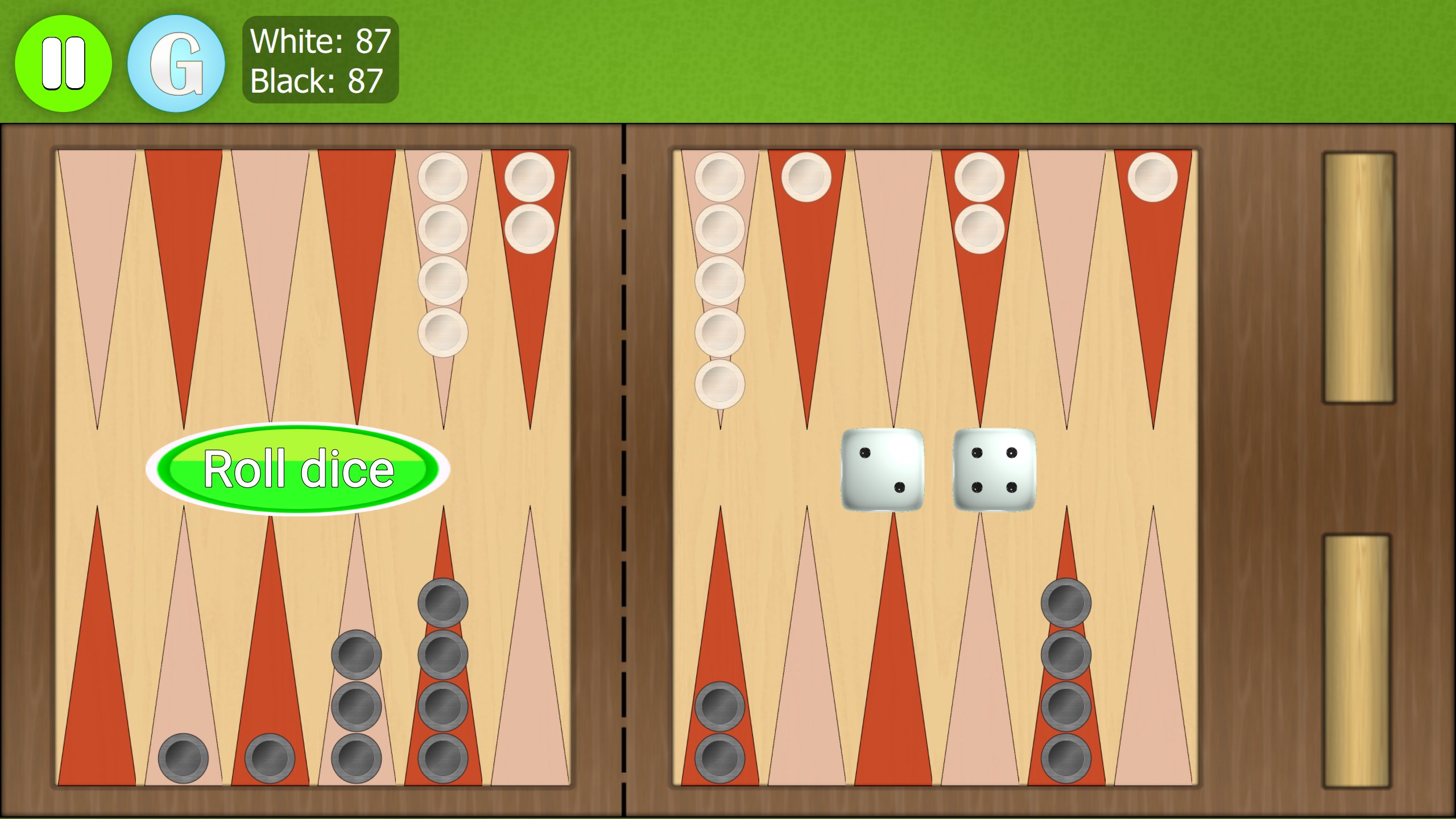
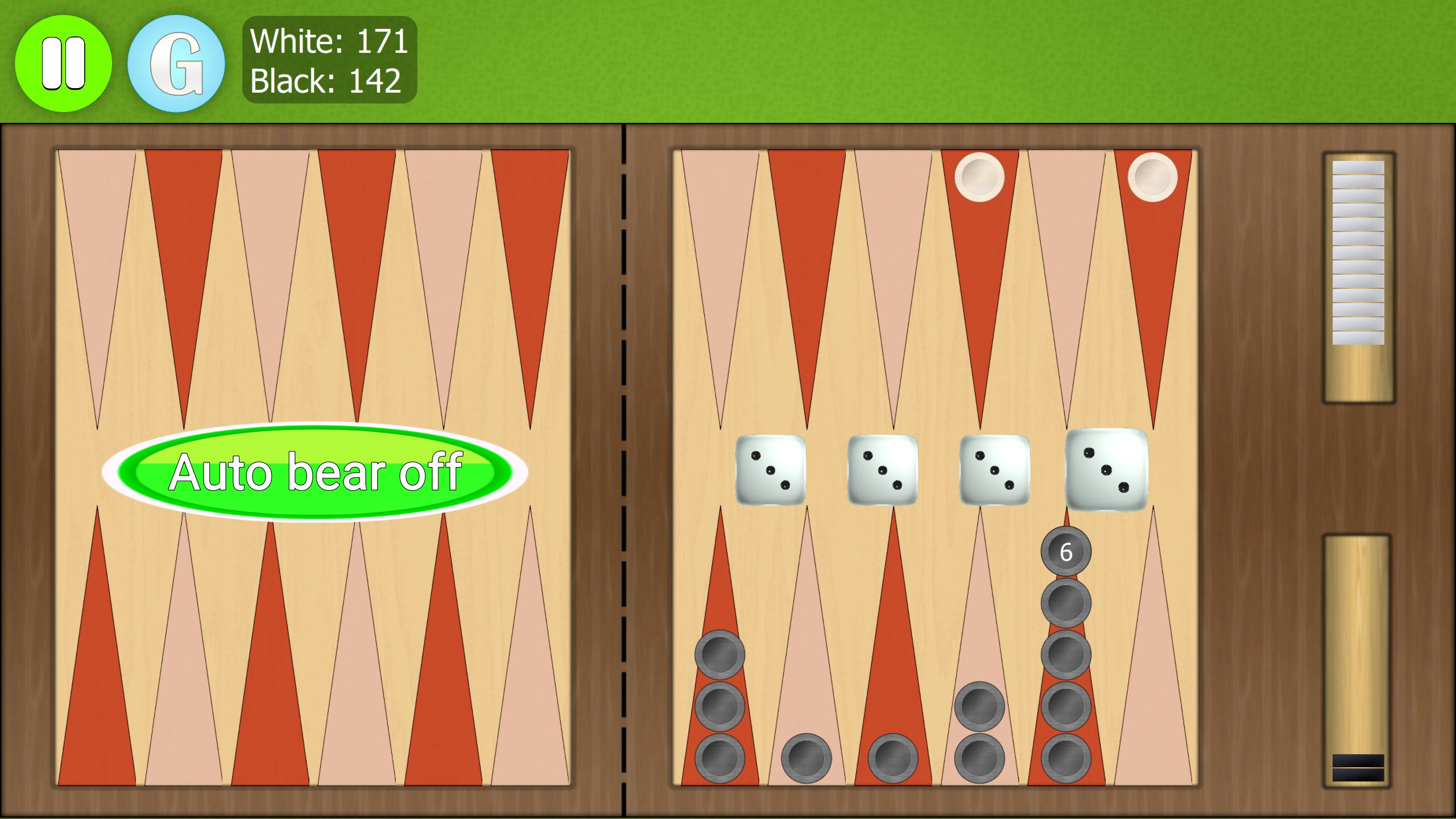
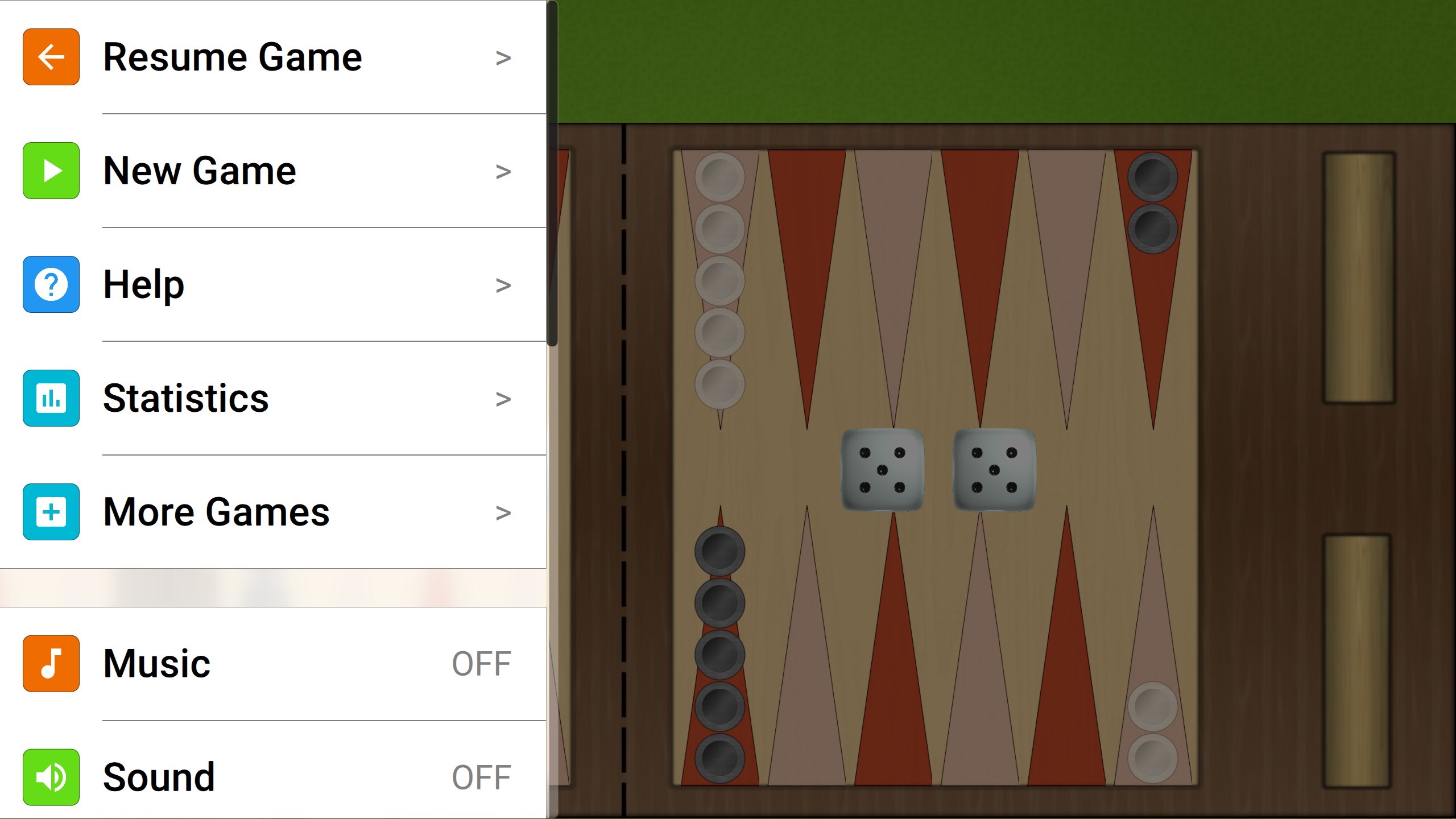
From the moment you launch Backgammon Ultimate, you're greeted with a clean, inviting interface that resembles a well-crafted physical board—yet it's wrapped in a sleek, modern aesthetic. Navigating through the menus feels as smooth as sliding a piece across a polished wooden table, thanks to responsive controls and logical layout design. The gameplay itself runs fluidly, with no noticeable lag, enabling quick matches or leisurely ‘think' moments without frustration.
Smooth Interface and Intuitive Controls
The app's design emphasizes ease of use, with drag-and-drop mechanics that feel natural, much like handling actual chips and dice. Even novices can quickly pick up how to move their pieces, thanks to clear visual cues and straightforward menus. For seasoned players, the minimalistic approach allows for faster setup and focus on strategic thinking.
Advanced AI and Multiplayer Modes – Balanced Complexity
One of the app's highlight features is its tiered AI system, which offers a challenge tailored to your skill level, from beginner-friendly opponents to stiff challenges that mimic experienced players. Its online multiplayer feature fosters social gameplay, enabling you to test your skills against friends or global opponents. The seamless switch between modes keeps the experience engaging and dynamic.
Differentiators: Why Choose Backgammon Ultimate?
Compared to other digital backgammon applications, Backgammon Ultimate shines due to its thoughtful integration of personalization and social features alongside solid core gameplay. Its customizable themes are not just superficial—they help create an immersive experience that feels more personal, like designing your own game room. Additionally, the game's intelligent difficulty scaling and smooth online connectivity make it a well-rounded choice for both casual players and aficionados.
Recommendation and Usage Suggestions
Overall, Backgammon Ultimate earns a solid recommendation for anyone interested in digital board games. Its balanced blend of straightforward gameplay, customization options, and online connectivity makes it suitable for quick entertainment or serious practice. New players should start on lower difficulty levels to learn the rules, gradually increasing the challenge as they become more comfortable. Experienced players will appreciate the strategic depth and robust competitive options. For those looking for a reliable, visually appealing backgammon app that respects the game's heritage while embracing modern convenience, this app deserves a spot on your desktop.
Pros
- Intuitive User Interface
- Multiple Game Modes
- Smooth Gameplay Experience
- Offline Play Support
- Regular Updates and Improvements
Cons
- Limited Customization Options
- Ads May Interrupt Gameplay
- Limited Multiplayer Features
- Low Accessibility Settings
- Learning Curve for Beginners











