
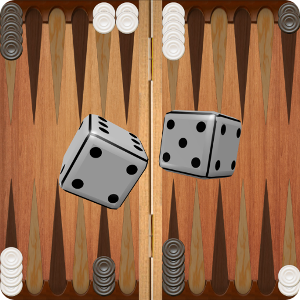
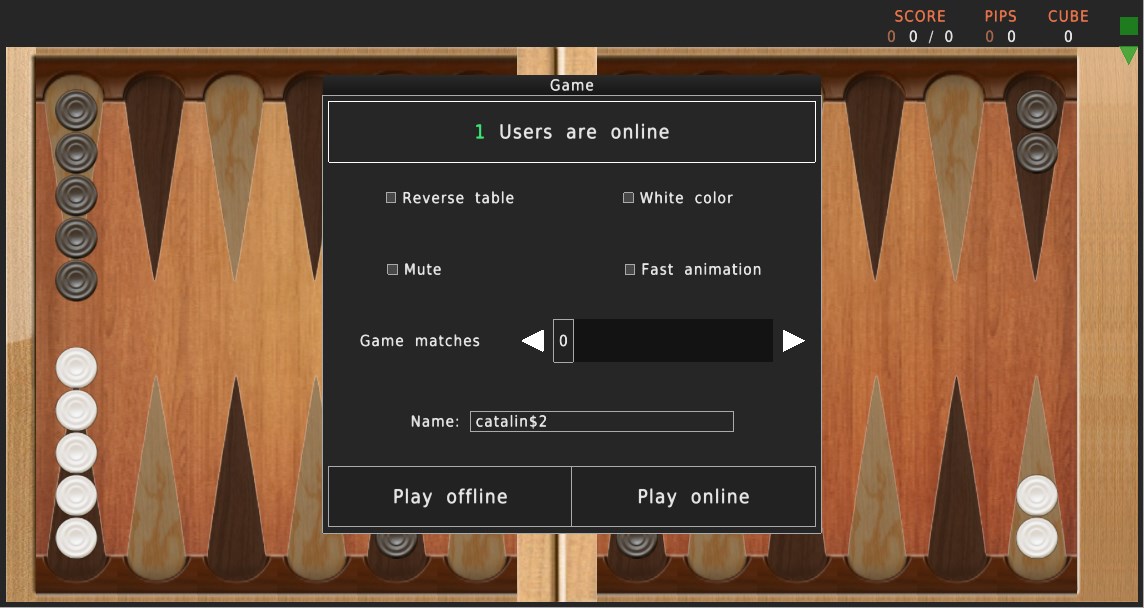
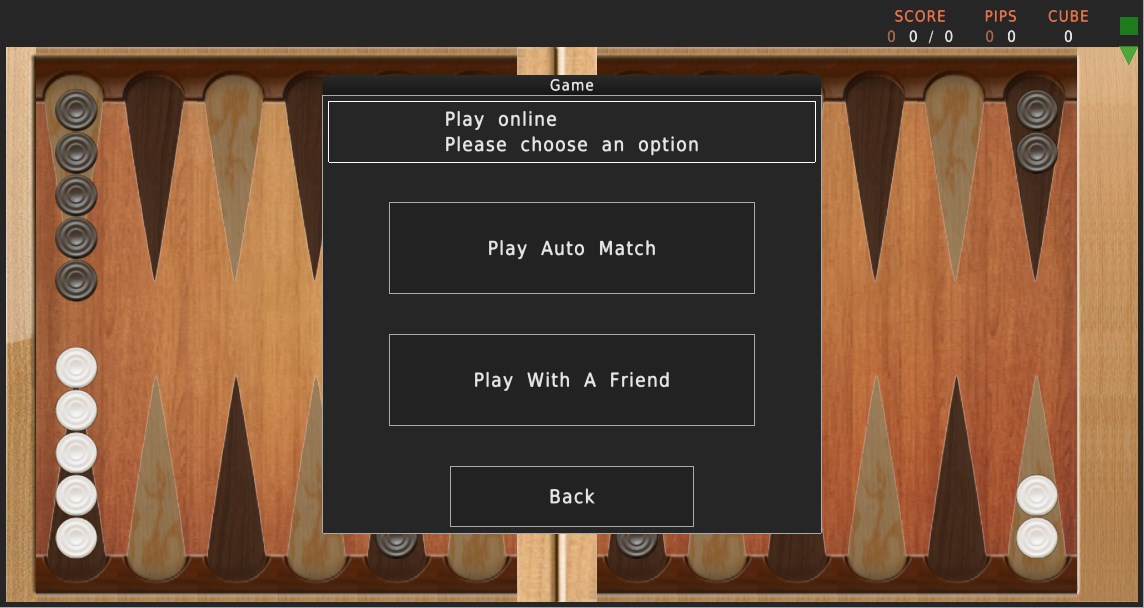
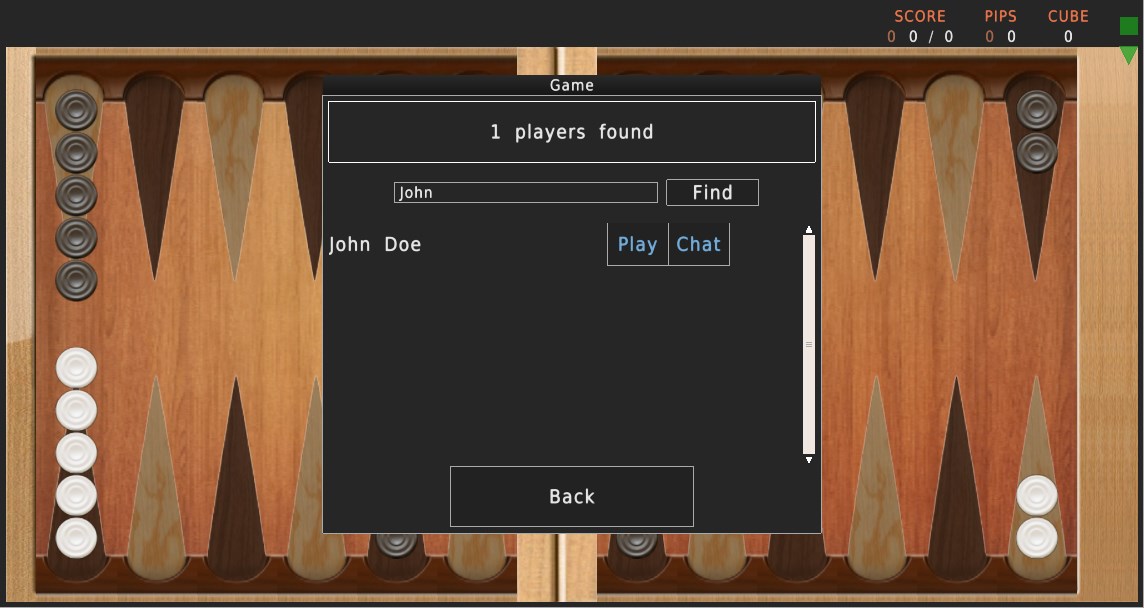
- Name Backgammon Reloaded
- Category Card & board
- Developer catalinux
- Available on PC, Mobile, Surface Hub
- OS Windows 10 version 10240.0 or higher
- languages English (United States)
Introducing Backgammon Reloaded for Windows
Backgammon Reloaded for Windows is a digital rendition of the classic board game, bringing timeless strategy to the modern PC game space with a polished, user-friendly interface and innovative features.
About the Developer and Main Highlights
Developed and published by Catalinux, Backgammon Reloaded aims to offer an engaging experience for both newcomers and seasoned players. The app boasts several standout features:
- Intuitive AI Opponents: Multiple difficulty levels ensure players can challenge themselves at their own pace.
- Customizable Boards and Pieces: Personalize the gaming environment to your taste, enhancing immersion and enjoyment.
- Offline Play & Quick Match: Play anytime without internet dependency and jump into quick matches for fast-paced fun.
- Achievements and Leaderboards: Track your progress and compete with friends to keep the game exciting over time.
Targeted at casual players, board game enthusiasts, and those seeking a relaxing yet challenging pastime on their Windows devices, this app bridges traditional gameplay with modern convenience.
Engaging Gameplay and User Experience
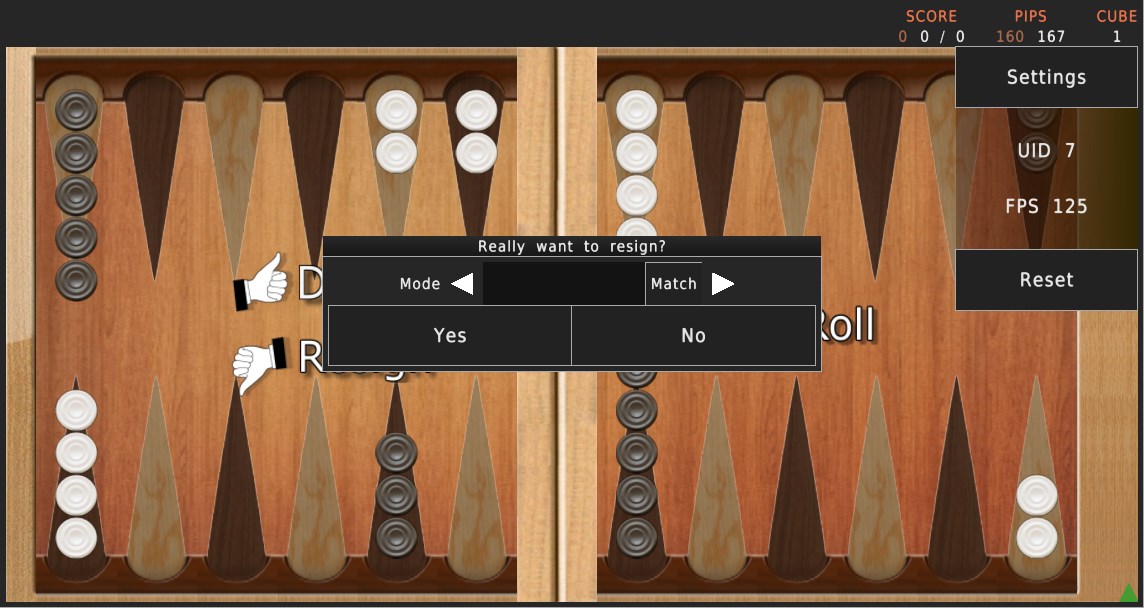
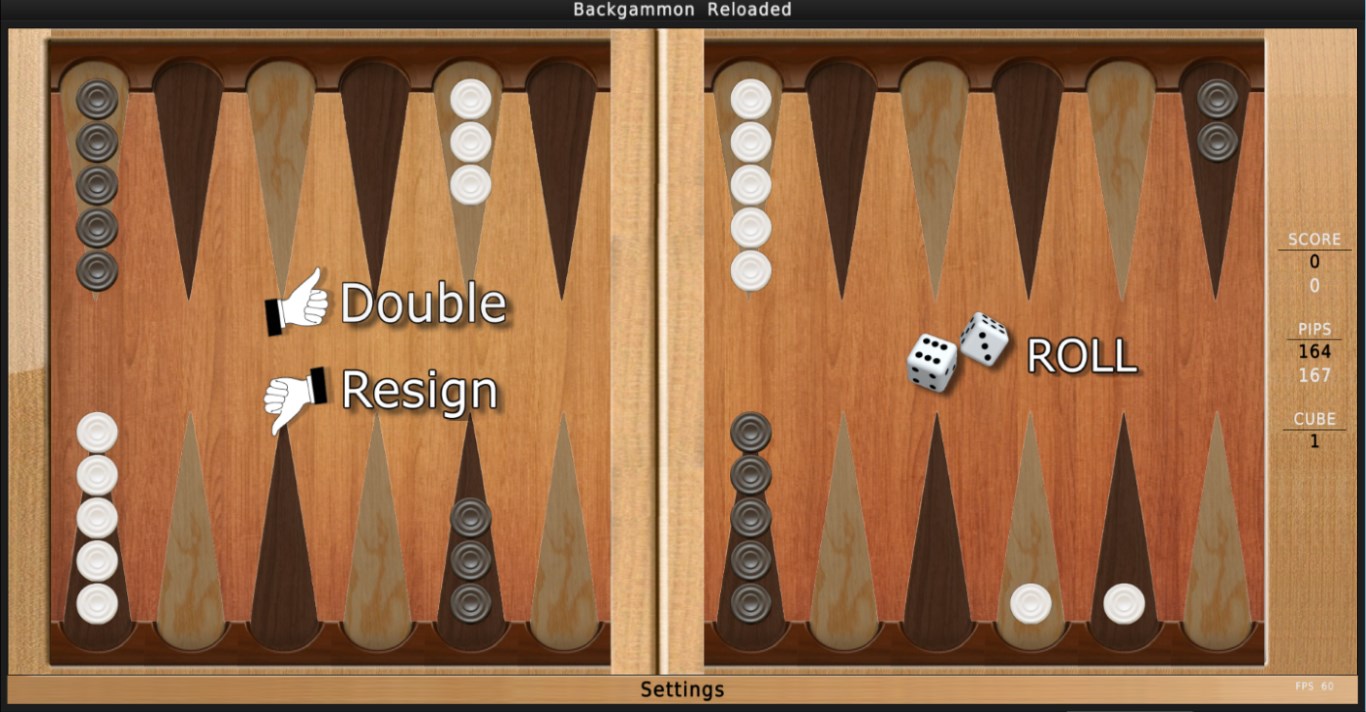
From the moment you launch Backgammon Reloaded, you're greeted with a welcoming, clear interface that immediately invites you to start rolling the dice or customize your game. The visuals are sleek and straightforward, avoiding clutter and keeping the focus on gameplay—think of it as entering a well-organized game room that feels both familiar and fresh.
Core Feature 1: Intelligent AI and Difficulty Settings
One of the application's most outstanding attributes is its smart AI system. It adapts to your skill level, offering a gentle challenge for beginners and complex strategies for veterans. Whether you're testing your pattern recognition or fine-tuning your tactics, the AI provides a convincing opponent that will keep you engaged without feeling unbeatable. This feature essentially makes your computer opponent a worthy rival, akin to playing with a seasoned friend who subtly adjusts their playstyle to keep things interesting.
Core Feature 2: Customization and Personalization
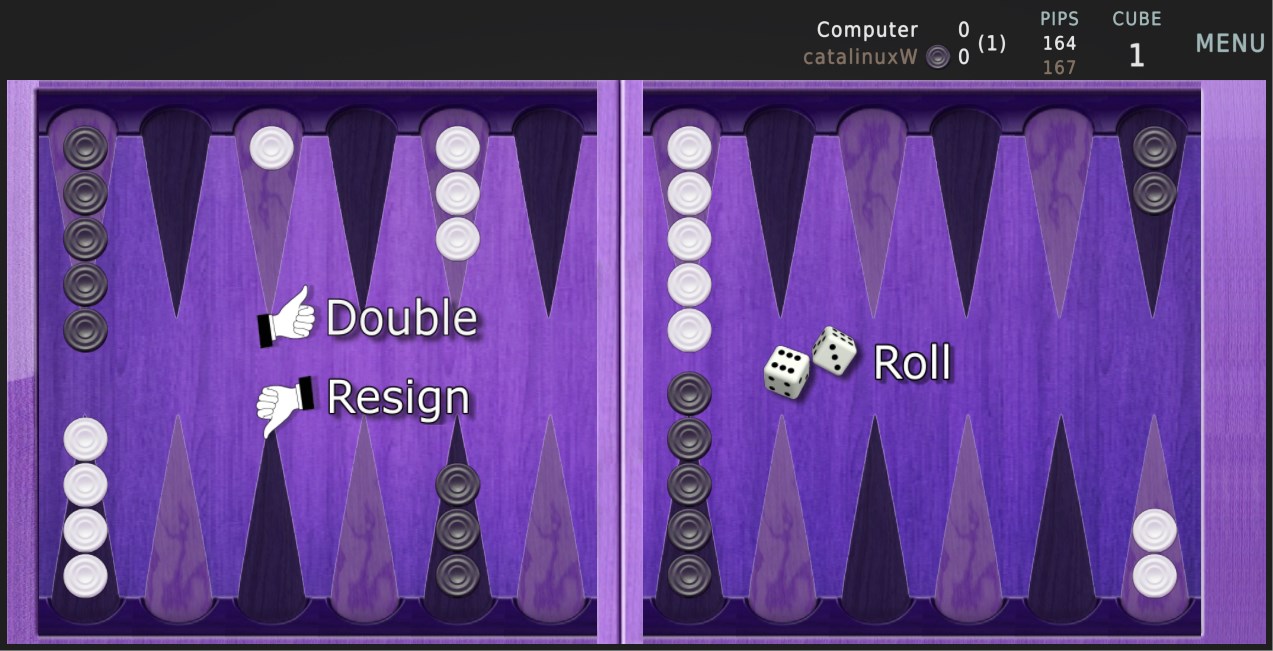
Being able to personalize the game environment is a breath of fresh air. With a range of board themes, piece styles, and color schemes, players can craft their perfect backgammon experience—imagine decorating a virtual game table or choosing your favorite plush for the pieces. This level of customization adds a layer of ownership and fun, making each session uniquely yours. It's an especially noteworthy feature because it elevates the game from a mere pastime to a personalized hobby.
Design, Performance, and User Experience
The layout and design are thoughtfully crafted, blending minimalism with elegance. Navigating menus is smooth, with no noticeable lag or stutter, thanks to well-optimized code. The learning curve is gentle; new players can pick up basic rules quickly, while seasoned players can explore advanced tactics and strategies. The app's responsiveness and stability make it feel like a dependable digital companion for those quiet evenings or short breaks.
What Sets It Apart from Similar Applications?
While many digital backgammon games exist, Backgammon Reloaded distinguishes itself through its focus on user customization and adaptive AI. The ability to tailor the visual environment, combined with intelligent opponents that simulate real-world gameplay, creates a more immersive experience. Unlike some apps that feel sterile or overly simplistic, this app offers a welcoming, versatile platform suited for both casual fun and serious practice. Its straightforward design invites quick access, yet it provides enough depth for players to hone their skills over time.
Final Recommendation and Usage Tips
Overall, Backgammon Reloaded for Windows earns a solid endorsement for casual players, board game hobbyists, and anyone interested in digital strategy games. If you're looking for an app that balances simplicity with meaningful gameplay, this is worth trying out. I recommend starting with the AI's lower difficulty settings to learn the mechanics, then gradually increasing the challenge as your skills improve. Additionally, take advantage of the customization options to keep each game fresh and engaging.
In summary, Backgammon Reloaded combines classic gameplay with contemporary features, offering an accessible yet rich experience. It's like having a versatile game night companion right on your desktop—that's a reason enough to give it a spin!
Pros
- Intuitive gameplay with smooth controls
- Vivid and appealing graphics
- Multiple game modes available
- Regular updates improve stability
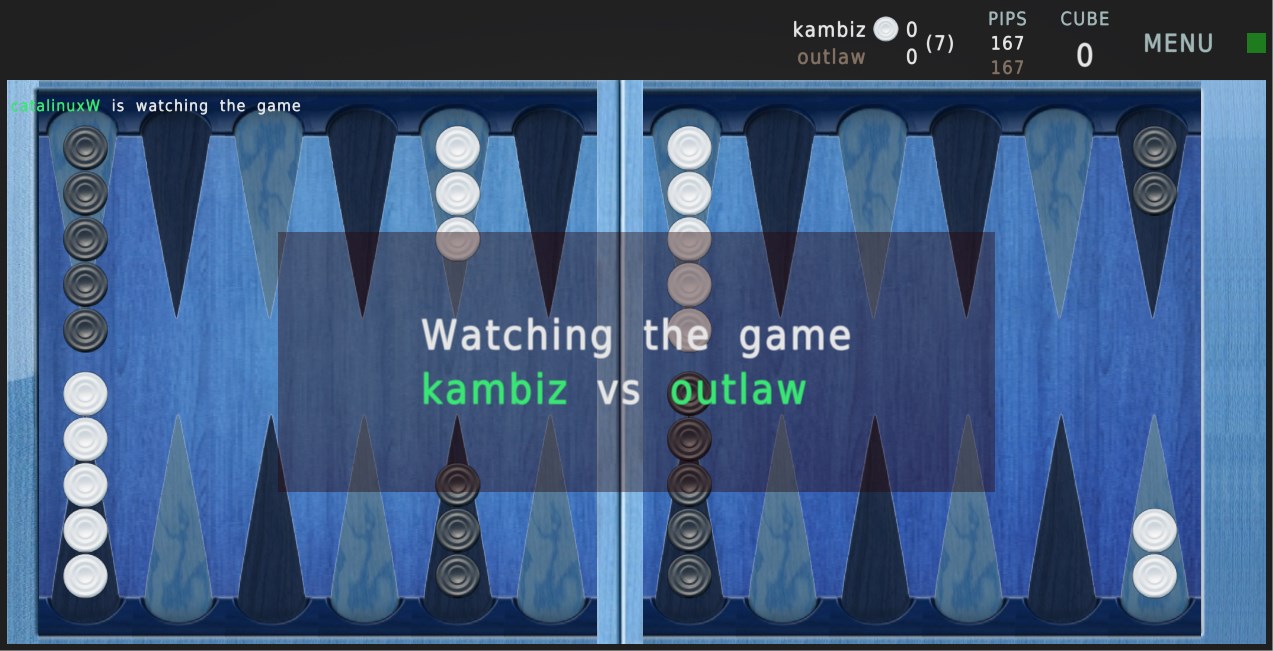
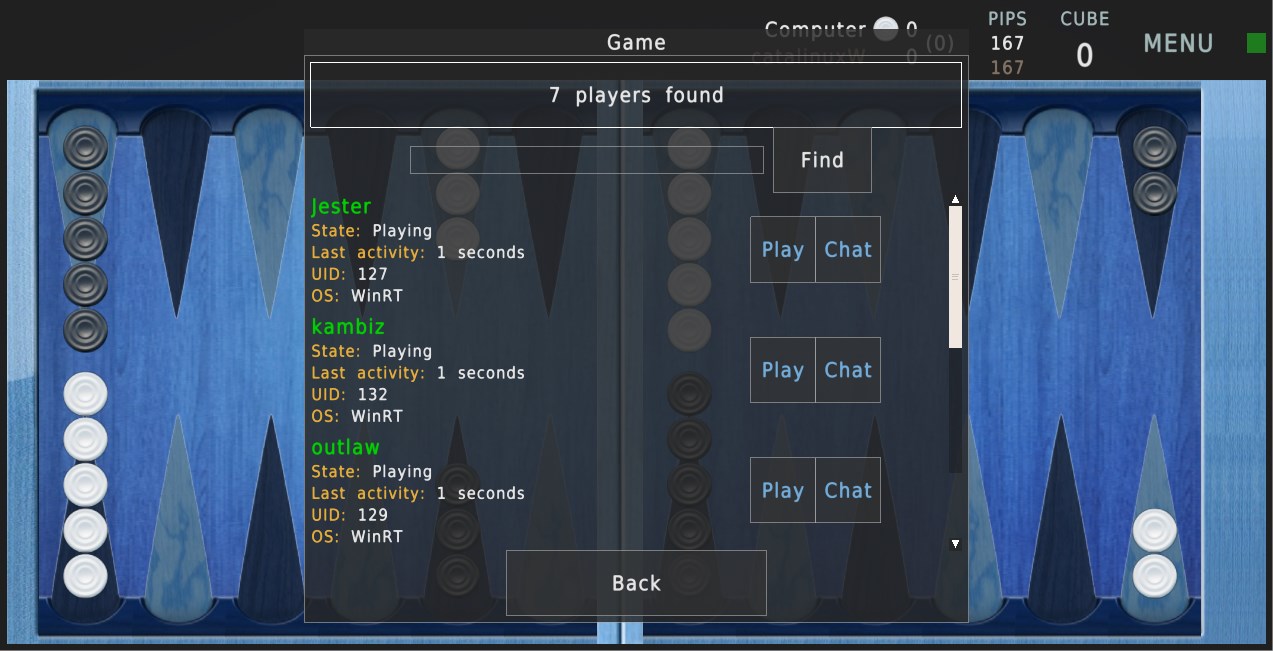
- Supports online multiplayer with friends
Cons
- Limited customization options for boards and pieces
- Ads interrupt gameplay occasionally
- Lack of tutorial for absolute beginners
- Sound effects are basic and can be repetitive
- Some connectivity issues during multiplayer matches











