

- Name Backgammon 16 games
- Category Card & board
- Developer Boyan Paskalev
- Available on PC, Mobile, Surface Hub
- OS Windows 10 version 10586.0 or higher
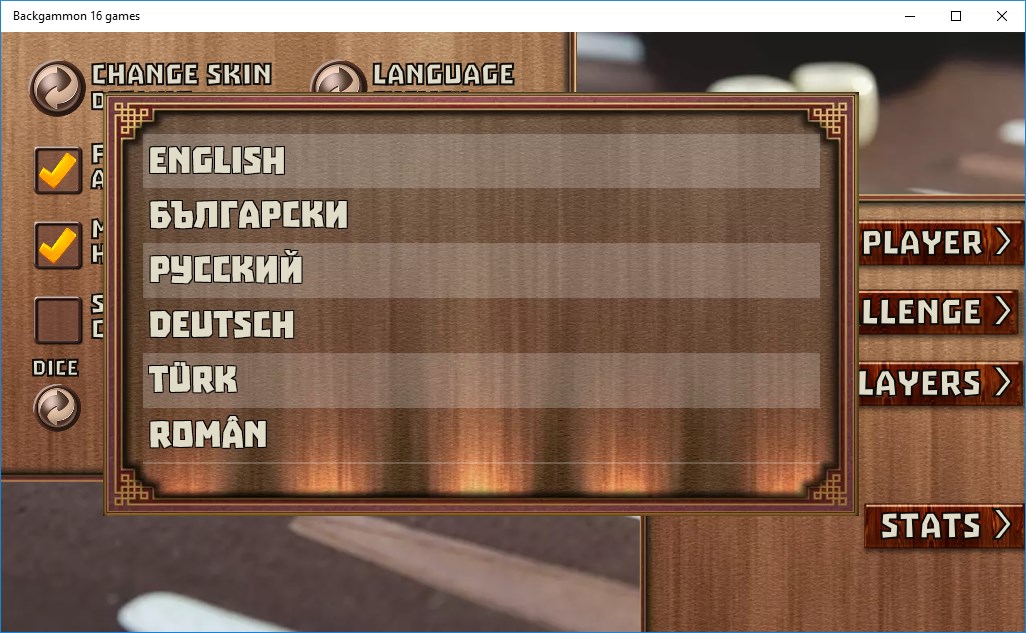
- languages English (United States)
Backgammon 16 Games for Windows: A Classic Game Reimagined
If you're a fan of timeless board games or looking to sharpen your strategic edge on your PC, Backgammon 16 Games for Windows offers an inviting digital rendition of this ancient game, balanced with modern touches and simplicity.
Developed by Boyan Paskalev: A Solo Creator's Passion Project
Created and published by Boyan Paskalev, this application is a product of individual dedication, bringing a vintage game to the digital world with a focus on accessibility and ease of play. Without the backing of a major studio, Paskalev's work stands as a testament to personal passion for classic games and the desire to share them with a wider audience.
Key Features That Make It Stand Out
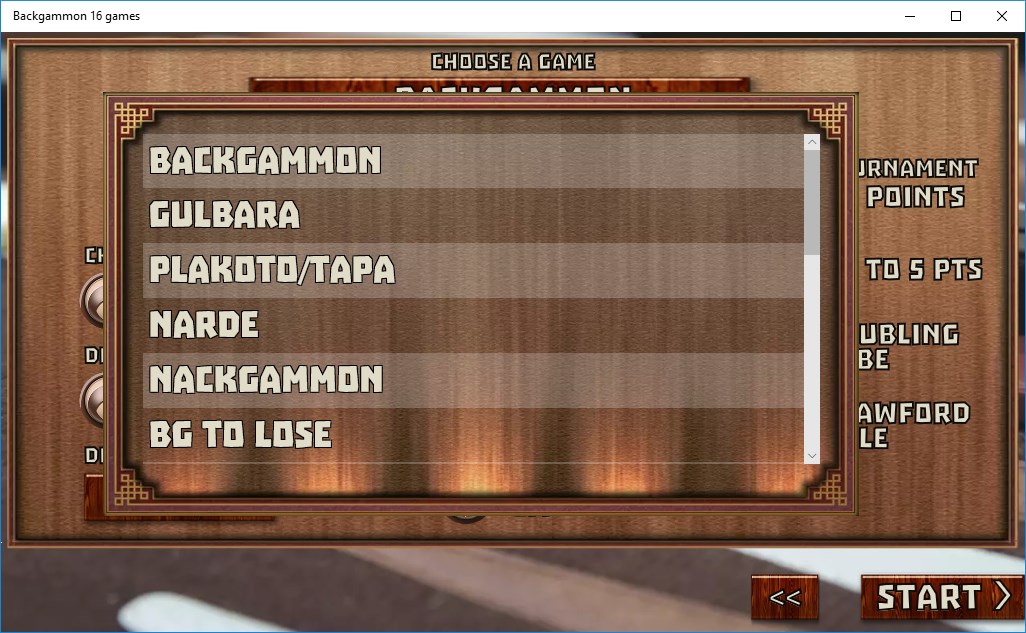
- Multiple Game Variations: The app not only covers standard backgammon but also offers 16 different variants, allowing players to explore diverse rules and strategies—think of it as having a versatile game library at your fingertips.
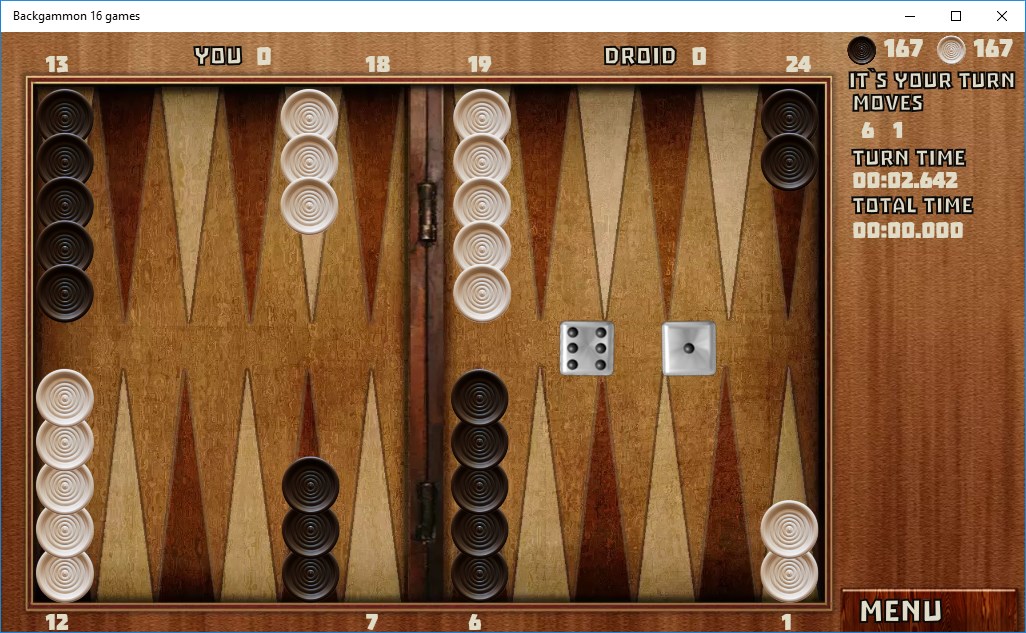
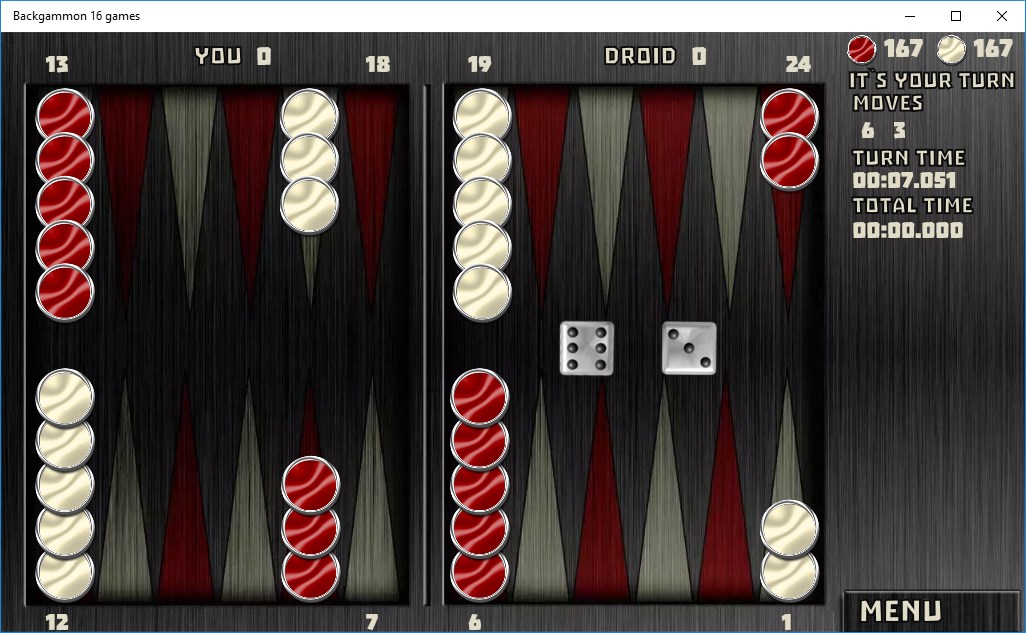
- Simple, Intuitive Interface: Designed with user-friendliness in mind, the layout resembles a familiar physical board, which lowers the entry barrier for new players while providing enough depth for seasoned enthusiasts.
- Offline Play & Local Multiplayer: Whether you're alone or gaming with friends via local multiplayer, this app facilitates real-time competition without requiring an internet connection, making it perfect for casual gatherings or solo practice. <.li>Difficulty Settings & Hint System: To assist learners and challenge veterans, the app includes adjustable difficulty levels and optional hints, bridging the gap between novices and experts.
Vivid User Experience and Interface Insights
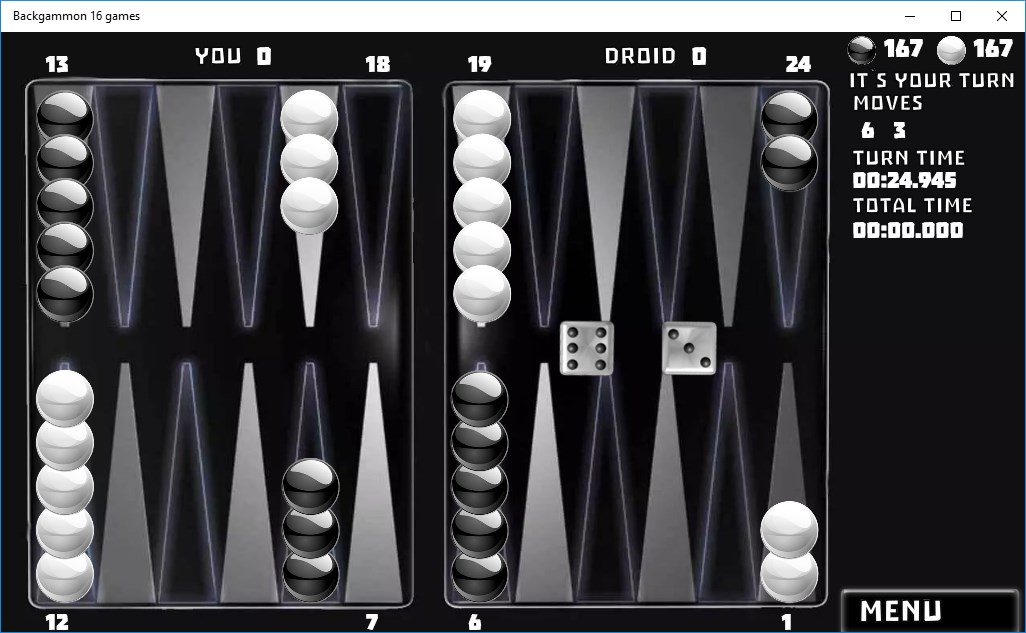
Playing Backgammon 16 Games for Windows feels like stepping into a cozy game room. The interface is clean, resembling a real-world backgammon board with the classic checkers and dice, but with a crisp digital polish. Navigating menus is smooth, with button presses and transitions feeling responsive and satisfying, akin to sliding a checker across the board. The game's learning curve is gentle; novices will appreciate the guided hints, while experienced players can dive straight into the more challenging variants. The visuals are straightforward but effective, avoiding unnecessary clutter and focusing on core gameplay elements that keep your attention squarely on your moves.
Differentiating From Other Digital Board Games
Many digital versions of traditional games tend to focus solely on standard rules or one variation. Backgammon 16 Games for Windows distinguishes itself by offering a rich array of game modes, practically transforming your device into a comprehensive backgammon toolkit. Its emphasis on varied gameplay helps prevent monotony, and the inclusion of different rule sets (like Nackgammon, Hypergammon, and others) provides strategic depth that many similar apps don't offer. Moreover, the offline multiplayer feature makes it stand out as a social facilitator—imagine hosting a mini backgammon tournament at your next family gathering while unplugged from the internet.
Conclusion: A Solid Choice for Casual and Enthusiast Players
Overall, Backgammon 16 Games for Windows is a commendable app that combines simplicity, variety, and a user-friendly experience. It's particularly suited for casual players who want a quick, reliable digital version of the game, as well as for those eager to delve into multiple variants of backgammon. While it may lack some advanced AI sophistication or online matchmaking features found in larger platforms, its core strengths lie in accessibility and variety. I'd recommend giving it a try if you're seeking a reliable and versatile digital backgammon set that can serve as both a casual pastime and a strategic challenge.
Pros
- User-Friendly Interface
- Variety of Game Modes
- Smooth Performance
- Rich Visuals and Sound Effects
- Easy Multiplayer Access
Cons
- Limited Tutorial Resources
- Occasional Connectivity Issues
- Lack of Customization Options
- Ads Interrupt Gameplay
- Limited Offline Play Features











