


- Name Auto Face Swap Pro
- Category Entertainment
- Available on Xbox console, PC, Mobile, Surface Hub, HoloLens
- OS Windows 10 version 19041.0 or higher
- DirectX DirectX 12 API, Hardware Feature Level 11
- Memory 8 GB
- languages Arabic, Chinese (Simplified), Dutch, English (United States), Finnish, French, German, Hindi, Italian, Korean, Portuguese, Russian, Spanish
Introduction: Transforming Faces with Precision and Ease
Auto Face Swap Pro for Windows is a powerful application designed to seamlessly replace faces in videos and photos, making it an essential tool for creators seeking quick and realistic face swaps. Whether you're into entertainment, social media content creation, or just experimenting with fun edits, this app promises to deliver impressive results with minimal fuss.
Developer and Core Features
Developed by Sneumueller
This software is crafted by Sneumueller, a team specializing in innovative multimedia tools that streamline complex editing tasks while maintaining user-friendly interfaces.
Main Highlights
- High-Quality Face Swapping: Leverages advanced AI algorithms to produce natural-looking swaps with minimized artifacts.
- Video and Photo Compatibility: Supports both images and video files, offering flexibility for various creative projects.
- Intuitive Workflow: Features a straightforward interface that allows users to perform swaps in just a few clicks.
- Customization Options: Provides options to refine results, such as adjusting facial features and blending edges for more realism.
The target audience primarily includes content creators, social media enthusiasts, and hobbyists eager to experiment with face swaps without needing advanced technical skills.
A Fun and Engaging User Experience
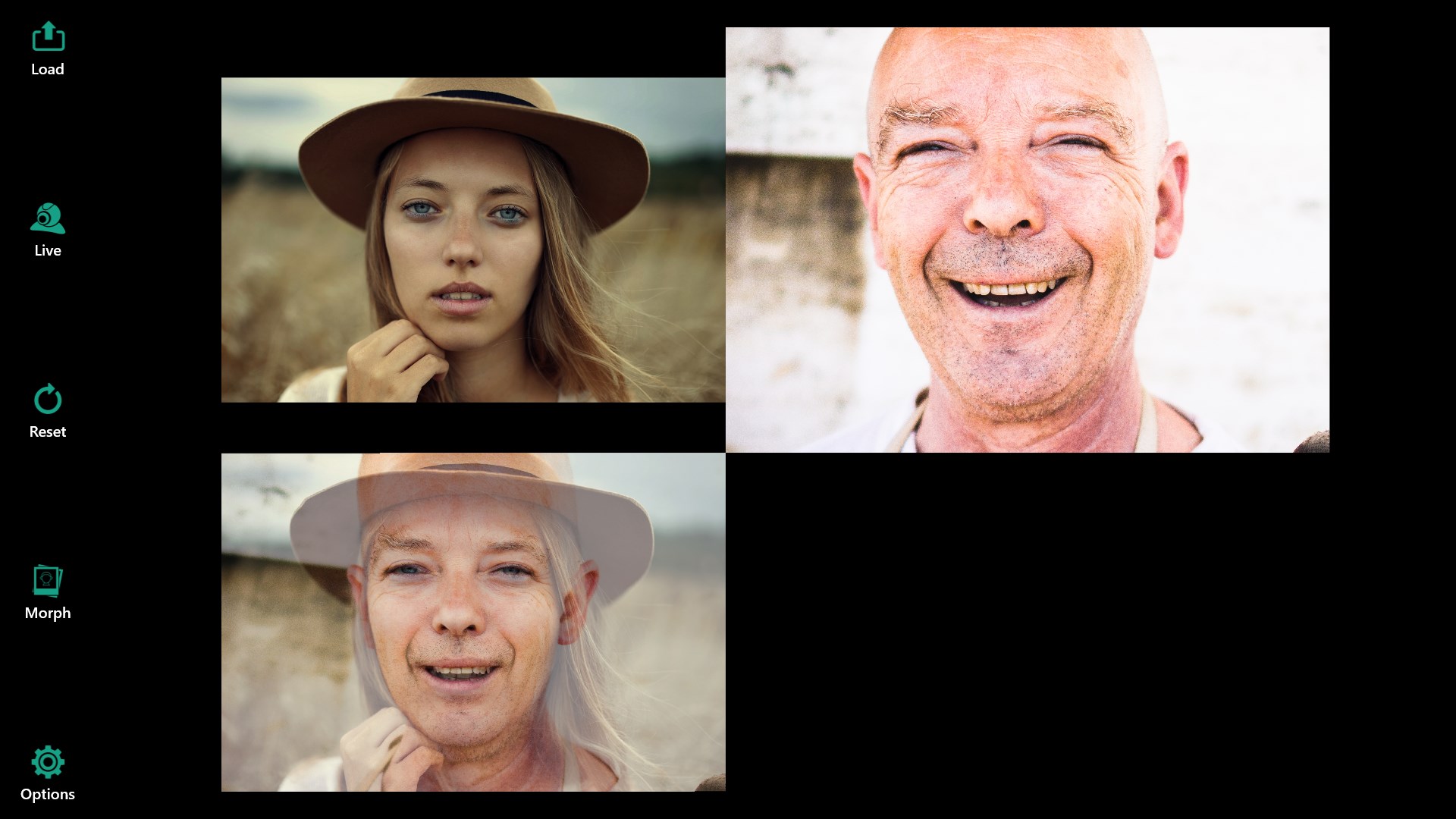
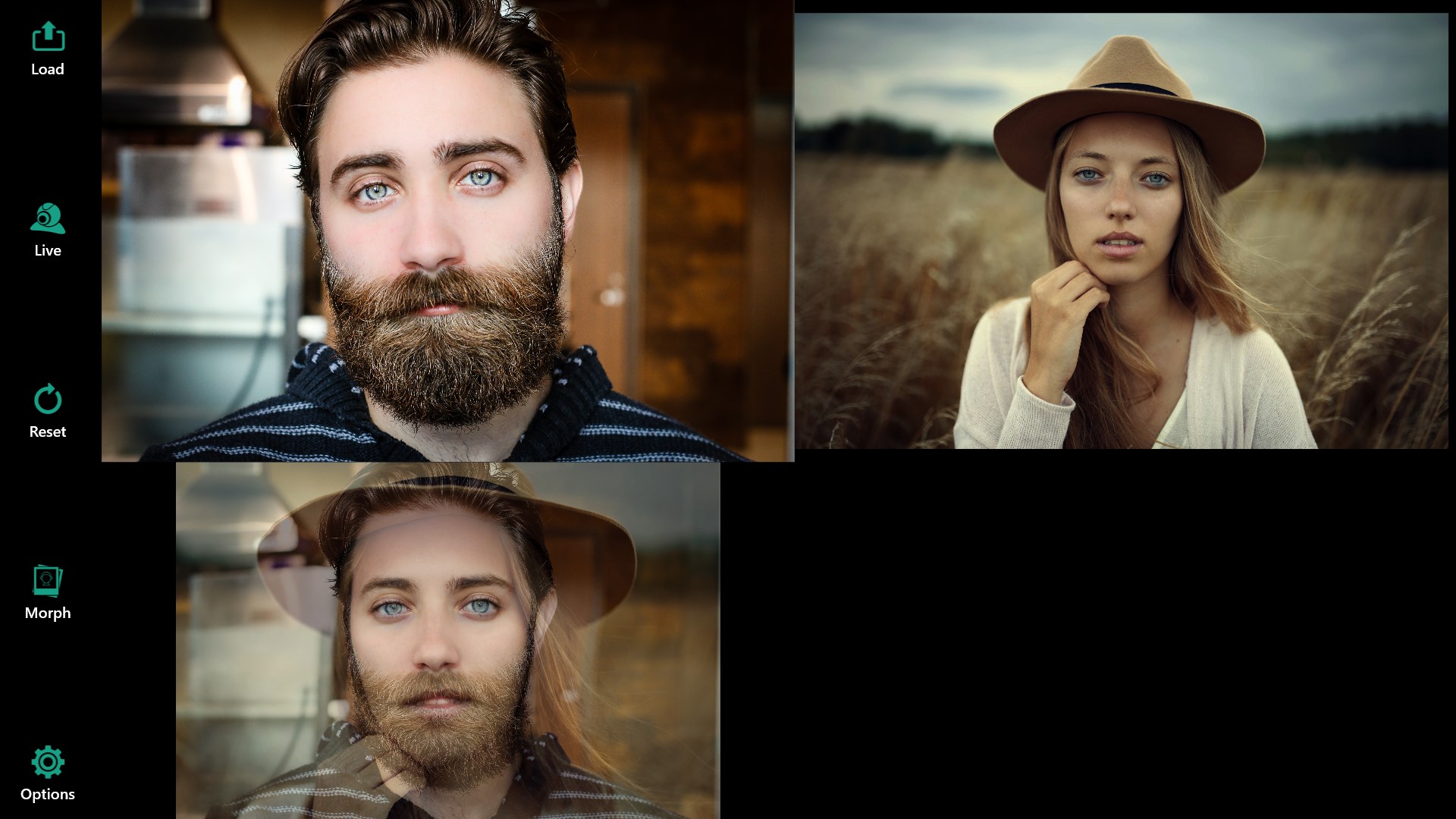
Imagine opening a creative toolbox where complex magic happens behind the scenes—Auto Face Swap Pro offers just that. As you launch the app, you're greeted by a clean, modern interface that feels like stepping into a digital workshop designed for every skill level. Swapping faces becomes as easy as dragging and dropping your images or videos, making the process approachable and straightforward.
The core operation, utilizing AI-driven algorithms, ensures swaps are both quick and remarkably realistic. The app's optimization ensures that even high-resolution files process smoothly, reducing waiting times and enhancing overall user satisfaction. This seamless flow makes it accessible to novices, while seasoned editors will appreciate the fine-tuning options available for polishing results.
Core Functionalities and Differentiators
1. AI-Powered Face Replacement
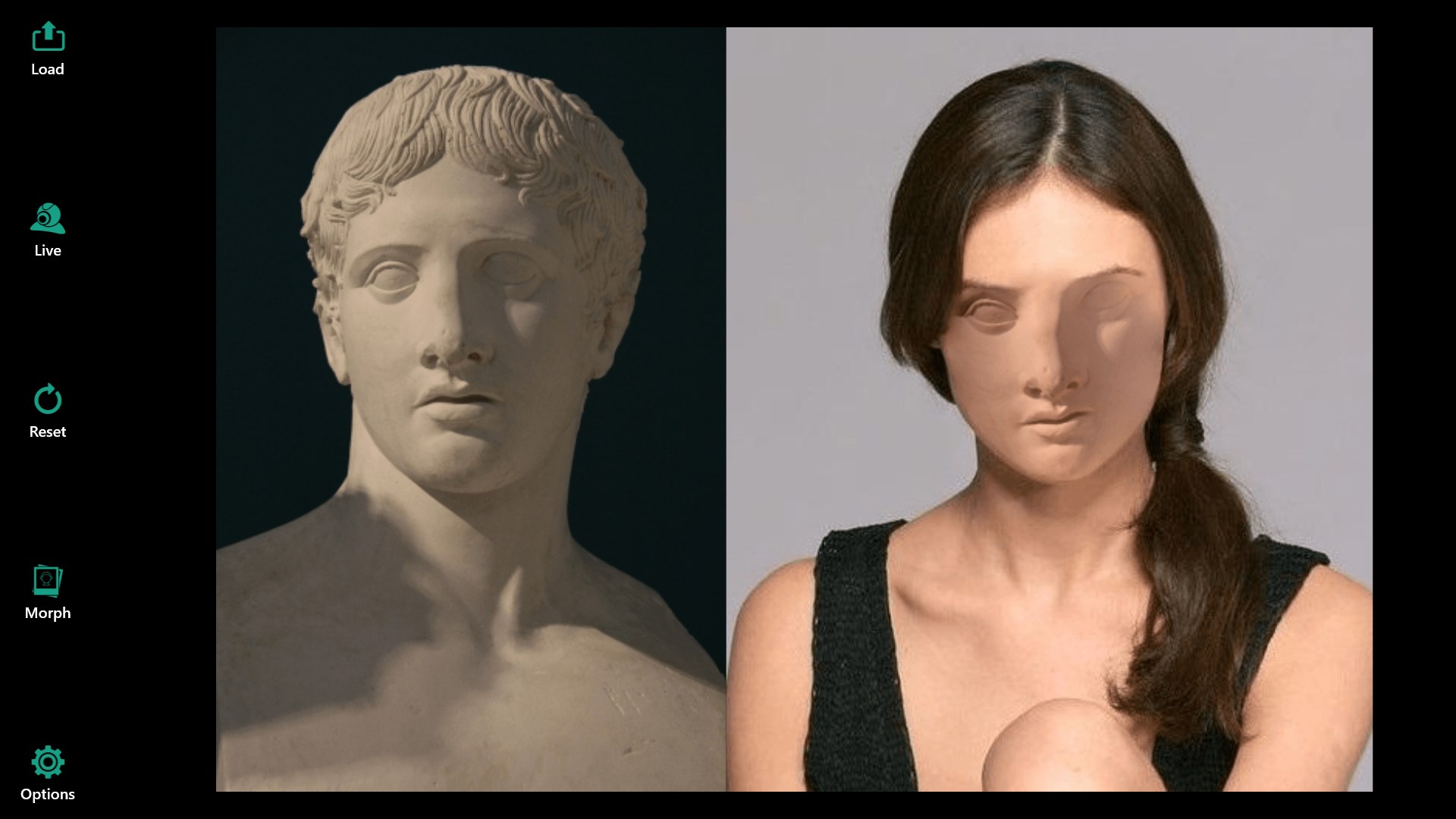
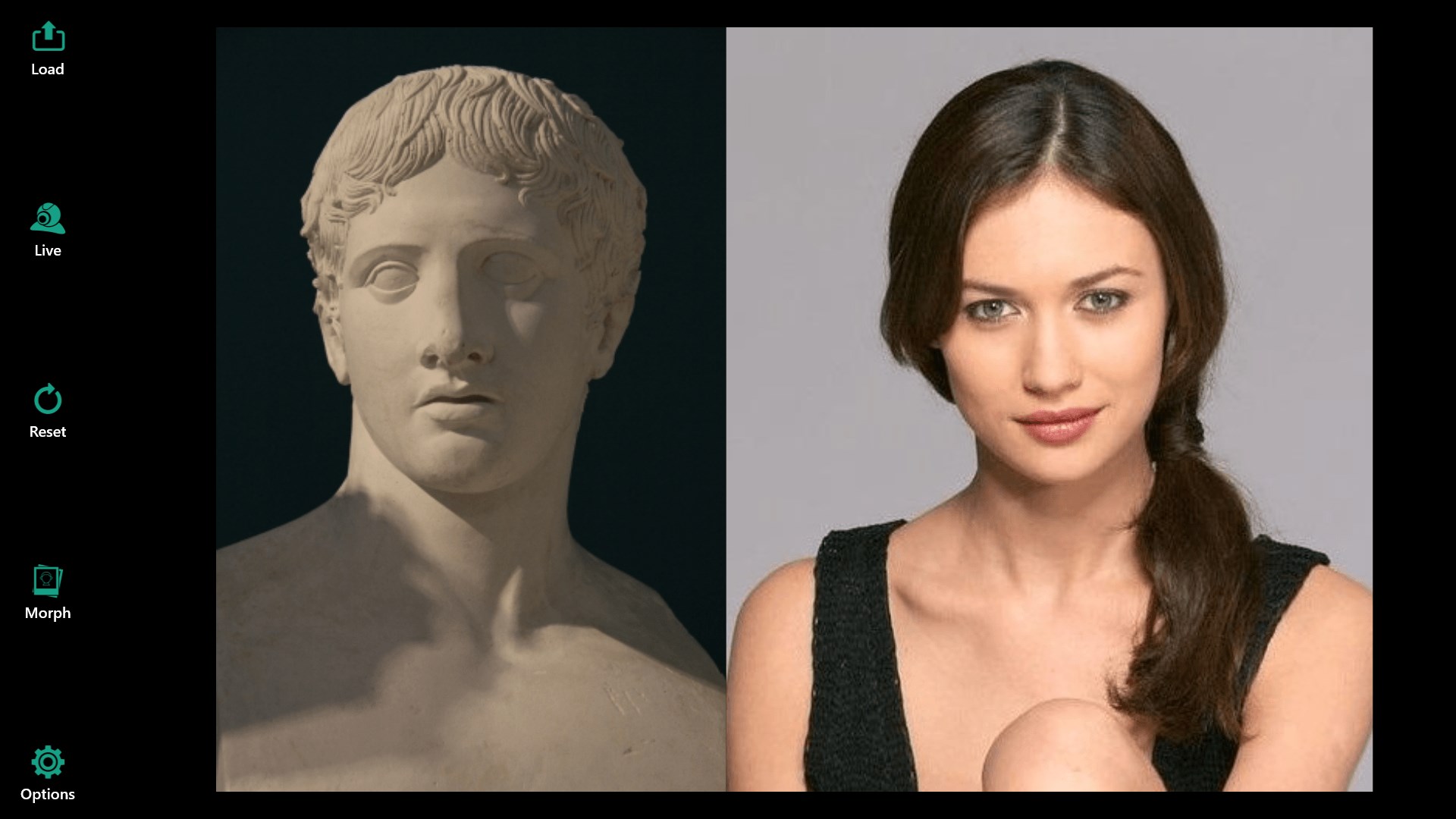
The standout feature of Auto Face Swap Pro is its AI engine that intelligently maps facial features, enabling highly natural blending. Unlike some basic apps that produce noticeably robotic swaps, this software offers a level of sophistication akin to professional editing software. It excels in maintaining facial expressions, skin tones, and lighting conditions, which become evident when comparing results to other entertainment apps that often compromise realism for speed.
2. Multi-Format Support and Versatility
Another highlight is its ability to handle various media types. Whether you're swapping faces in a family photo or a short video snippet, the app provides a unified platform to get it done efficiently. This versatility is crucial for users who work across multiple formats and want a one-stop solution without bouncing between different tools.
3. Personalized Refinement and Edge Blending
While the AI does much of the heavy lifting, Auto Face Swap Pro allows users to further personalize results through manual adjustments. Fine-tuning facial alignment, smoothing edges, and adjusting blending parameters set it apart from more automated, less customizable face swap apps. This focus on control promotes more convincing results, which is the app's real strength—delivering not just quick edits but high-quality, realistic outputs.
Comparison and Recommendations
Compared to other entertainment-oriented face swapping applications, Auto Face Swap Pro distinguishes itself with its sophisticated AI technology and user-centered design. While many apps rely on simplistic filters or bulky workflows, this tool emphasizes realism and efficiency, making it more suitable for semi-professional content creation.
In terms of personalized recommendations, if you're seeking an easy-to-use yet capable face swap app that balances automation with manual fine-tuning, this is a commendable choice. It's particularly well-suited for creators who value photo and video quality and want more control over the final appearance—think of it as having a professional assistant that's always ready to help bring your creative ideas to life.
However, for those who need ultra-quick results with minimal customization, some alternatives might offer slightly faster workflows. Overall, for users willing to invest a little time into mastering its features, Auto Face Swap Pro offers a compelling mix of power and simplicity, earning a solid recommendation for both hobbyists and semi-professionals alike.
Pros
- High-Quality Face Swap
- User-Friendly Interface
- Quick Processing Speed
- Wide Range of Fun Effects
- Regular Updates and Improvements
Cons
- Limited Free Features
- Occasional Out-of-Focus Results
- Sensitivity to Input Quality
- Limited Editing Options
- Privacy Concerns











