



- Name Art Book: Paint Color by Number
- Category Entertainment
- Developer Playcus
- Available on PC
- OS Windows 10 version 10240.0 or higher
- DirectX Version 10
- Mouse Integrated Mouse
- Keyboard Not specified
- languages English (United States)
Art Book: Paint Color by Number for Windows — A Calm and Creative Coloring Experience
Looking for a relaxing app that combines artistic expression with simple gameplay? Art Book: Paint Color by Number offers a soothing digital coloring journey that's perfect for unwinding after a busy day, especially if you enjoy pixel-perfect art and vibrant designs.
Developed by Playcus — A Team Focused on Casual Creative Entertainment
Created by Playcus Limited, a studio renowned for developing engaging casual entertainment apps, this application aims to bring a calming, accessible coloring experience to Windows users. Their focus on user-friendly interfaces and quality content reveals a dedication to delivering enjoyable leisure activities for a broad audience.
Core Features That Make Coloring a Byte-Sized Art Therapy
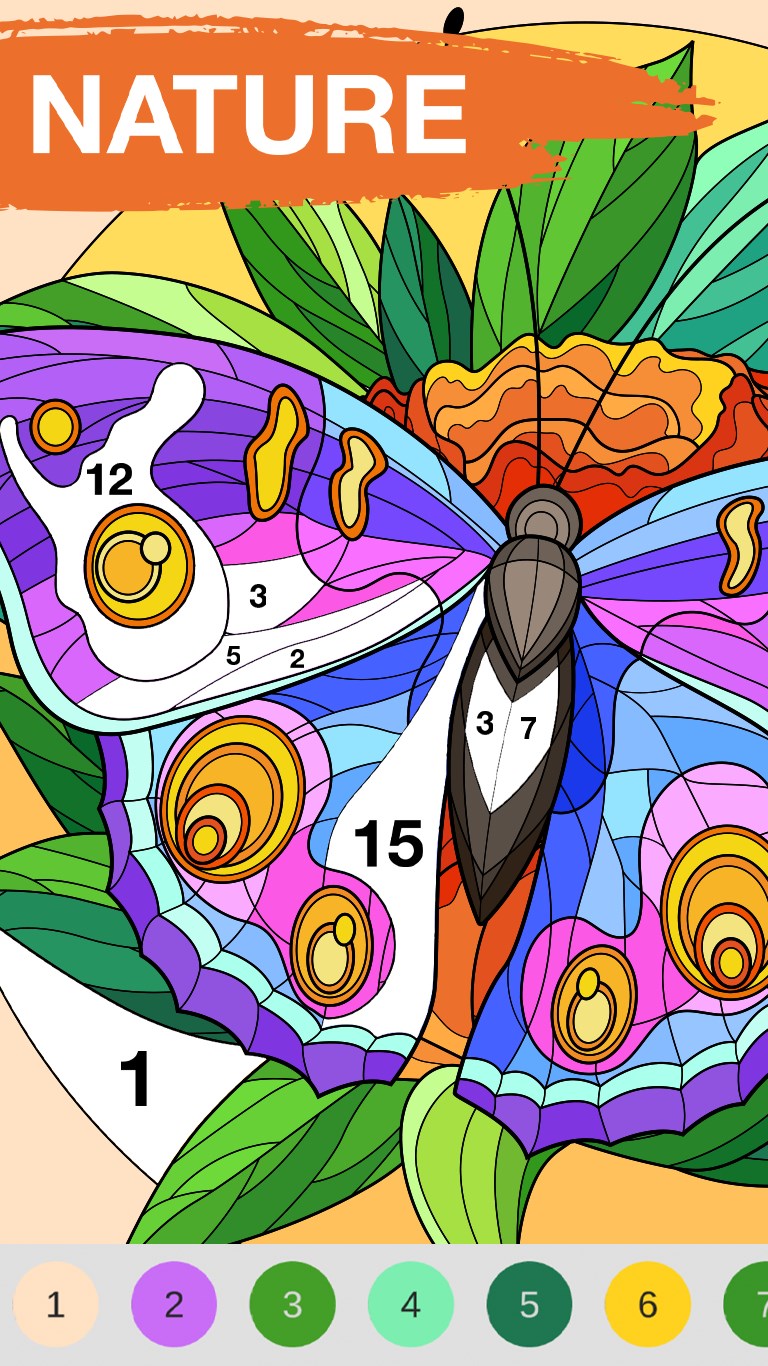
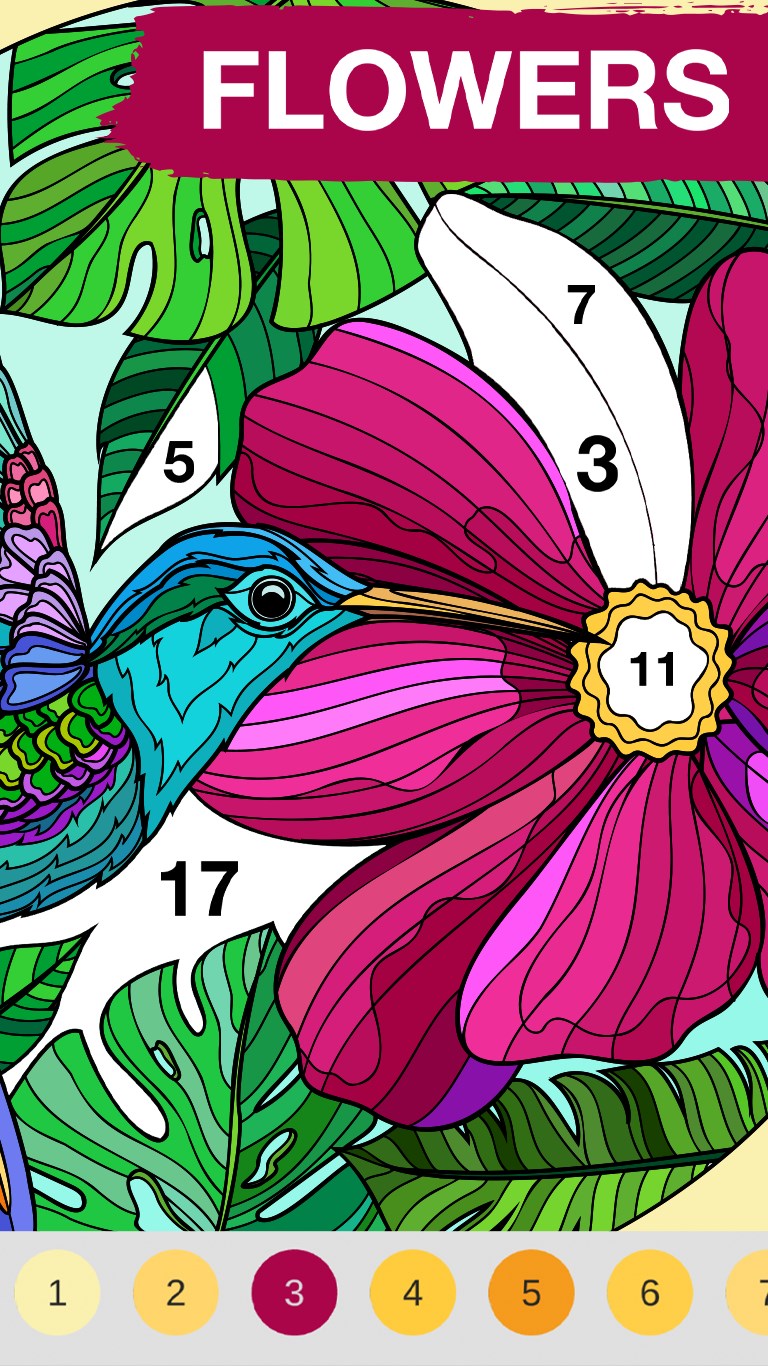
- Color-by-Number Simplicity: Users are guided through each artwork with numbered sections that correspond to specific hues, transforming complex images into achievable coloring projects.
- Extensive Artwork Library: The app contains a vast collection of images across various themes—pets, landscapes, famous artworks—ensuring endless hours of engaging coloring.
- Customization & Progress Tracking: Users can save their masterpieces, track their coloring progress, and even re-edit completed images, offering a personalized creative process.
- Relaxing Soundscapes: Background music and ambient sounds complement the coloring activity, enhancing focus and relaxation.
Vivid Interface and User Experience—Coloring Made Effortless
The application's interface resembles a neatly organized art studio—clean, inviting, and intuitively navigable. The layout features easily accessible menus, thumbnail previews for artworks, and simple controls for zooming and coloring. The overall design opts for a minimalistic style with soft pastel tones, reducing visual fatigue and emphasizing creativity.
Operation runs smoothly across tested devices, with responsive touch and mouse controls. The app's load times are short, and the process of selecting and filling colors feels fluid, almost like brushes gliding over canvas. Its learning curve is gentle—beginners can jump right in, while seasoned coloring enthusiasts will appreciate the nuanced control options and extensive library.
Unique Selling Points—Standout from the Crowd
What truly sets Art Book apart from similar coloring apps is its emphasis on curated content discovery and personalized experience. Unlike apps that bombard users with endless random images, this app employs thoughtful categorization and tagging, making it easier to find preferred themes. Its recommendation algorithm subtly adapts to your coloring favorites, suggesting artworks that match your style without overloading you with irrelevant options.
This personalized curation ensures that users spend more time enjoying their preferred genres rather than sifting through unrelated images, creating a harmonious and satisfying creative environment—much like a dedicated art studio tailored to your tastes.
Recommendation & Usage Suggestions
I would recommend Art Book: Paint Color by Number for anyone seeking a peaceful, stress-relieving hobby that doesn't require previous artistic skills. Its straightforward interface and charming library make it suitable for all ages, from children to adults looking for a calming activity. For maximum enjoyment, set aside dedicated “creative breaks”—perhaps with a warm cup of tea—and indulge in leisurely coloring sessions.
While not aiming to replace full-fledged art programs, this app shines as a digital coloring book that's both accessible and engaging. Its personalized content suggestions and smooth user experience make it a noteworthy choice for casual entertainment and mental relaxation.
Pros
- User-friendly interface
- Wide selection of artwork
- Smooth and responsive controls
- Color-by-number system ensures accurate coloring
- Requires minimal setup, suitable for quick relaxing sessions
Cons
- Limited color palette options
- Occasional misalignment of color boundaries
- In-app advertisements can be intrusive
- Lack of undo/redo for multiple steps
- Limited language options











