
- Name Arrow Escape: Maze Puzzle
- Category Card & board
- Developer PiE-HD
- Available on PC, Mobile, Surface Hub, HoloLens
- OS Windows 10 version 19041.0 or higher
- DirectX Version 10
- languages English (United States)
Introducing Arrow Escape: Maze Puzzle for Windows
Arrow Escape: Maze Puzzle (developed by PiE-HD and published by PiEGame) is a charming puzzle game that challenges players to navigate through intricate mazes using directional arrows, blending classic maze-solving with a fresh, engaging twist.
Who's Behind This Brain-Teaser?
Crafted by the dedicated team at PiE-HD, a developer known for creating intuitive and captivating puzzle experiences, Arrow Escape stands out as a carefully designed maze game aiming to offer players a relaxing yet stimulating mental workout. The publisher, PiEGame, ensures a smooth distribution and consistently refined gaming experience across Windows platforms.
Key Highlights That Make Arrow Escape Shine
- Unique Arrow Navigation Mechanism: Unlike traditional maze games that utilize direct touch or keyboard controls, Arrow Escape employs a clever arrow-based system where players position directional inputs to guide the character through complex pathways.
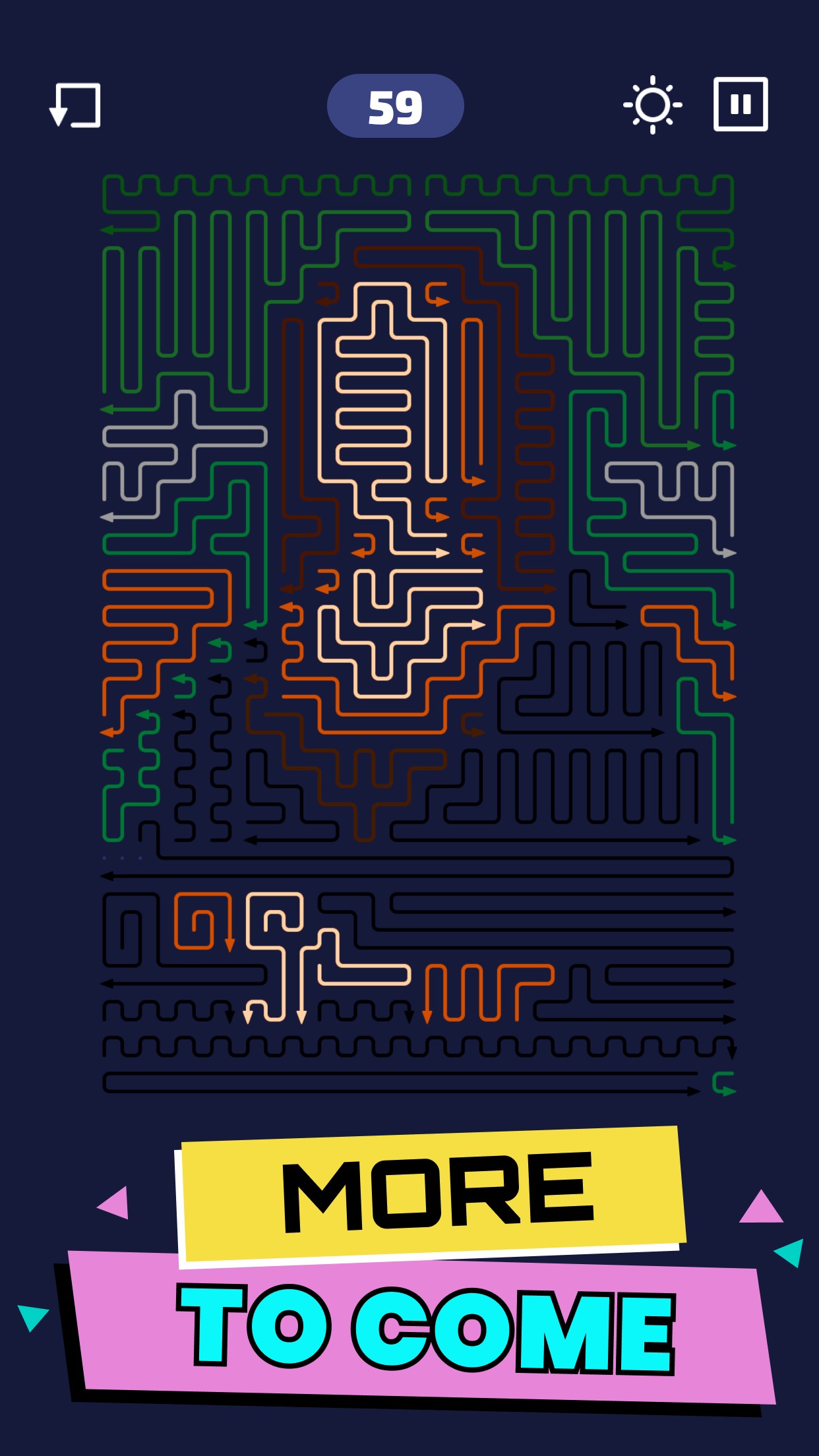
- Dynamic Maze Designs: The game features a wide variety of mazes with escalating difficulty, including time-limited challenges and puzzles with hidden shortcuts, ensuring replayability and continuous mental engagement.
- User-Friendly Interface with Minimal Distraction: The game interface is clean and intuitive, allowing players to focus solely on the puzzle without unnecessary clutter or complicated menus, perfect for quick play sessions.
Immersive Experience and User Interface
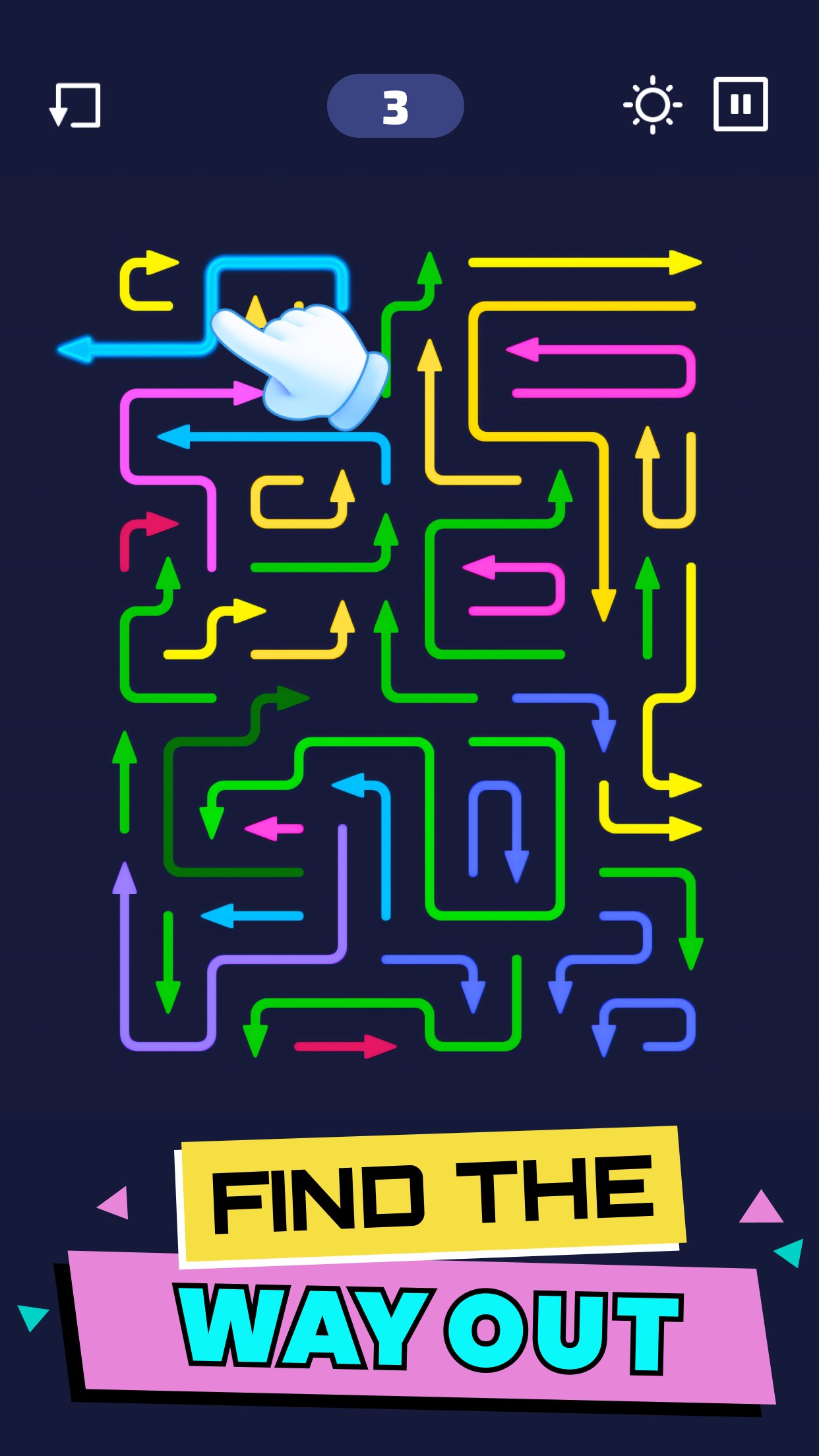
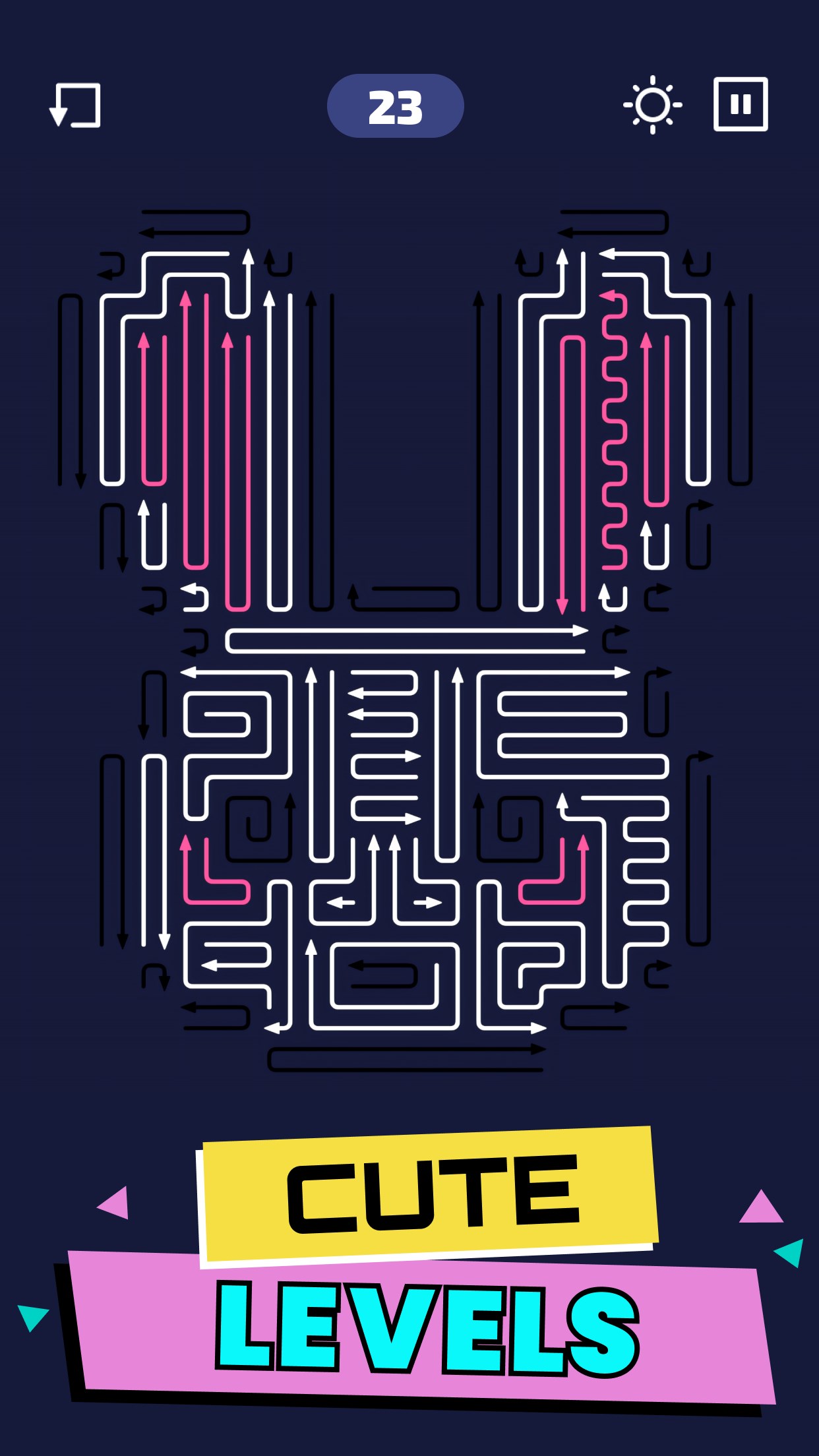
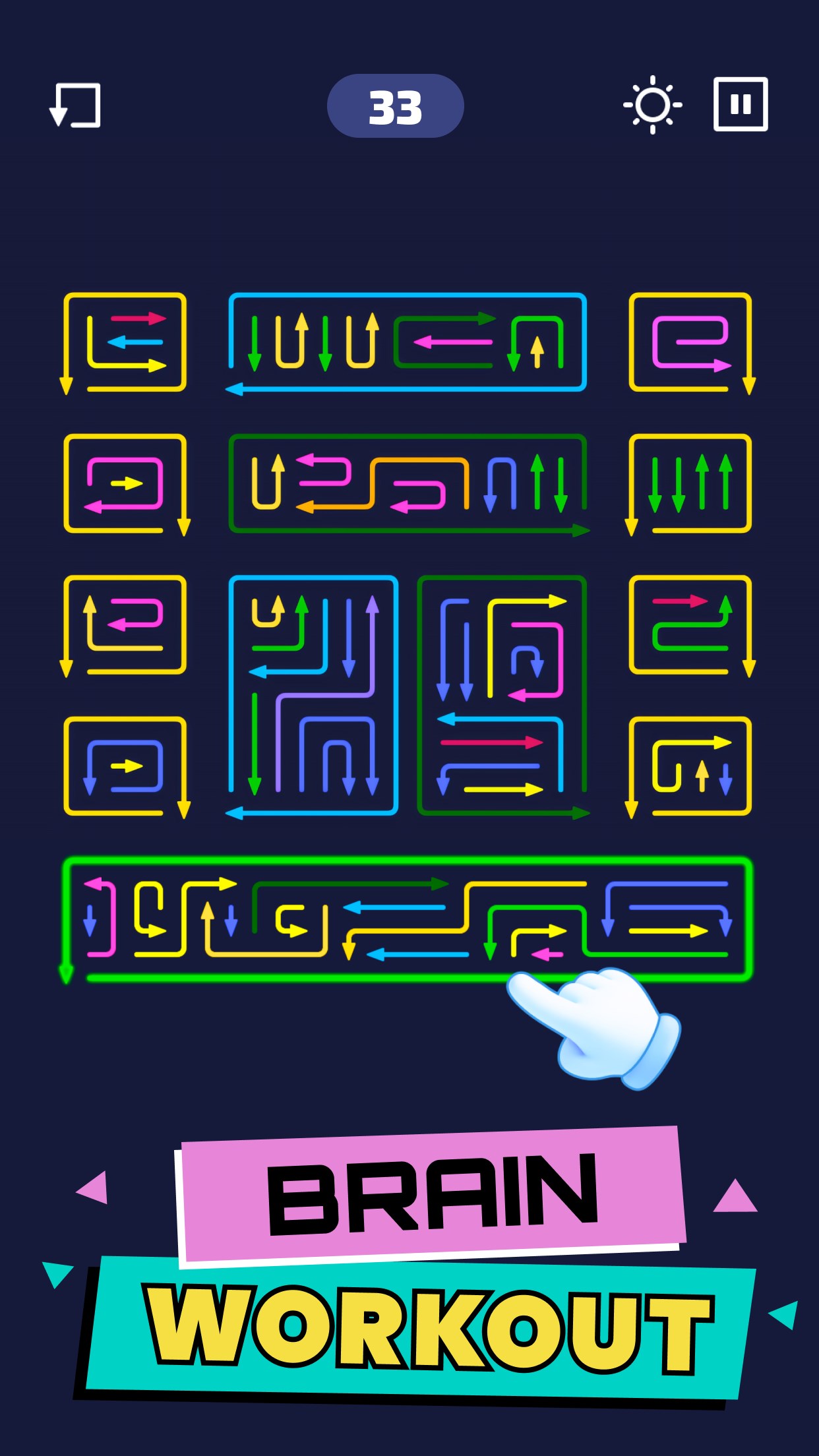
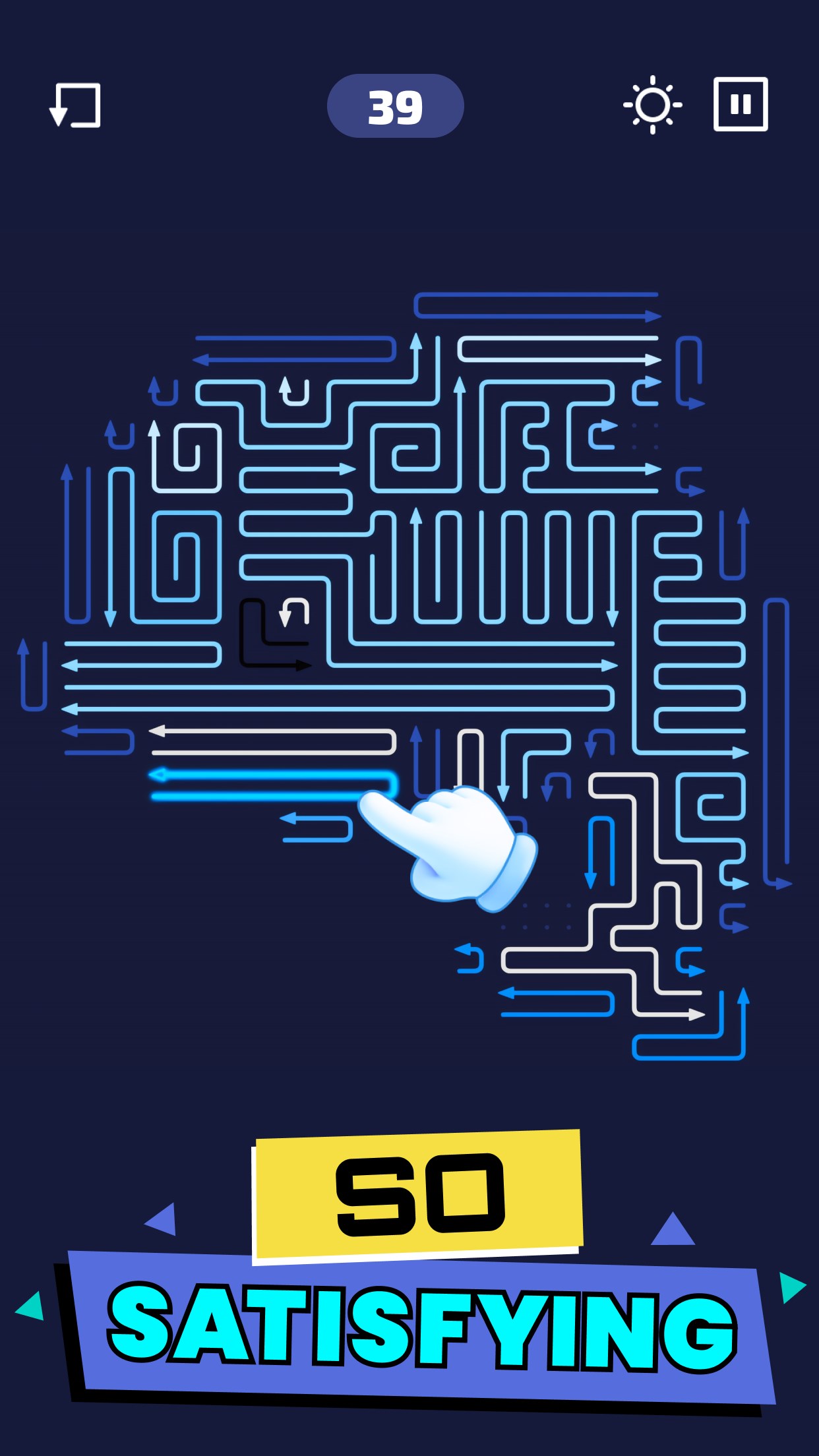
Upon launching Arrow Escape, you're greeted with a colorful yet unobtrusive menu that beckons exploration. The interface's playful aesthetic resembles a simplified blueprint, making it easy for newcomers to pick up quickly. Navigating through levels is seamless, with fluid animations that gently guide your attention without overwhelming distraction. The controls are straightforward—using simple swipe or click gestures to rotate or set arrow directions—making for an intuitive learning curve that even less tech-savvy players can master within minutes.
The game's fluidity is impressive; it responds instantly to user input, providing a responsive feel akin to turning the wheels of a well-oiled puzzle box. The visual design emphasizes clarity, with high-contrast paths and arrows ensuring visibility even on smaller screens, enhancing accessibility across various devices.
Core Functionality: Deep Dive into the Maze Mechanics
1. The Arrow Control System
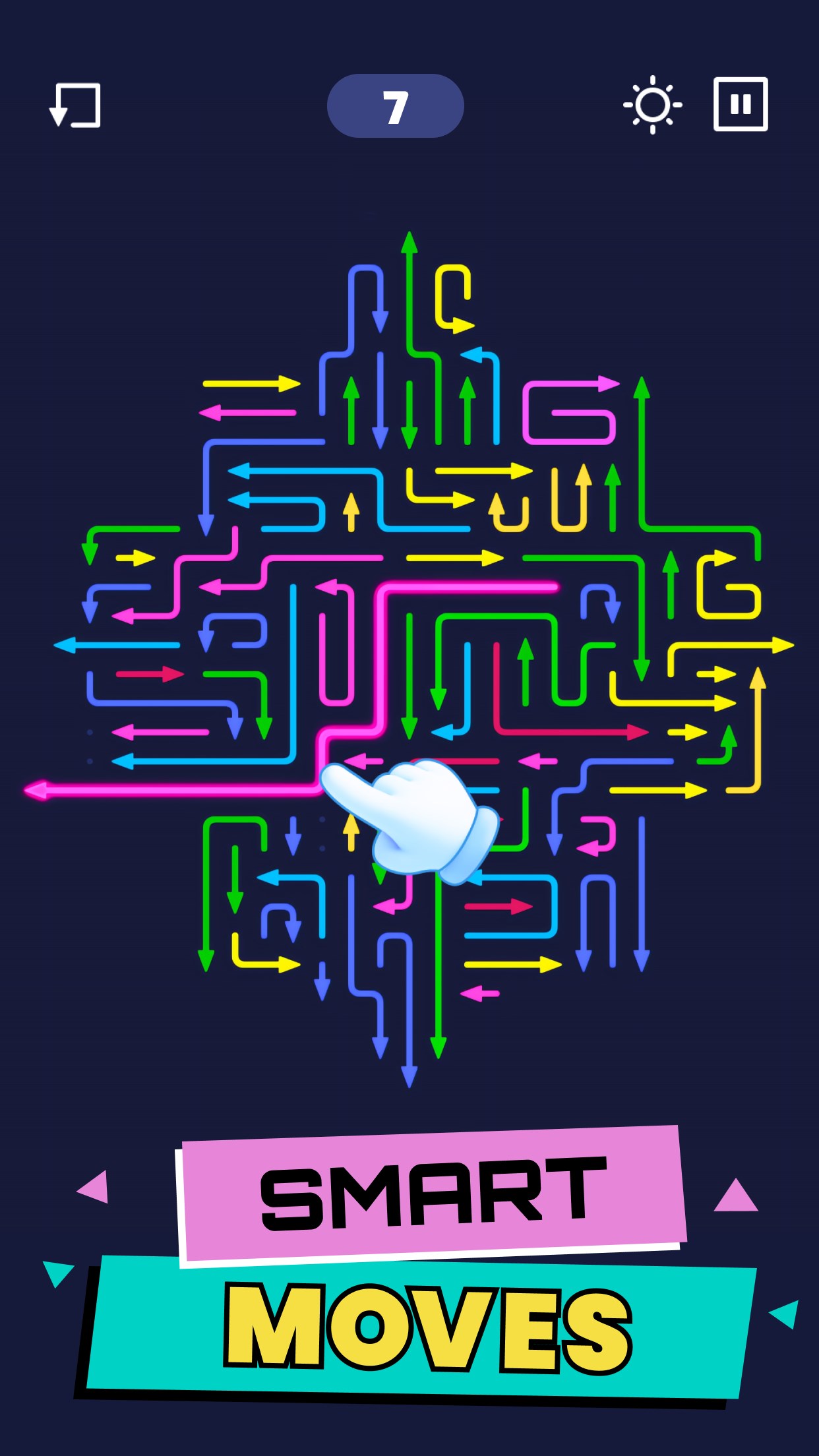
The standout feature of Arrow Escape is its control scheme centered around directional arrows. Players place or rotate arrows to plot a safe route, akin to orchestrating a dance of guidance that requires strategic foresight. This approach adds a layer of puzzle-solving complexity not found in typical maze games, demanding both spatial awareness and planning. The mechanic is intuitive, sitting comfortably at the intersection of simplicity and depth, making it appealing for casual gamers and puzzle enthusiasts alike.
2. Level Diversity and Puzzle Complexity
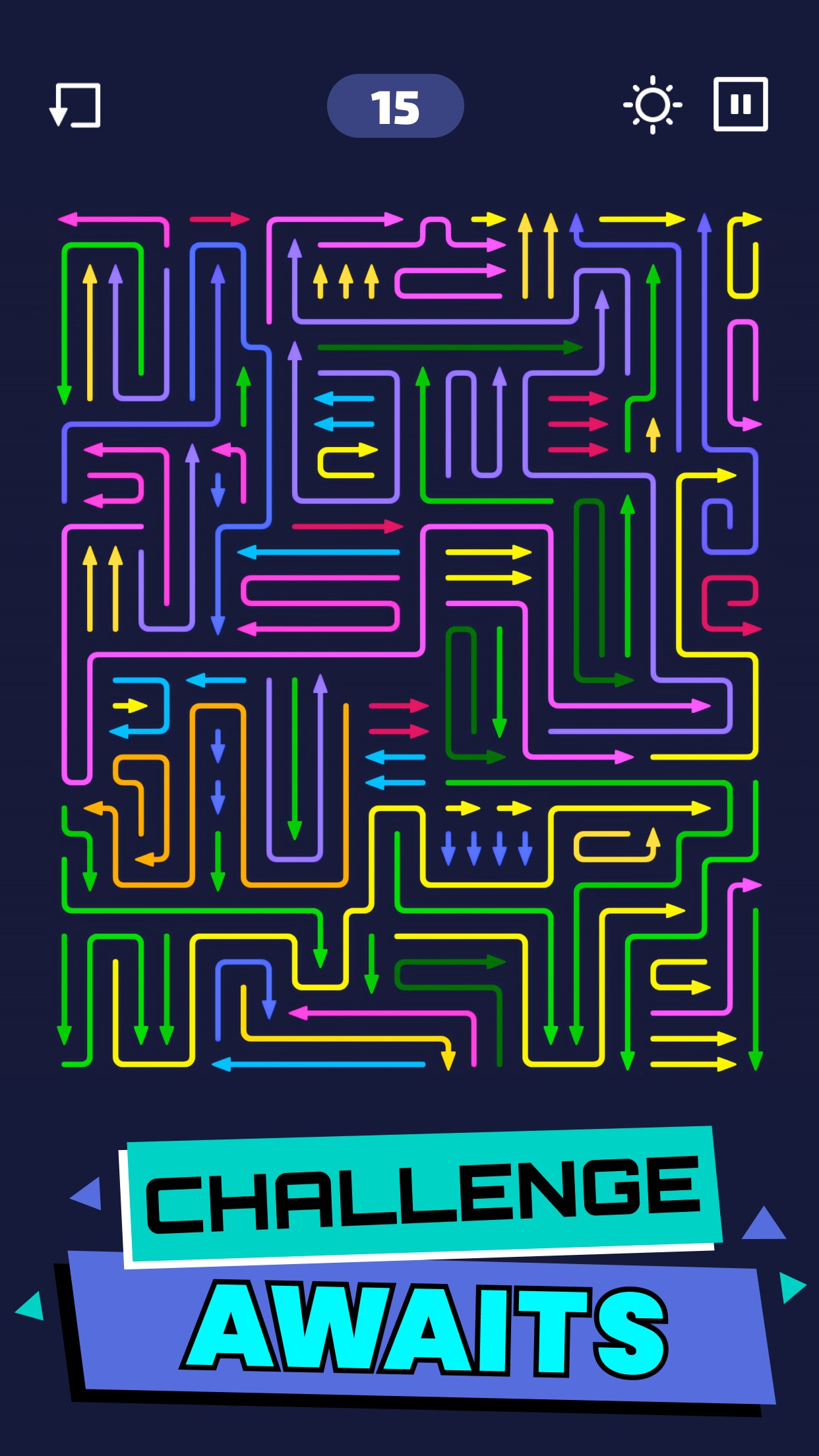
From straightforward layouts suitable for quick fun, to labyrinths that twist and turn with multiple dead ends, the game maintains a compelling progression curve. Special stages introduce time limits or limited moves, escalating the challenge and engaging players' problem-solving skills. The beautifully crafted maze environments—ranging from friendly garden mazes to futuristic corridors—keep the experience fresh and visually stimulating, adding artistic value to the gameplay.
3. Progression and Feedback System
As players complete levels, they receive subtle feedback that encourages mastery—stars, medals, or hints—to motivate continued play. This gentle reward system enhances user engagement without overwhelming, making the puzzle-solving journey satisfying without feeling pressured. The game also offers an undo feature, allowing learners to experiment freely, which helps flatten the learning curve and fosters confidence.
What Sets Arrow Escape Apart?
While many maze or card-based puzzle apps focus solely on manual navigation, Arrow Escape's innovative arrow-placement mechanic turns traditional maze solving into a strategic planning exercise. Its design encourages players to think multiple steps ahead, similar to chess, but within a colorful and approachable environment. Compared to other digital maze games, this app's most unique advantage is its combination of accessible controls and layered complexity, making it a standout for users seeking intellectual engagement without steep difficulty barriers. Moreover, the game adapts well to both short bursts of play and longer sessions, fitting into diverse user lifestyles.
Final Recommendations and Usage Suggestions
Overall, Arrow Escape is a thoughtfully crafted puzzle game that balances challenge with accessibility. I recommend it to puzzle lovers, casual gamers, or anyone looking for a relaxing yet mentally stimulating activity. Its intuitive control system and engaging level design make it suitable for players of all ages, especially those who appreciate a blend of strategy and spatial reasoning. For best experience, I suggest starting with the easier levels to familiarize yourself with the arrow mechanics, then gradually tackling more complex mazes as your confidence grows.
While it may not boast high-end graphics or multi-player features, its simplicity and originality make it a noteworthy addition to the maze puzzle genre. Whether aiming for quick mental exercises or seeking a satisfying puzzle adventure, Arrow Escape offers a distinctive and enjoyable experience worth exploring.
Pros
- Intuitive and engaging gameplay
- Beautiful, colorful graphics
- Suitable for short play sessions
- Progressive difficulty levels
- Smooth performance on most devices
Cons
- Limited variety of puzzles
- Lack of detailed tutorials
- No multiplayer options
- In-game ads can be intrusive
- Limited customization features











