

- Name Apple TV
- Category Entertainment
- Available on PC
- OS Windows 11 version 26100.0 or higher
- DirectX Version 11
- languages Arabic, Catalan, Chinese (Simplified), Chinese (Traditional), Chinese (Traditional, Hong Kong SAR), Croatian, Czech, Danish, Dutch, English (Australia), English (United Kingdom), English (United States), Finnish, French, French (Canada), German, Greek, Hebrew, Hindi, Hungarian, Indonesian, Italian, Japanese, Korean, Malay, Norwegian (Bokmål), Polish, Portuguese (Brazil), Portuguese (Portugal), Romanian, Russian, Slovak, Slovenian, Spanish, Spanish (Latin America), Swedish, Thai, Turkish, Ukrainian, Vietnamese
An In-Depth Look at Apple TV for Windows
Are you a Windows user longing to access Apple's premium entertainment ecosystem? The Apple TV for Windows app attempts to bridge that gap, offering users a sleek way to enjoy Apple TV+ content right from their desktops. While it might not be as feature-rich as its counterparts on Apple devices, this app provides a promising gateway for Apple enthusiasts and casual viewers alike.
Basic Information and Key Highlights
Developed and published by Apple Inc., the Apple TV for Windows app strives to bring the magic of Apple TV+ to Windows desktops through the Microsoft Store. Its primary features include streamlined access to Apple's original content, easy integration with Apple ID for personalized recommendations, and support for seamless playback on Windows devices. Designed chiefly for entertainment lovers who prefer using a PC, the app is tailored to users seeking a straightforward way to stream Apple TV+ content without switching ecosystems.
Immersive Showcases: Your Digital Cinema Begins Here
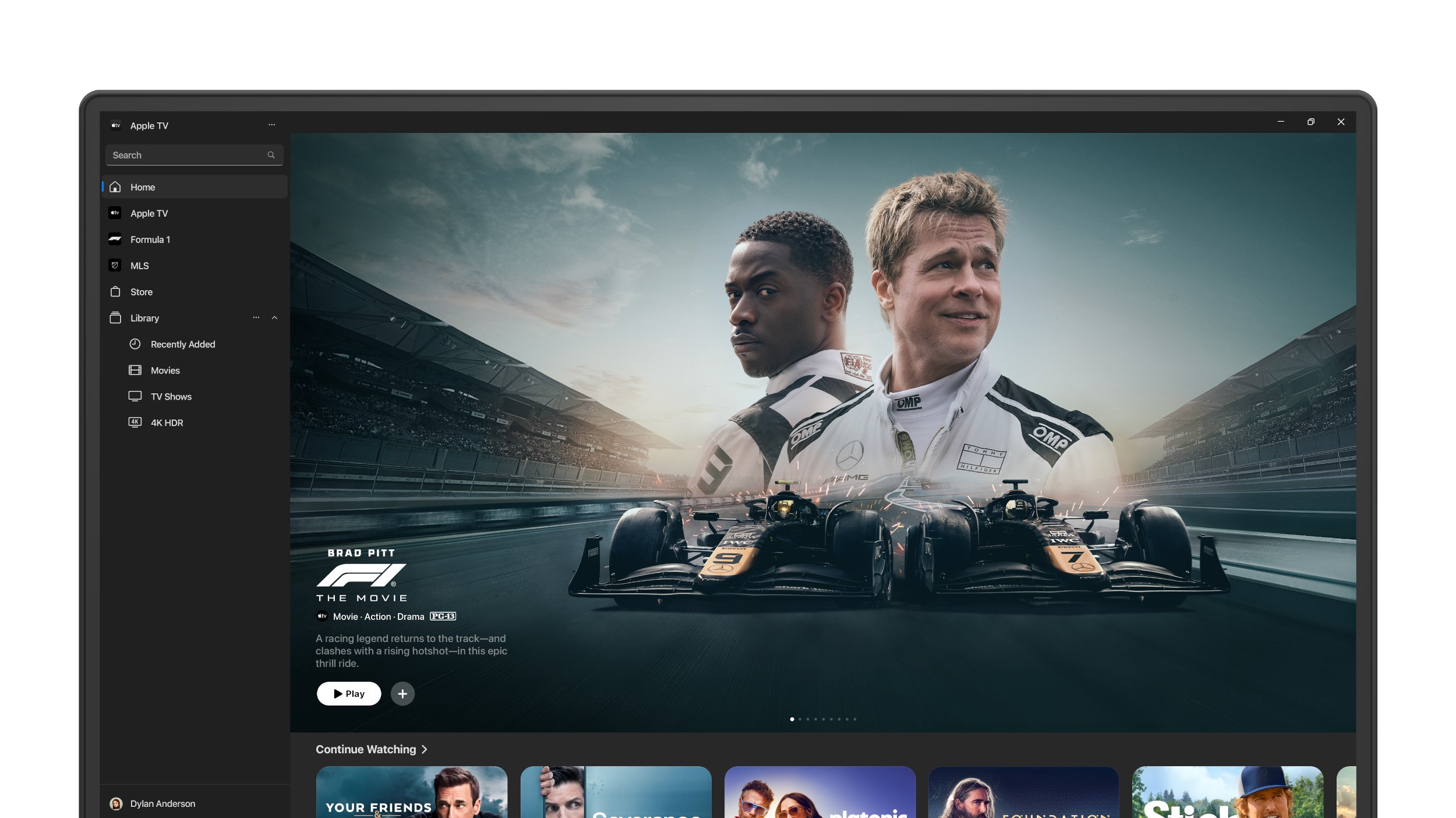
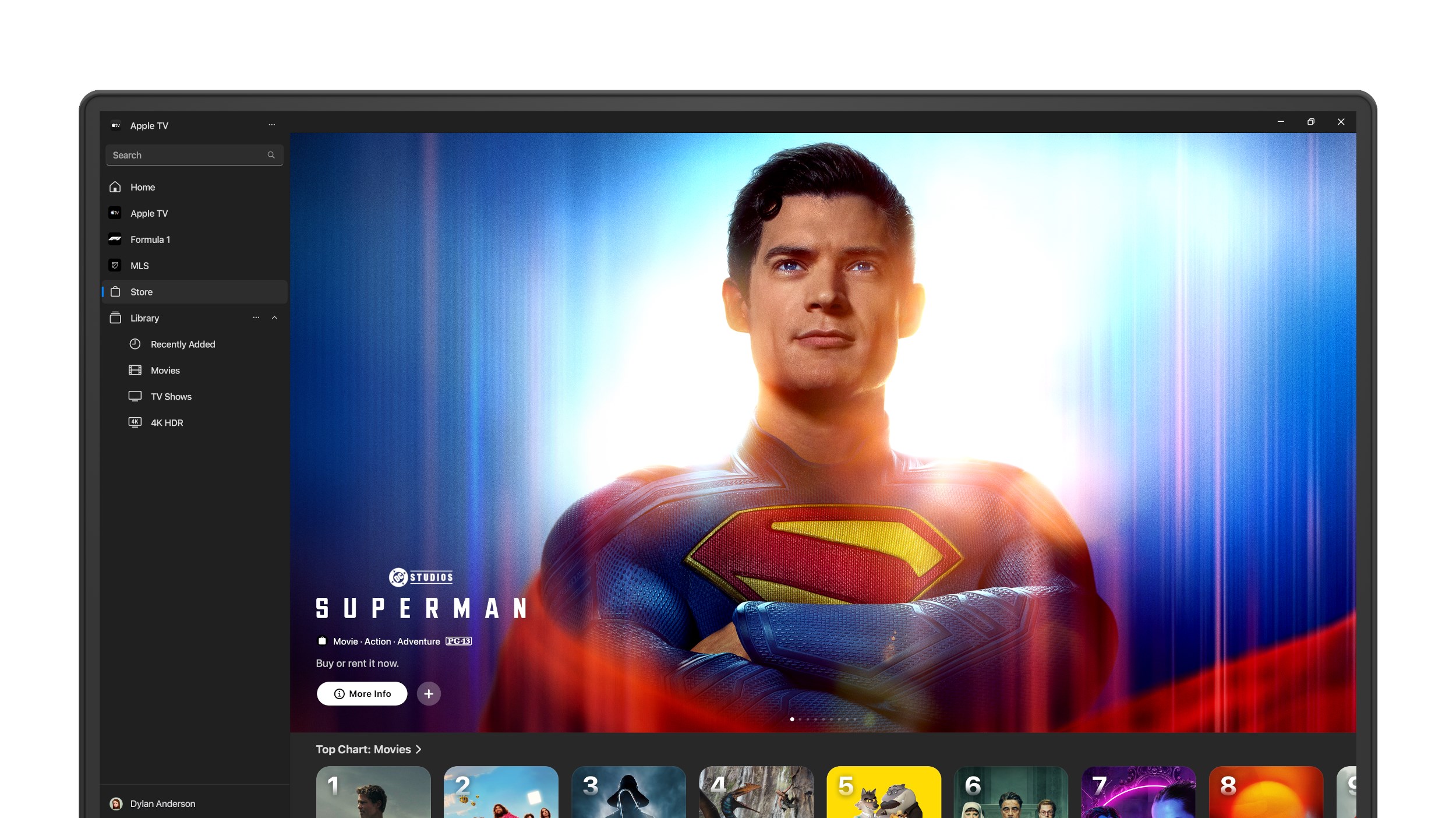
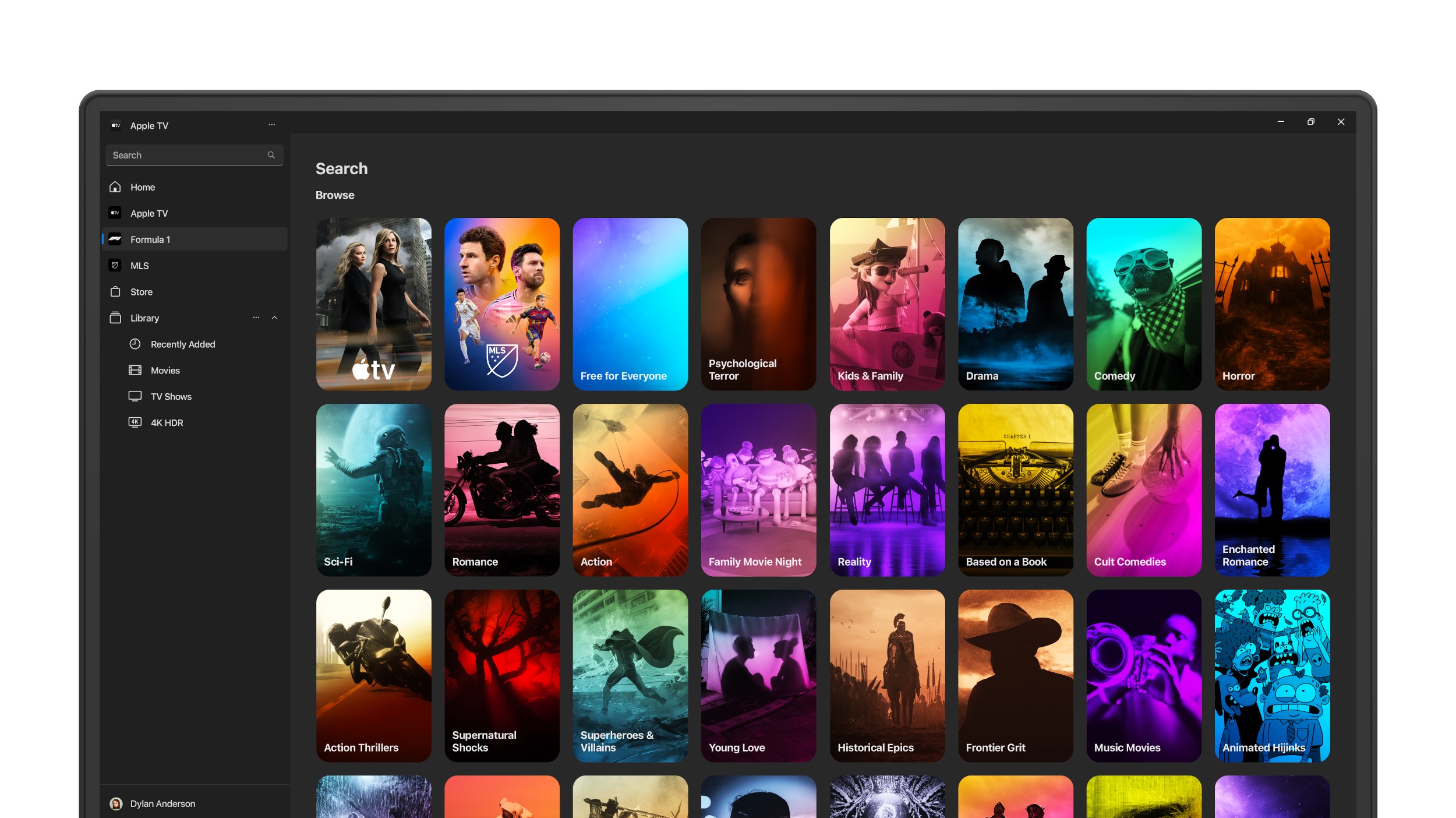
Launching the app feels akin to opening a virtual red carpet—sleek, minimalistic, yet exuding an air of exclusivity. Once inside, the interface presents a visually appealing grid of featured shows and movies, reminiscent of a well-curated digital theater. Navigating is smooth sailing; the app responds swiftly to inputs, making browsing a pleasure rather than a chore. The experience feels intuitive, with a gentle learning curve that caters to both tech-savvy users and first-timers alike.
Core Features That Steal the Spotlight
Personalized Content Discovery Algorithms
What truly sets Apple TV for Windows apart is its sophisticated content discovery engine. Unlike many competing apps, which simply list popular titles, Apple's algorithm intelligently analyzes your viewing habits to recommend shows and movies that align with your tastes. This personalized touch means less scrolling and more watching—your homepage becomes a curated lounge tailored specifically for you, much like your favorite streaming service acting as a trusted concierge.
Seamless Apple ID Integration and Purchases
One of the app's significant advantages is its tight integration with your Apple ID. If you already have an Apple TV+ subscription, logging in grants instant access to all your purchased and rented content, along with your watch history and personalized recommendations. This unified approach reduces the need for multiple accounts, making content management a breeze—imagine a single key unlocking a treasure trove of entertainment.
High-Quality Playback and User Experience
Playback quality remains consistent and crisp, supporting high-resolution streams that do justice to the original content. The app's design ensures that controls are unobtrusive, letting viewers immerse themselves fully. Smooth transitions, minimal buffering, and fullscreen options culminate in an experience akin to watching in a cozy, high-end theater—only on your Windows desktop.
Differentiation and Final Thoughts
Compared to other entertainment apps, Apple TV for Windows offers the unique benefit of leveraging Apple's powerful content recommendation algorithms. Its focus on personalized discovery ensures you spend more time enjoying curated suggestions rather than endless scrolling. Additionally, the seamless Apple ID integration simplifies content access, especially for those already embedded within Apple's ecosystem.
While the app's interface is user-friendly and the experience fluid, it's worth noting that it currently centers mainly on streaming Apple TV+ content, with limited support for third-party services or offline downloads. For loyal Apple users and those eager to explore Apple's original programming via a Windows device, this app is a practical and well-designed gateway.
Overall, I would recommend giving this app a try if you're seeking a straightforward, efficiency-focused way to enjoy Apple's exclusive content on Windows. Its intelligent recommendations and cohesive ecosystem integration make it a noteworthy addition to any entertainment setup, especially for users already familiar with Apple's digital environment.
Pros
- Intuitive User Interface
- High-Quality Streaming
- Extensive Content Library
- Offline Downloads
- Multi-Device Compatibility
Cons
- Limited Content for Non-Apple Devices
- Occasional Buffering Issues
- Suboptimal Search Functionality
- No Free Trial Available
- Premium Content Prices











