
- Name Any Sound Recorder: audio recorder & voice recorder
- Category Music
- Developer AnywaySoft, Inc.
- Available on PC, Mobile, Surface Hub, HoloLens
- OS Windows 10 version 17134.0 or higher
- Keyboard Not specified
- Mouse Not specified
- Memory Not specified
- languages English (United States)
Any Sound Recorder: A Practical and User-Friendly Audio Recording Tool for Windows
In a world where capturing voice memos, interviews, or musical ideas is becoming an everyday necessity, finding a reliable, straightforward recorder is key. Any Sound Recorder by AnywaySoft, Inc. aims to be that dependable companion for Windows users, offering an easy-to-use interface coupled with robust recording features.
Basic Information: Clear, Concise, and Focused
Designed as a versatile audio recorder for Windows, Any Sound Recorder aims to streamline the process of capturing high-quality audio without fuss. Developed and published by AnywaySoft, Inc., a company known for creating user-centric utilities, the app combines simplicity with essential functionalities tailored for a broad user base.
- This app positions itself as an efficient and accessible voice and audio recording solution for everyday use.
- Developer/Team: AnywaySoft, Inc., with a focus on lightweight yet powerful utilities for Windows environments.
- Key features highlight include high-fidelity recording, customizable audio formats, and straightforward sharing options, making it suitable for varied recording needs.
- Target users encompass students, journalists, musicians, teachers, and anyone needing a reliable voice recorder that doesn't require complex setups.
An Engaging Entrance: Why You Might Just Love This Recorder
Imagine you're sitting in a cozy coffee shop, trying to capture that candid lecture or a spontaneous melody. Instead of fumbling with complicated devices, you turn to Any Sound Recorder — simple, swift, and ready to preserve those fleeting moments. Its unobtrusive design ensures you can concentrate on what matters, not on how to operate the app. Think of it as having a trusty notebook that loves to listen and record without fuss.
Core Functionality 1: Seamless and High-Quality Recording
One of the app's standout features is its ability to deliver high-fidelity audio capture with minimal latency—crucial when assessing rhythm pattern variety or timing accuracy in musical recordings. The app's architecture ensures that your recordings are smooth, crisp, and true to the original sound source, whether it's a voice note or an instrument. The process is as simple as pressing a button—no complicated settings, just reliable performance.
Moreover, the app supports various audio formats, allowing users to choose the best for their needs, whether for quick sharing or professional editing afterward. Background recording is also supported, meaning your app quietly gets on with its job while you focus on your task, much like a diligent assistant recording your every word unnoticed.
Core Functionality 2: Intuitive User Interface & User Experience
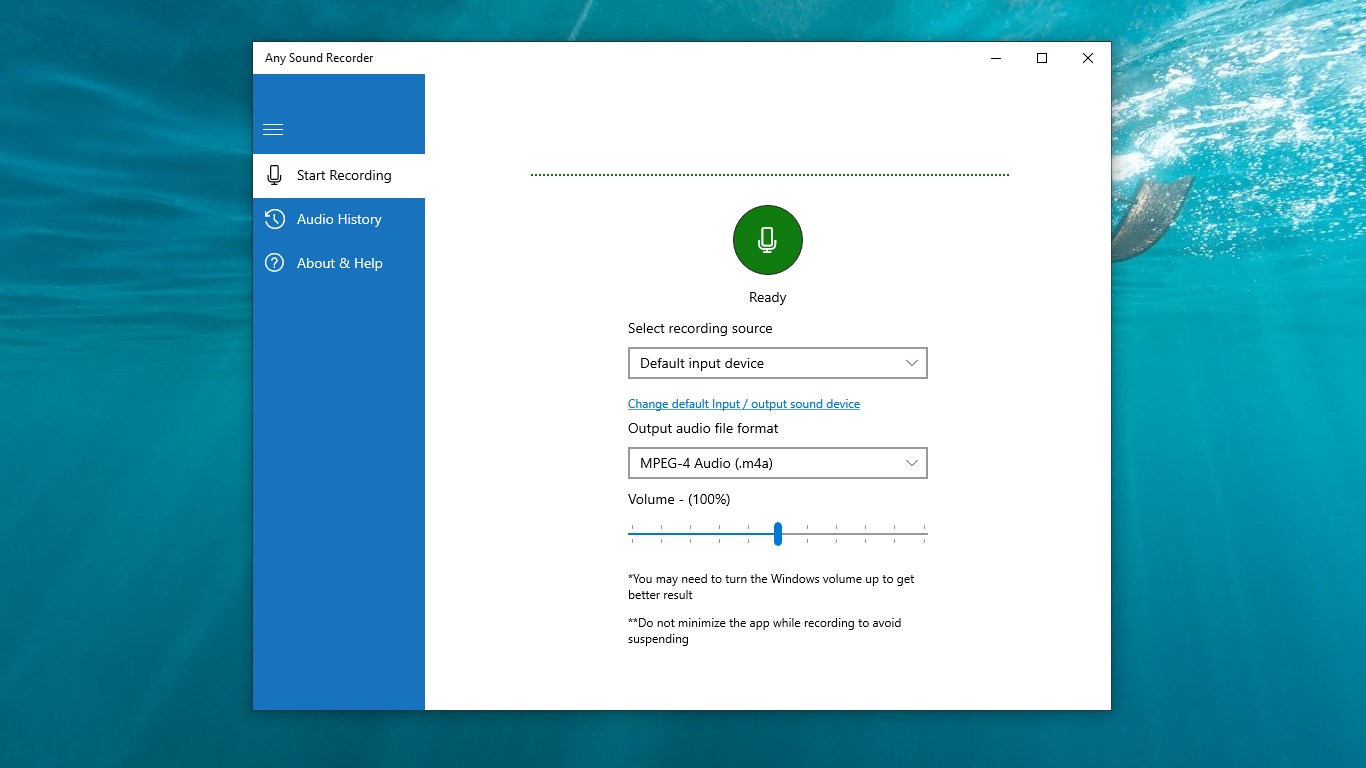
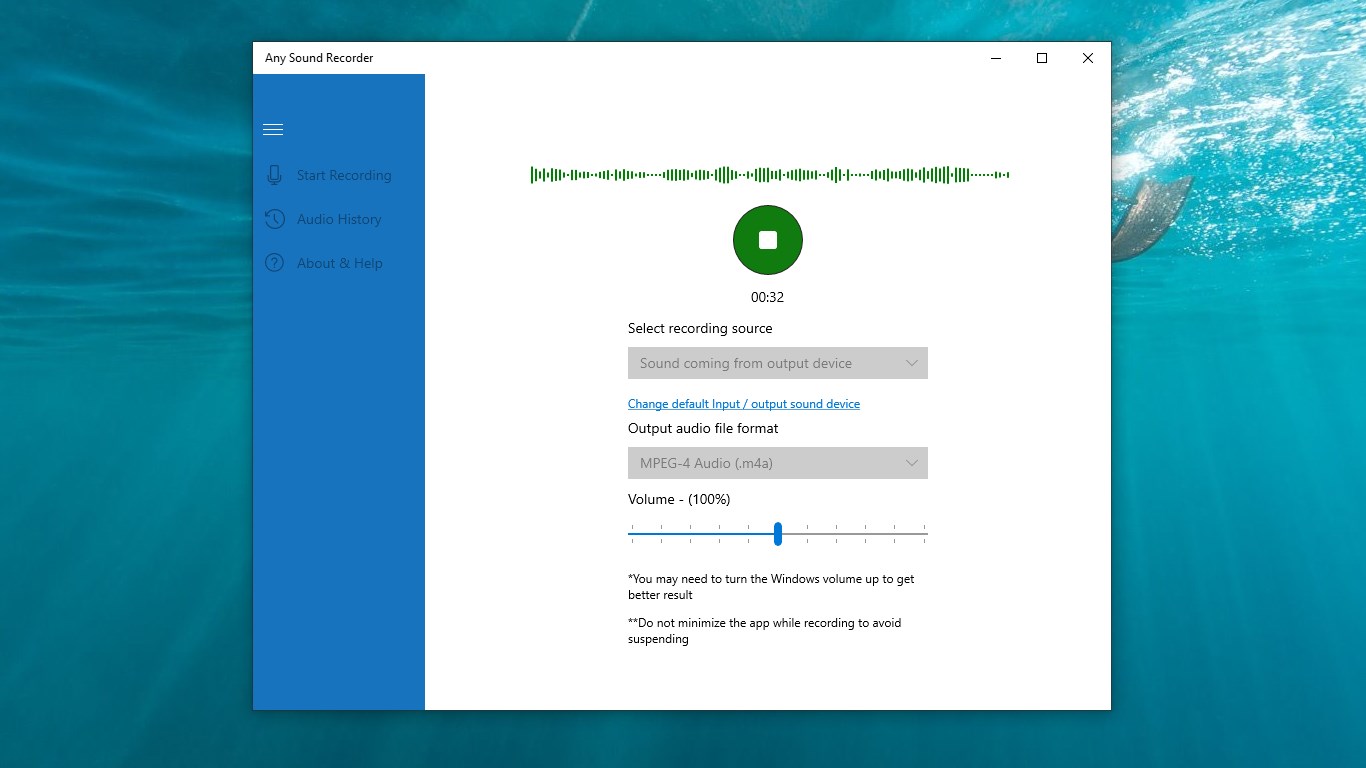
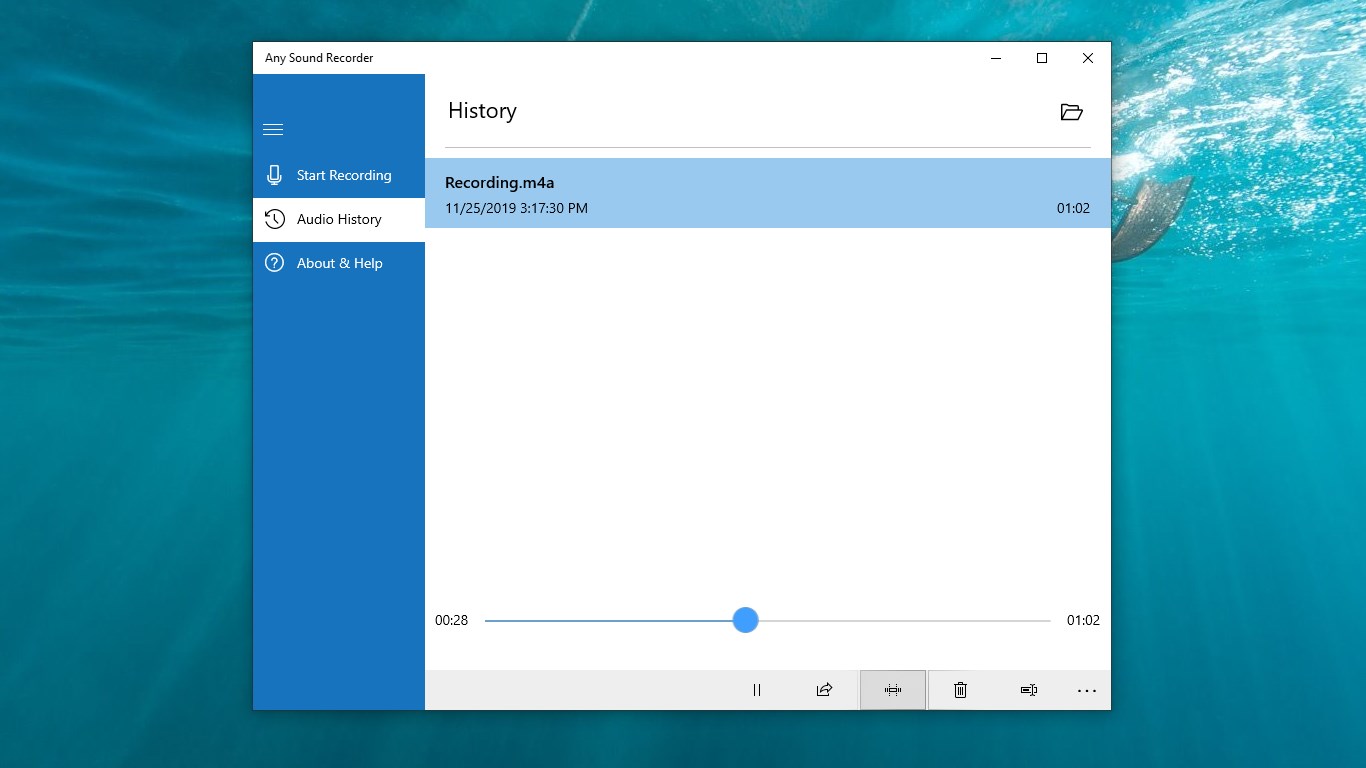
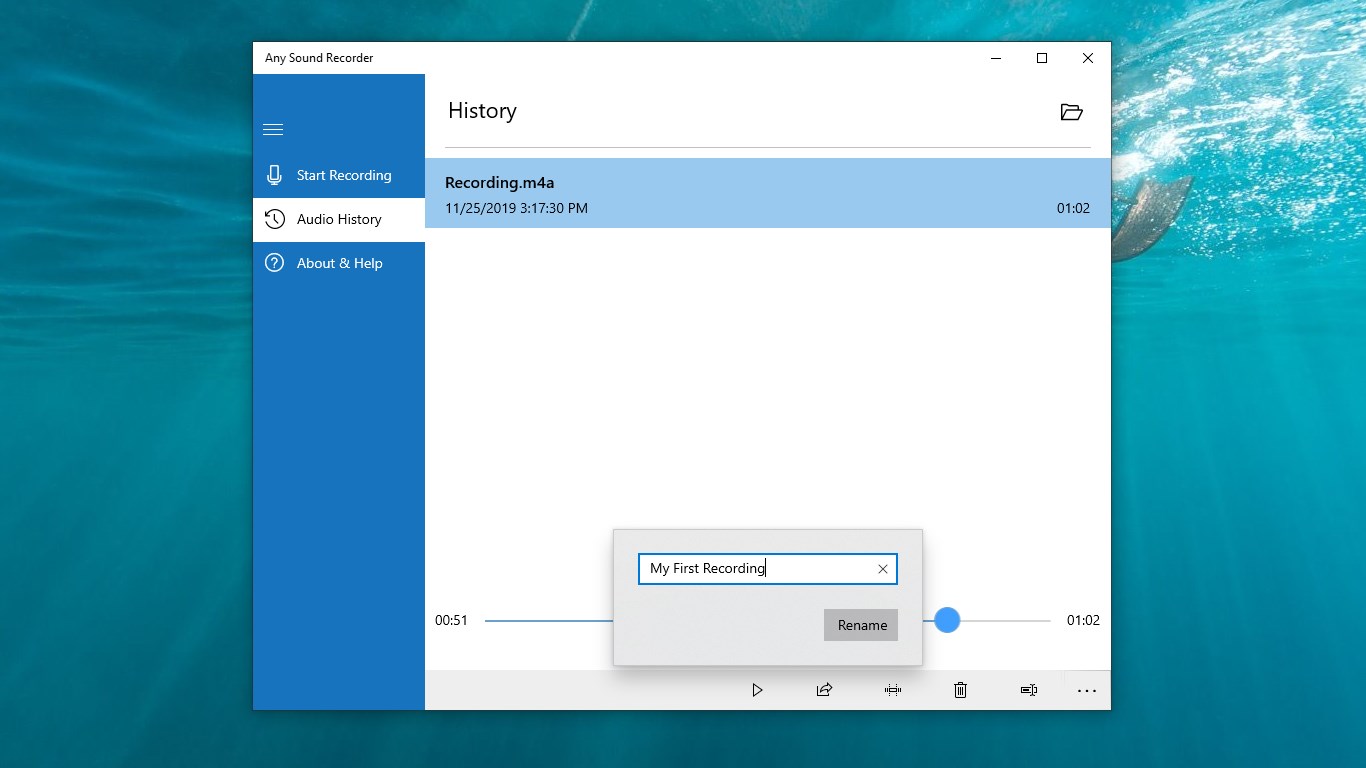
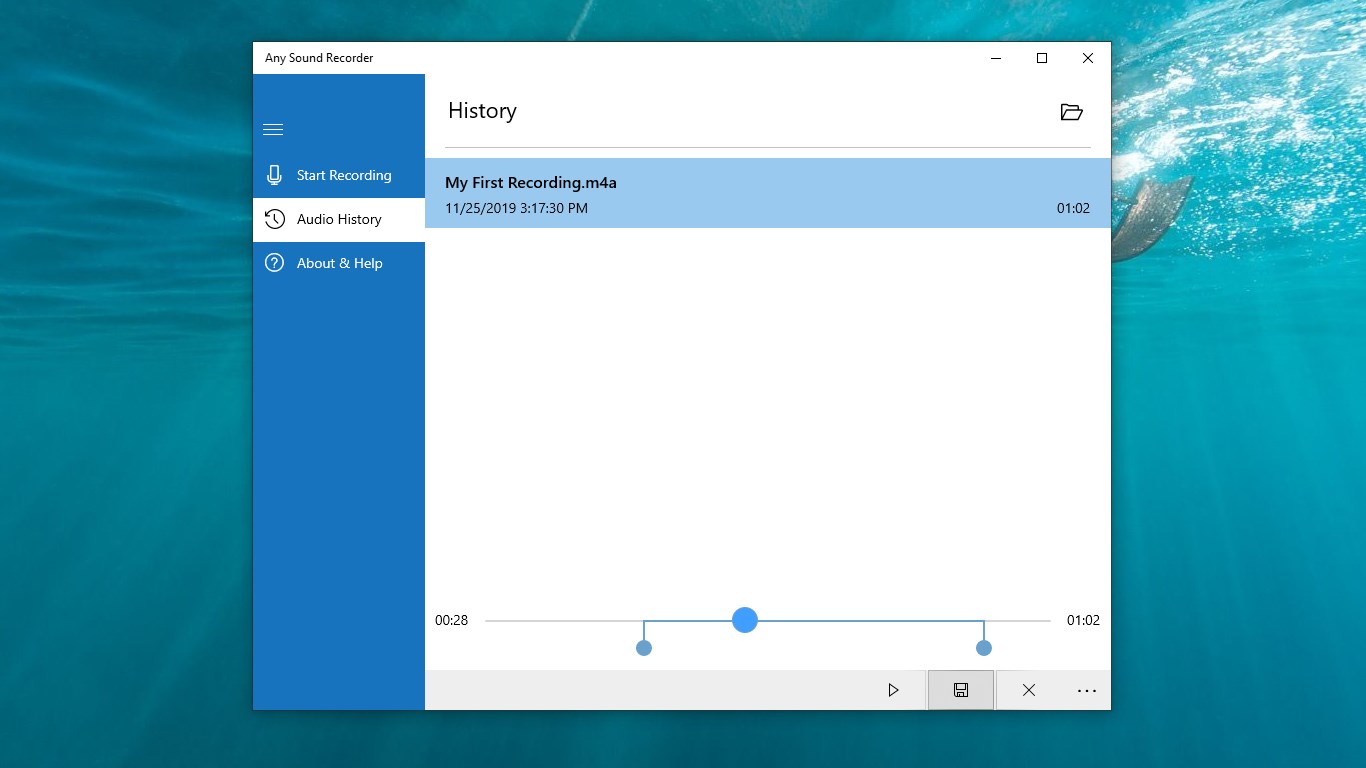
Equipped with a clean, minimalistic interface, Any Sound Recorder feels like a trusted desk clock—familiar and straightforward. The layout prioritizes essential functions: record, pause, stop, and share. This clarity reduces the learning curve and makes the app accessible even for first-time users. During playback, users can easily trim or add markers, enhancing usability.
It operates smoothly without lag or crashes, which is particularly important when recording live events or spontaneous sessions. The app's responsiveness, akin to a well-oiled machine, means you won't miss a beat due to technical glitches. Whether you're a novice or a seasoned pro, navigating this app is as effortless as talking into a microphone.
Unique Selling Points: What Sets It Apart?
What truly differentiates Any Sound Recorder from similar applications is its focus on assessing rhythm pattern variety and input latency tolerance—features especially appealing to musicians and sound technicians. The application manages to maintain precise sync and low latency, making it suitable for tasks requiring tight timing and rhythm detection. Unlike standard voice recorders, this focus on audio fidelity and timing precision offers a niche advantage for professional or semi-professional users.
Final Verdict and Recommendations
Based on its straightforward approach, high-quality recordings, and specialized features for rhythm assessment, I would recommend Any Sound Recorder as a reliable, no-fuss tool for users seeking a simple yet capable Windows audio recorder. While it may not replace full-scale Digital Audio Workstations, its ease of use and focus on timing accuracy make it particularly valuable for musicians, interviewers, or anyone needing dependable voice capture.
For casual recording needs, students organizing lecture notes, or professionals needing quick audio snippets, this app offers a compelling balance between simplicity and performance. It's best suited for users who value accurate timing and clear audio without the distraction of excessive customization options.
In summary, if you're looking for an app that respects your time, captures rich and precise audio, and helps you analyze rhythm patterns effortlessly, Any Sound Recorder is worth trying out. It's like having a friendly, precise tape recorder right on your Windows device, ready whenever inspiration strikes.
Pros
- User-friendly interface
- High-quality audio recording
- Multiple formats supported
- Easy editing features
- Cloud integration
Cons
- Limited advanced features
- Occasional app crashes during long recordings
- Minimal customization options
- Limited editing tools
- No in-app tutorial for new users











