

- Name Animation Desk – Draw GIF & Cartoon
- Category Entertainment
- Available on PC
- OS Windows 10 version 18362.0 or higher
- languages Chinese (Simplified), Chinese (Traditional), English (United States), French, German, Italian, Japanese, Russian, Spanish (Spain)
Unleashing Creativity with Animation Desk – Draw GIF & Cartoon for Windows
Animation Desk stands out as a versatile tool designed to transform your imagination into dynamic visuals. Whether you're an aspiring artist or a seasoned animator, this app offers a user-friendly platform to craft lively animations and playful cartoons seamlessly on your Windows device.
Meet the Makers Behind the Magic
Developed by Kdan Mobile Software Ltd., a reputable company known for crafting innovative digital content creation tools, Animation Desk benefits from a dedicated team committed to delivering immersive and accessible animation experiences across platforms.
Key Features That Spark Creativity
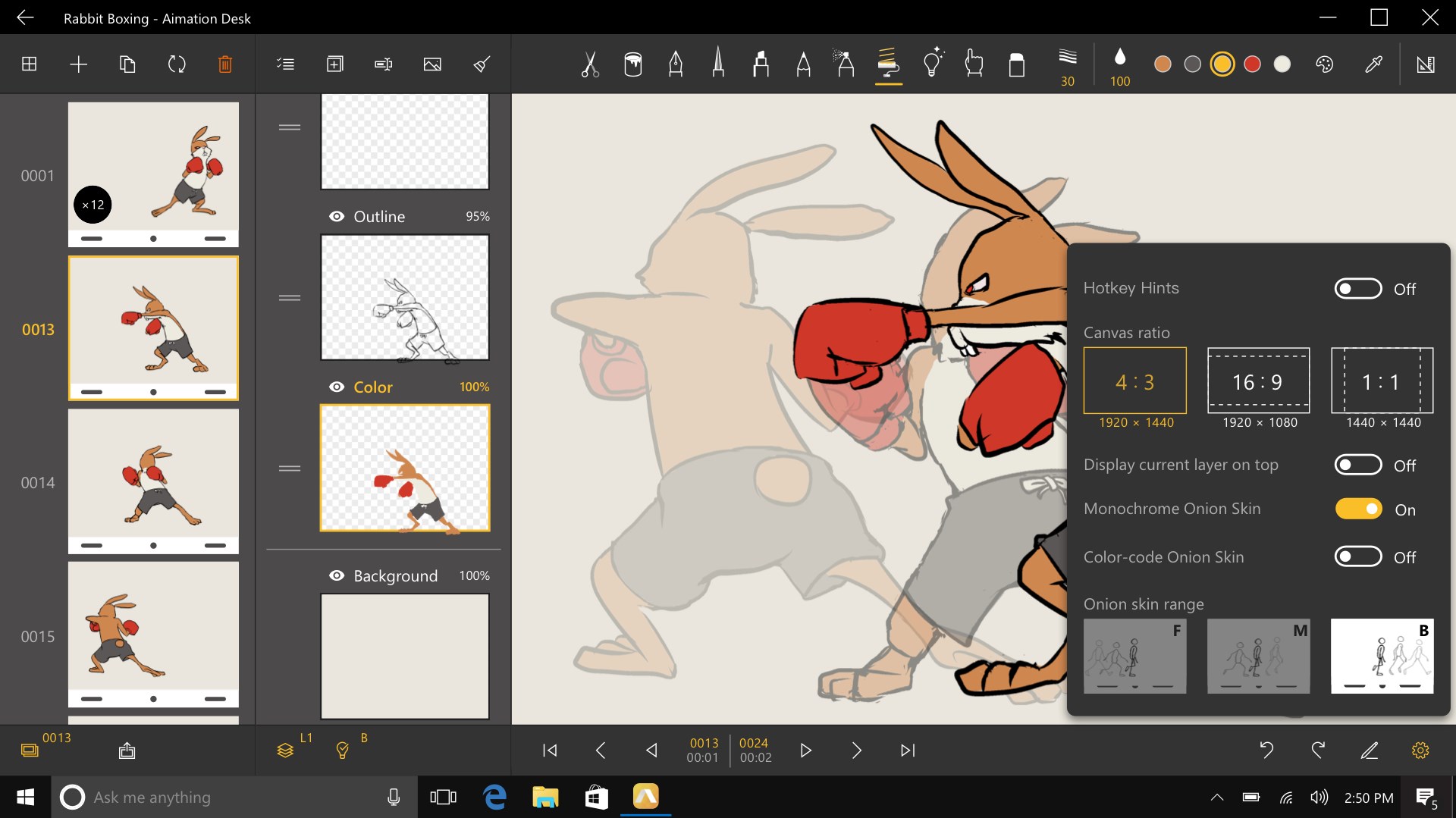
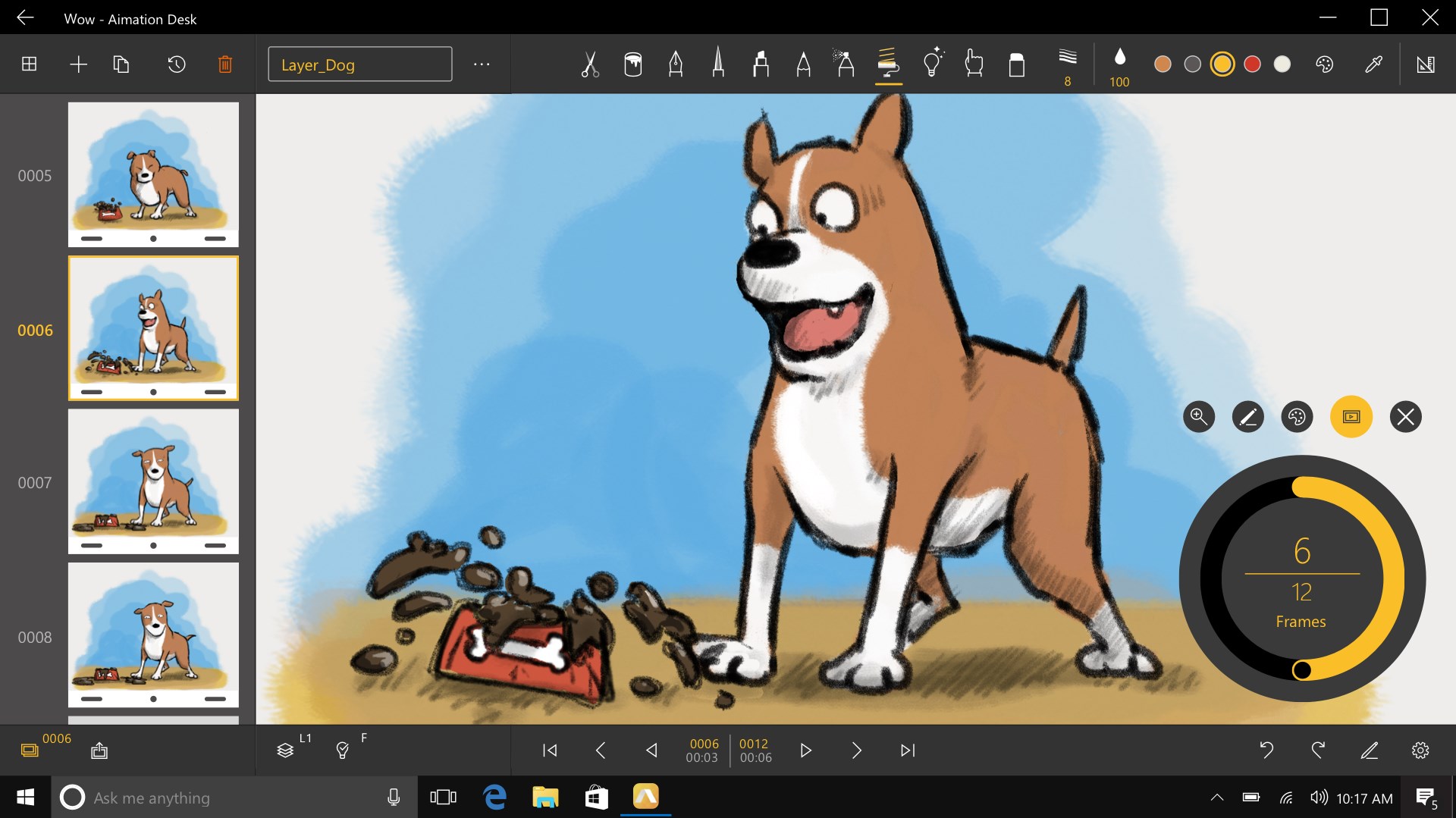
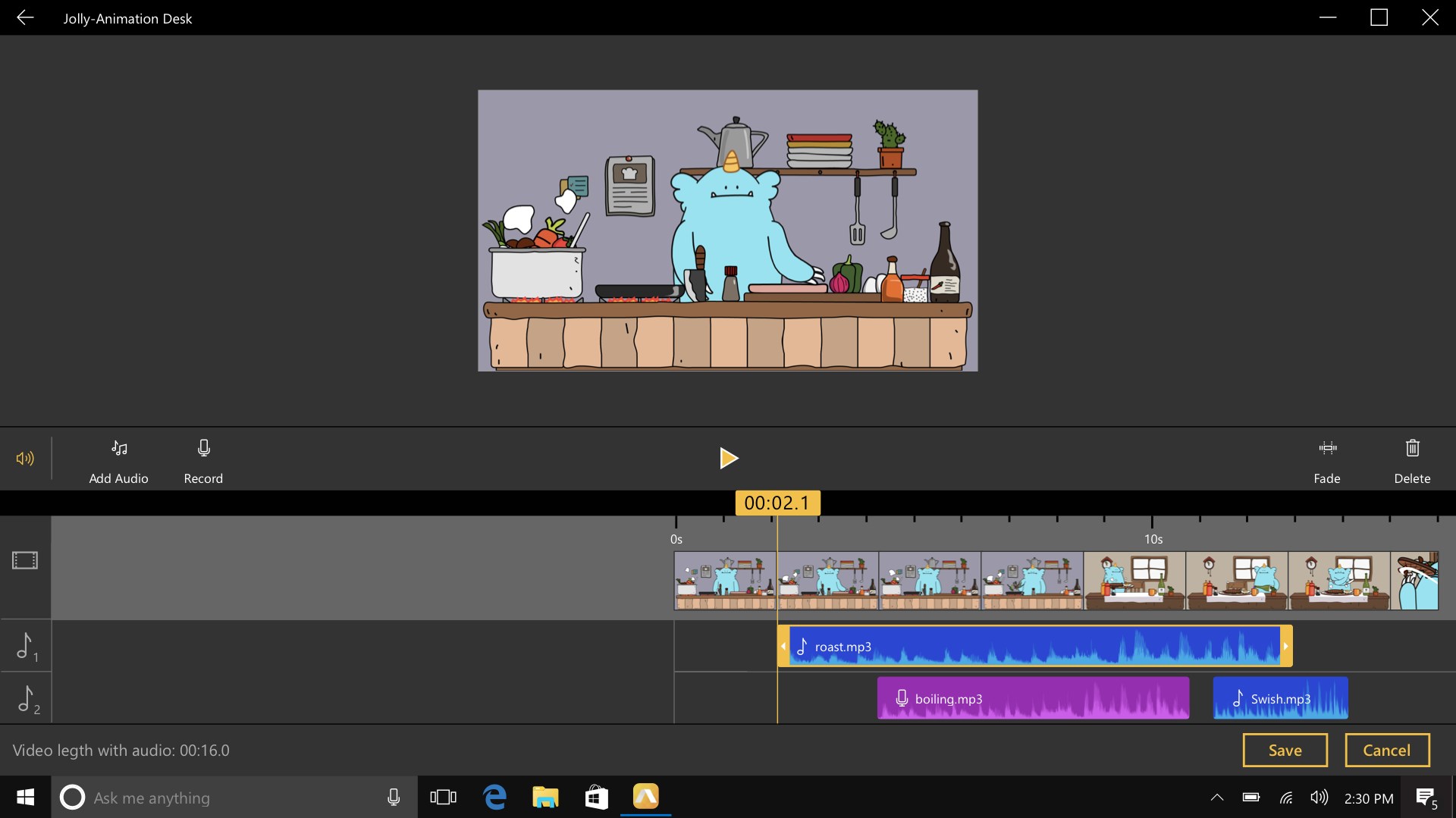
- Intuitive Frame-by-Frame Animation: Enables users to create smooth animations with easy-to-manage frames, mimicking traditional flipbook styles, perfect for storytellers and educators alike.
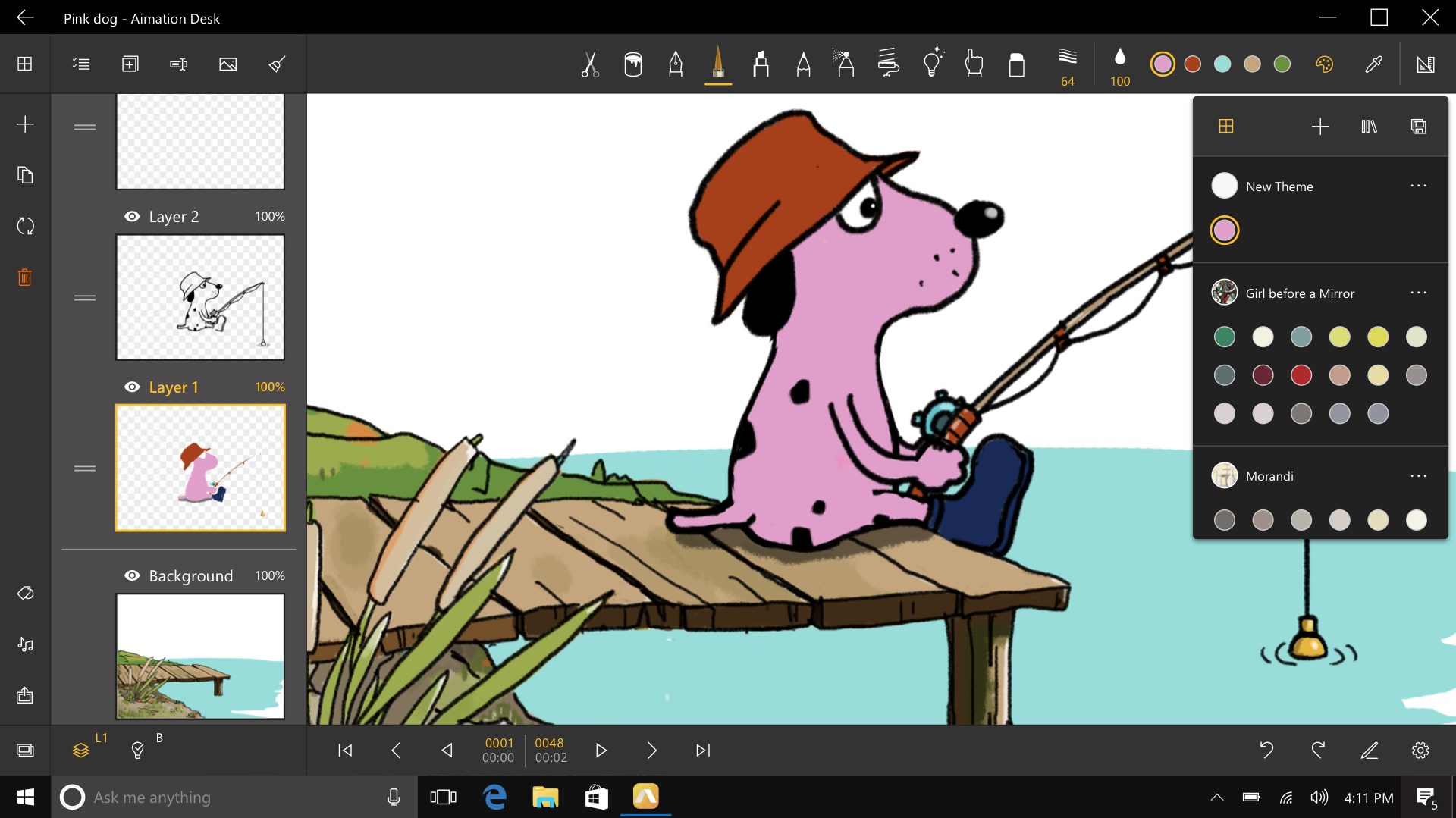
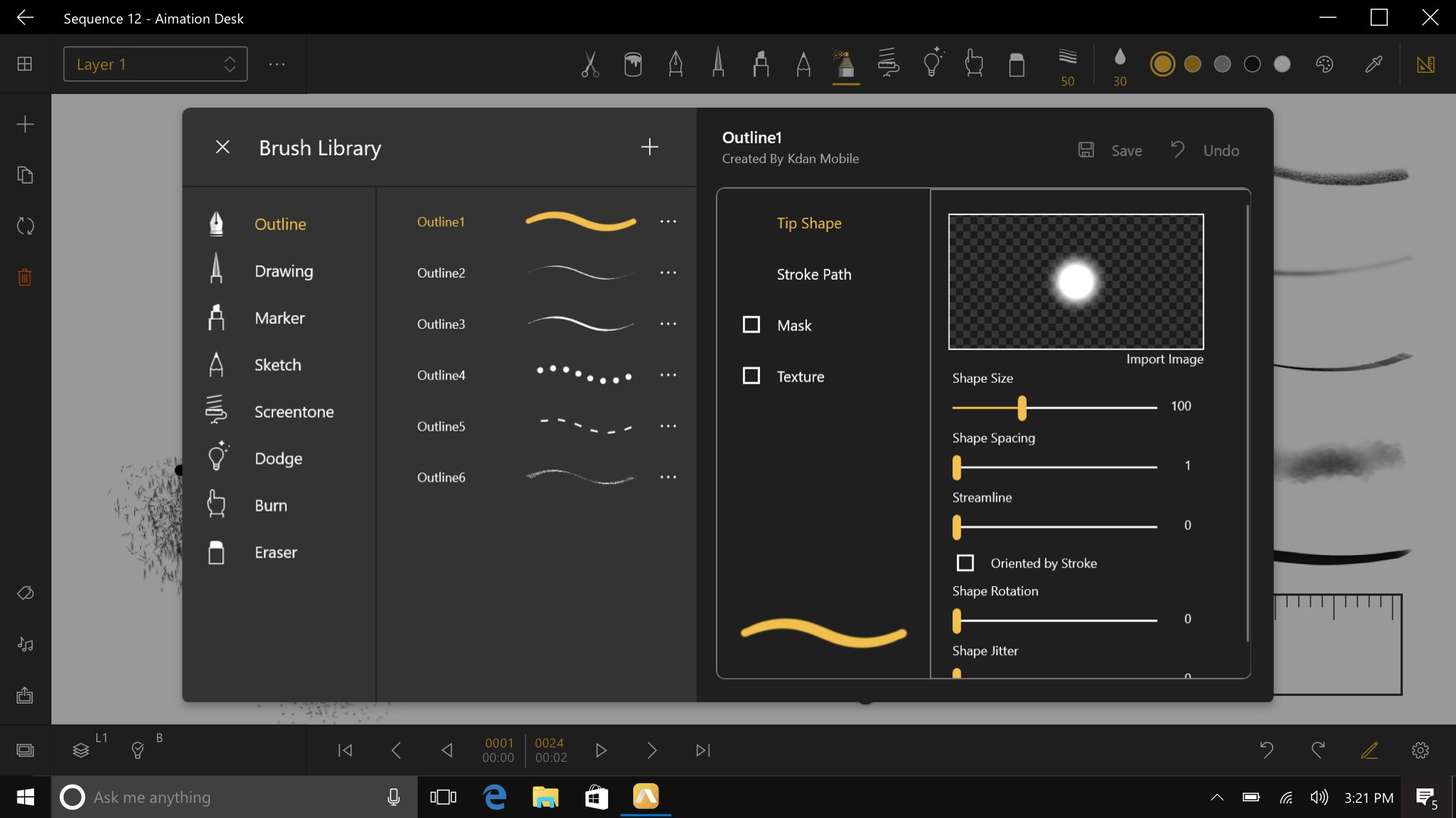
- Rich Drawing Tools & Layers: Offers a variety of brushes, customizable colors, and multiple layers, allowing for depth and detail akin to professional illustration software.
- GIF & Cartoon Export Options: Supports exporting finished projects as GIFs or videos, making sharing on social platforms straightforward and hassle-free.
- On-The-Go Creativity: Optimized for Windows, allowing users to sketch, animate, and preview their creations directly on desktops or tablets in a natural, responsive environment.
A Fun and Functional Canvas for Digital Artists
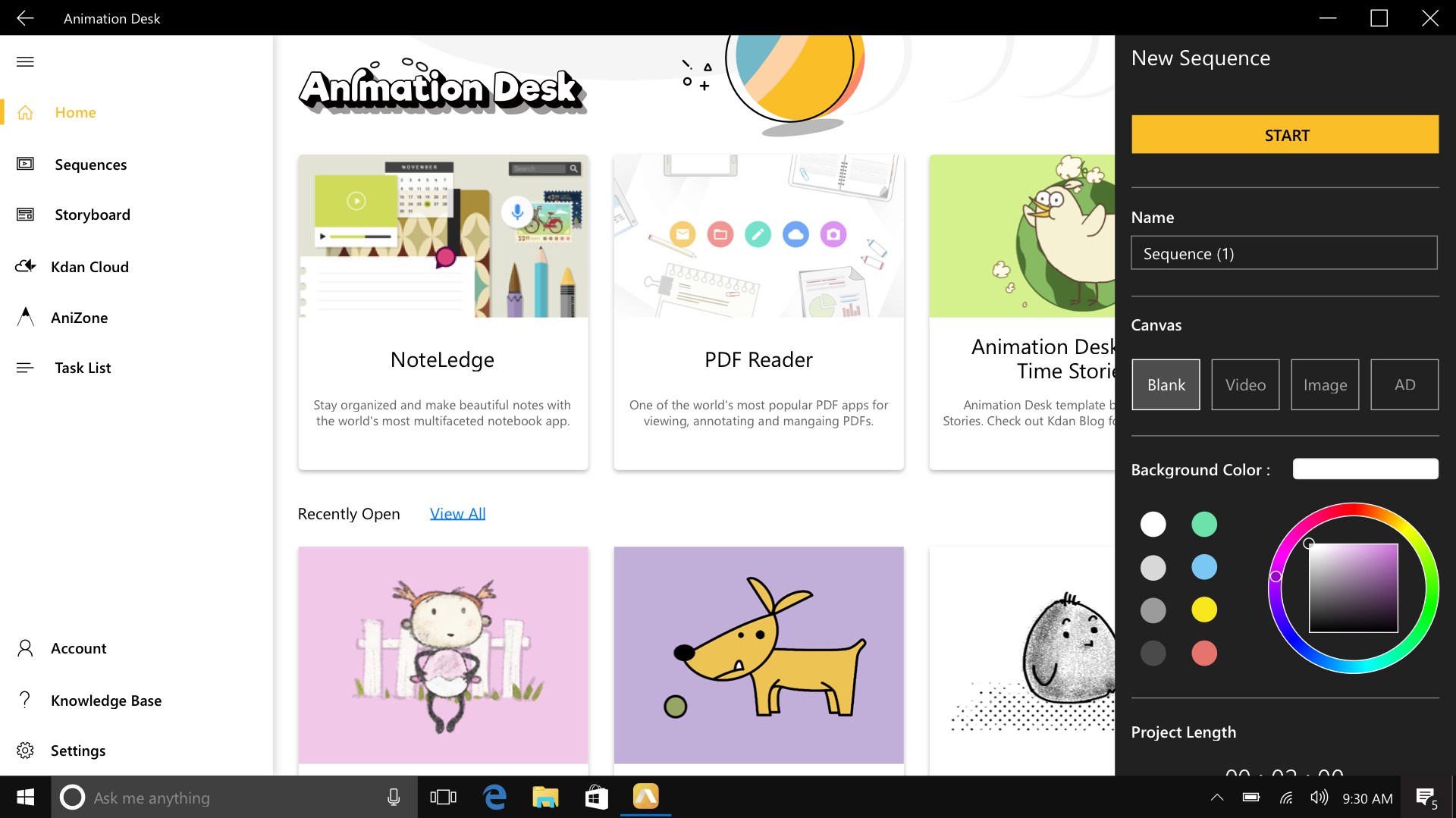
Imagine sitting at your desk with a light sketchpad that responds instantly to your every stroke—that's what Animation Desk offers. Its colourful interface feels welcoming without being cluttered, inviting users to dive straight into their creative flow. Creating animations here is comparable to directing a lively puppet show, where each frame is a scene, and every stroke adds movement and personality. The app's responsiveness ensures your ideas materialize smoothly, minimizing lag and making the entire process feel almost magical—instead of battling with sluggish tools, you'll be choreographing your stories with natural ease.
Streamlined Animation & Intuitive Drawing Experience
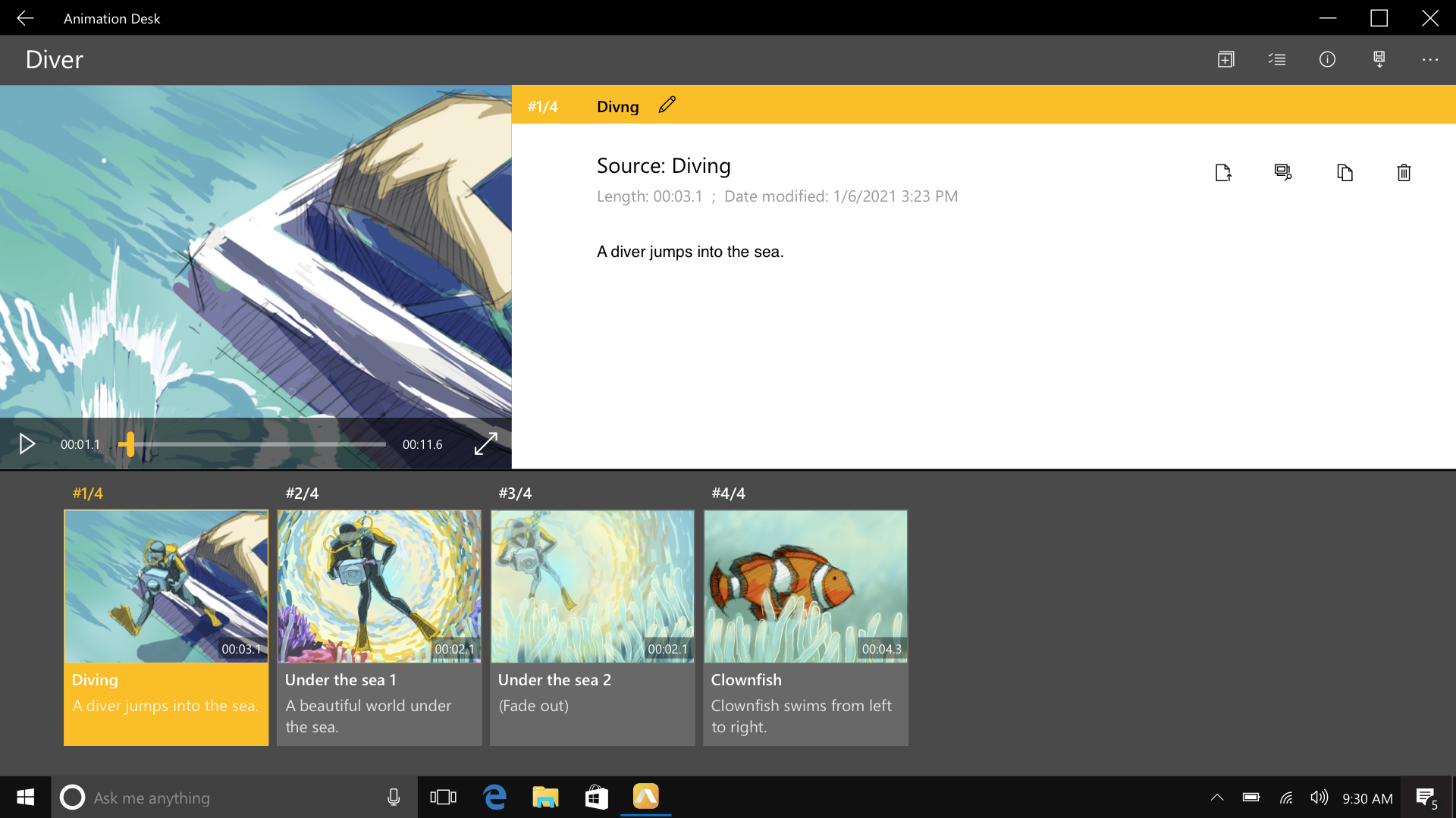
The core of Animation Desk's charm lies in its user-centric design. Drawing tools are organized thoughtfully, with quick-access palettes that don't interrupt your creative rhythm. The layering system is as straightforward as stacking translucent sheets—adding depth and complexity without confusion. Frame management feels effortless, akin to flipping through a storyboard, giving you control over the tempo and timing of your animation. Beginners will appreciate its gentle learning curve, while pros will find enough depth to push creative boundaries further. Overall, the experience fosters a joyful workflow, turning what could be complex into a delightful artistic journey.
Unique Selling Points and Differentiators
What truly sets Animation Desk apart from other entertainment or drawing apps is its focus on animation-specific features combined with a sleek, user-friendly interface. While many apps emphasize painting or static illustration, Animation Desk's core strength is in providing a dedicated platform for creating animated GIFs and short cartoons with precision and ease. Its intelligent layer management and preview features streamline the animation process, akin to having a mini studio within your Windows device.
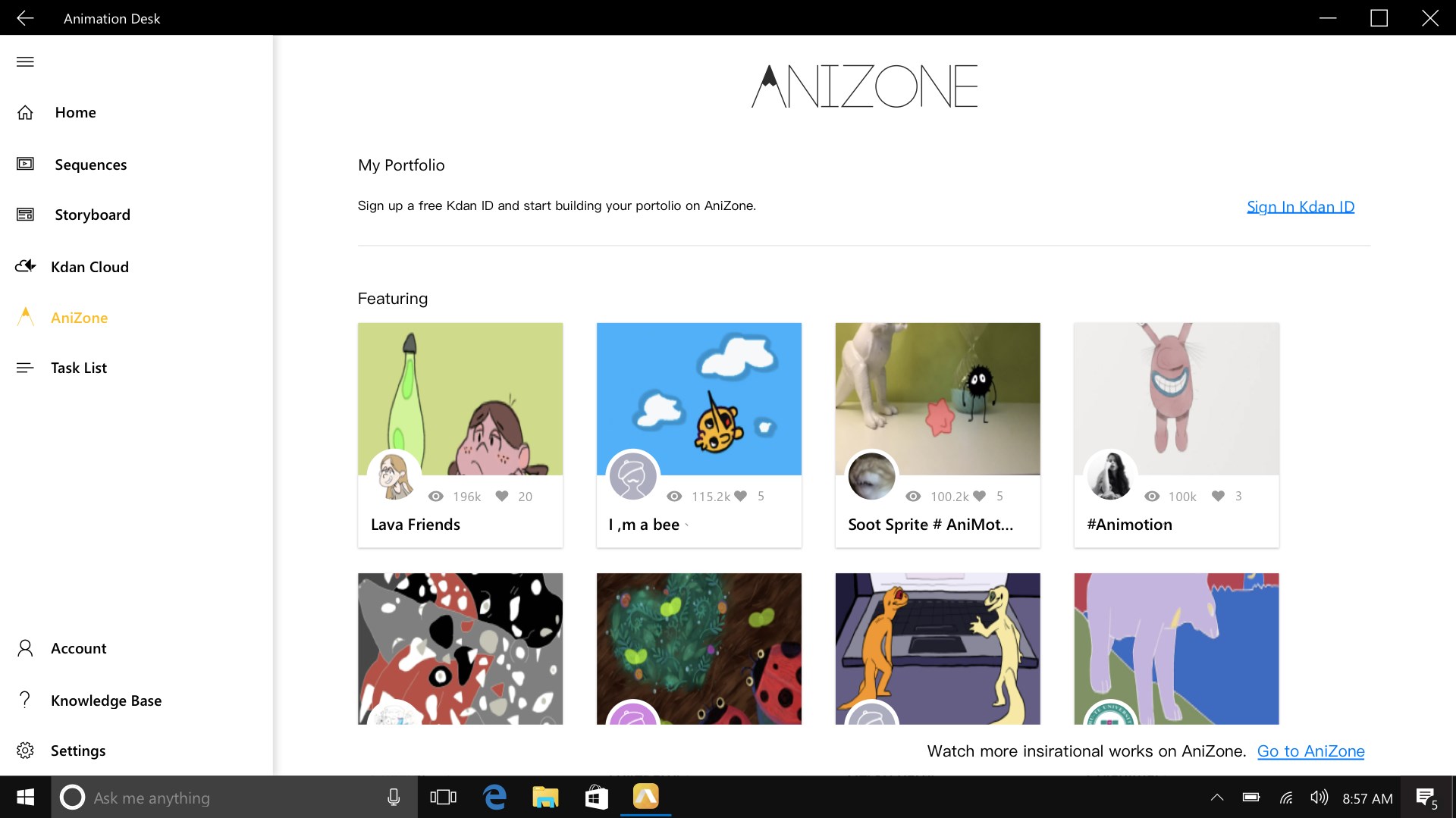
Another noteworthy advantage is its personalized workflow—users can customize brushes and workspace layouts, which adapts to various creative styles, from doodles to detailed animations. This flexibility makes it suitable for a wide spectrum from hobbyists to professionals. Compared to apps that offer generic drawing tools, Animation Desk's specialized animation toolkit enhances the relevance of content discovery, making recommendations tailored to your project style and history, thus encouraging ongoing exploration and mastery.
Final Verdict: A Playful Yet Professional Animation Companion
Overall, I recommend Animation Desk for anyone eager to dabble in animation or elevate their cartooning. Its unique interface, combined with powerful tools, creates a delightful environment for experimentation and storytelling. While beginners will find the learning curve gentle and approachable, experienced animators will appreciate its depth and export versatility. It's especially suitable for casual creators who want a straightforward yet capable platform without the steep complexity of high-end animation software. Whether you're crafting quick GIFs for social media or developing storyboards for larger projects, this app serves as an accessible, creative playground that adapts to your pace and style.
Pros
- Intuitive Drawing Interface
- Versatile Drawing Tools
- GIF and Cartoon Export Options
- Layer Support for Complex Animations
- Built-in Tutorials and Templates
Cons
- Limited Advanced Features
- Performance Issues on Older Devices
- Export Quality Restrictions
- Limited Cloud Storage Integration
- Occasional Crashes During Export











