



- Name AirServer Windows Desktop Edition
- Category Entertainment
- Developer App Dynamic ehf.
- Available on PC
- OS Windows 10 version 18362.0 or higher
- DirectX Version 11
- Memory 2 GB
- Keyboard Not specified
- Mouse Not specified
- languages English
AirServer Windows Desktop Edition: Turning Your PC into a Wireless Screen Hub
AirServer for Windows is a versatile application that transforms your computer into a wireless display receiver, enabling seamless mirroring from various devices. Whether you're giving a presentation, streaming media, or sharing gameplay, this app aims to make screen sharing effortless and reliable.
About the Developer and Core Features
Developed and published by App Dynamic ehf., a company dedicated to creating innovative software solutions, AirServer Windows Desktop Edition boasts several standout features. Its key highlights include multi-platform mirroring support, high-resolution streaming with minimal latency, and a user-friendly interface designed for quick setup. These capabilities cater to a wide range of users—from professionals and educators to casual media enthusiasts—looking for a robust screen sharing solution.
Designed for Ease and Efficiency
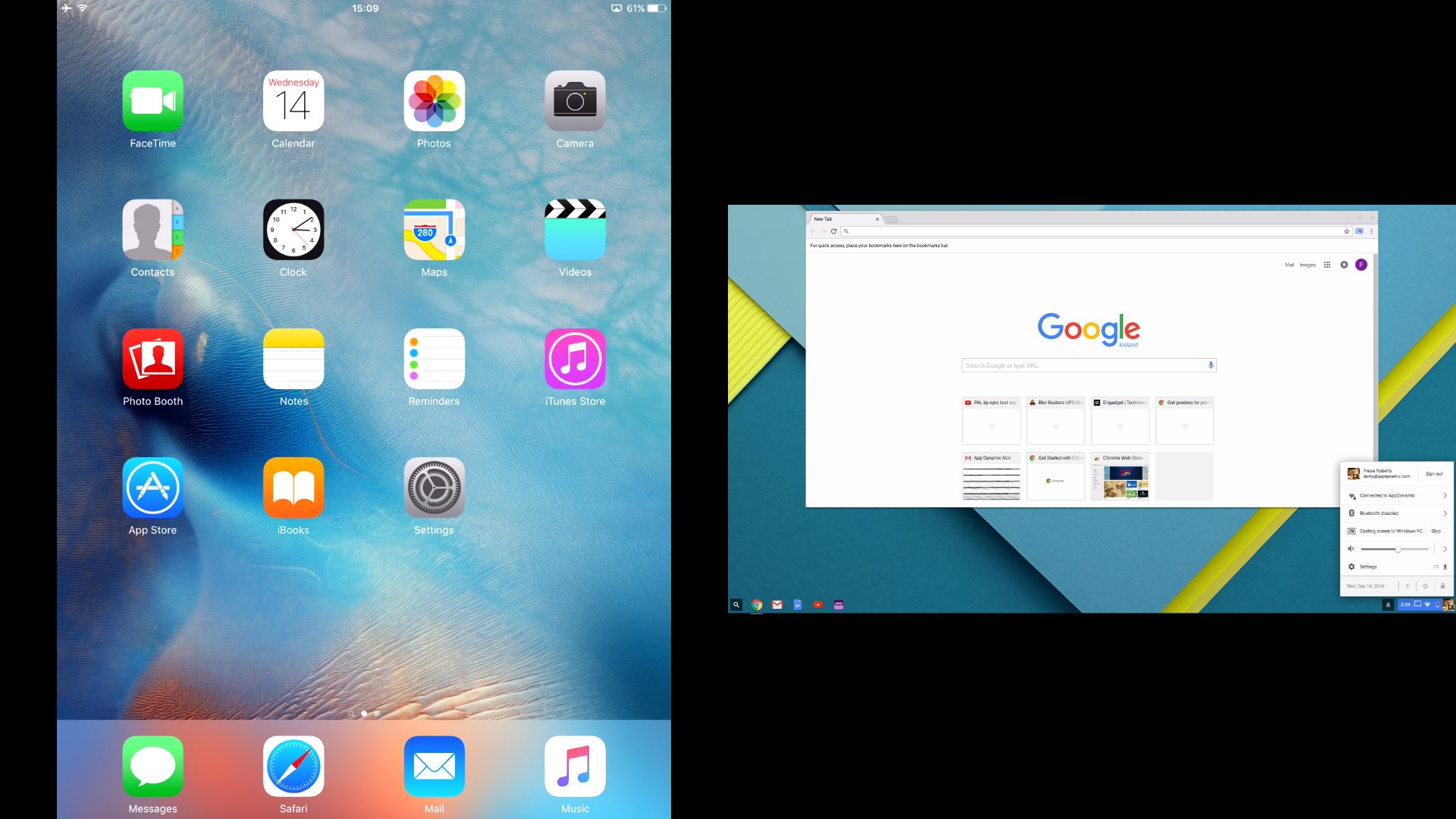
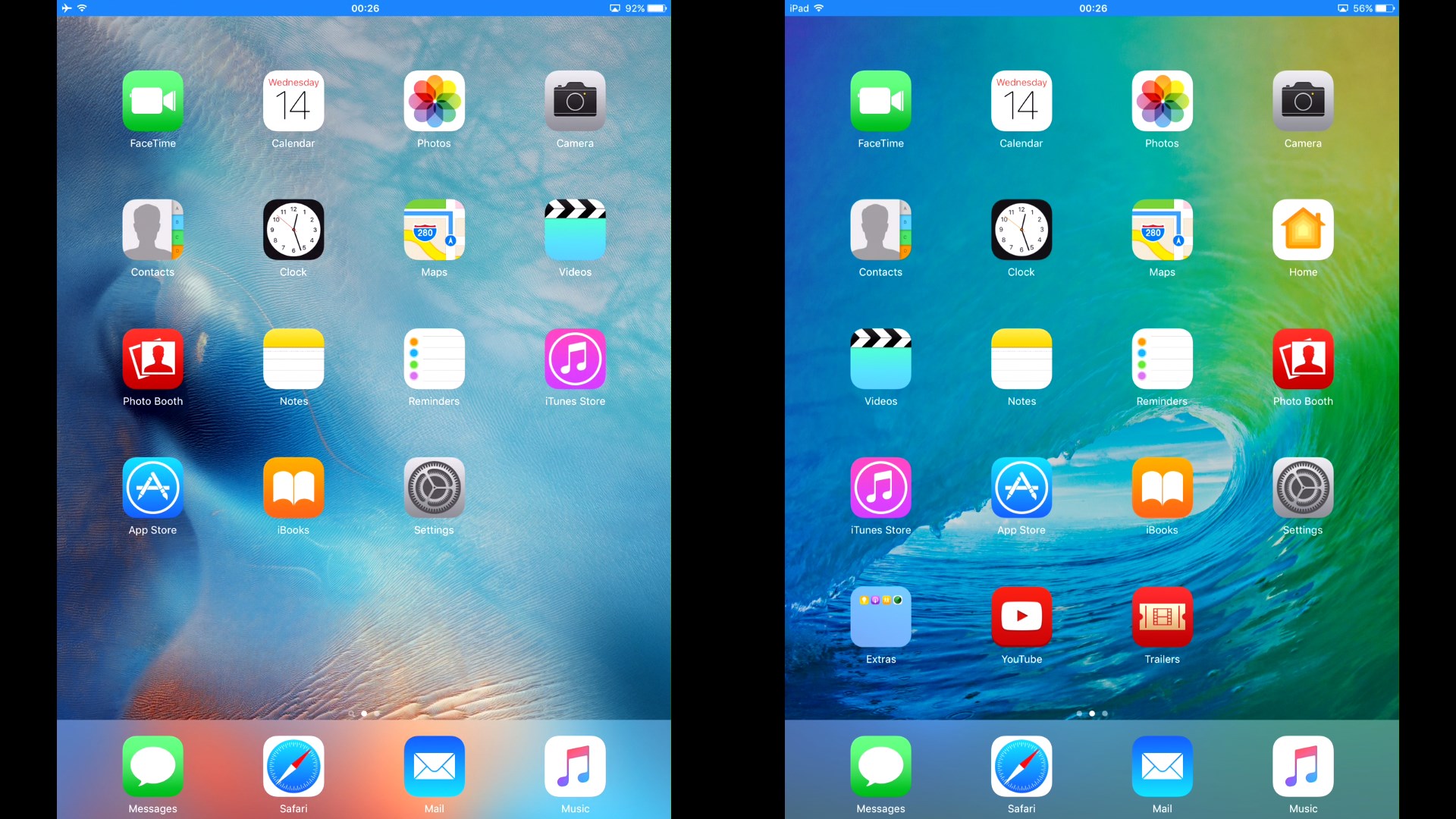
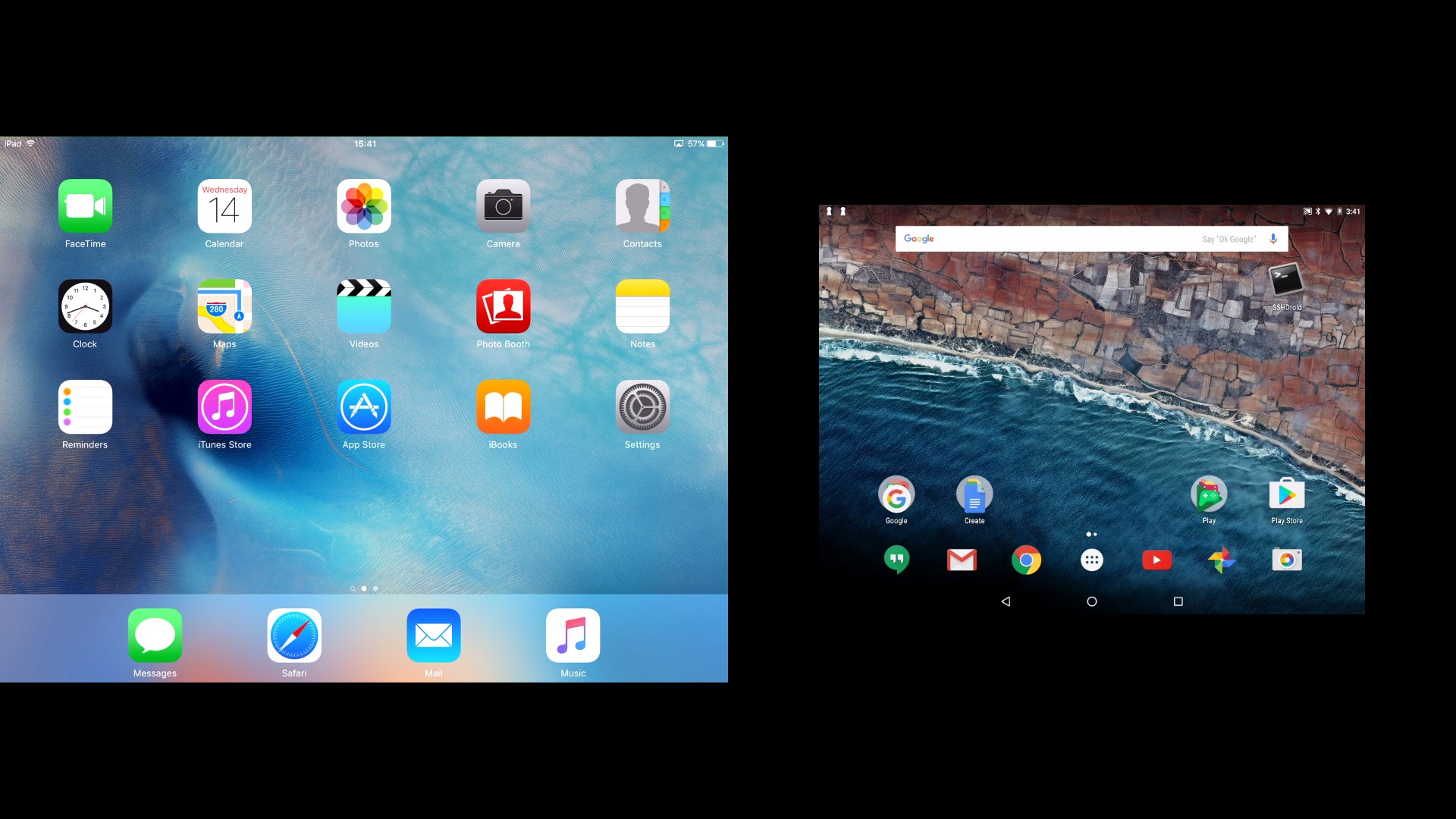
Imagine effortlessly casting your device's screen onto your PC without the jumble of cables—AirServer acts like a digital magnet, pulling in signals from your iPhone, Android, or Chrome device seamlessly. Its interface is clean and intuitive, inviting even the less tech-savvy to start mirroring in just a few clicks. The app's operation is smooth, ensuring that the screen updates respond promptly, reducing lag and providing a fluid user experience. The learning curve is gentle; typical users can master the setup within minutes, making it a practical tool for both spontaneous presentations and long-term usage.
Standout Features and Differentiation
One of the app's most compelling aspects is its support for multiple streaming protocols, such as AirPlay, Google Cast, and Miracast, all within a single platform. This comprehensive compatibility removes the hassle of switching apps or devices, effectively acting as a universal mirror receiver. Unlike other entertainment-oriented applications that focus primarily on media discovery, AirServer shines by offering a personalized, high-fidelity mirroring experience that prioritizes minimal latency and high image quality. Its algorithm for content encoding ensures smooth playback, even at 4K resolutions, making it ideal for detailed presentations or immersive media sessions. This technical finesse in content delivery sets AirServer apart from similar apps that often struggle with synchronization or resolution issues.
Best Use Cases and Personal Recommendations
If you're seeking a reliable, multi-platform screen mirroring tool that is easy to set up and delivers crisp visuals, AirServer Windows Desktop Edition is an excellent choice. It's especially recommended for professionals conducting dynamic presentations, educators aiming for interactive lessons, or gamers sharing gameplay with friends. While it may require a bit of initial configuration, the payoff is a streamlined experience—no more tangled wires or cable compatibility concerns. For users already invested in Apple or Google ecosystems, this app bridges the gap beautifully, making your device's content instantly accessible on your PC without additional hardware or hassle.
In conclusion, AirServer Windows Desktop Edition stands out with its broad compatibility, high-quality streaming, and user-centric design. It is recommended for those who need a dependable, hassle-free mirroring solution that remains adaptable across various devices and use scenarios. Whether for professional presentations or casual media sharing, this app offers a refined experience worth exploring.
Pros
- High-Quality Screen Mirroring
- Supports Multiple Protocols
- Easy Setup and User-Friendly Interface
- Low Latency Streaming
- Secure Connection Features
Cons
- Limited Platform Compatibility
- Occasional Connection Drops
- Resource Consumption
- Advanced Features Require Purchase
- Limited Customization Options











