

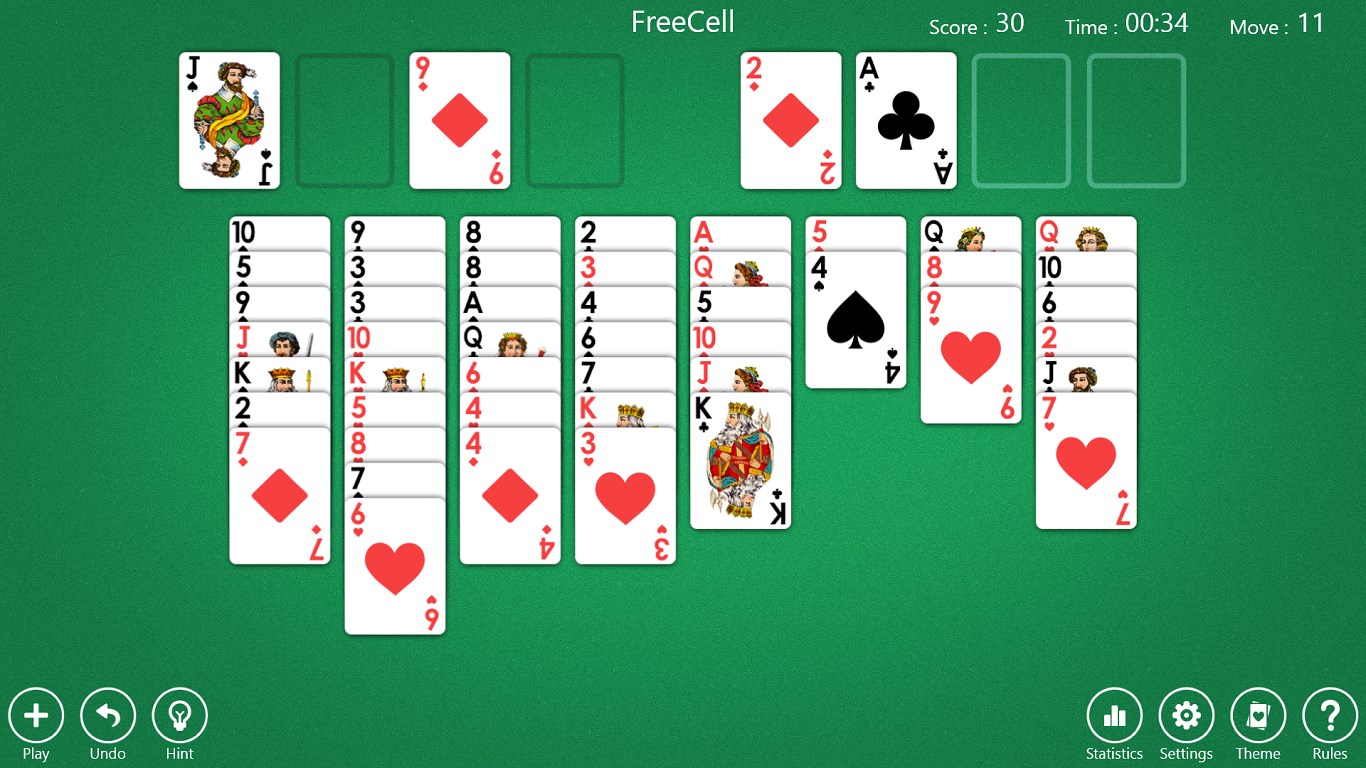
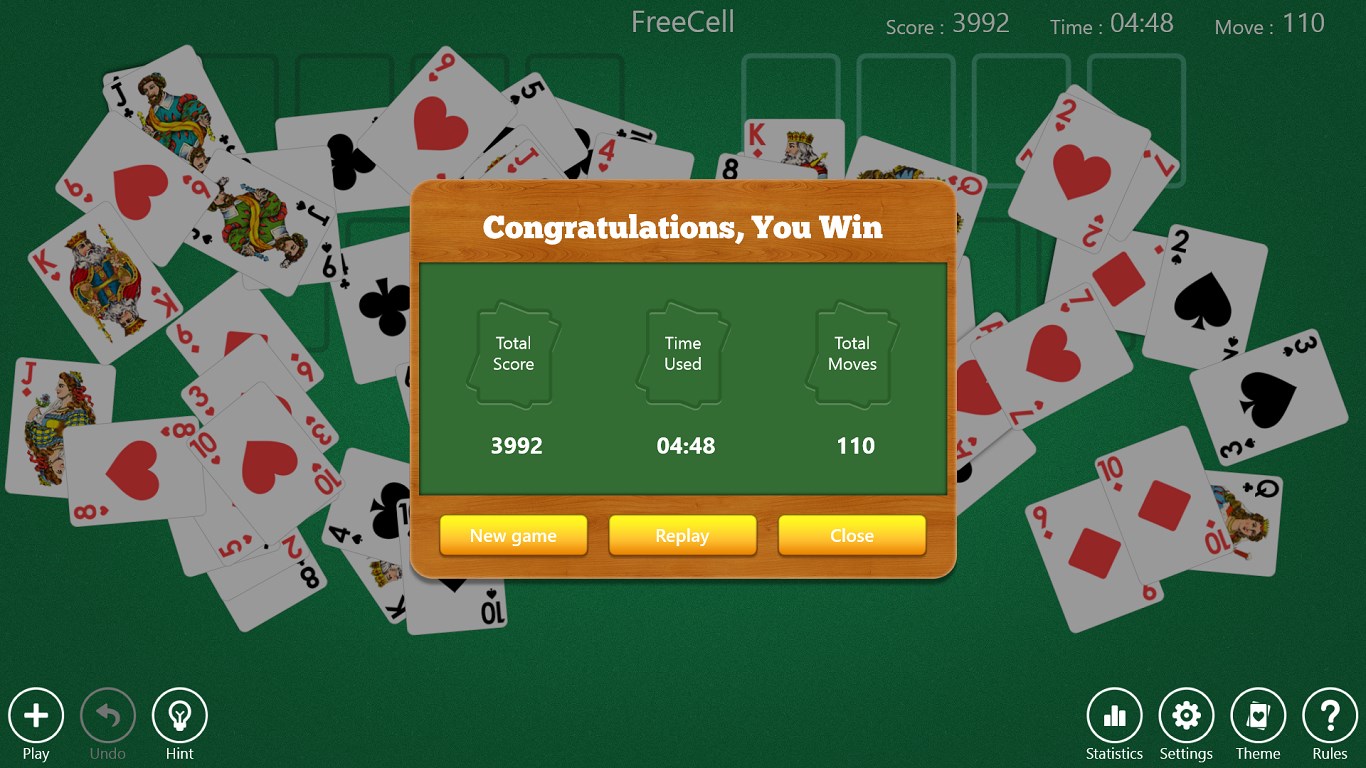
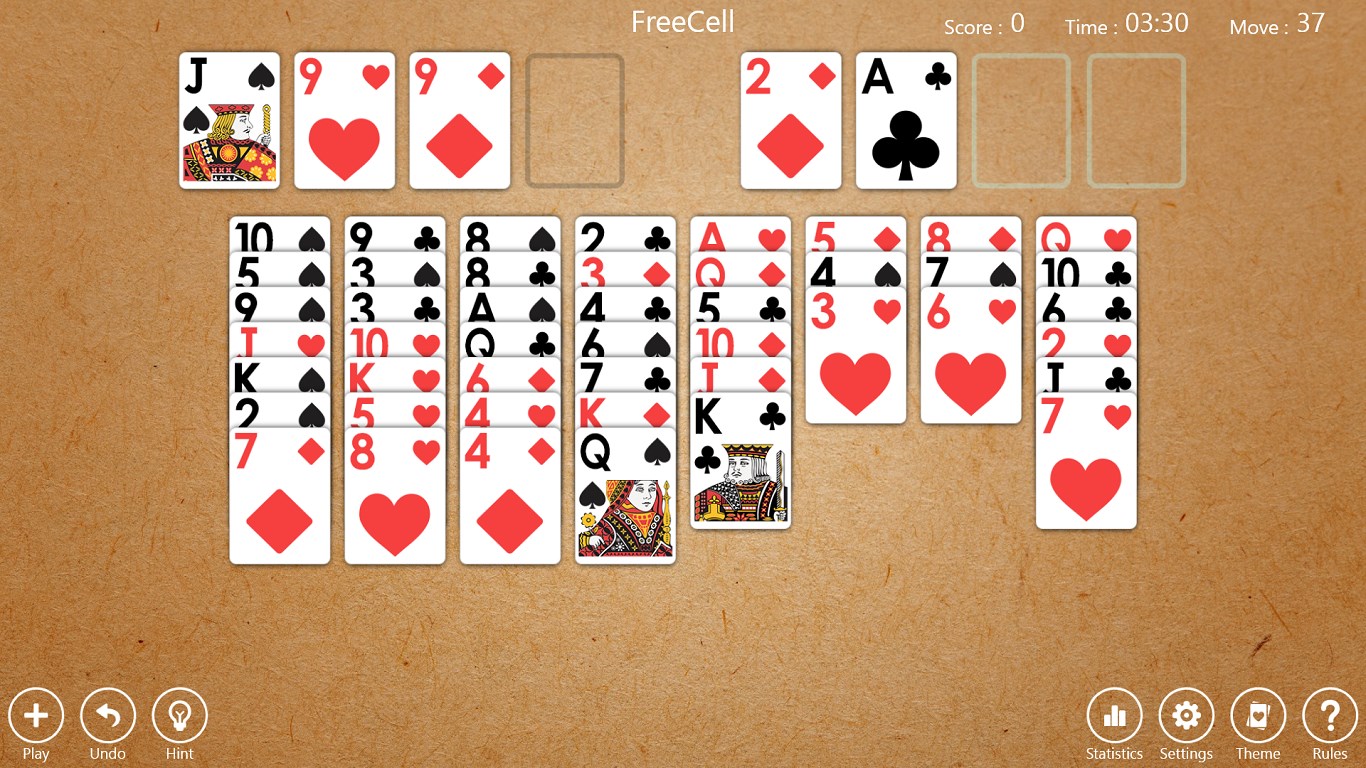
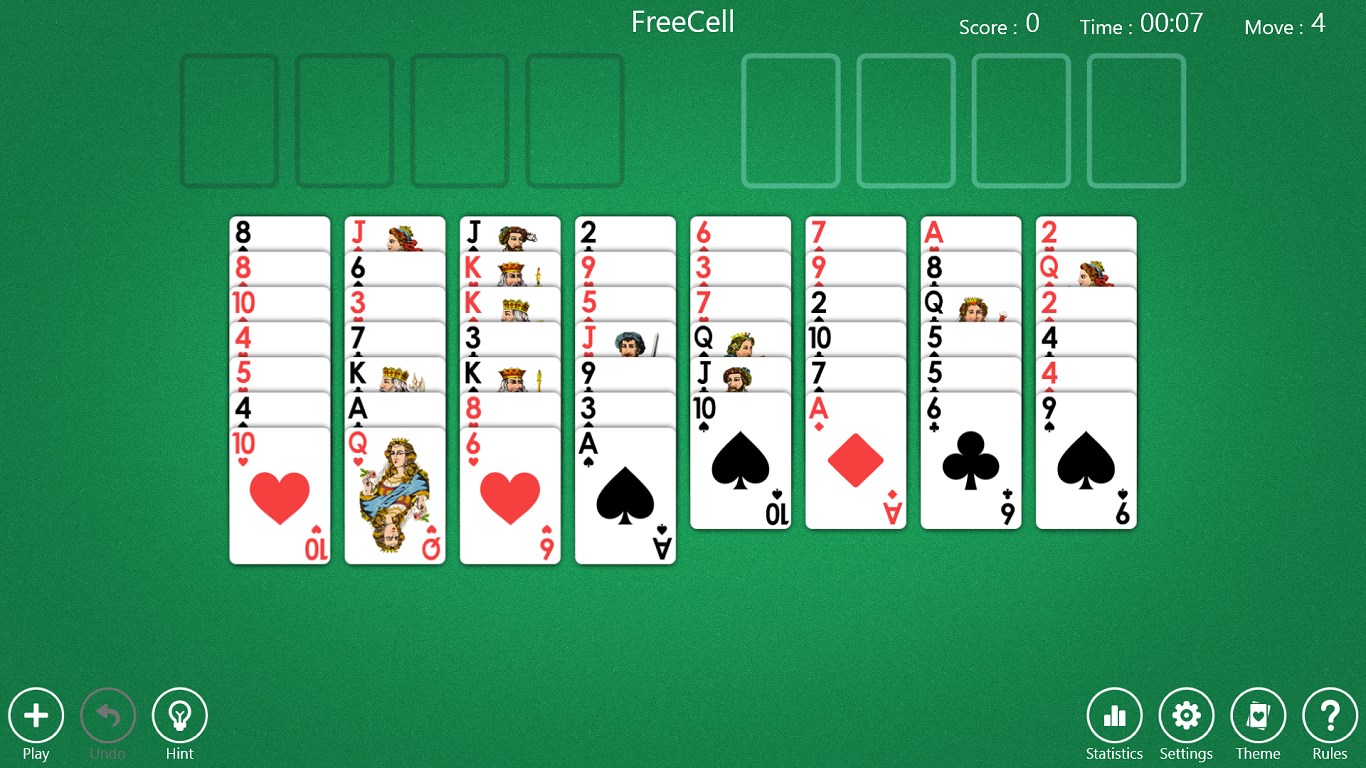
- Name Aces FreeCell Solitaire
- Category Card & board
- Developer Win8 Poker Card Games
- Available on PC
- OS Windows 8.1 or higher
- languages Albanian, Arabic, Azerbaijani, Belarusian, Bulgarian, Catalan, Chinese (Simplified), Chinese (Traditional), Chinese (Traditional, Hong Kong SAR), Croatian, Czech, Danish, Dutch, English (United Kingdom), English (United States), Estonian, Filipino, Finnish, French, German, Greek, Hebrew, Hindi, Hungarian, Indonesian, Italian, Japanese, Kazakh, Korean , Latvian, Lithuanian, Macedonian, Malay, Norwegian (Bokmål), Persian, Polish , Portuguese (Brazil), Portuguese (Portugal), Romanian, Russian, Serbian (Latin) (Serbia and Montenegro (Former)), Slovak, Slovenian (Slovenia), Spanish, Spanish (Mexico), Spanish (Spain), Swedish, Thai, Turkish, Ukrainian, Uzbek, Vietnamese
Introducing Aces FreeCell Solitaire for Windows
Looking for a timeless classic card game that combines strategic thinking with relaxing gameplay? Aces FreeCell Solitaire for Windows offers just that, delivering an engaging freeform solitaire experience rooted in the popular FreeCell variation. Whether you're a casual player seeking some quick entertainment or a seasoned card enthusiast, this app promises a neat digital rendition that can fit into your daily routine seamlessly.
About the Developer and Core Features
Developer and Publisher: Win8 Poker Card Games
This game is developed and published by Win8 Poker Card Games, a team with a focus on creating polished digital card and board game experiences optimized for Windows platforms.
Main Highlights of the App
- Classic FreeCell Gameplay: Faithfully reproduces the traditional FreeCell mechanics known and loved by enthusiasts worldwide.
- Smooth and Intuitive Interface: Clean, minimalistic design that enhances user engagement without unnecessary clutter.
- Progressive Difficulty Levels and Variants: Multiple difficulty settings and optional game variations cater to both novices and veterans.
- Seamless Saving and Resume Functionality: Easily save your games mid-session and pick up right where you left off.
Target Audience
Suitable for casual players, puzzle solvers, and card game aficionados of all ages looking for a relaxing yet challenging pastime on their Windows device.
Vivid Gameplay and User Experience
Imagine settling into your favorite armchair on a lazy weekend afternoon, the soft glow of your screen illuminating a virtual table where cards await their moves. Aces FreeCell Solitaire transports you to this calm gaming oasis with its polished visuals and soothing sounds, conjuring a nostalgic yet fresh experience. The game's interface is designed with clarity in mind—big, easily clickable cards and straightforward controls make it feel as natural as shuffling real cards.
Elegant Interface and Flow
The interface adopts a clean, minimalistic aesthetic that emphasizes the gameplay itself. With gentle animations and crisp card graphics, it feels both modern and timeless. Operation is buttery smooth; dragging cards feels responsive, and the game responds instantly to your commands, making your playthrough fluid and uninterrupted. The learning curve is gentle—beginners can pick up the mechanics quickly, while seasoned players will appreciate the nuanced strategic depth.
Unique Features and Differentiators
What truly sets Aces FreeCell apart from similar digital card games is its dedication to authentic FreeCell gameplay paired with thoughtful enhancements. Notably, the app's decision to support multiple difficulty levels lets players tailor their challenge—something many free versions overlook. Additionally, the "Game Variants" feature adds optional twists to traditional solitaire, keeping the gameplay fresh and engaging for those who like a bit of variety.
Compared to other card apps that might prioritize flashy effects or gimmicks, this app's strength lies in delivering a quality, true-to-form FreeCell experience with reliable performance and thoughtful features. Its simplicity and focus on core gameplay make it a standout choice for purists and newcomers alike.
Final Thoughts and Recommendation
Overall, Aces FreeCell Solitaire for Windows is a solid, well-crafted digital take on a classic card game. Its straightforward design, coupled with smooth gameplay and strategic depth, makes it a recommended choice for anyone seeking a genuine FreeCell experience on Windows. Whether you're just starting your card gaming journey or are a seasoned FreeCell veteran, this app offers enough versatility to keep you engaged.
My suggestion is to give it a try—especially if you appreciate games that blend calm, strategic gameplay with intuitive controls. It's a digital card table worth visiting, promising countless moments of relaxation and mental exercise, all wrapped up in a neat, user-friendly package.
Pros
- Intuitive interface with easy navigation
- Smooth gameplay with minimal lag
- Variety of difficulty levels from beginner to expert
- Customizable card backgrounds and themes
- Achievements and daily challenges to encourage replay
Cons
- Limited hints available during gameplay
- Ads can occasionally disrupt the gaming experience
- No offline mode currently available
- Limited tutorial for beginners
- Some animations may be slow on older devices











