
- Name Abradoodle Bingo
- Category Card & board
- Developer Absolute Games
- Available on PC, Mobile, Surface Hub
- OS Windows 10 version 10240.0 or higher
- DirectX Version 10
- languages English (United States)
Introducing Abradoodle Bingo for Windows – A Fresh Take on Classic Bingo
In the world of digital card games, Abradoodle Bingo for Windows stands out as a thoughtfully crafted app that reinvents the beloved game of bingo with modern features and user-friendly design. Perfect for casual players and bingo enthusiasts alike, this app brings the thrill of calling out “bingo” right to your desktop.
Developed by Absolute Games, Published by Abradoodle
Created by the dedicated team at Absolute Games, this application is published under the Abradoodle brand, ensuring a consistent and engaging gaming experience. Known for their focus on fun yet accessible digital card games, Absolute Games aims to deliver a seamless bingo experience enriched with innovative features.
Highlighted Features That Make It Stand Out
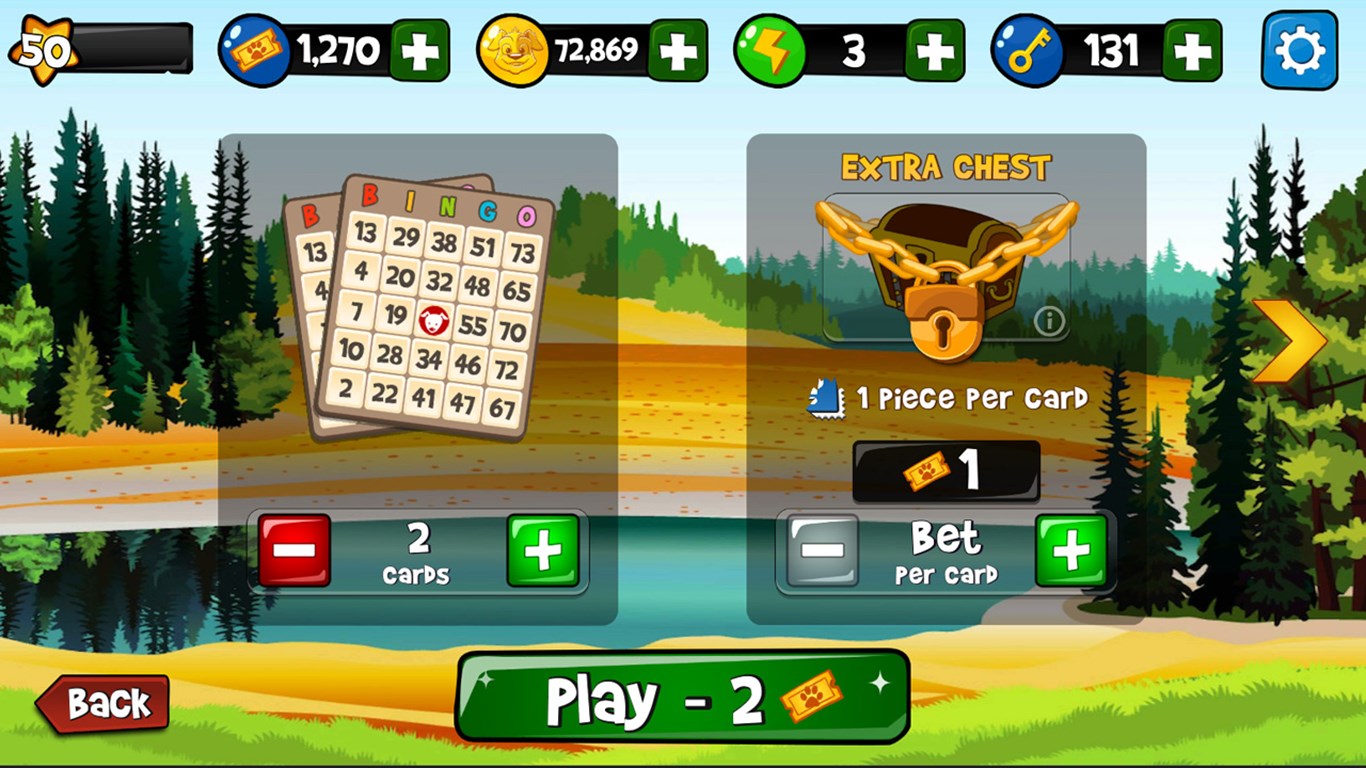
- Customizable Bingo Cards and Rooms: Users can tailor their bingo cards with different themes and set up private or public game rooms, enhancing social interaction and personalization.
- Real-Time Multiplayer Gaming: Engage with friends or other players worldwide in real-time, experiencing the excitement of competing live without leaving your desk.
- Interactive Calling and Notifications: The app features lively calling sounds combined with visual effects and optional notifications, mimicking the traditional bingo hall ambiance digitally.
- User-Friendly Interface with Easy Navigation: Clean layout and intuitive controls make it accessible for all age groups, from seasoned gamers to newcomers.
An Engaging Dive into the Bingo Experience
Imagine sitting down at your computer, a virtual bingo hall awaiting your presence, filled with the buzz of anticipation. Abradoodle Bingo transforms your mundane work break or lazy weekend into a lively social occasion, pulling you into a colorful world where numbers are called out with a cheerful chime. It manages to blend nostalgia with modern convenience, making every session feel fresh and engaging.
Design and User Interface – Clarity Meets Charm
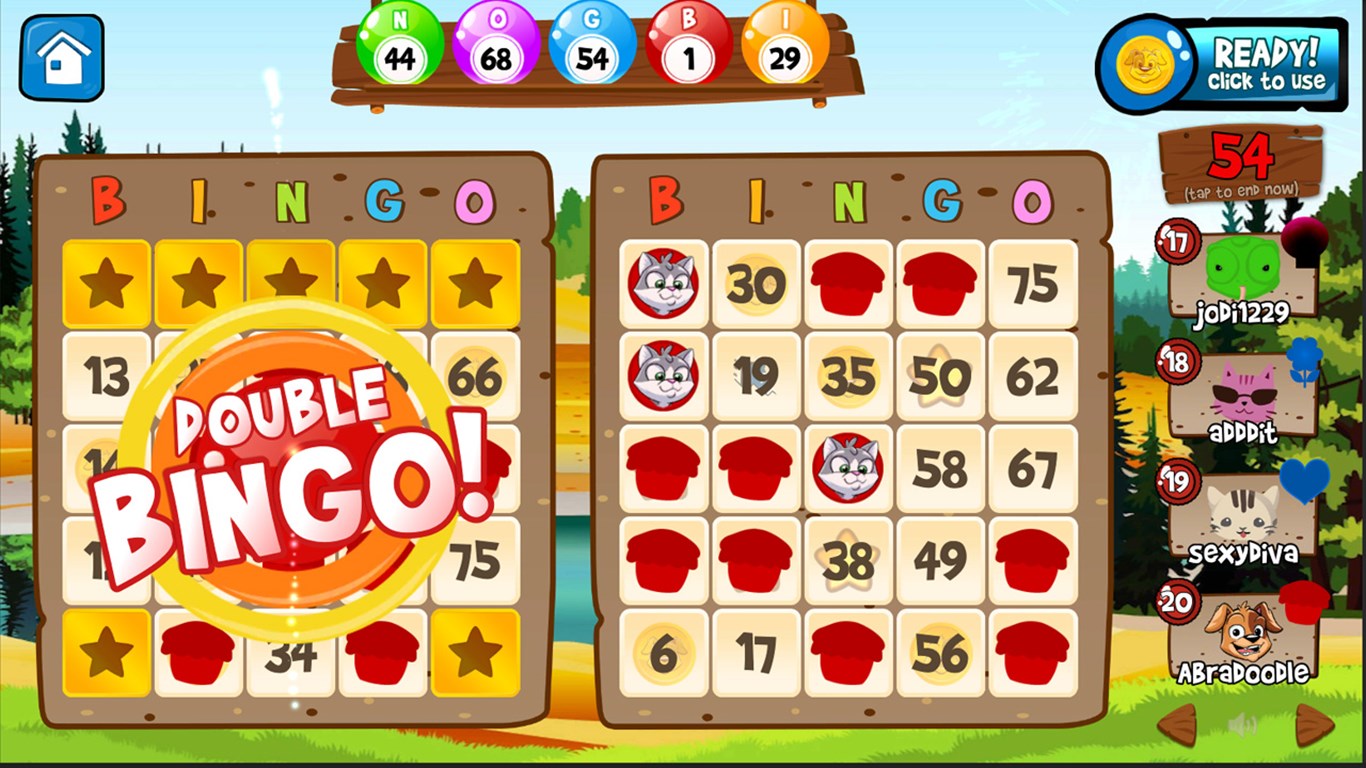
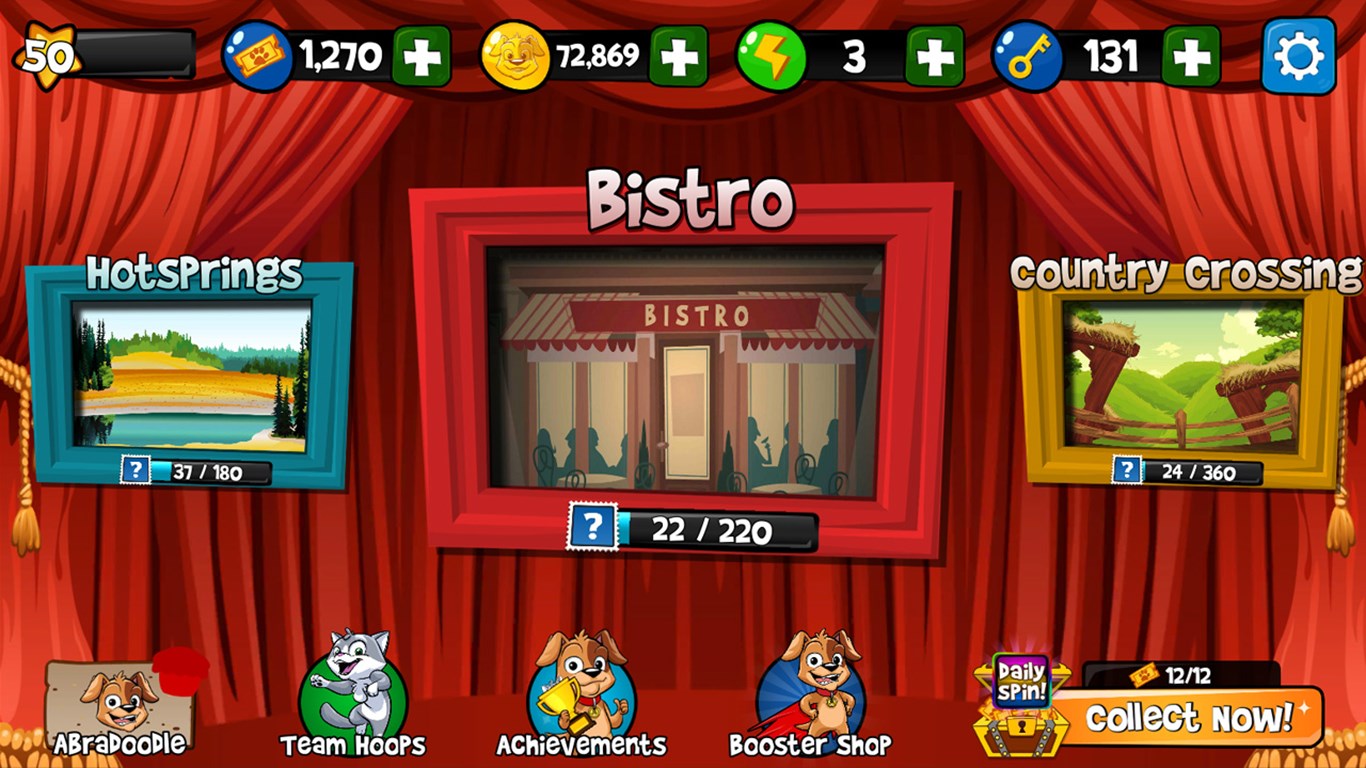
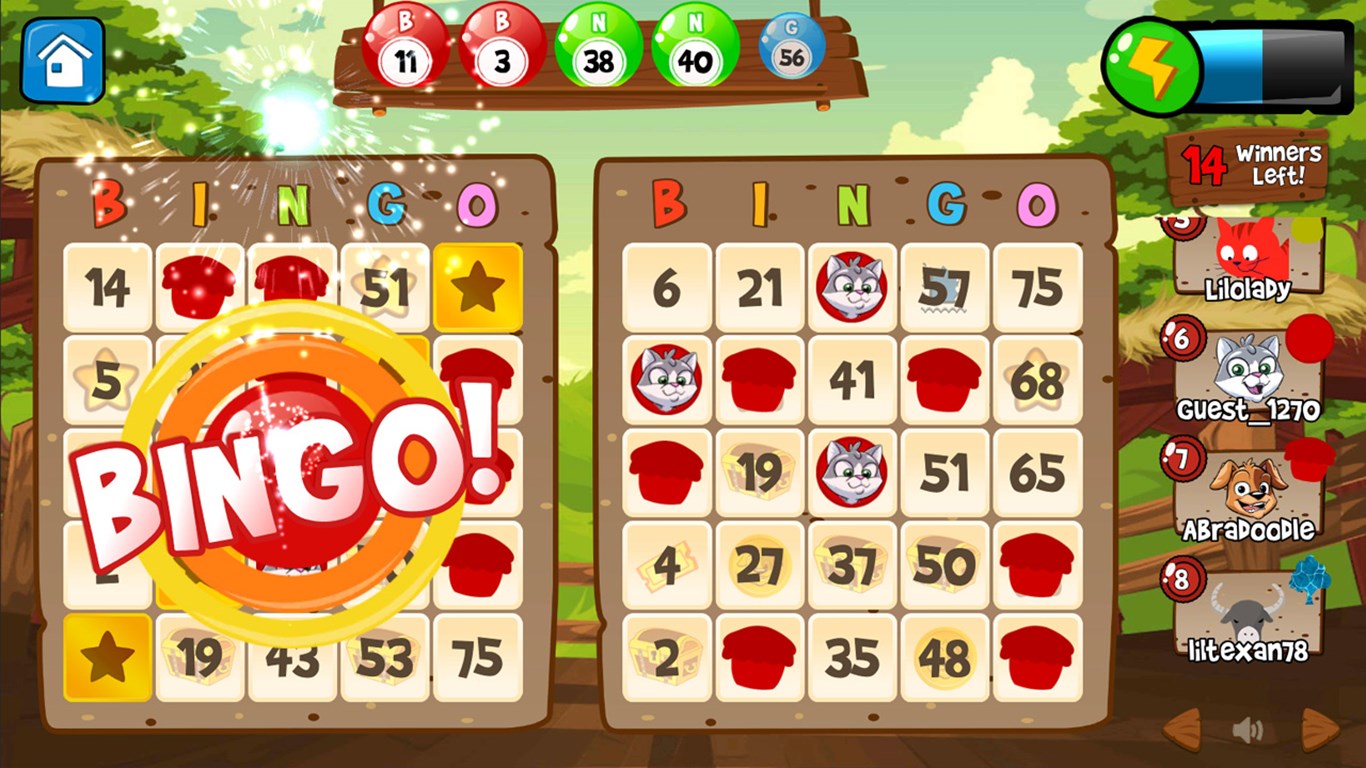
The app adopts a bright, cheerful color palette that pops on screen, reminiscent of traditional bingo halls, but with a polished digital touch. The layout is simple yet effective; your bingo card takes center stage, while controls for chat, game settings, and room browsing are intuitively placed. This thoughtful interface minimizes the learning curve, allowing new players to jump right in. The design's lively aesthetics make the game inviting without overwhelming, creating a perfect balance between fun and functionality.
Gameplay Mechanics – Smooth, Responsive, and Fun
Playing Abradoodle Bingo feels as smooth as gliding a puck across a well-lubricated ice rink. The game's responsiveness ensures that calls and updates happen in real time, keeping the thrill alive. The multiplayer experience is nearly lag-free, thanks to optimized network handling, fostering a sense of shared excitement. The ability to customize game parameters—such as card styles, number of players, or game speed—gives players a sense of control and variety, echoing the different experiences found in physical bingo halls.
Unique Selling Points – What Sets It Apart
Compared to other digital bingo apps, Abradoodle Bingo's standout feature is its highly customizable private rooms, enabling groups of friends or family to create their own virtual bingo nights. This fosters a sense of community and personalization that many standard apps lack. Additionally, its lively calling effects and seamless multiplayer setup mimic the authentic bingo hall atmosphere, making it a charming bridge between tradition and technology.
Final Thoughts and Recommendations
So, should you give Abradoodle Bingo a go? If you're seeking an app that combines classic charm with modern flair, yes—it's a solid choice. Its straightforward design, real-time multiplayer fun, and customizable rooms make it suitable for casual gaming sessions, family gatherings, or friendly competitions. While it might not boast overly elaborate graphics or complex features, it excels in delivering an engaging, accessible, and enjoyable bingo experience.
Overall, I recommend this app to anyone looking to enjoy bingo on their Windows device—whether you're a veteran looking for a fresh take or a newcomer eager for a cheerful game to pass the time. It's a friendly companion that invites you to experience bingo in a new and delightful way, all within the comfort of your own digital space.
Pros
- User-friendly interface
- Educational content
- Interactive gameplay
- Offline functionality
- Regular updates and new content
Cons
- Limited customization options
- Occasional slow loading times on older devices
- Sounds may be too loud for some users
- Lack of detailed progress tracking
- Limited language options at launch











