

- Name 3D Chess Game
- Category Card & board
- Available on PC, Mobile, Surface Hub, HoloLens
- OS Windows 10 version 10240.0 or higher
- languages English (United States)
Introducing 3D Chess Game for Windows: A Modern Spin on a Classic Battle of Wits
Imagine stepping into a luminous, multi-dimensional chessboard where traditional strategy meets immersive visual dynamics—this is precisely what 3D Chess Game for Windows offers. With its sleek presentation and thoughtful features, it aims to bring the timeless game into the digital era with a contemporary flair.
About the Developer and Core Features
Developed by A Trillion Games Ltd, a company known for crafting engaging and user-friendly gaming experiences, this application focuses on delivering a high-quality chess simulation that appeals to both casual players and dedicated enthusiasts.
The game's standout features include:
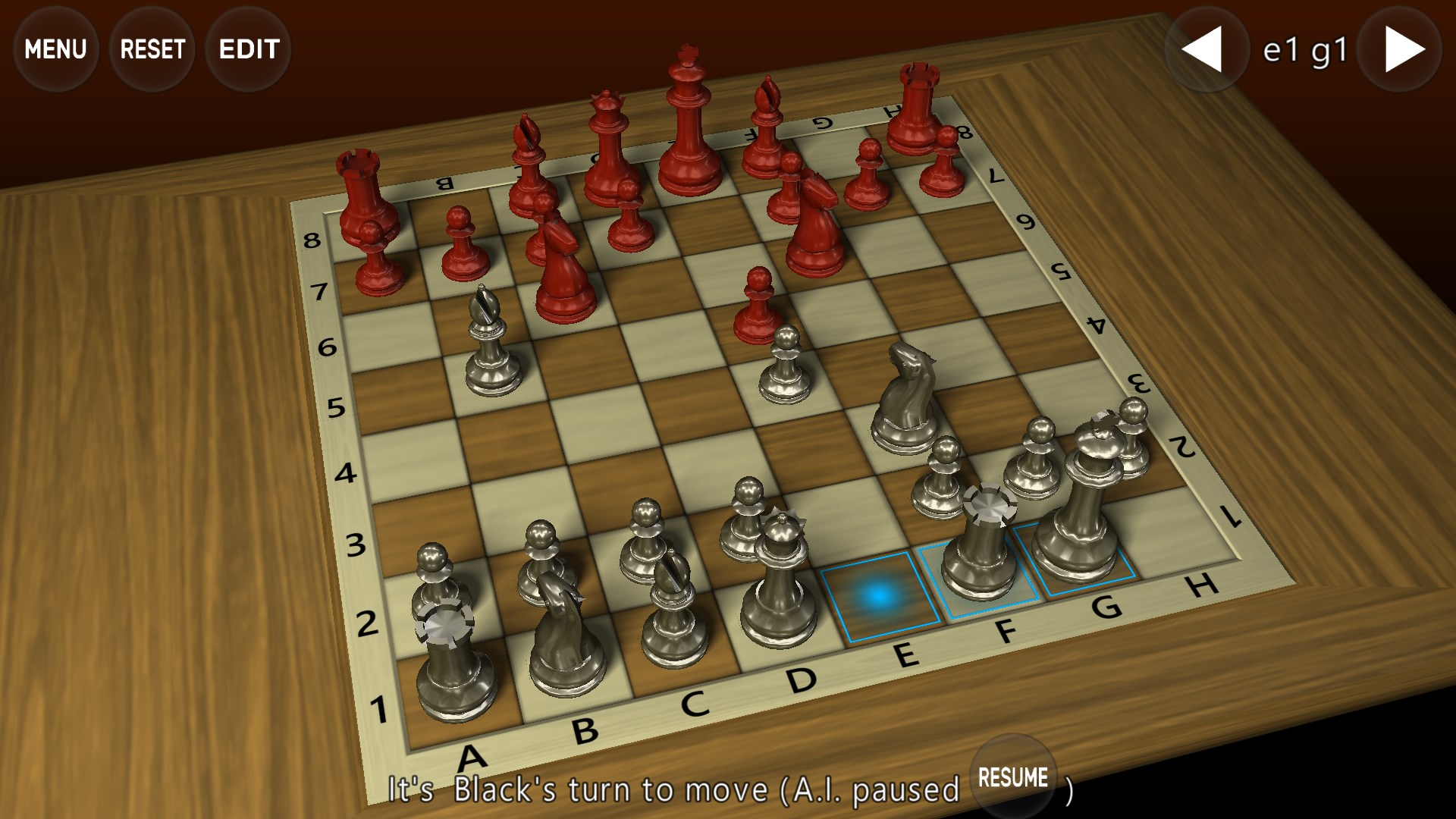
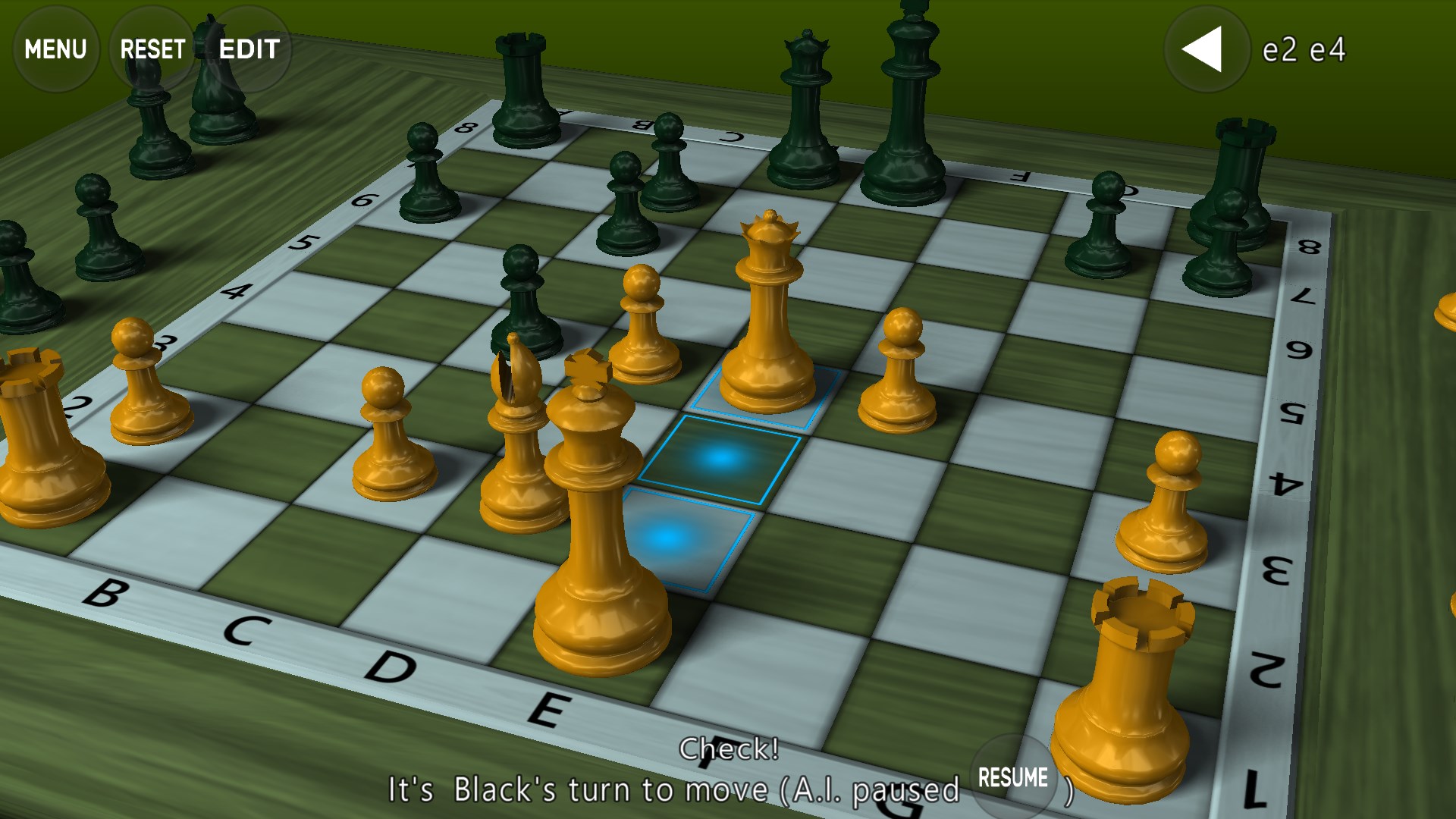
- Stunning 3D visualizations that allow players to view and interact with the chessboard from multiple angles, creating a more immersive chess experience.
- Multiple game modes, including single-player against AI with different difficulty levels, and local multiplayer for competitive fun with friends.
- Intuitive controls and smooth animations that streamline gameplay without sacrificing realism or strategic depth.
- Comprehensive tutorials and hints that accommodate newcomers learning the game while offering advanced options for seasoned players.
Targeted primarily at chess aficionados, casual gamers, and anyone interested in a visually appealing and engaging chess experience on Windows, this app aims to rekindle interest in the game through modern technology.
Immersive 3D Visuals and Interface Design
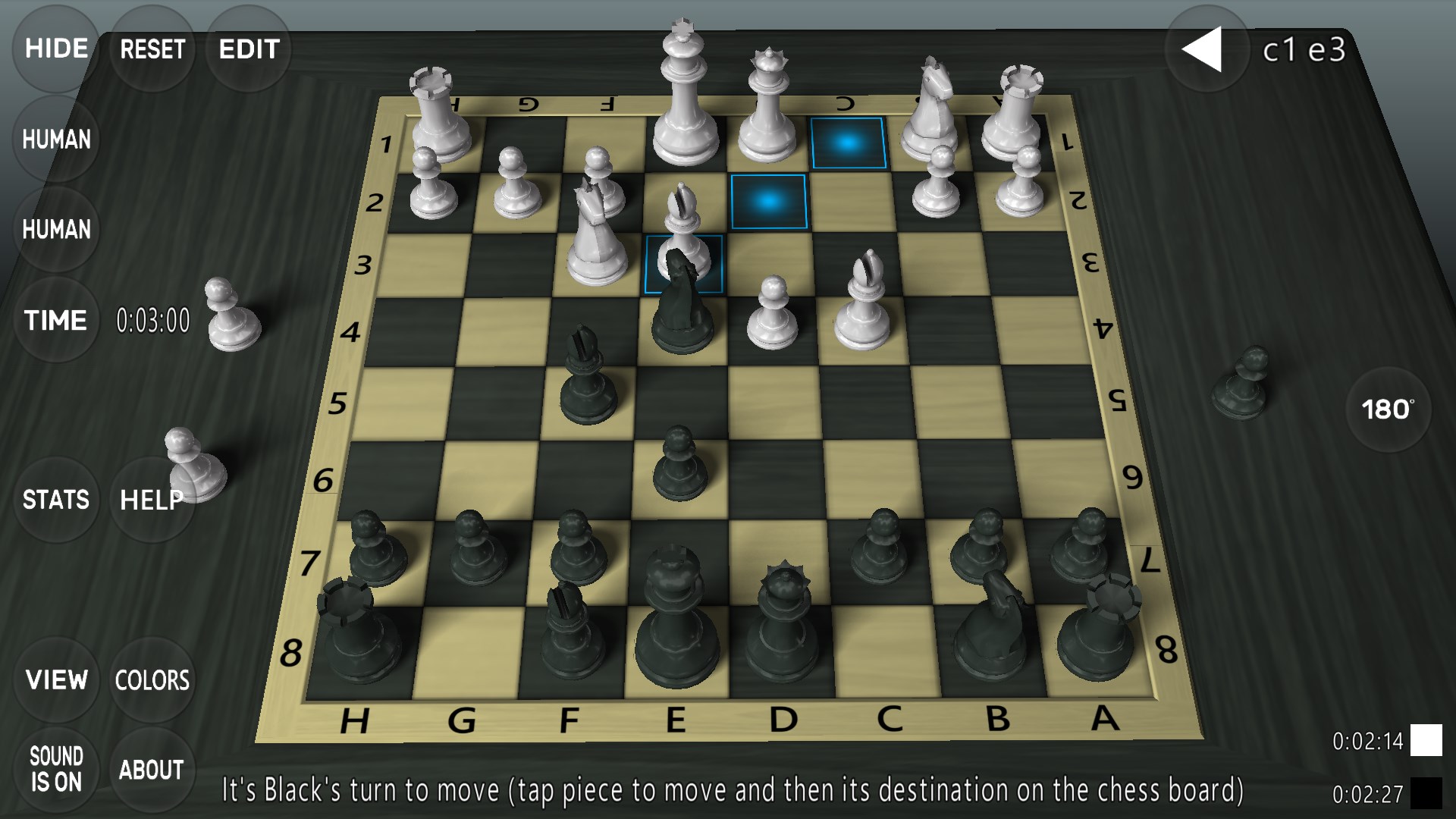
Upon launching 3D Chess Game for Windows, you're greeted with a sleek, visually appealing interface that feels like stepping into a high-tech chess lounge. The 3D graphics bring the board and pieces to life with realistic textures and smooth animations, making each move feel tangible and satisfying. The interface is thoughtfully laid out, with easily accessible menus that don't clutter the screen, allowing users to focus on the game itself.
The app offers adjustable camera angles, letting players rotate and zoom the board to scrutinize positions from different perspectives. This feature mimics the experience of viewing a physical chess set from multiple vantage points, enhancing strategic planning and engagement.
Gameplay Experience: Fluent, Intuitive, and Strategic
Gameplay feels fluid, with responsive controls that make moving pieces feel natural—and even fun. Whether you're dragging a piece with a mouse or tapping on touch-friendly controls (if applicable), the experience is smooth, with no noticeable lag or stuttering. The AI opponents are reasonable, providing a decent challenge across difficulty levels, making the game suitable for both beginners and experienced players seeking to sharpen their skills.
One of the app's most compelling strengths is its learning curve. Casual players will appreciate the built-in tutorials and hints, guiding them through rules and tactics without overwhelming. Conversely, advanced players can delve into analysis modes or challenge tougher AI settings, making the app versatile and accessible.
The Unique Edge: Multi-Angle 3D Perspective & Customization
Compared to traditional 2D chess apps, this game's multi-angle 3D visualization is its most distinctive feature, transforming a standard game into an engaging visual showcase. It's like having a miniature chess studio at your fingertips, allowing you to analyze positions as if you're seated at a high-end tournament table. This perspective can be particularly advantageous for studying complex positions, recognizing tactical motifs, or simply enjoying the aesthetic appeal of finely crafted 3D pieces.
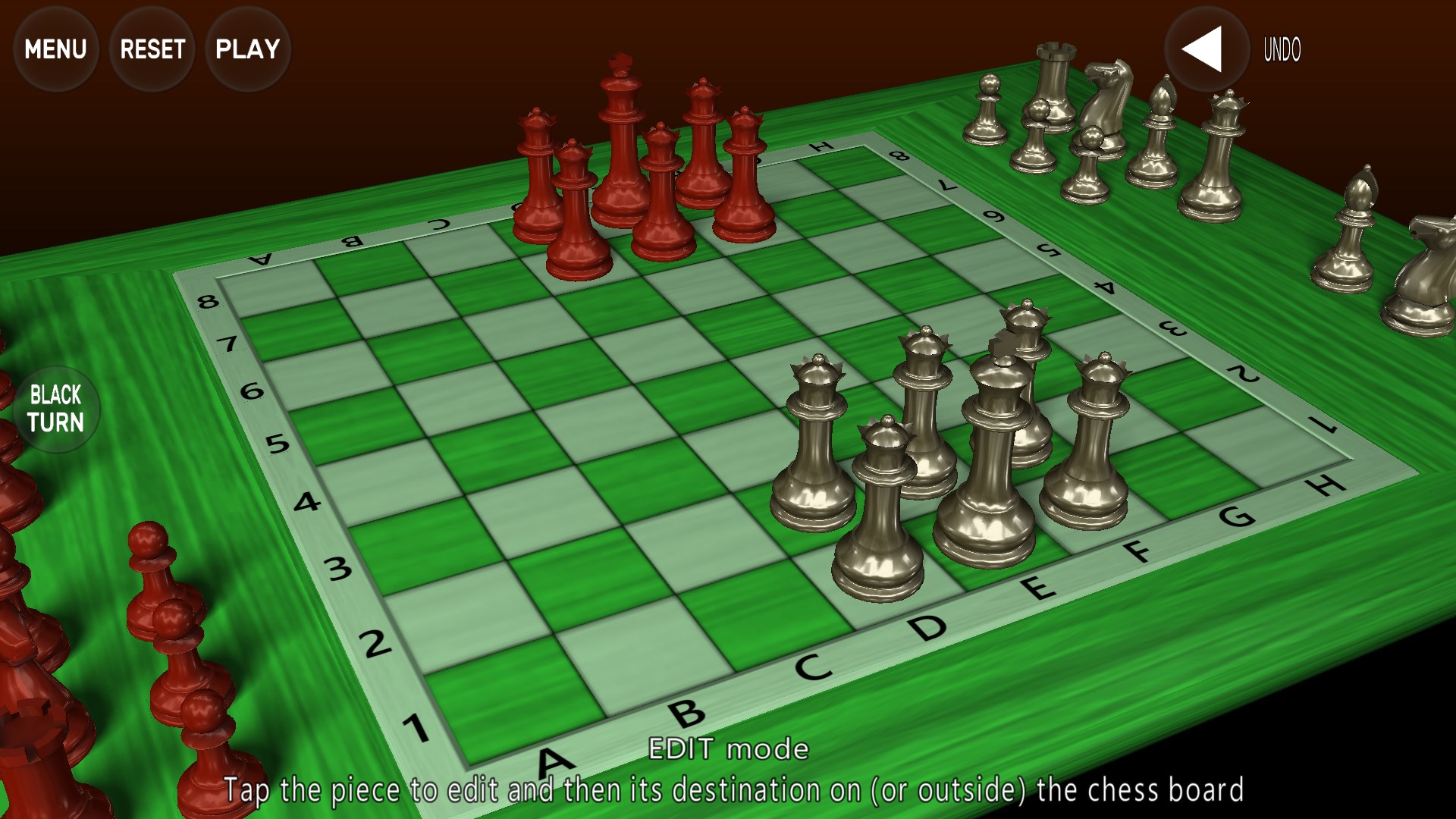
Another unique selling point is the customization options, which allow players to select different themes, piece styles, and background environments. This personalization fosters a sense of ownership and makes each game session visually fresh.
Final Thoughts: A Thoughtful and Visually Enjoyable Chess Experience
Overall, 3D Chess Game for Windows is a solid choice for those seeking a contemporary yet authentic chess experience. Its standout feature—the multi-angle 3D visualization—sets it apart from many other chess apps that remain stuck in 2D. The smooth gameplay, combined with user-friendly tutorials and aesthetic flexibility, makes this app suitable for a broad spectrum of players.
It's recommended for users who value visual immersion and strategic depth. Whether you're a chess novice wanting to learn or a seasoned player looking for a fresh way to analyze your games, this app offers a well-rounded experience. We suggest giving it a try if you're seeking a visually compelling and thoughtfully designed digital chess platform—it's a game that turns a timeless pastime into a modern digital spectacle.
Pros
- Intuitive 3D Graphics
- Smooth Gameplay
- Multiple Difficulty Levels
- Training and Tutorial Modes
- Multiplayer Support
Cons
- Limited Customization Options
- Occasional Minor Glitches
- Lack of In-Game Chat Functionality
- Basic Sound Effects
- Limited Offline Modes











