
- Name 123 Free Solitaire
- Category Card & board
- Available on PC
- OS Windows 10 version 17763.0 or higher
- languages English, English (United States)
Introducing 123 Free Solitaire for Windows: A Refreshing Take on Classic Card Games
123 Free Solitaire for Windows, developed by TreeCardGames, offers a straightforward yet engaging solitaire experience that aims to bring timeless card game fun right to your desktop. Whether you're a casual player or a dedicated solitaire enthusiast, this app promises to keep boredom at bay with its classic gameplay and user-friendly design.
A Clear and Concise Overview of the App
Developer and Publisher
Produced by TreeCardGames, a developer specialized in casual card games, this app reflects their dedication to delivering accessible and enjoyable solitaire experiences.
Main Features and Highlights
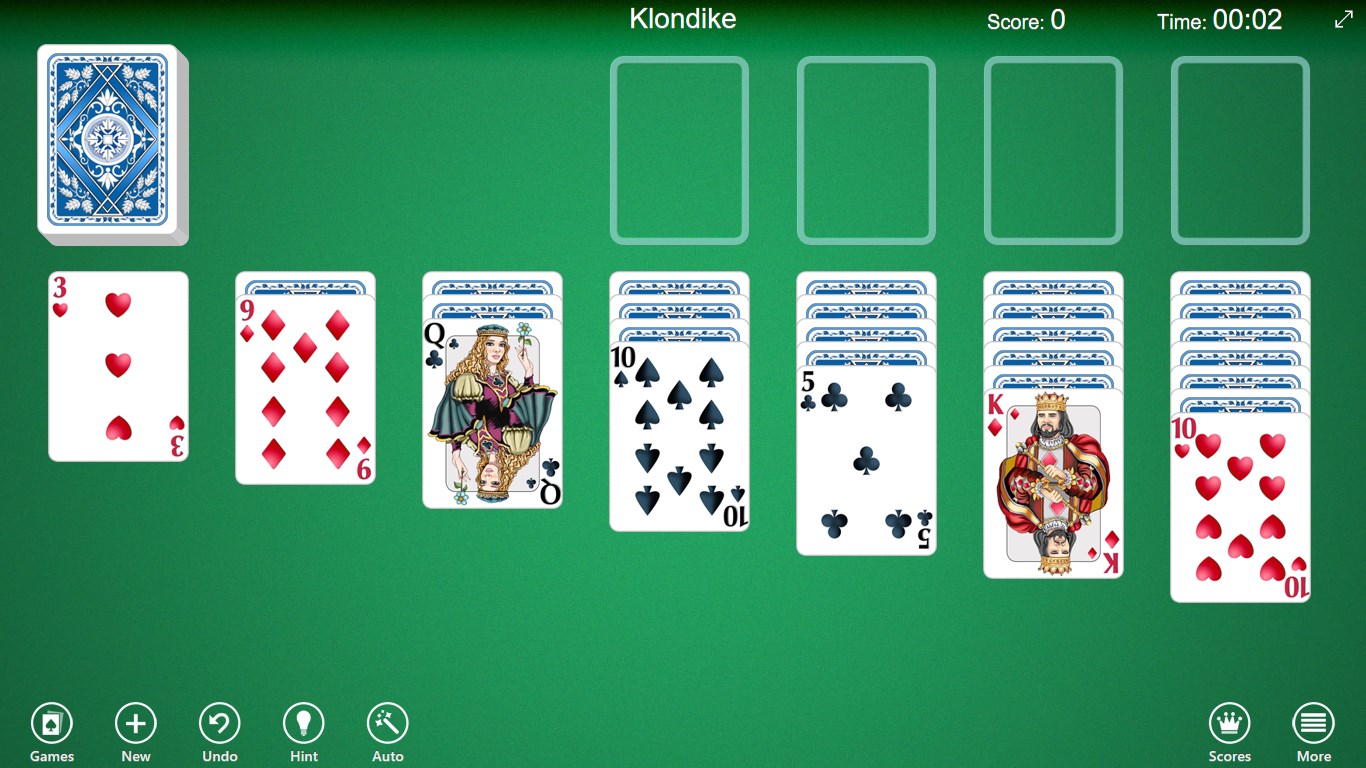
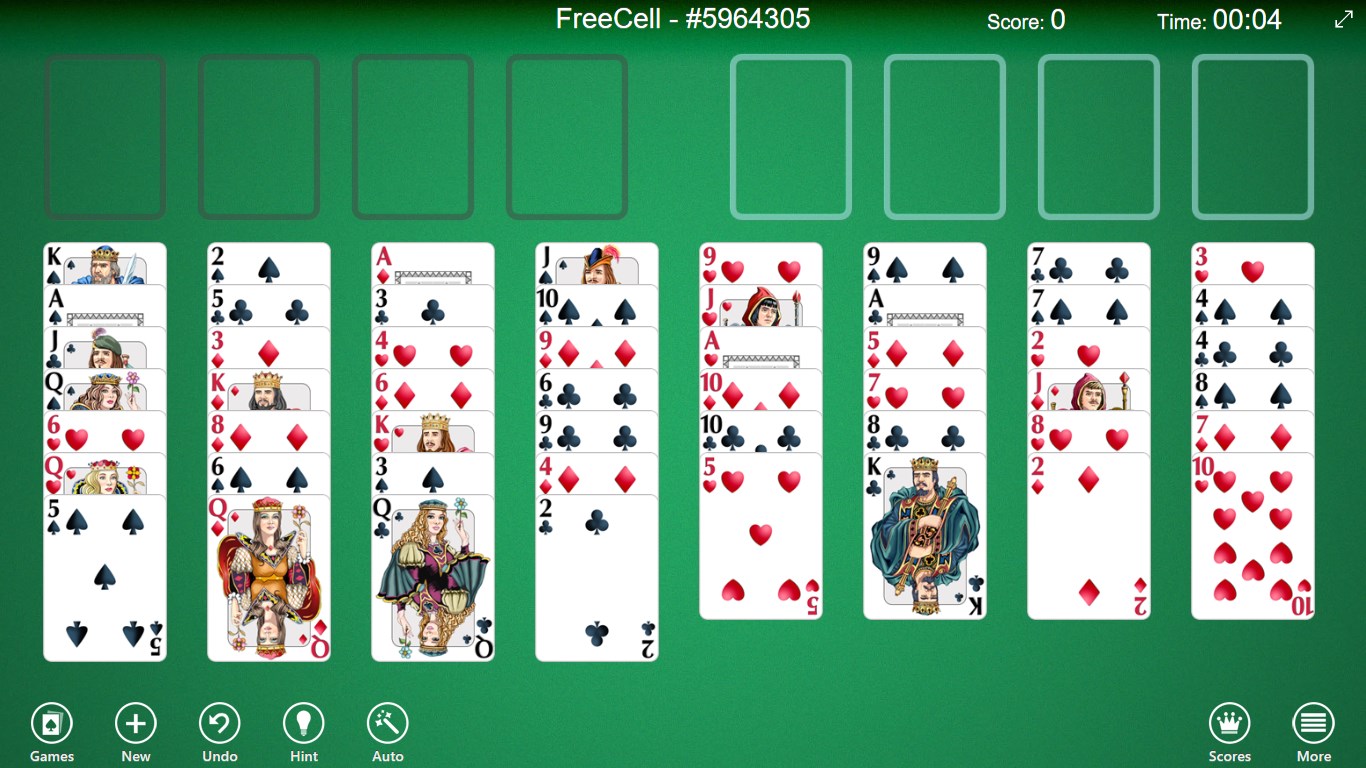
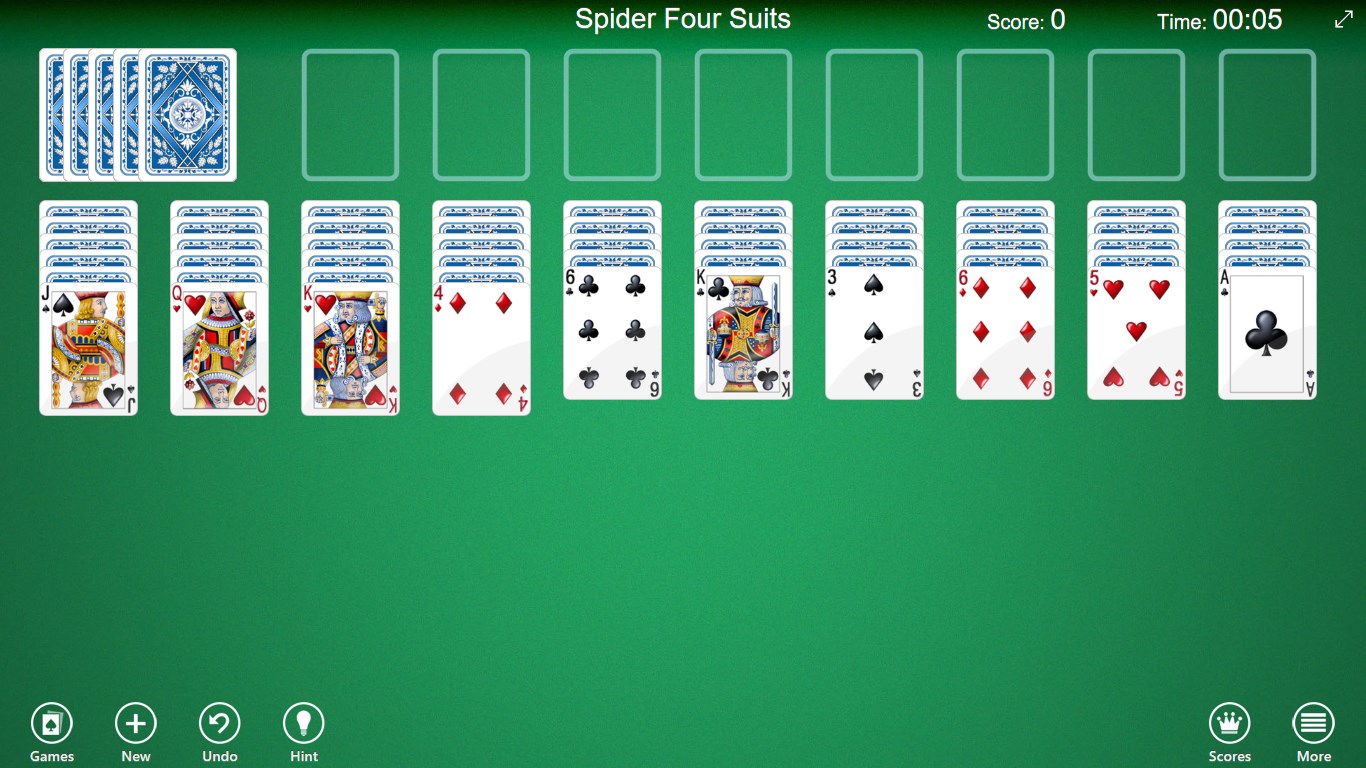
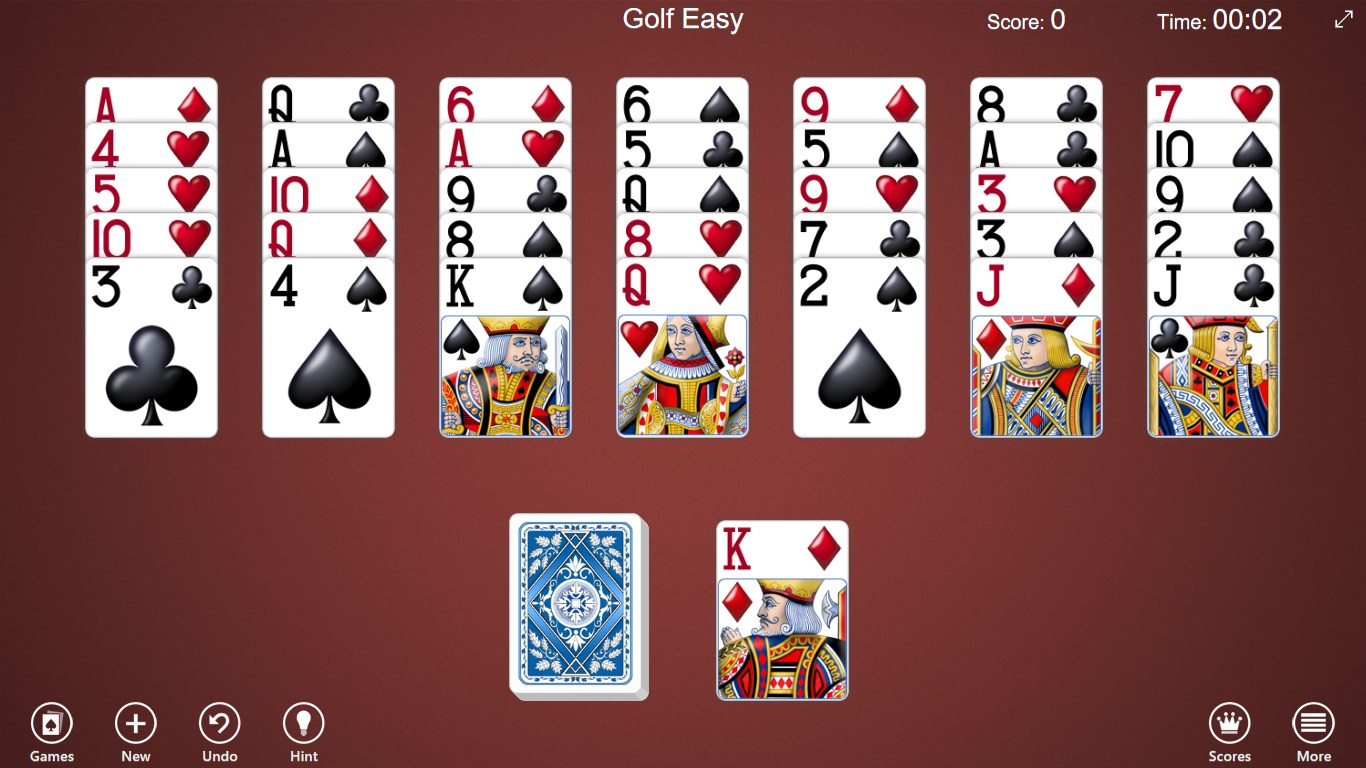
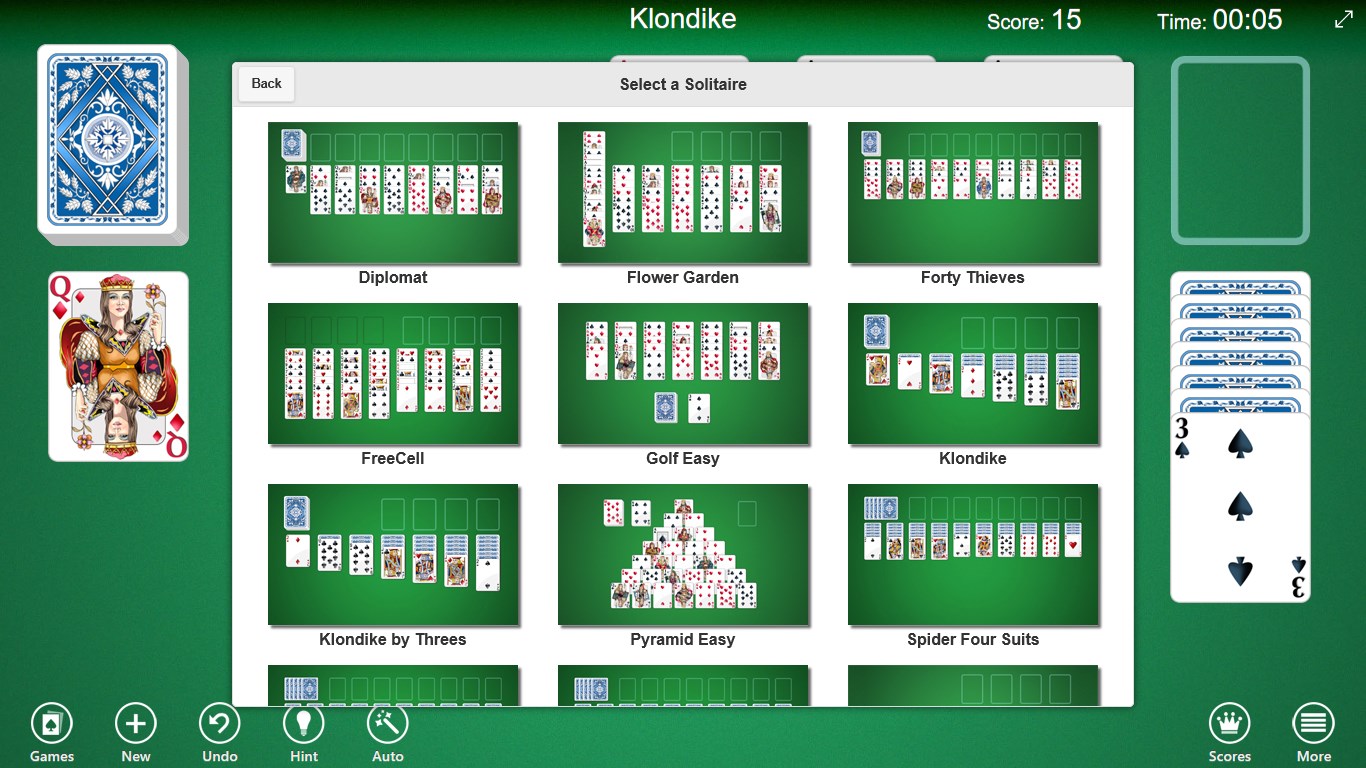
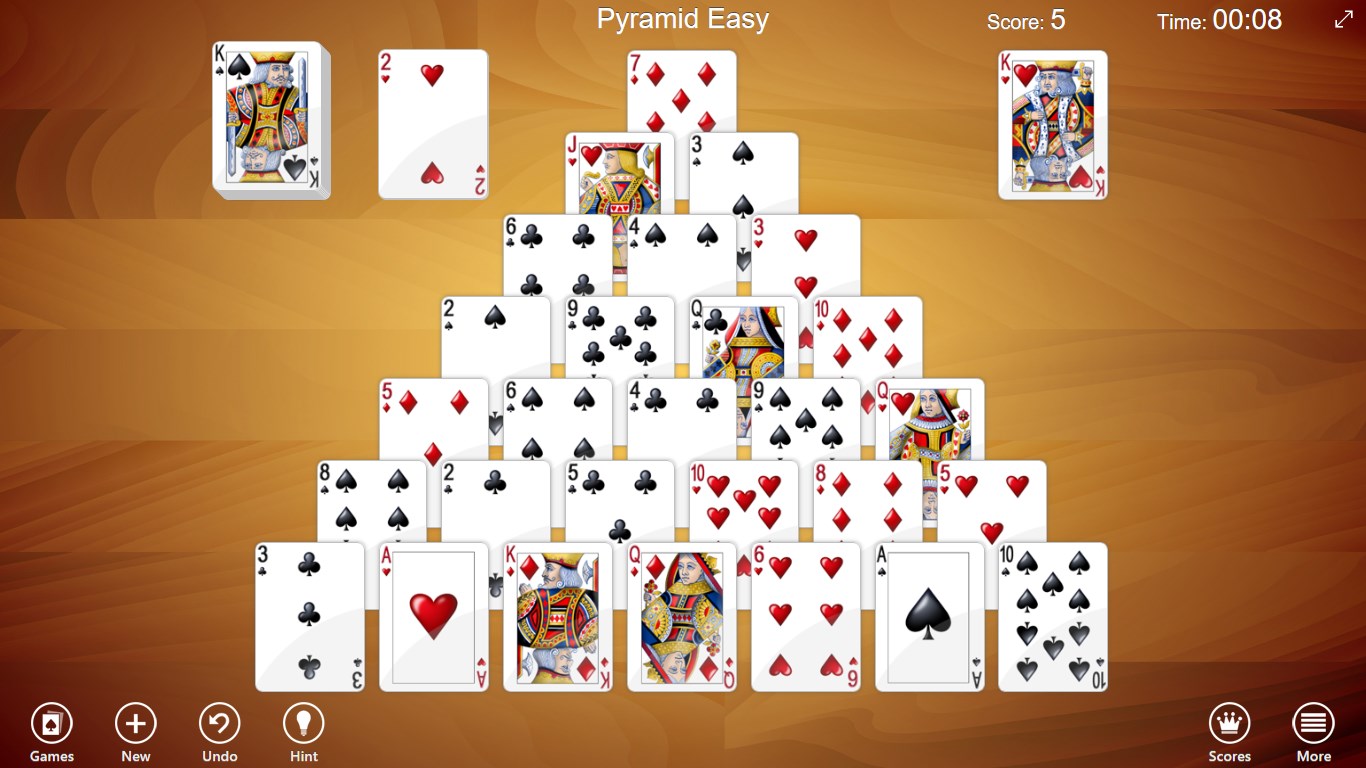
- Multiple Solitaire Variants: Offers classic Klondike, FreeCell, and Pyramid layouts.
- Minimalistic Yet Functional Interface: Clear visuals that prioritize gameplay clarity.
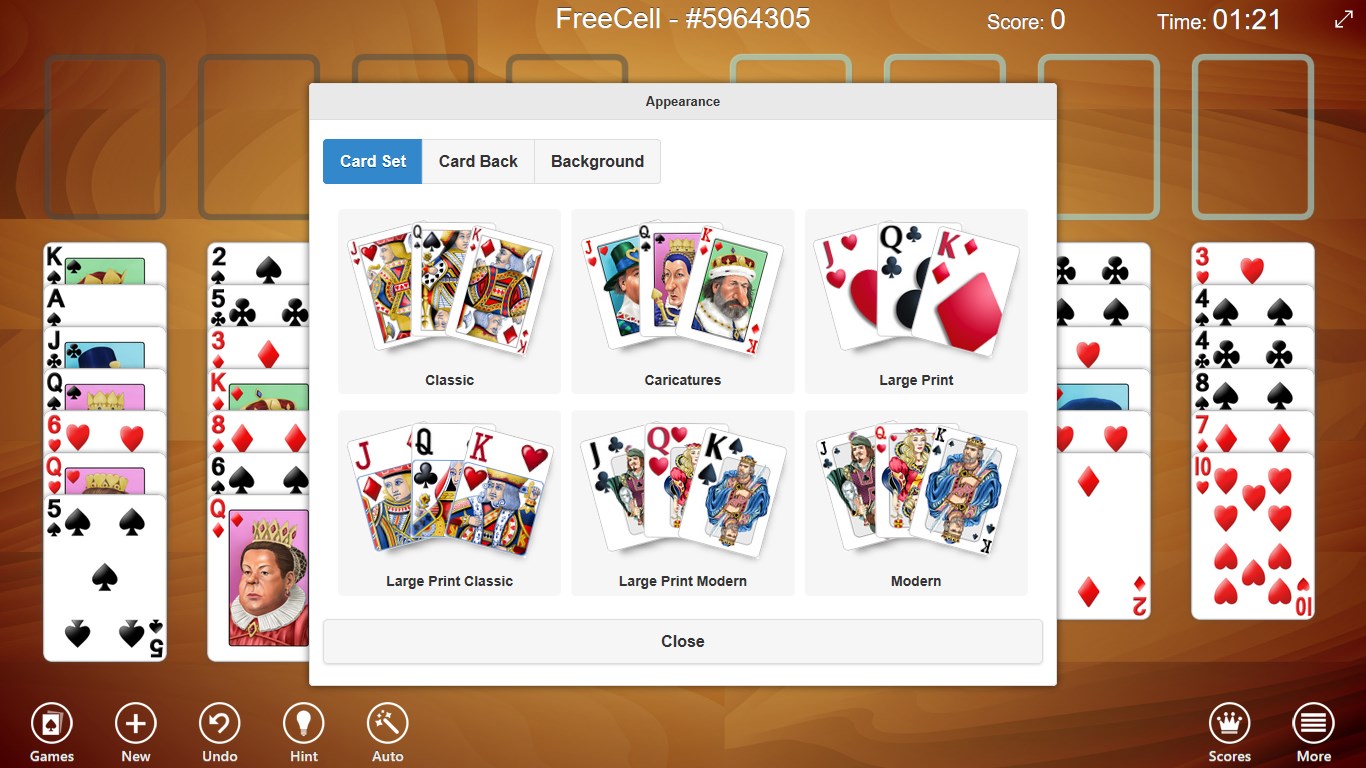
- Customizable Settings: Options for card styles, backgrounds, and game difficulty levels.
- Offline Accessibility: Play anywhere without needing an internet connection.
Target Audience
This application is tailored for both beginner and seasoned solitaire players seeking a simple, distraction-free game that emphasizes familiar gameplay mechanics suitable for all ages.
A Fun and Accessible Experience to Pass the Time
Imagine sitting at your desk, taking a well-deserved break—the smooth shuffle of cards and the spark of making that perfect move instantly evoke feelings of nostalgia and satisfaction. 123 Free Solitaire makes this scenario your daily reality, offering a lighthearted escape into a world of digital card games. Its ease of access and straightforward mechanics make it an inviting choice for casual players looking to unwind or sharpen their card skills.
Deep Dive into Core Features
Variety of Solitaire Challenges
This app sets itself apart with a collection of popular solitaire variants, including Klondike—the classic game most of us grew up loving—along with FreeCell and Pyramid. Each mode offers unique strategic nuances, keeping gameplay fresh and stimulating. For example, FreeCell relies on skill and planning, making every victory feel earned, while Pyramid adds a quick, puzzle-like twist that's perfect for short breaks.
Customizable Visuals and Easy Controls
The interface's minimalistic design resembles a well-organized card table—clean, unobtrusive, and intuitive. Users can personalize the experience by choosing from various card faces and background images, creating a visual ambiance that suits their mood. The controls are smooth, with drag-and-drop mechanics that respond seamlessly, ensuring that gameplay feels fluid and frustration-free, even during complex deals.
Exceptional User Experience
Playing 123 Free Solitaire is like flipping through a well-loved deck of cards—familiar, comforting, and effortlessly engaging. The app features a gentle learning curve; new players can quickly understand the game rules through brief tutorials, while seasoned players can dive straight into challenging games. Its lightweight nature means quick loading times and stable performance on a range of Windows devices, making it a reliable companion for catching quick games throughout the day.
What Sets It Apart from Other Card & Board Apps
Unlike many free solitaire apps cluttered with ads or overly complex interfaces, 123 Free Solitaire champions simplicity. Its most distinctive feature is the thoughtfully designed customization options that allow players to tailor their visual experience—a feature often overlooked by competitors. Additionally, the variety of supported game modes under one roof is a notable advantage, making it a versatile pick for different moods and skill levels.
Another unique aspect is its focus on offline play. Unlike online-based solitaire games that depend on internet connectivity or social features, this app offers solitude and focus, reminiscent of pulling out a physical deck of cards in your own cozy space.
Recommendations and Final Thoughts
All in all, 123 Free Solitaire for Windows is recommended for anyone who values simplicity, reliability, and a touch of customization in their solitaire experience. If you appreciate classic card games without unnecessary distractions or intrusive ads, this app is a solid choice. Its intuitive controls and diverse game modes make it suitable for quick sessions or longer, more strategic gameplay.
While it might not feature the latest in gaming innovations or multiplayer capabilities, its charm lies in delivering a pure, unadulterated solitaire experience—an ideal digital card table for your Windows device.
Pros
- User-Friendly Interface
- Multiple Solitaire Variants
- Offline Access
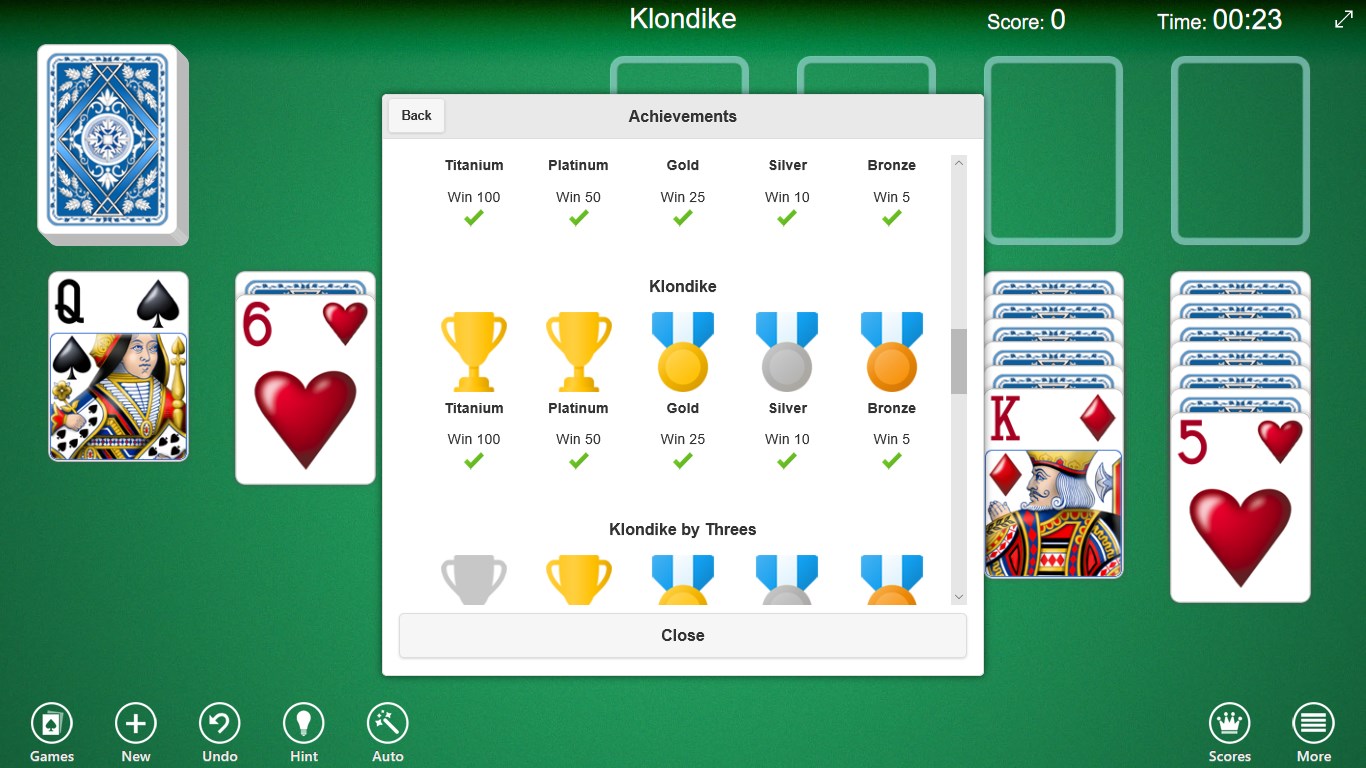
- Achievements and Leaderboards
- Customizable Themes
Cons
- Limited Game Customization Options
- Ads Interrupt Gameplay
- Basic Graphics Quality
- Limited Tutorial Features
- No Cross-Device Synchronization











