









Obsidian: The Ultimate Knowledge Management Tool
Obsidian is a powerful knowledge base that operates on top of a local folder of plain text Markdown files. It acts as your second brain, designed to store and organize your ideas, notes, and connections forever. The latest version brings added flexibility, now available on the go for Android.
Key Features of Obsidian
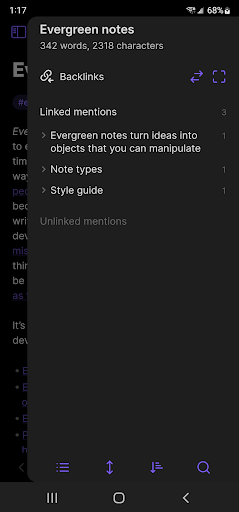
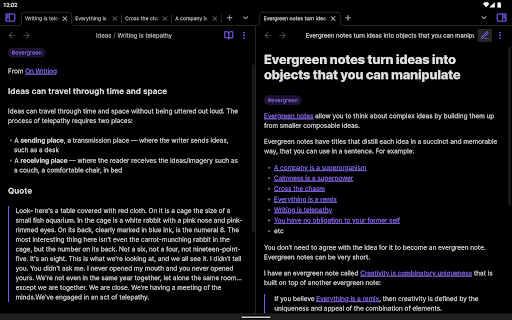
Obsidian offers a variety of features that enhance your productivity and note organization. A customizable toolbar allows quick access to your most-used functions. With a pull down quick actions menu, you can perform tasks efficiently. The graph view provides a visual map of all your interconnected notes, making it easy to see relationships and ideas at a glance.
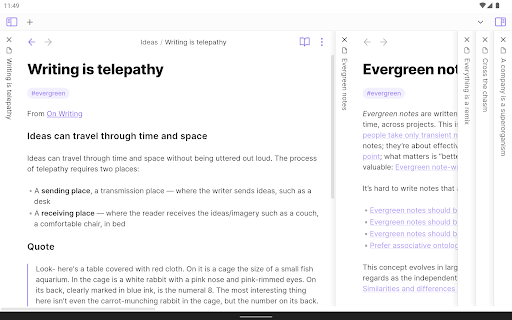
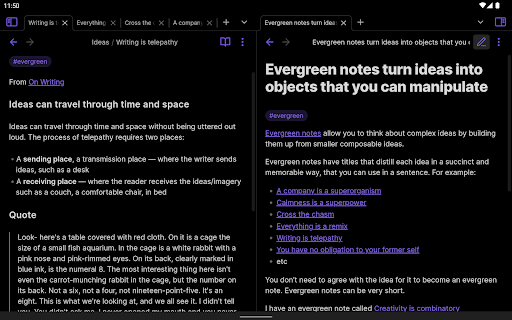
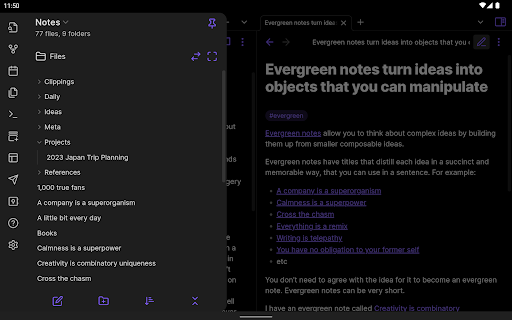
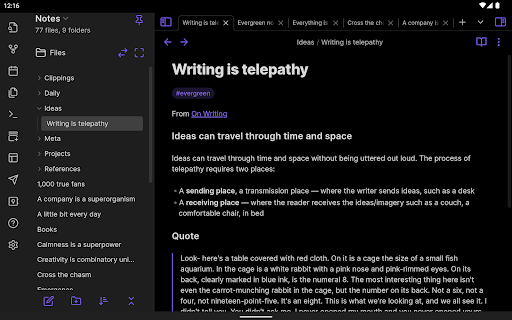
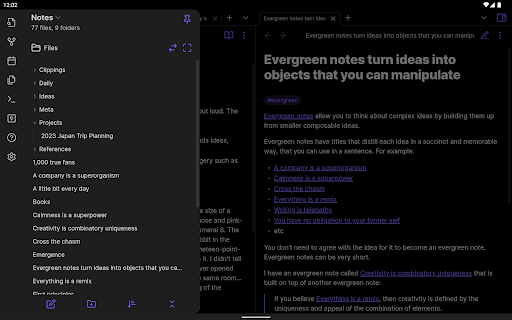
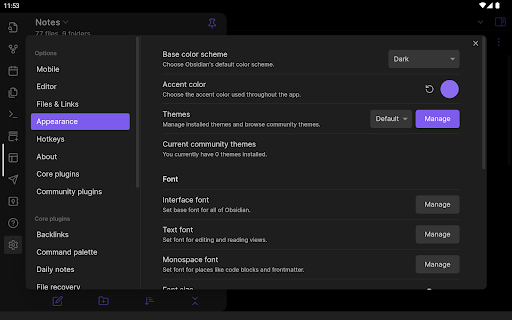
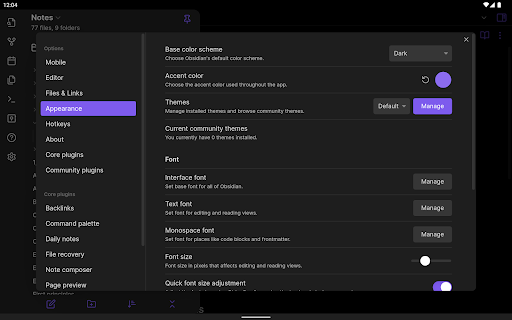
Sharing capabilities include share to and from Obsidian, facilitating seamless transfer of information across platforms. For further personalization, users can utilize community plugins to add functionalities like calendars, task management, or timers. Various themes enable customization of the app's appearance. Additionally, on tablets, sidebar pinning helps keep important notes accessible while you work.
Why Obsidian Stands Out Among Note-Taking Apps
Entering the world of note-taking apps can be overwhelming given the plethora of options, but my experience with Obsidian has been exceptional. If you’re someone who thrives on organization and enjoys connecting ideas like a spider weaving its web, then Obsidian might become your new favorite tool.
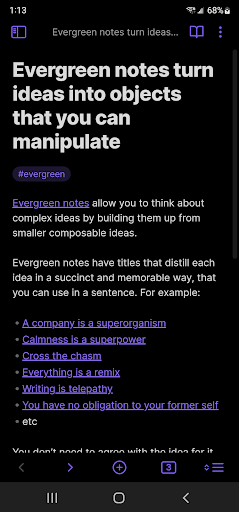
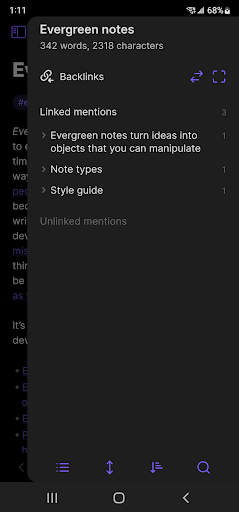
What sets Obsidian apart? It’s not just an ordinary note-taking app; it’s a knowledge management system that creates a dynamic network of your ideas. Its core feature allows you to link notes in a way that mimics the human brain’s web of thoughts. Imagine having a digital brain dump where each idea connects to others—creating a personalized Wikipedia of your knowledge. This interconnected system grows and evolves with you, making your information more accessible and meaningful.
User Interface and Experience
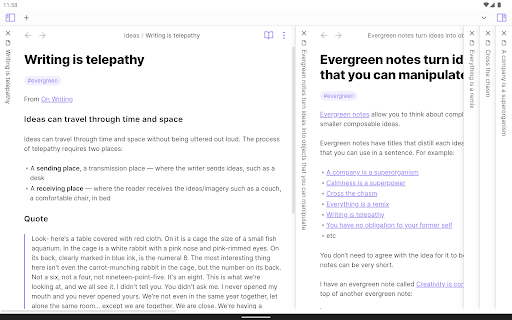
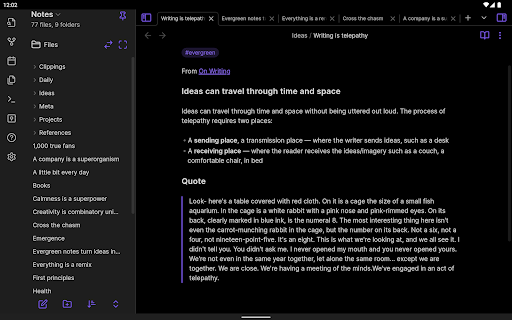
Upon opening Obsidian, you’re greeted with a clean and intuitive interface. Its minimalistic design ensures ease of navigation, yet it hides a robust system underneath. Moving through your notes, linking ideas, and editing content is seamless and responsive, catering to both beginners and power users.
Features That Enhance Productivity
The graph view is a particularly standout feature. It provides a visual mind map of all notes, allowing you to revisit old projects or plan new ones with a clear overview of how everything connects. The app’s support for Markdown enables flexible formatting—whether you prefer plain notes or elaborately styled documents.
The availability of community plugins adds another level of customization. From integrating a calendar to managing tasks or even setting a Pomodoro timer, the options are virtually limitless. This adaptability makes Obsidian a true Swiss Army knife of digital productivity tools.
Privacy and Data Control
In today’s digital age, privacy is crucial. Obsidian prioritizes this by storing all data locally, giving you full control over your notes. There’s no dependency on cloud services unless you choose to integrate them, so your thoughts and ideas remain private and secure unless you decide otherwise.
Final Thoughts
After exploring Obsidian's features and capabilities, it’s evident that this app is more than just a note-taking solution; it’s a personal knowledge management system that adapts and grows with you. Whether you’re a student, a professional, or someone passionate about organizing information, Obsidian is worth trying out.
It’s not merely about jotting down ideas; it’s about creating a dynamic, interconnected system that captures your unique way of thinking. If you’re ready to elevate your note-taking game, give Obsidian a shot—your new digital second brain might just become your favorite tool for productivity and knowledge management.
Pros
- Highly customizable with plugins
- Supports markdown for note-taking
- Works offline seamlessly
- Cross-platform synchronization
- Robust community support and tutorials
Cons
- Steep learning curve for beginners
- No built-in task management features
- Limited mobile app functionalities
- Requires manual setup for sync
- Can be overwhelming with plugins











