

Introduction to CamScanner App
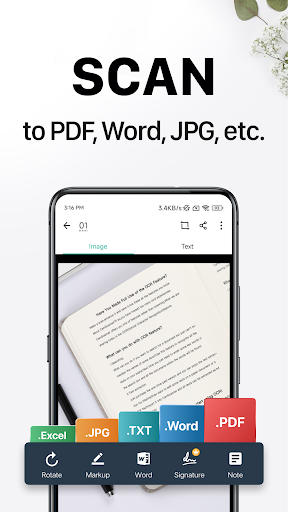
Looking for an efficient scanner app? Try CamScanner! CamScanner is an all-in-one scanner app that transforms your mobile device into a powerful portable scanner capable of recognizing text automatically using OCR technology. This feature significantly boosts your productivity by saving you time and effort. With CamScanner, you can instantly scan, save, and share documents in various formats including PDF, JPG, Word, or TXT.
Imagine having your entire office at your fingertips—handling paperwork with ease and efficiency. Say goodbye to bulky, heavy copy machines and embrace this ultra-fast and versatile scanner app. With over 500 million installs across more than 200 countries and regions worldwide, CamScanner has established itself as a trusted tool for individuals and professionals alike.
Key Features of CamScanner
Quick Digitization of Documents
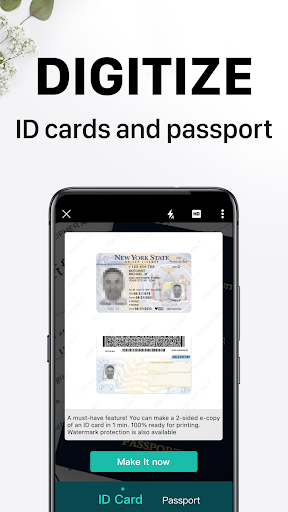
This app uses your device’s camera to effortlessly scan and digitize various paper documents such as receipts, notes, invoices, whiteboard discussions, business cards, and certificates. The process is straightforward: just open the app, capture the document, and the app automatically detects edges, cropping the image to produce a clean, professional-looking scan.
Optimized Scan Quality
Smart cropping and auto-enhancing ensure your scanned texts and graphics are clear and sharp. The app uses advanced algorithms to provide the best colors and resolutions, making your scanned documents look as good as the originals.
Accurate Text Extraction
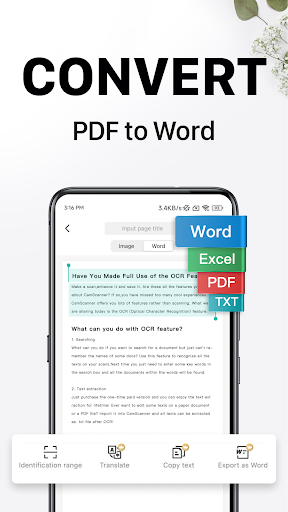
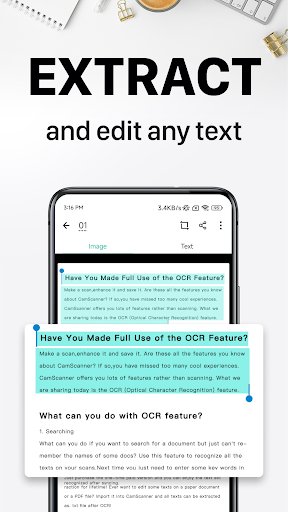
The optical character recognition (OCR) feature allows you to recognize and extract text from images or PDFs. This makes editing, searching, and sharing large amounts of text much easier and faster, saving you valuable time on manual data entry.
Easy Sharing Options
Sharing your scanned documents is simple. CamScanner enables you to share in PDF or JPEG formats via social media, email, or file download links. This makes collaboration and document distribution quick and hassle-free.
Wireless Printing & Remote Fax
Want to print documents directly from your device? CamScanner supports wireless printing with nearby printers, eliminating the need for additional drivers. Additionally, you can remotely fax documents to over 30 countries and regions directly from the app, providing a comprehensive document management solution.
Advanced Document Editing
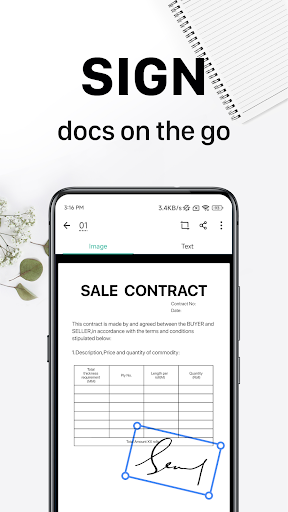
This app includes full editing capabilities—annotate documents, add text, draw, or insert images. You can also add customized watermarks to mark your proprietary documents with ease.
Efficient Document Search
Tag your documents and search for them quickly. Thanks to the OCR feature, you can even search inside images based on their content, making retrieval effortless whenever you need a specific document in a flash.
Secure Your Documents
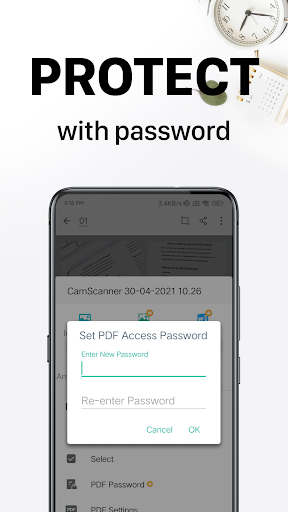
For sensitive and confidential material, set password protection on individual documents or sharing links. This ensures only authorized users can access the content, providing peace of mind and data security.
Cross-Platform Sync
Sign up and sync your documents across multiple devices, including smartphones, tablets, and computers. Visit CamScanner's website to access your files from anywhere, anytime—ideal for professionals on the move.
Subscription & Premium Features
CamScanner offers an Unlimited Access Membership plan that unlocks all features. Subscriptions can be billed weekly, monthly, quarterly, or annually, depending on your preference. Payment is processed through the Google Play Store, and subscriptions automatically renew unless you choose to disable auto-renewal at least 24 hours before the current period ends. Managing your subscription and auto-renewal settings is simple through your account settings. Remember, any unused free trial period will be forfeited upon purchasing a subscription.
Why Choose CamScanner?
Whether you're a student, a professional, or someone who regularly handles paperwork, CamScanner is an indispensable tool. Its user-friendly interface combined with powerful features makes scanning and managing documents effortless. The free version provides substantial functionality, but upgrading to a premium plan offers an ad-free experience and access to advanced tools that streamline your workflow.
Next time you need to digitize a document on the go, remember that with CamScanner, you have a reliable, fast, and versatile portable scanner right at your fingertips. Once you start using it, you'll wonder how you ever managed without this efficient document management solution.










