

Google Calendar: Your Ultimate Digital Organizer
Managing a busy schedule can be overwhelming, but Google Calendar offers a powerful solution to keep your life organized and on track. As part of Google Workspace, this versatile app seamlessly integrates your calendar with your email, contacts, and other productivity tools, making planning effortless whether you're on your Android device, tablet, or Wear OS smartwatch.
Key Features of Google Calendar
Multiple Views for Better Planning
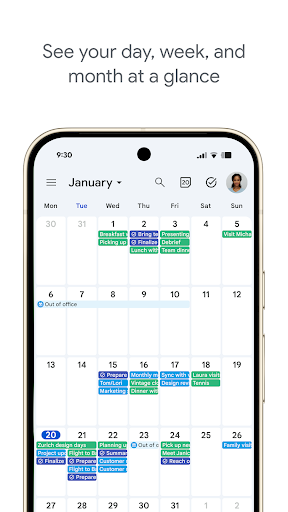
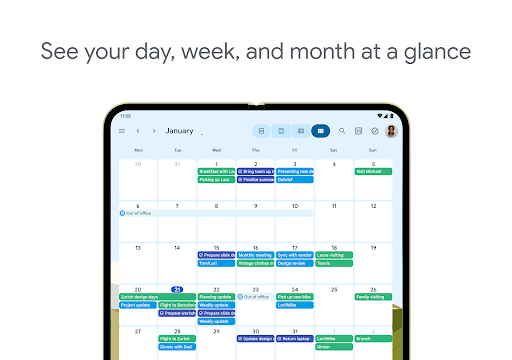
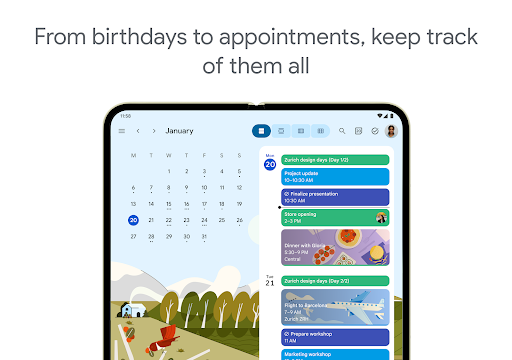
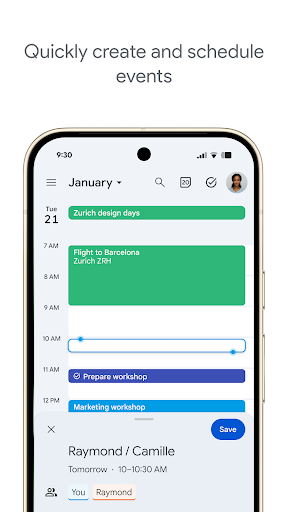
Google Calendar provides different ways to view your schedule—switch effortlessly between month, week, and day views. This flexibility allows you to tailor your perspective based on your needs, whether you're planning ahead or managing daily tasks. The intuitive interface makes it easy to zoom in or out, ensuring you always have a clear picture of your upcoming commitments.
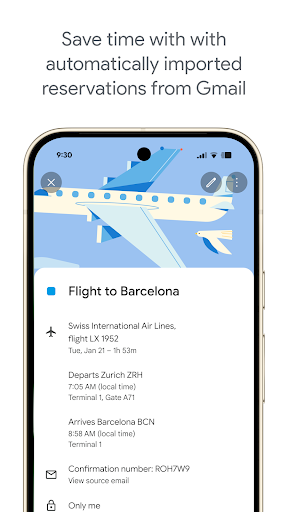
Automatic Event Detection from Gmail
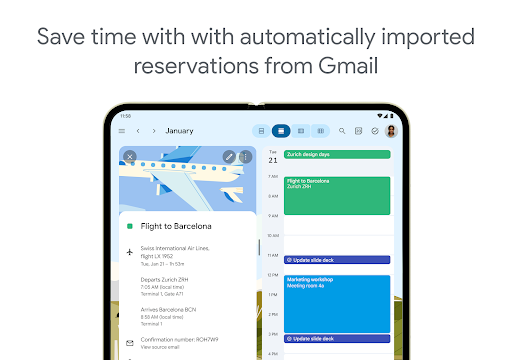
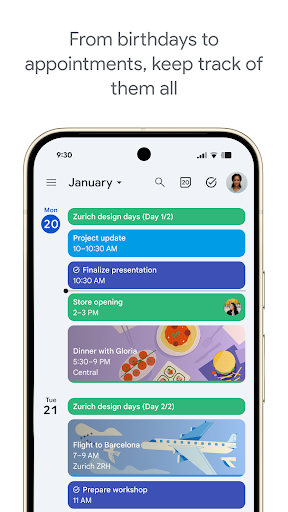
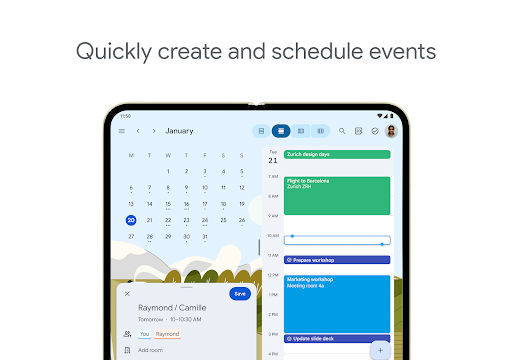
One of the standout features is how it leverages Gmail to automatically add events such as flights, hotel reservations, concerts, restaurant bookings, and more. This smart integration reduces the chances of missing important events and keeps your schedule up to date without manual entry.
Tasks and To-Do Management
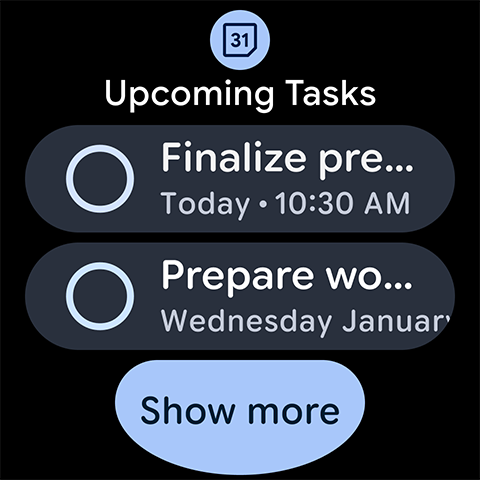
Stay on top of your tasks by creating, managing, and viewing them alongside your calendar events. This unified approach helps you prioritize and track your to-dos effortlessly, ensuring nothing slips through the cracks.
Unified Calendar Access
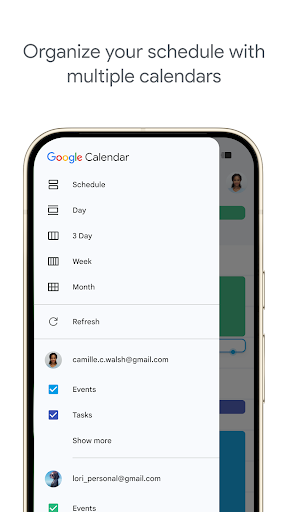
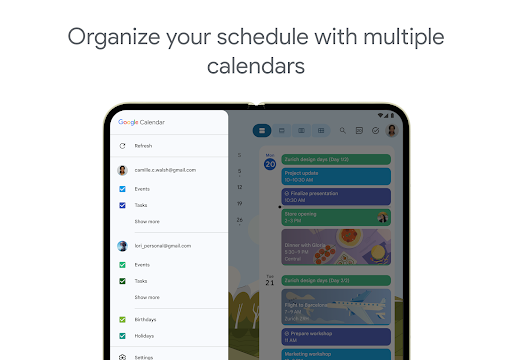
Google Calendar consolidates all your calendars into one place, including Exchange accounts. Whether on your phone, tablet, or desktop, you can see all your events and appointments mapped out in one comprehensive view, streamlining your scheduling process.
On-the-Go Notifications and Support
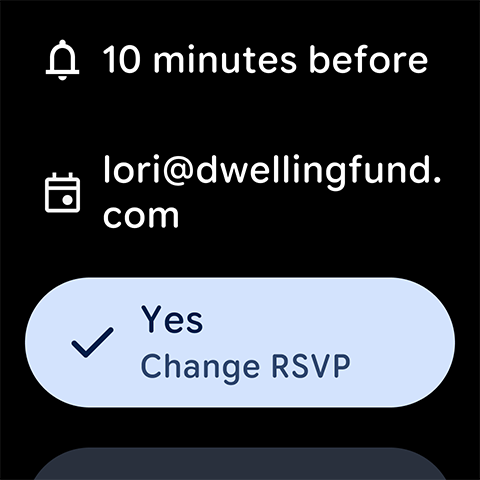
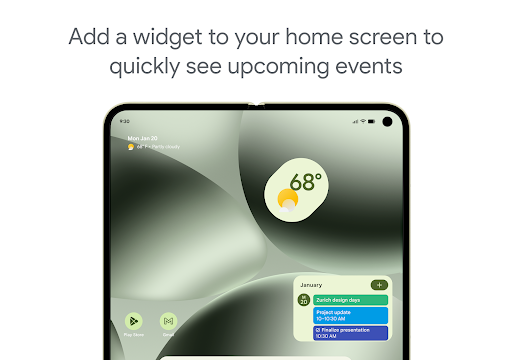
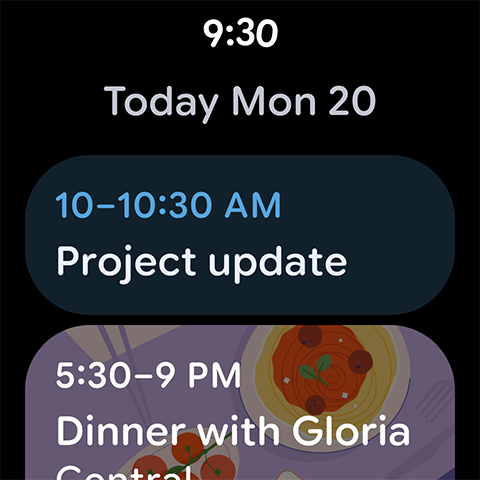
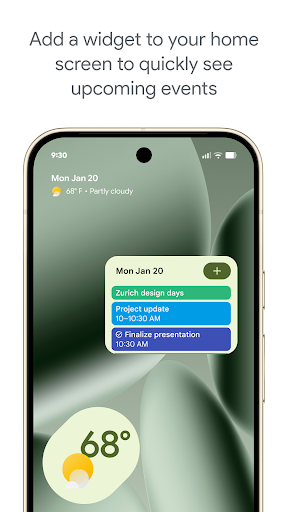
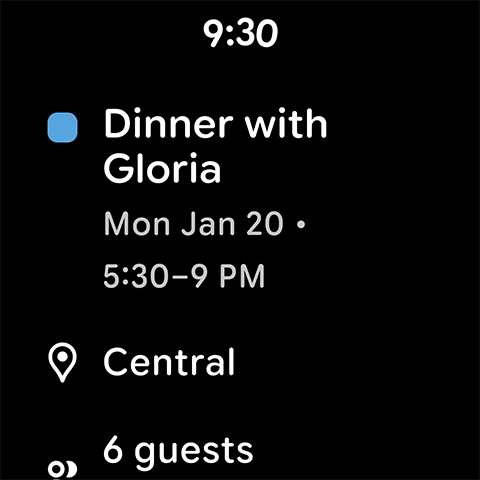
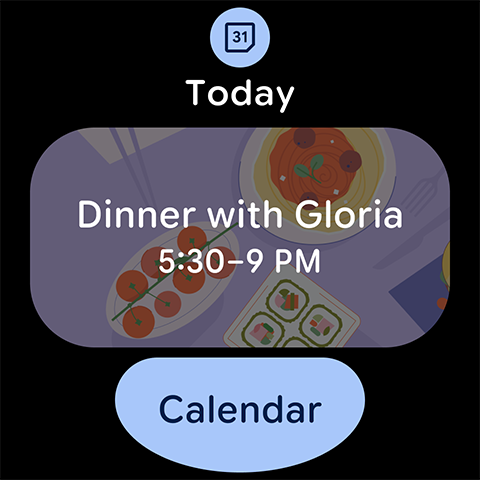
For users with Wear OS devices, Google Calendar delivers timely notifications to ensure you never miss an event or task. It also supports tiles and complications for quick access, making your schedule always just a glance away.
Enhanced Team Collaboration with Google Workspace
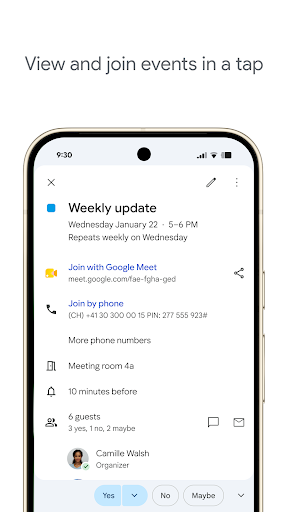
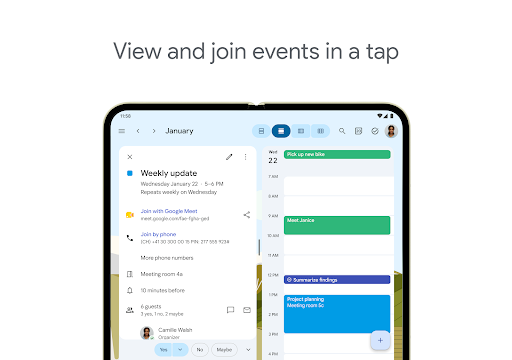
Beyond individual use, Google Calendar is a powerful tool for teams. With Google Workspace, you can easily schedule meetings, check coworkers' availability, and layer multiple calendars to find the perfect meeting time. Share your calendars with colleagues to show full event details or just your free/busy status, fostering transparency and efficiency. You can also publish calendars on the web for broader sharing, all accessible from various devices—including your laptop, tablet, or phone.
Learn more about Google Workspace Calendar and how it can revolutionize your team's scheduling process.
Why Choose Google Calendar?
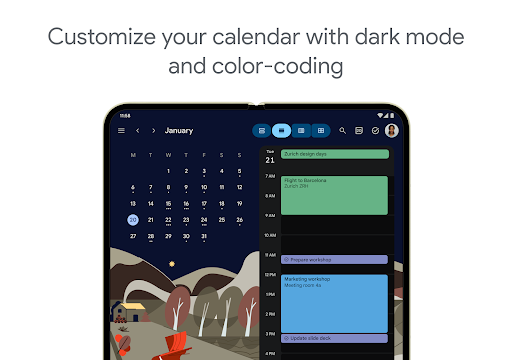
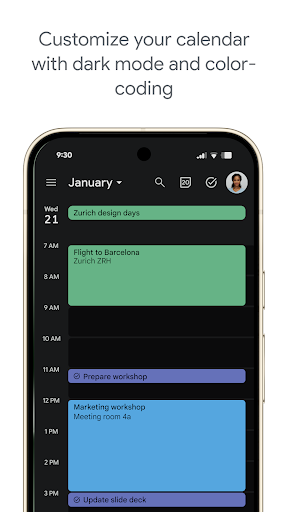
Whether you're a busy professional, a student, or someone who loves staying organized, Google Calendar is designed to simplify your life. Its clean, user-friendly interface is consistent across platforms, and the color-coded events help visually distinguish between personal, work, and social commitments. Its seamless integration with other Google services and third-party apps ensures you're always connected and prepared. Additionally, the app's offline capabilities mean you can view and modify your schedule even without an internet connection—perfect for travel or areas with limited connectivity.
In sum, Google Calendar acts like a personal assistant that keeps you organized, informed, and ready for whatever the day has in store. If you haven't tried it yet, now is the perfect time to experience its features and boost your productivity.
Pros
- Seamless integration with other Google services
- User-friendly interface
- Customizable reminders and notifications
- Supports multiple calendars and time zones
- Free to use with no ads
Cons
- Limited offline functionality
- Requires a Google account
- Lacks task management features
- Some features require internet access
- May be overwhelming for new users










