
Overview of PDF Reader - PDF Editor
In today's digital age, having a reliable PDF tool on your smartphone is essential. PDF Reader - PDF Editor stands out as a comprehensive and user-friendly application designed for both casual users and professionals. Whether you're a student managing coursework, a professional handling official documents, or an avid reader of e-books, this app is engineered to enhance your productivity and streamline your workflow.
Main Features of PDF Reader - PDF Editor
User-Friendly Interface and Seamless Navigation
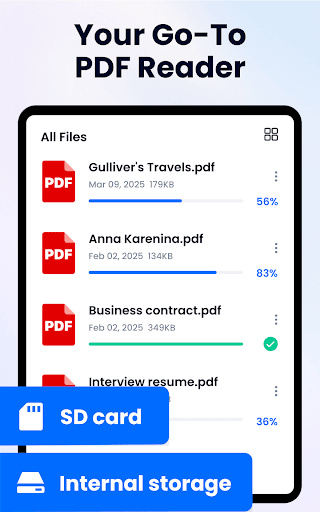
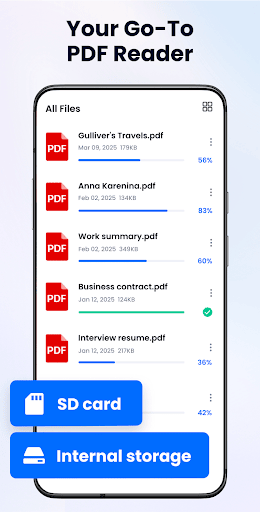
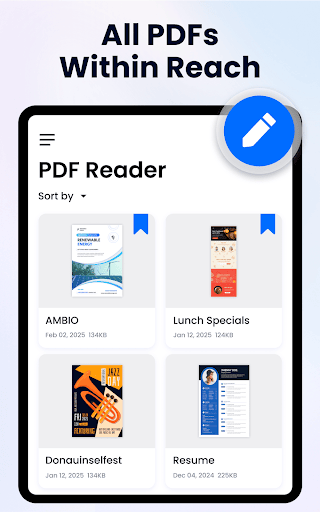
Upon launching PDF Reader - PDF Editor, you'll immediately notice its intuitive design. The developers have optimized the layout for easy navigation, enabling you to access all functions with minimal effort. Opening, annotating, and sharing PDFs can be done with just a few taps, making document management effortless.
Powerful PDF Editing Capabilities
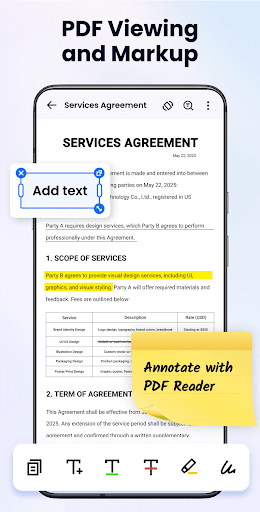
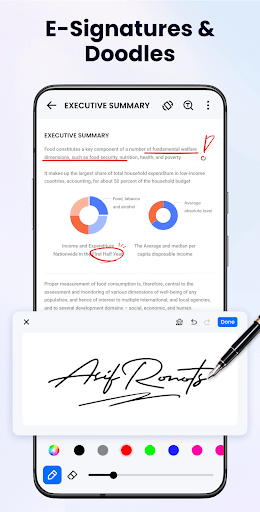
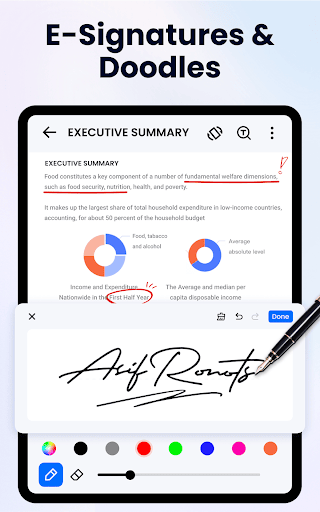
One of the app's standout attributes is its robust editing features. Not only can you view PDFs, but you can also add text, insert images, or even sign documents digitally. Real-time editing ensures that your modifications are saved instantly, eliminating worries about losing progress or having to recreate changes. This makes it an excellent solution for quickly updating forms or revising documents on the go.
Reading and Annotating with Ease
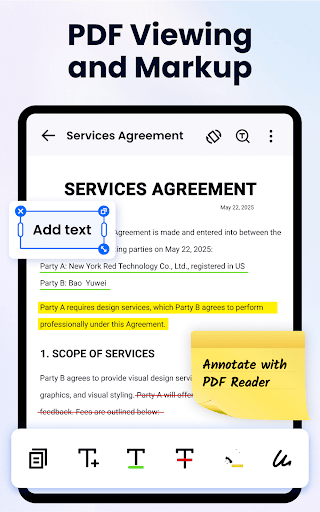
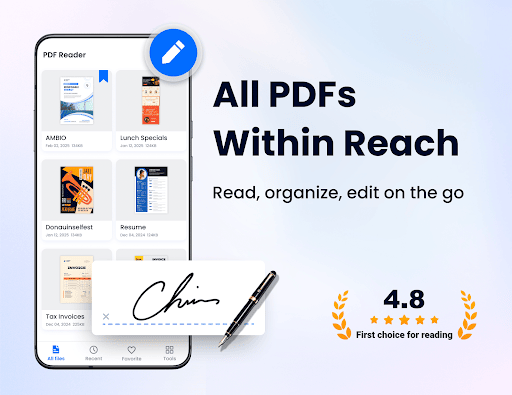
The app excels as a dedicated PDF reader. It supports smooth page-by-page and continuous scrolling modes, catering to user preferences. The adjustable brightness and contrast enhance readability, especially during late-night reading sessions. Annotation tools such as highlighting, sticky notes, and drawing allow you to mark up documents precisely, facilitating effective review or study sessions. Fast search features help locate specific texts within lengthy PDFs swiftly.
Sharing and Cloud Integration
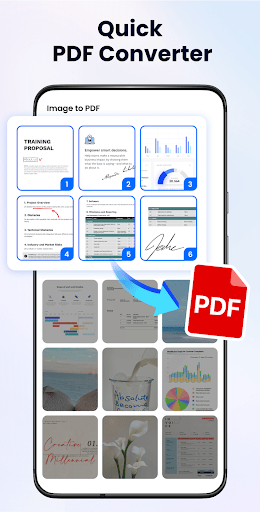
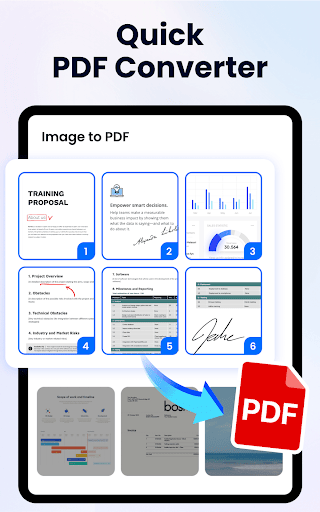
Sharing documents is simplified through integrated support with popular cloud services like Google Drive and Dropbox. This allows seamless synchronization across devices and easy collaboration with colleagues or classmates. Additionally, converting PDFs to other formats and vice versa adds significant versatility, making this app a comprehensive document management solution.
Additional Tools and Security
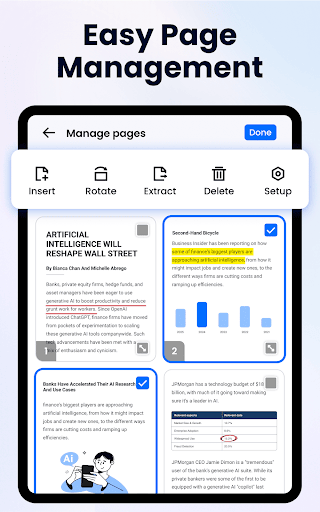
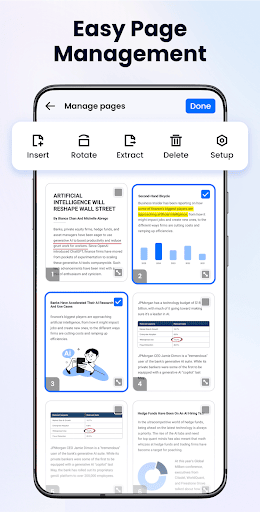
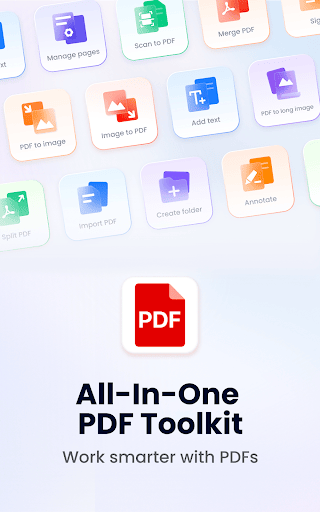
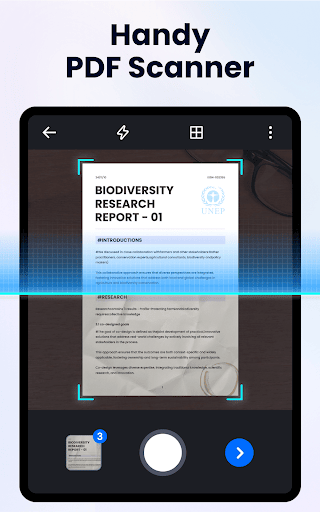
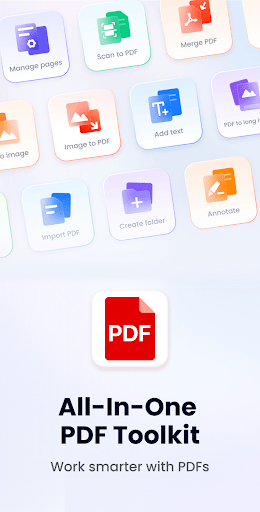
New features such as file split and merge, adding text on PDFs, and compressing file sizes are available, with more to come. The app also offers security features—such as locking PDFs with passwords—to ensure your documents remain private and protected. Future updates aim to support form filling, page rotation, and conversion between PDF and Word or Excel formats.
Why Choose PDF Reader - PDF Editor
This free app provides a comprehensive suite of tools optimized for efficiency and ease of use. Its lightweight design ensures quick installation and smooth performance. Whether you need a PDF viewer, an editor, or a reference manager, this app covers all bases. Its versatility makes it ideal for students, professionals, or anyone who requires quick access and modification of PDF documents.
Conclusion: Your All-in-One PDF Solution
In summary, PDF Reader - PDF Editor combines powerful features, an intuitive interface, and versatile tools to meet all your PDF needs. From reading and annotating to editing, managing, and securely sharing files, this app positions itself as an essential tool for the digital workspace. Download it now to experience effortless document handling and boost your productivity in study, work, or leisure activities.
Pros
- Easy to navigate interface
- Supports multiple file formats
- Fast document loading
- Annotation tools available
- Offline access to files
Cons
- Limited editing features
- Advertisements in free version
- Occasional crashes
- No cloud storage integration
- Limited font customization











