
Discover the Power of the My Spectrum App
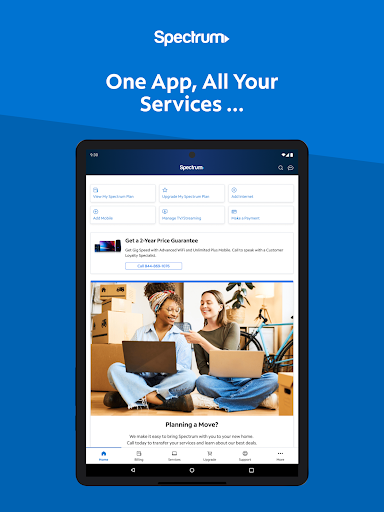
The My Spectrum app is a comprehensive digital tool designed to streamline your experience with Spectrum's services. Whether managing your internet, mobile, TV, or home phone, this all-in-one application offers unparalleled convenience and control, making it an essential app for Spectrum customers seeking a seamless connectivity experience. From bill payments to troubleshooting, the My Spectrum app simplifies every aspect of your digital life. Let’s explore the key features that make this app a must-have for Spectrum users.
Main Features of the My Spectrum App
All-in-One Service Management
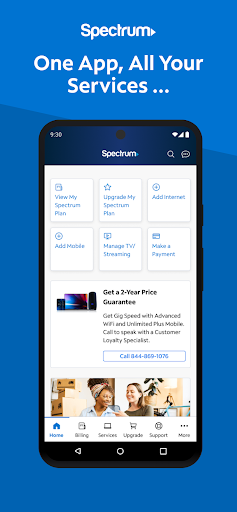
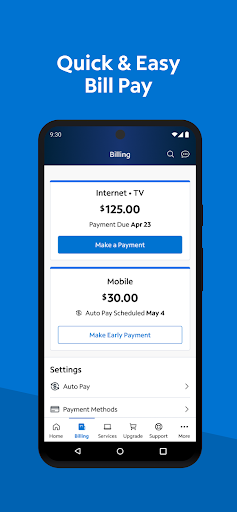
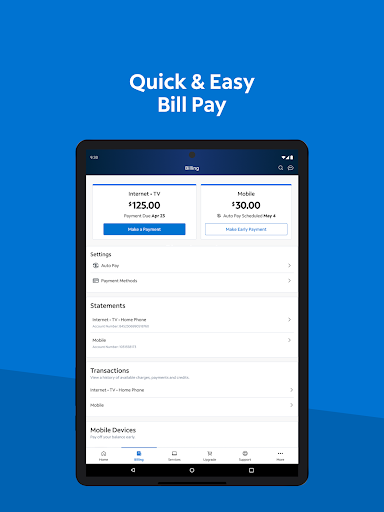
With My Spectrum, you can effortlessly manage all your services through a single platform. Pay your spectrum bill online for Spectrum Mobile, Internet, TV, and Home Phone with ease. Features like Auto Pay ensure you never miss a billing due date, while scheduling one-time payments gives you full control over your financial planning. Additionally, you can opt for paperless billing and review previous statements and service history—all accessible conveniently within the app.
Language Preferences & Accessibility
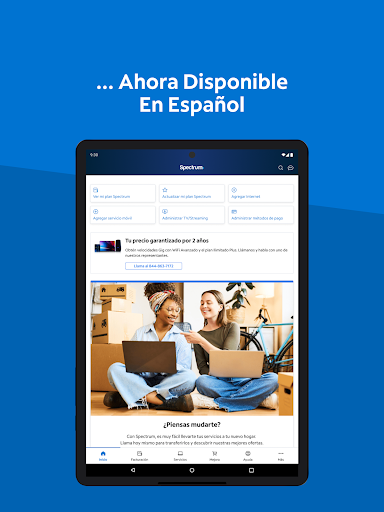
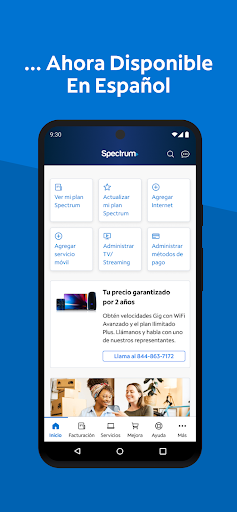
The app recognizes the diverse needs of Spectrum's customer base by offering language toggling right within the interface. You can switch between English and Spanish, making it more accessible for users who prefer their native language or are bilingual. This simple feature enhances user experience and inclusivity.
Mobile Services Management
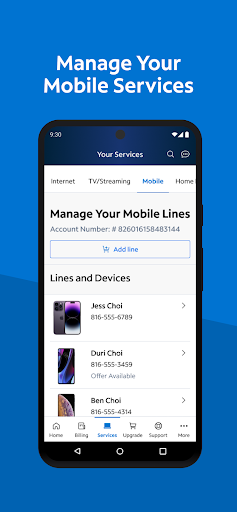
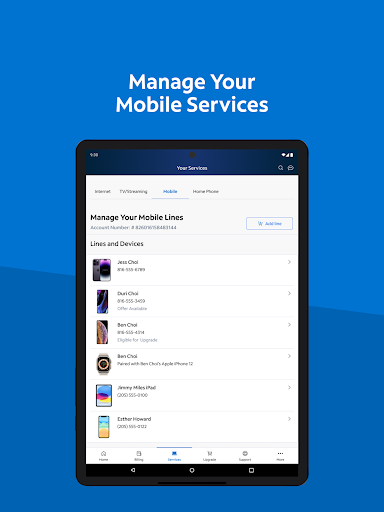
Stay on top of your Spectrum Mobile plans with features to monitor data usage, add new lines, and activate mobile devices effortlessly. Managing your mobile services is intuitive, helping you optimize your plans and quickly set up new devices when needed.
Stay Informed with Notifications and Alerts
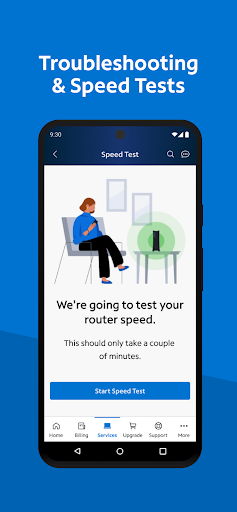
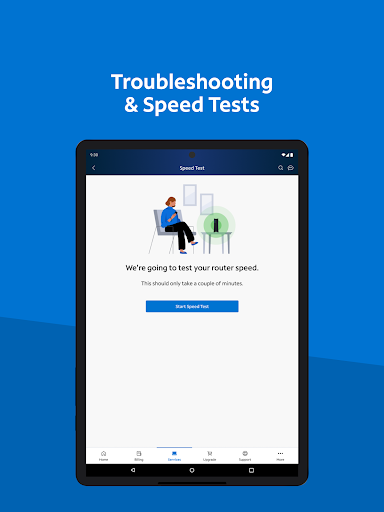
Immediate alerts about bill status, equipment updates, activation notices and service outages keep you informed in real-time. Upgrading to Advanced WiFi and benefiting from the Security Suite ensures your home network remains secure and fast. The Speed Test feature allows troubleshooting WiFi and internet issues promptly, minimizing downtime.
TV & Streaming Management
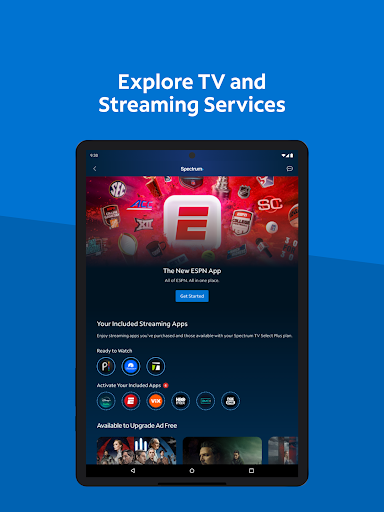
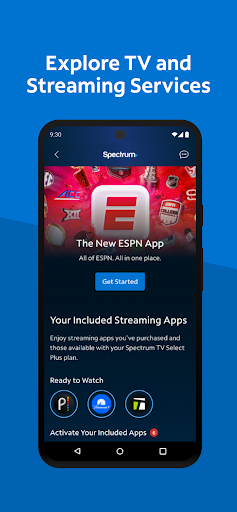
The app provides a centralized hub where you can view your TV channel lineup, manage streaming subscriptions, and customize your experience by adding premium channel add-ons. Whether you're discovering new shows or fine-tuning your channel lineup, the app makes managing entertainment effortless.
Simplified Support and Troubleshooting
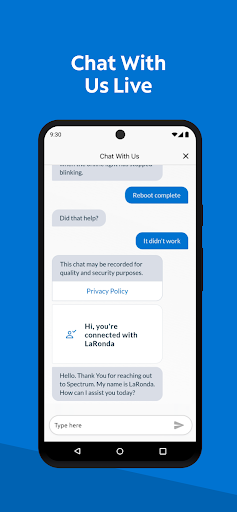
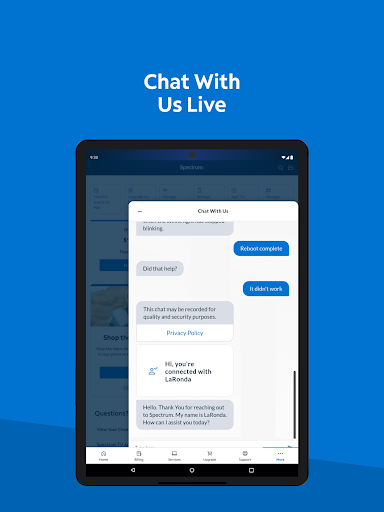
Easily self-install your equipment such as modems and routers without waiting for an appointment. The app also offers live chat support, enabling users to connect with Spectrum customer service instantly. Track technician appointments and access a redesigned support section that provides quick answers to common questions, enhancing resolution speed and user satisfaction.
Provide Feedback & Discover Additional Apps
Your feedback matters! The app encourages users to share their experiences and suggestions, contributing to continuous improvements. Additionally, explore other Spectrum apps like Spectrum TV for streaming on the go, Spectrum Sports to keep up with live games, Spectrum News for local updates, and Spectrum Enterprise for business solutions.
Why My Spectrum Is a Game-Changer for Digital Connectivity
From practical bill management to advanced networking features, the My Spectrum app offers a comprehensive digital solution that enhances user control over all Spectrum services. Its sleek, intuitive interface reduces onboarding time and ensures users can navigate features with ease. The ability to troubleshoot connectivity issues swiftly, stay informed through notifications, and manage multiple services in one place makes it indispensable for busy households and professionals alike. Whether you’re managing your home internet, optimizing your mobile data plans, or enjoying streamlined TV entertainment, the My Spectrum app stands out as a powerful tool for modern digital lifestyles.
Final Thoughts
In conclusion, if you’re a Spectrum customer aiming for greater control over your connectivity and entertainment ecosystem, My Spectrum is an app worth exploring. Its user-friendly design, extensive features, and commitment to continuous support make it an essential companion for today’s digital demands. Maximize the benefits of your Spectrum services by downloading and utilizing the My Spectrum app — your all-in-one platform for smarter, faster, and more convenient tech management.
Pros
- User-friendly and easy to navigate interface
- Provides quick and dependable connectivity
- Offers customer support around the clock (24/7)
- Simplifies bill payments with an efficient process
- Includes parental control options
Cons
- Application may crash occasionally
- Offline features are limited
- Performance can be slow on older devices
- Certain features require user login
- Advertisements may be disruptive











