
App Lock - Fingerprint Lock: Your Ultimate Privacy Protector
What Can App Lock Do for You?
- Prevent snooping – Safeguard your social media chats, messages, emails, and payment bills from prying eyes. Whether it's your WhatsApp, Messenger, or bank apps, keep them under lock and key.
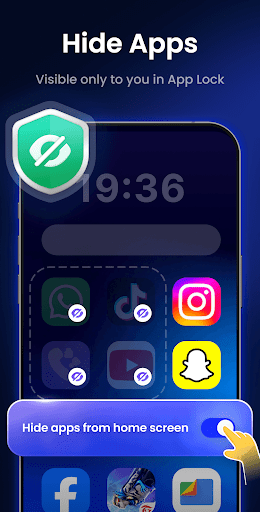
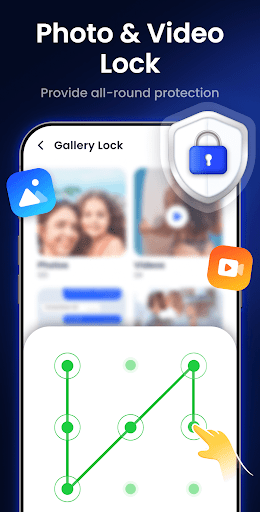
- Hide personal files – Keep your exclusive photos and videos hidden in Gallery Lock. Only you can access them, preventing accidental viewing if someone borrows your phone.
- Protect children – Stop kids from making unauthorized payments or deleting crucial files. Control their access to certain apps with ease.
All-Round Protection Features
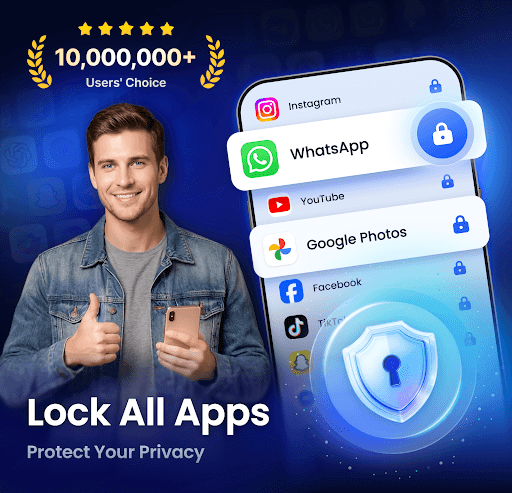
- Lock all your apps – Secure your WhatsApp, Messenger, Facebook, Google Play, PayPal, and device settings seamlessly, ensuring your conversations and sensitive data remain private.
- Hide personal files – Use Gallery Lock to protect private photos and videos, accessible only via your password or fingerprint.
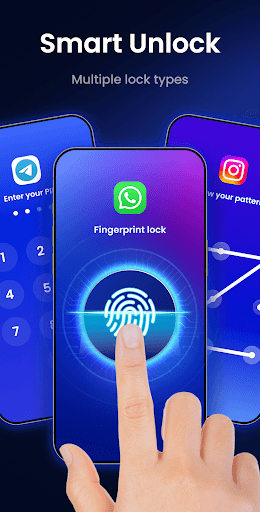
- Multiple lock types – Choose from PIN, pattern, or fingerprint to maximize security.
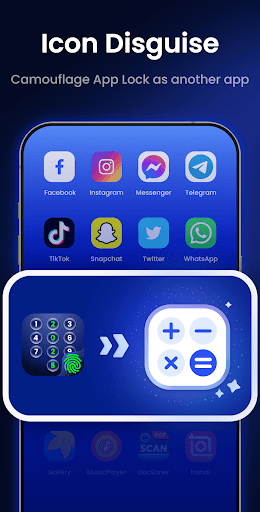
- Icon camouflage – Change the app's icon to disguise it as another app, such as Calculator or Weather, adding an extra level of concealment against intruders.
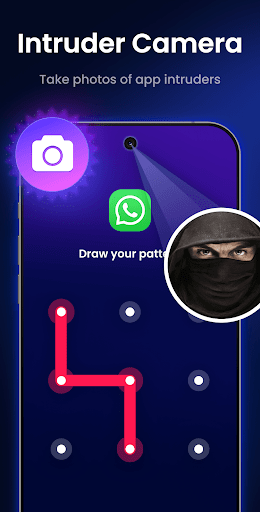
- Intruder selfies – Capture photos of anyone attempting to access your protected apps without permission and get notified of such attempts!
Additional Features and Upcoming Enhancements
- Make pattern line invisible – Enhance your security by hiding the pattern trail during input.
- Uninstall protection – Prevent others from deleting the app without authorization.
- Random keyboard – Protect against keyloggers with randomized key patterns.
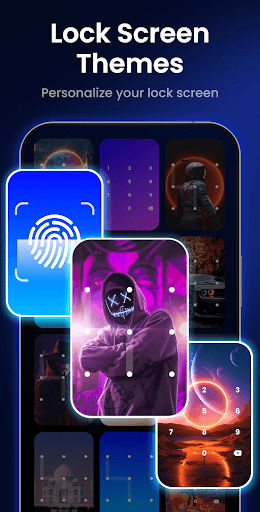
- Variety of themes – Personalize your experience with colorful themes for the app interface.
- Customizable re-lock time – Set your preferred timeout duration for re-locking apps.
- Lock newly installed apps – Ensure new apps are protected immediately after installation.
Upcoming Features
- Junk file cleaner – Clear cache, large videos, screenshots, and spam to optimize storage.
- Notification encryption – Hide sensitive notifications from the system panel, accessible only within App Lock.
- Cloud backup – Securely back up your data to the cloud with just one click, ensuring you never lose important files.
Permissions and Privacy Assurance
The app requires All Files Access permission solely for the purpose of hiding private files. Rest assured, this permission is only used for security and privacy, not for any other activities. Your data’s safety and confidentiality are our top priorities.
How User-Friendly and Reliable Is App Lock?
Setting up App Lock - Fingerprint Lock is straightforward. Simply download, choose your preferred lock method (PIN, pattern, or fingerprint), and you’re ready to secure your apps. The intuitive interface guides you step-by-step, making it accessible even for users less familiar with technology.
The fingerprint sensor integration works swiftly, unlocking apps efficiently without noticeable lag. This quick responsiveness enhances user experience, making security seamless and hassle-free. Plus, the app runs unobtrusively in the background, ensuring your device’s battery life isn’t affected adversely.
An especially handy feature is notification hiding, vital for maintaining privacy during meetings or in public spaces. You can hide sensitive notifications so that personal messages or alerts don’t display on the screen, preserving your confidentiality at all times.
Final Thoughts
Overall, App Lock - Fingerprint Lock stands out as a reliable and user-friendly security application suitable for anyone aiming to protect their digital privacy. Whether you’re concerned about prying eyes on your social media conversations, private photos, or sensitive financial information, this app provides comprehensive protection.
Adding layers of security with multiple lock options, app camouflage, and intruder selfies, App Lock is like having a vigilant digital guardian for your smartphone. Its ongoing updates promise more features to enhance usability and privacy, making it a must-have app for privacy-conscious users.
Say goodbye to worries about accidental data leaks or unauthorized access. Download App Lock - Fingerprint Lock today and enjoy the peace of mind that comes with robust mobile security. Protect your data, secure your privacy, and keep your secrets safe effortlessly!
Pros
- Easy to set up and use
- Supports fingerprint unlocking
- Customizable lock settings
- Low battery consumption
- Works with various apps
Cons
- Ads can be intrusive
- Limited features in free version
- May not work on all devices
- Occasional performance issues
- No cloud backup option











