
Discover the Features of Alarm Clock for Me
Alarm Clock for Me transforms your Android device into a comprehensive alarm clock and bedside companion. Whether you want to wake up with your favorite tunes, check the current temperature, or enhance your sleep routine, this app offers an array of powerful features designed to fit seamlessly into your daily life.
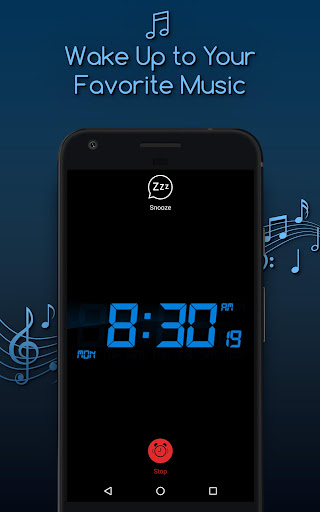
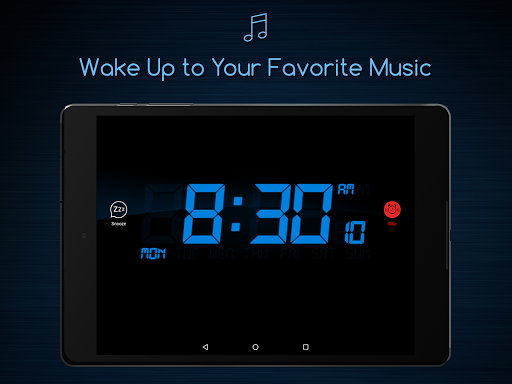
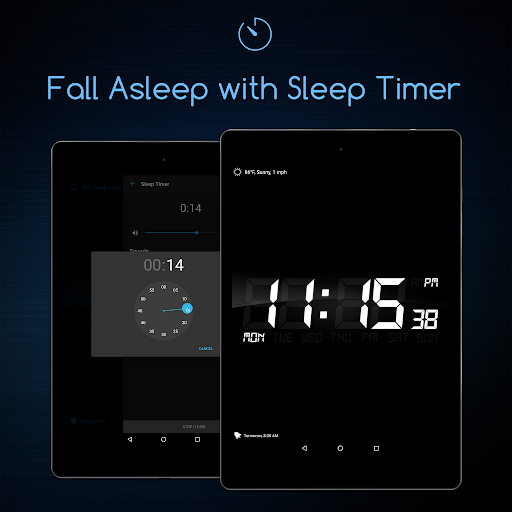
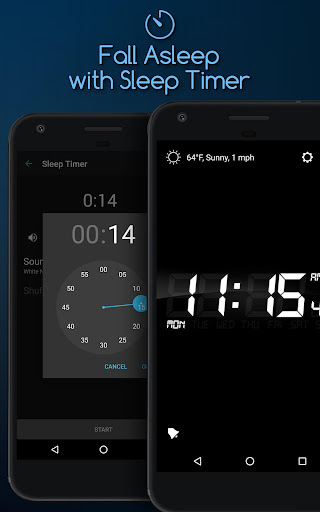
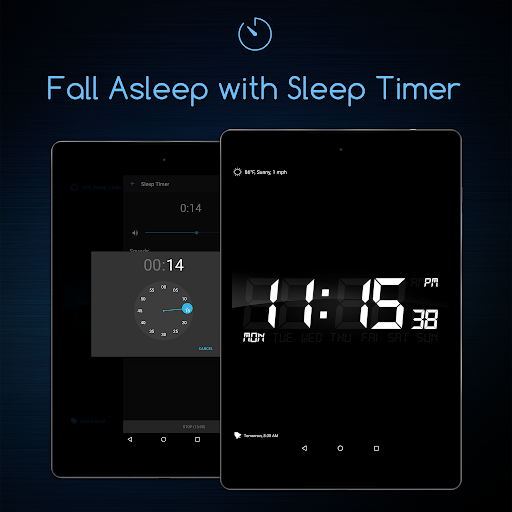
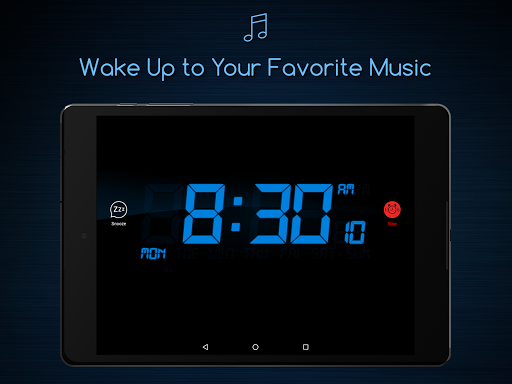
One of its standout features is the alarm clock that allows you to wake up to personalized music, complete with customizable alarm widgets to decorate your home screen. Planning your mornings becomes easier with the Sleep Timer, which helps you fall asleep to soothing sounds from the collection, fading out gently as you drift off.
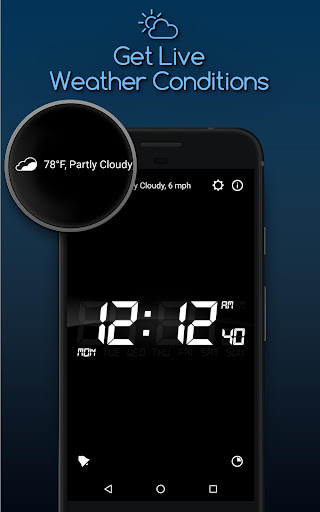
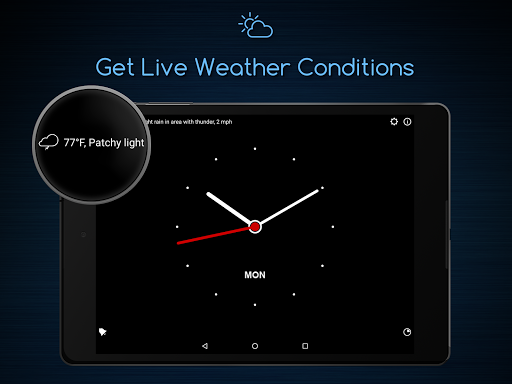
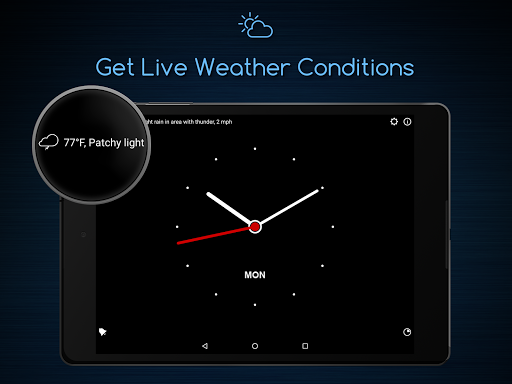
Want to start your day informed? The app displays the current temperature so you can choose the perfect outfit. Never worry about oversleeping—set an unlimited number of alarms, each tailored with different tunes and snooze options, ensuring you wake up on time every day.
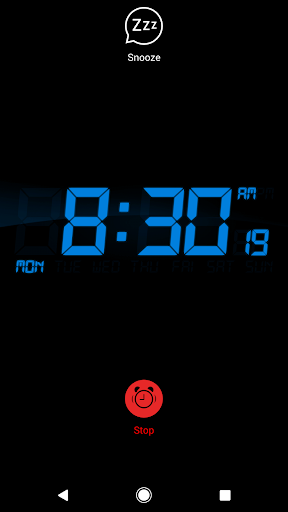
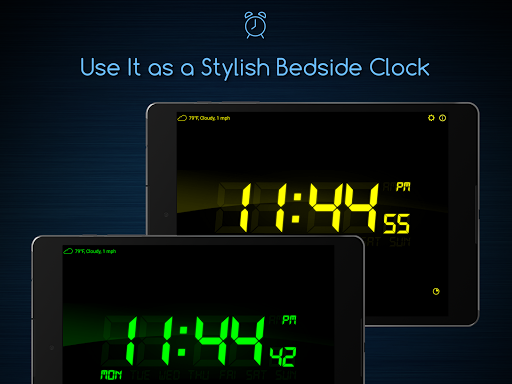
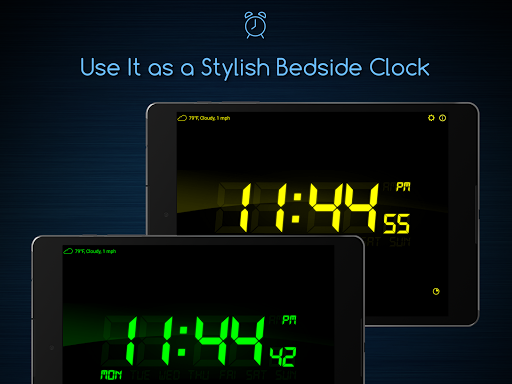
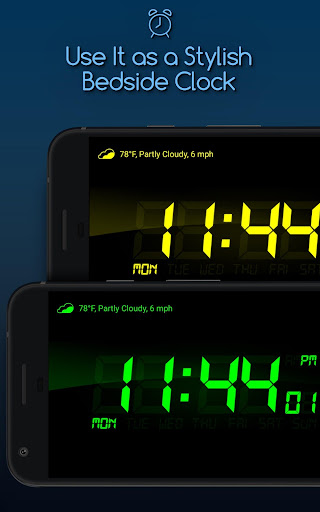
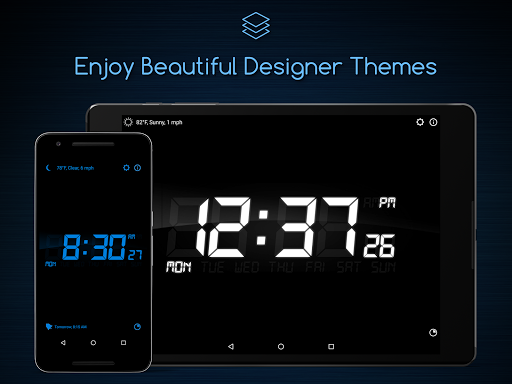
With the nightstand mode, you can keep your Android device on your bedside table and still see the time with a clear, bold display—ideal for late-night checks or midnight wake-ups. The background support feature guarantees alarms go off even if the app isn’t actively running, providing peace of mind.
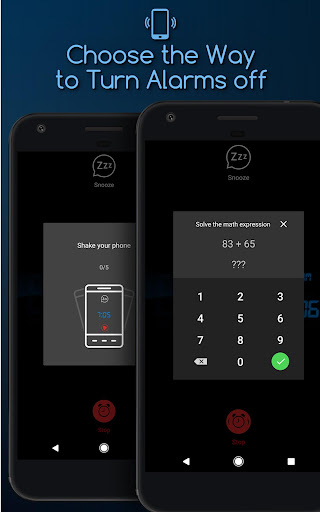
For a more engaging wake-up, try the math alarm clock to stimulate your brain or the shake alarm to help you physically wake up. Additional options like vibrate, fade in, and snooze make waking up gentle and customizable, catering to your preferences.
Additional Functionalities to Enhance Your Experience
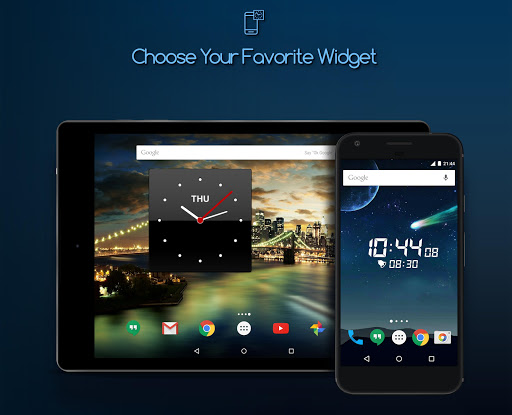
The app also supports customizable clock widgets for your Home screen, allowing quick access and a stylish look. Adjust the screen brightness to prevent discomfort after a restful sleep, and utilize the Perfect Bedtime Reminder to promote healthy sleep habits by reminding you when to go to bed.
Enjoy the Gentle PreAlarm feature, which offers an easy and mild wake-up to ease into your mornings comfortably. The app provides quick shortcuts to its settings and alarms, and you can choose between vertical or horizontal display modes. Additionally, you have the option to disable auto-rotation to keep the clock fixed on your preferred orientation.
All these features combine to provide a well-balanced mix of beauty and functionality, making Alarm Clock for Me the perfect addition to your daily routine.
Why Users Love Alarm Clock for Me
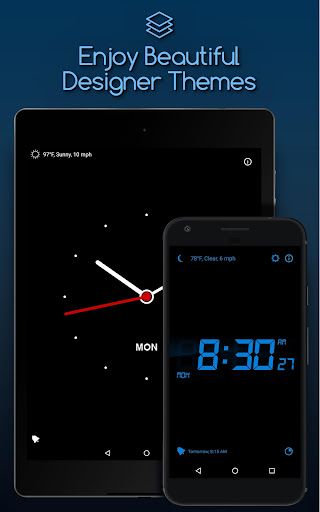
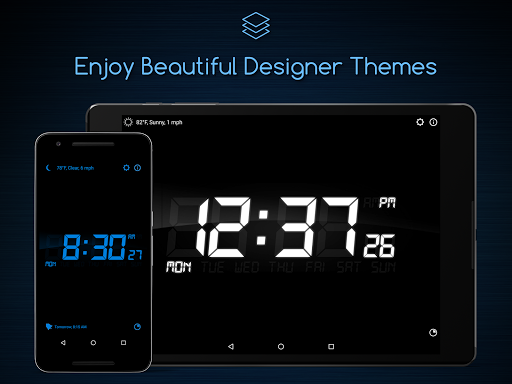
If waking up in the morning has ever been a challenge, Alarm Clock for Me might just become your new best friend. Its sleek and modern design appeals to users looking for a stylish yet functional alarm app. You can select from various themes to match your personal taste, making your mornings more enjoyable right from the start.
What truly sets this app apart are its versatile customization options. Set multiple alarms, each with unique tunes, and adjust the snooze duration to fit your needs. For those who need that extra nudge out of bed, the built-in vibration feature enhances wake-up reliability. Weather updates within the app keep you prepared for the day ahead, whether it’s rain, sunshine, or anything in between.
The sleep timer is particularly popular among users who prefer falling asleep to music or nature sounds, providing a peaceful transition to sleep with gentle fade-out. Installation is straightforward, and the intuitive interface makes setting alarms effortless—even for users who aren't tech-savvy.
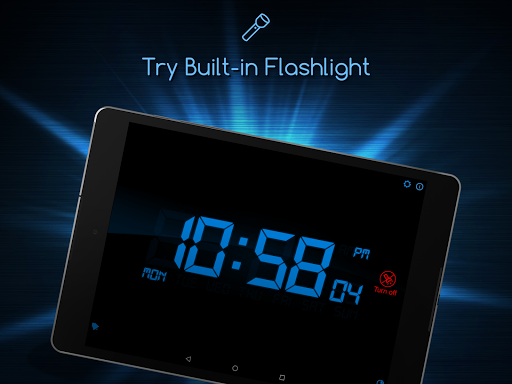
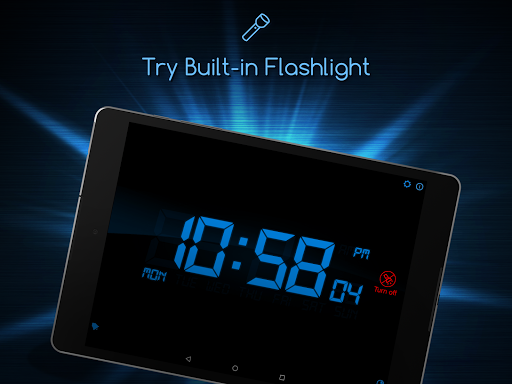
Among its handy features is the bedside clock mode, with a large, easy-to-read display that’s perfect for your nightstand. The included flashlight feature can come in handy during late-night searches, making this app a true companion for your bedtime routine.
Overall, Alarm Clock for Me is more than just a basic alarm; it’s a comprehensive tool designed to improve your mornings and overall sleep quality. Its combination of reliable alarms, customizable settings, and user-friendly design makes it a top choice for anyone looking to enhance their daily wake-up experience. If you're seeking a dependable, beautiful, and feature-rich alarm app, give Alarm Clock for Me a try—it's a true game-changer for your mornings.
Pros
- Customizable alarm tones
- Sleek design
- User-friendly interface
- Includes weather updates
- Multiple alarm options
- Built-in flashlight feature
Cons
- Contains ads in the free version
- Limited features without premium
- High battery consumption
- Lacks integration with smart devices
- Occasional notification glitches











