


Discover the Power of Adobe Acrobat Reader: Edit PDF
Are you tired of struggling with PDFs that seem to resist your every attempt at editing or organizing? Look no further than Adobe Acrobat Reader: Edit PDF, a versatile and user-friendly app that transforms how you view, manage, and manipulate PDF documents on your mobile device. Whether you're a student, professional, or casual user, this app offers an array of powerful features designed to make working with PDFs effortless and efficient.
Major New Update Boosts Efficiency with Adobe Acrobat AI Assistant
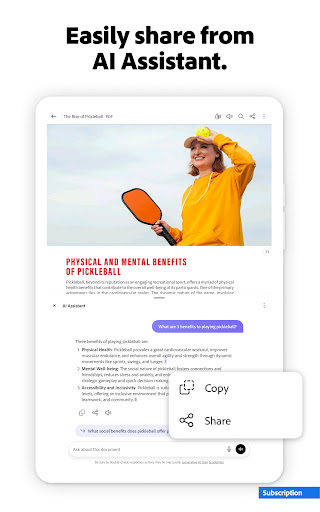
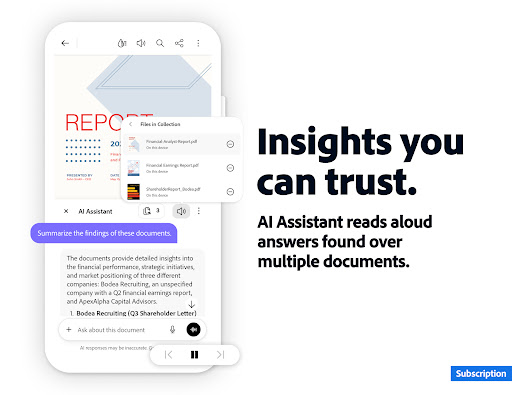
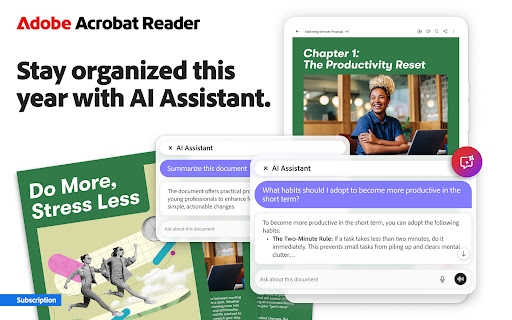
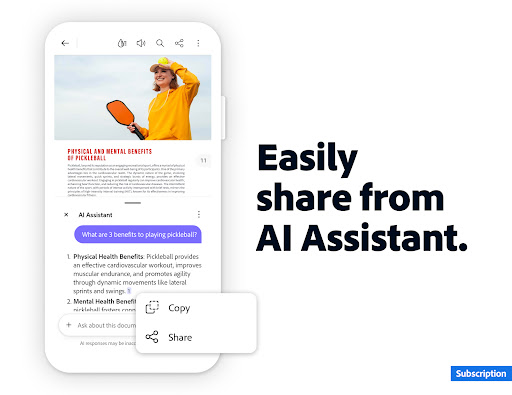
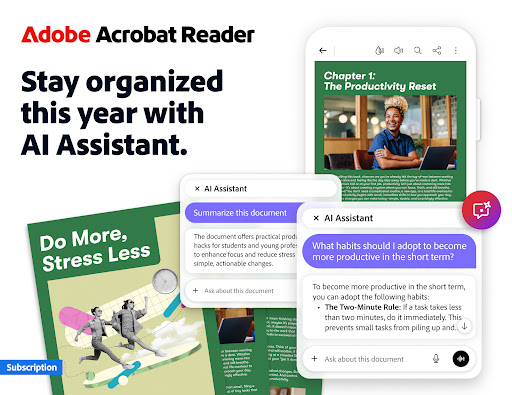
A significant highlight of the latest version is the Adobe Acrobat AI Assistant. This smart feature harnesses AI to save you time and streamline your workflow. You can quickly get answers or deep dives into your documents by analyzing multiple files simultaneously. The AI assistant allows you to use voice or text prompts via its chatbot, making information retrieval seamless. Search across various document types, find key information, and effortlessly share responses—all within a few taps.
The AI assistant can generate instant summaries of PDFs, providing you with essential takeaways in seconds. This is especially useful for extracting highlights from lengthy reports, research papers, or study notes. Need to discuss content via email, blog post, or message? The AI assistant can generate content tailored for your needs. Plus, you can utilize its voice support to ask queries and have answers read aloud, ensuring you stay engaged without staring at the screen.
Keep in mind, the Adobe Acrobat AI Assistant is a paid feature, available for a limited free trial, but its capabilities truly elevate your document management experience.
The AI assistant can generate instant summaries of PDFs, providing you with essential takeaways in seconds. This is especially useful for extracting highlights from lengthy reports, research papers, or study notes. Need to discuss content via email, blog post, or message? The AI assistant can generate content tailored for your needs. Plus, you can utilize its voice support to ask queries and have answers read aloud, ensuring you stay engaged without staring at the screen.
Keep in mind, the Adobe Acrobat AI Assistant is a paid feature, available for a limited free trial, but its capabilities truly elevate your document management experience.
Trusted PDF Reading and Editing in One App
With over 635 million installs worldwide, Adobe Acrobat Reader remains the most trusted platform for viewing, sharing, annotating, and signing PDFs. Its all-in-one approach means you can do everything from simply reading a document to signing contracts or collaborating with colleagues. The app offers cloud storage integration, allowing you to store files online and access them from anywhere—perfect for remote work and on-the-go editing.
Paid Features: Advanced PDF Editing and Organization
Upgrade to unlock a suite of professional tools that make PDF editing & organization a breeze:
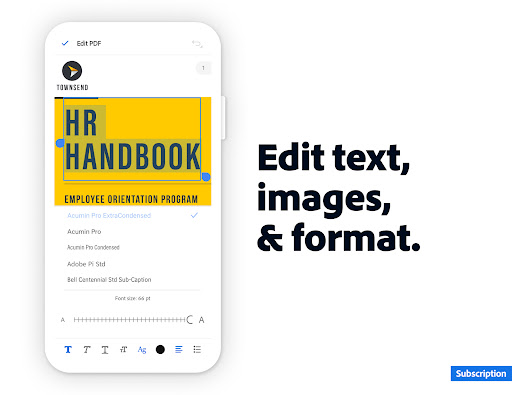
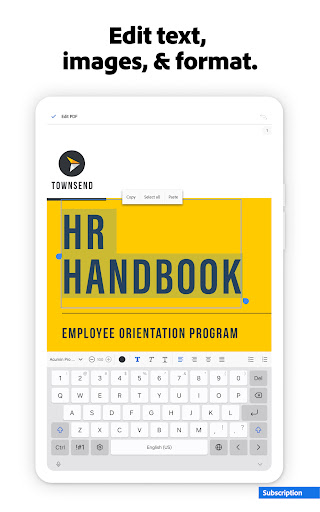
- Edit PDFs (mobile-only): Modify text and images directly within your PDF, correct typos, or add new paragraphs.
- Merge & organize PDFs: Split, combine, insert, delete, rotate, crop, and reorder pages with ease.
- Create, convert, & export PDFs: Convert from various file types— including Microsoft Office, Google Docs, and images—to PDFs, and vice versa. Export PDFs into Word, Excel, PowerPoint, or image formats.
- Secure your documents: Compress files and add passwords or encryption to protect sensitive data.
Free Features That Simplify PDF Workflows
Even without a subscription, the app offers robust free features:
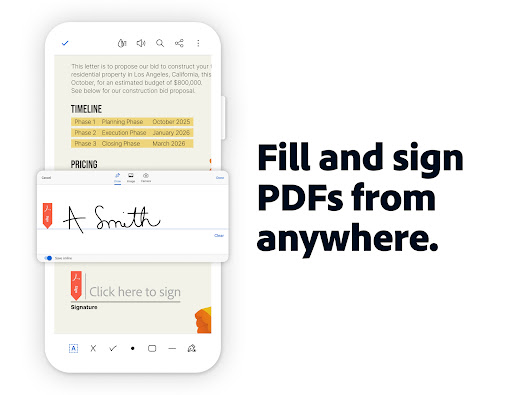
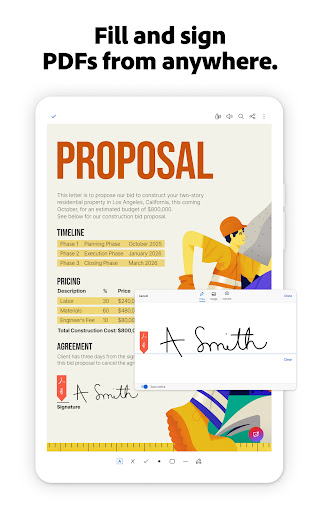
- Fill & Sign: Quickly fill out forms, sign documents, and send them directly from your device.
- Optical Character Recognition (OCR): Convert scanned PDFs into searchable and editable text, extracting content for use in Word or plain text files.
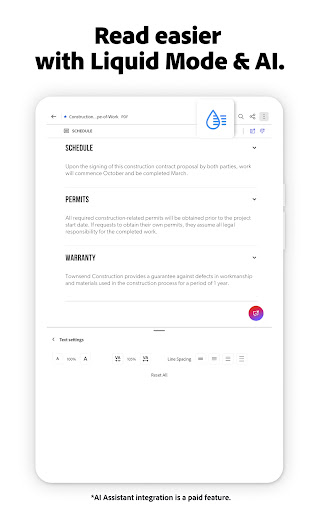
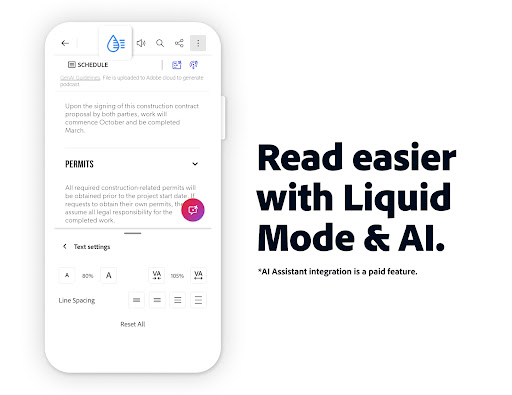
- Liquid Mode: Optimize your reading experience by adjusting font size and spacing, making large documents easier to navigate.
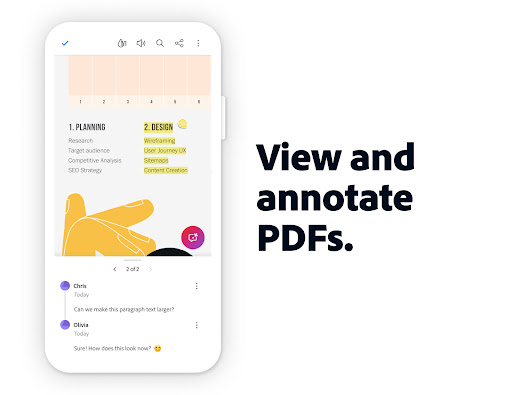
- Sharing & Collaboration: Share PDFs for comments, receive notifications, and respond via annotations, making teamwork more efficient.
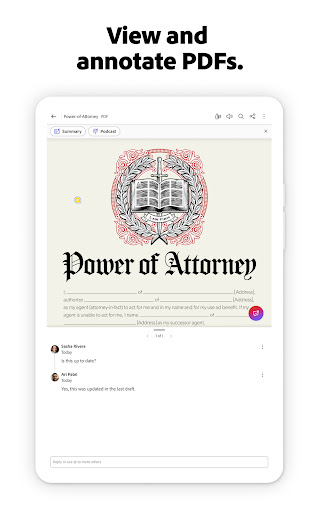
- Annotation Tools: Highlight text, add sticky notes, and draw shapes to annotate documents visually.
- File Storage & Management: Connect your online storage accounts like OneDrive, Dropbox, or Google Drive, and star important documents for quick access.
Seamless Compatibility and User Experience
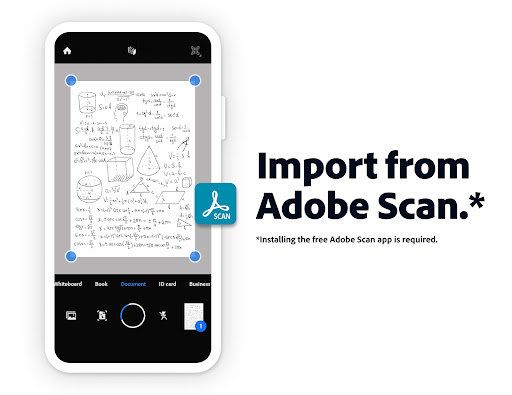
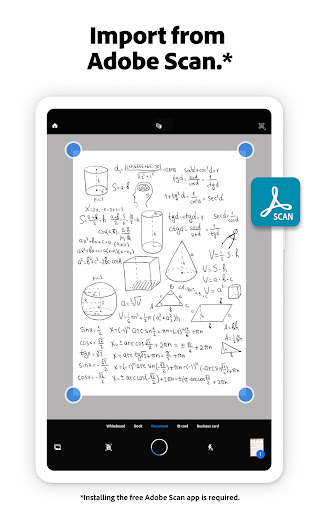
Designed with user convenience in mind, the mobile app offers an intuitive interface—clean layout, easily accessible tools, and smooth navigation ensure a hassle-free experience. The app works well with enterprise mobility management (EMM) systems, making it suitable for corporate environments. It also supports working with scanned documents via Adobe Scan, enabling you to open, fill, sign, comment, and share your scanned PDFs effortlessly.
Conclusion: The Ultimate PDF Companion
In summary, Adobe Acrobat Reader: Edit PDF is much more than a basic PDF viewer—it’s a comprehensive toolset that enhances productivity and simplifies document workflows. From its intelligent AI assistant and advanced editing features to seamless cloud integration and collaboration capabilities, this app is indispensable for anyone who regularly works with PDFs. Its user-friendly interface and robust security features ensure that your documents are managed efficiently and safely. Whether you need to annotate on the go, convert files, or securely share documents, Adobe Acrobat Reader provides a reliable and powerful solution. Give it a try and see how it transforms your PDF experience into a streamlined, hassle-free process.
Pros
- User-friendly and straightforward interface.
- Supports multiple file formats for conversion.
- Integrates smoothly with cloud storage services.
- Offers advanced editing capabilities.
- Regular updates enhance stability.
Cons
- Free version offers limited features.
- May be demanding on older devices' resources.
- Relies on internet connection for cloud functionalities.
- Subscription plans might be expensive for some users.
- Advanced features could present a learning curve.










