



WhatsApp Messenger: The Ultimate Messaging and Calling App
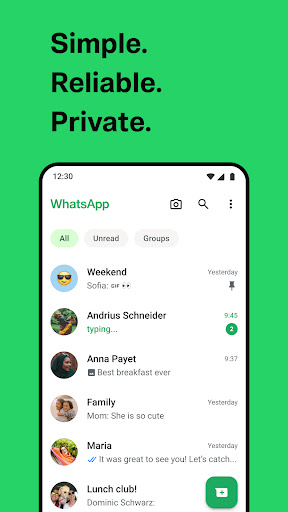
WhatsApp from Meta is a FREE messaging and video calling application that has revolutionized the way we stay connected. With over 2 billion users across more than 180 countries, WhatsApp offers a simple, reliable, and private platform to communicate with loved ones around the globe. Whether you're chatting via text, voice, or video, WhatsApp ensures seamless experience across both mobile devices and desktop, even on slow internet connections, all without any subscription fees.
Private Messaging and Security
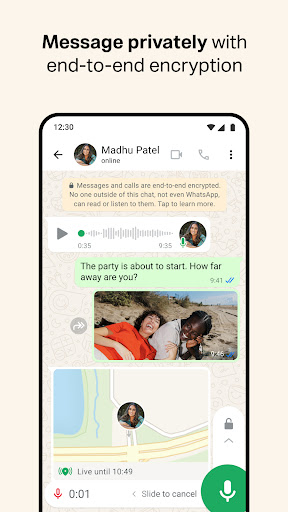
Privacy is a core feature of WhatsApp. All personal messages and calls are protected by end-to-end encryption, meaning only you and your chat partner can read or listen to the contents. Not even WhatsApp has access to your private conversations, offering peace of mind with every interaction. The app simplifies connection—requiring only your phone number to get started, eliminating the need for complicated usernames or logins. Your contacts on WhatsApp appear instantly, making it quick and easy to start messaging.
High-Quality Voice and Video Calls
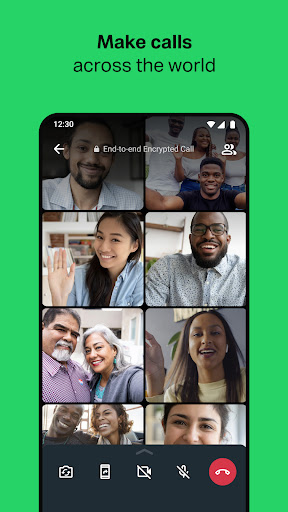
Experience high-quality voice and video calls with up to 8 participants simultaneously, all at no cost. WhatsApp leverages your device’s internet connection to provide clear communication, whether you're on mobile data or Wi-Fi—even when connections are less than perfect. This feature makes staying in touch with friends, family, or colleagues effortless and reliable.
Group Chats and Real-Time Sharing
Stay connected with group chats that support up to 256 members. These groups enable sharing of messages, photos, videos, documents, and more—making it ideal for family discussions, work teams, or social circles. WhatsApp also offers real-time location sharing with trusted contacts, which can be stopped at any moment. Quick voice messages are another convenient way to connect instantly without typing.
WhatsApp Status and Cross-Device Functionality
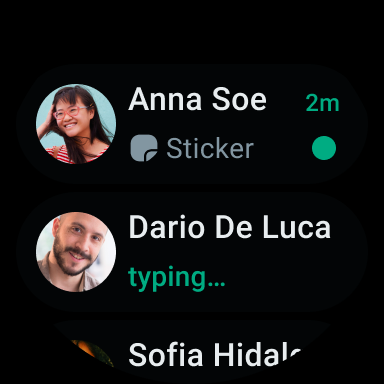
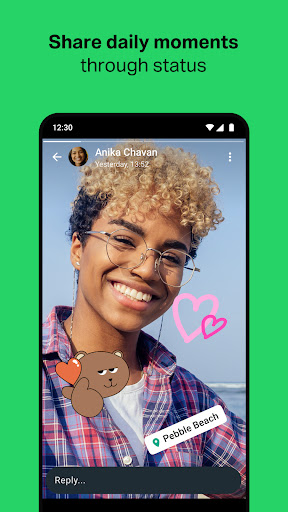
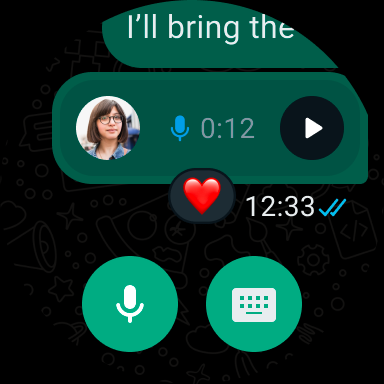
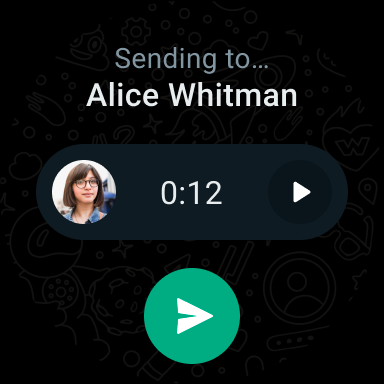
Status allows users to post updates like text, photos, videos, and GIFs that automatically disappear after 24 hours. You can share these updates with all or just selected contacts, adding a fun, temporary way to share moments. Additionally, WhatsApp has introduced compatibility with Wear OS smartwatches, enabling users to manage chats, reply to messages, and take calls directly from their wrist. Accessing chats is made even easier with dedicated tiles and complications.
Additional Features and Benefits
Sharing media is effortless with support for sending uncompressed photos and videos to retain quality. The app also allows users to customize chats with wallpapers and notification tones for a personal touch. Whether you're planning a meetup or just sharing daily moments, WhatsApp is designed to keep your conversations lively and personalized.
Why WhatsApp Messenger Is a Must-Have
If you find yourself spending hours texting, sending voice notes, or sharing memes, then WhatsApp Messenger is undoubtedly an app you need. Its intuitive interface, combined with robust security features like end-to-end encryption, makes it a vital tool for personal and professional communication. From creating large group chats to sharing multimedia files and live locations, WhatsApp simplifies every aspect of digital interaction. Plus, its compatibility across devices ensures you’re always connected, whether at home or on the go.
In summary, WhatsApp Messenger isn’t just a messaging app—it's a comprehensive platform that helps you stay connected, secure, and organized. If you haven't joined the millions of users worldwide already, now’s the time to download and explore its features. Trust me, once you start using WhatsApp, you'll wonder how you ever managed without it.
Pros
- User-friendly interface
- End-to-end encryption
- Large user base
- Free voice and video calls
- Supports multiple media formats
Cons
- Requires phone number for registration
- Limited cloud backup options
- High data consumption possible
- Restrictions on group chat size
- Lack of an integrated GIF creation feature











