








Introduction to Chrome Beta for Android
Welcome to Chrome Beta for Android! Preview the latest features: Try out the newest innovations in web browsing. These features are often experimental and may be a little rough around the edges, but they offer a glimpse into the future of browsing technology. Give early feedback: Your insights help improve the browser for everyone. As a Chrome Beta user, you can install it alongside your current Chrome version without disrupting your existing setup.
Why Choose Chrome Beta?
For years, Google Chrome has been a dominant player in the browser space, celebrated for its speed, security, and user-friendly interface. The Chrome Beta version offers you an exclusive opportunity to access upcoming features before they're officially released. This early access lets tech enthusiasts and power users experience the evolution of web browsing firsthand, staying ahead in the fast-paced world of internet technology.
Speed and Performance
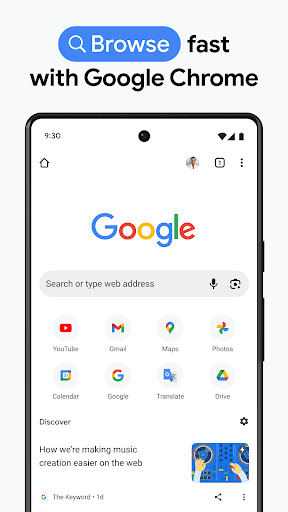
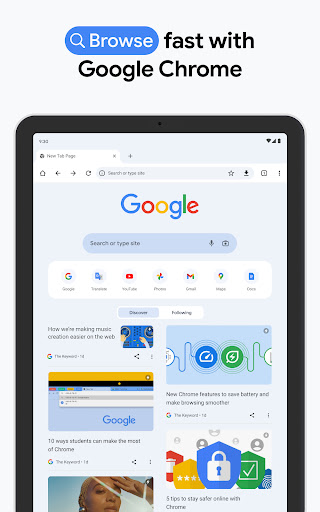
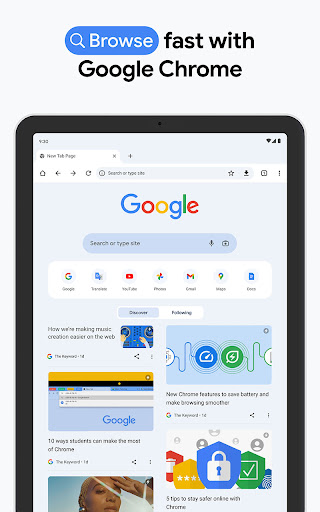
One of the standout aspects of Chrome Beta is its impressive speed. The browsing experience feels ultra-responsive, with pages loading almost instantaneously. The developers have invested significant effort into optimizing performance, making it ideal for streaming videos, online shopping, or scrolling through social media feeds seamlessly. Whether you're a casual browser or a high-demand user, the quick load times enhance your overall browsing efficiency.
User Interface and Experience
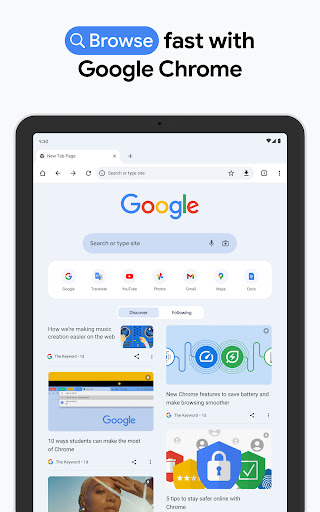
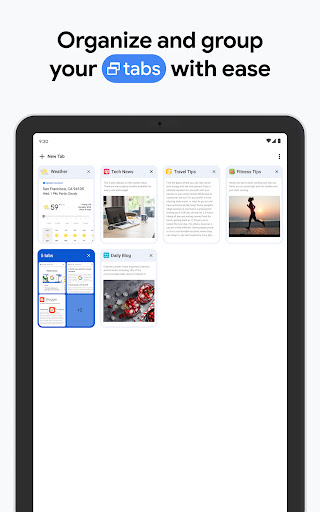
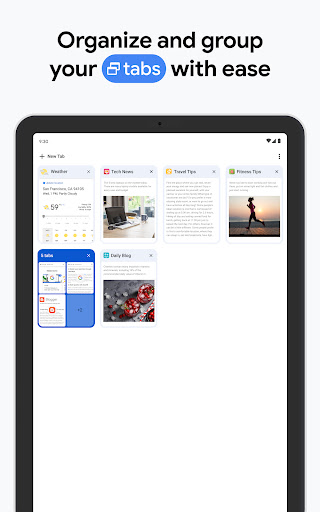
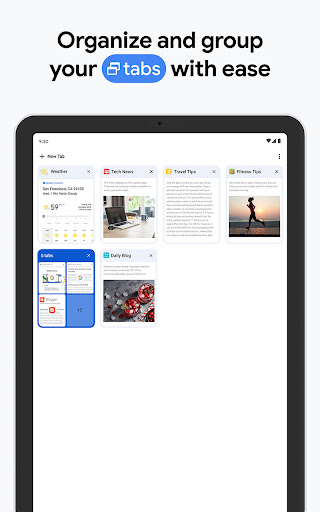
The interface maintains the clean and intuitive design users love about Chrome, but with subtle UI tweaks that demonstrate Google's ongoing experimentation. Improvements such as simplified tab management enable smoother switching between multiple pages, reducing clutter and enhancing usability. These updates make navigating your favorite websites more straightforward, providing a more refined browsing environment.
Security Features
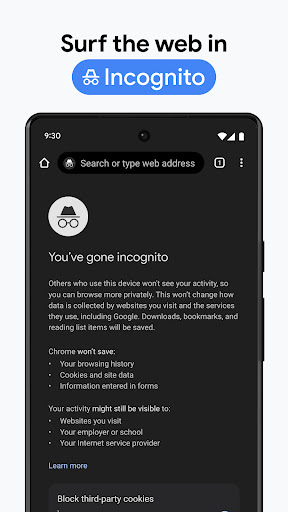
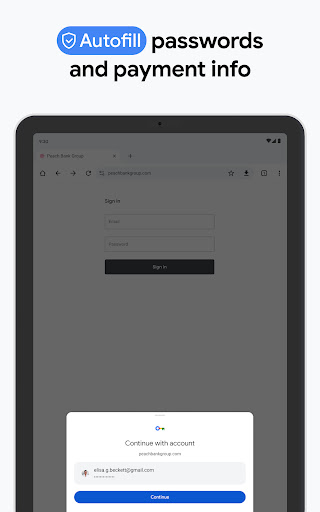
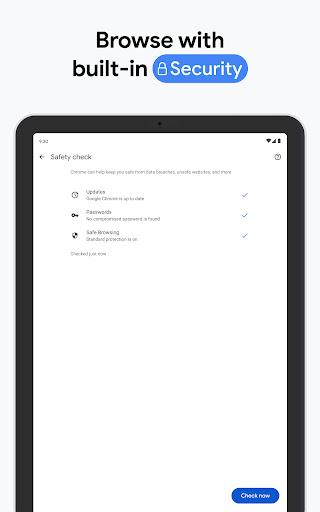
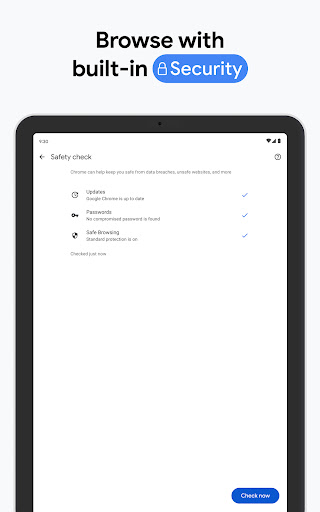
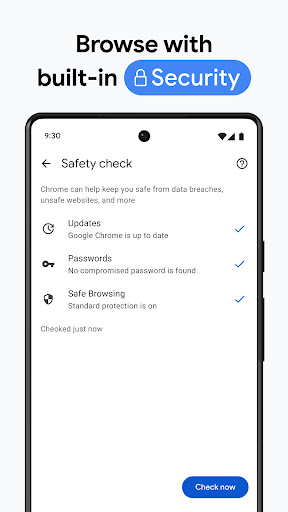
Security remains a top priority with Chrome Beta. The browser retains all the robust security measures found in the stable version, with additional enhancements aimed at safeguarding your personal data. Features designed to detect malicious sites and block harmful content help ensure a safe browsing experience, giving users peace of mind while exploring the web.
Experimental Features and Future Innovations
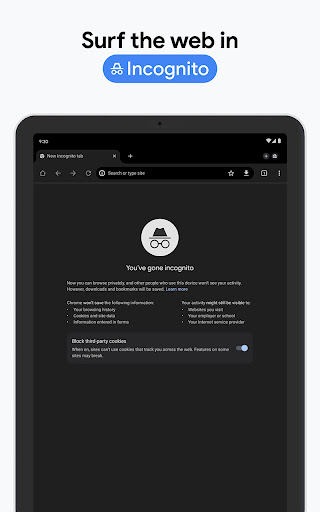
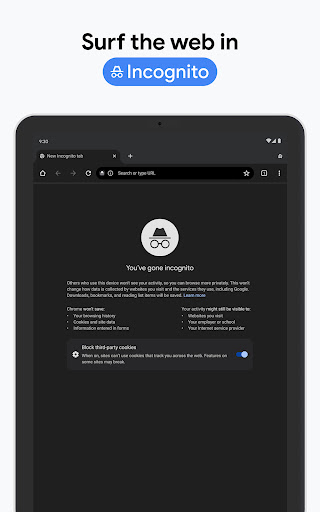
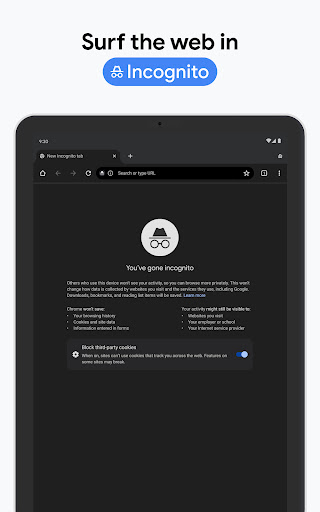
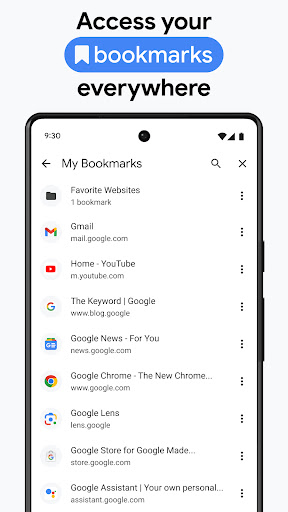
The Chrome Beta version truly shines in its ability to introduce and test new experimental features. Users get early access to innovative tools like enhanced bookmark management, privacy controls, and other upcoming functionalities. Being part of this program makes you feel like a beta tester shaping the future of browsing technology—your feedback influences new developments and improvements.
Conclusion
If you’re a technology enthusiast who enjoys staying on the cutting edge and doesn’t mind encountering some minor bugs, Chrome Beta is an excellent choice. It offers exceptional speed, enhanced security, and a playground for testing upcoming features that could redefine the way you browse the internet. Downloading Chrome Beta allows you to experience the next generation of web browsing today. Why wait for the official updates when you can be among the first to try out the future of browsers? Give it a shot and discover a faster, safer, and more innovative browsing experience.
Pros
- Frequent updates with new features
- Early access to experimental tools
- Enhanced performance compared to the stable version
- Improved support for web applications
- User feedback directly influences the final product
Cons
- Possible instability and bugs
- Not all extensions are supported
- May cause crashes on certain websites
- Features may change unexpectedly
- Uses more data than the stable release











