
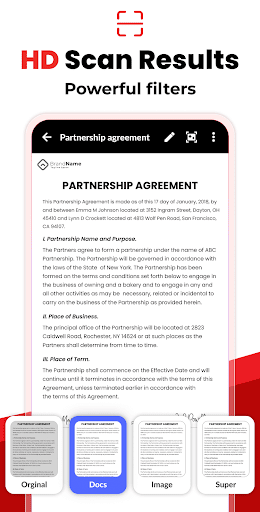
Overview of Image to PDF - PDF Maker
The Image to PDF - PDF Maker app is an innovative and versatile tool designed to convert images such as JPG, JPEG, PNG, and other formats into high-quality PDF files. This application is perfect for users who need a simple yet powerful solution for quick image-to-PDF conversion, making it ideal for personal, educational, or business use. With a user-friendly interface and a host of useful features, Image to PDF - PDF Maker stands out as a top choice among free PDF converters.
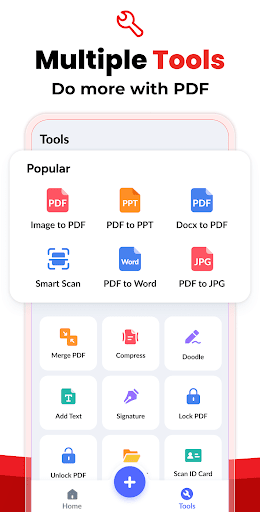
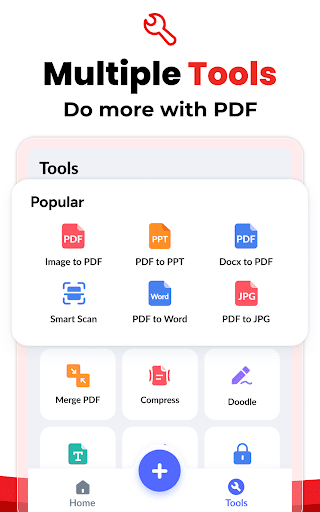
The app supports various functionalities including converting all kinds of images, scanning paper documents with your camera, reading existing PDFs on your device, resizing images, auto-sorting files, compressing PDFs, password protection, offline work, sharing capabilities, and quick search functions. Its efficient design ensures that users can produce professional PDFs effortlessly and securely, with total control over the output quality and security settings.
Core Features of Image to PDF - PDF Maker
Convert •Images to PDF
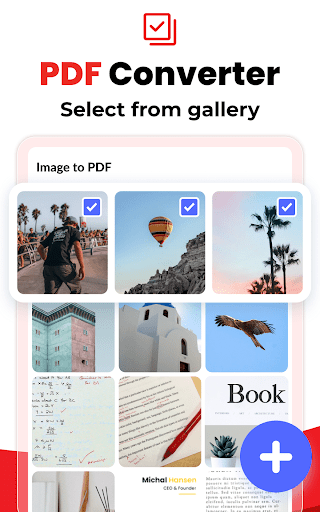
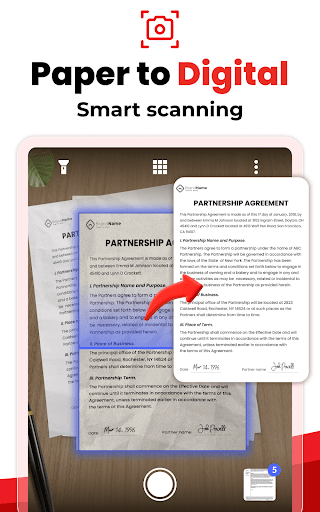
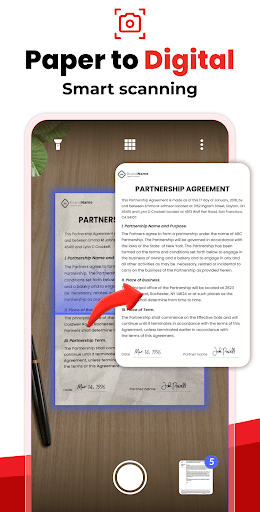
The main attraction of the app is its ability to convert all kinds of images into PDF documents seamlessly. Users can either import images from their gallery or scan papers using the camera—making notes, receipts, invoices, forms, business cards, certificates, ID cards, and even whiteboards easily convertible into PDFs. Whether it’s a quick snapshot or a batch of photos, the app efficiently handles multiple formats to produce a clean, professional PDF file.
View and Manage PDFs
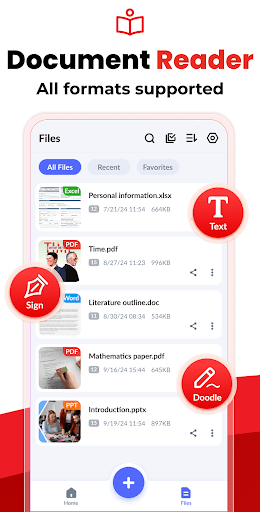
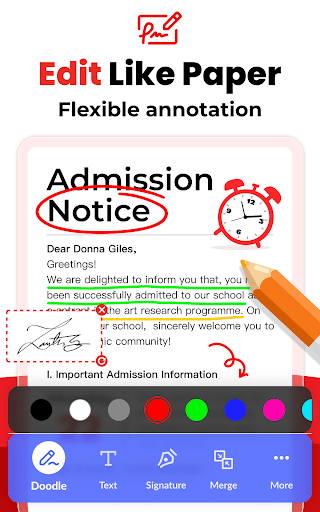
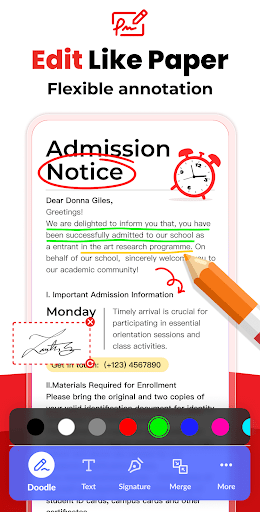
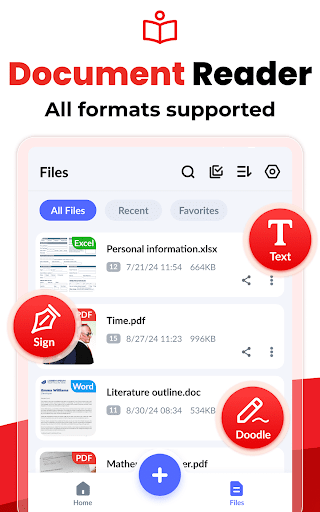
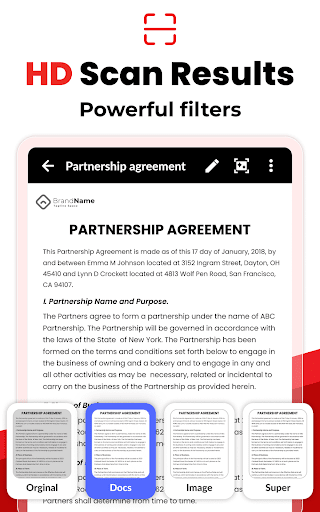
Once PDFs are created, the app automatically scans and lists all documents stored on your device, enabling instant access. Additionally, the PDF Reader feature allows users to easily doodle, add text, sign, and customize their PDFs using different colors, enhancing productivity and convenience.
Resize and Edit Images
Designed with flexibility in mind, the app offers options to resize, crop, doodle, and rotate images to match your preferred layout. This ensures optimized image quality for the resulting PDF, giving users complete control over the final document’s appearance.
Auto-Sorting and Manual Management
To keep files organized, the app provides automatic sorting by name, size, creation date, or modification date. For personalized arrangements, manual sorting is also available, helping users locate files quickly and efficiently.
Compression and Security
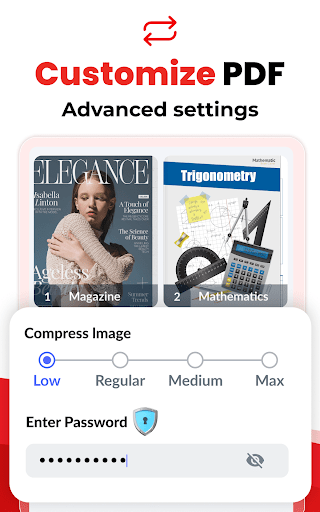
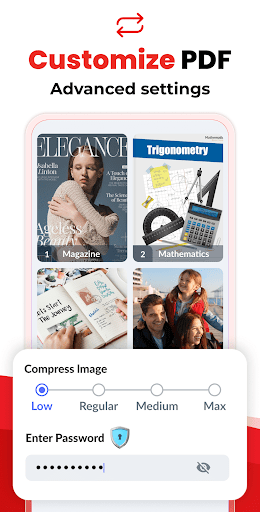
Large PDF files can be compressed easily within the app, with adjustable image quality settings such as low, medium, high, and original. Additionally, for sensitive documents, users can set passwords and encrypt their PDFs, ensuring confidentiality and secure sharing.
Offline Usage and Sharing
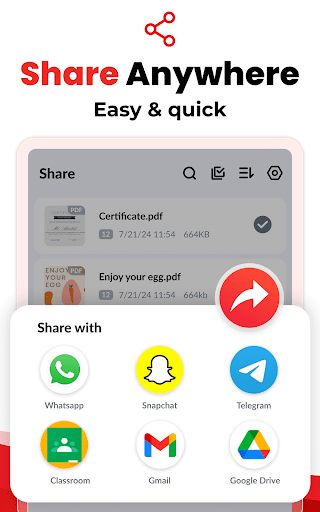
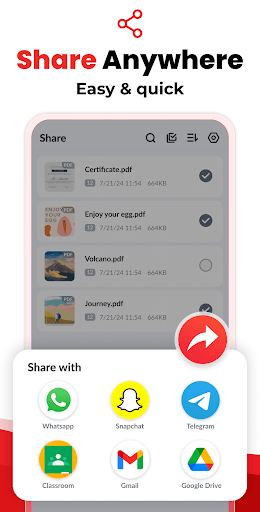
The app operates fully offline, safeguarding privacy by performing all conversions locally without cloud reliance. Sharing options include social media, Bluetooth, email, and quick share features—making it simple to distribute your finalized PDFs.
Quick Search and Easy Conversion
Need to locate a specific file fast? The quick search function allows you to find your documents by simply entering keywords. Converting images to PDF is straightforward—select your images, and the app handles the rest in seconds, offering a smooth experience for any user.
Additional Advantages of Image to PDF - PDF Maker
Privacy and Local Processing
One of the standout features is the app's commitment to security. All image scanning and PDF generation are done locally on your device, ensuring that your confidential files stay private and are not transferred to any external servers—ideal for business or sensitive personal documents.
User-Friendly Design
The intuitive interface with large, easy-to-tap buttons makes converting images to PDFs effortless, even for beginners. The app also supports merging multiple pictures into a single PDF, simplifying batch processing and sharing.
Designed for Free Use
This free PDF converter app contains no limitations on the number of conversions, making it a reliable tool for everyday needs. Compatible with various photo formats, it’s your go-to solution for quick and safe image-to-PDF conversions.
Why Choose Image to PDF - PDF Maker?
Whether you’re a student needing to turn photographs of handwritten notes into PDFs or a professional looking to scan business documents on the go, Image to PDF - PDF Maker offers unrivaled convenience. Its fast, reliable, and secure process ensures that creating PDFs from images is not only easy but also efficient, keeping your workflow smooth and hassle-free.
Enjoy the freedom to convert, edit, secure, and share your images as PDFs with just a few taps. With features like password protection, offline operation, and batch merging, this app is perfect for anyone seeking a powerful yet simple approach to managing digital documents. Try Image to PDF - PDF Maker today and experience effortless image-to-PDF conversion at its best!
Pros
- User-friendly interface
- Rapid conversion speed
- Supports various image formats
- Does not require internet connection
- Produces high-quality PDF files
Cons
- Contains advertisements
- Limited features in the free version
- Lacks cloud storage integration
- Offers only basic editing tools
- Occasional software bugs











