Sky Go: Your Ultimate Companion for TV, Films, and Live Sport
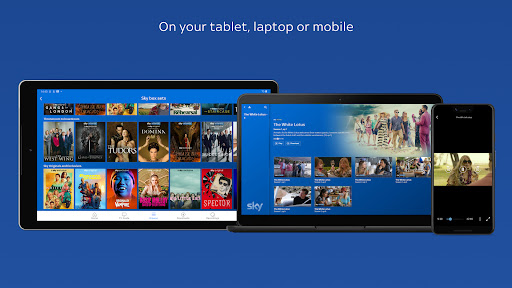
Imagine having the power to take your entire TV experience with you wherever you go. With the Sky Go app, that’s exactly what you get. Whether you’re commuting, relaxing in the garden, or sneaking in an episode before bed, Sky Go puts unmissable TV, blockbuster films, and live sport right into the palm of your hand. All you need is a mobile, tablet, or laptop – and a swipe, tap, or click unlocks a world of entertainment.
What Makes Sky Go a Game Changer?
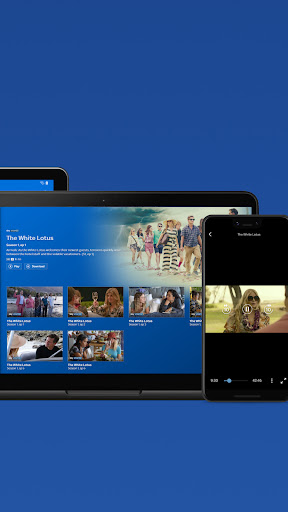
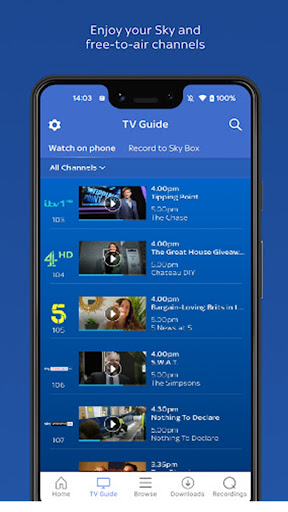
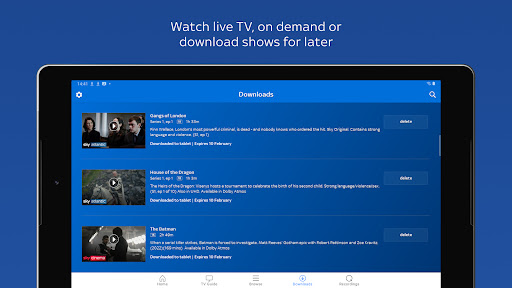
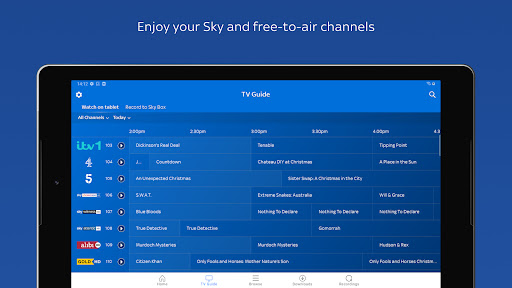
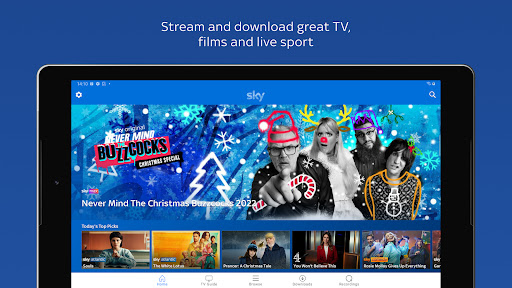
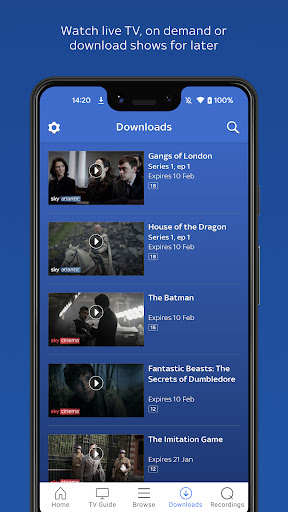
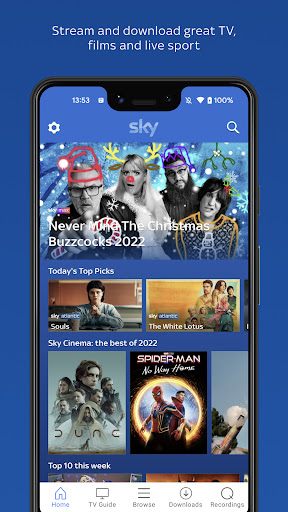
The Sky Go streaming service is designed to give you total flexibility. You can watch live TV as it happens, catch up on demand, or download your favourite shows to enjoy later – even without an internet connection. From Sky channels to free-to-air networks like ITV, Channel 4, and Channel 5, the content library is vast and always updating. Whether you’re into box sets, live football, or the latest movies, the Sky Go app brings it all to your device.
Seamless Viewing Across Your Home
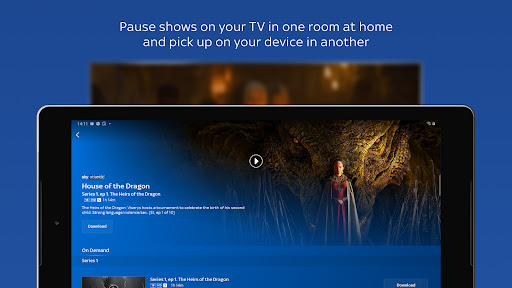
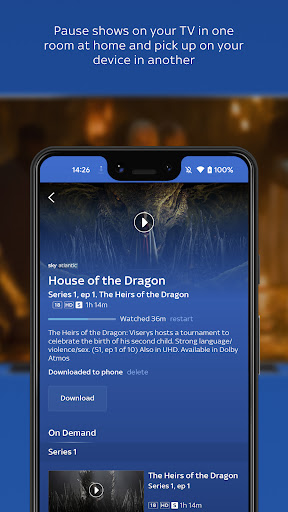
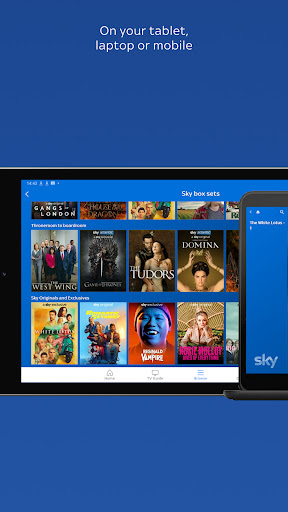
One of the standout Sky Go features is how effortlessly it integrates with your home setup. Start watching a show on your living room TV, pause it, and then pick up exactly where you left off on your tablet in the bedroom. You can even take Sky TV to the garden shed! It’s the kind of multi-room streaming that makes you wonder how you ever lived without it. And because Sky Go works across multiple devices, every member of the household can watch something different at the same time.
Stream Without Limits with Sky Mobile
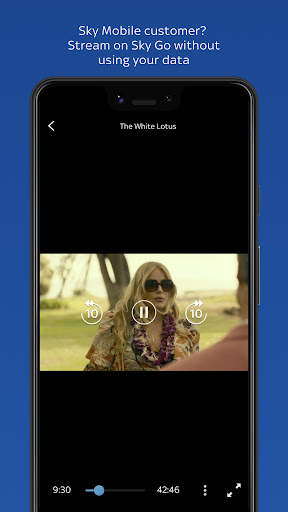
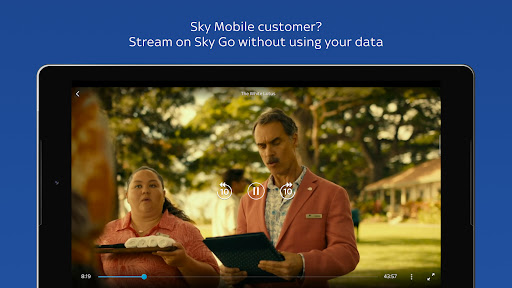
For Sky Mobile customers, the experience gets even better. You can stream on Sky Go to your heart’s content without using any of your mobile data. That means unlimited watching of live sport, films, and series while you’re out and about – no worrying about data caps or overage charges. Just activate your Sky Mobile plan, ensure you have at least 50Mb of data, and you’re good to go. (Note: some adverts before and within on-demand content may still use your data allowance.)
No Extra Cost – Included with Your Sky TV Subscription
Perhaps the best news? Sky Go is completely free for all Sky TV customers. There’s no additional fee – it’s simply part of your existing subscription. So whether you want to watch live Premier League matches, binge a new drama, or catch up on reality TV, you can do it on your own schedule. It’s a complimentary Sky feature that adds tremendous value to your package.
Important Things to Know Before You Start
While Sky Go is incredibly easy to use, there are a few details worth keeping in mind. The service is available only to Sky TV customers; content depends on your specific subscription and device compatibility. Some live TV programmes may not be available, and Sky Box Office events or rentals are excluded. You’ll need to allow up to 24 hours for your Sky TV account to be activated, and a 31‑day notice period applies for cancellations. Also, ITV channels are only accessible within the UK.
Your experience on the Sky Go application may be tracked via Adobe Analytics and Conviva for personalisation and advertising purposes. Sky employs digital rights management and copy protection to safeguard content. For full details, refer to Sky’s privacy notice at sky.com/privacy. For compatible device requirements, visit the Sky help pages.
In short, Sky Go transforms the way you consume television. Whether you’re a sports fanatic, a film buff, or a series addict, this mobile TV streaming app puts everything at your fingertips. Download movies, stream live matches, or catch up on last night’s drama – all without being tied to a single screen. It’s TV that travels with you.
Pros
- Stream live Sky television channels on your mobile device
- Save chosen programmes and films to watch without an internet connection
- Watch live sports such as Premier League and Formula 1 races
- View programmes you missed from the past week
- Intuitive interface that is simple to navigate
Cons
- Needs an active Sky TV subscription to access content
- Only available for users located in the United Kingdom
- Some Sky channels cannot be accessed through the application
- Certain content might encounter delays or streaming problems
- No option to record live television directly within the app