

WPS Office-PDF, Word, Sheet, PPT: All-in-One Mobile Office Suite
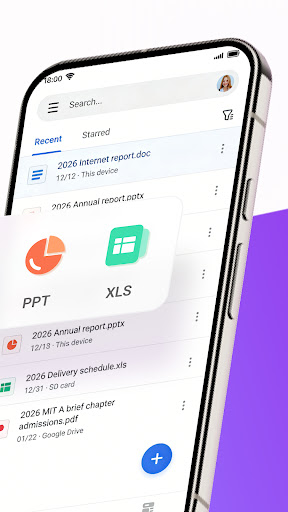
In today’s fast-paced world, having versatile office tools at your fingertips can make all the difference. WPS Office-PDF, Word, Sheet, PPT is an all-in-one mobile office suite designed to meet your document management and creation needs effortlessly. Whether you’re working on Word documents, PDFs, spreadsheets, or presentations, this app provides a comprehensive solution that combines powerful editing, conversion, cloud storage, and AI-driven features.
Available for both Android and iOS devices, this app transforms your mobile device into a fully functional office environment. It allows you to edit, view, convert, scan, and share documents anytime, anywhere — whether you're at a café, on the bus, or in a meeting. The intuitive interface ensures that even if you're not tech-savvy, you'll find navigating through the app smooth and hassle-free.
Comprehensive Features for Efficient Document Management
Versatile Office Tools
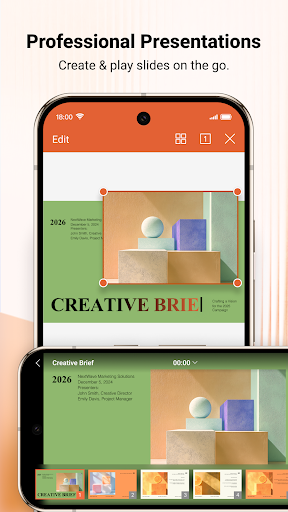
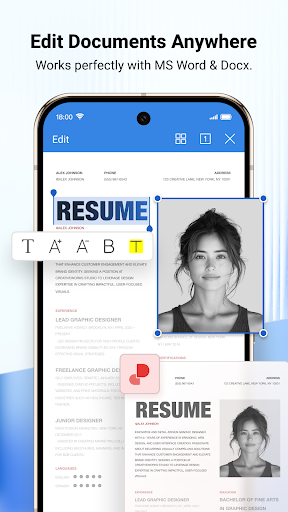
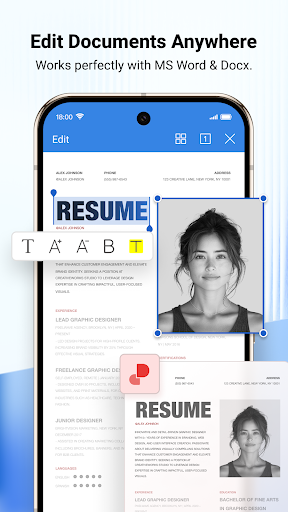
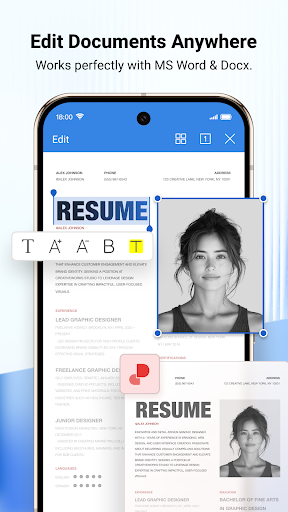
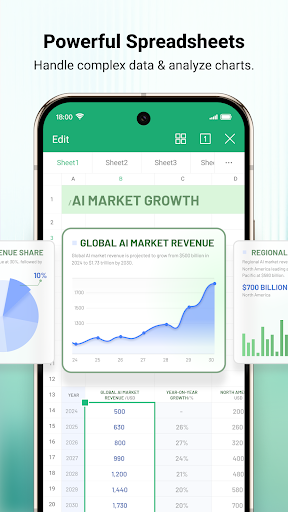
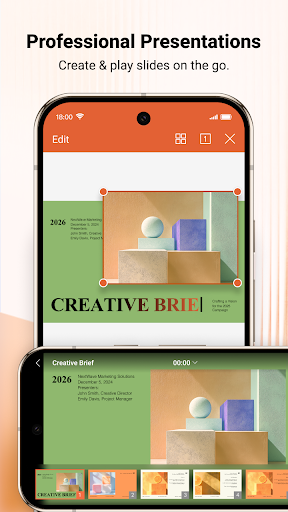
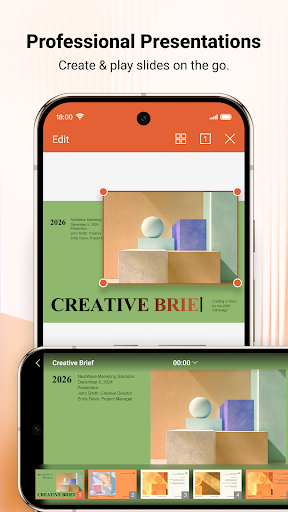
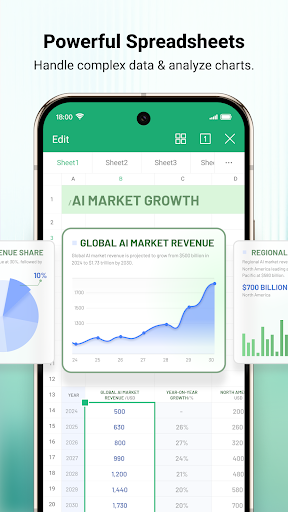
The app isn’t just about editing Word files; it provides a full suite of tools for working on PDFs, spreadsheets, and presentations. You can start new projects quickly by using a variety of templates for budgets, resumes, reports, and more. The integration of WPS AI elevates your productivity by offering intelligent assistance, from AI-powered document scanning to AI-generated content.
PDF Handling Made Easy
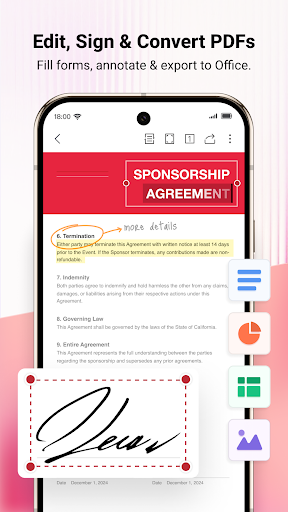
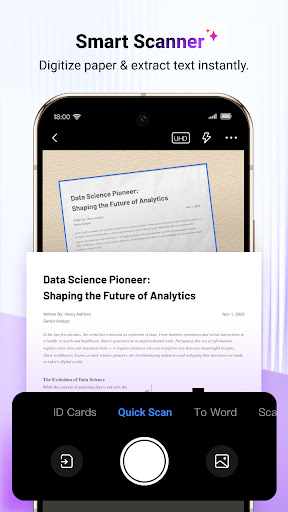
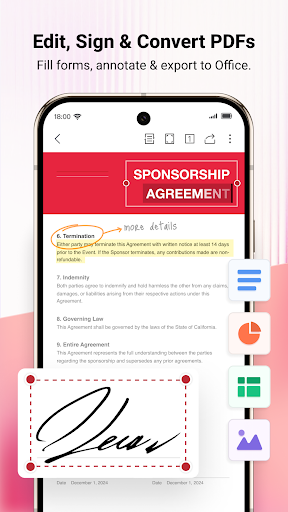
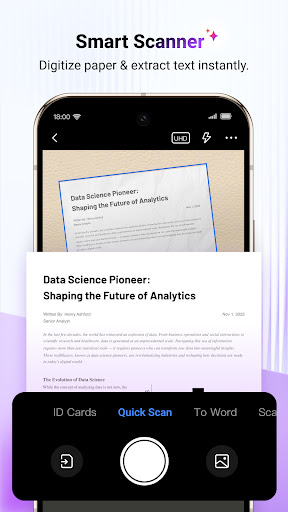
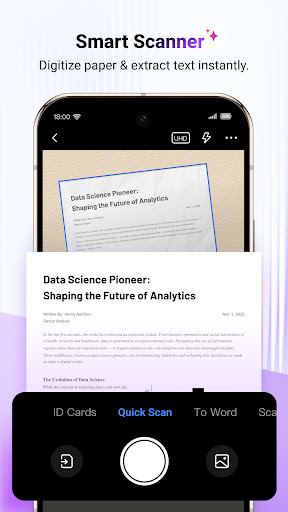
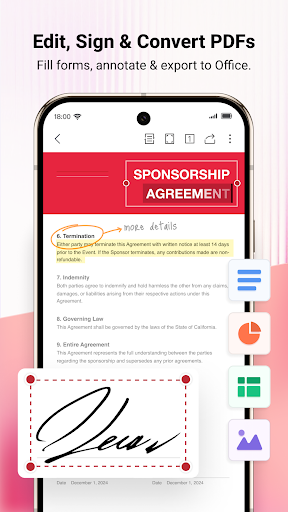
With WPS Office-PDF, Word, Sheet, PPT, you can simply open, view, comment, and annotate PDF documents. Features like PDF conversion allow seamless transition between formats without losing formatting or layout. Need to scan a paper document? The app’s AI-powered OCR technology makes digitizing physical documents quick and accurate, simplifying data entry tasks.
Cloud Storage & Collaboration
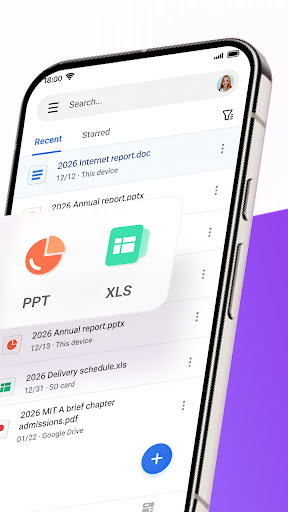
WPS Cloud allows you to manage all your documents in one place. It supports real-time synchronization across devices, ensuring you always have the latest version of your files. You can also connect to popular third-party cloud services such as Google Drive, Dropbox, OneDrive, and more. Sharing files via email, messaging apps, or even directly through WiFi is straightforward and secure, facilitating smooth remote collaboration.
Innovative AI Features to Boost Productivity
AI-Powered Document Scanner
•Document Scanner: Digitize your paper documents rapidly, accurately extracting and erasing relevant elements for easy editing. This feature turns physical papers into editable digital files in seconds.
AI-Generated Content & Rewriting
•WPS AI-generated Content: Instantly produce high-quality content such as meeting summaries, event plans, or resumes just by providing a prompt. The AI rewriting tool assists you in polishing your text, enhancing clarity, and ensuring professionalism.
Chat & Summarize PDFs
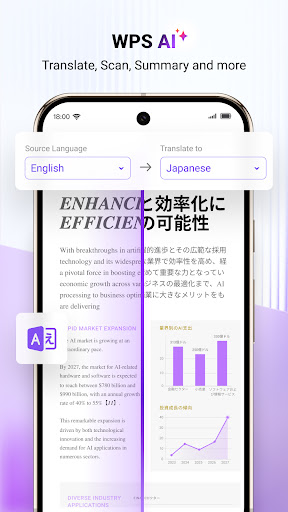
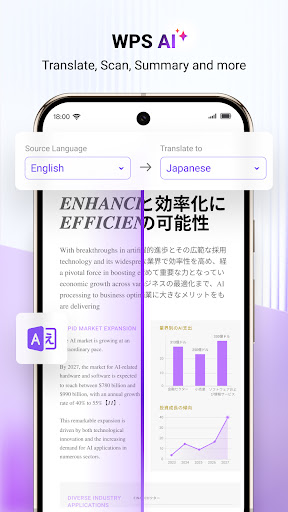
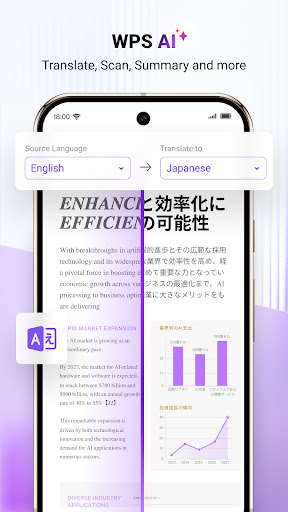
•ChatPDFs: Sidestep tedious PDF reading. The AI can process long PDFs to provide summaries, outlines, or translations. Plus, you can have interactive conversations with the AI about your PDFs, getting quick answers and insights.
Optical Character Recognition (OCR)
The AI-powered OCR technology simplifies data entry and provides insights from scanned documents, making your workflows more efficient and less time-consuming.
Seamless User Experience and Workflow Optimization
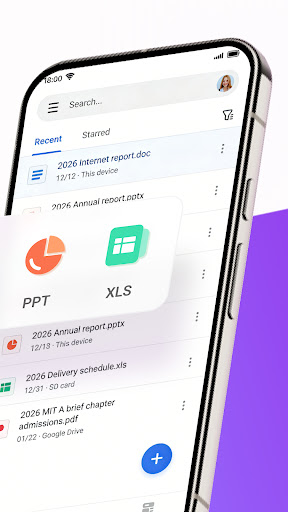
The app boasts a sleek, modern interface that makes navigating, editing, and sharing documents a breeze. You can easily convert files between formats, manage documents across multiple cloud services, and even work offline, with changes syncing once you're back online. Its compatibility with Microsoft Office formats ensures smooth transitions, perfect for students and professionals alike.
If portability and powerful features are your priorities, WPS Office-PDF, Word, Sheet, PPT is an excellent choice. It offers a robust, user-friendly experience, making it easier to stay productive on the go. Whether editing a report, preparing a presentation, or viewing important PDFs, this app covers all your office needs in one compact package.
Pros
- Comprehensive suite for productivity tasks
- Supports various file formats effectively
- User-friendly interface and design
- Offers cloud storage integration
- Provides offline access to documents
Cons
- Contains advertisements in the free version
- Some features require a premium upgrade
- Occasional syncing issues with cloud services
- Limited customer support options
- Large app size may impact device storage










