
Microsoft Outlook Lite: Email
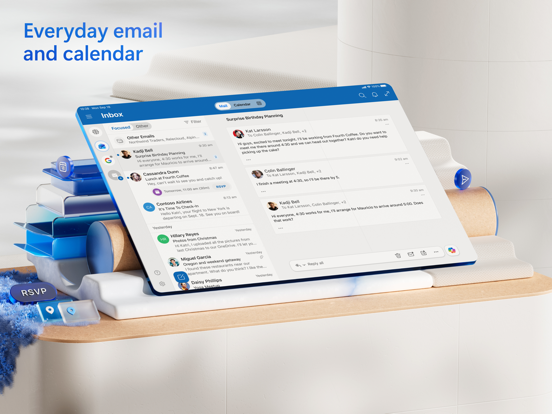
When it comes to managing emails efficiently, Microsoft Outlook Lite emerges as a reliable and lightweight solution designed for users on the go. This versatile app combines the core functionalities of an inbox, calendar, and contacts manager into a compact, fast, and resource-friendly package. Whether you’re using an Android Go device or have limited storage space, Outlook Lite delivers a seamless email experience optimized for low-resource smartphones.
Overview and Benefits
Microsoft Outlook Lite stands out with its small and efficient design, ensuring minimal storage usage while maintaining high performance. The app's intuitive interface allows users to easily navigate through emails, calendars, and contacts without feeling overwhelmed by clutter. It is specifically crafted to run smoothly on devices with only 1GB RAM and is optimized for slower networks like 2G and 3G, making it accessible to a broad user base worldwide.
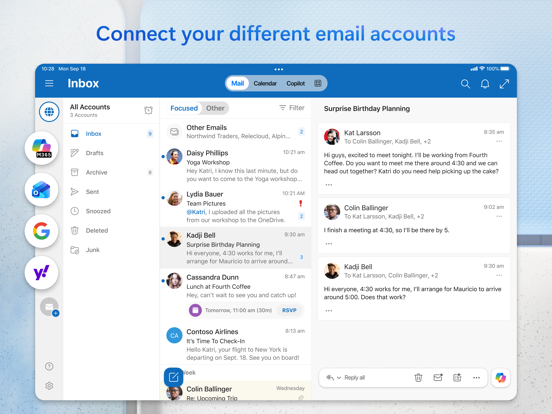
Designed for versatility, Outlook Lite supports • email management, • calendar scheduling, and • contact organization, all within one app. It integrates effortlessly with various email providers, including • Outlook, Hotmail, Live, MSN, Microsoft Exchange Online, and Gmail, ensuring that you stay connected regardless of your email platform. With built-in spam filters and security features, Outlook Lite guarantees your inbox remains safe, organized, and free from unwanted threats. Never miss important emails or meetings again, thanks to timely notifications and intelligent sorting features.
Key Features
Email Manager – Enjoy an Organized Inbox
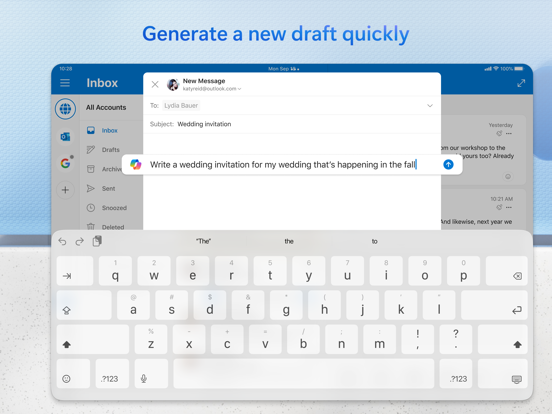
Outlook Lite’s email management tools keep your inbox tidy and efficient. It automatically groups similar emails, such as those with the same subject, into conversations for easier tracking. The interface supports swipe gestures and smart filters to prioritize the most critical messages, making email handling quicker and less stressful. Custom flags and folders further help categorize your emails, ensuring everything is just a tap away.
Planner & Calendar Organizer – Take Control of Your Schedule
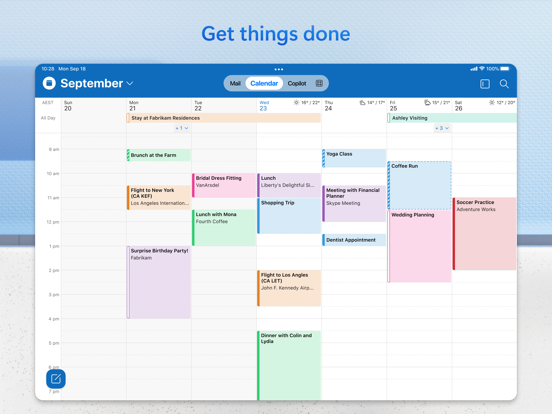
The app’s calendar feature consolidates your schedules, meetings, and reminders into one hub. You can easily view upcoming events, organize meetings, and book appointments directly from the calendar. Integration with online video calls, such as Skype, allows you to join meetings effortlessly. RSVPs and meeting comments can be managed smoothly, keeping your planning organized and hassle-free.
Secure Mail with Spam Blocker & Email Protection
Security is a cornerstone of Outlook Lite. The app includes built-in protection against viruses, phishing, and spam, ensuring your personal and work emails remain safe. Simple sign-on authentication adds an extra layer of security, safeguarding your identity. You can trust that your emails, calendar data, and contacts are protected by Microsoft’s trusted privacy and security standards.
SMS Texts Directly from Email
Unique to Outlook Lite is the ability to send and organize • SMS messages • directly from the app. This feature enables quick sharing of articles, location details, or contacts, streamlining communication beyond emails and making it a true productivity booster.
Optimized for Low Resource Phones
One of the most compelling aspects of Microsoft Outlook Lite is its • small size and • lightweight operation. It requires minimal storage space, and its optimized design ensures fast performance on devices with limited hardware. The app consumes very little battery, allowing you to stay connected longer without draining your device’s power, even in weak network conditions.
Performance and Usability
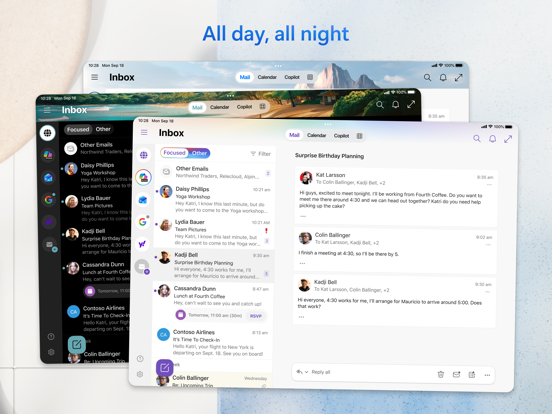
From the moment you install Outlook Lite, its • responsive interface and • simple navigation make email management straightforward for all users. Its optimized speed means emails load quickly, and features like focused inbox help prioritize messages that matter most. The app’s seamless account switching allows you to manage multiple email accounts effortlessly, combining your personal and professional communication channels into one unified experience. Plus, notifications keep you updated without overwhelming your device.
Whether you're a busy professional, a student, or someone who simply wants a lightweight, reliable email app, Microsoft Outlook Lite offers the perfect balance of efficiency and ease of use. It ensures your inbox stays organized, your schedule is under control, and your data remains secure—all from a small footprint that works smoothly on any network or device.
Pros
- Lightweight and fast performance.
- User-friendly interface.
- Supports multiple email accounts.
- Low data usage.
- Reliable synchronization.
Cons
- Limited features compared to full version.
- No calendar integration.
- Basic security features.
- Occasional sync delays.
- No offline mode for emails.