


- Name Zoo Life: Animal Park Game
- Category Classics
- Developer Sparkling Society Games
- Available on PC, Mobile, Surface Hub, HoloLens
- OS Windows 10 version 19041.0 or higher
- DirectX Version 10
- Mouse Not specified
- languages Dutch, English, Filipino, French, German, Indonesian, Italian, Japanese, Korean, Malay, Polish, Portuguese, Spanish, Thai, Vietnamese
Introducing Zoo Life: An Engaging Animal Park Experience for Windows
Zoo Life: Animal Park Game offers players the chance to build and manage their own wildlife sanctuary with a blend of creativity, strategy, and a love for animals. Developed by Sparkling Society Games, this simulation game invites animal lovers and aspiring park managers alike to immerse themselves in the world of zoo administration, all within a user-friendly digital environment.
About the Developer and Core Highlights
Created by Sparkling Society Games B.V., a team known for their engaging casual simulation titles, Zoo Life aims to deliver a fun and relaxing management experience. Its main features include customizable animal habitats, an extensive collection of various animals, and the ability to design unique park layouts—providing a rich sandbox for creativity. The game caters primarily to casual gamers, animal enthusiasts, and those who enjoy strategic planning with a friendly, approachable interface.
A Closer Look at the Zoo Life Experience
A Playful Introduction to Zoo Management
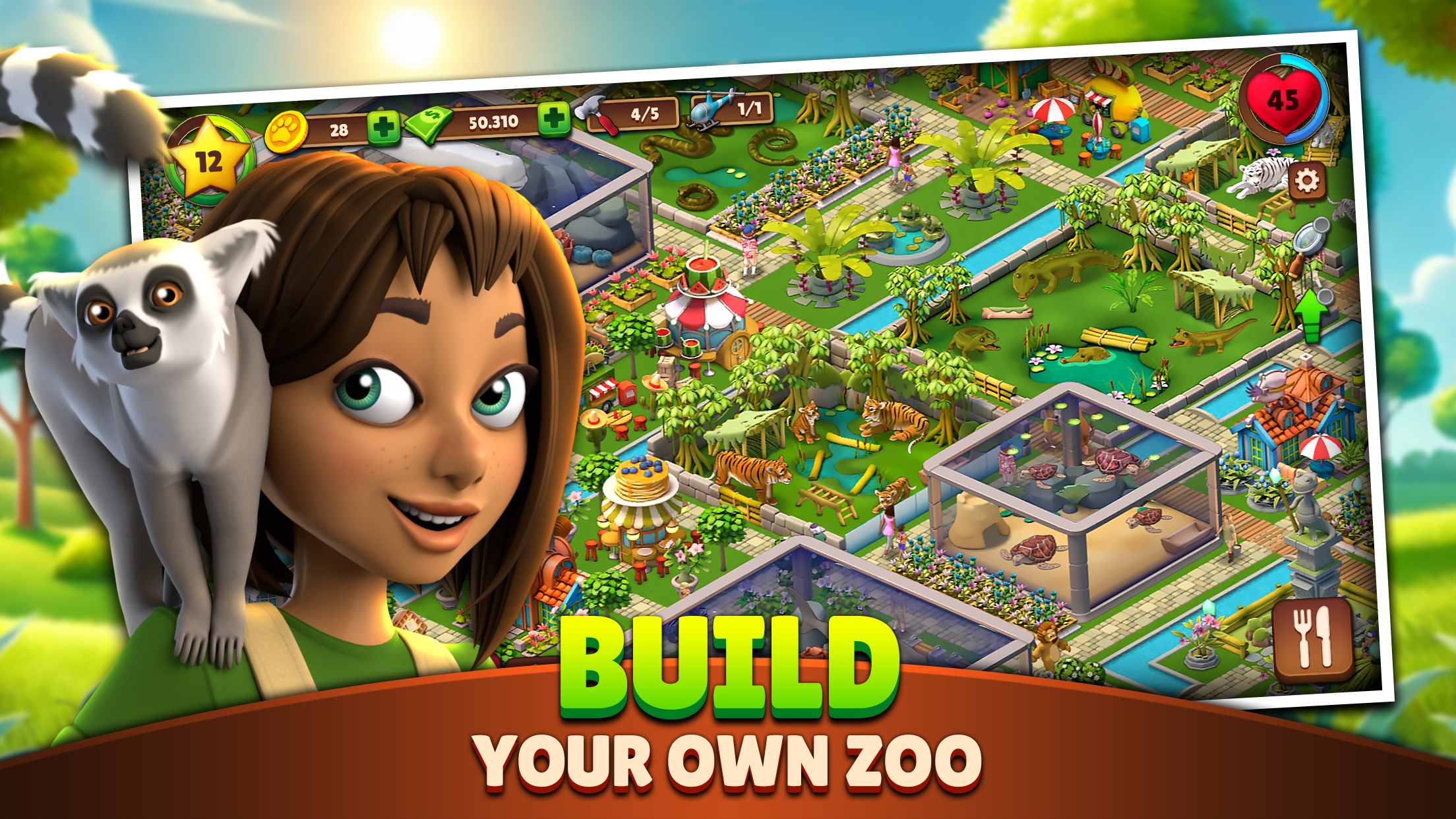
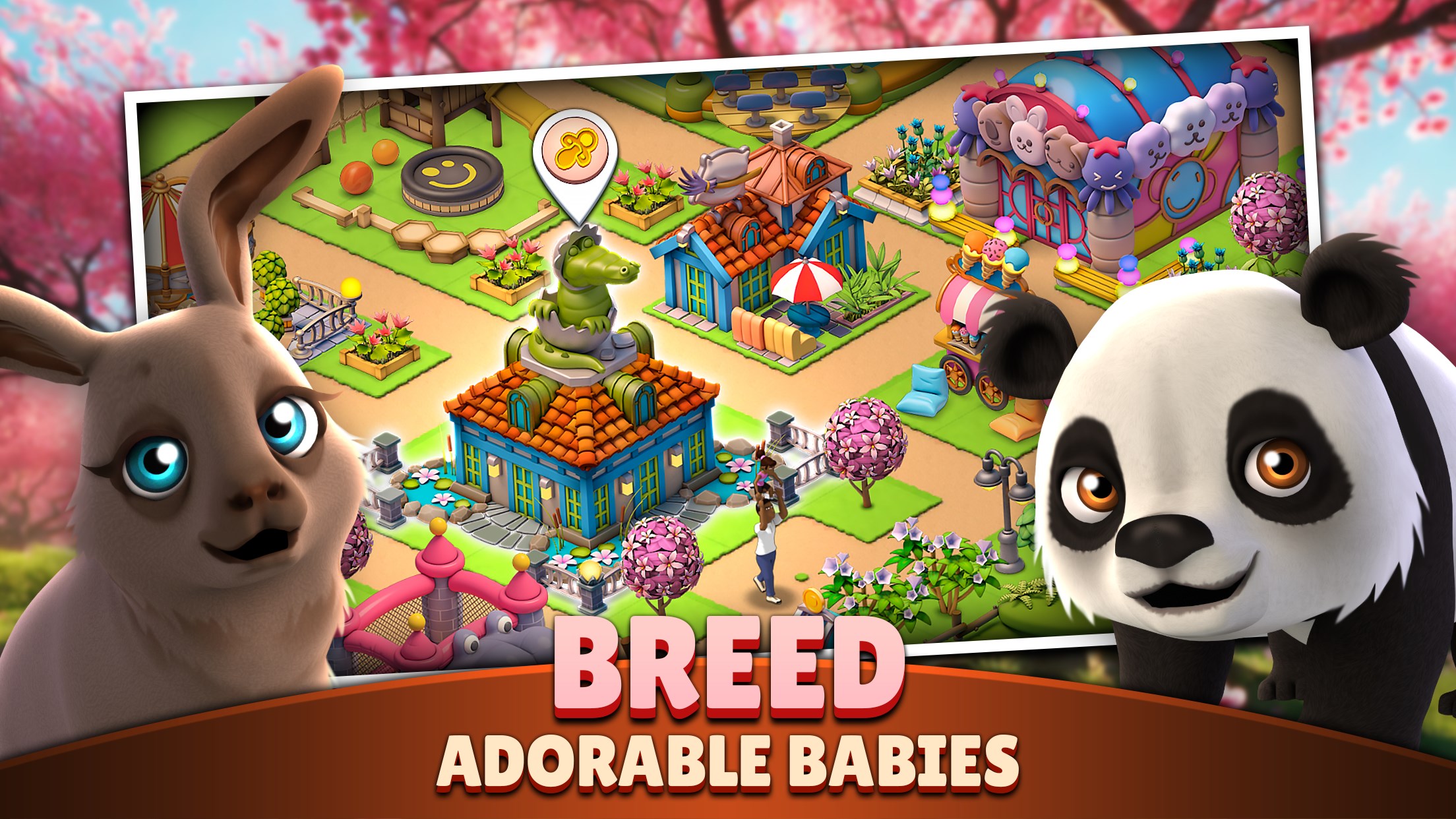
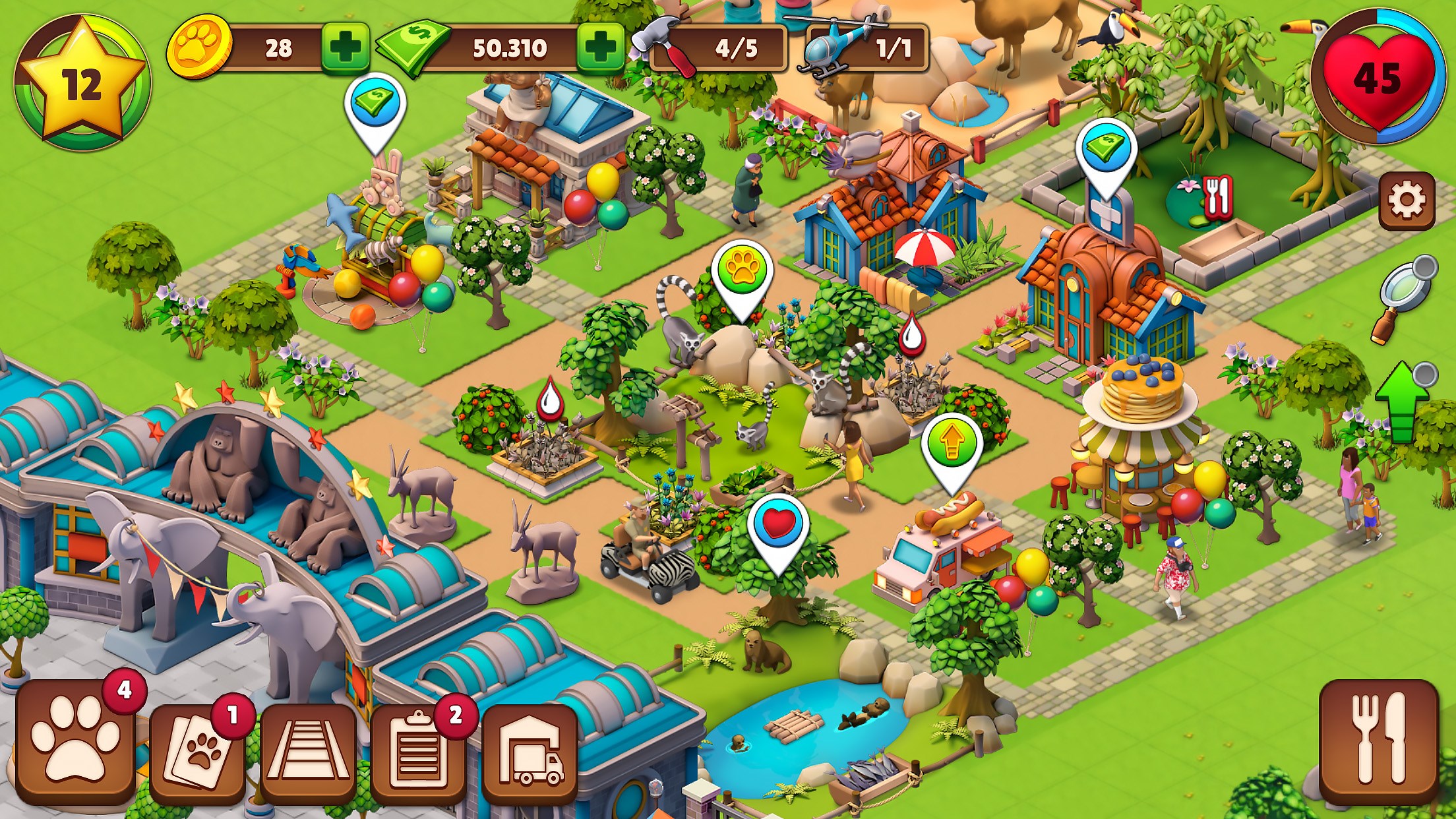
Imagine stepping into a vibrant, bustling zoo where every enclosure tells a story and every visitor's smile reflects your hard work. Zoo Life immerses you into this lively park management world, blending charming visuals with straightforward gameplay. Its colorful, cartoonish graphics evoke a cheerful atmosphere, making the experience feel like tending a miniature wildlife sanctuary rather than juggling complex simulation controls. This accessibility makes it a delightful choice for casual players and newcomers to management sims alike.
Managing Animal Habitats and Resources
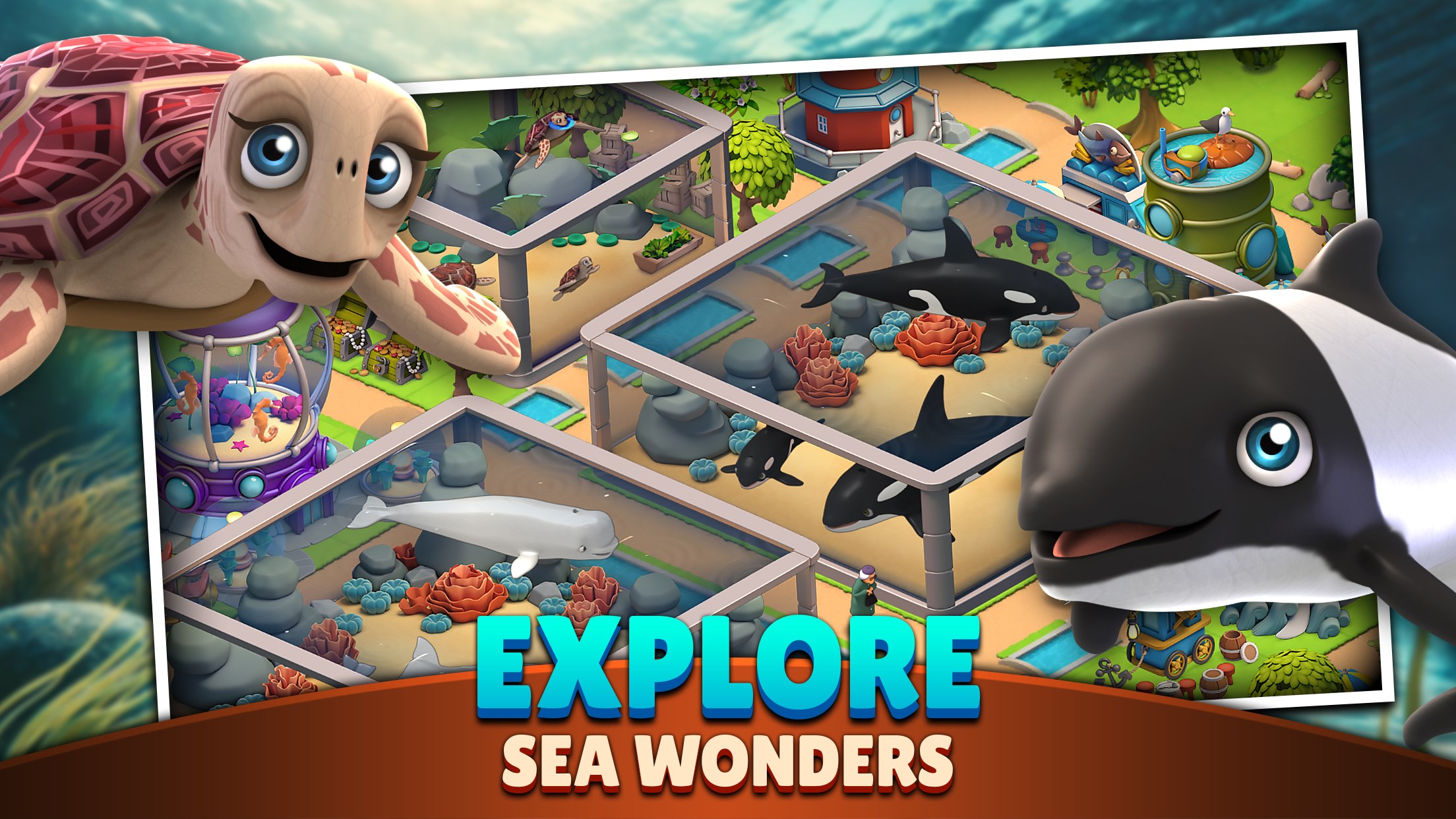
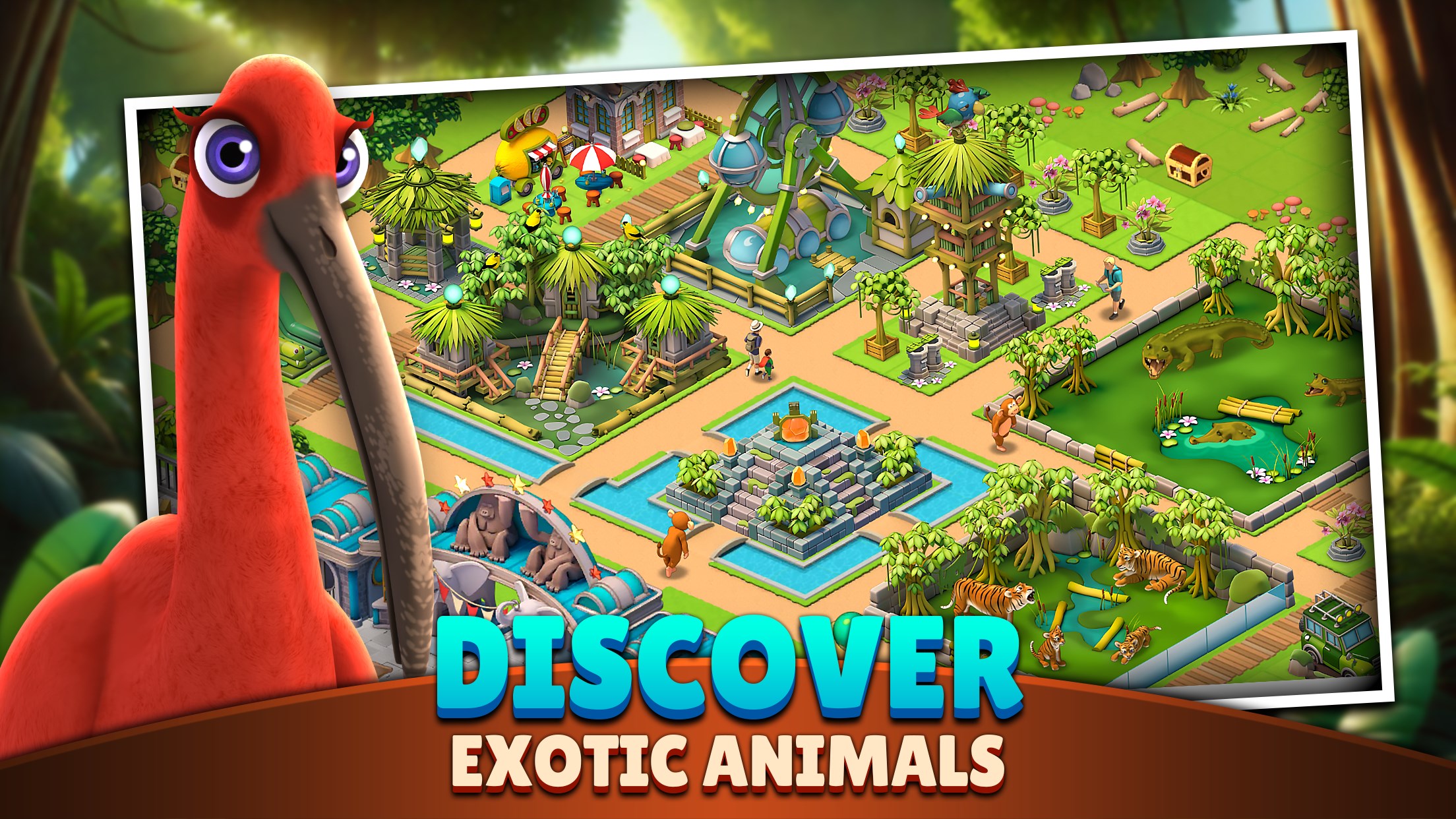
The heart of Zoo Life beats in its animal management system. Players can select from a variety of animals—from majestic lions to playful penguins—each requiring specific habitats and care routines. This feature stands out as one of the game's most engaging aspects, as players negotiate resource allocation and habitat customization to ensure the animals' happiness and well-being. Unlike more serious zoo simulators, Zoo Life emphasizes a relaxed, fun approach, making the task feel more like a creative puzzle than a complex logistical challenge.
Designing and Personalizing Your Zoo
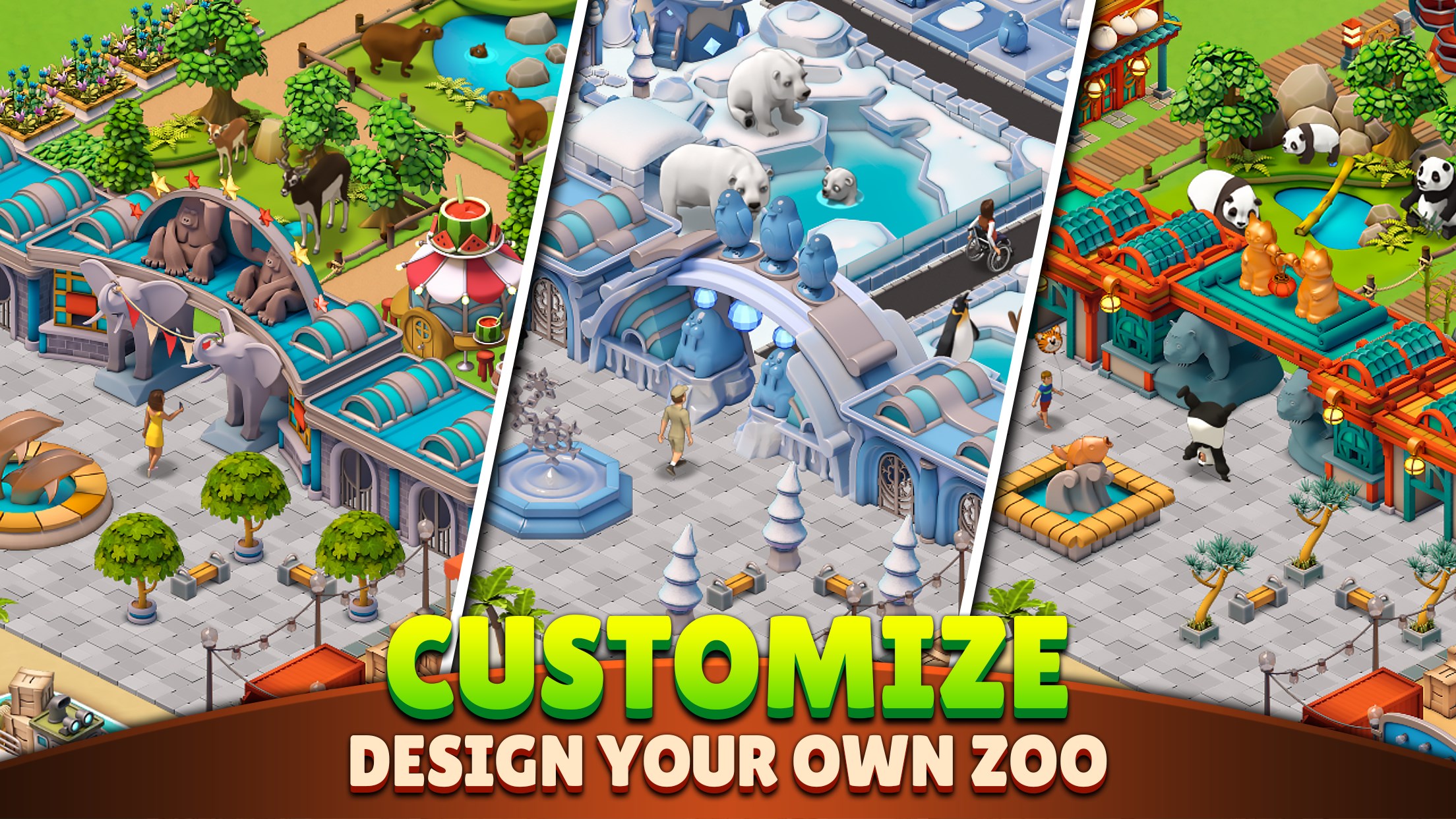
The game excels in providing a flexible park design interface. Players can customize pathways, decorations, and visitor amenities to craft their dream zoo. The intuitive drag-and-drop controls make layout adjustments smooth and satisfying, even for those with little design experience. The gentle learning curve ensures that users are not overwhelmed and can quickly see their personal aesthetic come to life. This feature offers a significant edge over more rigid management games, turning zoo building into a creative outlet rather than a chore.
Unique Features and Differentiating Aspects
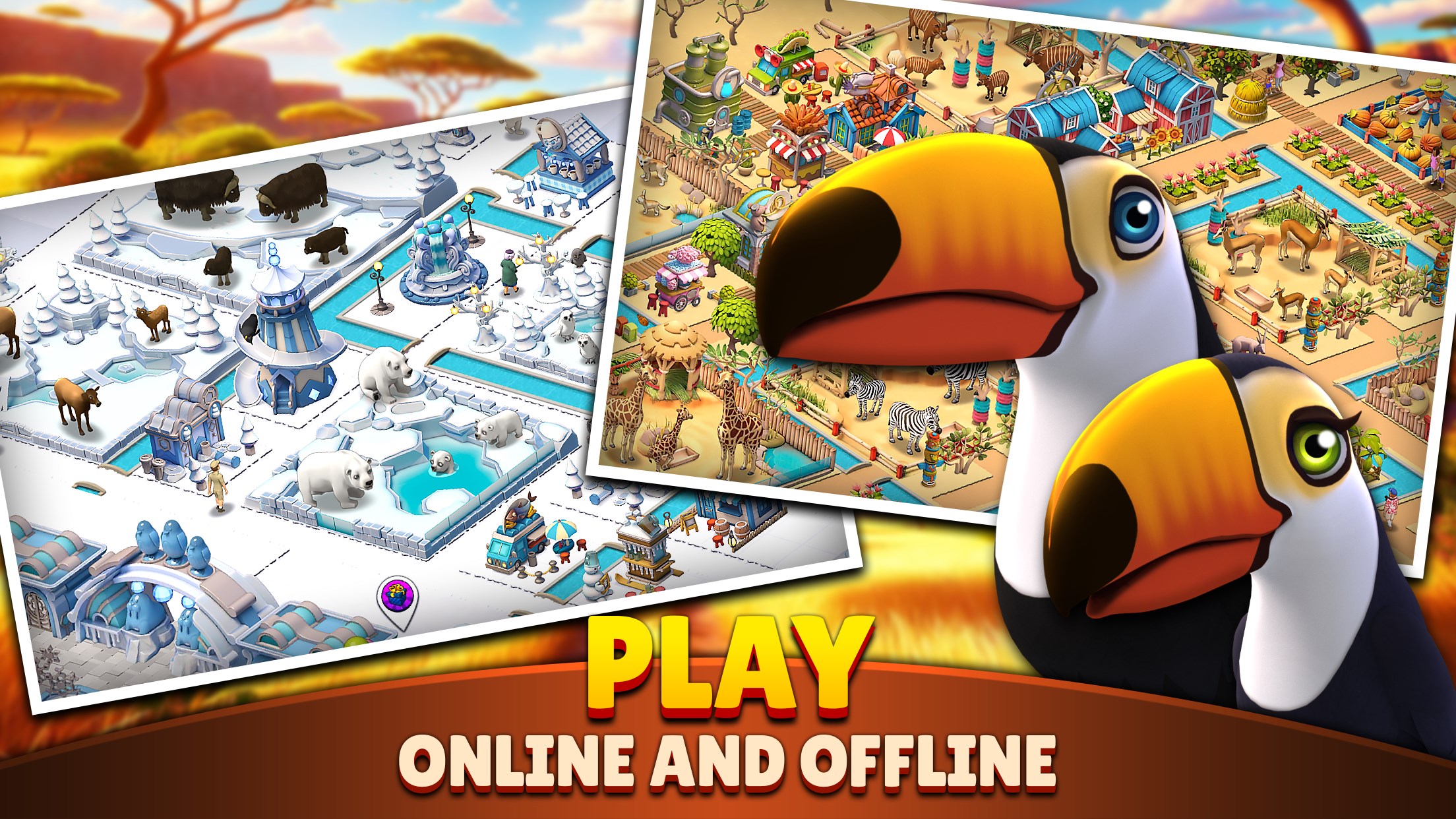
What truly sets Zoo Life apart from similar casual simulation titles is its emphasis on aesthetic customization and animal diversity. The game's rich palette of decorative options encourages players to craft visually appealing parks, while the variety of animals ensures ongoing discovery and collection. Furthermore, its stress-free gameplay loop prioritizes enjoyment over grind, making it perfect for relaxing sessions rather than intense competition. Its approachable interface and playful visuals make it a standout choice among light-hearted zoo management games.
Final Thoughts and Recommendations
Overall, Zoo Life blends friendly, approachable gameplay with charming visuals and engaging management mechanics, making it a commendable title for casual gamers and animal enthusiasts. Its intuitive controls and creative freedom are particularly appealing, allowing players to enjoy building their own animal paradise without being burdened by complex rules or steep learning curves. While it may not offer the depth of more serious simulation games, its focus on fun and personalization is its greatest strength. I recommend Zoo Life for anyone looking for a relaxing, colorful, and creatively stimulating experience—especially if you enjoy customizing your own mini zoo and adoring adorable animal animations.
Pros
- Engaging Gameplay
- Beautiful Animal Designs
- Educational Content
- Regular Updates
- User-Friendly Interface
Cons
- Limited Free Content
- Occasional App Crashes
- Repetitive Tasks
- Battery Consumption
- Limited Customization Options










