

- Name Roller Coaster Life: Theme Park
- Category Classics
- Developer Sparkling Society Games
- Available on PC, Mobile, Surface Hub, HoloLens
- OS Windows 10 version 19041.0 or higher
- DirectX Version 10
- Mouse Not specified
- languages Dutch, English, Filipino, French, German, Indonesian, Italian, Japanese, Korean, Malay, Polish, Portuguese, Spanish, Thai, Vietnamese
Introduction to Roller Coaster Life: Theme Park for Windows
Imagine stepping into a vibrant virtual theme park where you become the mastermind behind creating exhilarating roller coaster rides—welcome to Roller Coaster Life: Theme Park. Whether you're a thrill-seeker or just love building and designing, this game offers an engaging sandbox experience filled with endless possibilities.
About the Developer and Core Features
Developed and published by Sparkling Society Games B.V., this app is part of their portfolio of casual simulation titles. The game's standout features include intuitive coaster building mechanics, customizable park management, and detailed ride simulations. It aims to offer a balance between creative design and strategic park management, all wrapped into a friendly interface suitable for players aged 8 and above.
Vivid and Fun-Filled Introduction to the Game
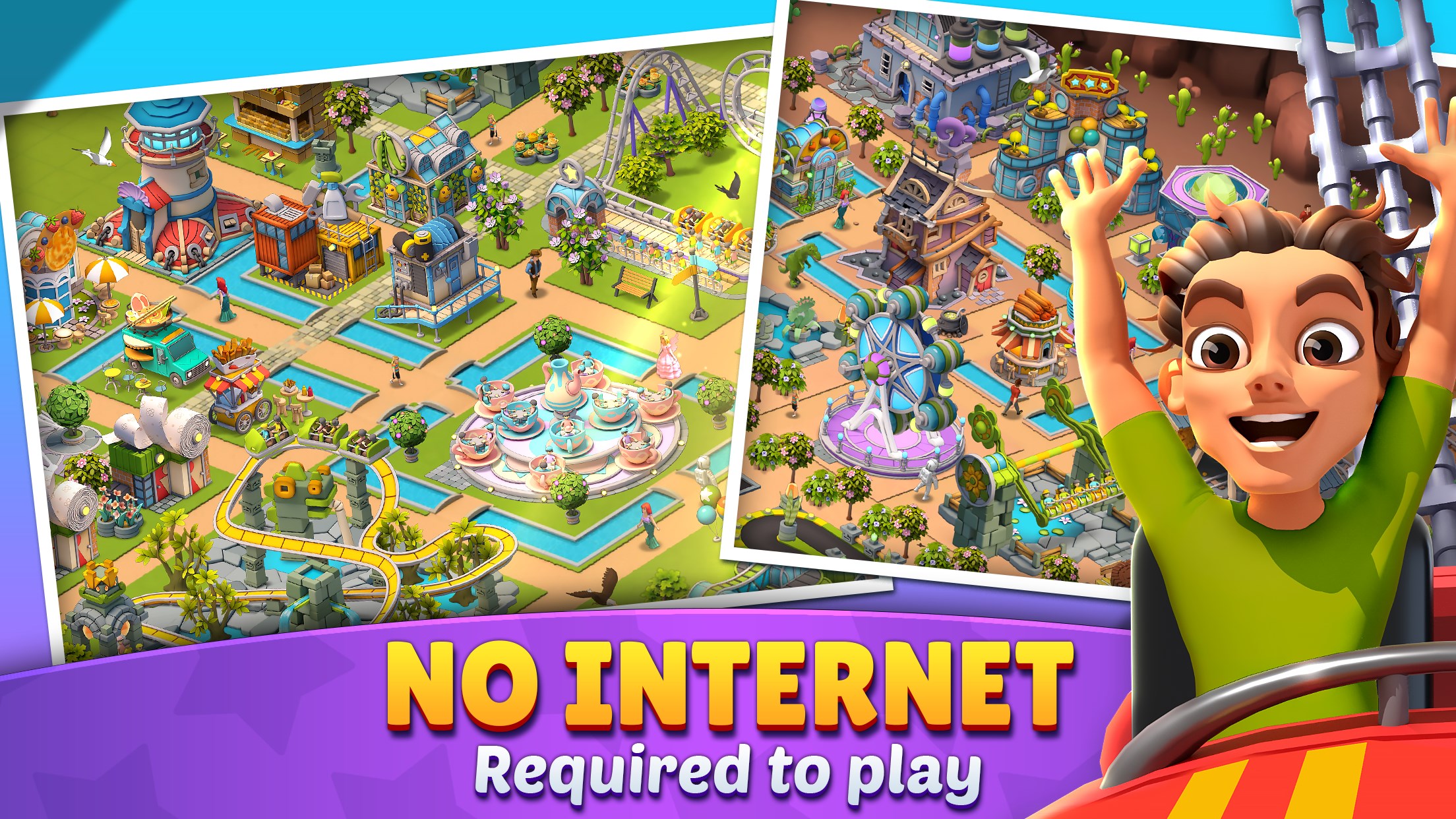
Imagine the thrill of walking through a bustling amusement park, hearing the distant screams of excitement, while your fingers craft the twisting, looping, and daring roller coasters that get everyone's adrenaline pumping. Roller Coaster Life invites players into such a world—where your imagination is the only limit. Whether you're shaping a gentle cascade or a record-breaking beast, the game turns park creation into a lively adventure, much like designing your personal roller coaster jungle. It's a sandbox where creativity and strategic planning collide, promising hours of fun-filled experimentation.
Design and Building: Your Coaster, Your Masterpiece
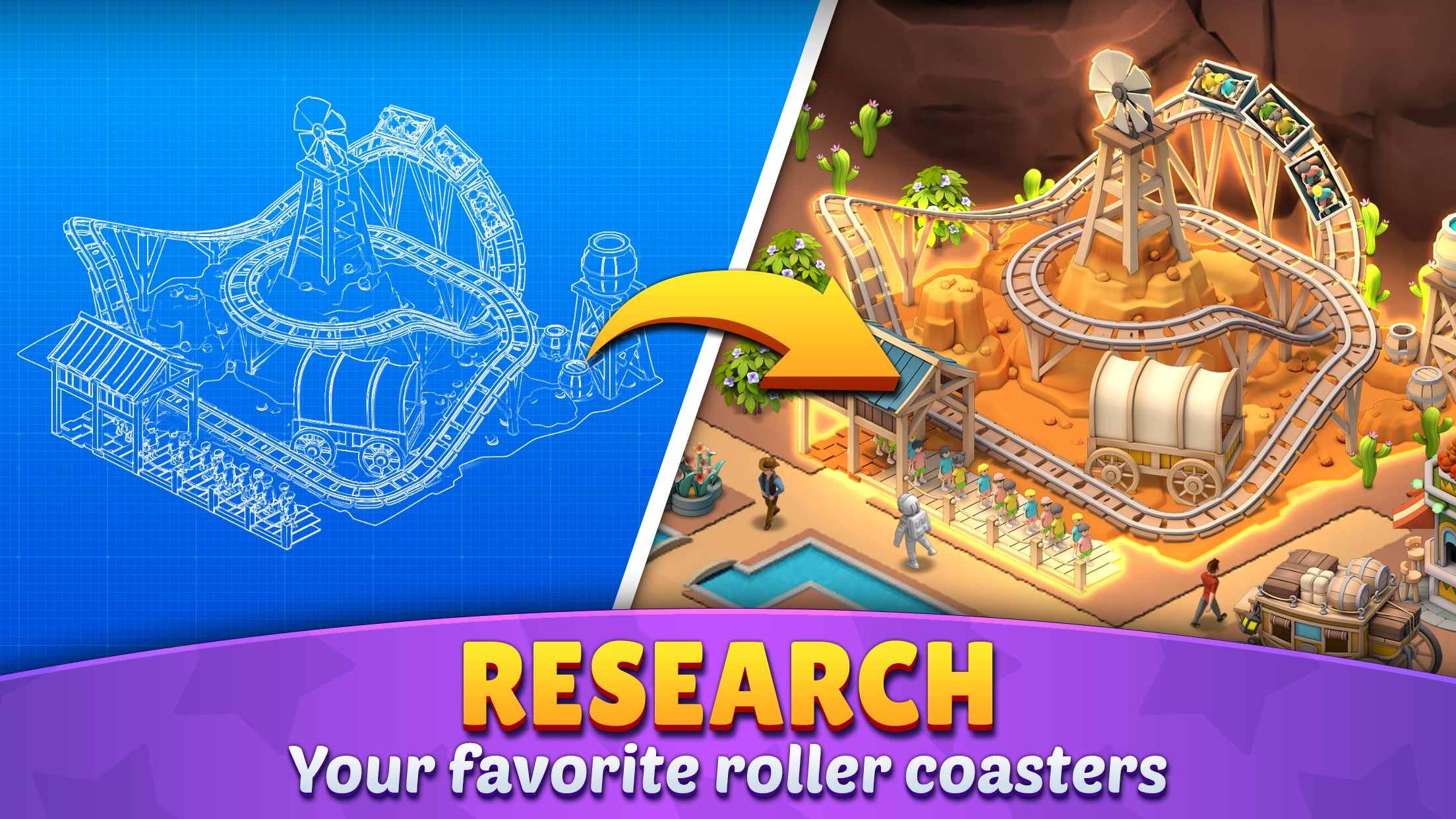
The core of Roller Coaster Life lies in its coaster design system. The game provides a user-friendly drag-and-drop interface, reminiscent of sketching a roller coaster blueprint with your own hands. The variety of track elements—loops, drops, corkscrews—are intuitive to assemble yet offer enough complexity for detailed customization. The visual feedback on ride speed, thrill factor, and safety ratings adds a layer of realism and helps players fine-tune their designs. Compared to similar apps that sometimes enforce rigid templates, this game emphasizes creative freedom and detailed control, making each coaster a unique signature piece.
Park Management and Customization: Beyond Just Rides
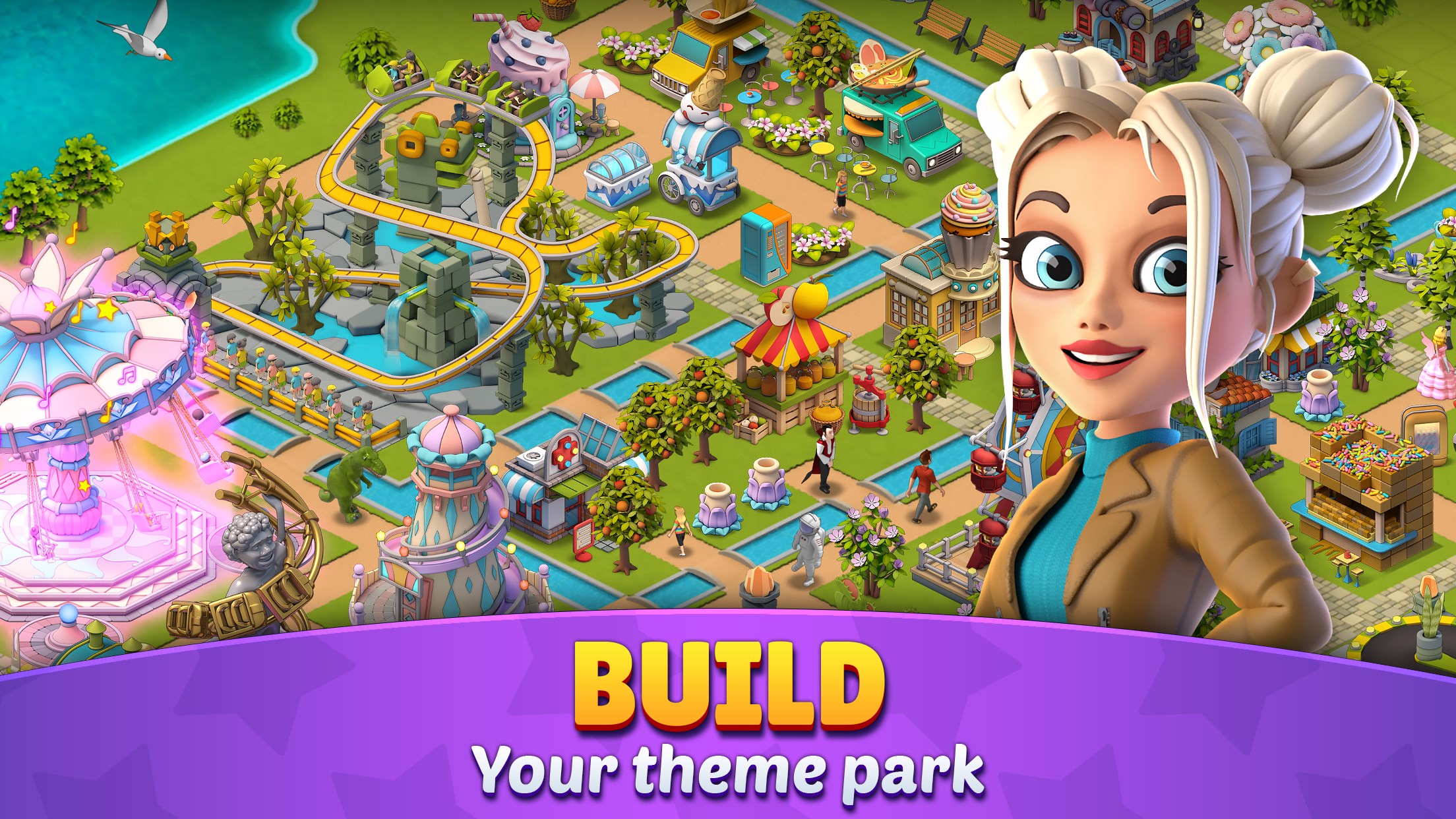
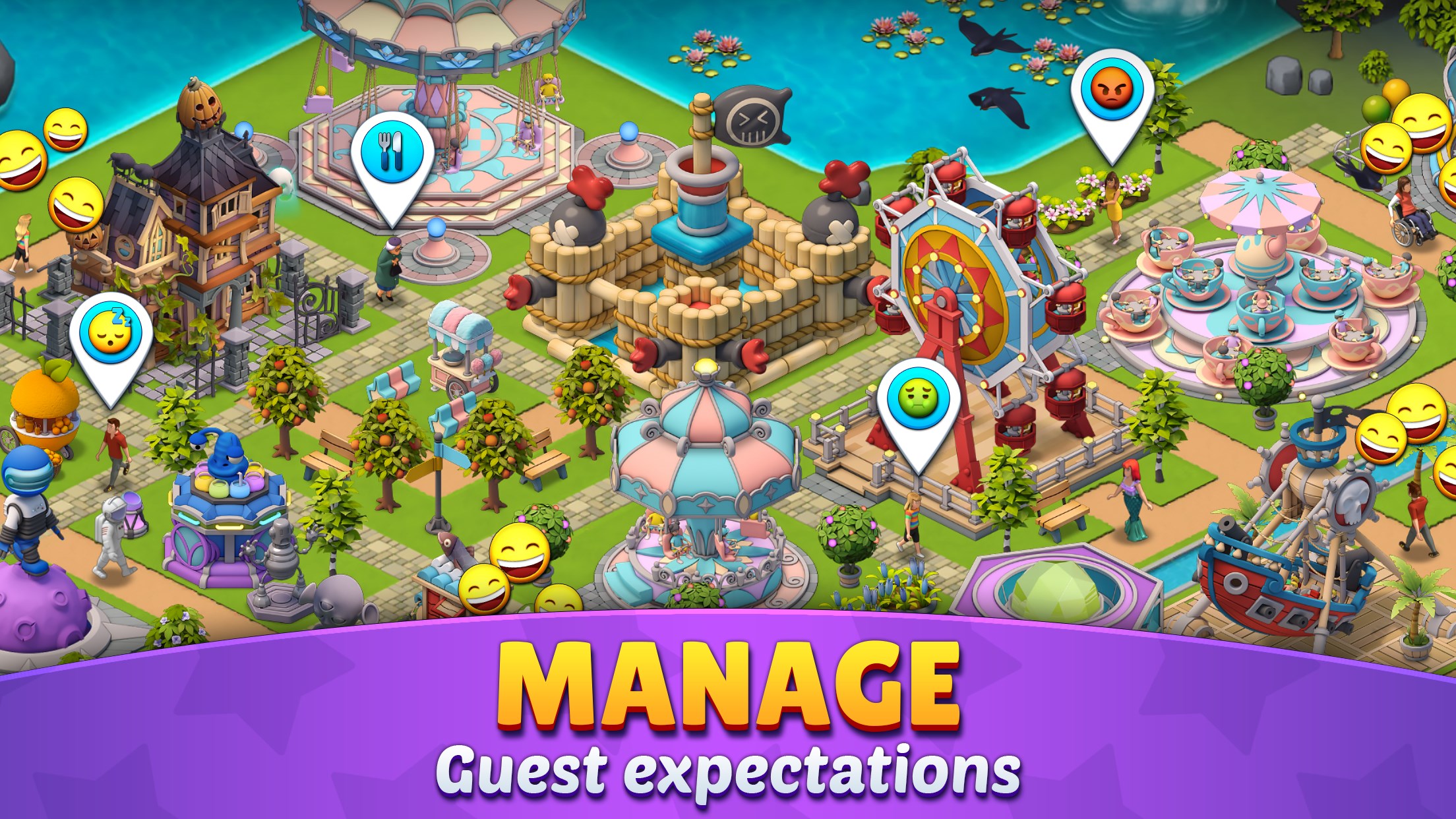
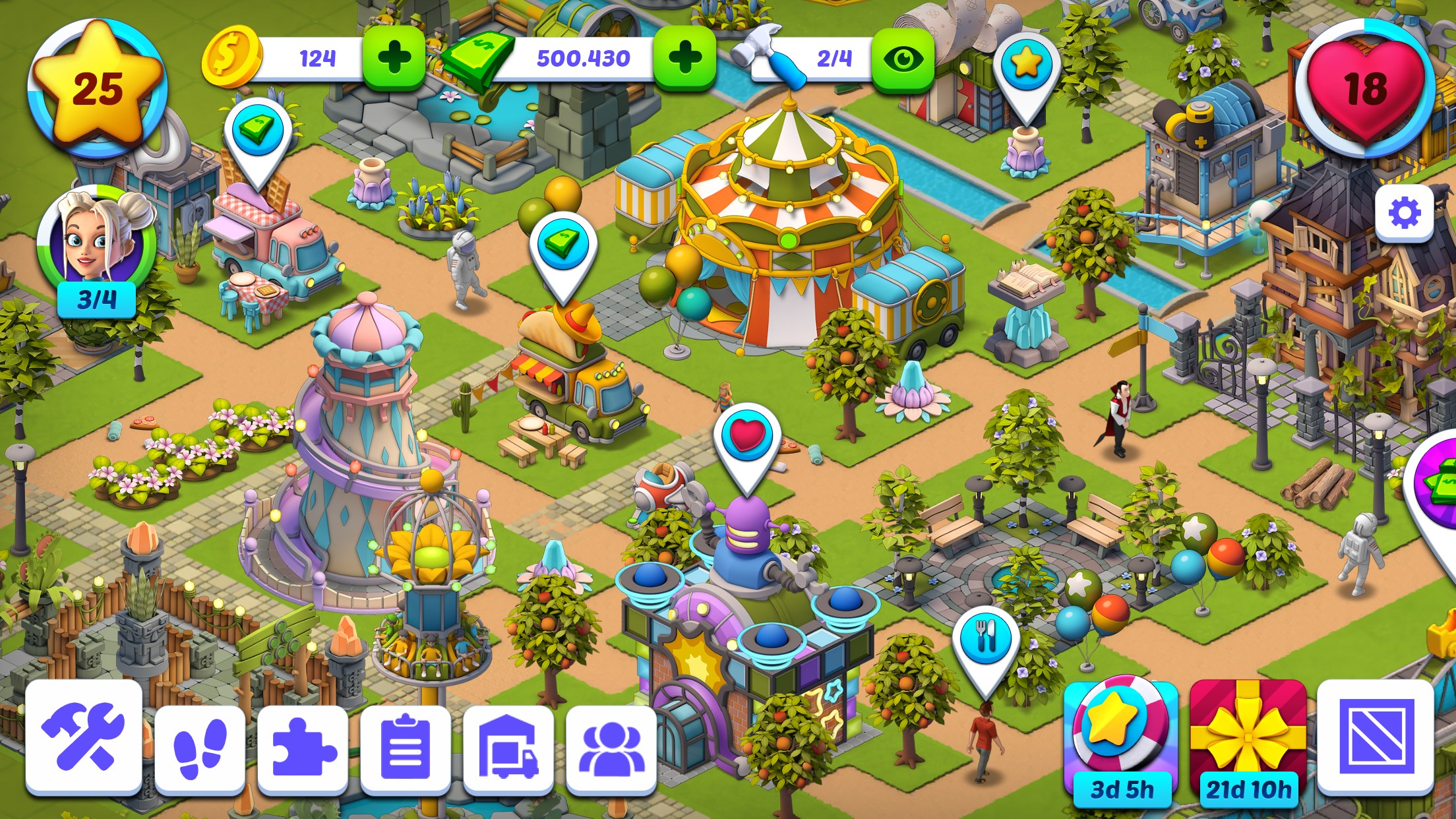
Building coasters is only half the fun—managing the park offers a rewarding strategic layer. From landscaping to placing food stalls and entertainment venues, players craft their entire theme park environment. The interface for park management is smooth, with clear icons and prompts that make it easy to understand and execute tasks, even for newcomers. The game's progression system balances challenge and reward, encouraging players to experiment without feeling overly complicated or intimidating. It's like tending to your own backyard of happiness, with each decision shaping your park's reputation and visitor satisfaction.
User Experience and Unique Selling Points
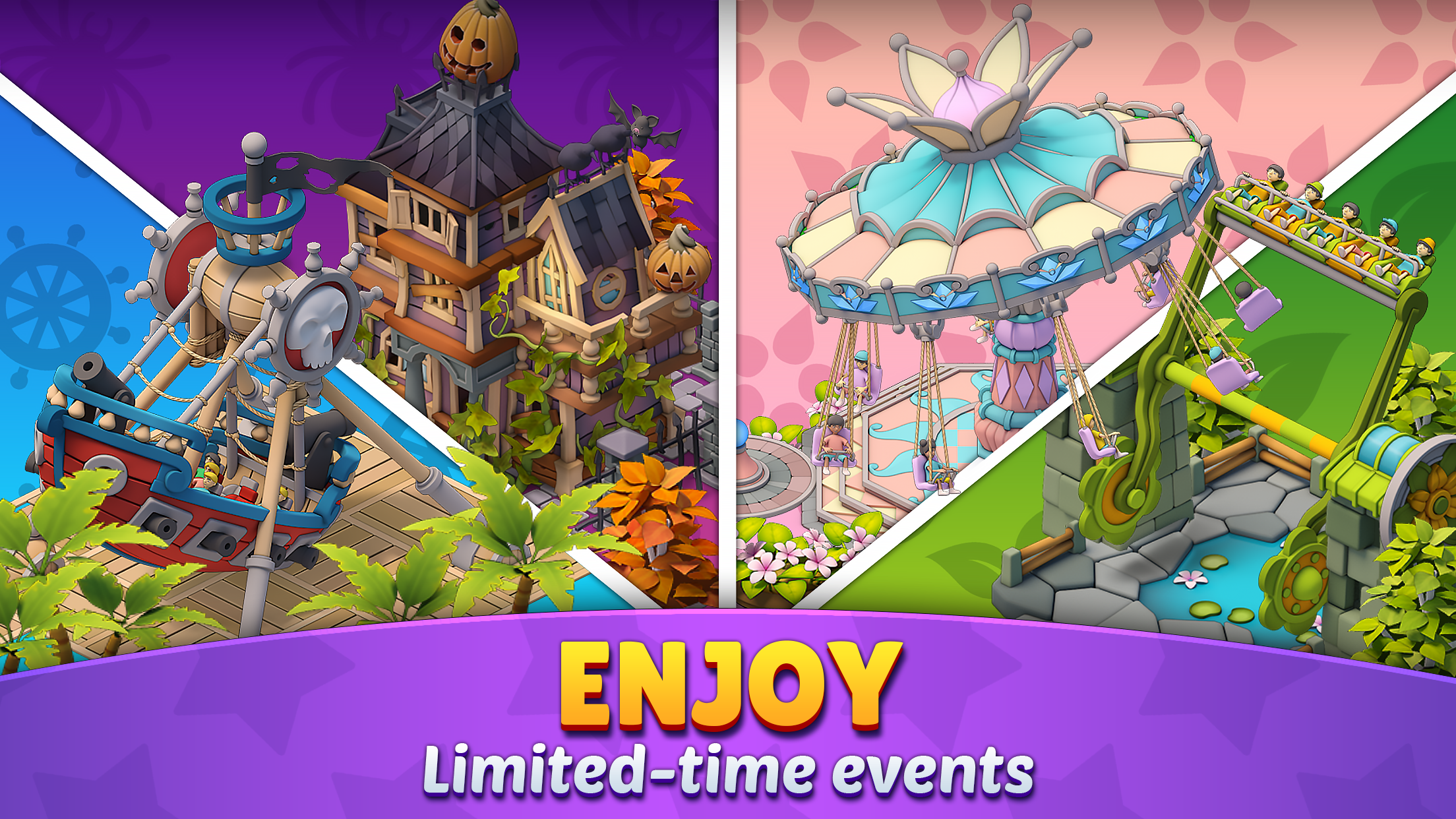
Graphically, Roller Coaster Life adopts a bright, cartoonish style that's appealing without overwhelming, akin to flipping through a lively comic book. The UI is clean, and the controls are responsive, offering a seamless experience whether you're designing a coaster or managing your park. The gameplay curve is gentle, making it accessible for young players, yet layered enough for more experienced simulation fans seeking depth.
One of its most distinctive features is its detailed coaster physics simulation, which allows players to see how their design choices influence ride safety, thrill level, and visitor satisfaction. Unlike simpler theme park games that focus solely on decoration or basic ride placement, this game provides a nuanced simulation that challenges players to think critically about their designs—adding an educational and engaging element.
Final Thoughts and Recommendations
Overall, Roller Coaster Life: Theme Park offers a delightful mix of creative freedom and strategic management wrapped into a charming package. Its user-friendly controls, coupled with the depth of coaster physics simulation, make it stand out among casual theme park simulators. If you enjoy designing, planning, and managing with a playful spirit, this app is definitely worth trying. I recommend it for players who appreciate both creativity and a touch of technical challenge—perfect for a relaxing afternoon or a fun family activity. It's a neat virtual playground that balances fun and complexity, without demanding hours of learning—a commendable choice for thrill enthusiasts and casual builders alike.
Pros
- Engaging Theme Park Experience
- Variety of Roller Coasters
- User-Friendly Interface
- Stunning Graphics and Sound Effects
- Regular Content Updates
Cons
- Occasional Performance Lag
- Limited Free Content
- Battery Consumption
- Minor UI Glitches
- Limited Customization Options










