

- Name WordGuess
- Category Classics
- Available on PC, Mobile, Surface Hub, HoloLens
- OS Windows 10 version 17763.0 or higher
- languages English (United States)
WordGuess for Windows: A Refreshing Twist on Classic Word Puzzles
Imagine combining the thrill of a crossword with the challenge of a mind-bending word puzzle—WordGuess offers just that, transforming familiar vocabulary games into a delightful mental adventure on your Windows device.
About the App: Who's Behind the Curtain?
Developed by Reflection IT, WordGuess for Windows aims to bring engaging word puzzles right to your desktop, blending education and entertainment seamlessly. Reflection IT is known for crafting user-friendly apps that prioritize smooth gameplay and intuitive design. This app is perfect for anyone from casual gamers looking for a quick mental workout to serious word game enthusiasts yearning for a new challenge.
Key Features That Make WordGuess Stand Out
- Smart Word Connections: The app intelligently generates themed word puzzles that adapt to your skill level, keeping the game both challenging and accessible.
- Multiple Puzzle Modes: Offering varied gameplay styles—from classic crosswords to more dynamic "guess the word" formats—there's always something fresh to explore.
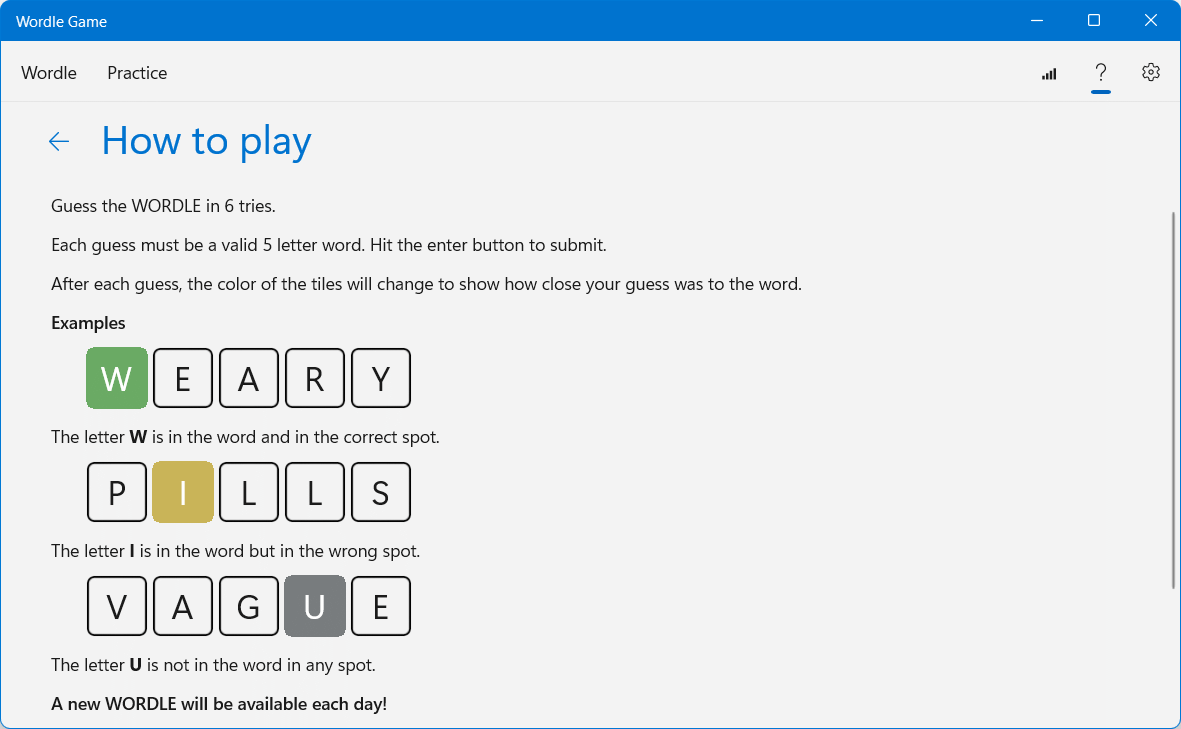
- Hints and Learning Aids: Built-in hints provide gentle nudges, making it suitable for learners and players aiming to expand their vocabulary.
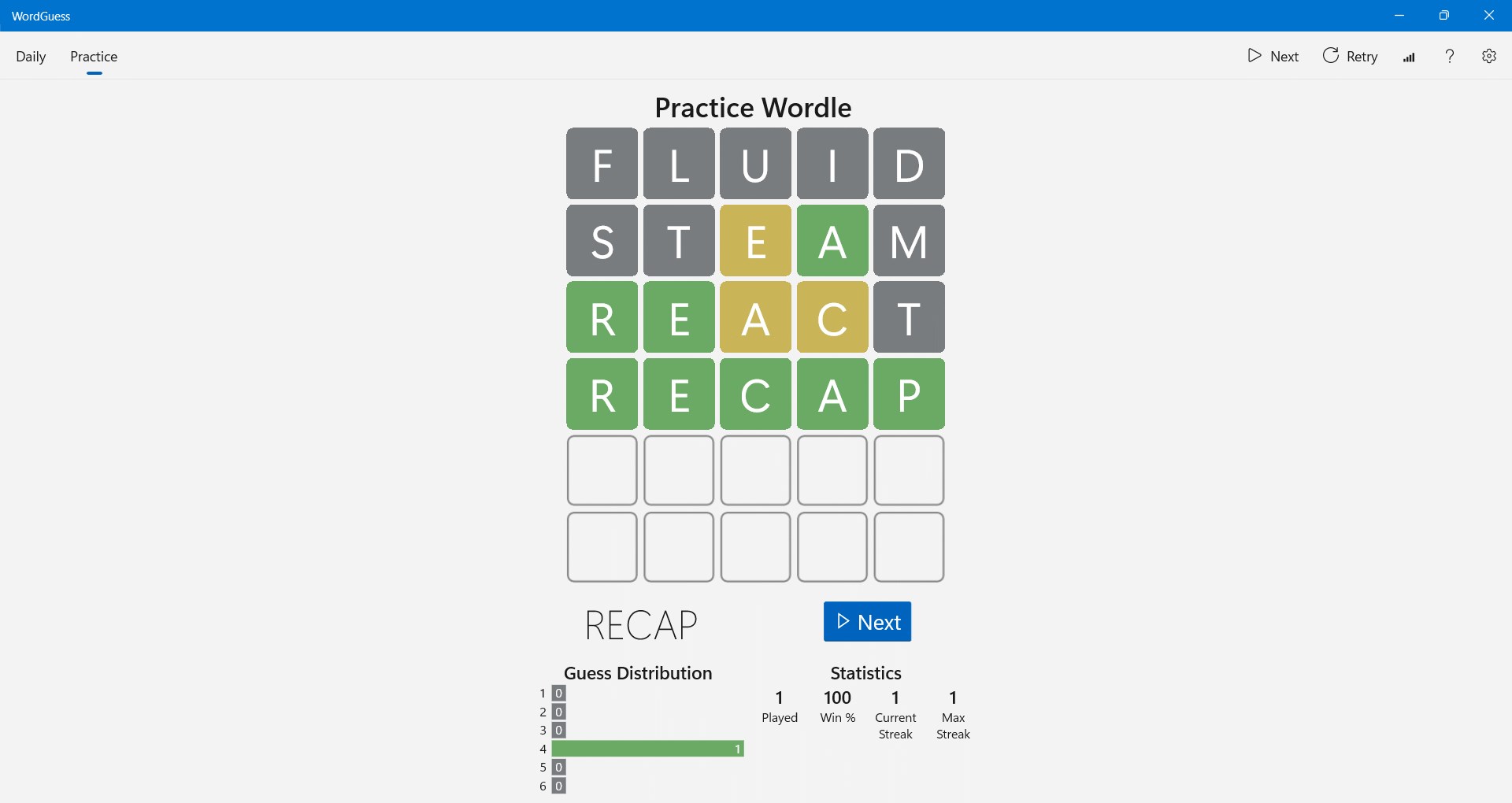
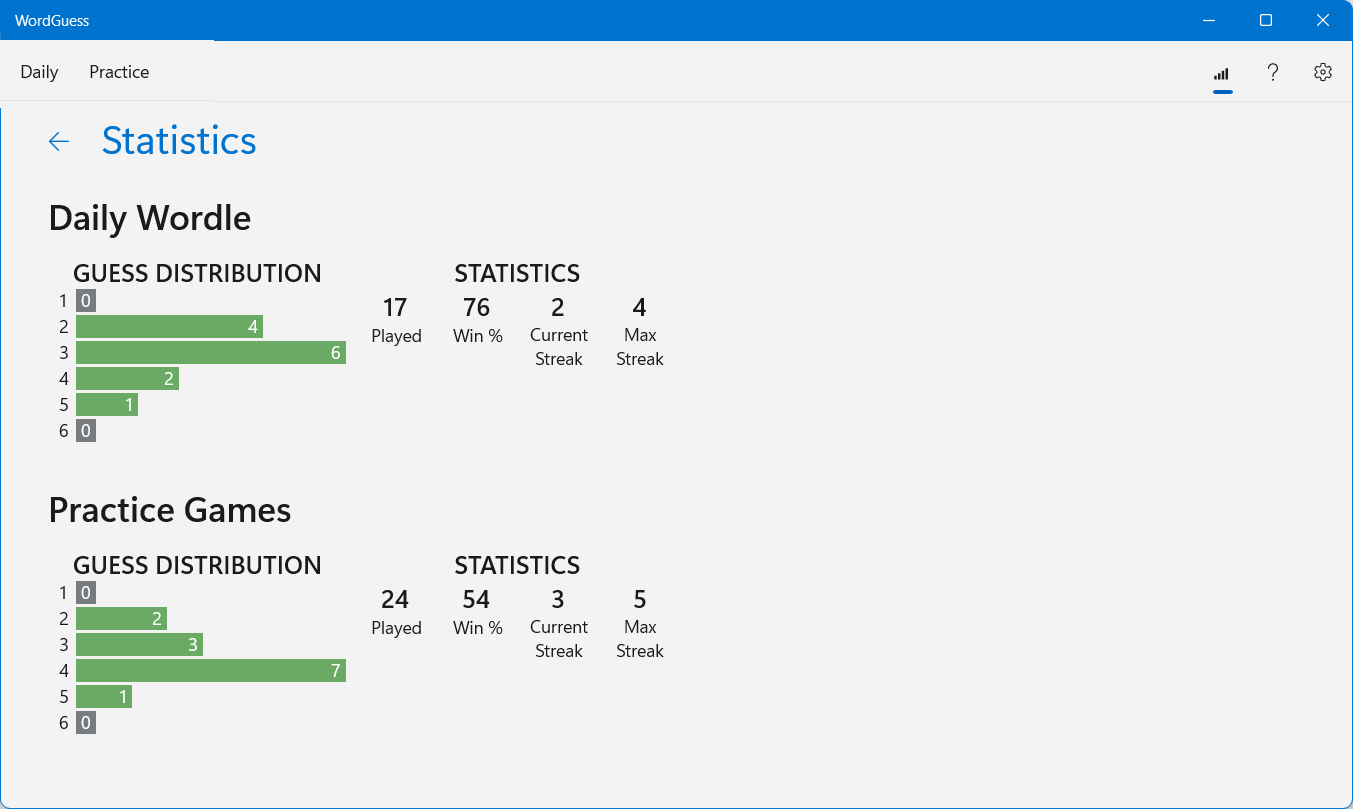
- Achievements and Progress Tracking: Track your growth and unlock achievements as you progress, adding a layer of motivation and replayability.
Immersive Gameplay and Intuitive Interface
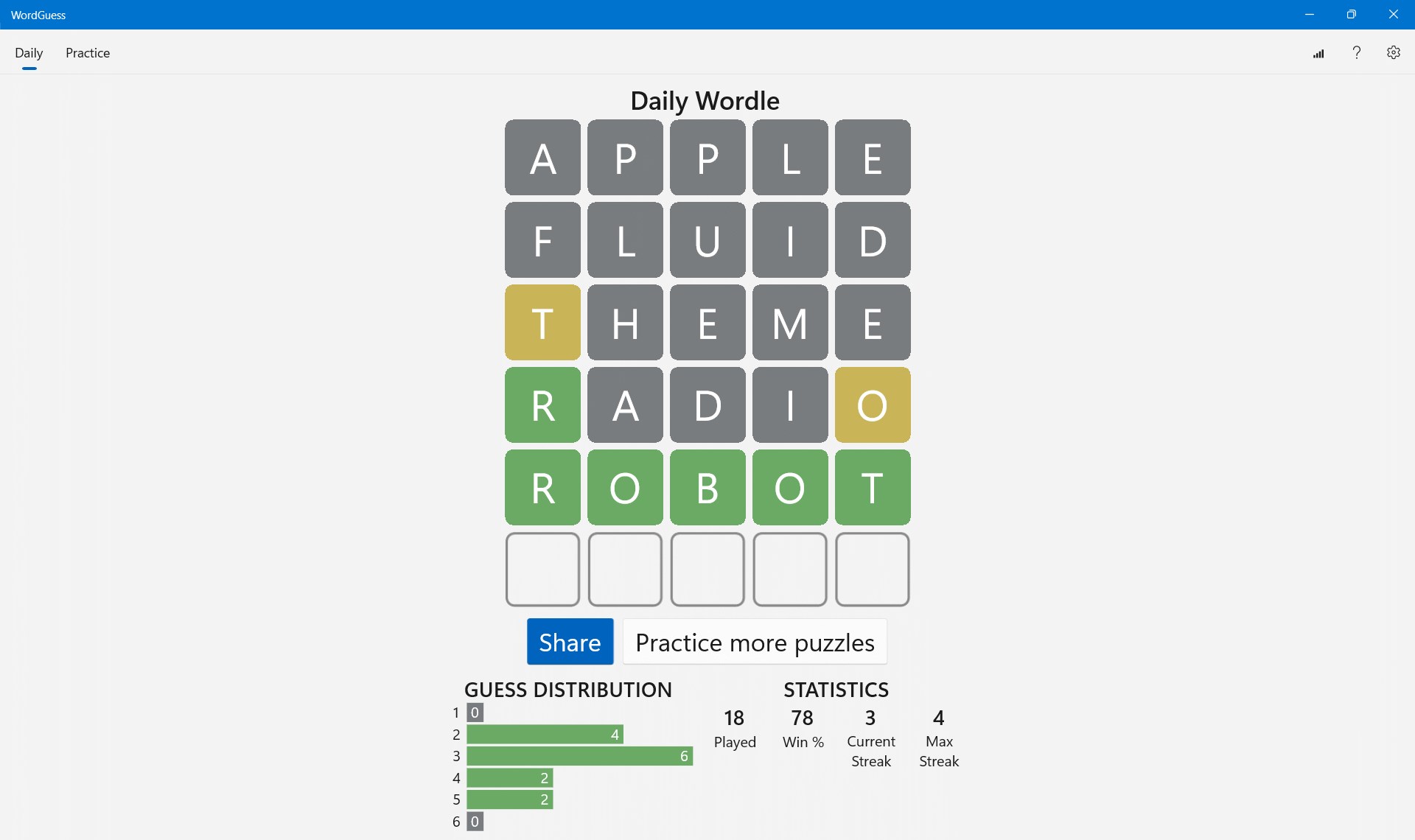
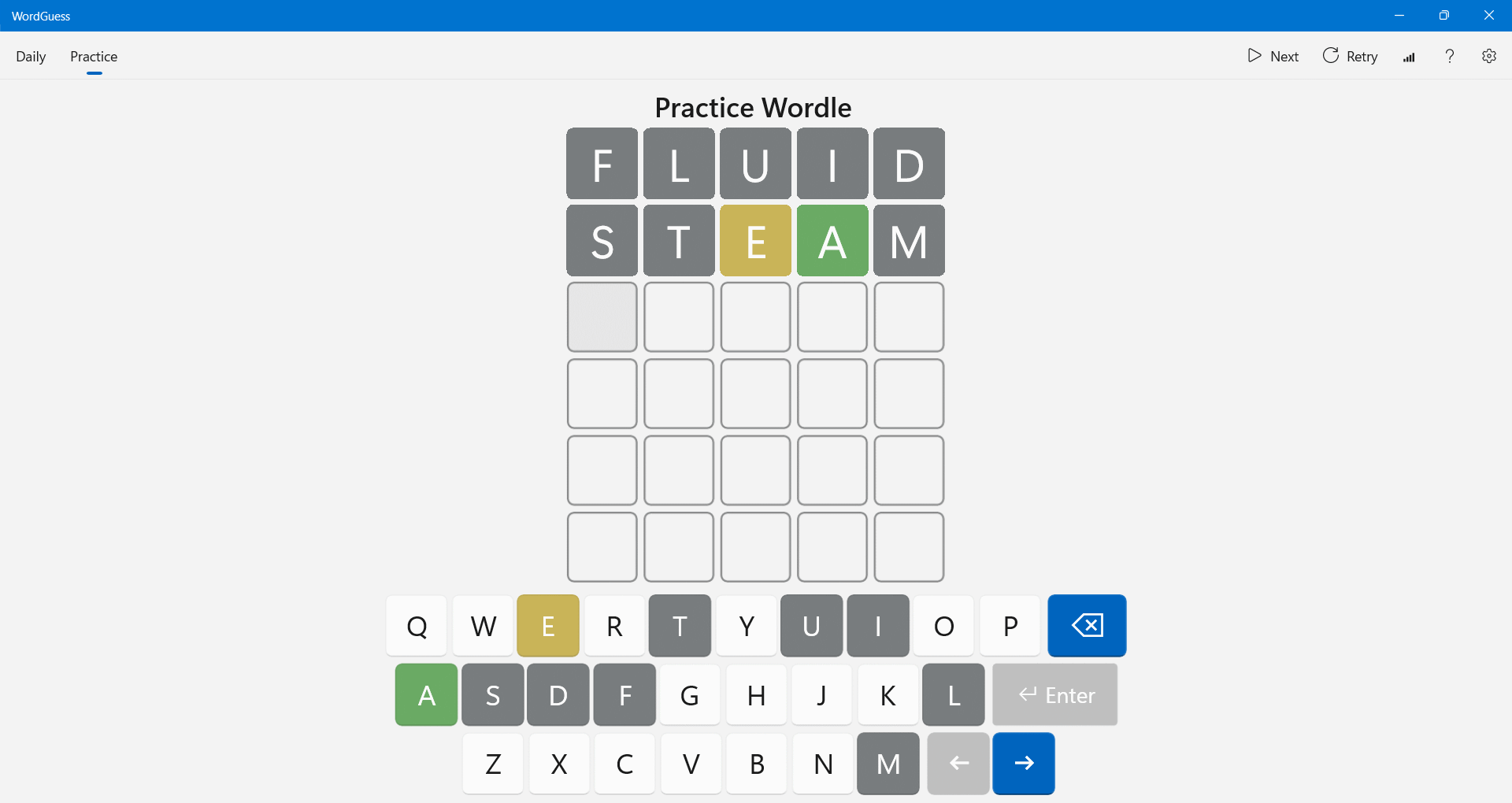
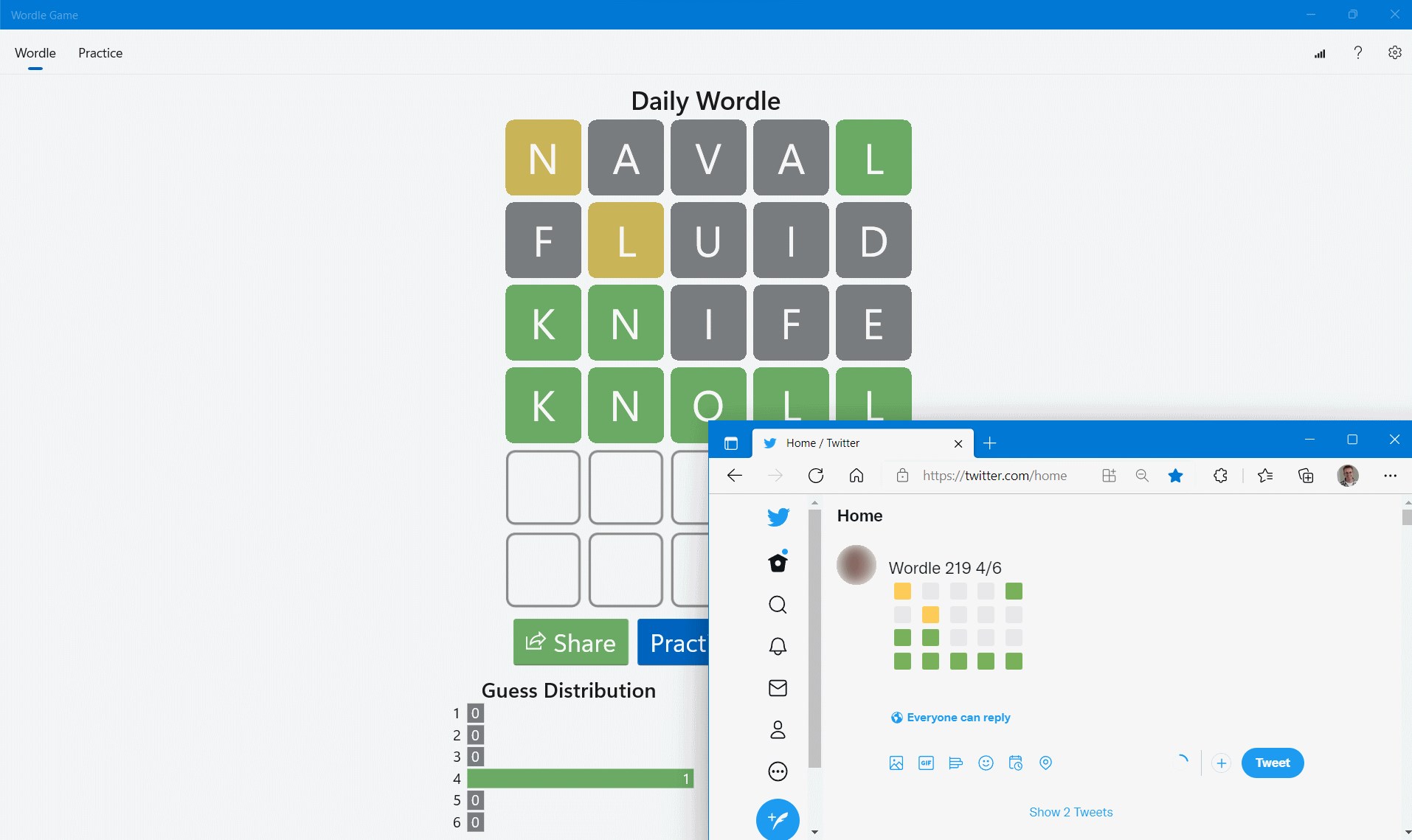
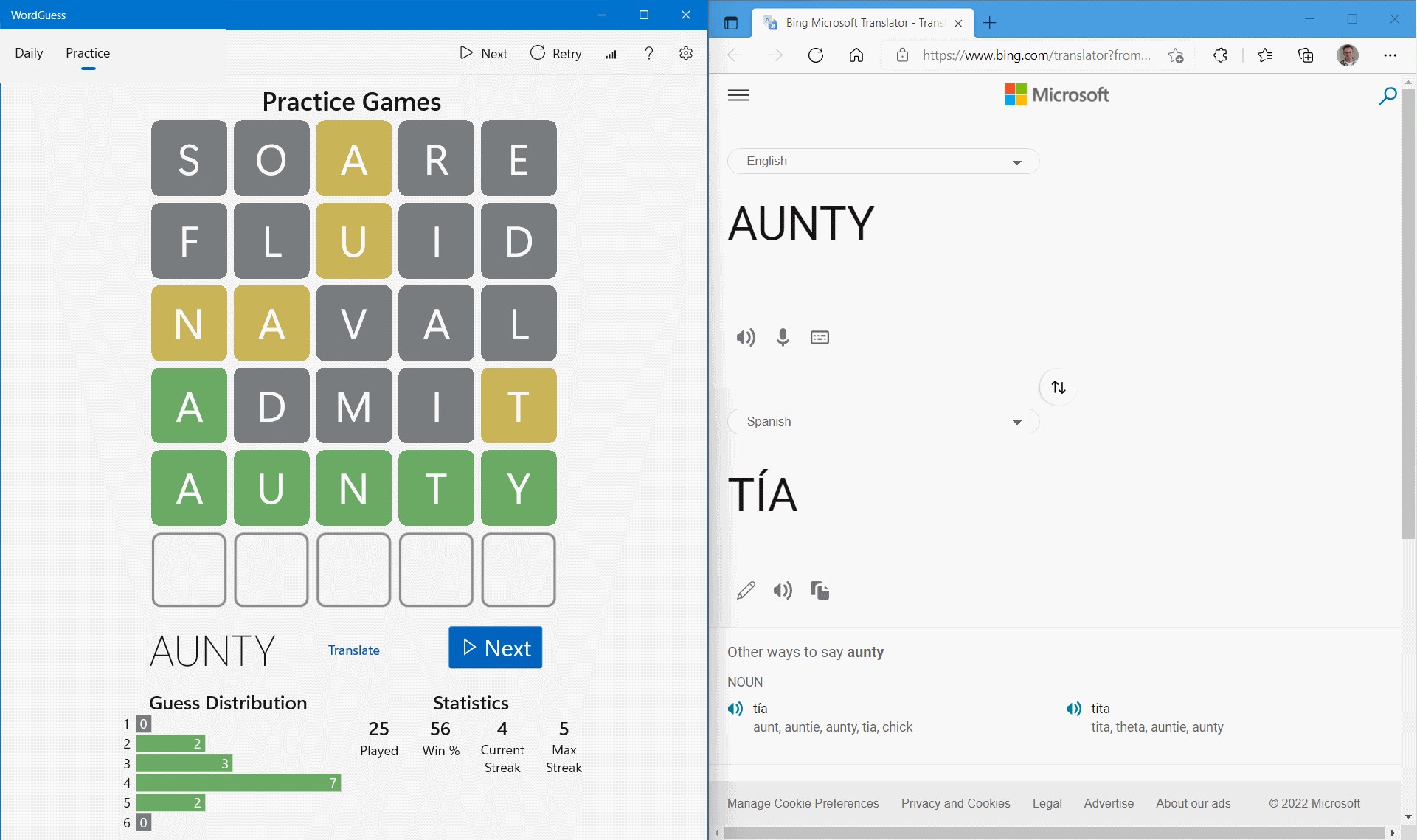
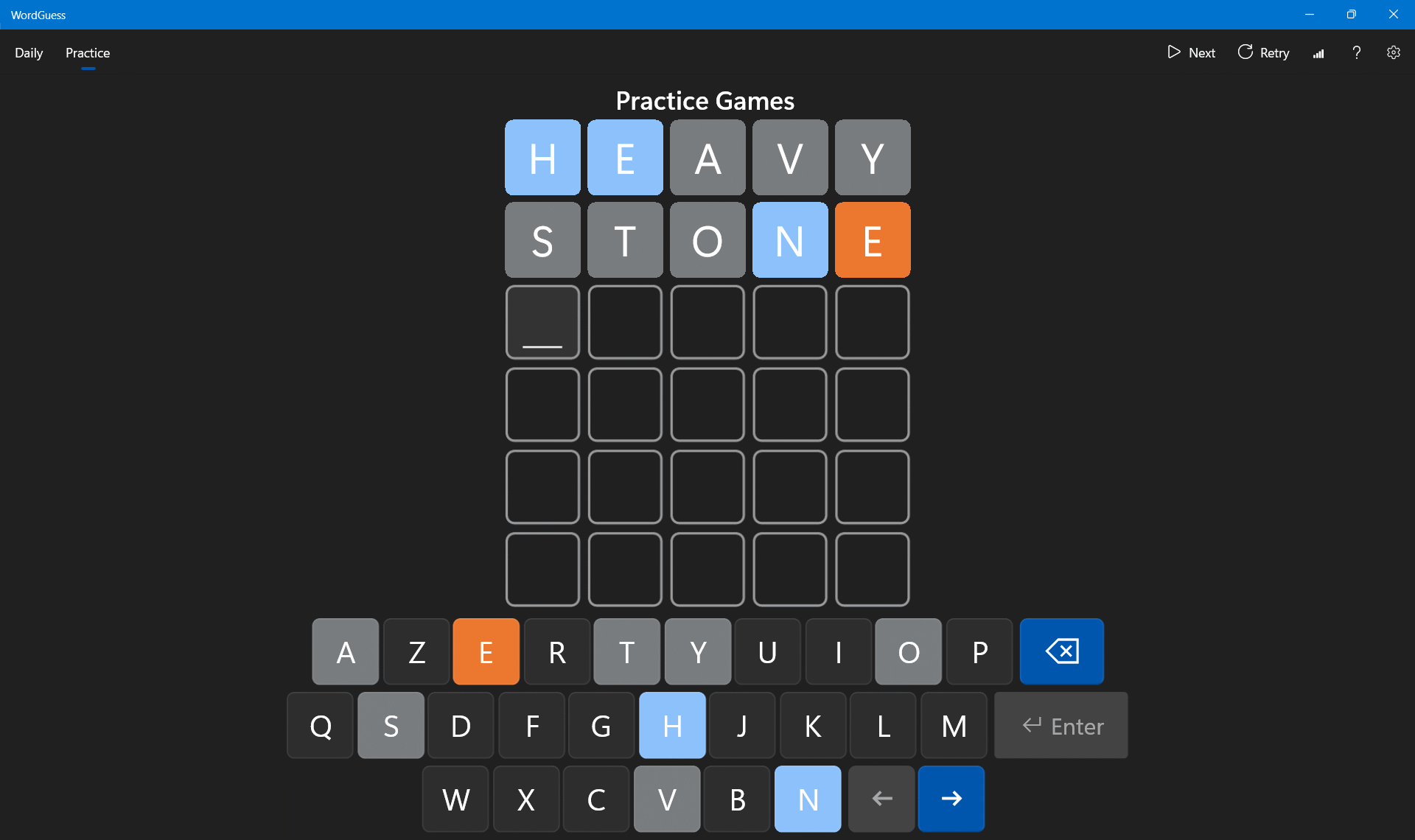
From the moment you open WordGuess, it feels like stepping into a cozy puzzle parlor—clean, vibrant, and thoughtfully designed. The interface employs a sleek layout, where game elements are arranged logically, guiding your eye naturally across the screen. The color schemes are pleasing yet functional, ensuring visibility even during prolonged sessions.
Operation runs smoothly; words slide into place with satisfying tactile feedback, and menu navigation is seamless, thanks to crisp animations and responsive controls. The learning curve is gentle—new players quickly grasp the mechanics, while veterans find enough depth to stay engaged for hours.
What Sets WordGuess Apart from Its Peers?
Unlike many puzzle apps that stick to a single formula, WordGuess's standout feature is its adaptive word connection system. It customizes puzzles based on your proficiency, making each session uniquely tailored. Additionally, its mode versatility—combining crosswords, word searches, and guessing games—means you're never stuck doing the same thing twice.
This blend of personalized difficulty and diverse gameplay modes creates an experience that feels both fresh and familiar, helping players sharpen their vocabulary and logic skills simultaneously. It's like having a versatile crossword master at your fingertips—an advantage that pushes it ahead of more monotonous classics.
Final Thoughts: Is It Worth Your Time?
If you're a word lover seeking a well-balanced, thoughtfully crafted puzzle game, WordGuess is certainly worth exploring. Its user-friendly interface, engaging core features, and personalized puzzle experience make it a compelling choice for casual play and continuous learning. While it maintains a neutral, straightforward tone in gameplay, its intelligent design and mode diversity make it an app that stands out in the crowded field of word puzzles.
Highly recommended for those who want a mentally stimulating pastime without the clutter of overly complex mechanics. Whether you're commuting, taking a coffee break, or settling in for a longer session, WordGuess adapts to your pace and preferences—making it a reliable companion in your daily mental exercises.
Pros
- User-friendly interface
- Wide variety of word categories
- Real-time feedback system
- Offline accessibility
- Frequent updates with new features
Cons
- Limited customization options
- Ads occasionally interrupt gameplay
- Word database may repeat frequently
- Limited hints available
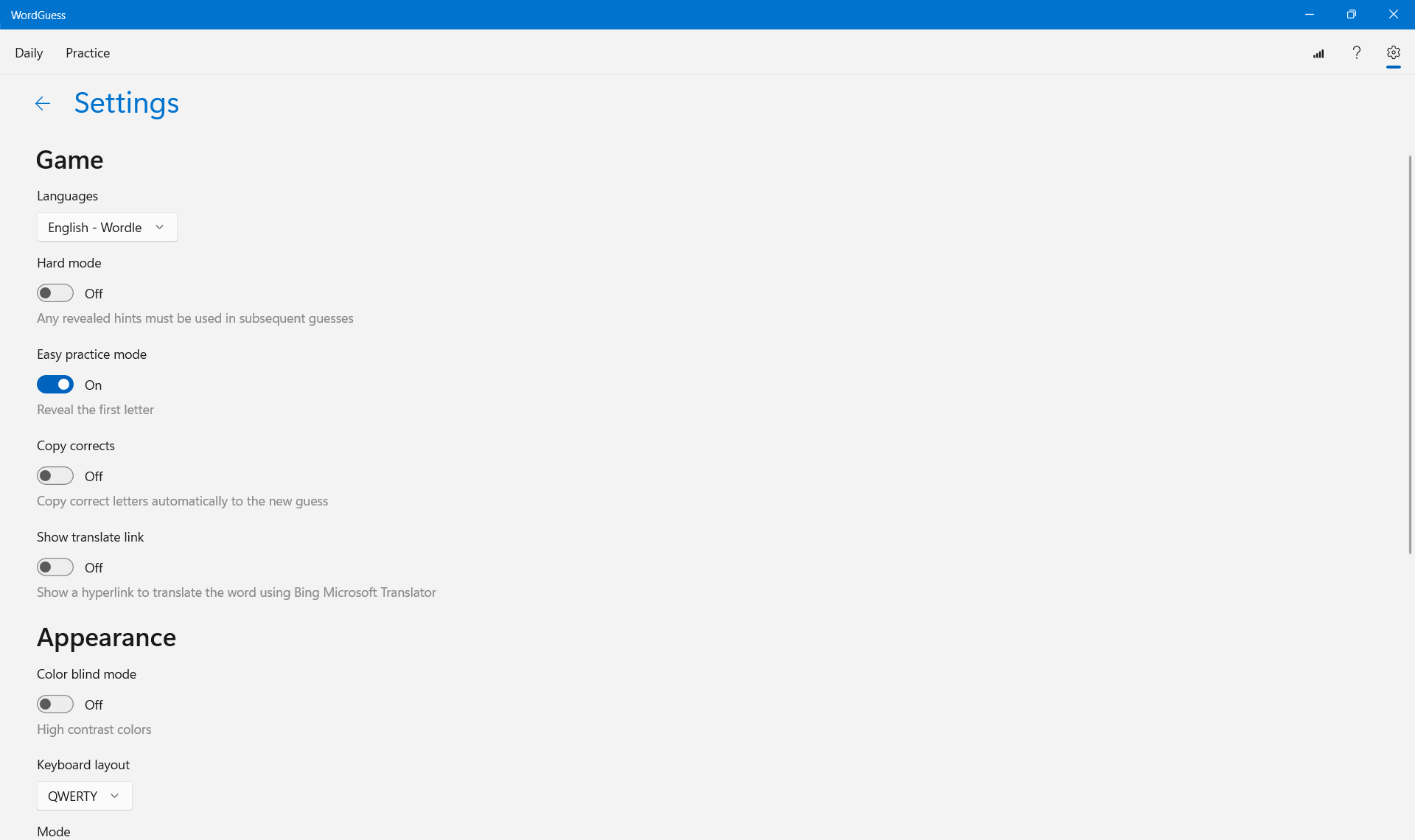
- Language options are limited to English










