



- Name Clockmaker: Match 3 Puzzle Games
- Category Classics
- Developer ©️ Samfinaco LLC 2026
- Available on PC
- OS Windows 10 version 17763.0 or higher
- DirectX Version 10
- Mouse Integrated Mouse
- languages Chinese (Simplified), Dutch, English (United States), French, German, Italian, Japanese, Korean, Portuguese (Brazil), Portuguese (Portugal), Russian, Spanish
Introducing Clockmaker: A Charming Match 3 Puzzle Experience for Windows
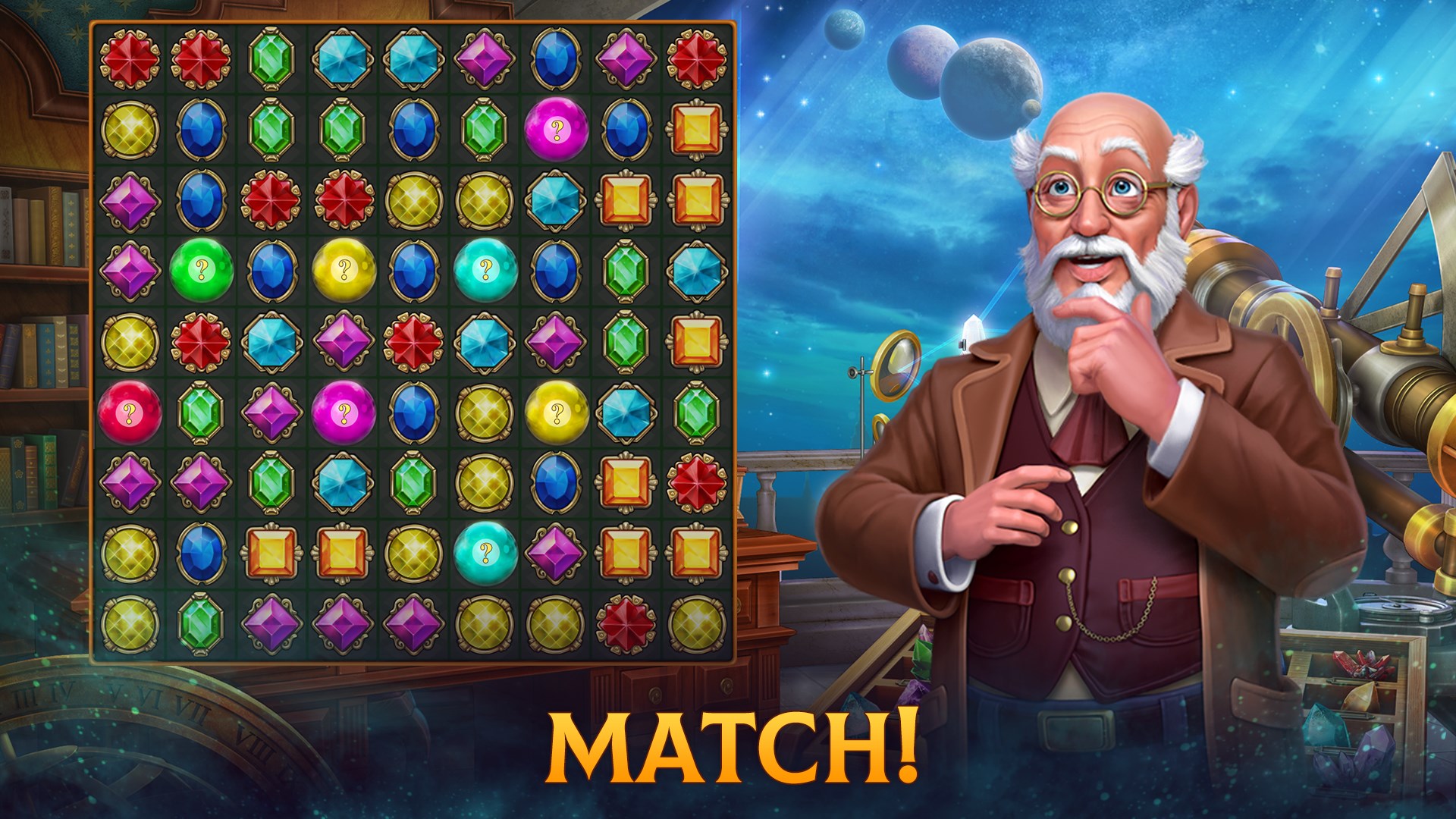
Clockmaker: Match 3 Puzzle Games for Windows is a captivating puzzle application that blends classic match-3 mechanics with a unique clockmaking storyline, offering players a relaxing but engaging gaming experience. Developed by Samfinaco LLC, this app aims to attract puzzle enthusiasts who appreciate strategic gameplay intertwined with a charming narrative.
The Developers and Key Features
Created by the innovative team at Samfinaco LLC (a company with ambitious plans for 2026), Clockmaker brings a fresh twist to the traditional match-3 genre. The game stands out with its well-crafted visuals and thoughtful gameplay design. Its standout features include:
- Unique Clockmaking Theme: Each level ties into assembling or repairing clocks, adding a thematic depth that elevates the familiar match-3 mechanics.
- Progressive Puzzle Challenges: A carefully curated difficulty curve ensures both casual players and puzzle veterans stay engaged without feeling overwhelmed.
- In-Game Narrative and Rewards: The game integrates a charming storyline, with rewarding achievements and collectibles related to clock components, enriching the overall experience.
- User-Friendly Interface: Designed for easy navigation and quick learning, making it accessible for players of all ages.
Ideal for casual gamers seeking a relaxing challenge, Clockmaker appeals to those who enjoy serene yet stimulating puzzle games with a pleasant visual ambiance.
Gameplay and User Experience
From the moment you launch Clockmaker, you're greeted with a bright, inviting interface reminiscent of a cozy clock workshop. The visuals are crisp, with smooth animations that make the gameplay feel lively and satisfying. The game's design strikes a good balance between aesthetic appeal and functional clarity, ensuring players can focus on solving puzzles without confusion.
Core Features Breakdown
1. Clocks as a Central Theme
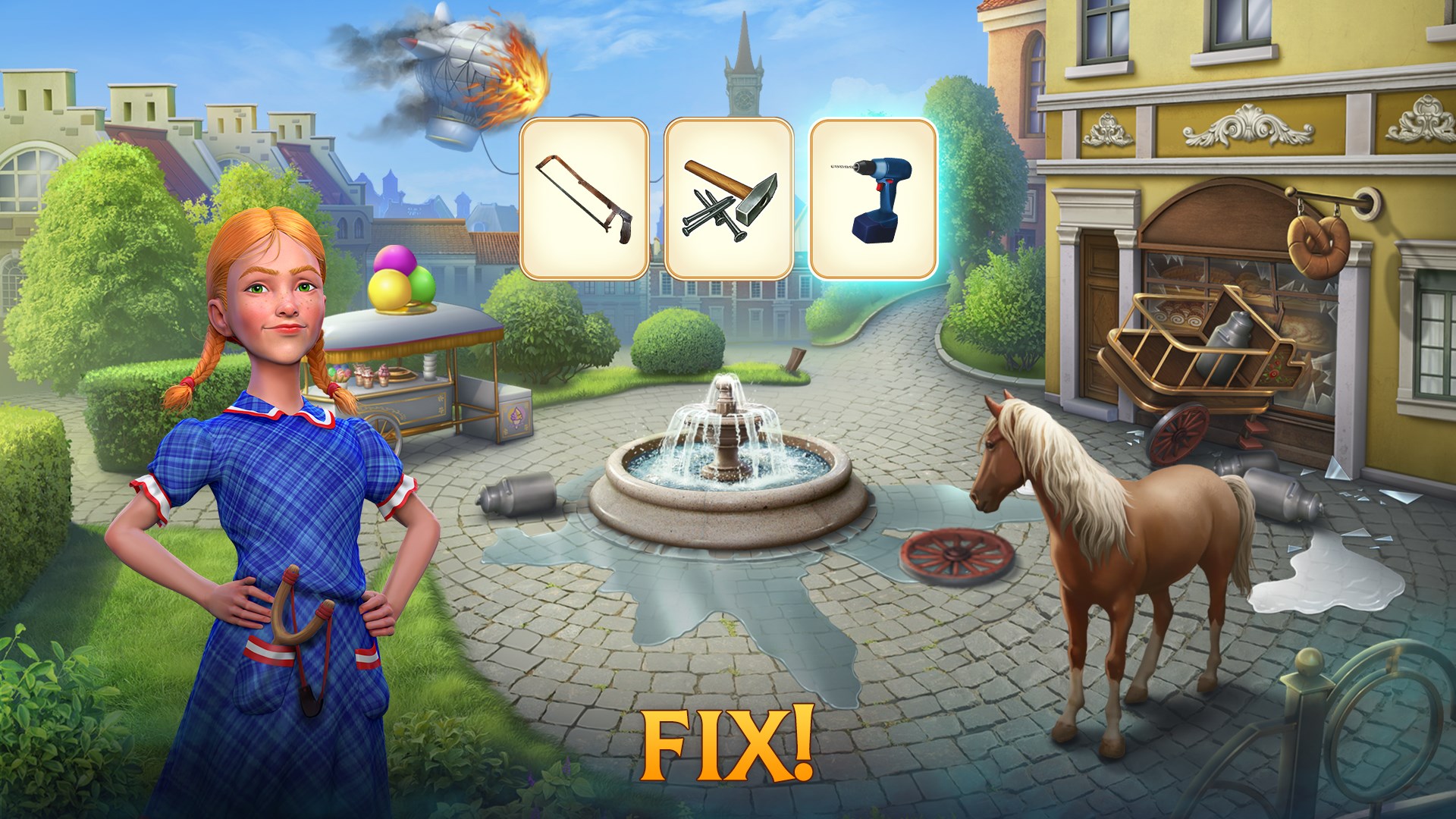
Unlike standard match-3 games, Clockmaker intertwines the gameplay with clock motifs—each successful match advances the story of restoring vintage clocks. This thematic consistency adds a layer of immersion; players aren't just swapping tiles—they're participating in a clock repair adventure. This concept subtly encourages strategic planning, as players consider the placement and removal of specific clock components.
2. Level Design and Challenge Dynamics
The levels are designed with thoughtful complexity, gradually introducing new mechanics such as special tiles and boosters. This keeps the gameplay fresh and challenging without becoming frustrating. The game also features daily puzzles and bonus levels, offering additional ways to engage and earn rewards. Such variety helps sustain long-term interest, especially for players who enjoy mastering puzzles over time.
3. Seamless Gameplay and Learning Curve
The game's controls are intuitive—dragging and swapping tiles feels natural, with responsive feedback. The learning curve is gentle; tutorials and hints help novices understand game mechanics without being intrusive. The interface's clean layout means players can focus purely on solving puzzles, making for a smooth, distraction-free experience. The game runs fluently on Windows devices, with no noticeable lag or crashes reported during typical gameplay sessions.
What Sets This App Apart?
While many match-3 games rely on flashy effects or competitive modes, Clockmaker distinguishes itself through its thematic integration and narrative elements. Its core strength lies in transforming the casual puzzle genre into an engaging story about restoring vintage clocks—each puzzle feels purposeful, and completing a level feels like a small achievement in a larger, charming world. The game's gentle aesthetic and storyline structure make it more than just a puzzle; it's a relaxing escape, akin to spending an afternoon in a vintage clock workshop.
Final Verdict and Recommendations
Clockmaker: Match 3 Puzzle Games for Windows is a well-crafted, charming puzzle app that combines classic mechanics with a unique thematic twist. Its user interface is friendly, and gameplay remains fluid and accessible, making it suitable for both casual players and puzzle enthusiasts looking for a calming yet engaging experience. If you appreciate thematic storytelling within your puzzle games or enjoy a peaceful challenge that rewards strategic thinking, Clockmaker is definitely worth a try.
We recommend this app for those who value aesthetic appeal and thematic depth alongside solid match-3 mechanics. Its gentle difficulty progression and immersive storyline make it a great choice for leisurely gaming sessions. As a friend would suggest: if you enjoy exploring a beautifully crafted world of clocks and ticking puzzles, this game offers a peaceful, satisfying journey—no frantic rush, just pure, relaxing fun.
Pros
- Engaging Match-3 Gameplay
- Vivid and Attractive Graphics
- Regular Content Updates
- User-Friendly Interface
- In-Game Rewards and Bonuses
Cons
- Limited Free Content
- Occasional Performance Lag
- In-Game Ads Disrupt Gameplay
- Limited Social Features
- Repetition in Level Design










