

- Name Microsoft Mahjong
- Category Classics
- Available on PC
- OS Windows 10 version 19041.0 or higher
- languages Chinese (Simplified), Chinese (Traditional Chinese), Danish, Dutch, English, English (United Kingdom), Finnish, French, French (Canada), German, Italian, Japanese, Korean, Norwegian (Bokmål), Polish, Portuguese, Portuguese (Brazil), Russian, Spanish, Spanish (Mexico), Swedish, Turkish
Microsoft Mahjong for Windows: A Classic Game with a Modern Twist
If you're a fan of relaxing yet challenging tile-matching puzzles, Microsoft Mahjong for Windows offers a polished, user-friendly experience that blends nostalgia with contemporary design. Perfect for both seasoned players and beginners, this app provides a digital haven to enjoy the timeless game of mahjong with a fresh sparkle.
About the App: Basic Information
Microsoft Mahjong is a digital rendition of the beloved traditional mahjong solitaire game, designed to deliver soothing gameplay fused with modern convenience. Developed by Xbox Game Studios, a trusted name in gaming and entertainment, the app emphasizes quality and accessible fun.
- Key Features: Elegant tile layouts, customizable themes, daily challenges, and a relaxing background music soundtrack create an immersive experience.
- Target Audience: Casual gamers seeking a calming pastime, Mahjong enthusiasts, senior users, and anyone interested in brain-teasing puzzles with a straightforward interface.
Delving into the Experience: A Closer Look
Engaging and Visually Appealing Interface
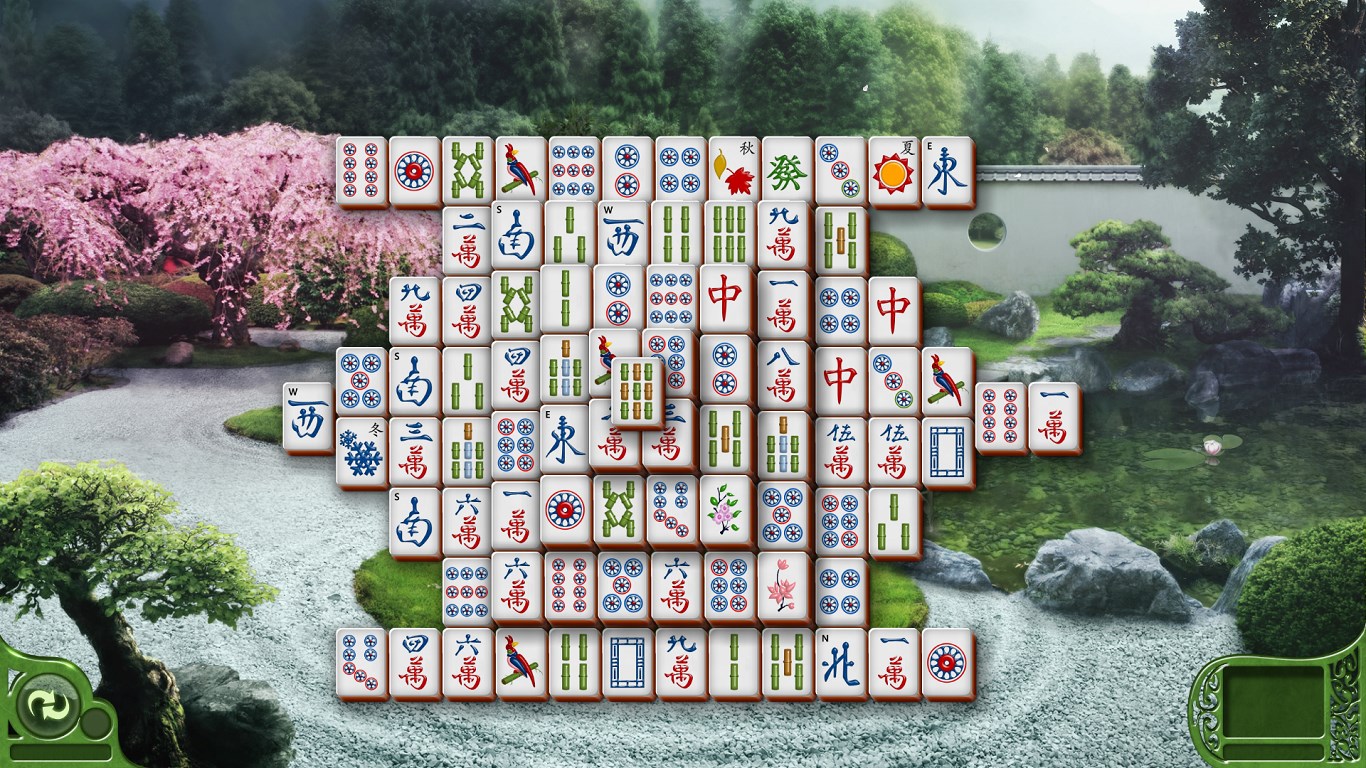
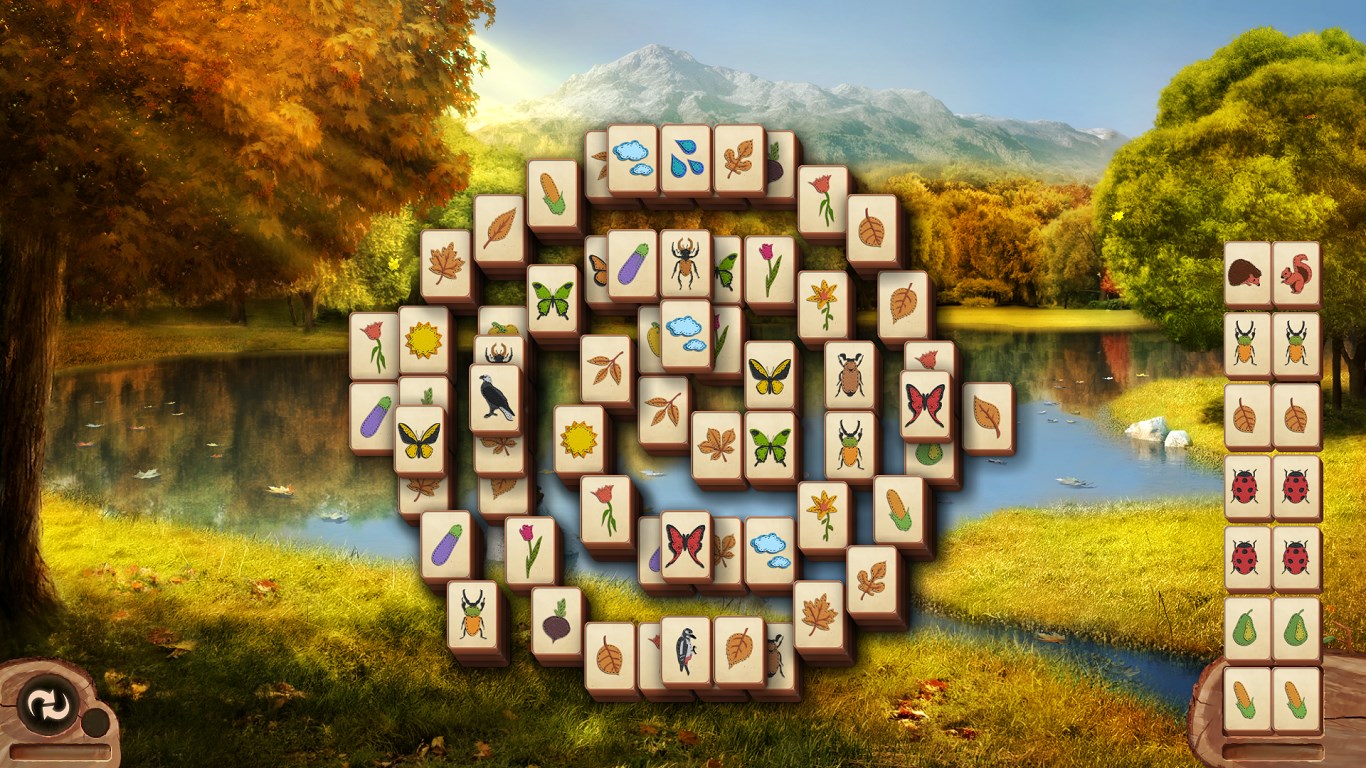
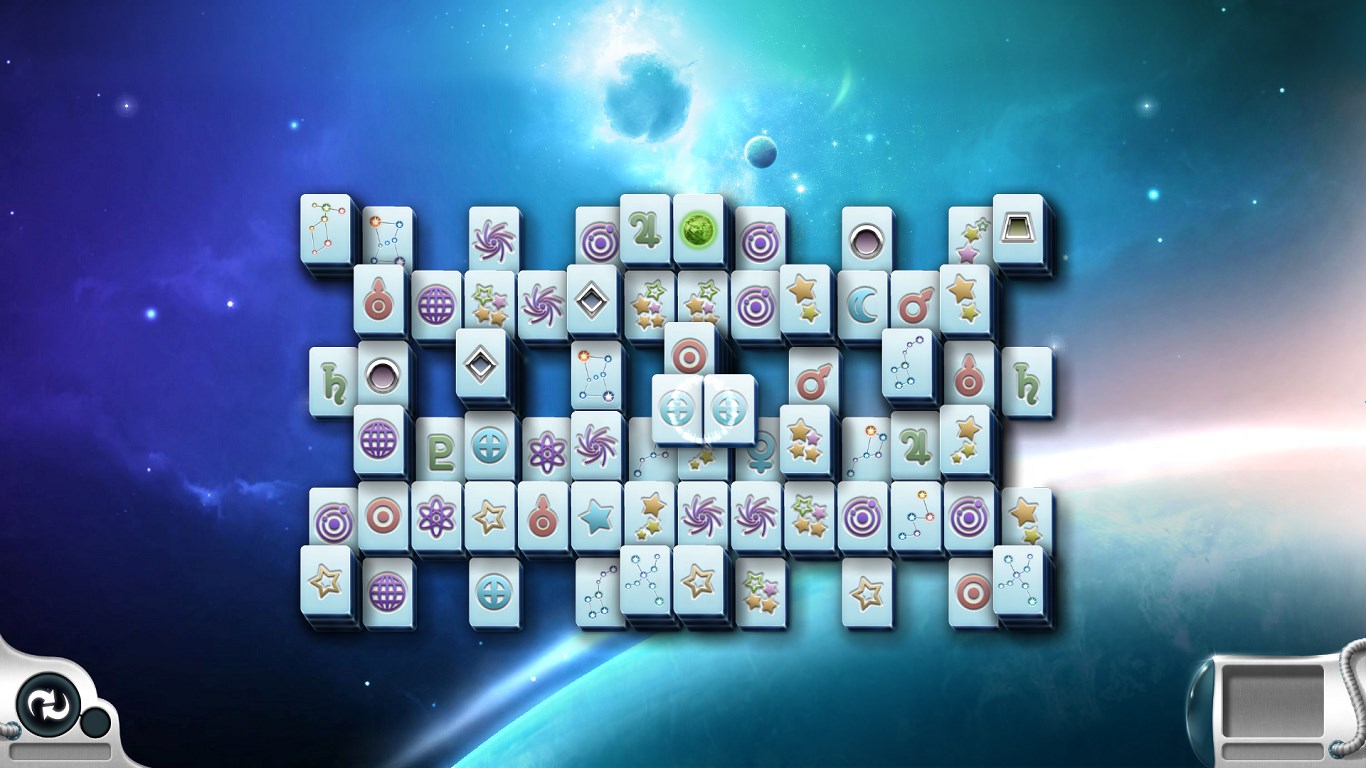
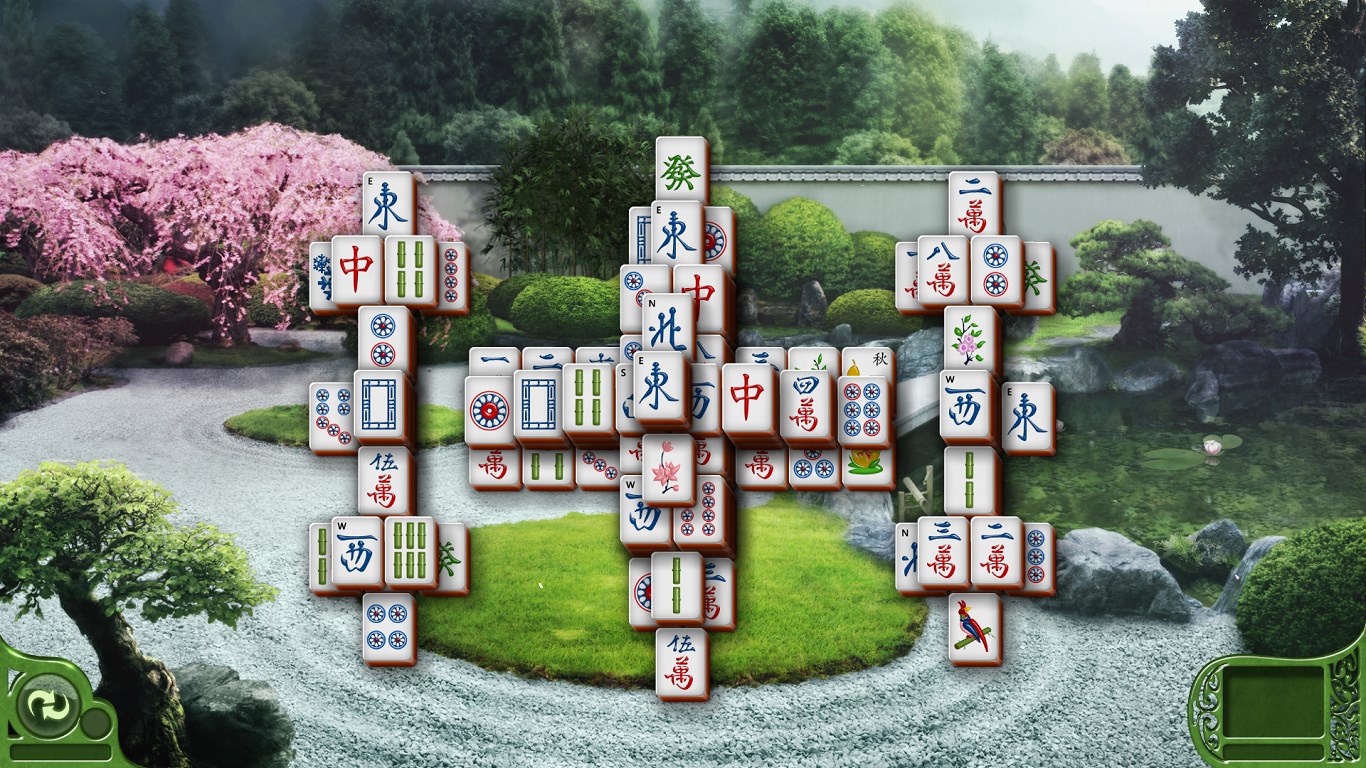
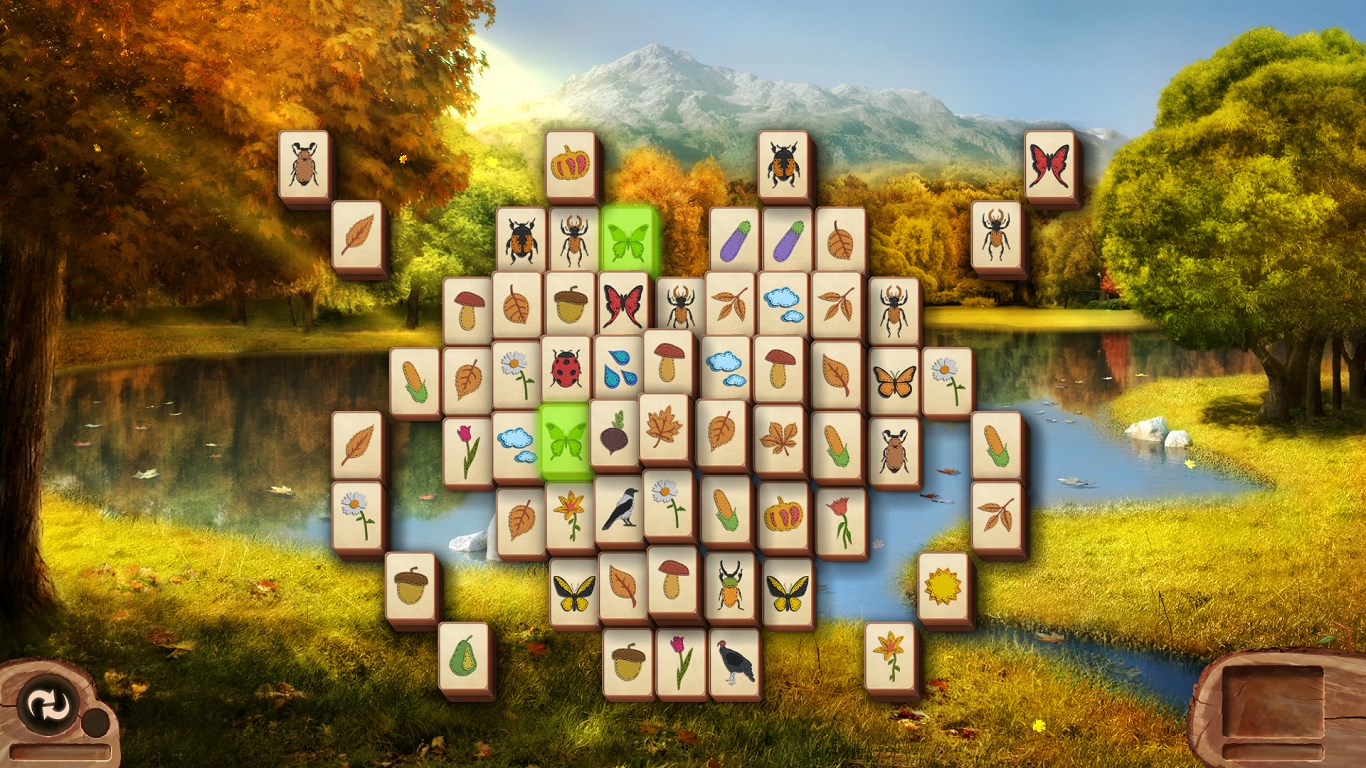
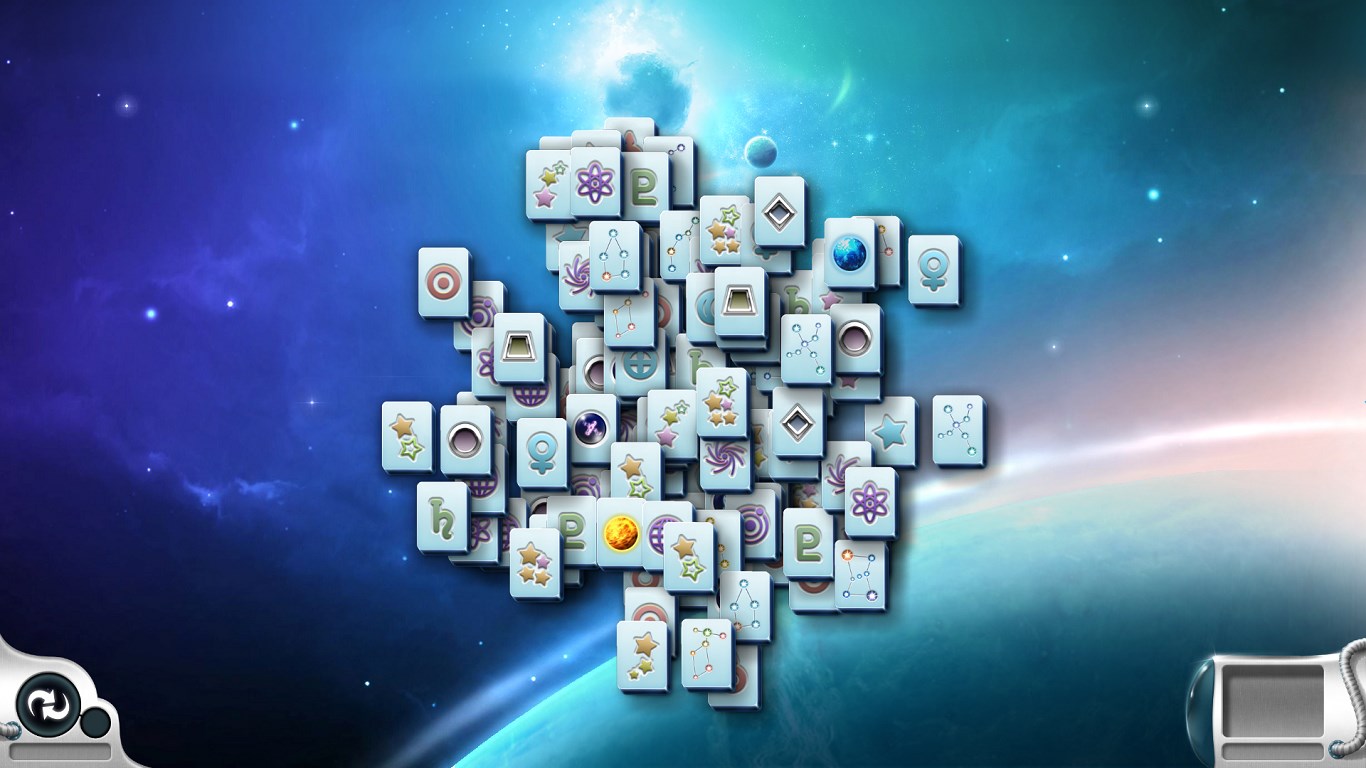
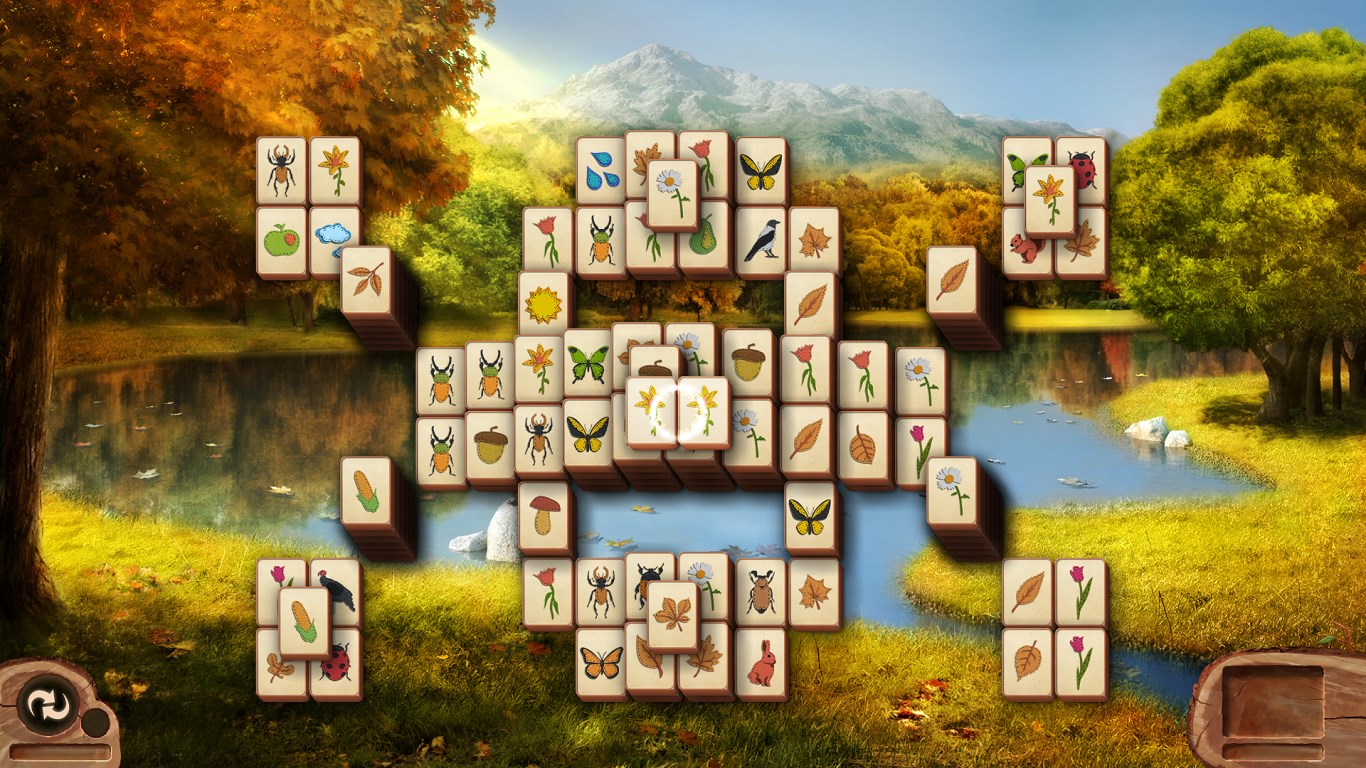
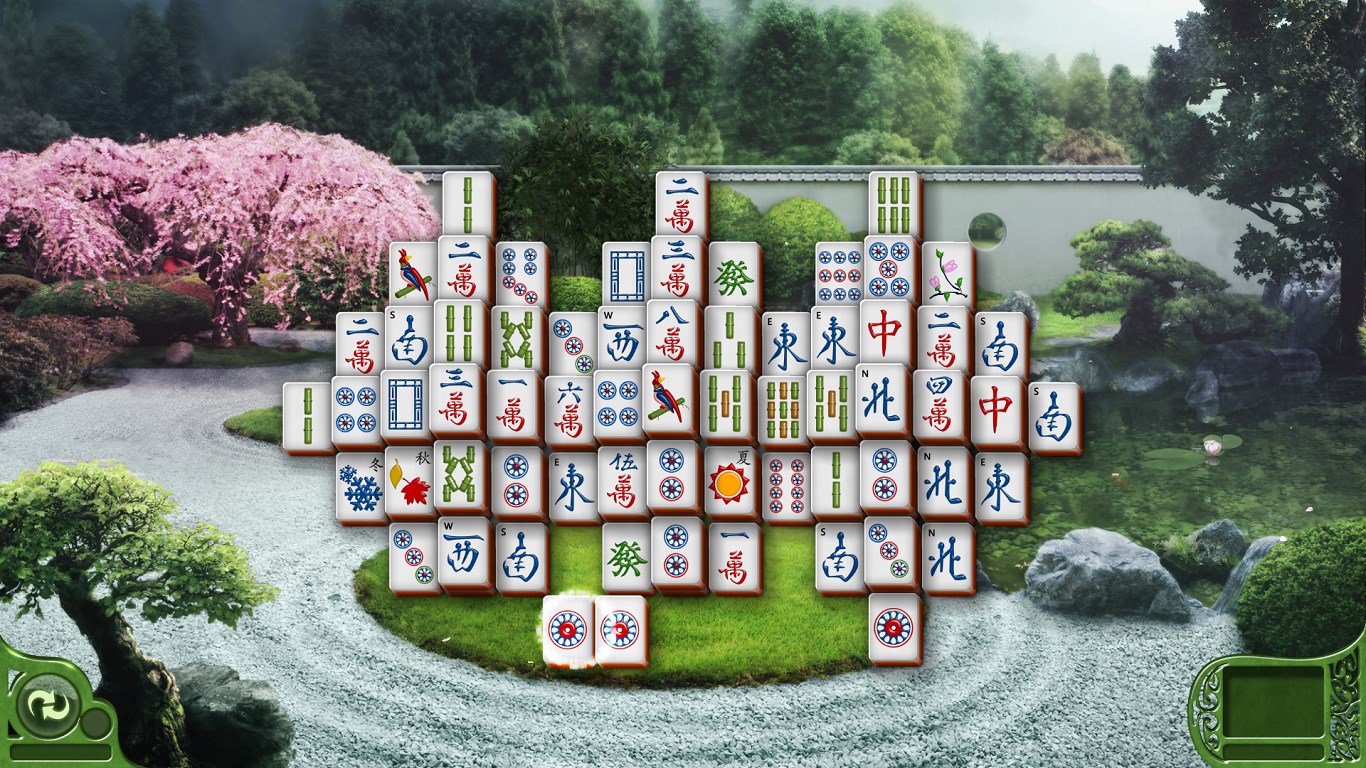
The first thing that catches your eye is the clean, crisp design—think of it as a neatly arranged Mahjong table right in your living room. The color palette is soothing, with options to customize themes, which helps reduce visual fatigue during extended play sessions. The tiles are well-sized and clear, making it easy to distinguish patterns without squinting or accidental clicks. Navigation feels intuitive, much like turning the pages of a well-loved puzzle book, inviting users of all ages to jump right in.
Seamless Gameplay and User-Friendly Operations
Operation-wise, Microsoft Mahjong scores high in smoothness. Clicking on tiles feels responsive, with virtually no lag or delay—an essential trait for maintaining immersion. The app's natural drag-and-drop or click-to-match controls make gameplay feel effortless, akin to bridging the gap between your thoughts and action with minimal friction. What stands out is the intelligent hint system that guides players gently, perfect for beginners or those seeking a relaxing challenge, without feeling patronized.
Innovative Features that Elevate the Classic
Beyond a straightforward solitaire-style game, Microsoft Mahjong offers a few distinctive features that set it apart from other classics. Its most notable is the "Daily Challenge" mode, which introduces new puzzles every day, keeping the game fresh and encouraging daily engagement—like greeting a familiar friend with a new story each time. Additionally, the app provides a robust customization system, allowing players to change tile sets and backgrounds, creating a personalized atmosphere—imagine customizing the ambiance of your game space to match your mood.
What Makes Microsoft Mahjong Stand Out?
While many Mahjong apps stick to basic tile-matching mechanics, this version's standout feature is its blend of simplicity with thoughtful extras—like daily challenges and full theme customization—that cater to both casual and dedicated players. Its smooth performance coupled with elegant visuals makes it accessible for all age groups, especially those seeking a calming, distraction-free experience. The app's focus on user comfort and continuous content updates demonstrates a commitment to quality that enhances its appeal over more monotonous counterparts.
Final Verdict: A Recommended Companion for Relaxed Play
Overall, Microsoft Mahjong for Windows is a commendable take on a classic game, shining through its thoughtful interface, seamless experience, and unique daily challenges. It's like having a tranquil oasis for your mind—simple yet engaging enough to keep you coming back. I would recommend it especially for those looking for an easy-to-learn game that doesn't sacrifice depth or personality. Whether you want to unwind after a long day or sharpen your pattern recognition skills, this app deserves a spot on your desktop.
Pros
- Intuitive gameplay
- Beautiful, traditional Mahjong tiles
- Multiple game modes available
- Regular updates and new content
- No need for an internet connection
Cons
- Limited tutorial for new players
- Occasional ads disrupt gameplay
- Preset difficulty levels may not suit all players
- Limited personalization options
- Performance issues on older devices










