



- Name City Island 6: Building Town
- Category Classics
- Developer Sparkling Society
- Available on PC, Mobile, Surface Hub, HoloLens
- OS Windows 10 version 19041.0 or higher
- DirectX Version 10
- Keyboard Integrated Keyboard
- Mouse Integrated Mouse
- languages Arabic, Chinese (Simplified), Chinese (Traditional Chinese), Danish, Dutch, English, Filipino, French, German, Hindi, Indonesian, Italian, Japanese, Korean, Malay, Norwegian (Bokmål), Persian/Farsi, Polish, Portuguese, Russian, Spanish, Swedish, Thai, Turkish, Vietnamese
City Island 6: Building Town – An Intriguing Coastal City Builder
City Island 6: Building Town by Sparkling Society is a charming and engaging simulation game that invites players to craft and manage their own seaside city, blending creative construction with strategic planning.
A Quick Look: Basic Info
Developed by Sparkling Society, a renowned name in casual city-building games, City Island 6 offers a vibrant and detailed coastal environment for players to build their dream metropolis. Its main highlights include a highly customizable building system, diverse thematic zones, and an intuitive interface designed for both casual gamers and dedicated simulation enthusiasts. The game primarily targets players who enjoy city management, creative design, and relaxing gameplay, ranging from age 10 to adult players seeking a laid-back yet rewarding experience.
Making Waves: An Exciting Introduction
Imagine stepping onto a sun-drenched island, where each wave lapping against the shore heralds a new opportunity for creativity and expansion. City Island 6 welcomes you to a picturesque world where your imagination is the only limit. Whether you're laying the foundation for a bustling coastal town or designing serene leisure spots, this game transforms city-building into an engaging seaside adventure that feels like a vacation for your mind. It's more than just stacking buildings—it's about crafting a lively community with personality and charm.
Core Feature 1: Varied Thematic Zones and Customization Options
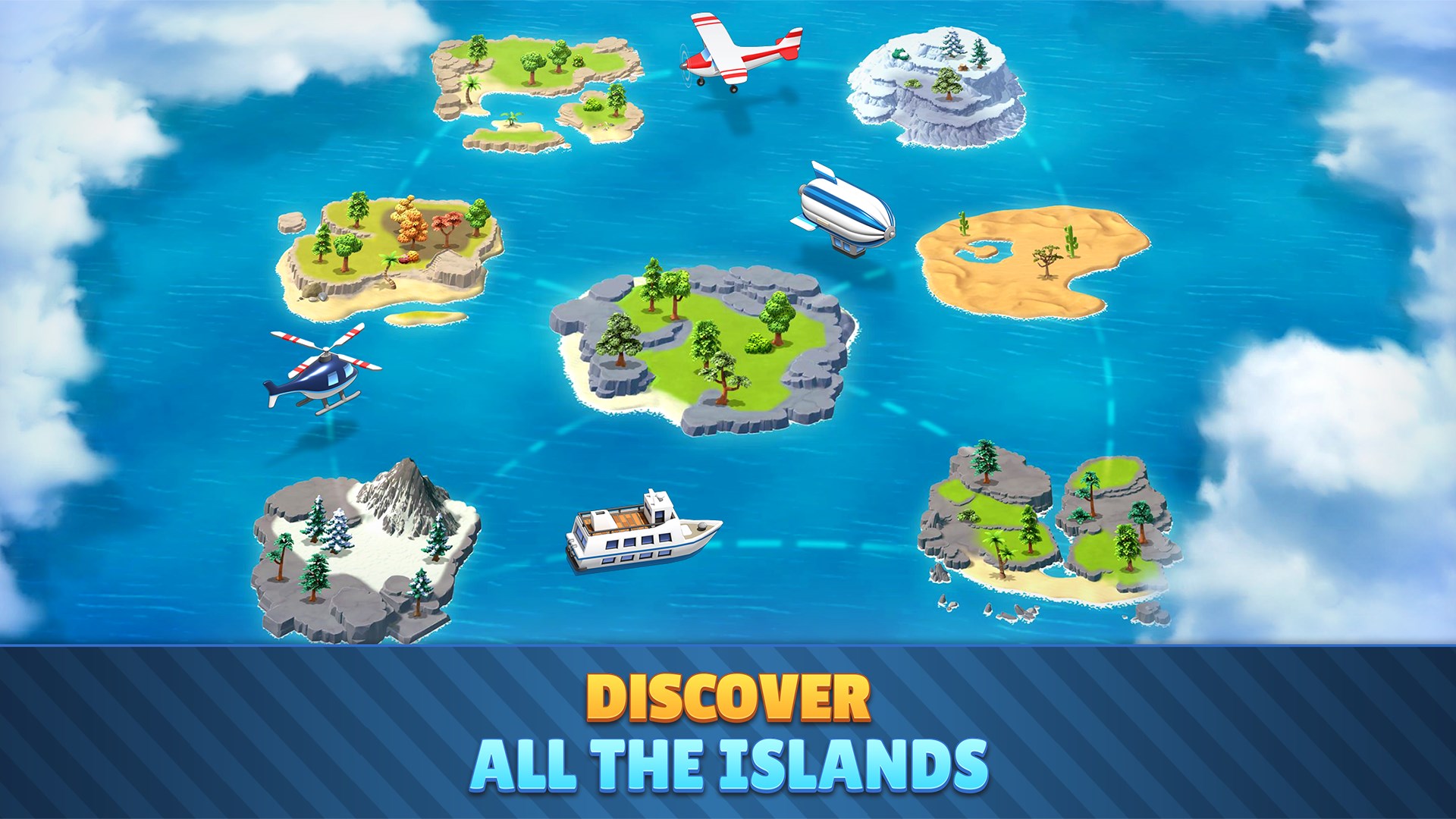
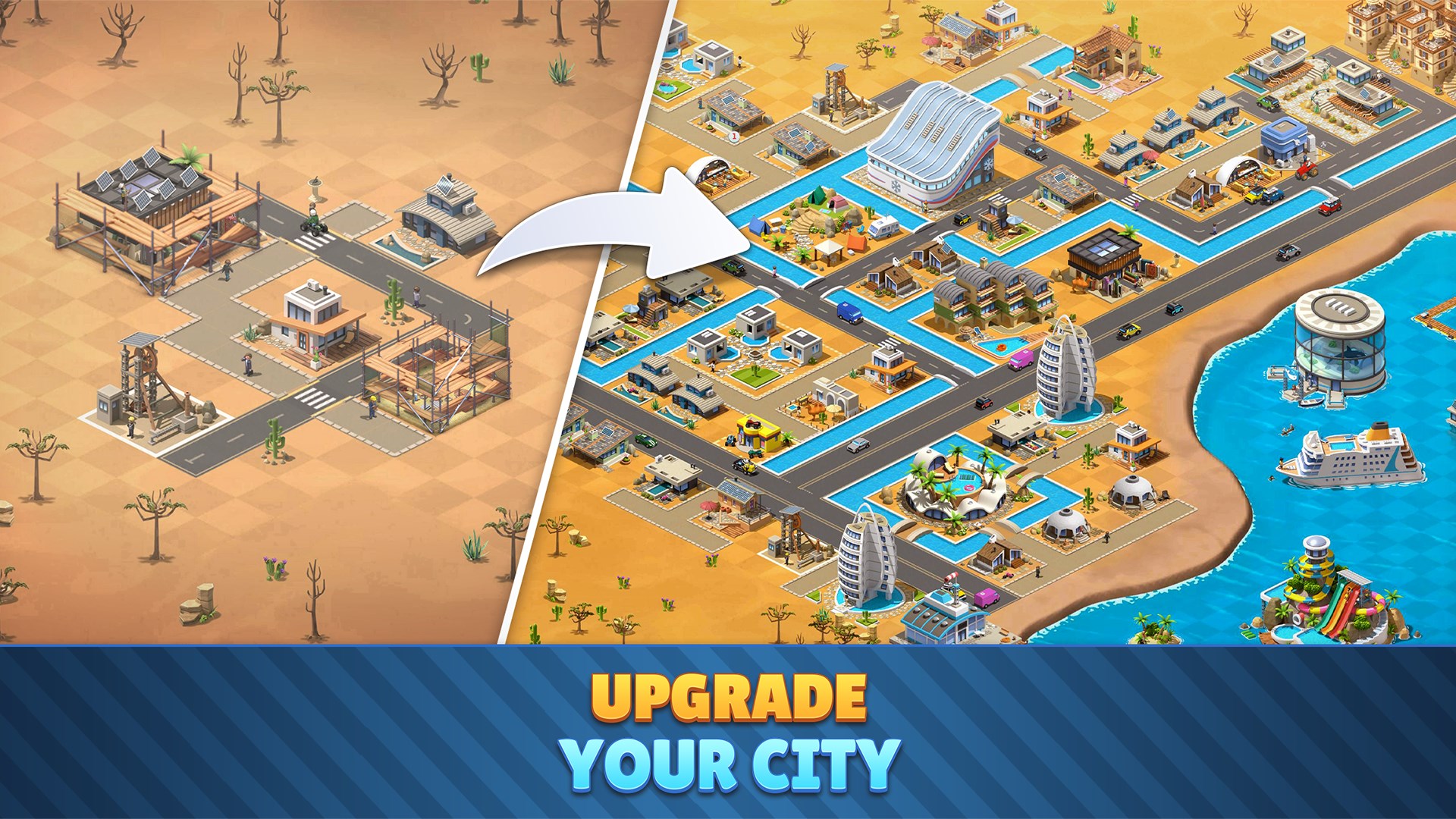
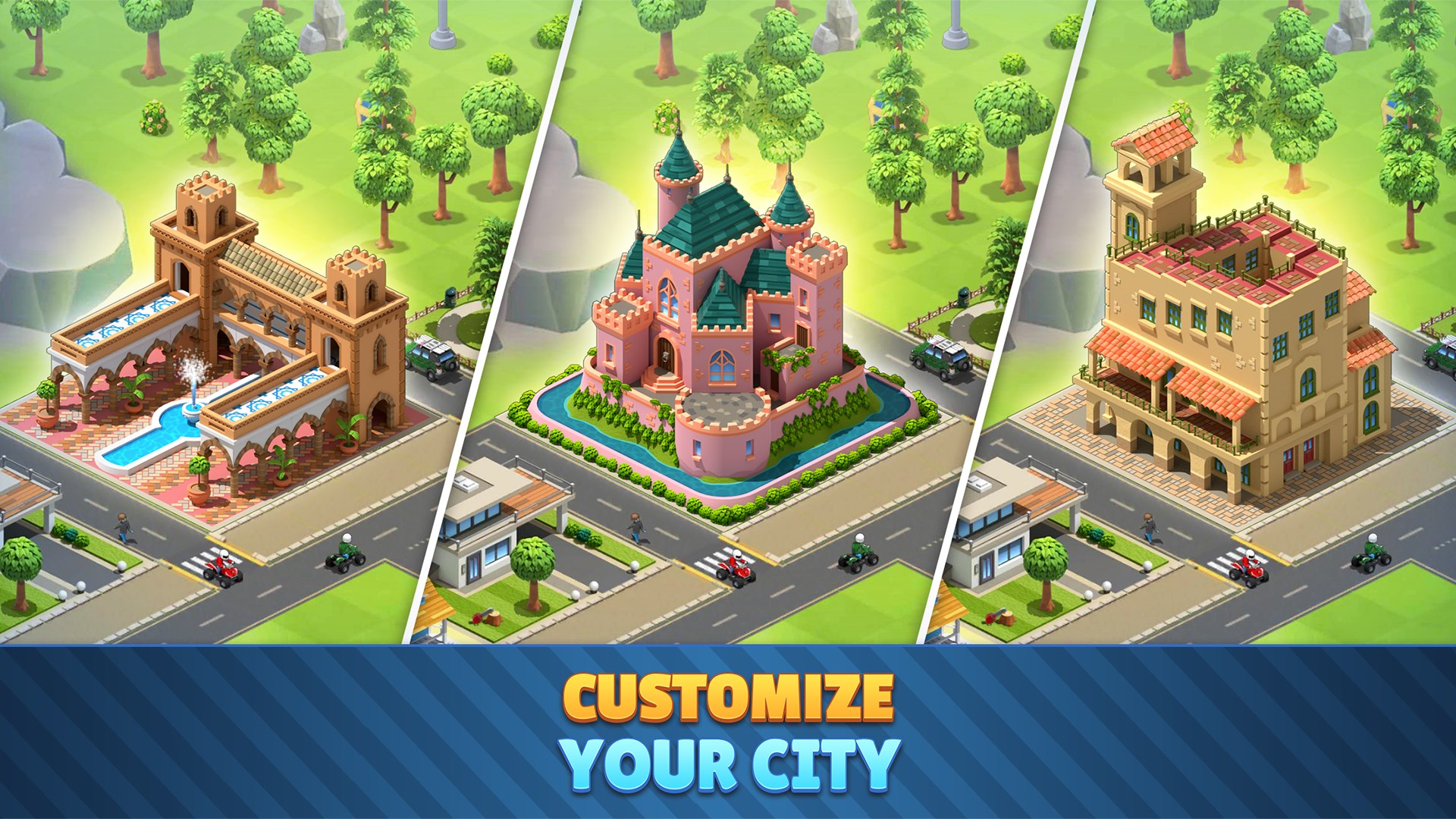
The game's standout feature lies in its rich variety of thematic districts—from classic seaside resorts to modern urban hubs. Players can personalize their islands by selecting unique building styles, decorations, and landscaping options, which makes each city uniquely theirs. Unlike many competitors that lock features behind paywalls, City Island 6 offers a surprisingly extensive array of customization choices accessible through steady gameplay, encouraging long-term engagement. This diversity ensures that no two islands are alike, fostering a sense of pride and ownership in your creation.
Core Feature 2: Easy-to-Use, Intuitive Interface with a Smooth Experience
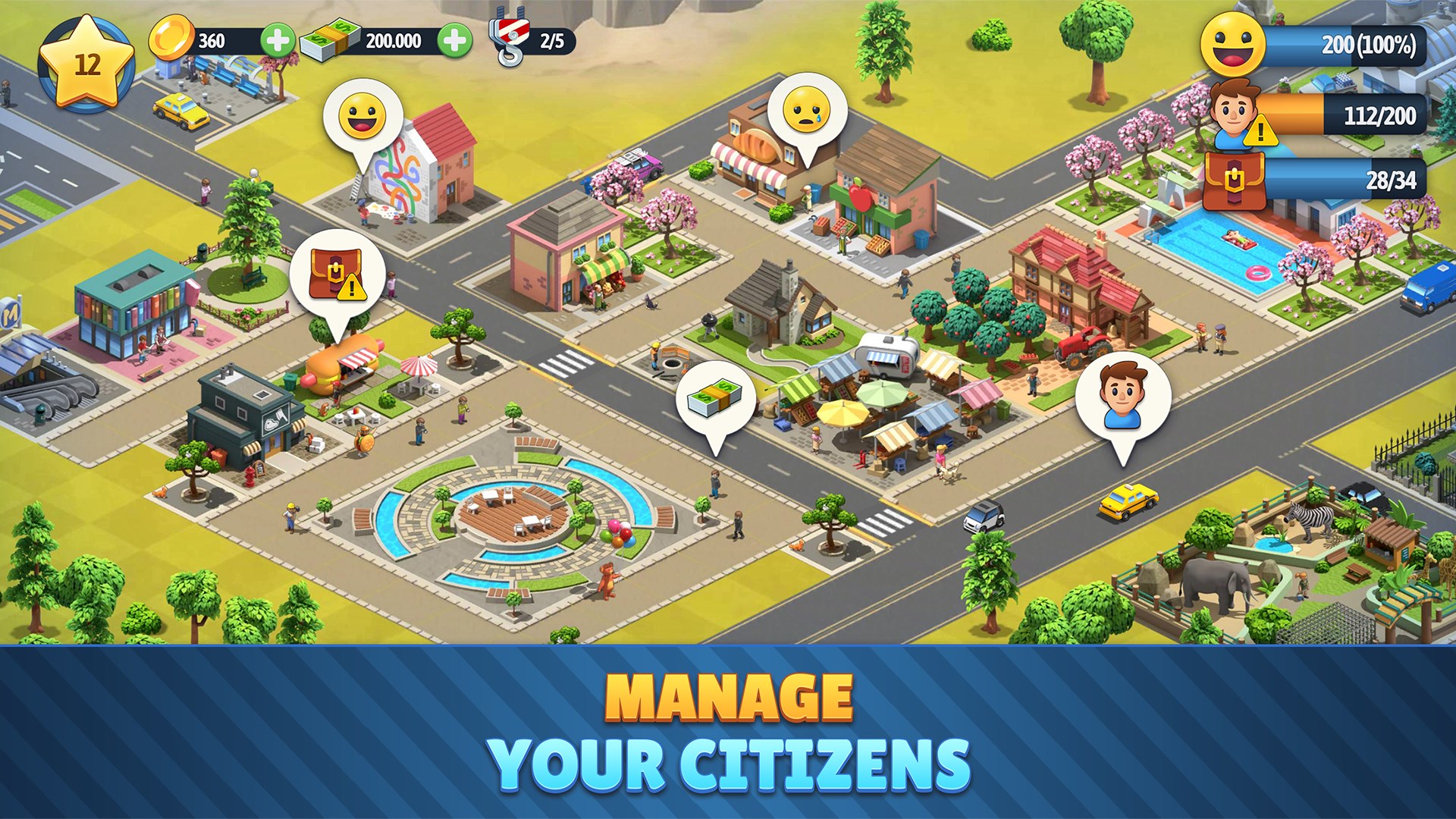
One of City Island 6's greatest strengths is its user-friendly interface. Smooth navigation, clear icons, and simplified controls make city management accessible even for newcomers. Building and upgrading structures feel natural, with minimal waiting times, thanks to optimized performance that keeps the gameplay fluid on most Windows devices. The learning curve is gentle; players are encouraged to experiment and learn at their own pace without feeling overwhelmed, making the game suitable for quick sessions or longer creative marathons.
Design, UX, and Differentiators
The game boasts a bright, colorful aesthetic reminiscent of a postcard-perfect seaside town—think pastel-colored houses, palm trees swaying gently in the breeze, and sparkling waters all around. The visual design enhances immersion and provides a relaxing backdrop for creative planning. In terms of usability, it outperforms similar genres with its intuitive drag-and-drop mechanics and helpful tutorials that facilitate onboarding. Unlike other city builders centered solely on urban development, City Island 6's life-like beachside setting creates a unique atmosphere, blending leisure and productivity seamlessly. Its ability to continuously refresh content through seasonal events and themed updates ensures sustained interest.
Final Thoughts and Recommendations
If you're seeking a serene yet creatively stimulating city-building experience that offers a delightful coastal ambience, City Island 6 is a commendable choice. Its standout features—diverse customization options and user-friendly design—set it apart from similar applications. It's especially suitable for casual players and those who value aesthetic details and a relaxing gameplay flow. I'd recommend giving it a try if you enjoy slow-paced simulation that rewards design and strategic placement without the pressure of time-limited challenges. For players entrenched in more complex urban management sims, City Island 6 provides a charming, accessible alternative that still offers depth and replayability.
Pros
- Engaging city-building gameplay
- High-quality graphics and detailed visuals
- Frequent updates with new content
- User-friendly interface
- Free to play with optional in-app purchases
Cons
- Limited gameplay depth in later stages
- In-app purchases can be quite expensive
- Occasional connectivity issues
- Ads can occasionally interrupt gameplay
- Device compatibility varies










