
- Name Tile Puzzle Game: Tiles Match
- Category Classics
- Developer RV AppStudios
- Available on PC
- OS Windows 10 version 10240.0 or higher
- DirectX Version 10
- languages Chinese (Simplified), Chinese (Traditional Chinese), Czech, Danish, Dutch, English (United States), Finnish, French, German, Greek, Hindi, Indonesian, Italian, Japanese, Korean, Malay, Norwegian, Polish, Portuguese, Russian, Spanish, Swedish, Thai, Turkish, Vietnamese
Introducing Tile Puzzle Game: Tiles Match for Windows
Tile Puzzle Game: Tiles Match is a charming and engaging tile-matching puzzle designed to bring a splash of color and challenge to Windows users of all ages. Whether you're a casual gamer or a dedicated puzzle fanatic, this app offers a delightful experience rooted in simplicity and strategy.
Developed by RV AppStudios, a Reliable Name in Casual Gaming
Created and published by RV AppStudios, a respected developer known for its accessible and well-designed casual games, Tile Puzzle Game: Tiles Match aims to deliver both fun and mental stimulation in a straightforward package.
Game Highlights That Keep You Hooked
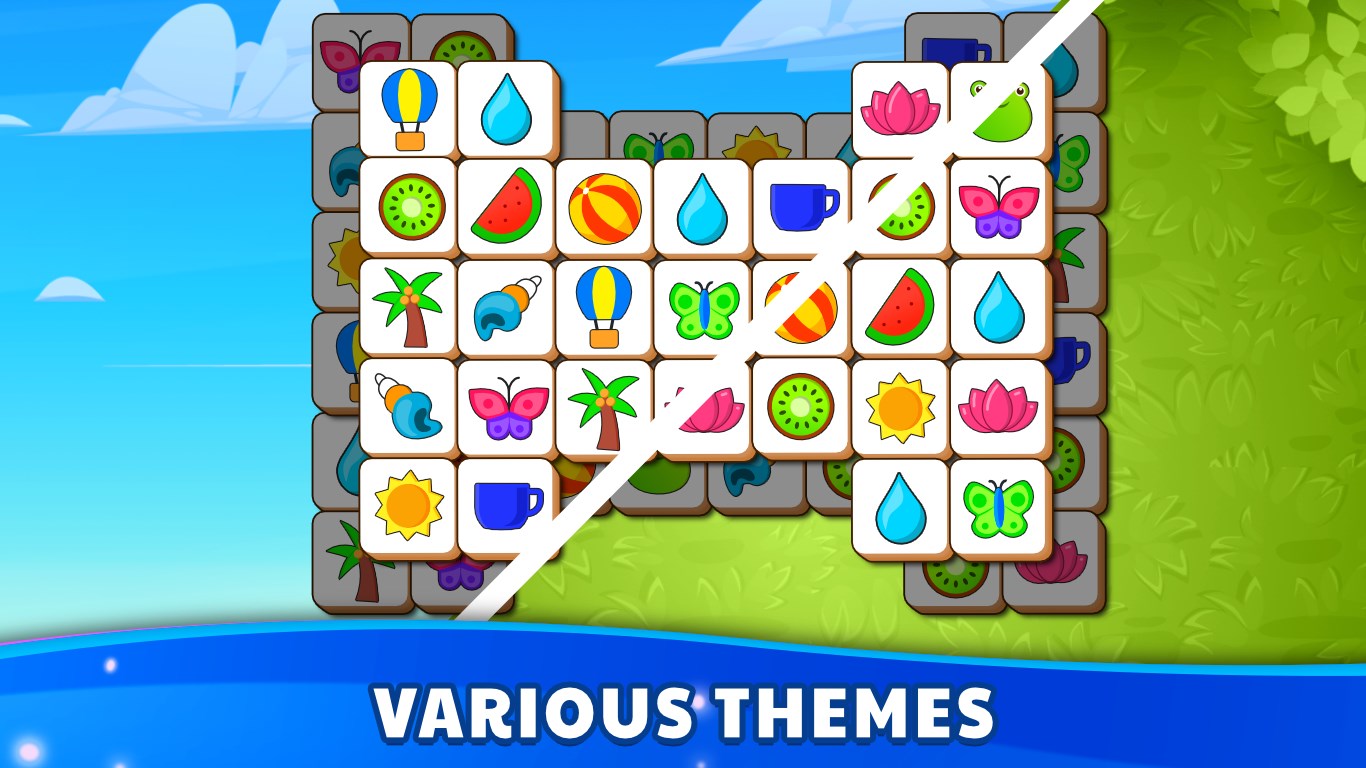
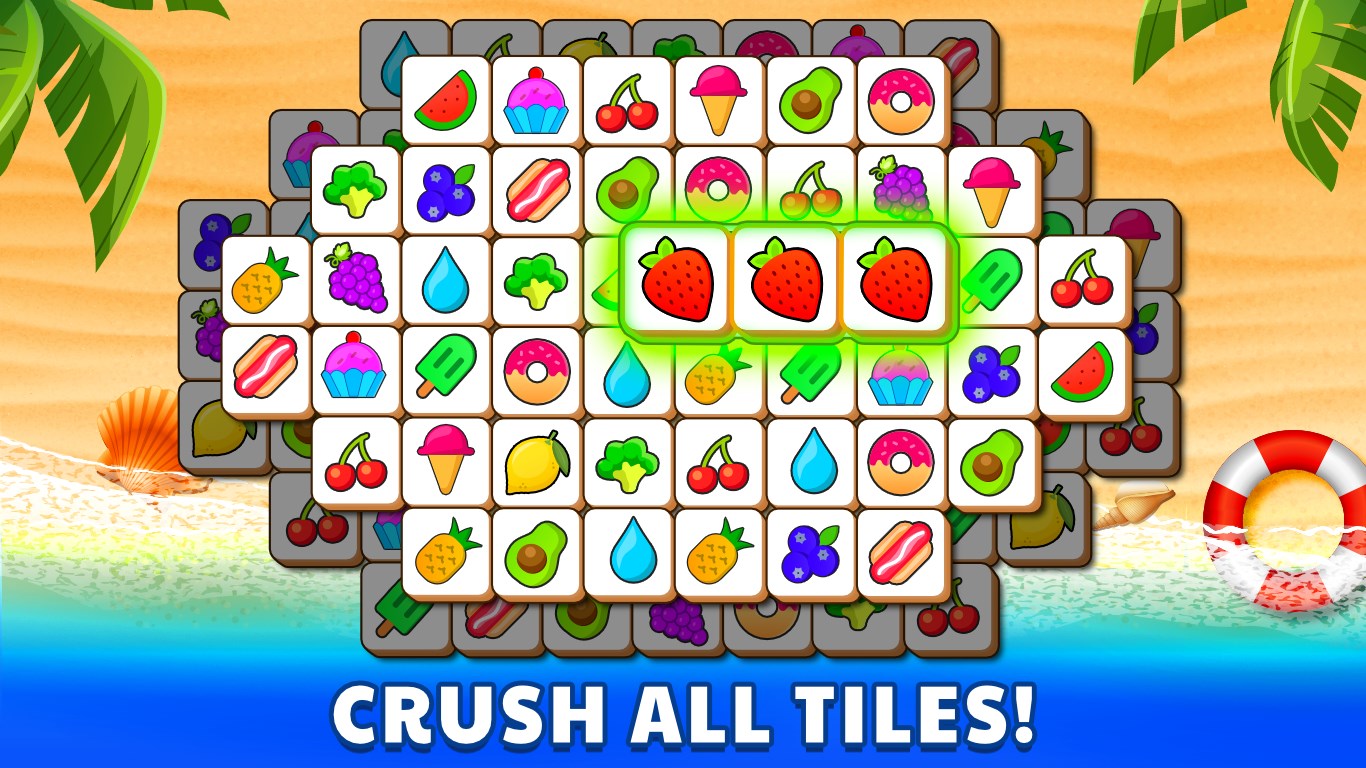
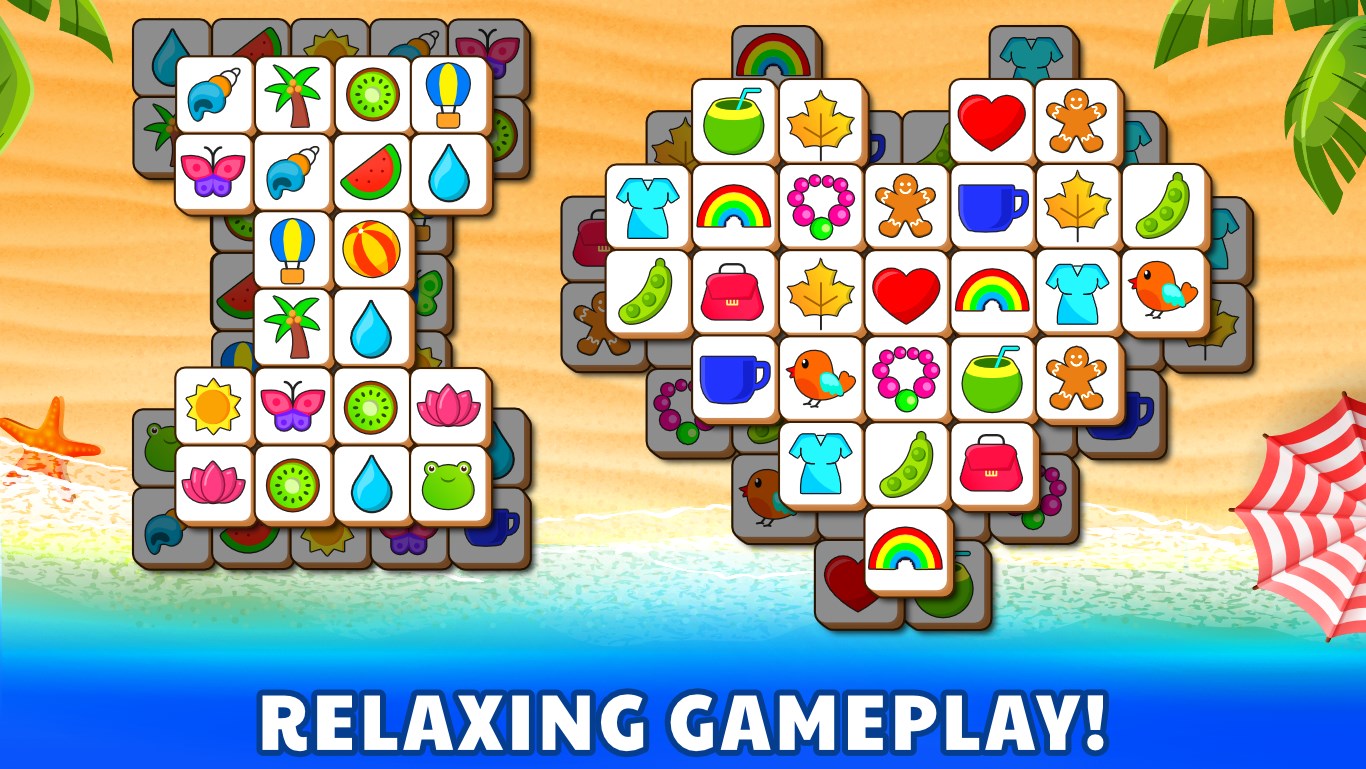
- Intuitive and Fresh Tile Matching Mechanics: Unlike traditional match-3 games, Tiles Match emphasizes connecting tiles based on color and pattern within a grid, creating a fresh twist on classic puzzle play.
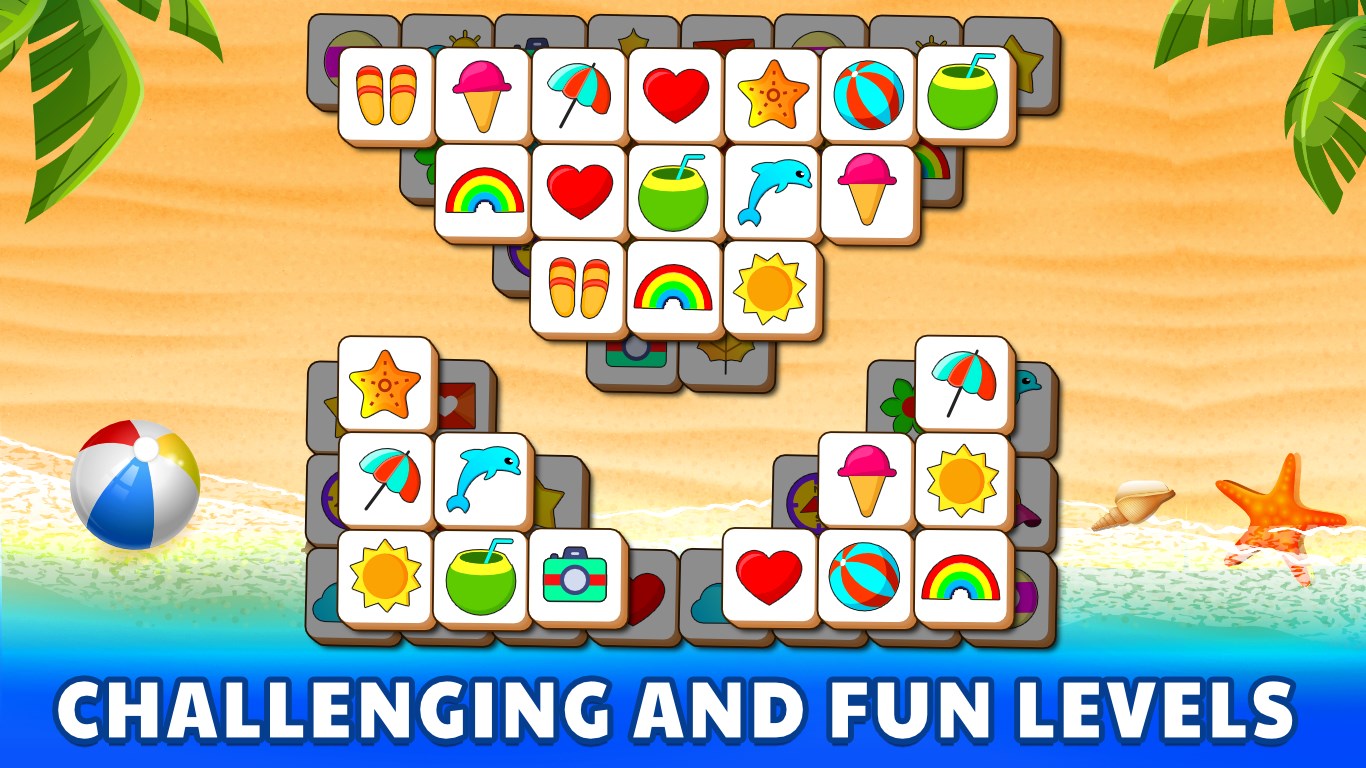
- Multiple Difficulty Levels: Designed for players of varying skill levels, from easy casual sessions to more challenging puzzles that test strategic planning.
- Vibrant Visuals and Soothing Sounds: Bright, appealing graphics paired with calming musical backgrounds make each gaming session a relaxing experience.
- Progression and Rewards System: Unlock new levels and earn rewards as you improve, encouraging continuous play without feeling overwhelmed.
What Makes This App Stand Out?
One of the most unique aspects of Tiles Match is its focus on pattern recognition and spatial reasoning rather than mere speed or matching identical tiles, as seen in many similar titles. This subtle shift makes it suitable for players who enjoy thoughtful puzzle-solving. Additionally, the game's layout is highly accessible, with a simple interface that minimizes distractions, allowing users to focus solely on their matching strategy.
Immersive User Experience and Interface Design
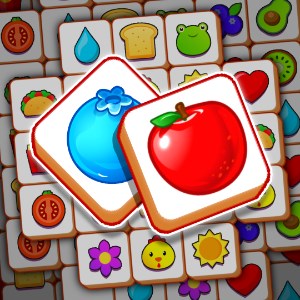
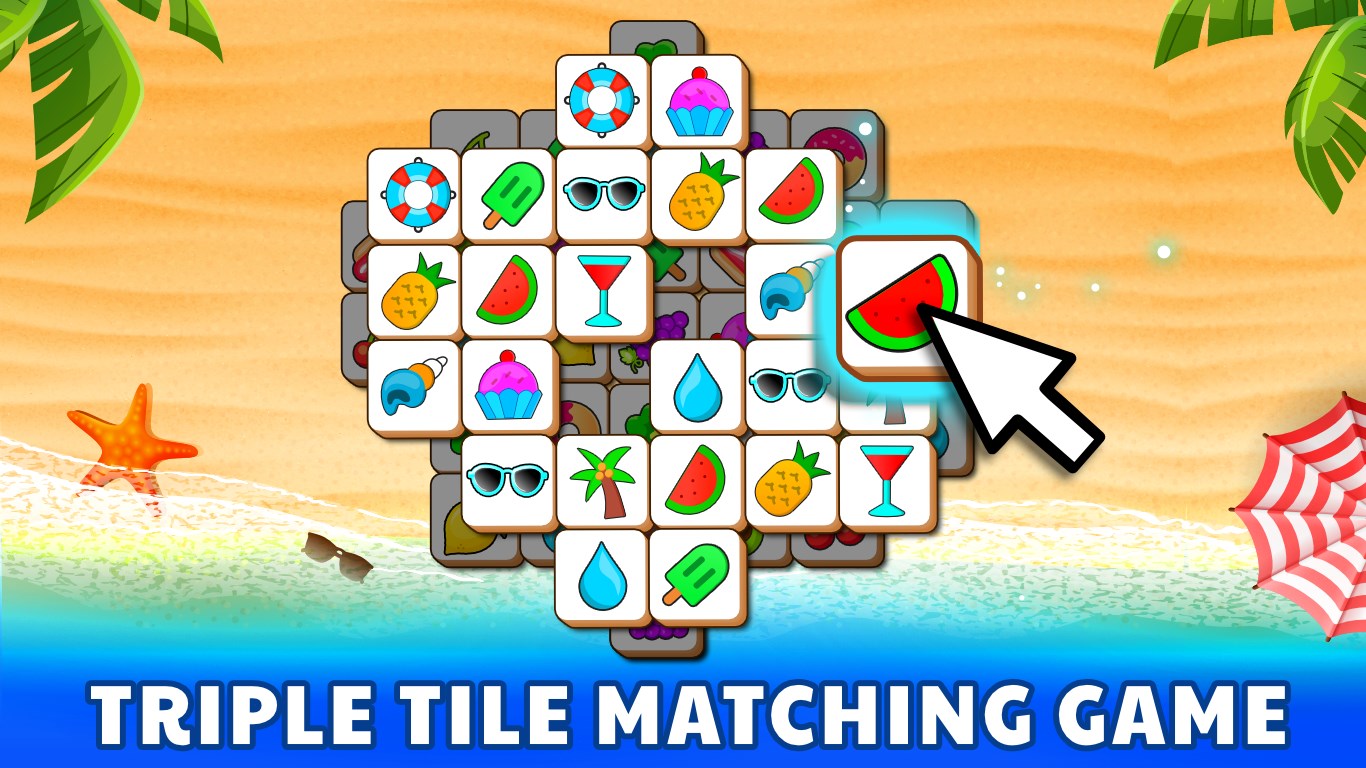
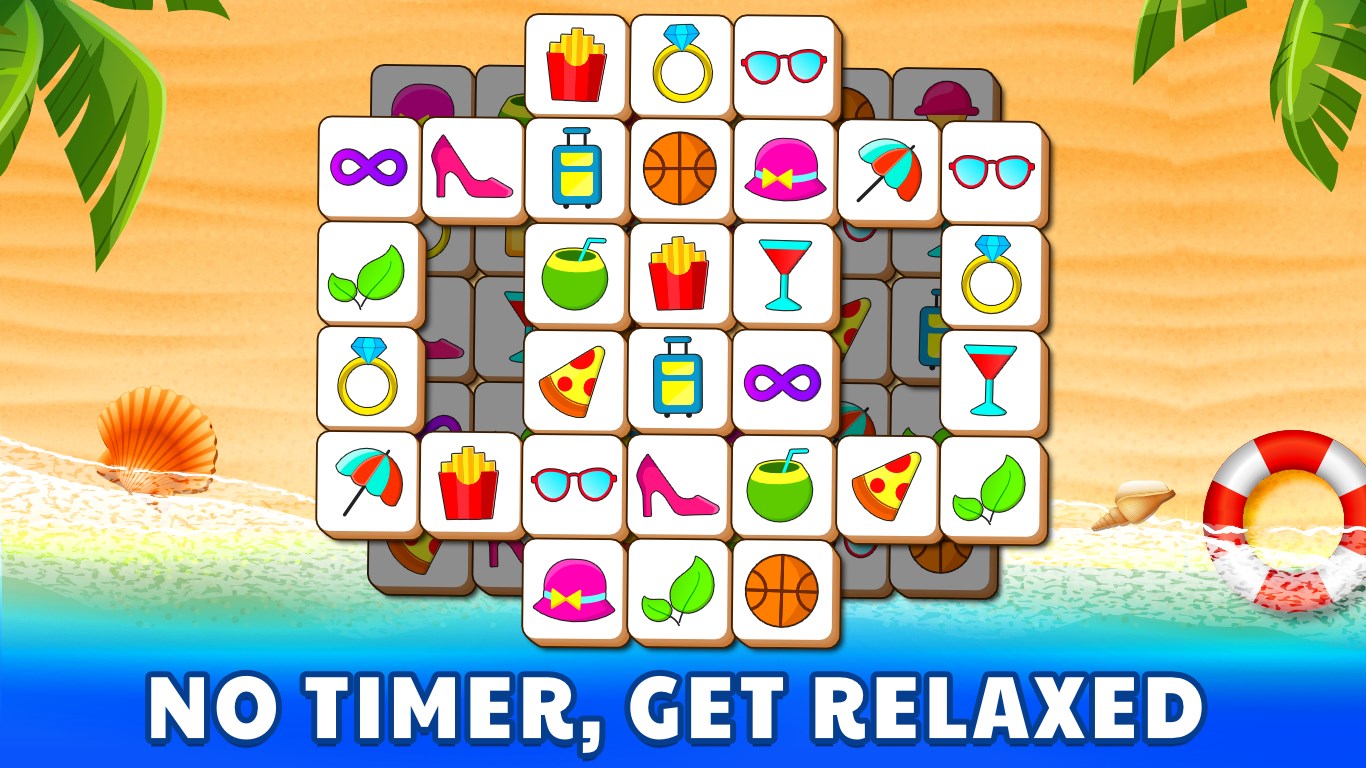
The game's interface is both clean and colorful, with tiles that are easy to distinguish and interact with. Its design resembles a polished digital mosaic, inviting players to delve into harmonious visual arrangements. Operation is buttery smooth, with immediate response to touches or clicks, ensuring an uninterrupted flow of gameplay. Learning curves are gentle—most players will pick up the mechanics within a few minutes, which makes the game highly accessible to newcomers while still offering depth for veteran puzzlers.
Differentiation from Similar Classics and Final Recommendations
Compared to other tile-matching or classic puzzle applications, Tiles Match's standout feature is its blend of straightforward mechanics with strategic depth, appealing to both casual players and puzzle connoisseurs. Unlike standard match-3 games that often rely on quick reflexes and grid-filling chaos, Tiles Match emphasizes thoughtful moves and pattern fitting, which can be more satisfying for players seeking a mentally stimulating experience.
Overall, I recommend Tile Puzzle Game: Tiles Match for anyone looking to enjoy a tranquil yet engaging puzzle without the distraction of overly complex controls or intrusive ads. It's perfect for short breaks or calm afternoons and can serve as a refreshing mental exercise. If you appreciate elegant design and intelligent gameplay, this app deserves a spot on your Windows device.
Pros
- Intuitive and colorful interface
- Engaging gameplay with varying difficulty levels
- Smooth performance with minimal lag
- Incremental rewards encourage continued play
- Offline mode available for on-the-go gaming
Cons
- Limited tutorial for new players
- Few customization options for tiles and backgrounds
- Some levels may become repetitive after prolonged play
- Occasional minor bugs during tile swapping
- Limited social sharing features











