




- Name Mini Golf Club
- Category Classics
- Developer Obumo Games
- Available on PC, Mobile
- OS Windows 10 version 10240.0 or higher
- DirectX Version 10
- Memory 1 GB
- languages Arabic, Bangla (Bangladesh), Chinese (Simplified), Chinese (Traditional, Hong Kong SAR), English (United States), French, German, Hindi, Hungarian, Italian, Japanese, Korean , Polish , Portuguese (Brazil), Russian, Spanish (Spain), Thai, Turkish, Vietnamese
Mini Golf Club for Windows: A Charming Spin on Virtual Miniature Golf
If you're a fan of mini golf or just looking for a relaxing yet engaging casual game, Mini Golf Club for Windows offers a delightful digital fairway experience. With its colorful visuals and straightforward gameplay, it promises hours of fun whether you're a beginner or a seasoned putter enthusiast.
Meet the Developer and Core Features
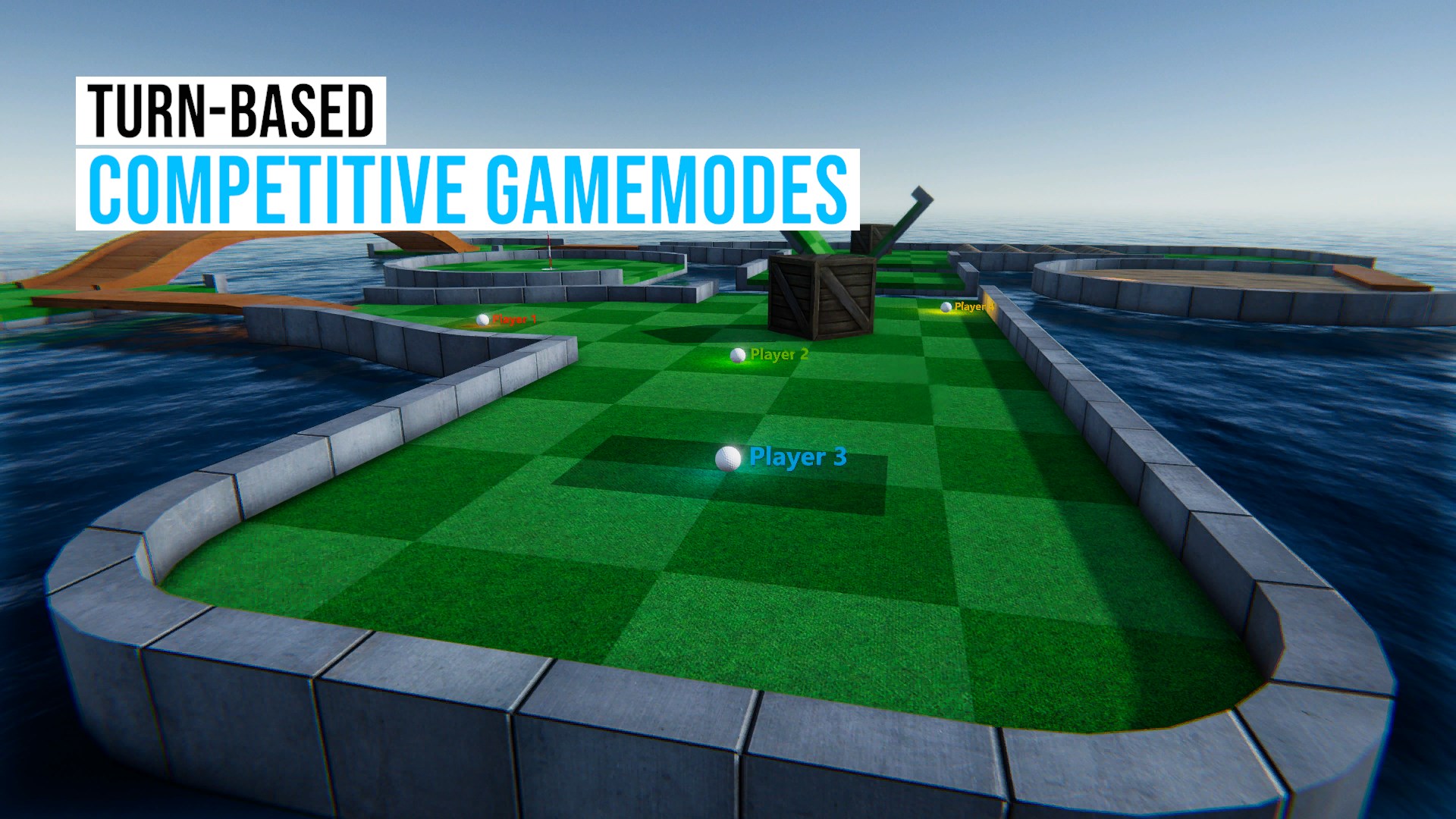
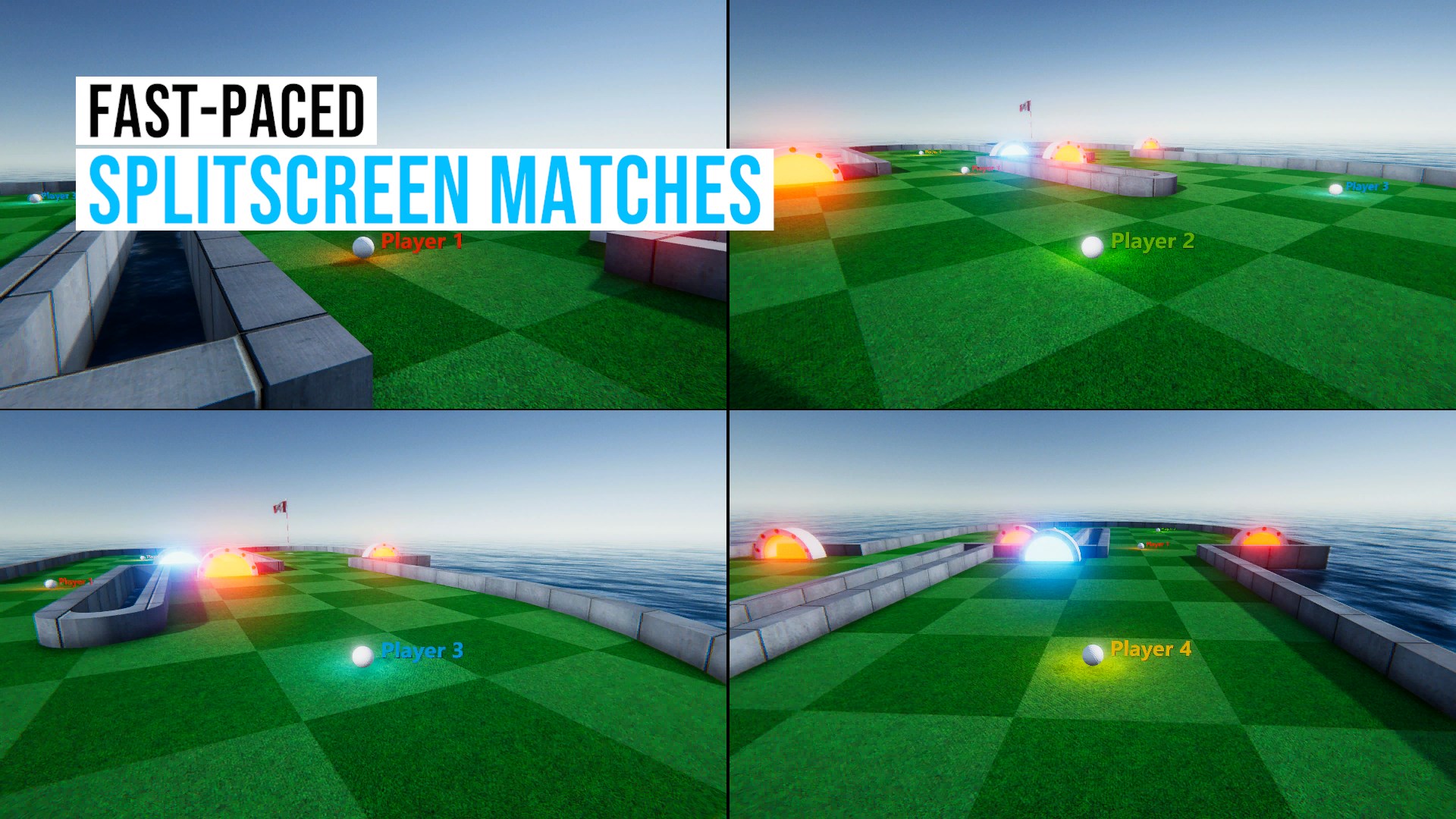
Developed by Obumo Games and published by Zoltán Gubics, this application is crafted to bring the joy of mini-golf into your Windows environment. Its main highlights include a variety of creative courses, intuitive controls, and multiplayer modes. These features aim to provide both casual entertainment and a competitive edge for players seeking a challenge or social play.
Gameplay and User Experience: Looping Through the Greens
Imagine stepping onto a lush virtual golf course, where each hole beckons with a unique twist—be it winding pathways or zany obstacles. The game's interface is vibrant yet uncluttered, making it easy for players to focus on their shot. The controls feel smooth, with precise response to mouse clicks and drags, ensuring your swings feel natural—a critical aspect when tackling tricky shots. Learning curves are gentle; even newcomers can pick up the game swiftly, thanks to clear visual cues and minimal complexity.
Visual Design and Controls
One of the game's greatest strengths lies in its cheerful, cartoon-like art style that creates a welcoming, family-friendly atmosphere. The courses are designed with bright colors, playful themes, and inventive obstacle arrangements, which keep the experience lively. The control scheme is simple: aim, power up, and strike—mirroring real mini-golf actions but without complex mechanics, making the game highly accessible to players across age groups.
Distinctive Advantages Over Similar Apps
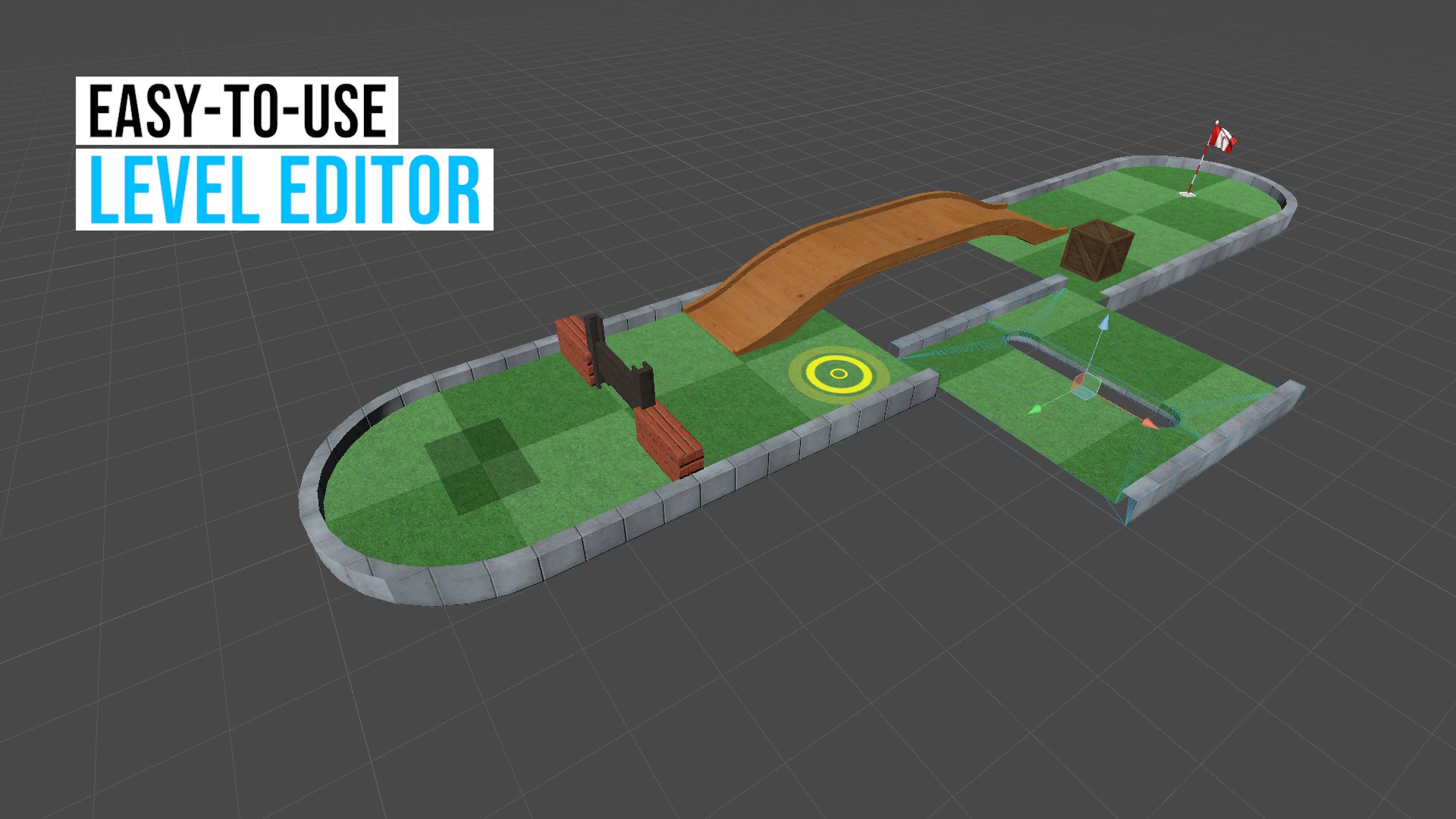
While many mini-golf games stick to standard courses, Mini Golf Club introduces a level of customization and variety that sets it apart. Its most compelling feature is the diverse range of course themes—from tropical islands to futuristic landscapes—which can be navigated with ease. Unique obstacles such as bumpers, portals, and moving barriers add strategic complexity, elevating the gameplay beyond conventional formats. Moreover, the multiplayer mode allows friends to compete in real-time, reminiscent of spirited rounds on a sunny fairway, making it a social experience on your screen.
Final Verdict: A Solid Choice for Casual Golfers
Overall, Mini Golf Club for Windows is a thoughtfully designed, accessible game that captures the essence of mini-golf with a digital twist. Its most notable strengths—its varied courses with creative obstacles and its user-friendly controls—make it suitable for both casual players and those seeking a quick, relaxing challenge. While it doesn't reinvent the mini-golf genre, its charming presentation and smooth gameplay are definitely worth trying out.
We recommend it for anyone looking for a fun and low-pressure game to unwind after a busy day. Whether you want to practice your putting skills or compete with friends, this app offers an engaging, light-hearted experience that's just a click away. Give it a shot—you might find yourself playing hole after hole in a virtual backyard filled with endless possibilities.
Pros
- Intuitive controls
- Realistic physics
- Variety of courses
- Competitive multiplayer mode
- Minimal ads
Cons
- Limited camera angles
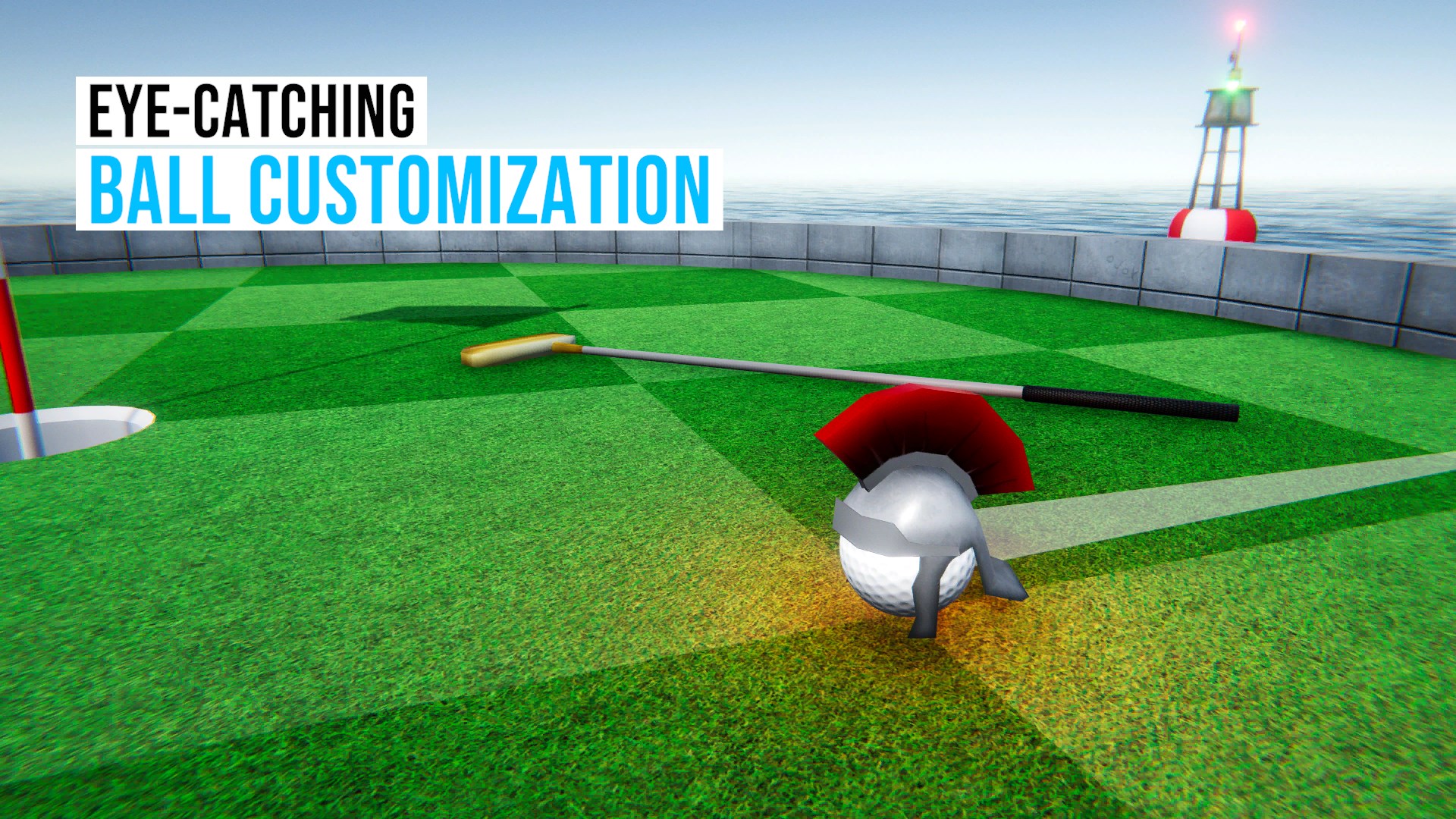
- Lack of customization options
- Occasional lag on older devices
- Repetitive sound effects
- Limited tutorial guidance











