
- Name Minesweeper Classic Challenge
- Category Classics
- Available on PC, Mobile, Surface Hub, HoloLens
- OS Windows 10 version 14393.0 or higher
- languages English (United States)
A Classic Puzzle Reinvented: Minesweeper Classic Challenge for Windows
If you're a fan of logic puzzles and nostalgic gaming, Minesweeper Classic Challenge for Windows offers a fresh yet familiar experience that brings the timeless game to your fingertips with modern tweaks. Developed by Bts Music Game, this app promises to reignite your love for the classic minesweeping thrill, packaged in a sleek, user-friendly interface. Whether you're a seasoned veteran or a curious newcomer, this version aims to deliver both challenge and enjoyment in equal measure.
Core Features That Shine
Intuitive Interface with Classic Charm
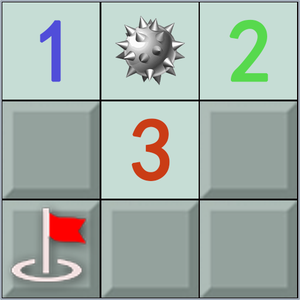
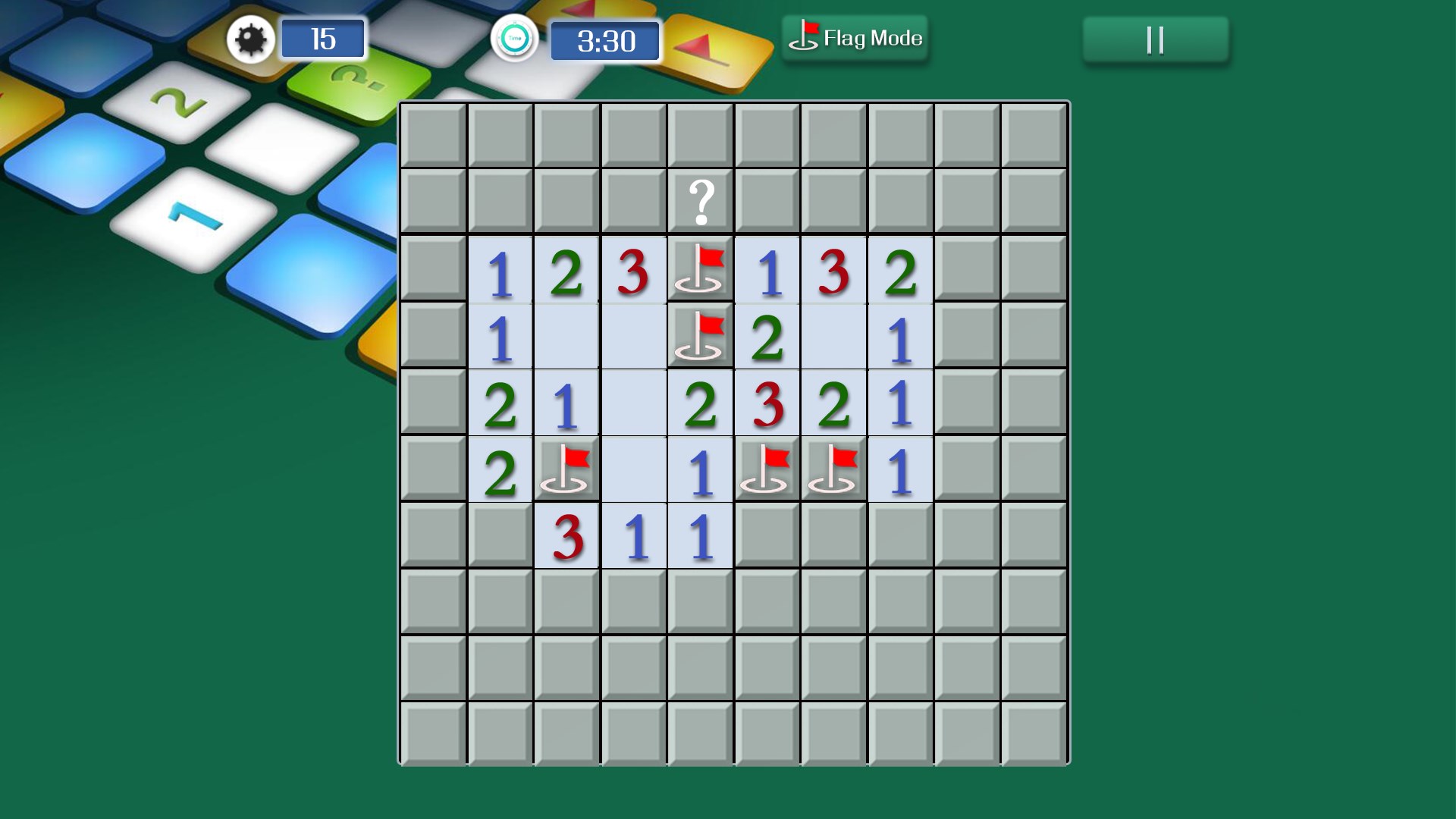
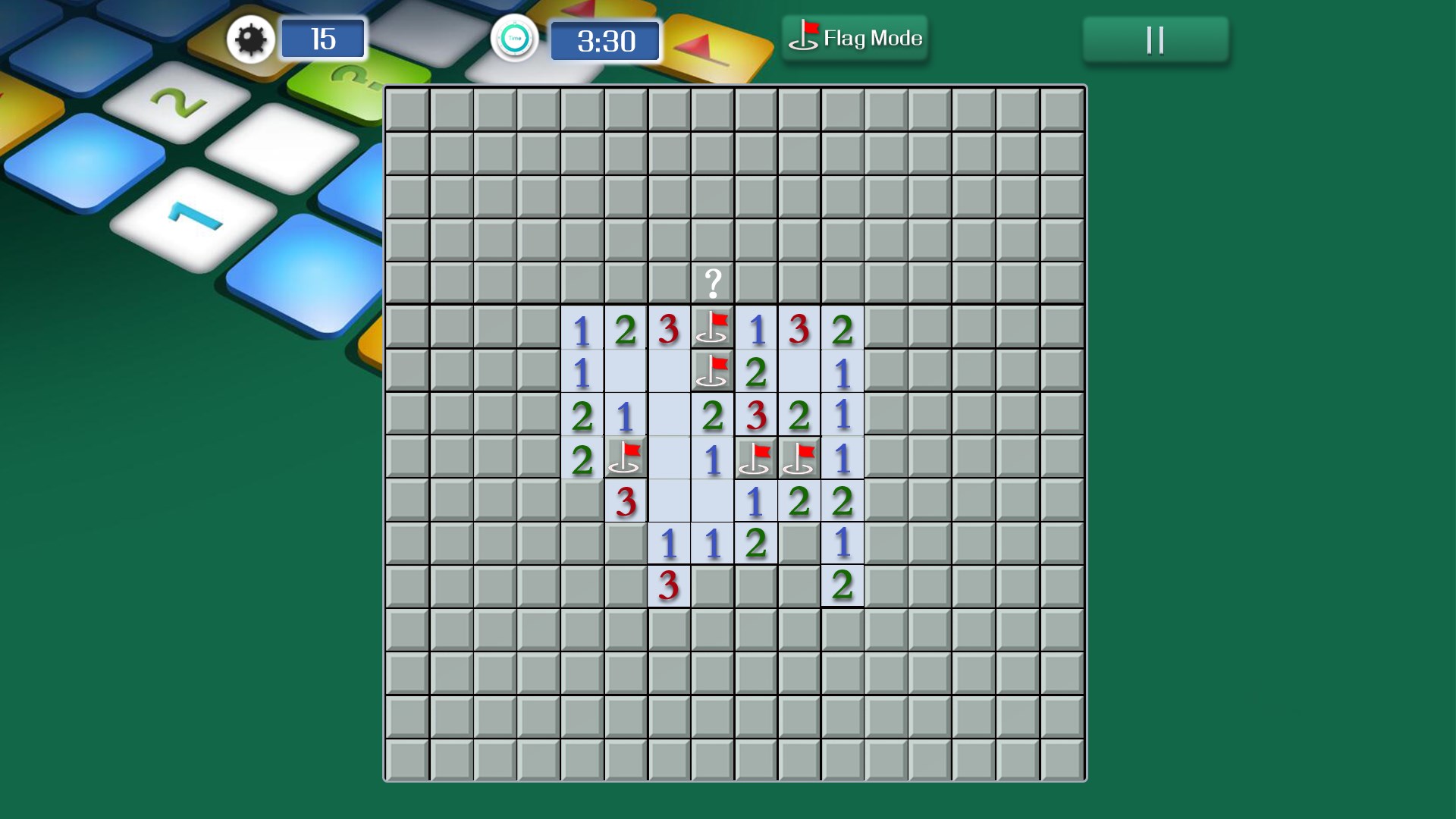
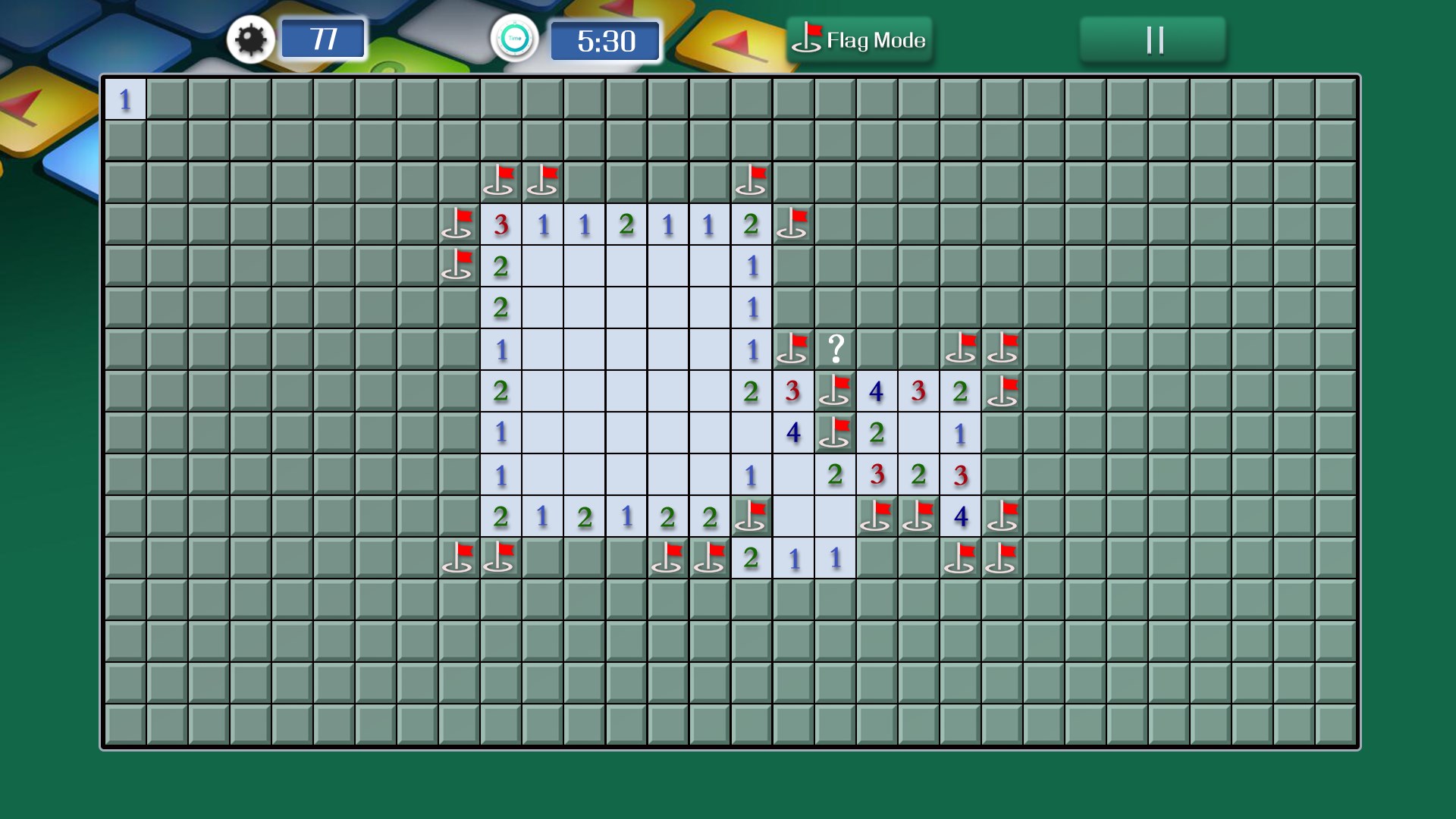
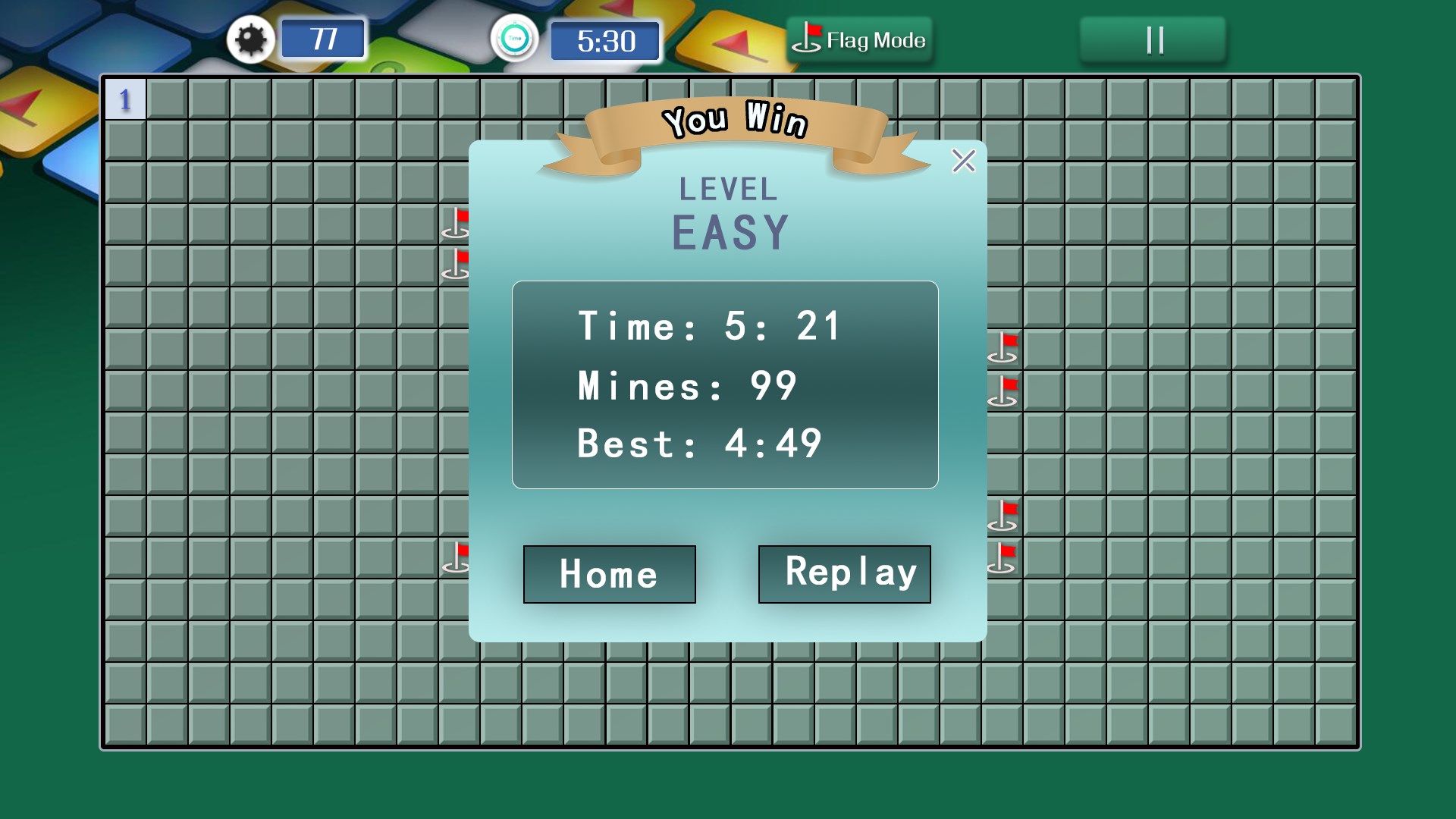
The design of Minesweeper Classic Challenge feels like a tidy, well-organized desk — everything is just where you need it. With crisp visuals and a clean layout, the game preserves the nostalgic aesthetic that longtime fans love, while seamlessly integrating modern graphical elements. This blend ensures a smooth visual experience that is both pleasing and easy to navigate.
Adaptive Difficulty Levels & Customization
One of the most appealing features is the flexible difficulty setup. From beginner's gentle grids to expert-level minefields, players can tailor challenges to their skill level. Additionally, custom game modes allow for personalized grid sizes and mine counts, turning each session into a unique puzzle adventure. This adaptability makes the game suitable for casual play or serious mental workouts.
Engaging Soundscape & Feedback System
The app includes subtle, rewarding sound effects that respond to user actions, such as safely uncovering tiles or flagging suspected mines. These auditory cues enhance immersion and add a layer of satisfaction as you piece together the clues. While the sounds are understated enough not to distract, they elevate the overall experience, making each move feel purposeful.
User Experience and Playability
Setting out to decipher a minesweeper puzzle with Minesweeper Classic Challenge feels like engaging in a friendly puzzle competition with your own mind. The interface is refreshingly straightforward—buttons are responsive, and the controls facilitate rapid clicking or tapping, whether on a mouse or touchscreen. The learning curve remains gentle; newcomers quickly grasp the mechanics thanks to well-designed tutorials and intuitive navigation. Importantly, the smooth performance ensures that even on older Windows devices, the game runs without hiccups, making it accessible to a broad audience.
Compared to other classic minesweeper apps, this version distinguishes itself through its emphasis on customization and visual clarity. While many clones stick rigidly to tradition, Minesweeper Classic Challenge offers more control over game parameters and a more polished aesthetic, making it both a nostalgic throwback and a contemporary gaming experience.
What Sets It Apart from Other Classics?
Beyond its familiar gameplay, what makes Minesweeper Classic Challenge particularly compelling is its balance of simplicity and depth. The ability to customize the grid size and difficulty allows for tailored challenges that can evolve with your skill level—think of it as having a personal puzzle master at your side. Moreover, its focus on ease of use and straightforward design makes it more inviting for casual players, yet sufficiently challenging for veterans seeking mental stimulation.
In an era crowded with flashy, gimmicky puzzles, this app stands out by honoring the core logic of the original minesweeper, complemented by refined visuals and flexible gameplay options. It strikes that delicate balance of respecting tradition while adding enough modern polish to keep it relevant and engaging.
Final Verdict and Recommendations
If you're seeking a reliable, thoughtfully crafted minesweeper experience, Minesweeper Classic Challenge is worth your attention. Its intuitive design and customizable options make it suitable for all skill levels, while the calming soundscape and responsive controls offer a polished user experience. Whether you're looking for a quick mental break or an engaging puzzle adventure, this app provides a satisfying challenge without unnecessary frills.
We recommend this game for puzzle enthusiasts and nostalgia lovers alike—especially those who appreciate a clean layout and the freedom to tailor their gameplay. It's an excellent addition to your Windows app library, promising mindful fun that sharpens the mind and soothes the soul.
Pros
- Intuitive interface
- Classic gameplay experience
- Smooth performance
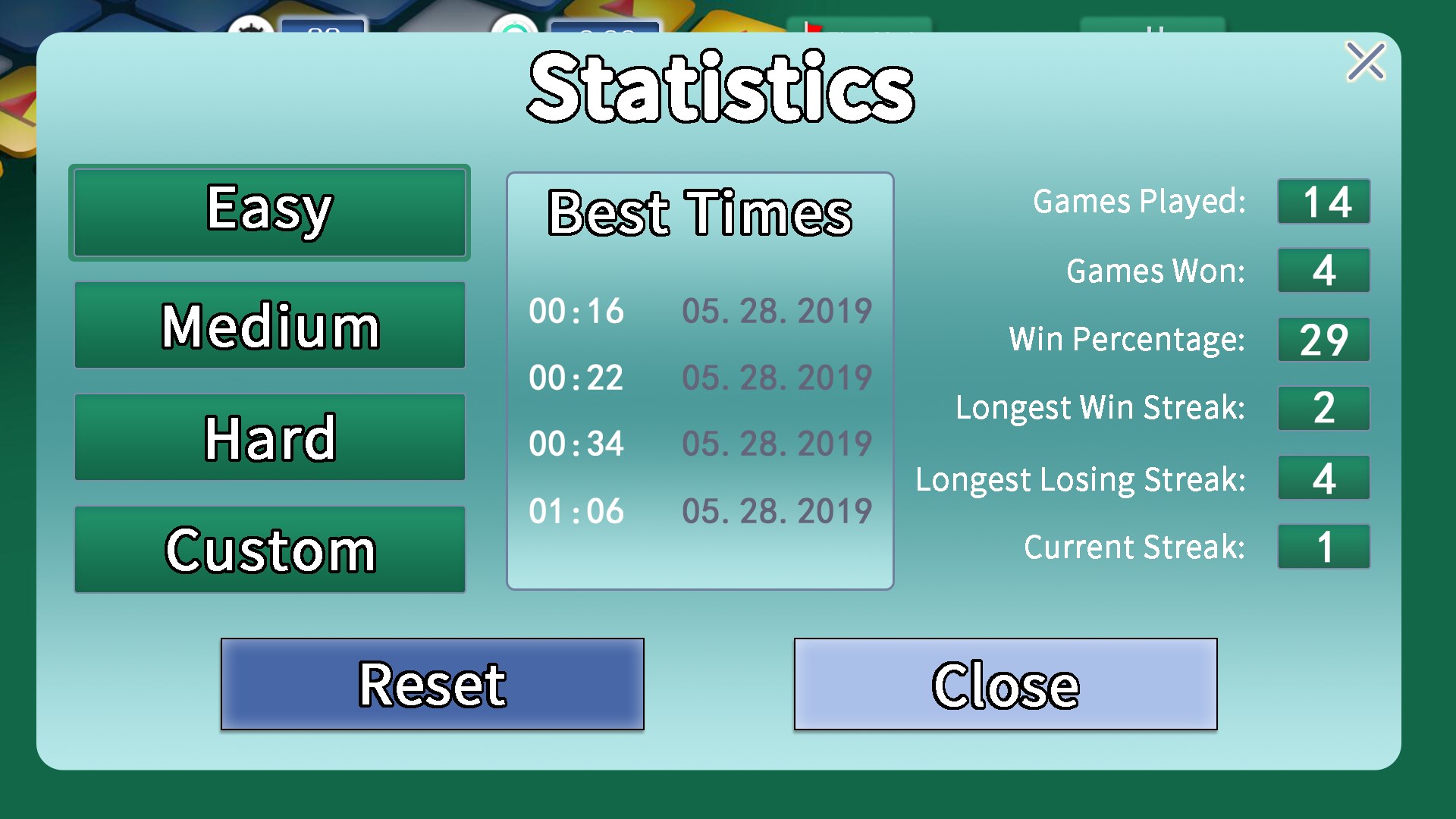
- Progress tracking
- Mini-tutorials included
Cons
- Limited customization options
- Lack of achievements or leaderboards
- Basic visual design
- No adaptive difficulty options
- Minor bugs in touch response











