

- Name Hearts Classic
- Category Classics
- Developer Larocque
- Available on PC
- OS Windows 10 version 19041.0 or higher
- languages English (United States), French
Introduction: A Timeless Classic with a Modern Twist
Hearts Classic for Windows is a thoughtfully crafted digital rendition of the timeless hearts card game, bringing nostalgic gameplay into the modern era with a sleek interface and intuitive controls. Whether you're a casual player or a dedicated card enthusiast, this app aims to deliver a seamless, enjoyable experience right at your fingertips.
Simplicity Meets Elegance: User Interface and Design
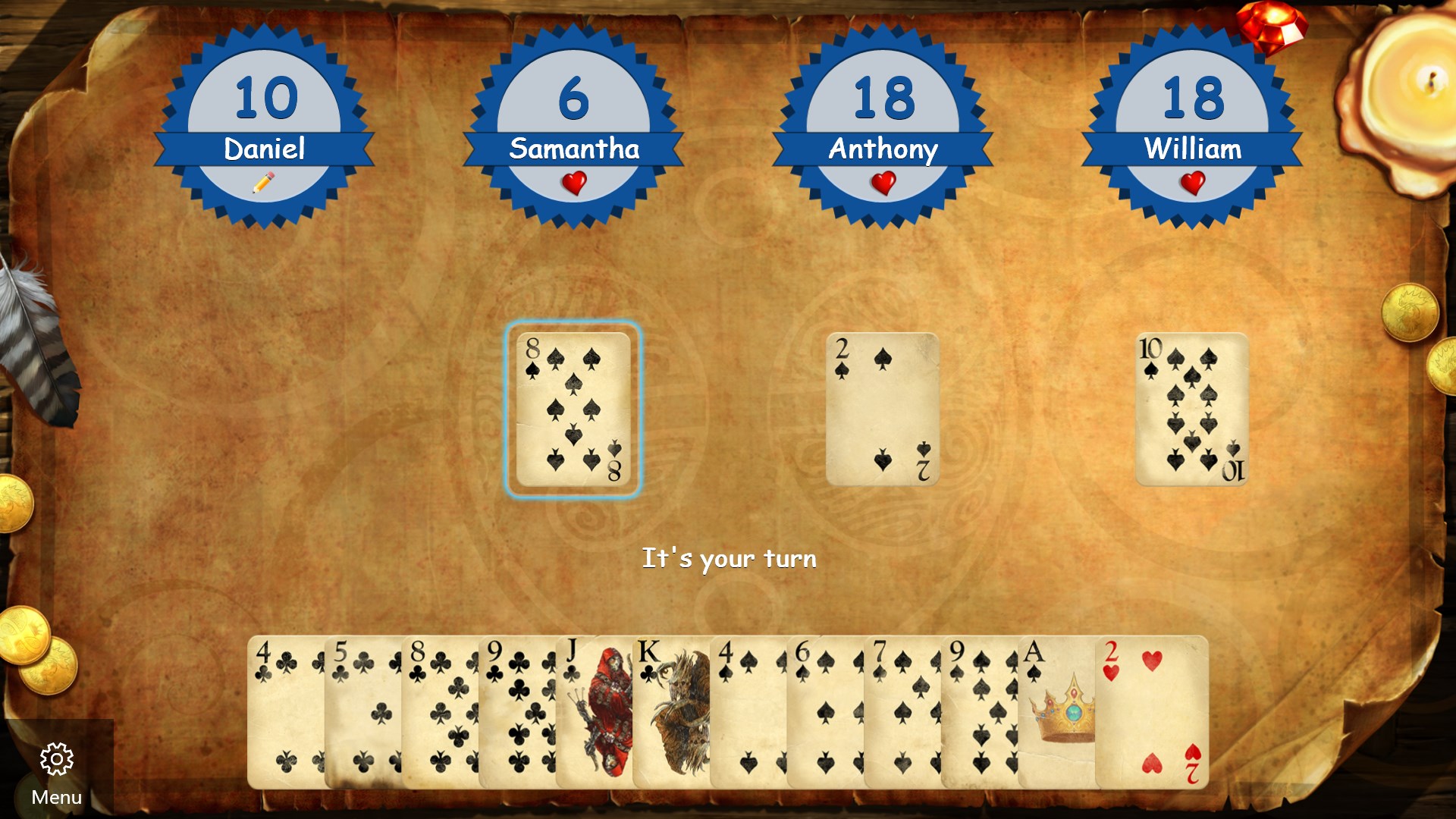
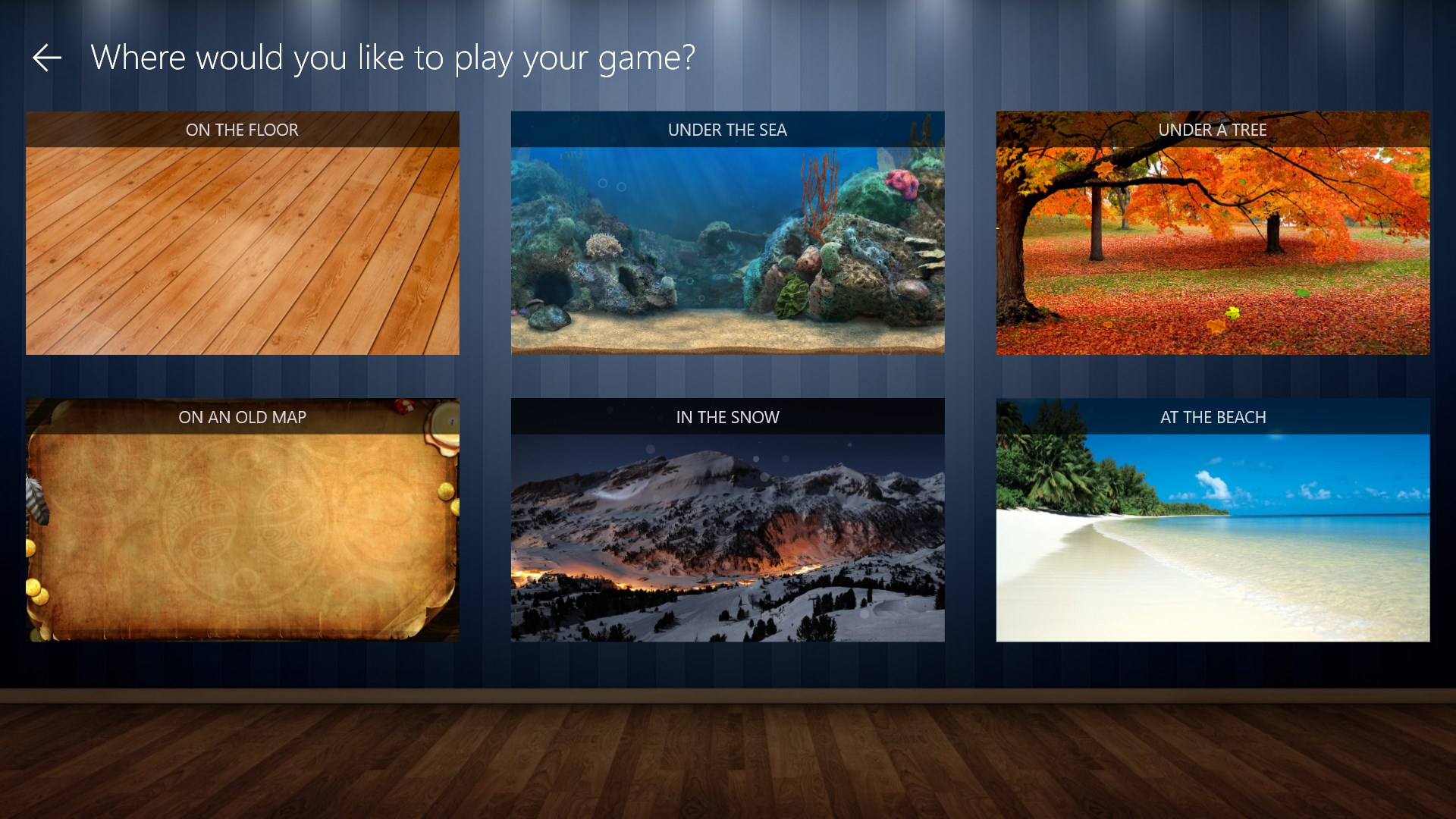
The first thing that strikes you when launching Hearts Classic is its clean, visually appealing design. The interface employs a minimalist aesthetic with soft color palettes that make the game inviting without overwhelming your senses. The layout is intuitive — the playing area resembles a real table, with cards neatly arranged around the screen, and controls are easily accessible. This thoughtful design ensures players can jump straight into the action without a steep learning curve.
Navigation is smooth, with responsive clicks and drag-and-drop functionality that mimic the tactile experience of real card play. The font choices and graphics are subtle but clear, contributing to an overall polished look that caters to comfort during extended gameplay sessions.
Core Features: Elevating Classic Gameplay
Intelligent AI and Customizable Rules
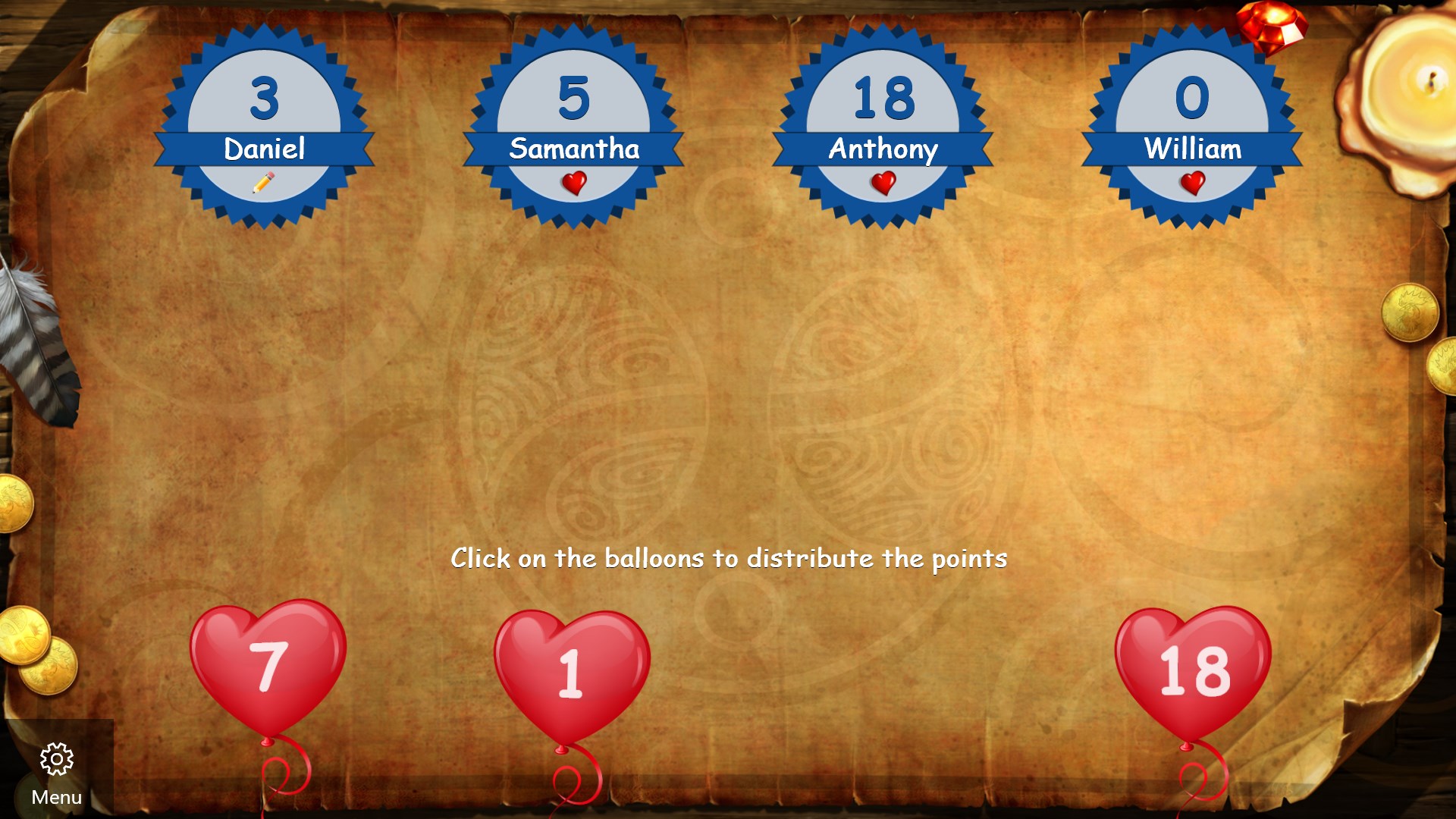
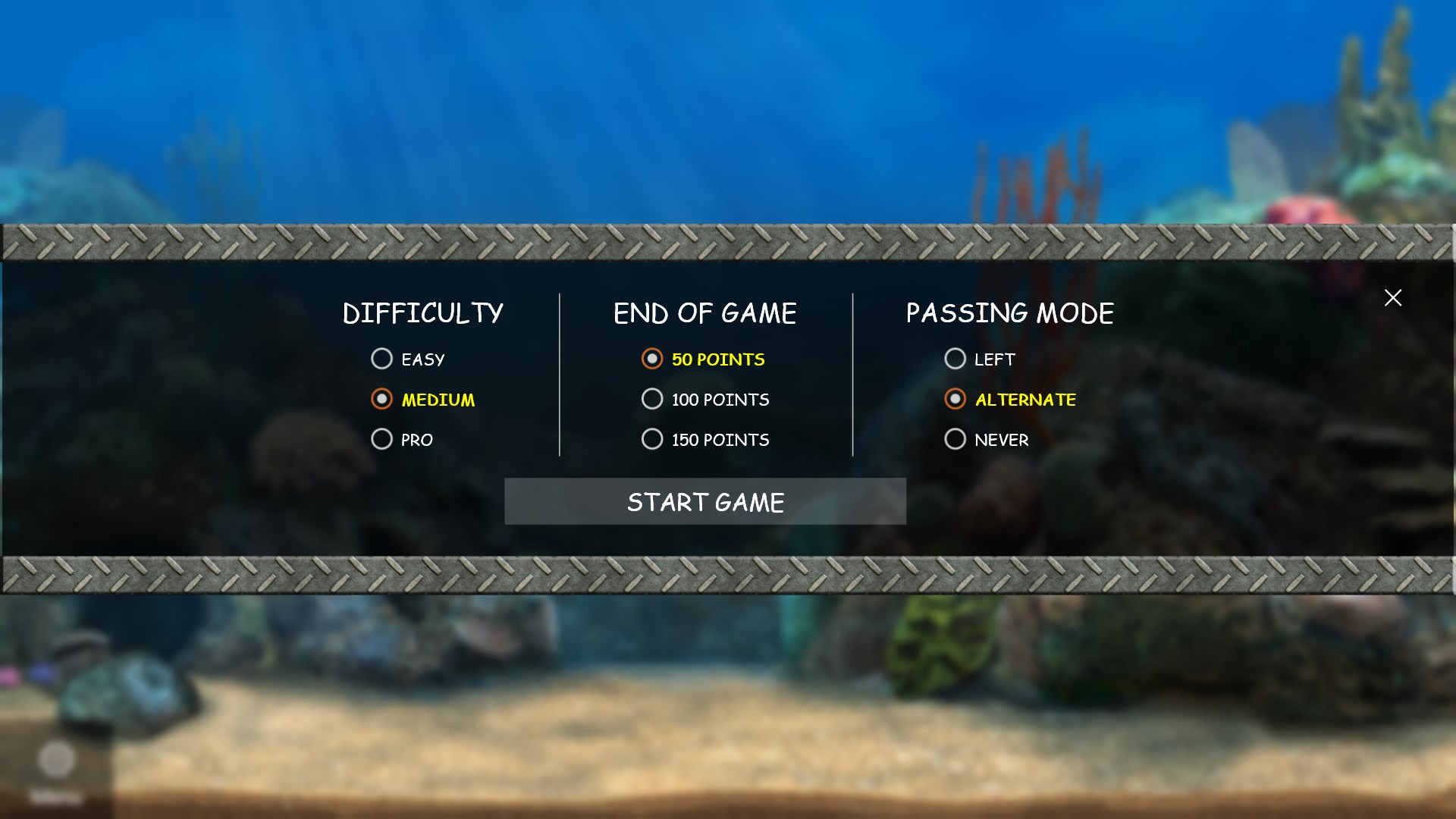
At the heart of Hearts Classic are its AI opponents, which strike a fine balance between challenging strategy and approachable gameplay. The AI adapts your skill level, offering a variable difficulty that keeps the game engaging whether you're a novice or a seasoned pro. Additionally, players can customize rules — such as passing mechanics or scoring systems — allowing for a tailored experience that matches your preferred style of play.
This flexibility is especially beneficial for those who want to practice certain strategies or play variations, making Hearts Classic not just a digital recreation, but a versatile platform for honing your skills.
Multi-Player Support and Leaderboards
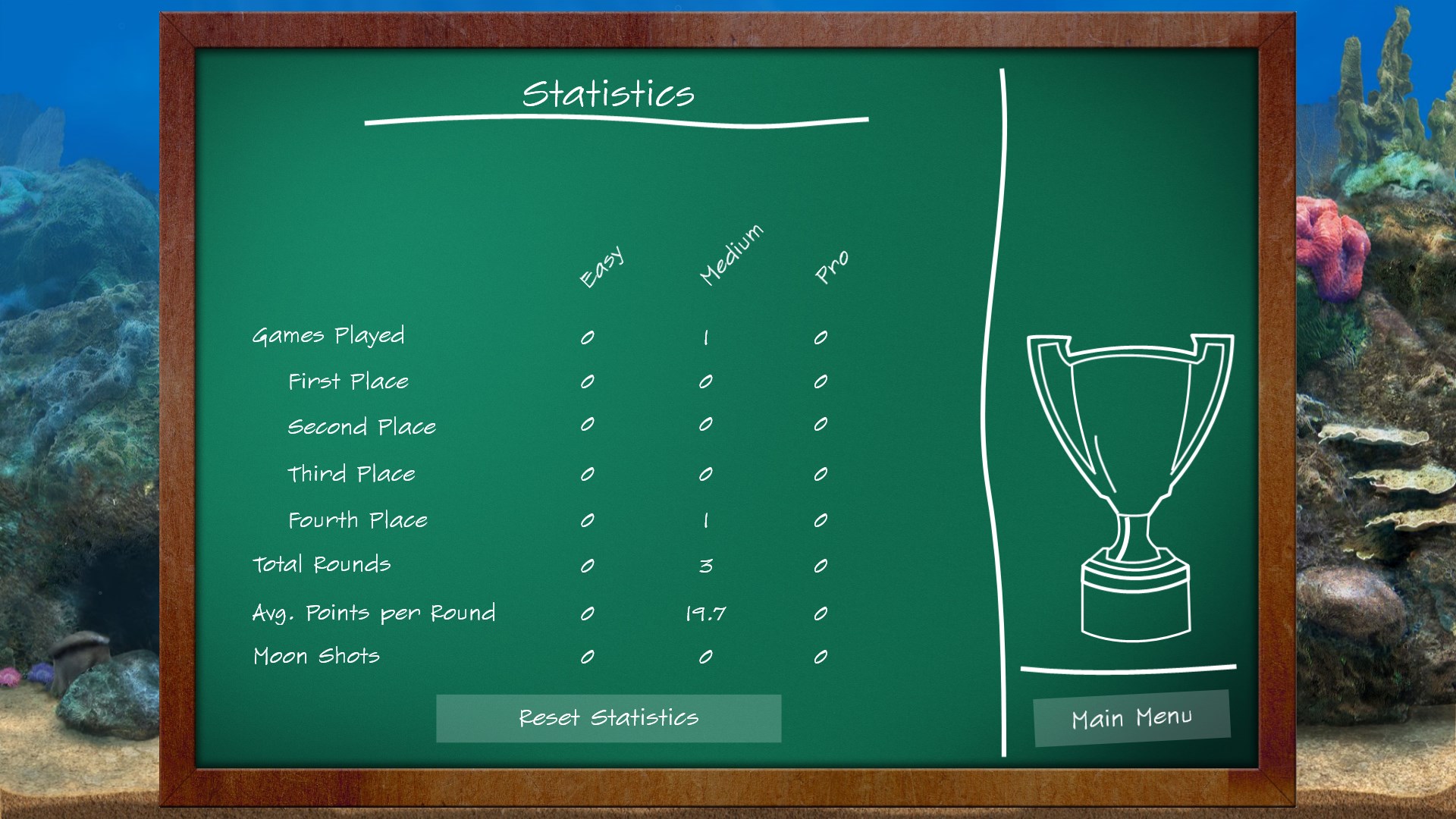
While the single-player experience is enjoyable, Hearts Classic shines in its multiplayer capabilities. You can challenge friends locally or connect online for competitive matches, making it feel like a virtual card table among friends. Integrated leaderboards add a layer of motivation, letting you track your progress and aim for higher ranks. This social integration fosters community and replayability, distinguishing this app from more static counterparts.
User Experience: Playability and Learning Curve
The app offers a balanced learning curve; newcomers will find the tutorial mode helpful, with step-by-step guidance on game rules and strategies. For experienced players, the intuitive controls and quick matchmaking facilitate fast-paced games without unnecessary delays. The game plays smoothly across a range of hardware, thanks to optimized performance that ensures fluid animations and responsive gameplay.
Overall, navigating Hearts Classic feels like flipping through a well-loved deck — familiar, warm, yet refreshingly polished. Its thoughtful design minimizes frustration and maximizes enjoyment, making every match an inviting challenge.
Unique Selling Points: What Sets Hearts Classic Apart
Most notably, Hearts Classic for Windows offers a highly configurable gameplay experience combined with intelligent AI opponents that adapt to your skill level. Its ability to support personalized rule sets allows it to cater to different preferences, from casual fun to more strategic play. Furthermore, the consistent online multiplayer feature and leaderboards foster a competitive community, which many classics apps lack.
This emphasis on adaptability and social interaction makes Hearts Classic a standout choice for fans seeking a genuine, customizable hearts game that feels both nostalgic and contemporary.
Final Recommendation: Is It Worth Your Time?
In conclusion, Hearts Classic for Windows is a well-executed adaptation of a beloved game. Its elegant design, intelligent AI, and social features make it a commendable choice for casual players and serious strategists alike. If you enjoy classic card games with modern conveniences and the flexibility to personalize your experience, this app is certainly worth exploring.
Whether you're looking to relax with a quick game or sharpen your skills against challenging opponents, Hearts Classic delivers a smooth, engaging experience that respects the game's rich tradition while embracing modern technology. I'd recommend giving it a try — a deck of cards may have been your childhood pastime, but now, this digital version offers endless fun with just a click.
Pros
- Intuitive navigation
- Classic gameplay experience
- Smooth performance
- Customizable options
- Ad-free gameplay
Cons
- Limited multiplayer options
- Basic graphics
- Lack of detailed tutorial for beginners
- Limited customization features
- No leaderboard or ranking system











