




- Name City Island 4 - Sim Town Tycoon: Expand the Skyline
- Category Classics
- Developer Sparkling Society
- Available on PC, Mobile
- OS Windows 10 version 19041.0 or higher
- DirectX Version 10
- languages Arabic, Chinese (Simplified), Chinese (Traditional Chinese), Danish, Dutch, English, Filipino, French, German, Indonesian, Italian, Japanese, Korean, Malay, Norwegian (Bokmål), Persian/Farsi, Polish, Portuguese, Russian, Spanish, Swedish, Thai, Turkish, Vietnamese
City Island 4 - Sim Town Tycoon: Expand the Skyline — A Refreshing Take on Urban Planning Games
City Island 4 offers a delightful blend of city-building simulation wrapped in charming graphics and engaging gameplay mechanics, perfect for players looking to craft their own bustling metropolis from scratch.
Basic Information and Developer Insights
City Island 4 - Sim Town Tycoon, developed by Sparkling Society, is a mobile city-building game that invites players to design, expand, and manage their own urban paradise. Known for their portfolio of simulation titles, Sparkling Society has gained a reputation for delivering quality casual gaming experiences with intuitive interfaces and engaging mechanics.
The game's key features include a vast array of customizable buildings, strategic expansion options, and a relaxing yet strategic gameplay loop. Its focus on detailed decoration, resource management, and city expansion makes it suitable for players who enjoy creative control with a touch of strategic planning. Targeted mainly at casual players, city-building enthusiasts, and anyone intrigued by urban design, the app aims to deliver a satisfying sandbox experience suited for short sessions or extended play.
Vividly Crafted Gameplay and User Experience
A Whimsical Cityscape Comes Alive
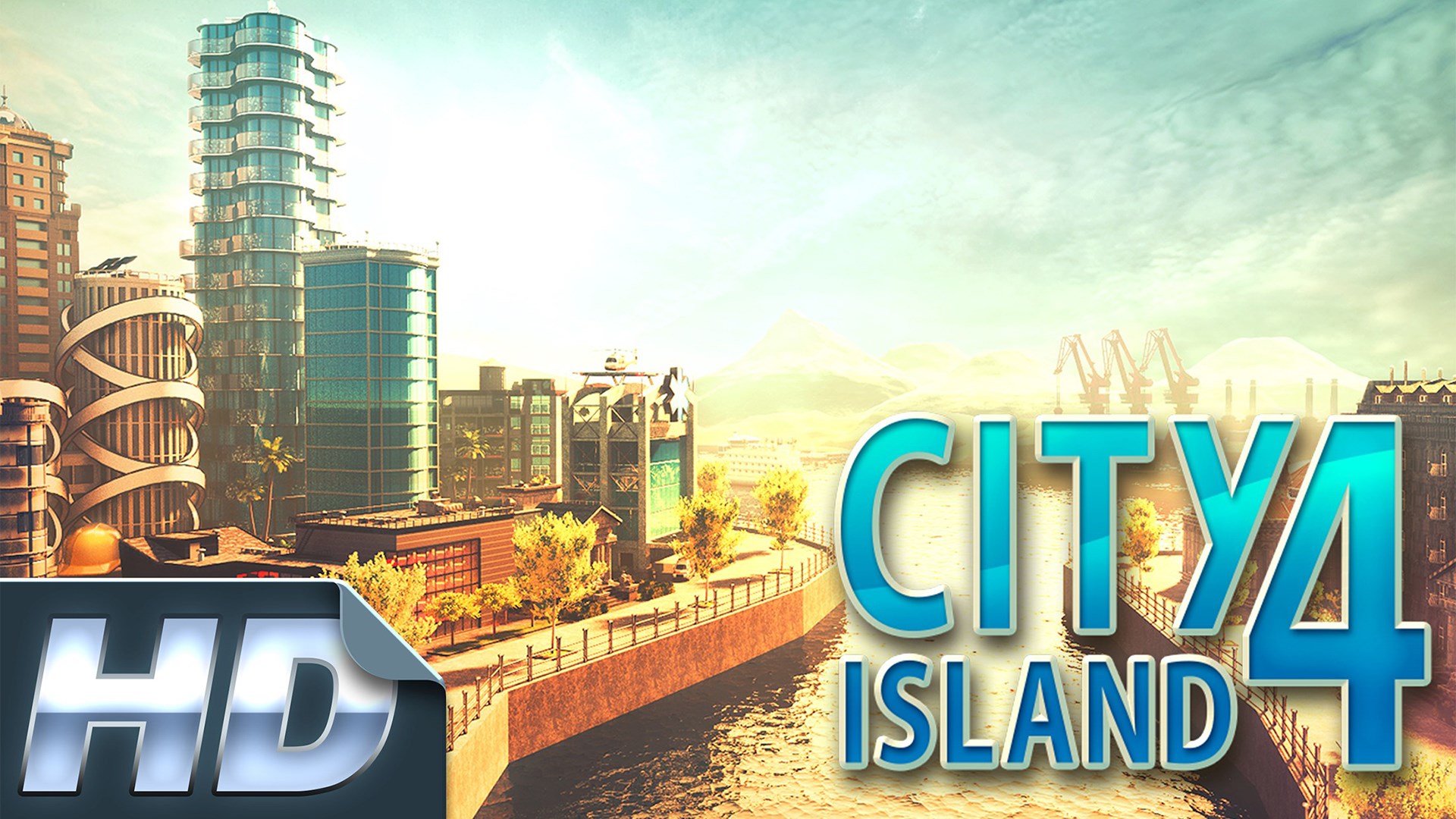
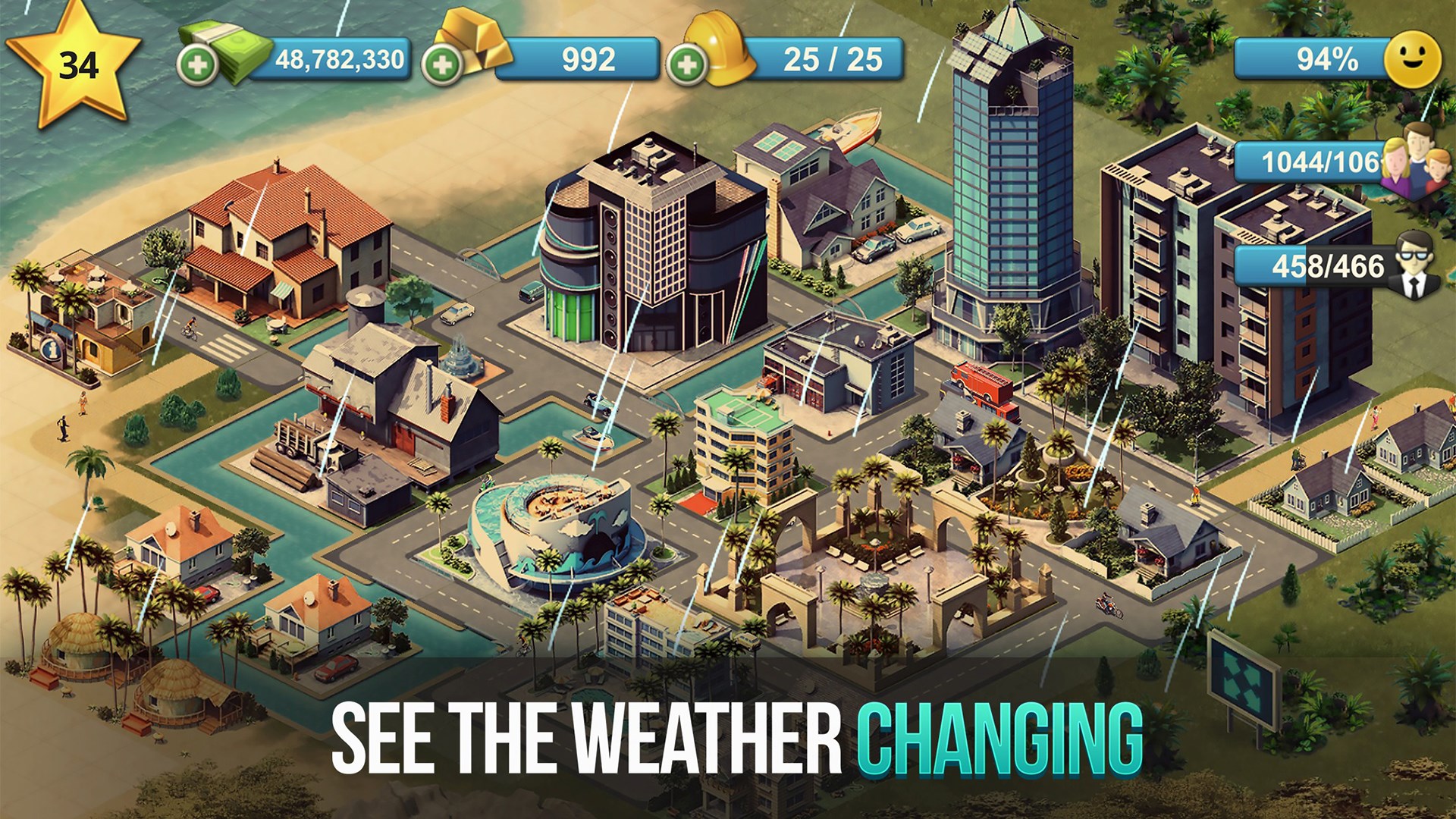
Imagine steering your personal city from humble beginnings into a sprawling metropolis—punctuated with colorful skyscrapers and scenic parks. The game presents a lively visual palette that is both inviting and easy on the eyes. The interface strikes a balance between simplicity and functionality, with intuitive menus that allow you to seamlessly choose buildings, decorations, and expansion plans. Whether you're a city-building novice or a seasoned veteran, the learning curve remains gentle, encouraging experimentation without overwhelming complexity.
Strategic Expansion and Customization
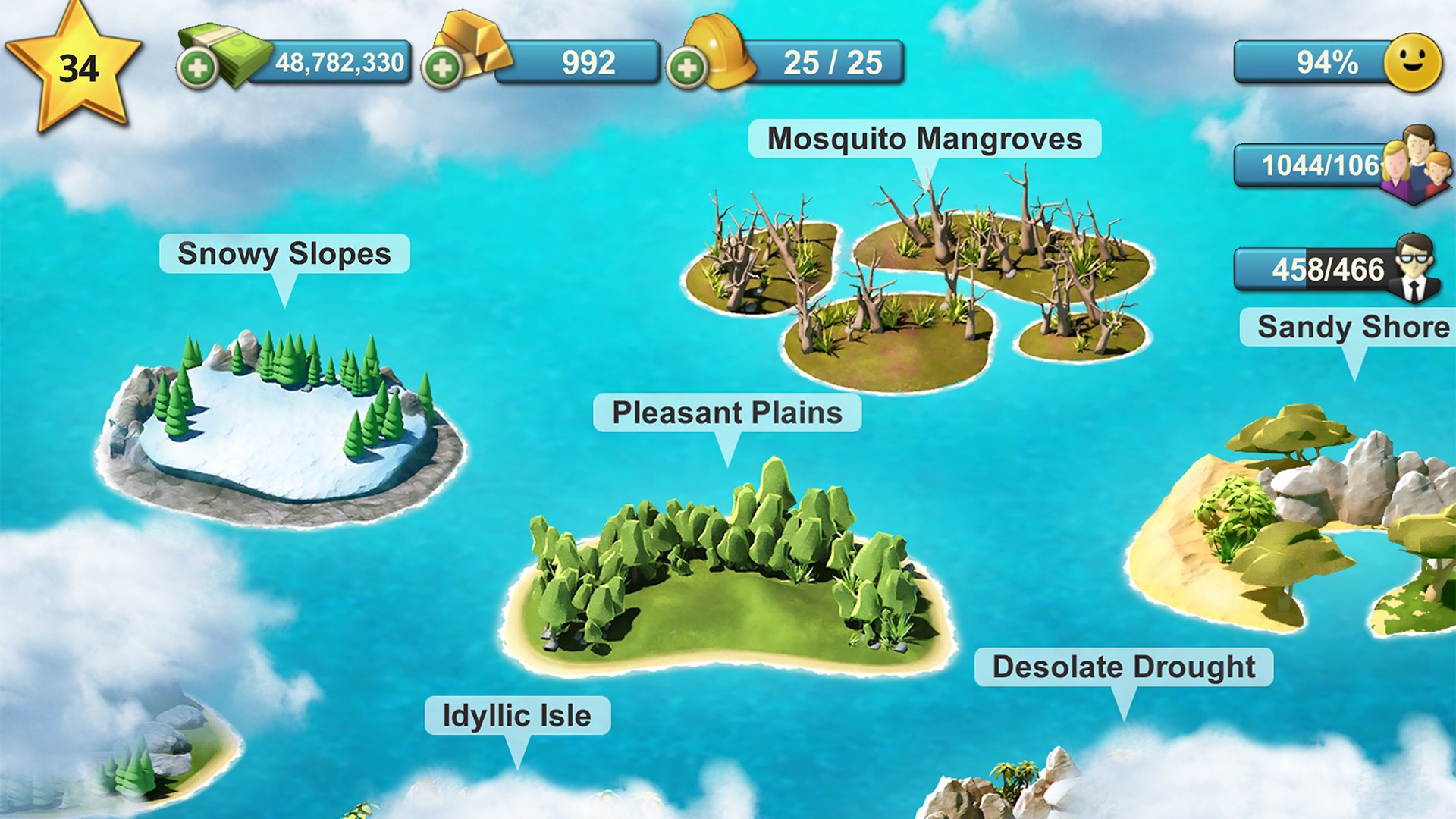
The core allure lies in its flexible expansion system, where you can unlock new islands and develop districts with distinct themes. For instance, transforming an island into a vibrant downtown or a peaceful residential zone involves strategic placement and resource management. The game's building catalog is extensive yet organized, allowing players to easily browse and select structures that fit their aesthetic and functional needs. Additionally, the decoration options encourage personal touches, turning each city into a unique masterpiece. This flexibility is a standout feature compared to more rigid city builders, offering a true sandbox experience.
Graphics, Performance, and User Engagement
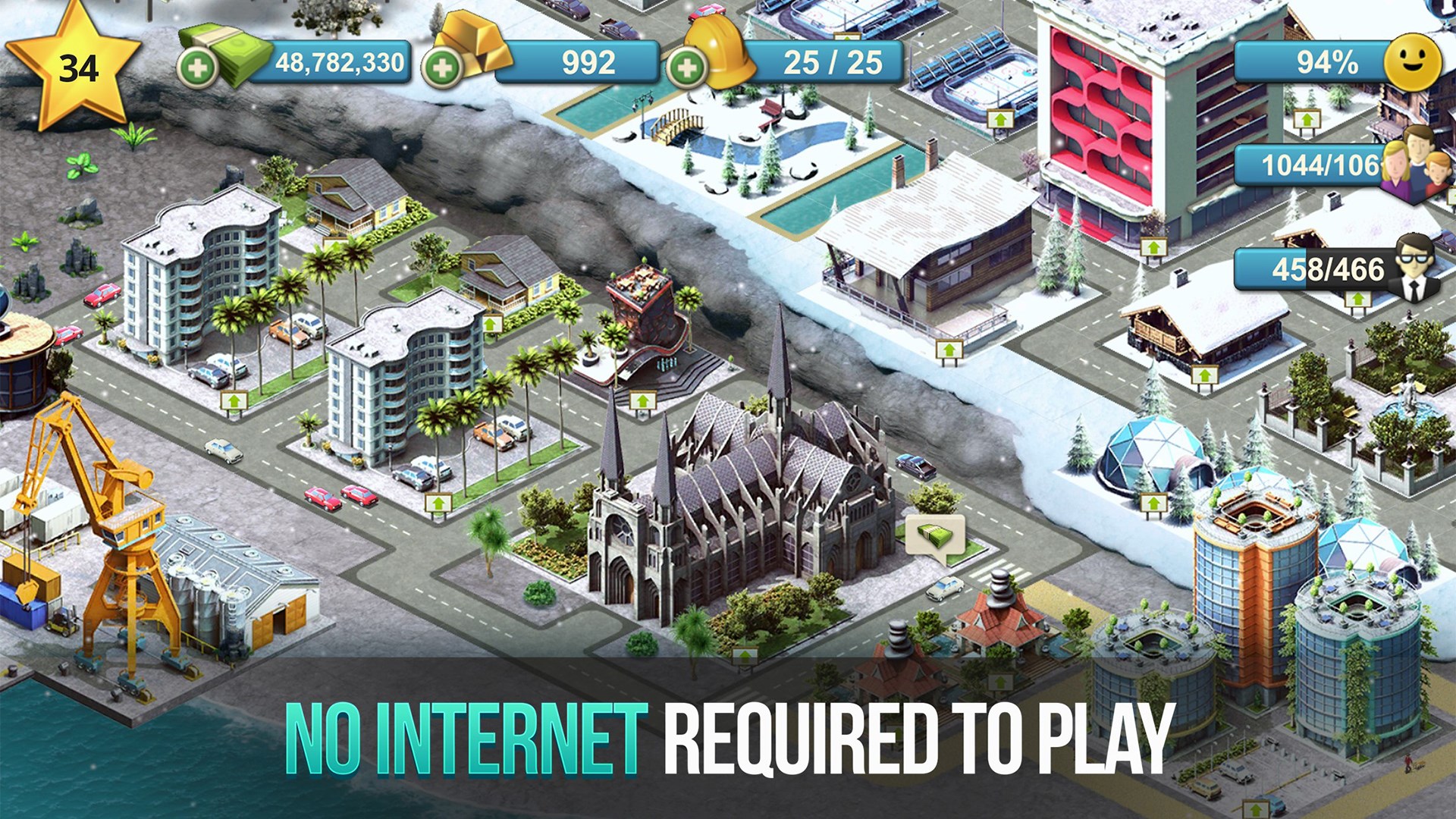
Performance-wise, City Island 4 flows smoothly across a wide range of devices, thanks to optimized rendering and responsive controls. The graphic style resembles a colorful cartoon map, making cityplanning accessible and appealing for all ages. The interface is straightforward—drag-and-drop mechanics for building placement are quick and responsive. The game's design facilitates a gentle learning curve, helping new players get started with minimal frustration while providing depth for more strategic minds. Its engaging visuals and sound effects add to the immersive feel, making city management an enjoyable, relaxing activity rather than a stressful chore.
What Sets It Apart from Similar Classics?
Unlike many city-building games that focus heavily on complex resource systems or aggressive monetization, City Island 4 emphasizes a balanced mix of creativity and casual strategy. The most distinctive features are its expansive islands and themed districts, which allow for diverse urban development. Additionally, its focus on aesthetic customization—where players can meticulously design their cityscape—is a major highlight. This emphasis on visual personalization and flexible expansion options offers a unique edge over typical city simulators that often prioritize function over form. Moreover, the game's approachable interface and low-pressure gameplay make it accessible for players of all ages.
Recommendation and Usage Tips
Overall, City Island 4 is a solid choice for casual city builders seeking a relaxing yet creatively fulfilling experience. It's especially recommended for players who love designing detailed environments and experimenting with city layouts. For best results, new players should start by exploring the foundational buildings and gradually unlock new islands to avoid feeling overwhelmed. The game's free-to-play model includes optional ads and in-app purchases, so users should be mindful of their gameplay pacing if they prefer a more ad-free experience. Given its smooth performance, charming visuals, and user-friendly mechanics, I'd rate this app as a highly recommended city-building pastime for both beginners and seasoned players alike.
Pros
- Engaging city-building gameplay
- Beautiful graphics and detailed visuals
- Regular updates with new content
- User-friendly interface
- In-app rewards and progression system
Cons
- Limited in-game economy balance
- Ads can be intrusive
- Requires persistent internet connection
- Some repetitive tasks
- In-app purchases can be tempting











