

- Name Checkers !
- Category Classics
- Developer TreeCardGames
- Available on PC, Mobile, Surface Hub, HoloLens
- OS Windows 10 version 15063.0 or higher
- languages English
Checkers! for Windows: A Modern Twist on a Classic Game
If you're a fan of traditional checkers but crave a fresh, user-friendly digital experience, Checkers! for Windows offers just that—blending simplicity with engaging features to keep the game exciting. Developed by TreeCardGames, this application aims to bring the timeless board game right to your fingertips with a sleek interface and smooth gameplay, making it an ideal pastime for casual players and seasoned strategists alike.
Meet the Minds Behind the Board
TreeCardGames, the creative force behind Checkers! for Windows, specializes in developing accessible digital card and board games that emphasize quality and user experience. Their focus is on delivering straightforward yet enjoyable gaming experiences that appeal to a broad audience, from beginners to veteran players seeking a quick duel or casual session.
Key Features That Make Checkers! Stand Out
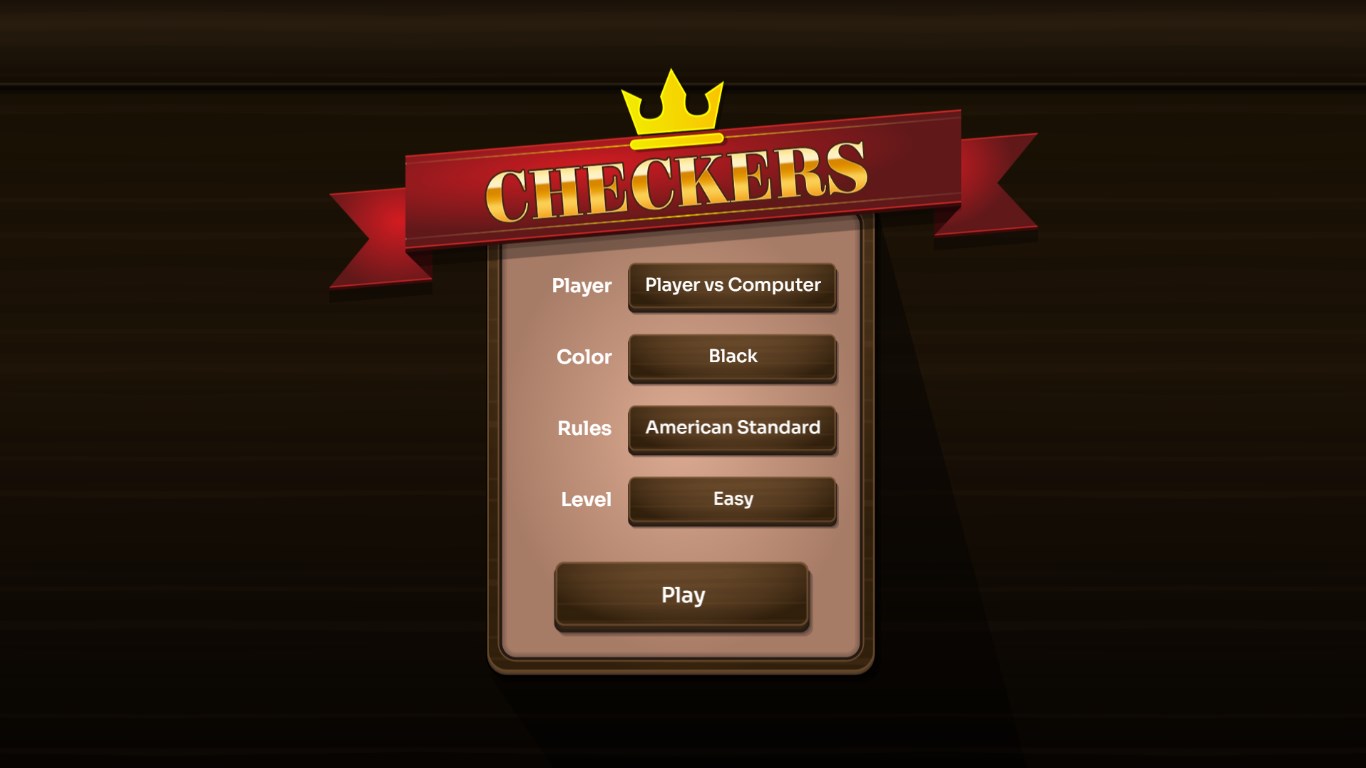
- Multiple Difficulty Levels & AI Opponents: The app offers a spectrum of skill levels, from novice-friendly to challenging AI opponents, catering to players of all experience levels and allowing gradual improvement.
- Customizable Game Settings: Users can adjust game rules, board themes, and piece styles, personalizing their experience to their liking—whether you prefer classic look or a modern aesthetic.
- Single and Multiplayer Modes: Play against the computer or challenge friends via local multiplayer, making it versatile for different social scenarios.
- Progress Tracking & Achievements: The app keeps records of your wins, losses, and stats, encouraging improvement and providing a sense of achievement over time.
A Fresh Take: Intuitive Design & Engaging Play
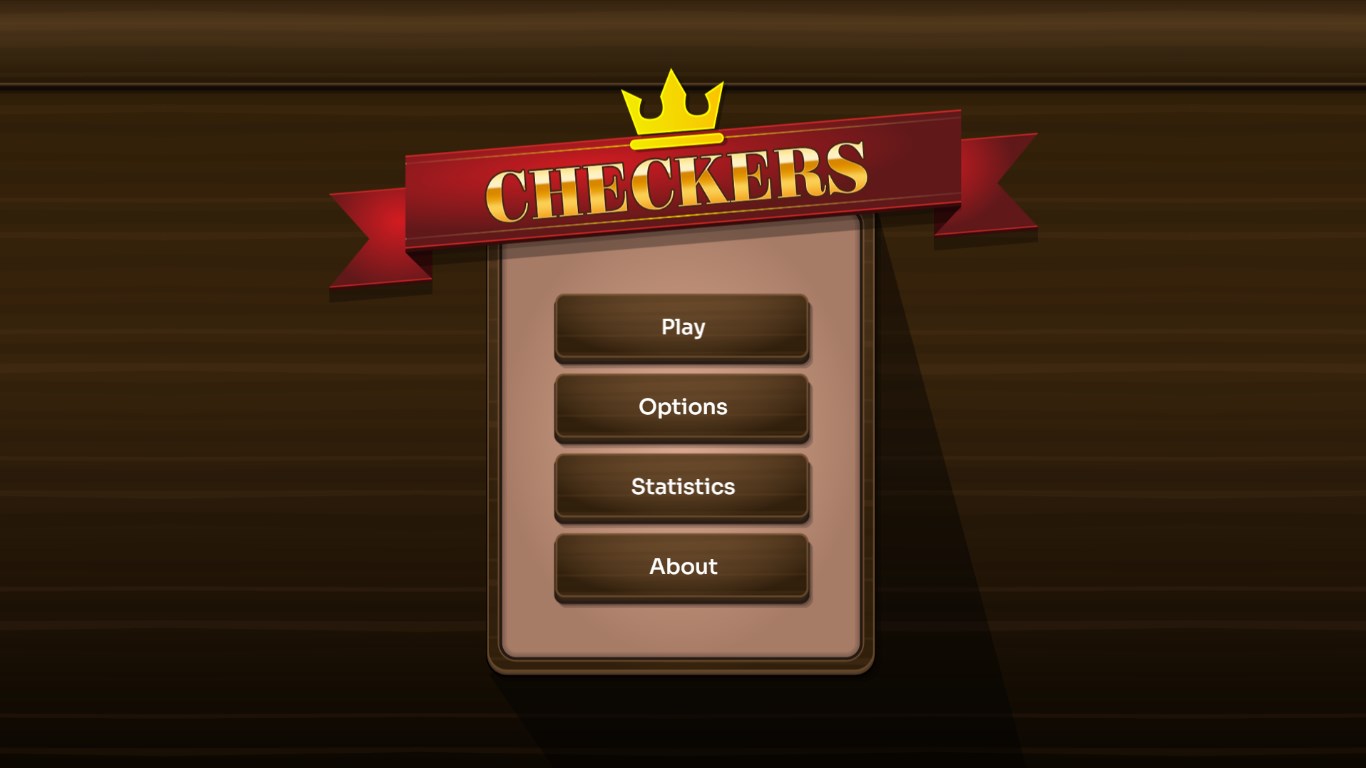
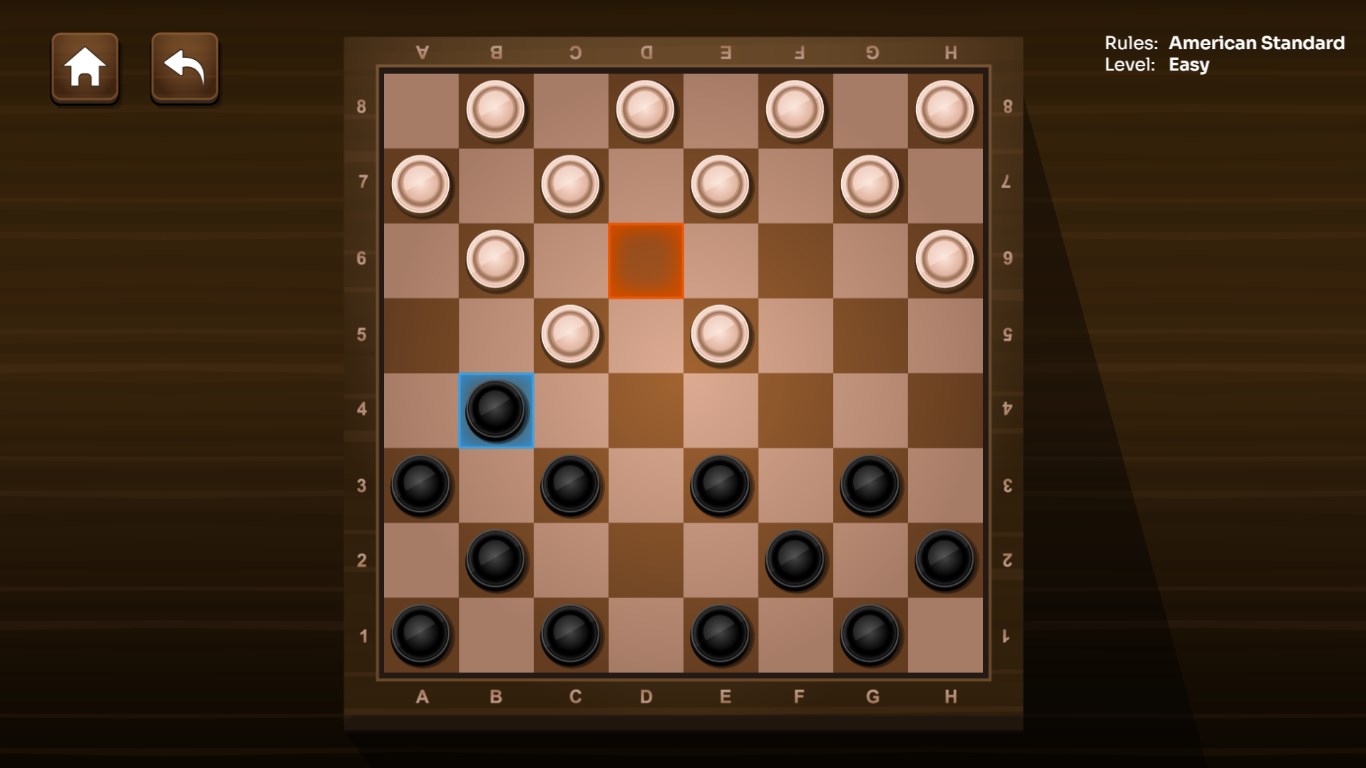
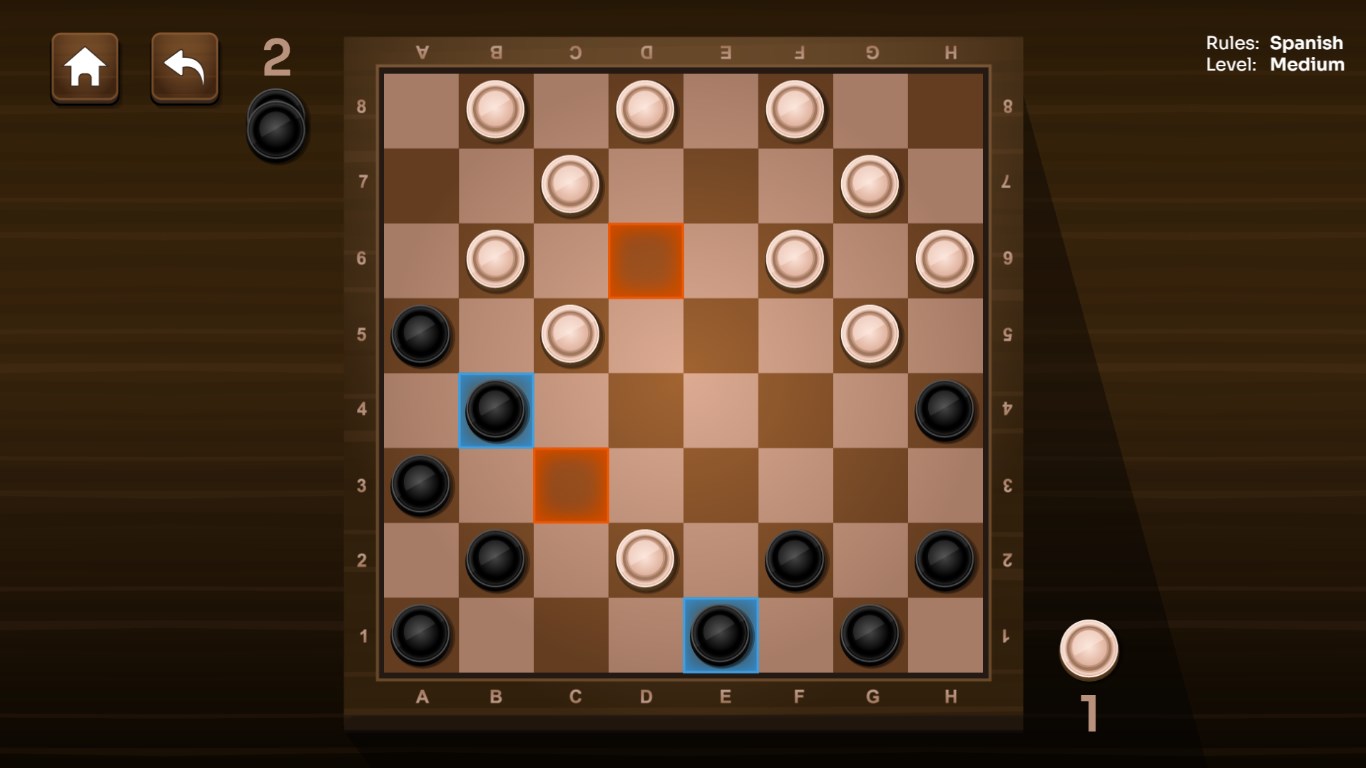
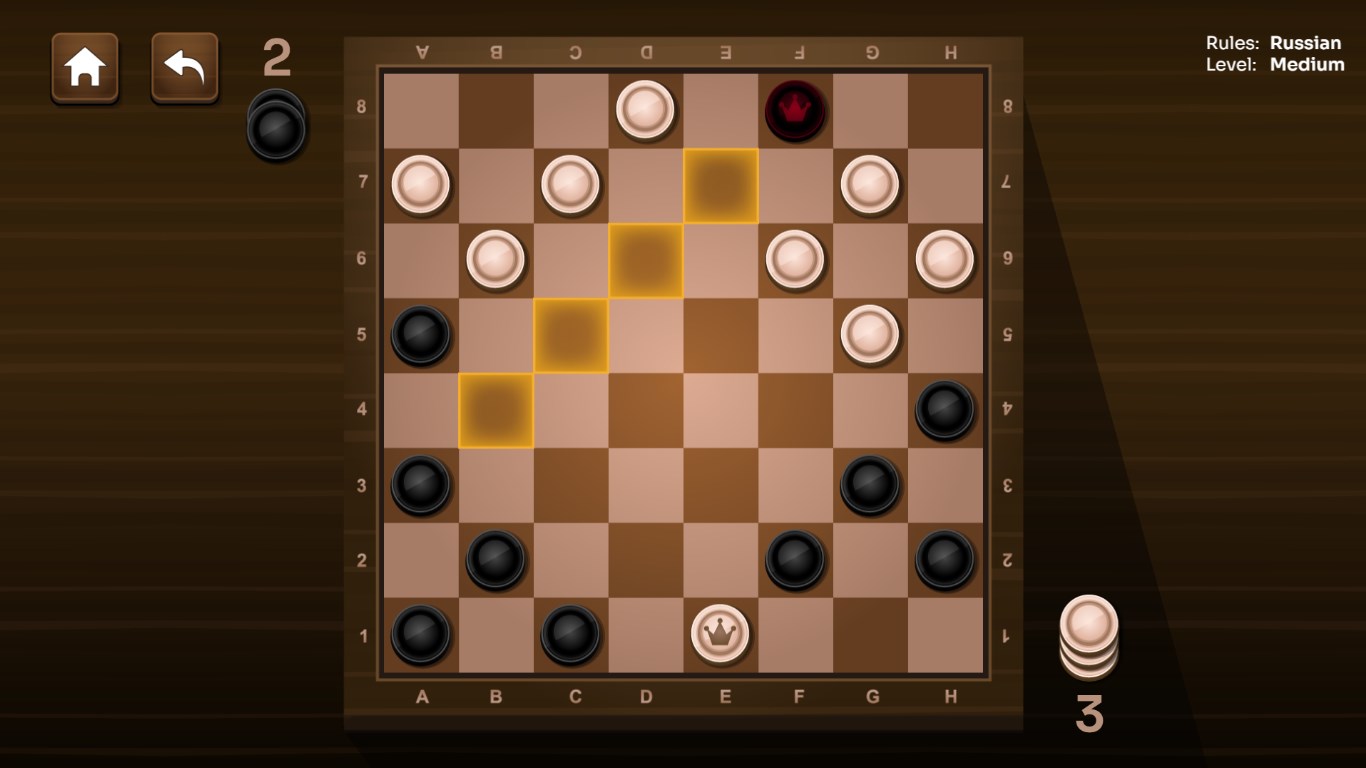
From the moment you launch Checkers! for Windows, you're greeted with a clean, colorful interface that resembles a polished chessboard—it's familiar yet inviting. The game's layout is neither cluttered nor sparse, striking a perfect balance that feels both elegant and functional. Navigating menus is intuitive; you can quickly switch between game modes or tweak settings without a steep learning curve. The responsiveness is smooth, with real-time moves and minimal lag, ensuring a seamless experience akin to sliding pieces across a physical board in your cozy living room.
Gameplay & User Experience: Playing Like a Pro, Feeling Like a Friend
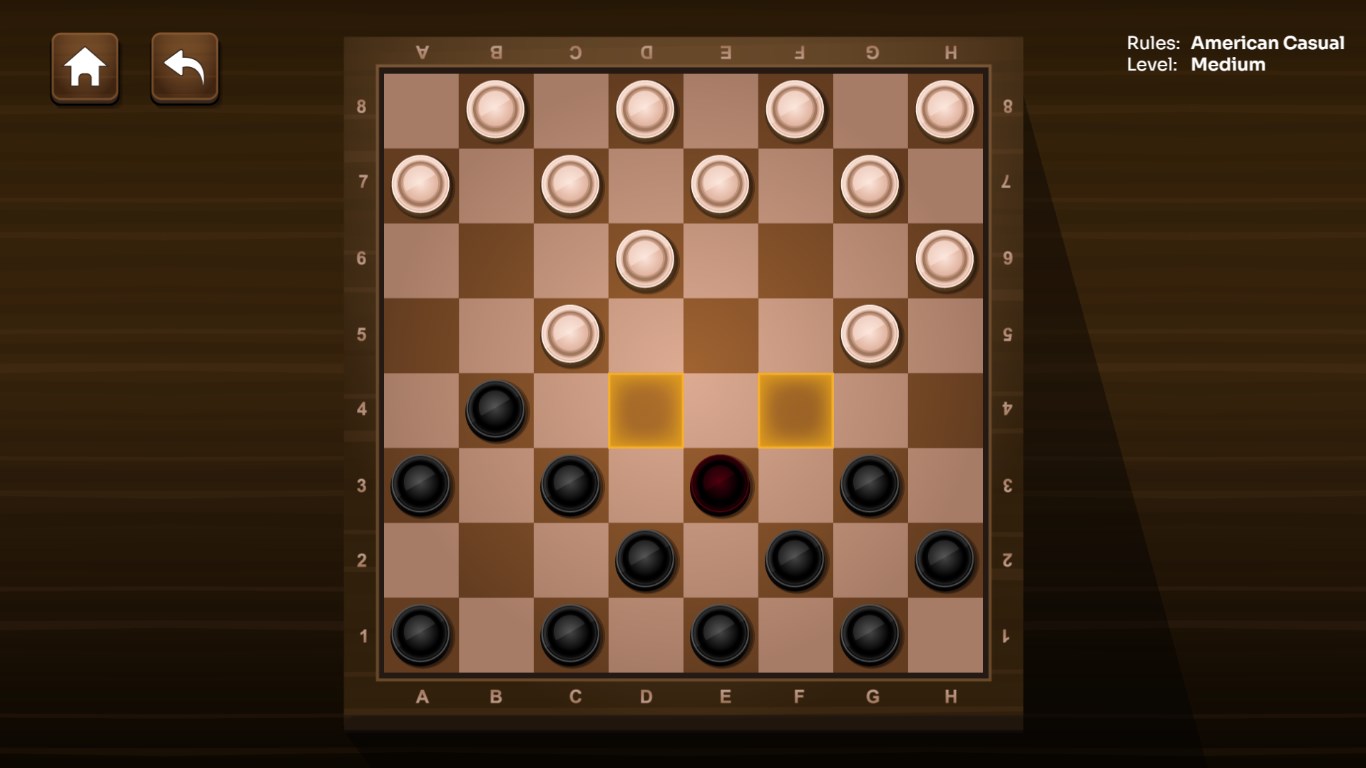
The core gameplay is straightforward but layered enough to challenge you—a fundamental trait of good checkers. The AI opponents adapt well across difficulty levels, providing a satisfying balance between accessibility and challenge. For newcomers, the game offers helpful hints and highlights moves, smoothing out the learning curve, and allowing new players to develop their strategies comfortably. For seasoned players, advanced settings and custom options keep the experience engaging.
The visual design deserves special mention: the themed boards and stylized pieces evoke different moods—from retro to modern—making each game visually fresh. The interactive animations, like pieces flipping or jumping, add a touch of liveliness without being distracting. The app also performs fluidly across different hardware specs, ensuring that gameplay remains uninterrupted regardless of device performance.
What Sets Checkers! Apart from Classics
While many checkers apps exist, Checkers! for Windows distinguishes itself through its high level of customization and user-centric features. Unlike basic versions that simply replicate the rules, this app lets you modify rule variants and aesthetic elements, turning a simple game into a personalized experience. Additionally, its neatly integrated progress tracker acts like a friendly coach, helping players see their growth over time—a feature often overlooked in similar apps.
To Play or Not to Play: Our Verdict
If you're searching for a straightforward, polished, and customizable checkers game, Checkers! for Windows is a commendable choice. It's particularly enjoyable for casual players who appreciate both ease of use and some depth to their gaming sessions. Its approachable interface and adaptable difficulty make it suitable for everyone—from children learning the game to adults honing their strategic skills. While it may not reinvent the wheel, this app's thoughtful touches and refined design make it a worthwhile addition to your game collection.
In conclusion, we recommend checking out Checkers! for Windows if you're after a reliable, charming digital checkers experience that balances tradition with modern usability. It's the perfect digital table ready for you to make your move—so why not give it a try and see how many games you can master?
Pros
- Engaging Gameplay
- User-Friendly Interface
- Multiple Difficulty Levels
- Offline Mode Available
- Regular Updates
Cons
- Limited Graphics Options
- Lack of Multiplayer Online Functionality
- Occasional Performance Lags
- Minimal Tutorial for Beginners
- Limited Customization Options











