
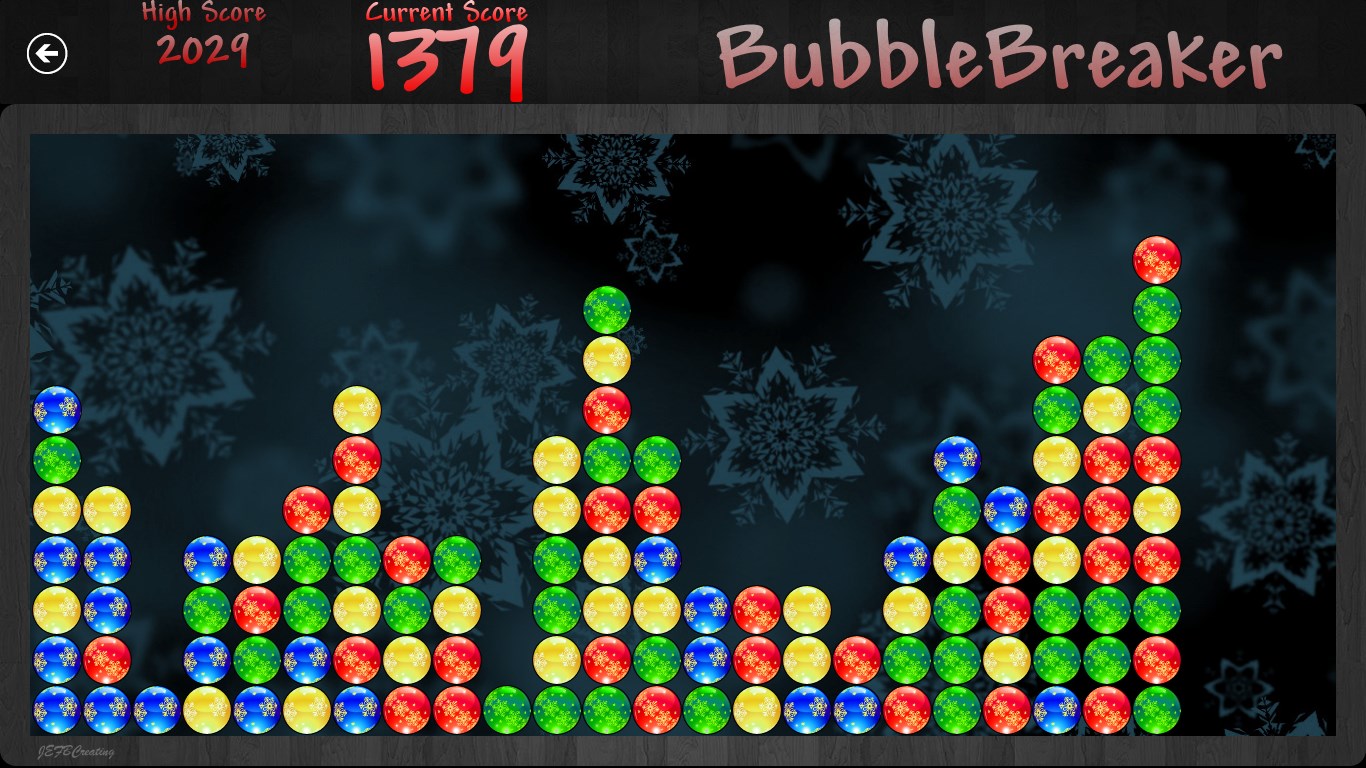
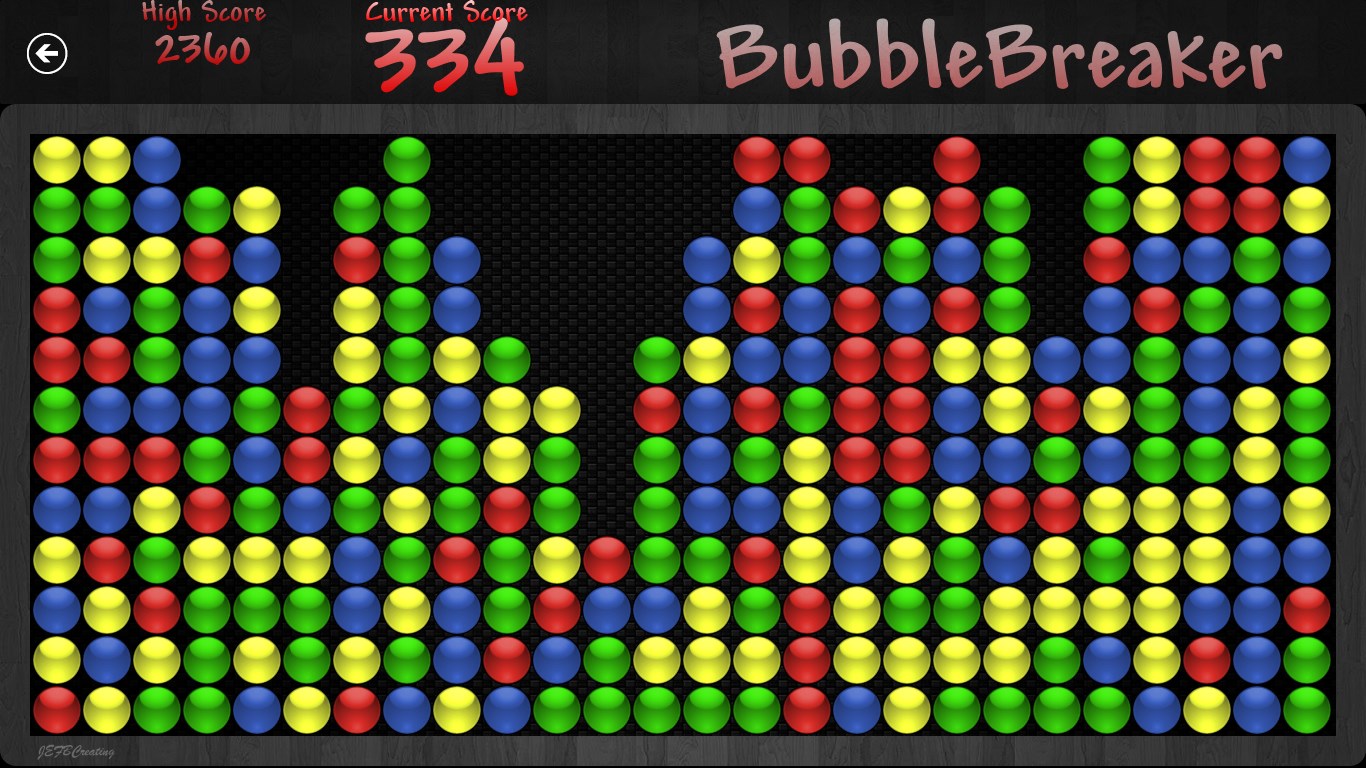
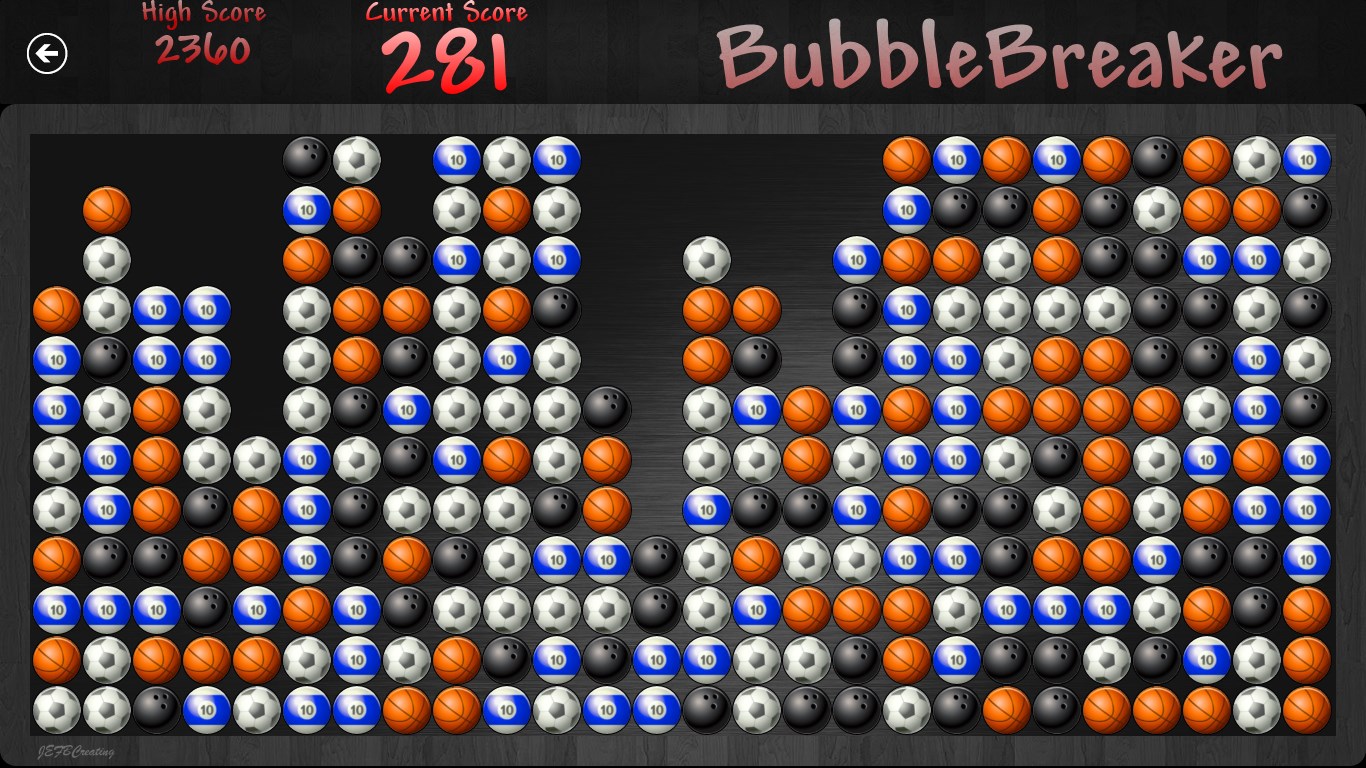
- Name Bubble Breaker 10
- Category Classics
- Developer JEFBCreating
- Available on PC, Surface Hub, HoloLens
- OS Windows 10 version 17763.0 or higher
- languages Arabic, Bangla, Chinese (Simplified), Dutch, English, English (United States), French, German, Hindi, Italian, Japanese, Malay, Portuguese, Portuguese (Brazil), Portuguese (Portugal), Russian, Spanish, Spanish (Spain), Thai
Bubble Breaker 10 for Windows: A Refreshing Twist on a Classic Puzzle
Bubble Breaker 10 for Windows, developed by JEFBCreating, revives the nostalgic charm of bubble-popping puzzles while infusing it with modern design and enhanced functionalities — making it a delightful choice for both casual gamers and puzzle enthusiasts alike.
Clear and Concise: About the App
Designed as a relaxing yet engaging bubble-matching game, Bubble Breaker 10 aims to provide a simple but addictive experience. JEFBCreating, the creative mind behind this title, specializes in minimalist but effective casual games. The app highlights include intuitive gameplay mechanics, sleek interface design, and seamless performance. It's targeted primarily at puzzle lovers seeking a quick mental refresh or those revisiting childhood favorites, making it perfect for users across various age groups who appreciate a straightforward yet challenging game.
A Spark of Nostalgia with a Modern Touch
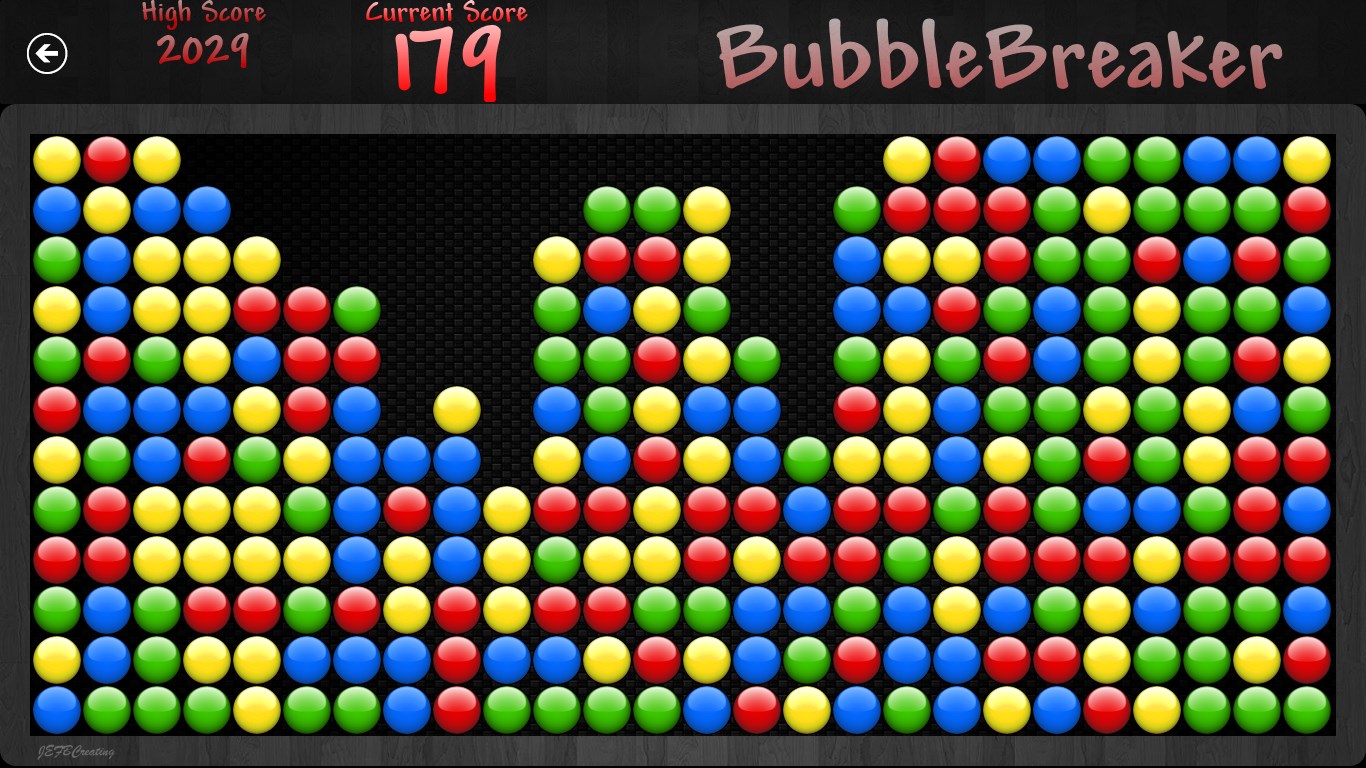
Imagine the satisfying pop of bubbles echoing through the screen as colors collide — Bubble Breaker 10 captures that simple joy with modern polish. From the moment you launch the app, you're greeted with a clean, colorful interface that invites you into a world of strategic bubble-bursting. The game offers a straightforward experience: clicking on groups of adjacent bubbles of the same color clears them and scores points, encouraging you to think ahead and plan your moves. This blend of simplicity and strategy makes it both a relaxing pastime and a cognitive workout wrapped into one colorful package.
Core Functionality 1: Smart, Engaging Gameplay Mechanics
The heart of Bubble Breaker 10 lies in its gameplay. The core mechanic revolves around selecting clusters of two or more bubbles of the same color to pop them. What's particularly notable is the game's intelligent scoring system that rewards larger clusters with exponentially more points, adding a layer of strategy to each move. The game's simplified rules make it easy for newcomers to pick up but preserve enough depth for advanced players seeking high scores. Additionally, the game introduces time-pressured modes and puzzle variants, which heighten the challenge and keep gameplay fresh.
Core Functionality 2: Polished User Interface and Smooth Performance
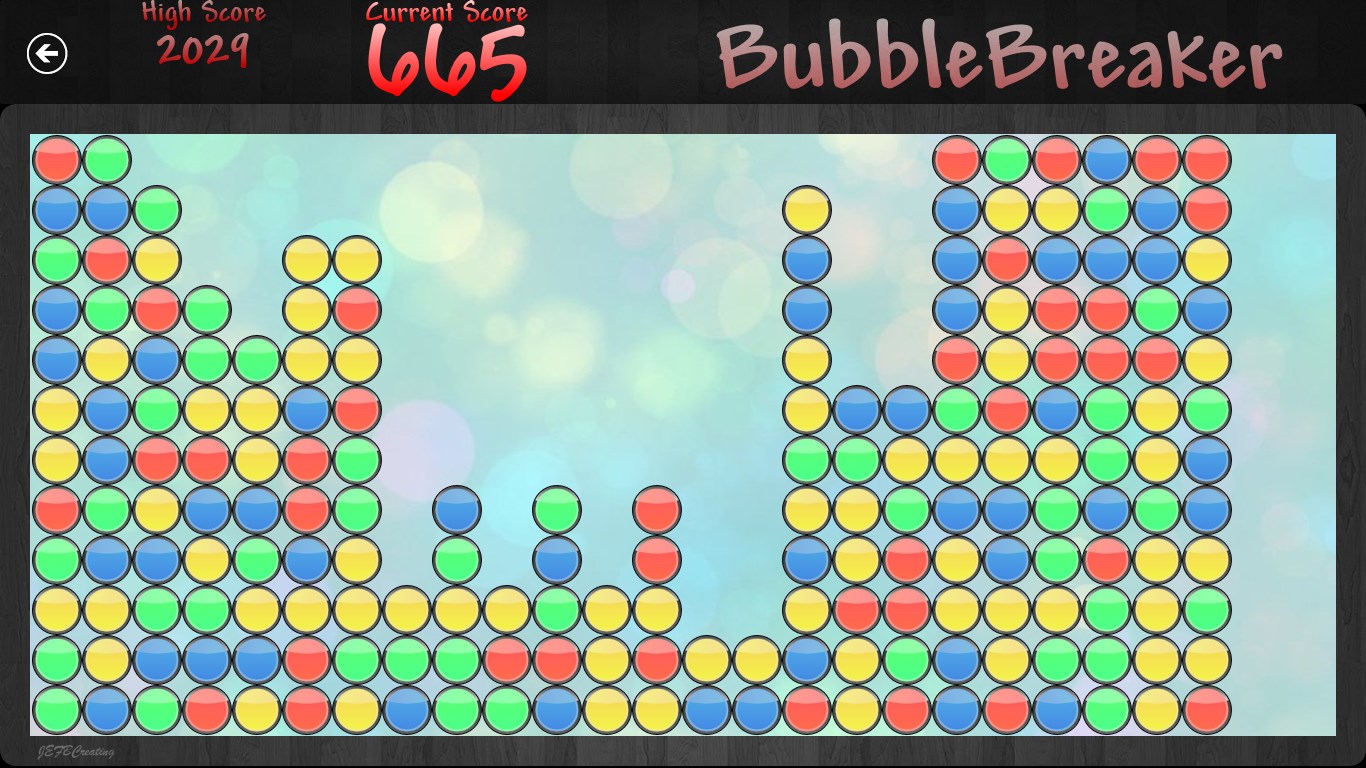
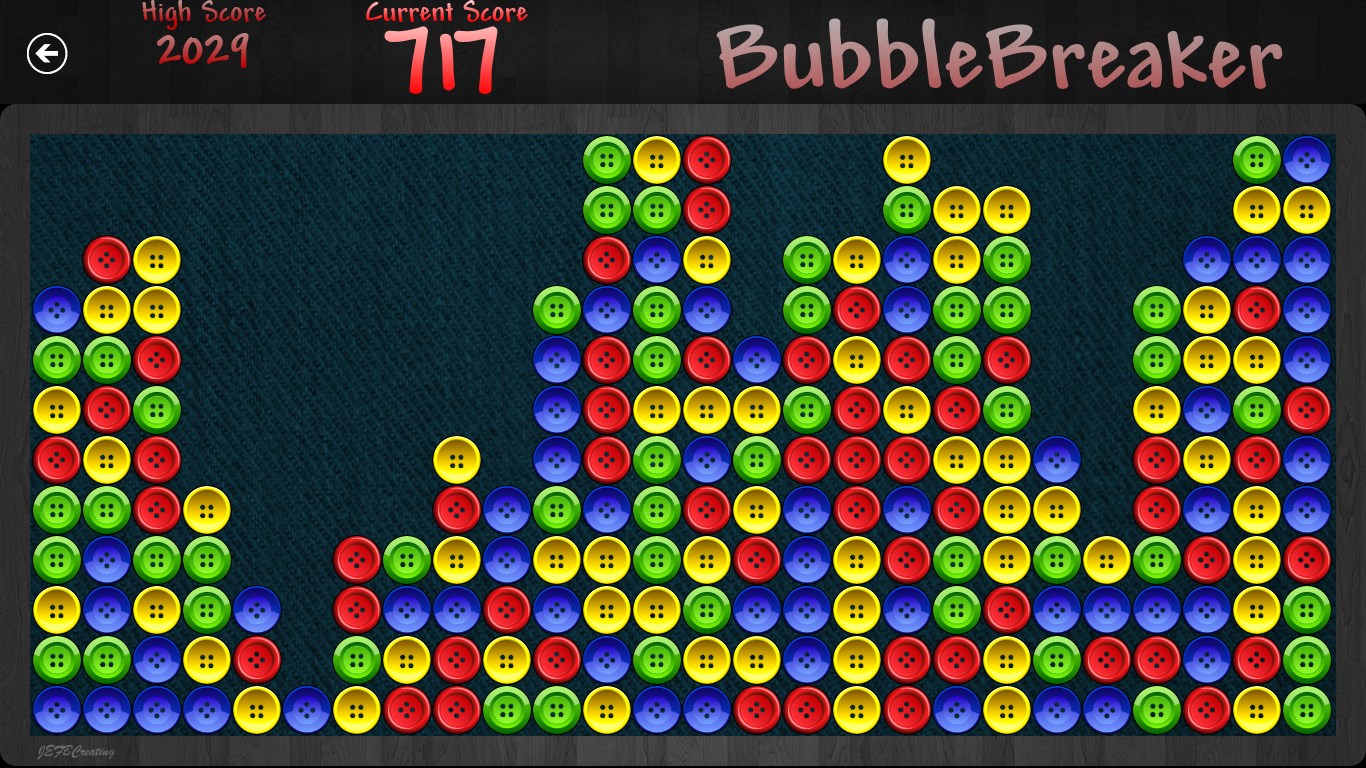
One of the app's standout features is its sleek, modern interface. Bright, vibrant colors paired with minimalistic UI elements create an inviting atmosphere. Navigation is intuitive, with clear buttons and feedback that make the game feel fluid. Performance-wise, Bubble Breaker 10 runs seamlessly on Windows machines, with no noticeable lag or stutter, ensuring that players can focus entirely on the puzzle without technical distractions. The smooth animation effects further enhance the tactile feel of bubbles popping, contributing to a satisfying user experience.
User Experience: Intuitive, Fun, Yet Accessible
From a usability perspective, Bubble Breaker 10 scores highly. Its learning curve is gentle; new players can understand the mechanics within seconds thanks to straightforward visual cues. Experienced players, however, will appreciate the subtle strategic nuances and scoring intricacies. The interface is uncluttered, making it easy to focus on the game puzzle, while the app's responsive controls allow for precise selections. All these elements combine to create an experience that's both relaxing and engaging, akin to quietly solving a colorful jigsaw in your mind's eye.
The Unique Edge: How Does It Stand Out?
While many bubble-popping games exist, Bubble Breaker 10's real strength lies in its balance between simplicity and depth, along with its polished visual design. Unlike typical casual apps that lean solely on eye candy, it emphasizes strategic planning — pushing players to think ahead rather than just click randomly. Its scoring system also rewards smarter moves, inviting competitive spirits to chase high scores and perfect runs. These features, coupled with its crisp aesthetics and performance stability, set it apart from other “classic” puzzles that often feel dated or cumbersome.
Final Verdict: A Recommended and Enjoyable Choice
All in all, Bubble Breaker 10 for Windows offers a compelling package for puzzle enthusiasts. Its intuitive gameplay, combined with beautiful design and the added challenge of strategic scoring, makes it a standout among classic puzzle remakes. I would recommend it especially to those who enjoy quick, mentally engaging breaks in their day without the need to learn complicated mechanics. Perfect for relaxing moments or sharpening problem-solving skills, Bubble Breaker 10 delivers a satisfying experience that feels both nostalgic and fresh. Whether you're revisiting fond memories or exploring bubble-popping for the first time, this app is indeed worth a try.
Pros
- Simple and engaging gameplay
- Visually appealing graphics
- Good performance with minimal lag
- Variety of challenge levels
- Offline play support
Cons
- Limited game modes
- In-app purchases for extra features
- Lack of tutorial for new players
- No social sharing options
- Battery consumption slightly high during extended play











